Newly Designed UI, Flat and Fluent

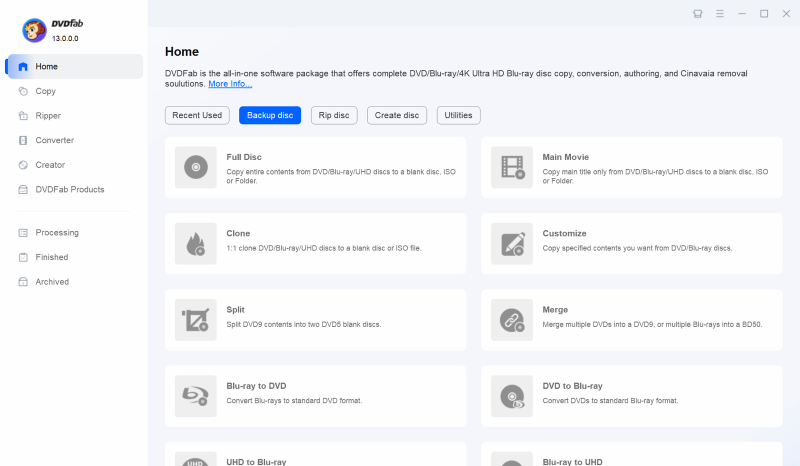
DVDFab 13 introduces three fresh, modern, and elegant UI and color schemes: Light, Dark, and 365. The Light and Dark modes allow you to select one that's most appropriate for your environment, while the 365 color scheme has been designed exclusively for 365 users.

Professional Disc Solution Excellence for 20 Years

DVDFab has been dedicated to providing the most comprehensive disc solution for over 20 years. Starting with pioneering DVD copy mode in 2003, DVDFab has continually expanded and adapted to meet all your disc-related needs.
2025
  • 2025-05

    AI HDR Upconverter was released

    On May 2025, AI HDR Upconverter was released, supporting converting SDR videos to HDR10 or Dolby Vision, smartly enhancing color and brightness for a more realistic viewing experience.

  • 2025-05

    AI Upscaler was released

    On May 2025, AI Upscaler was released, supporting upgrading low resolution videos to standard definition, high definition, 4K, and even 8K image quality.

  • 2024-12

    NVIDIA AI Enhancer was released

    On December 2024, NVIDIA AI Enhancer was released, supporting converting SDR content into vibrant, high contrast, and brighter HDR10 videos.

  • 2024-07

    2 new modules were released

    In July 2024, DVDFab released 2 new modules, including Blu-ray After Editor and UHD After Editor.

  • 2023-10

    DVDFab 13 was released

    On October 2023, DVDFab V13.0 was successfully launched, featuring innovative breakthroughs in the UI that better align with modern design trends. At the same time, numerous technological improvements have been made, significantly enhancing program stability.

  • 2020-10

    DVDFab 12 & Blu-ray to UHD Converter was released

    On October 2020, DVDFab V12.0 was successfully launched, offering multiple UI skin options and delivering technological breakthroughs that enable fast, seamless upgrades from standard Blu-ray quality to 4K UHD Blu-ray while preserving high-quality audio.

  • 2020-06

    4 new modules were released

    In June 2020, DVDFab released 4 new modules, including 4K Recorder Copy, 4K Recorder Ripper, Blu-ray Recorder Copy, and Blu-ray Recorder Ripper.

  • 2019-10

    UHD Drive Tool was released

    On October 2019, UHD Drive Tool was released, presenting users with an ultra high definition hard drive that is easy to backup.

  • 2018-10

    DVDFab 11 was supported

    On October 2018, DVDFab V11.0 was successfully launched, featuring a major technological upgrade, enhanced program stability, and significant breakthroughs in the UI.

  • 2018-05

    4 new modules were released

    In May 2018, DVDFab released 4 new modules, including UHD Copy for Mac, UHD Ripper for mac, UHD to Blu-ray Converter, and UHD Cinavia Removal.

  • 2018-02

    UHD Creator was released

    On February 2018, UHD Creator was released, supporting the creation of 4K Blu-ray movies from various formats of 4K videos, which can be played on a standalone player.

  • 2017-10

    2 new modules were released

    In March 2017, DVDFab released 2 new modules, including UHD Copy and UHD Ripper.

  • 2017-03

    2 new modules were released

    In March 2017, DVDFab released 2 new modules, including DVD Cinavia Removal and Blu-ray Cinavia Removal.

  • 2014-11

    DVD to Blu-ray Converter was supported

    On November 2010, DVD to Blu-ray Converter was released, allowing users to convert DVDs to standard Blu-ray format, supporting saving as ISO files, folders, or burning to Blu ray discs compatible with home Blu-ray players.

  • 2011-01

    2 new modules were released

    In January 2011, DVDFab released 2 new modules, including Blu-ray Creator and DVD Creator.

  • 2010-11

    Blu-ray to DVD Converter was released

    On November 2010, Blu-ray to DVD Converter was released, allowing users to read any Blu-ray content from disc drives, ISO image files, and folders, convert it to DVD video discs, ISO files, or folders in DVD format.

  • 2010-03

    Blu-ray Ripper was released

    On March 2010, Blu-ray Ripper was released, allowing users to rip any Blu-ray to any video and audio format within 15 minutes.

  • 2009-05

    Blu-ray Copy was released

    On May 2009, Blu-ray Copy was released, allowing users to directly output Blu-ray discs to blank discs or save them as ISO files/folders to HDD.

  • 2006-09

    DVD Ripper was released

    On September 2006, DVD Ripper was released, allowing users to convert any DVD to any video and audio format within 5 minutes.

  • 2006-01

    DVDFab version 3 was released

    On January 2006, DVDFab V3.0 was successfully launched, featuring technical upgrades and added support for the latest copy protection versions.

  • 2003-09

    DVD Copy was released

    On September 2003, DVD Copy was released, allowing users to copy DVDs to blank discs or save them as ISO/folders on HDD.

  • 2003-08

    DVDFab was launched

    Founded in August 2003 and named DVDFab. In the early stage, the DVD burning function was implemented in DVDFab software.

2025
2024
2023
2020
2019
2018
2017
2014
2011
2010
2009
2006
2003

Complete DVD/Blu-ray/UHD Solution

Lossless Backup

Disc Backup & Compression for Quality Playback

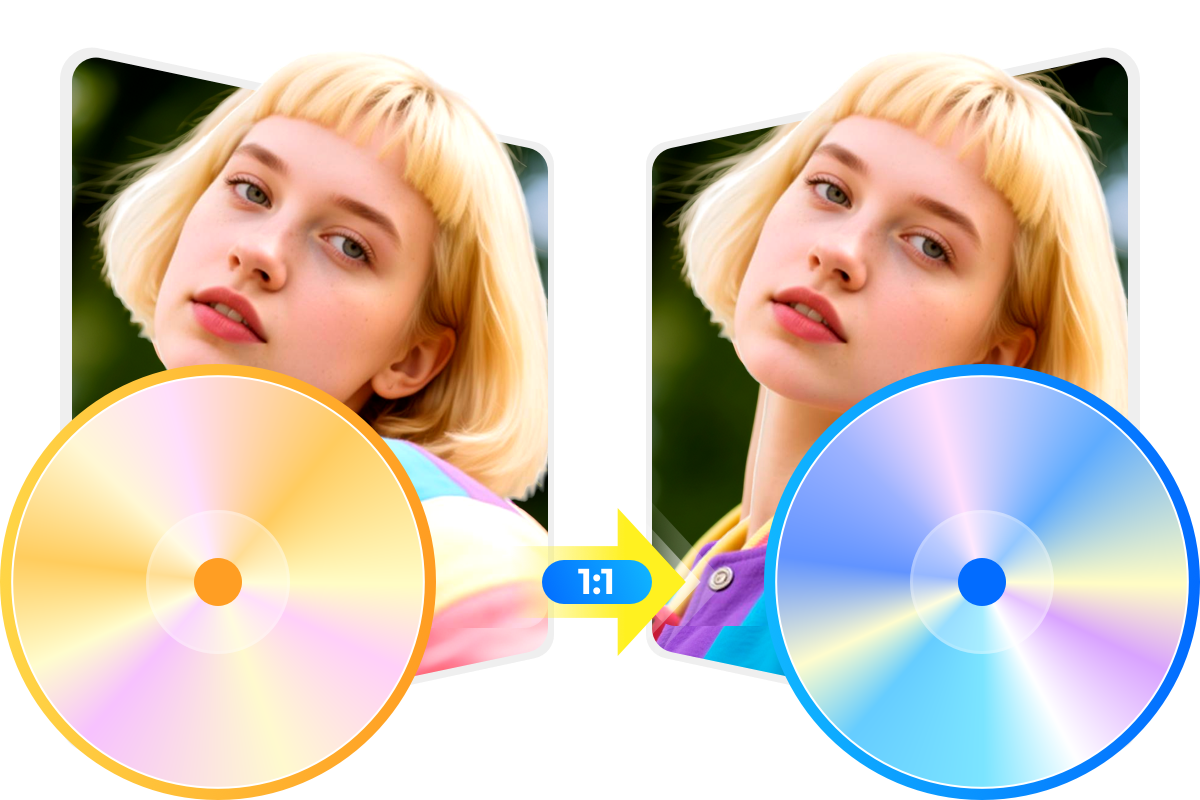
DVDFab Copy mode enables you to remove any old or new protections in a very short time and lossless copy or compress any DVD/Blu-ray/4K UHD Blu-ray to a blank disc directly, or save it as an ISO file or folder on your HDD.
1:1 Copy DVD
Multi-Device Compatibility

Disc Ripping & Compression for Efficient Playback

Like Copy mode, DVDFab Ripper mode keeps updating to support new disc formats. It allows you to rip and convert any DVD, Blu-ray, or 4K UHD Blu-ray to over 1000 video and audio formats for optimum compatibility with your devices.
Compress DVD in High-Quality
Versatile Menu Creator

Disc Burning and Conversion for Versatile Playback

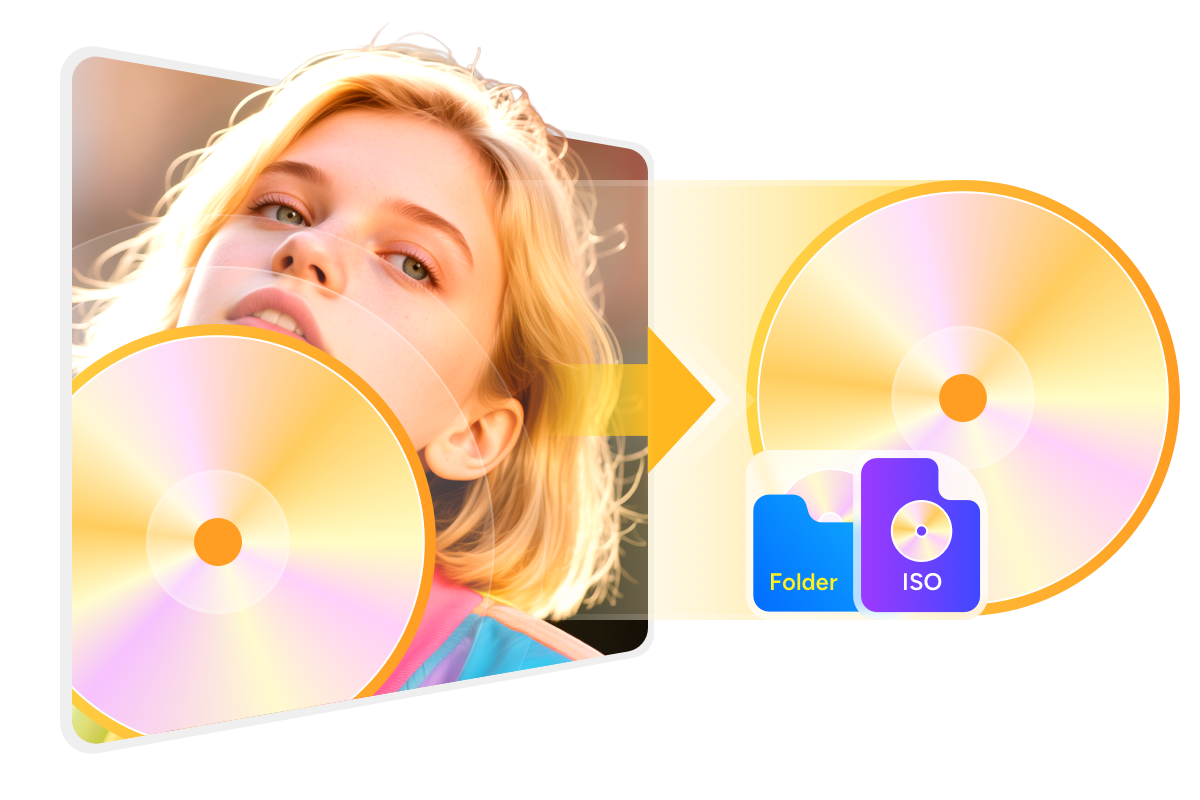
DVDFab Creator mode guarantees efficient and secure burning of your valuable video content onto DVD, Blu-ray, or 4K UHD Blu-ray discs, ISO files, or folders. Its free and customizable disc menu templates enable you to create a stylish disc menu.
Copy DVD to Disc, ISO, folder

Fresh New Video Editing function

DVDFab 13's new Ripper editor lets you easily crop, trim, merge, and customize videos with subtitles or watermarks. Its intuitive interface manages 4K UHD/Blu-ray discs while effortlessly enhancing your editing skills.
Crop

Crop

Crop the video if you want to reduce the length.
Trim

Trim

Trimming makes the video perfect after unwanted clips are removed.
Watermark

Watermark

Add your personalized watermark in image or text form to give a bright look to your video.
External Subtitles

External Subtitles

Add the external subtitles in SRT/ASS format to understand the content better.
Merge

Merge

Merge multiple video clips and make collages or short videos with meaningful messages or create a memorable album.
Brightness

Brightness

Adjust the brightness, contrast, and saturation to give your video a clearer view.

AI-Driven Enhancement with Intuitive Workflow Control

Ultra-Fast 8K AI Upscaling

Revolutionize Your Disc Collection with Industry-Leading AI Enhancement

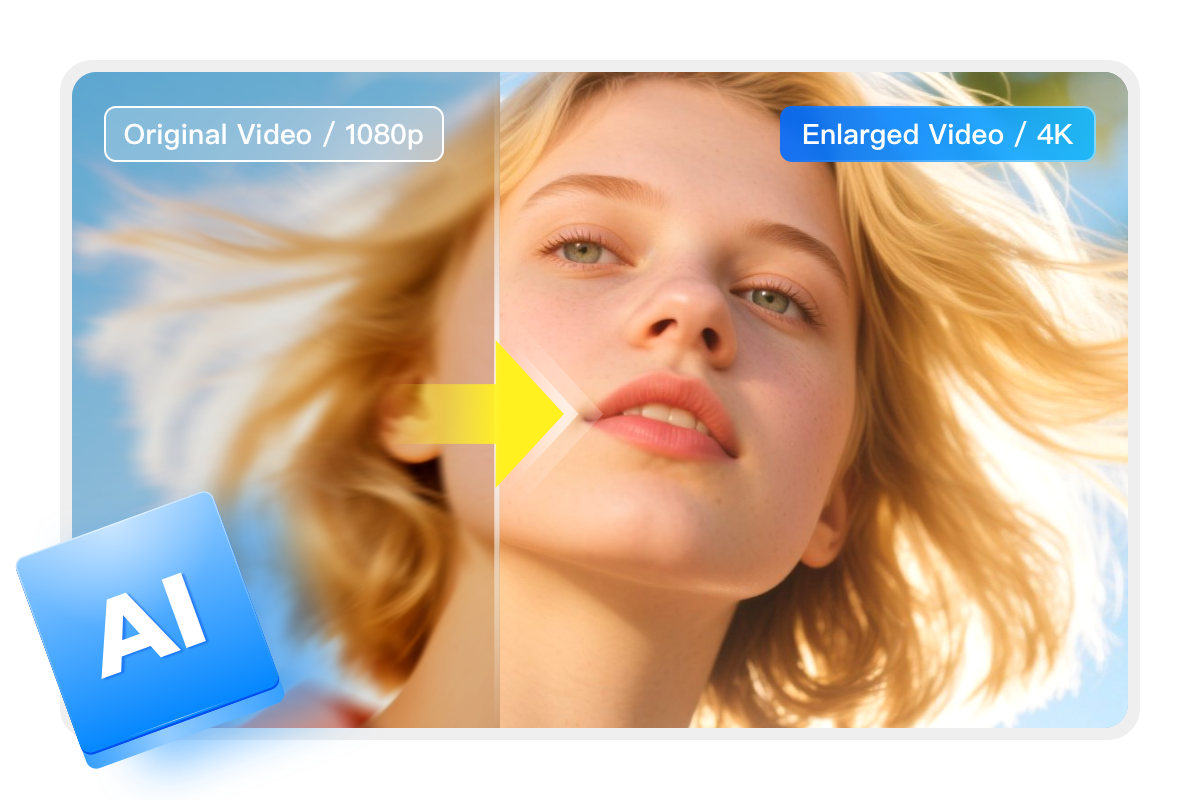
DVDFab All-In-One harnesses a powerful trio of AI engines to transcend traditional quality limits, upscaling your media to 4K or even 8K brilliance. Beyond mere resolution, it intelligently infuses your videos with HDR10 or Dolby Vision for breathtaking contrast. Engineered for maximum stability and speed, this toolkit ensures your legacy discs are fully optimized for high-end NAS streaming and premium home theater systems.
Intuitive Workflow Transparency

New UE for Clearer Input-Output Information Display

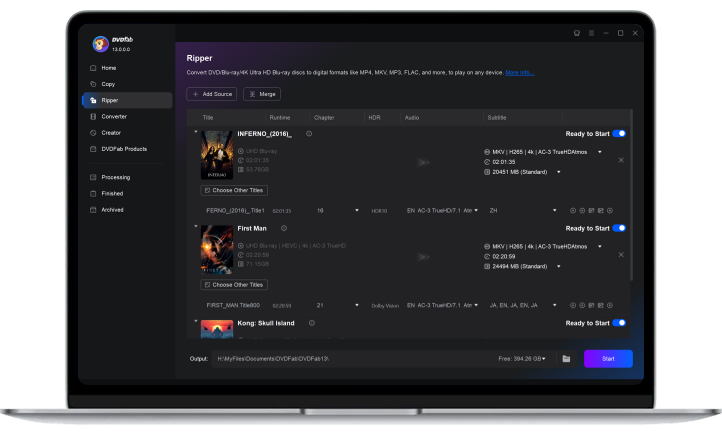
DVDFab 13 introduces an all-new user interface designed to provide clear and detailed input-output information during your disc processing tasks.
This means that you can easily track various video data such as title, runtime, chapter details, HDR status, subtitles, and other video and audio settings. Let DVDFab 13 simplify your workflow with a more transparent way to manage your multimedia files.