Download and Convert Audiobooks.com Titles for Offline Listening
Playback Freedom
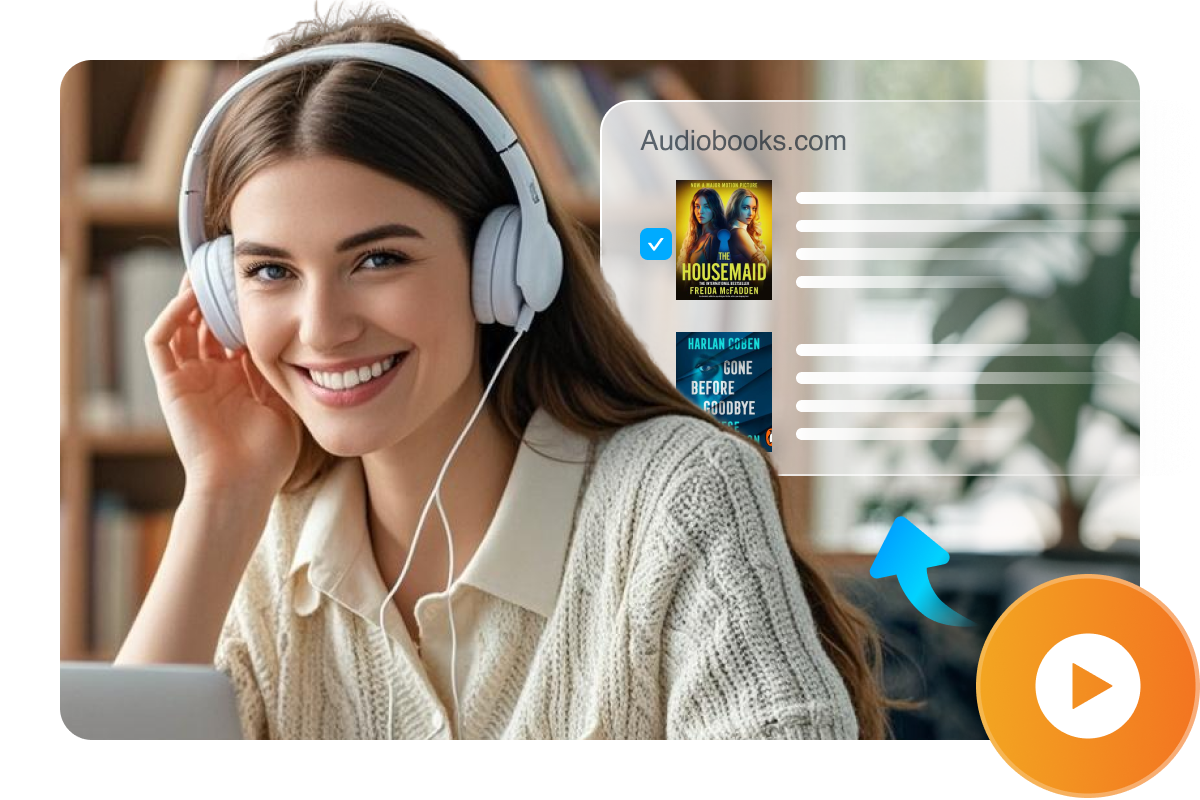
Download Audiobooks.com Titles to Local Storage Easily
Download audiobooks from your Audiobooks.com library to your computer in a straightforward way. The downloader supports both purchased and credit-redeemed audiobooks, so you can manage your entire library in one place. Once saved locally, your audiobooks are easier to keep, back up, and move across devices without relying on a constant connection or a single app environment.

Simplified Download Flow
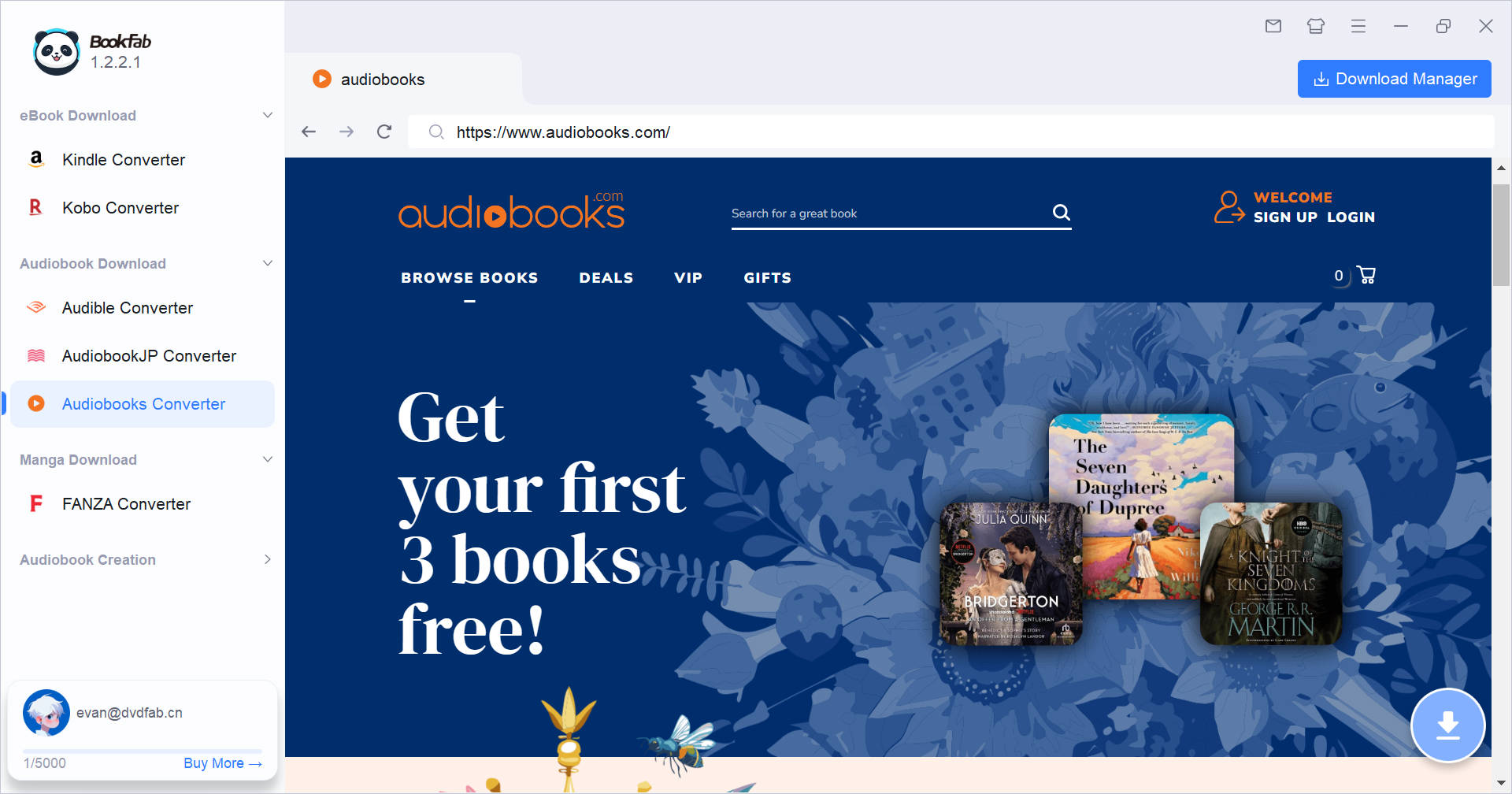
Log In via a Built-In Browser for Auto Parsing
Sign in using the built-in browser and access your Audiobooks.com library without additional utilities. Once signed in, the software automatically detects available audiobook content and prepare it for download with minimal manual steps. This reduces the need to switch between tools, copy links, or troubleshoot browser plug-ins, and helps you start downloading easily.

Multiple Audio Formats
Convert Audiobooks into MP3, M4A, FLAC, and More
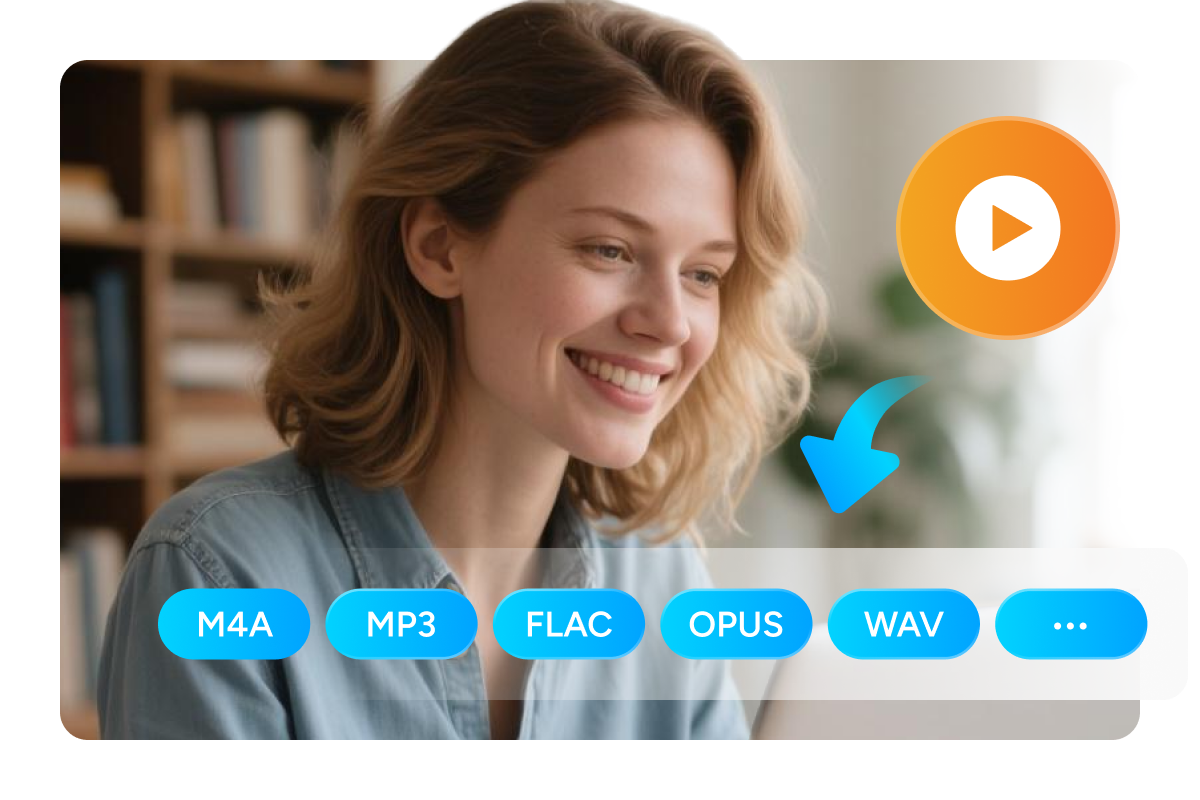
Convert your downloaded audiobooks to widely supported formats that work with a wide range of devices and players. You can choose MP3 for broad compatibility, M4A for modern playback ecosystems, FLAC for lossless listening, or pick OPUS and WAV for specific needs. These standard formats make it easier to enjoy audiobooks across phones, tablets, desktops, and car systems, and to keep one consistent format across your library.

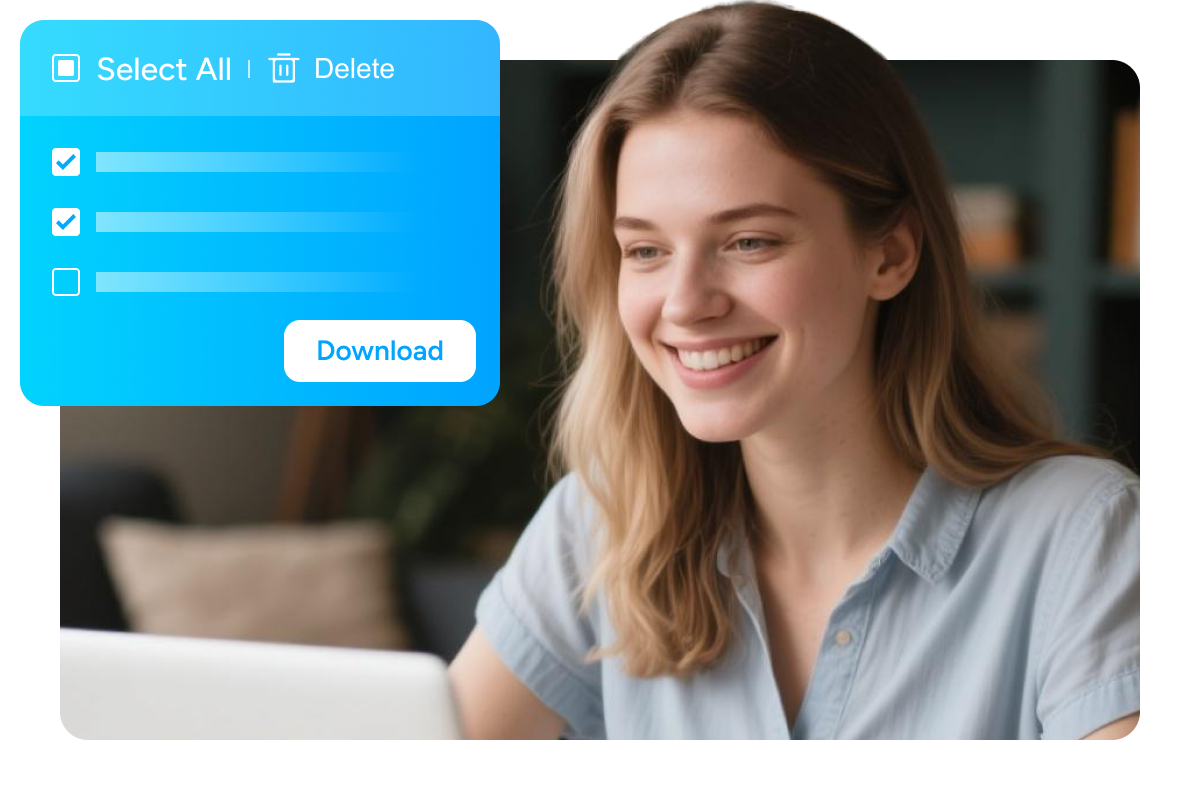
Manage Your Download Tasks Effortlessly
User Feedback on Audiobooks Converter
M
Mia Thompson
Podcast ProducerUsing BookFab Audiobooks Converter to save my Audiobooks.com titles locally is very convenient. The M4A output works perfectly on my iPhone with impressive audio quality. Clean workflow, quick results.
D
Daniel Park
IT Support SpecialistBuilt-in browser login keeps things simple. No extensions, no copy-paste steps. It detects my audiobooks.com library fast and the download queue is easy to monitor.
S
Sofia Alvarez
Language TeacherLove that it supports both purchased titles and credit-redeemed books. One workflow covers your whole Audiobooks.com library.
E
Ethan Bills
Audio EngineerThe metadata and cover art remain consistent across all my media players. Good for long-term storage, not just quick listening.
P
Priya Nair
FreelancerDownloads are fast, and the audio quality remains excellent after conversion. Great when you need several audiobooks ready quickly without compromises.
O
Oliver Bennett
Frequent TravelerFormat options are the real win. M4A for my phone, MP3 for everything else. The workflow is beginner-friendly, and it takes just a few clicks from login to converted files.
M
Mia Thompson
Podcast ProducerUsing BookFab Audiobooks Converter to save my Audiobooks.com titles locally is very convenient. The M4A output works perfectly on my iPhone with impressive audio quality. Clean workflow, quick results.
D
Daniel Park
IT Support SpecialistBuilt-in browser login keeps things simple. No extensions, no copy-paste steps. It detects my audiobooks.com library fast and the download queue is easy to monitor.
S
Sofia Alvarez
Language TeacherLove that it supports both purchased titles and credit-redeemed books. One workflow covers your whole Audiobooks.com library.
E
Ethan Bills
Audio EngineerThe metadata and cover art remain consistent across all my media players. Good for long-term storage, not just quick listening.
P
Priya Nair
FreelancerDownloads are fast, and the audio quality remains excellent after conversion. Great when you need several audiobooks ready quickly without compromises.
O
Oliver Bennett
Frequent TravelerFormat options are the real win. M4A for my phone, MP3 for everything else. The workflow is beginner-friendly, and it takes just a few clicks from login to converted files.

Step 1. Open BookFab and Sign In
Launch BookFab. From the left sidebar, select Audiobooks Converter. Sign in to your Audiobooks.com account in the built-in browser. Then go to your Library and open the audiobook you want to download.
Step 2. Choose a Title and Start the Download
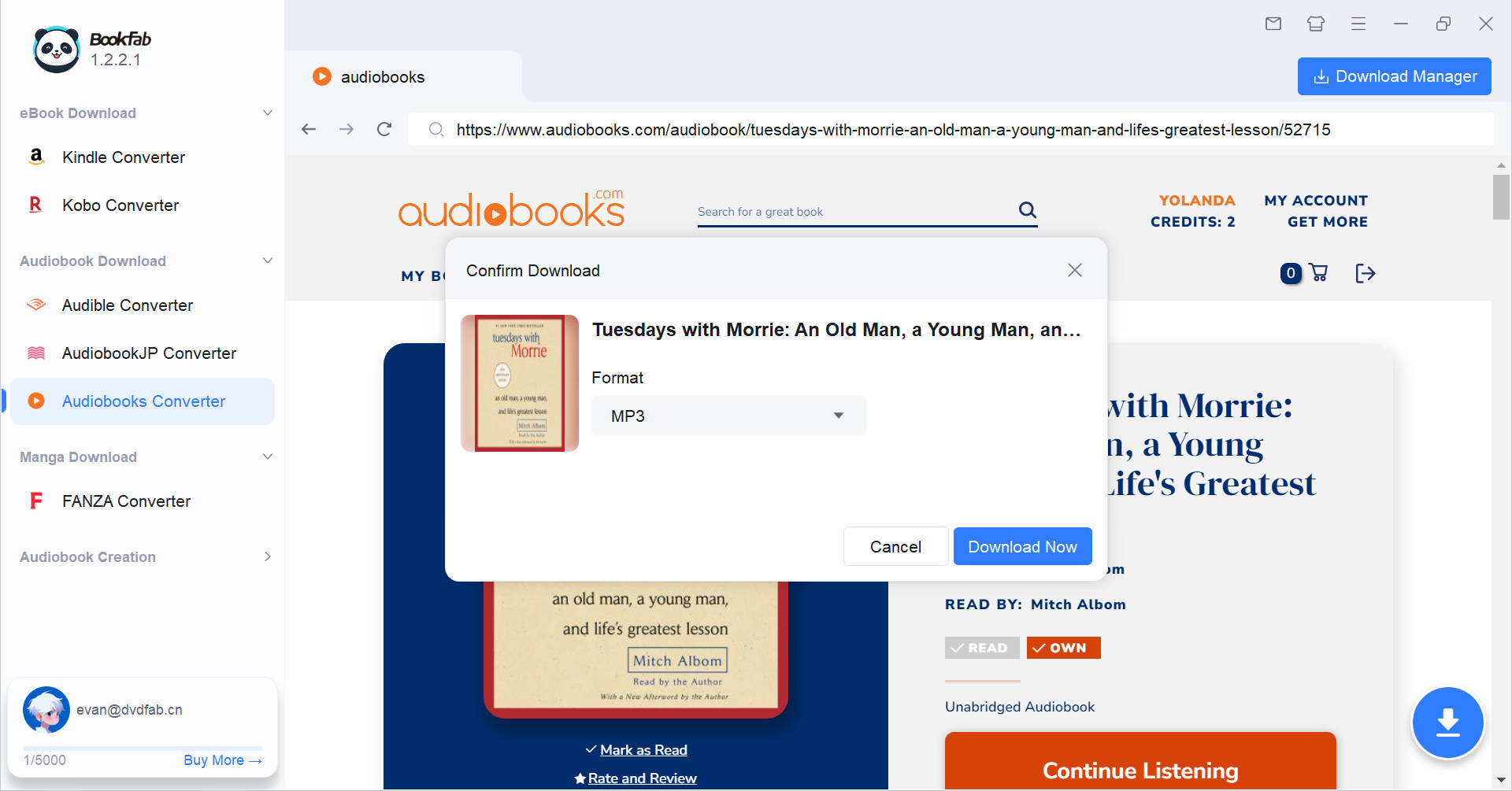
After you open the audiobook detail page, BookFab automatically analyzes the page and opens the Download dialog. Choose an output format, then confirm to start.
Step 3. Monitor Status in Download Manager
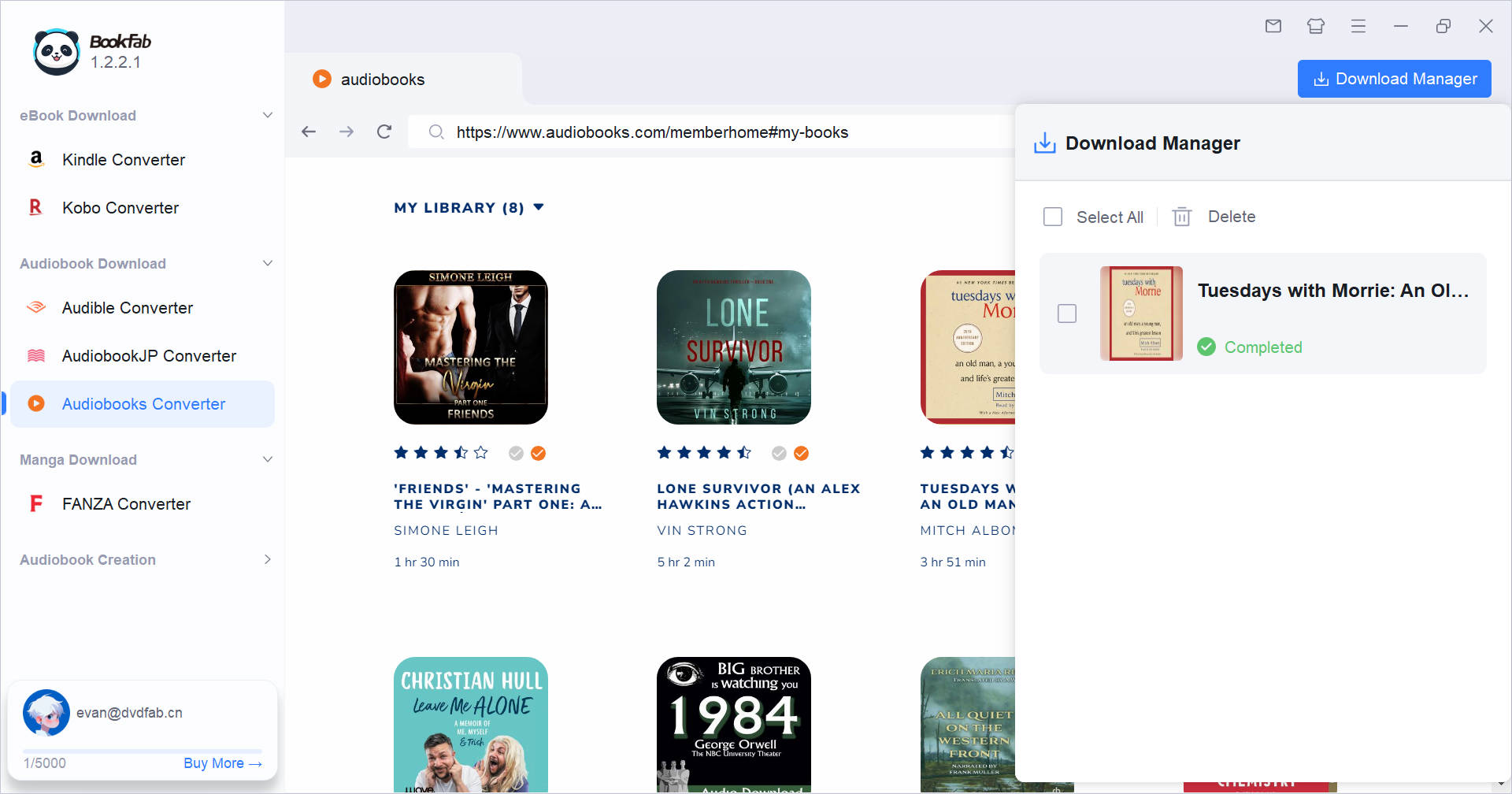
Use the Download Manager to track all ongoing tasks. You can view clear statuses without interrupting browsing, and add new tasks at any time. The number on the icon indicates ongoing downloads.
System Requirements

Windows 11 / 10 (64-bit)
Intel i3 or higher
4 GB RAM or higher
40GB of free hard disk space or above
Live Internet connection required
Frequently Asked Questions
- Is it legal to download audiobooks from Audiobook.com?
- Is there a free trial?
- What can BookFab Audiobooks Converter download?
- How do I choose an output format?
- Is it safe to sign in through the built-in browser?
- Where are my downloaded files saved?
Fair Use Policy : BookFab is legal only for personal needs and it's not allowed to share the downloaded content with any third party.
To avoid being blocked by content providers, a BookFab licensed account has a quota of 100 downloads per day from each supported content source. Whenever the quota is used up, it will refill at the start of the next day.