Win
Mac
BookFab BookLive Converter
Keep your BookLive library forever. Download the manga and picture books you own and enjoy them as DRM-free PDF or EPUB, anywhere.

Grab Your BookLive Library, Keep It Forever
Own Your Content
Download Books Directly from BookLive
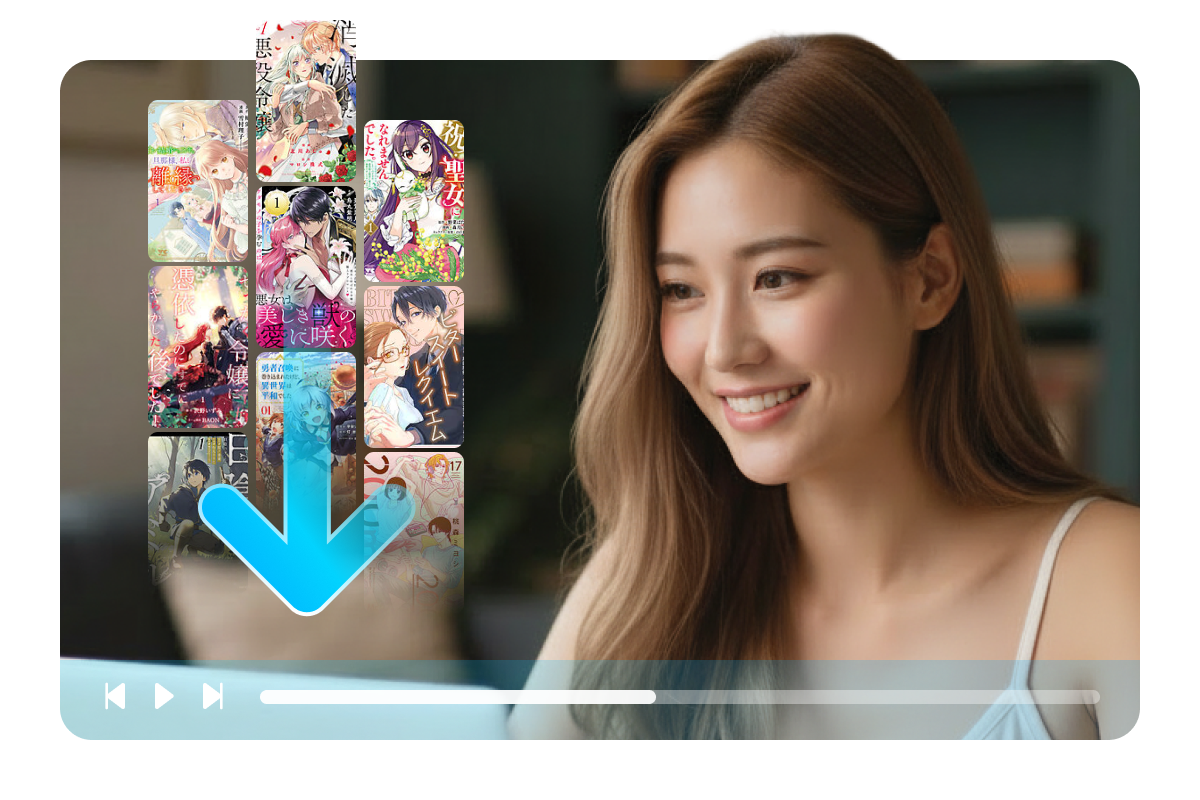
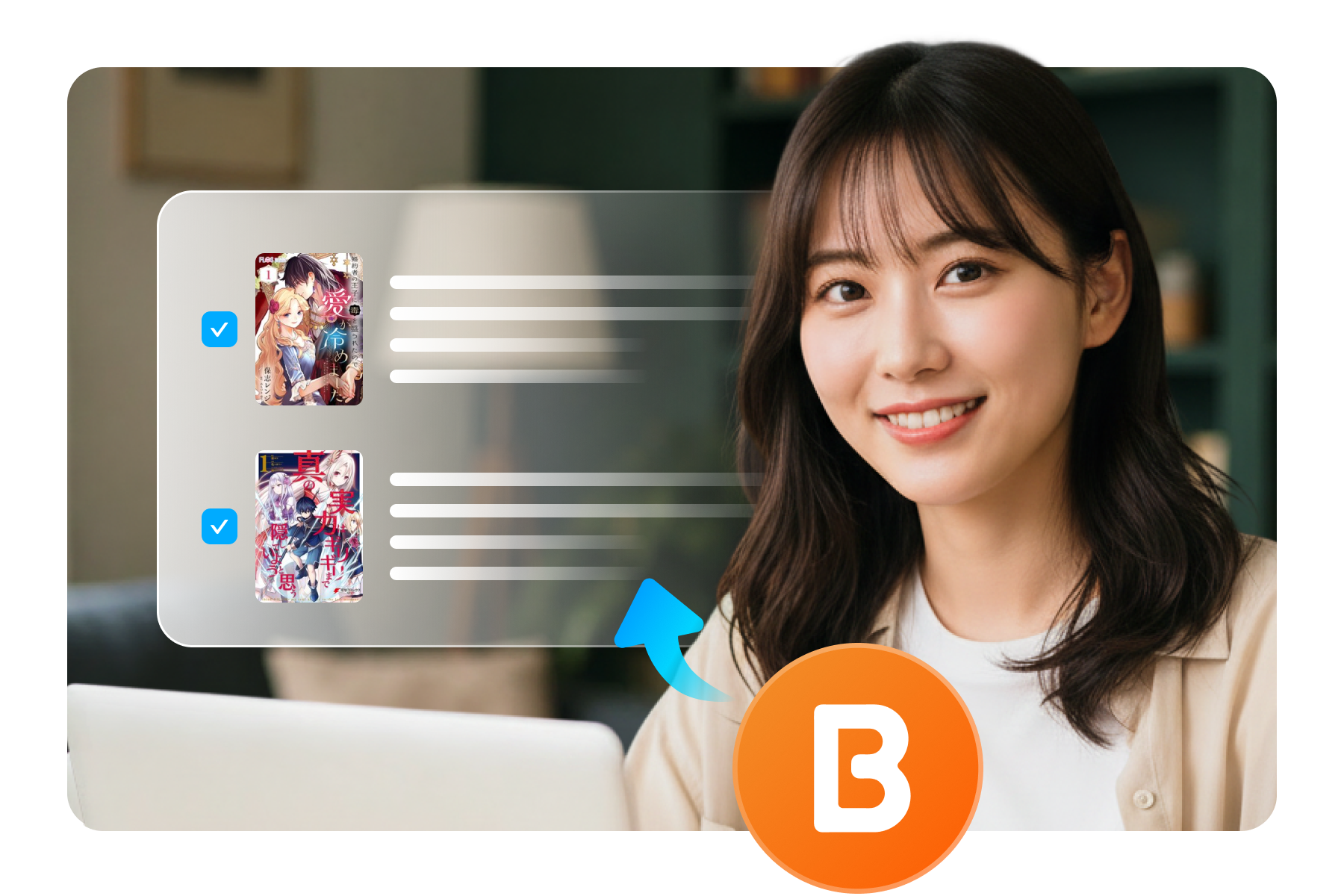
With BookFab BookLive Converter, you can download books your account can access straight from booklive.jp. Whatever the reader delivers is saved into your local library - ready for offline reading or permanent backup.
Seamless Workflow
Built-in Browser with Auto Page Detection
Sign in as usual in BookFab's built-in browser and open the book or volume you want. The moment you reach the volume detail page, BookFab detects it and shows title, author and cover - ready to download.
Read on Any Device
Convert to PDF or EPUB
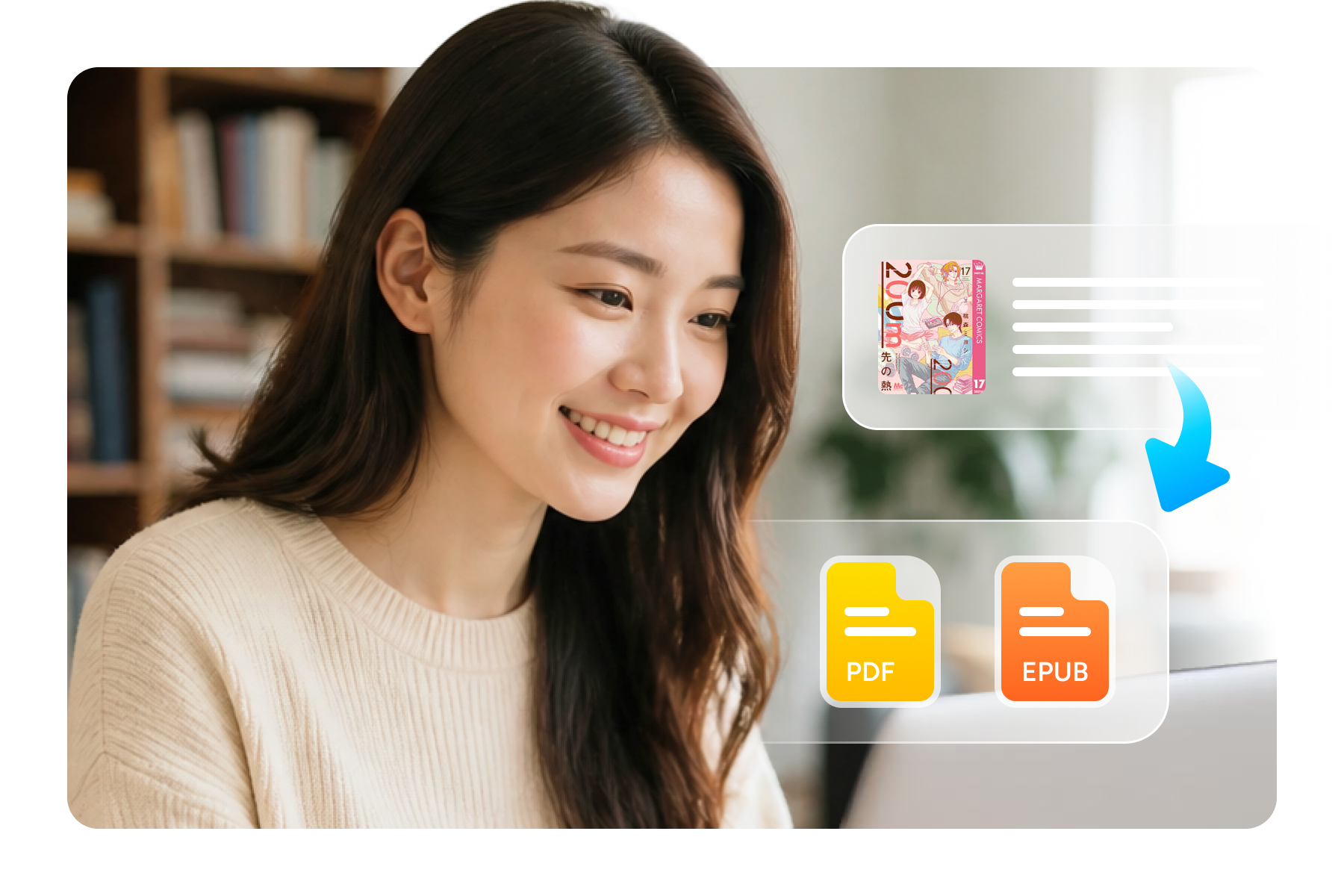
PDF keeps the original layout for reading and archiving, while EPUB reflows on most e-readers. Choose your format when starting a task - read on Kindle, iPad, phone or PC, your library your rules.
Grab Your BookLive Library, Keep It Forever
Worry-Free Control
Full Task Control with Cancel Anytime
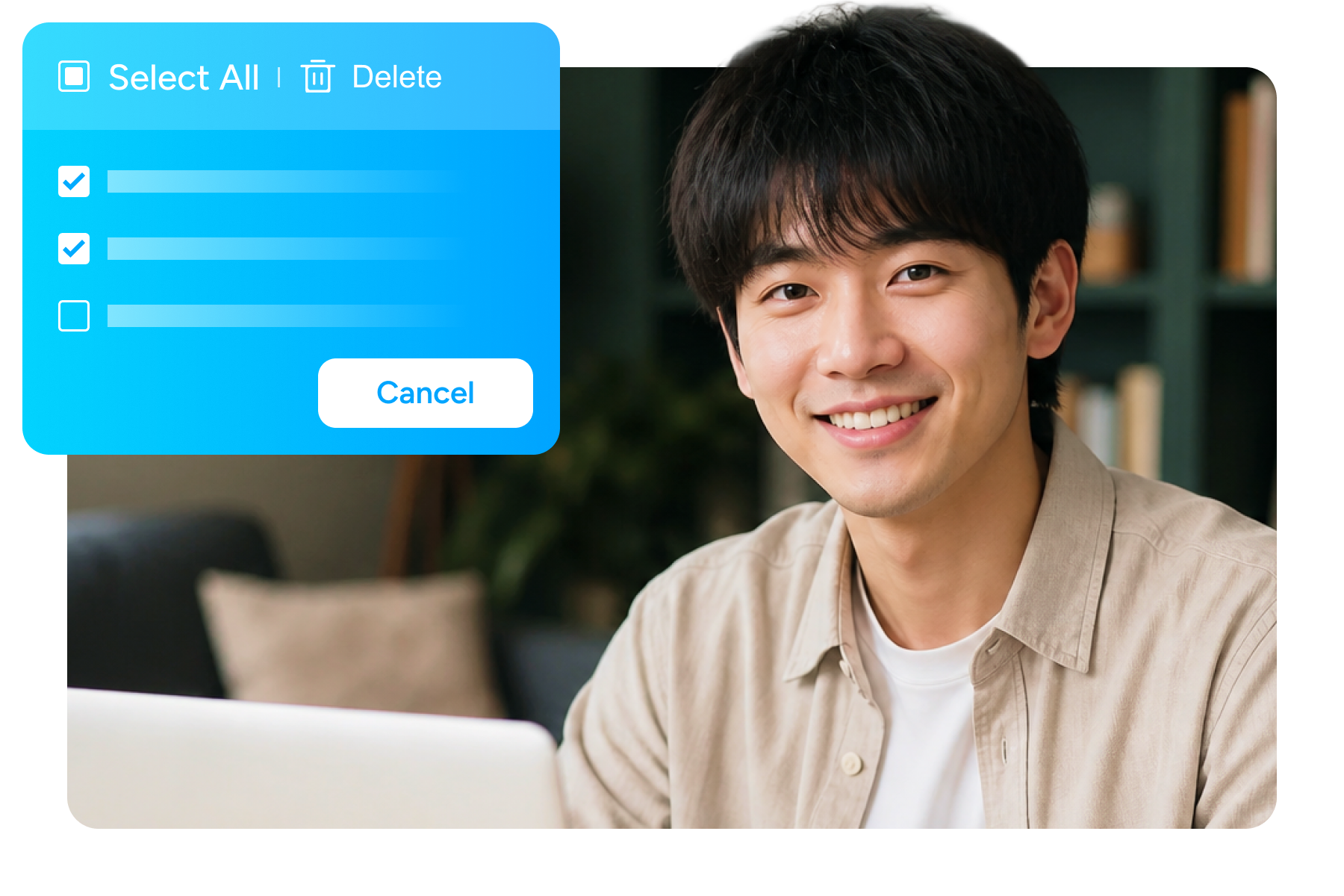
Every stage is visible: analyzing, downloading, processing and done. If you change your mind, cancel in one click - tasks stay isolated from each other, so consecutive downloads never mix up your books.
Original Quality
Metadata Preservation and Original Quality
Title, volume, author and cover are picked up automatically; files are named and sorted into your folder for you. Pages are saved in the quality the reader delivers, and every output is checked before the task reports success.
System Requirements
Windows 11/10 (32/64 bits)
4GB of RAM or above
Internet connection required for downloading
Frequently Asked Questions
- Can I try BookFab BookLive Converter for free?
- Which BookLive content can I download?
- Do I need to buy the book before downloading?
- What output formats are supported?
- Where are my downloaded books saved?
- Is it safe to sign in with my BookLive account?
Fair Use Policy : BookFab is legal only for personal needs and it's not allowed to share the downloaded content with any third party.
To avoid being blocked by content providers, a BookFab licensed account has a quota of 100 downloads per day from each supported content source. Whenever the quota is used up, it will refill at the start of the next day.