DVDFab DVD to UHD Converter AI
Upscale 480p DVD discs, ISOs, and folders to 4K UHD with AI. Supports HDR10 enhancement, original audio retention, and GPU-accelerated conversion.
Last Update: Sep 29, 2026
100% Safe & Clean
4.8(53)
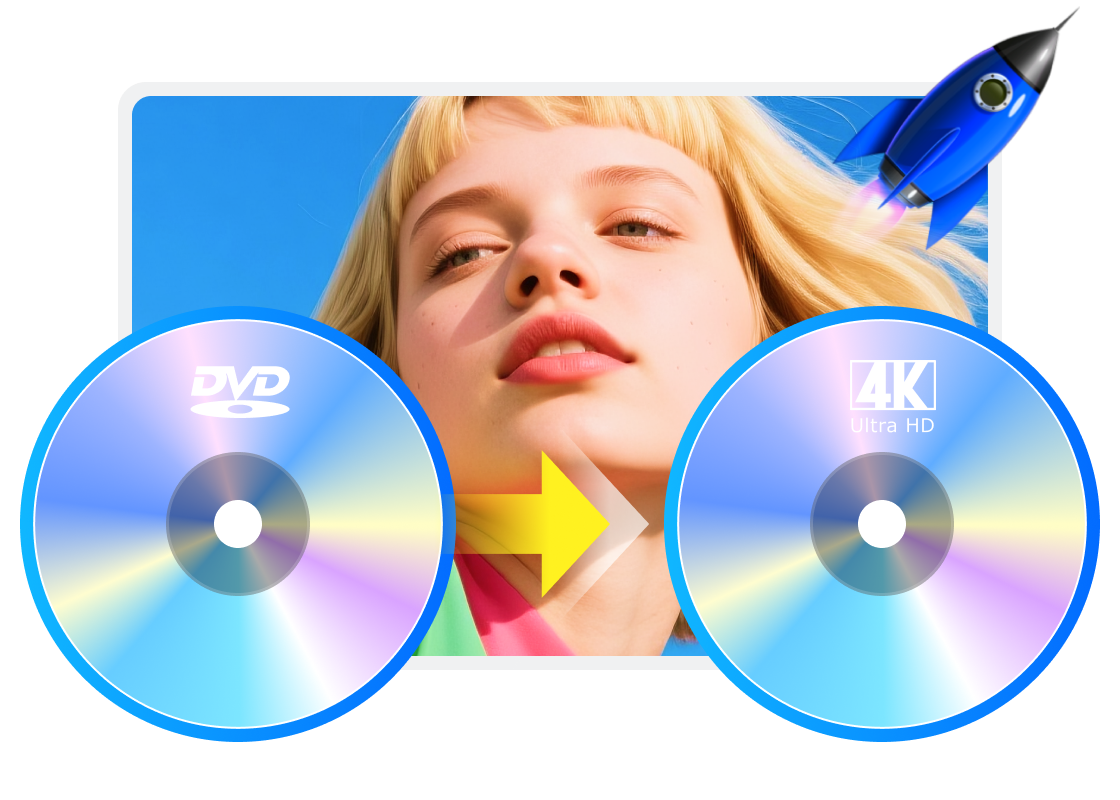
Restore 480p DVD Video for Modern 4K UHD Playback
Visual Revival
Upscale Standard DVD Video to 4K UHD with AI
DVDFab DVD to UHD Converter AI remasters DVD video for 4K UHD output using advanced AI technology. Instead of relying on basic TV upscaling, it reconstructs fine textures, edges, and image structure more effectively, helping older DVD collections look cleaner and more suitable for large modern screens.
Flexible Output
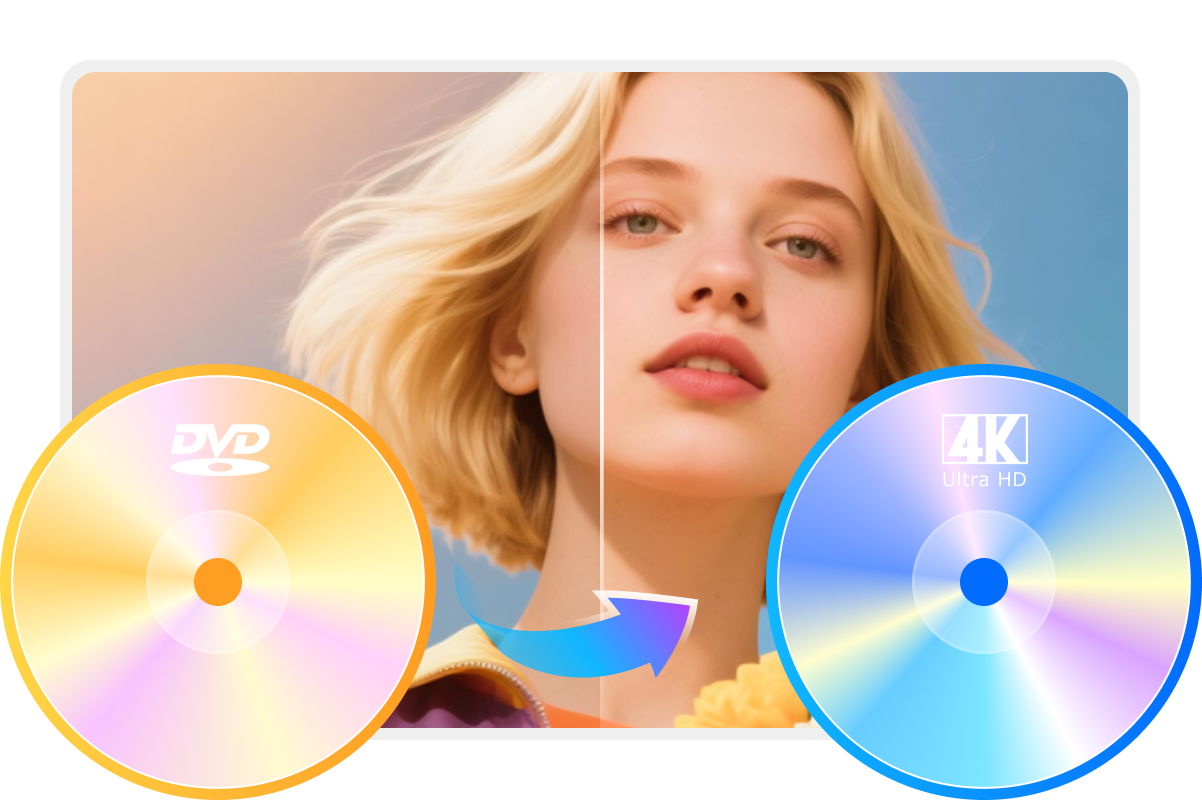
Output Converted Content as UHD Disc, ISO, or Folder
This DVD to 4K UHD upscaler accepts DVD discs, ISO files, and folders as input, and allows converted results to be saved as a 4K UHD disc, ISO or folder. This flexibility allows users to keep a physical copy, build a media server library, or save a local backup, making it easier to enjoy converted video across different devices and setups.
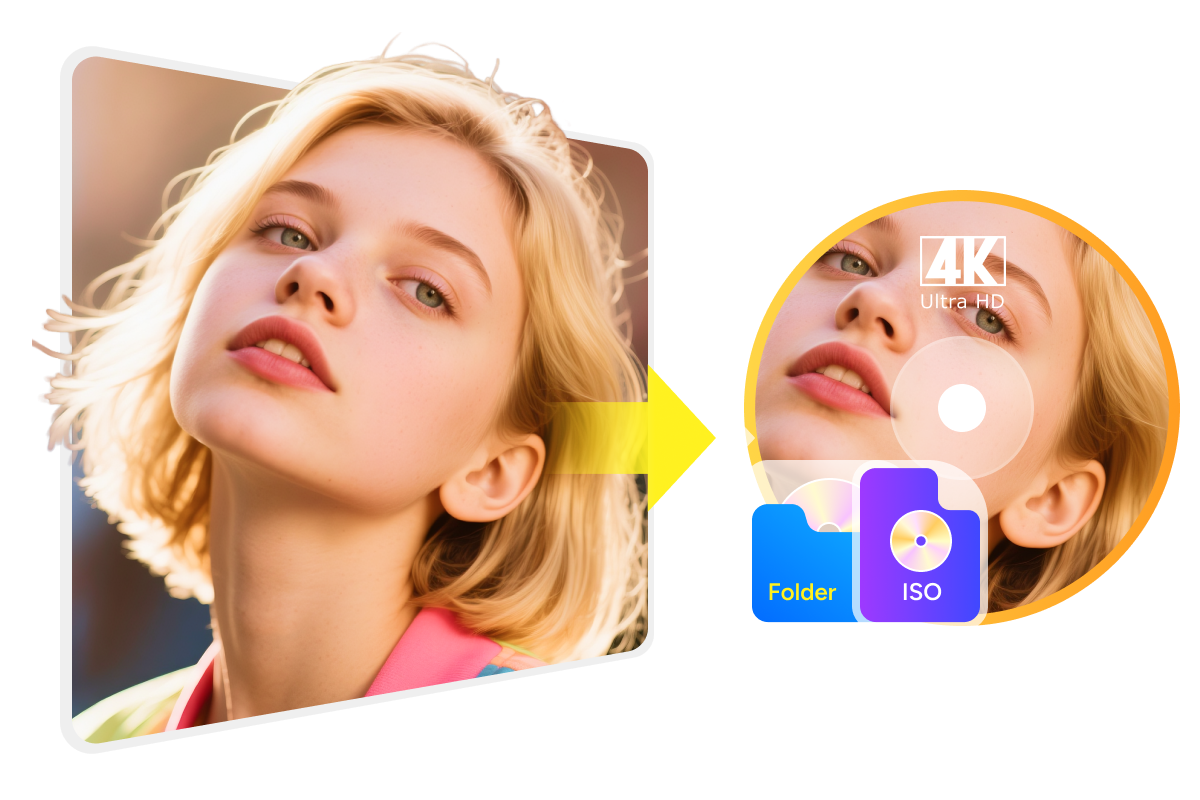
Cinematic Experience
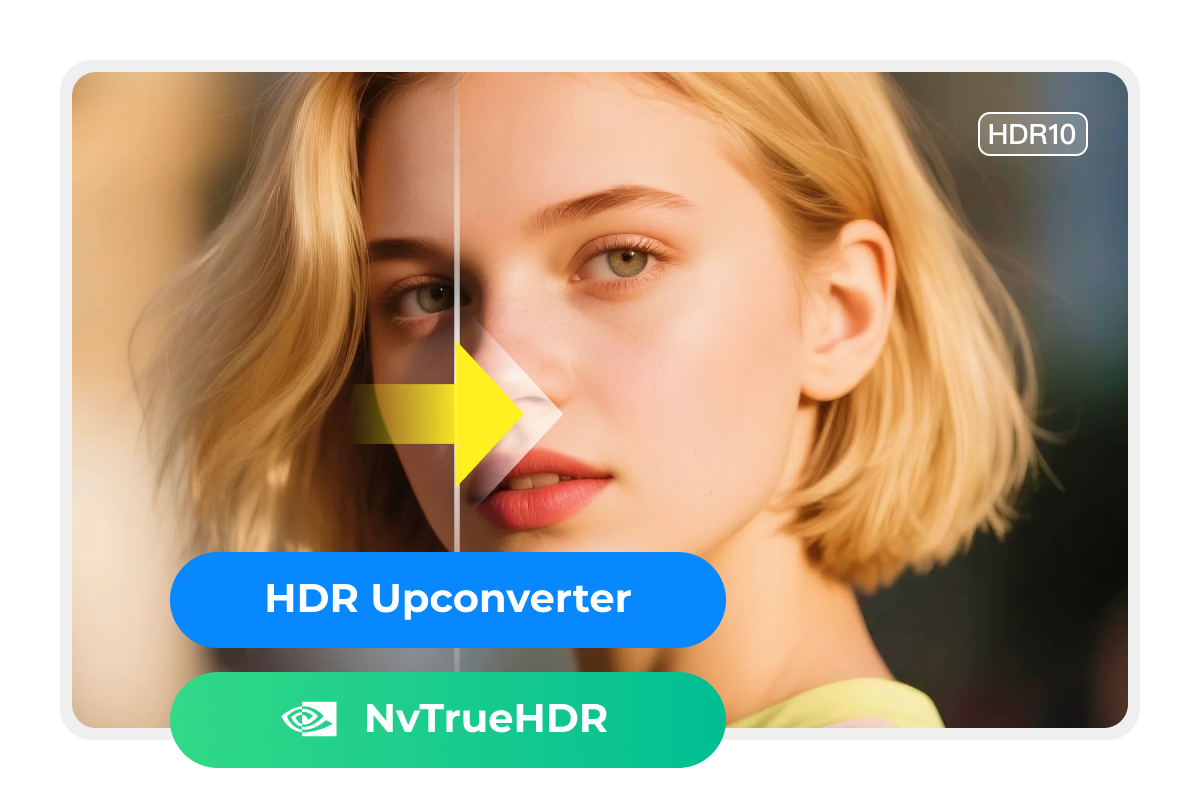
Enhance SDR Sources to HDR10 with Advanced AI Tools
This DVD to UHD upscaler can also turn SDR sources into HDR10 with two AI options: NVIDIA AI Enhancer and AI HDR Upconverter. With improved contrast, brighter highlights, and richer color depth, the converted video can present a more vivid and layered image, making it better suited to HDR TVs, projectors, and home theater playback systems.
Faster Workflow
Accelerate AI Upscaling with GPU Hardware Support
The DVD to 4K UHD conversion workflow is optimized for modern GPU acceleration to improve AI processing efficiency and reduce overall wait time. This is especially helpful when converting longer titles or larger DVD collections, making the process smoother and more practical for users who want to upgrade and preserve their libraries over time.
Step 1. Launch DVD to UHD Converter AI and Load Source
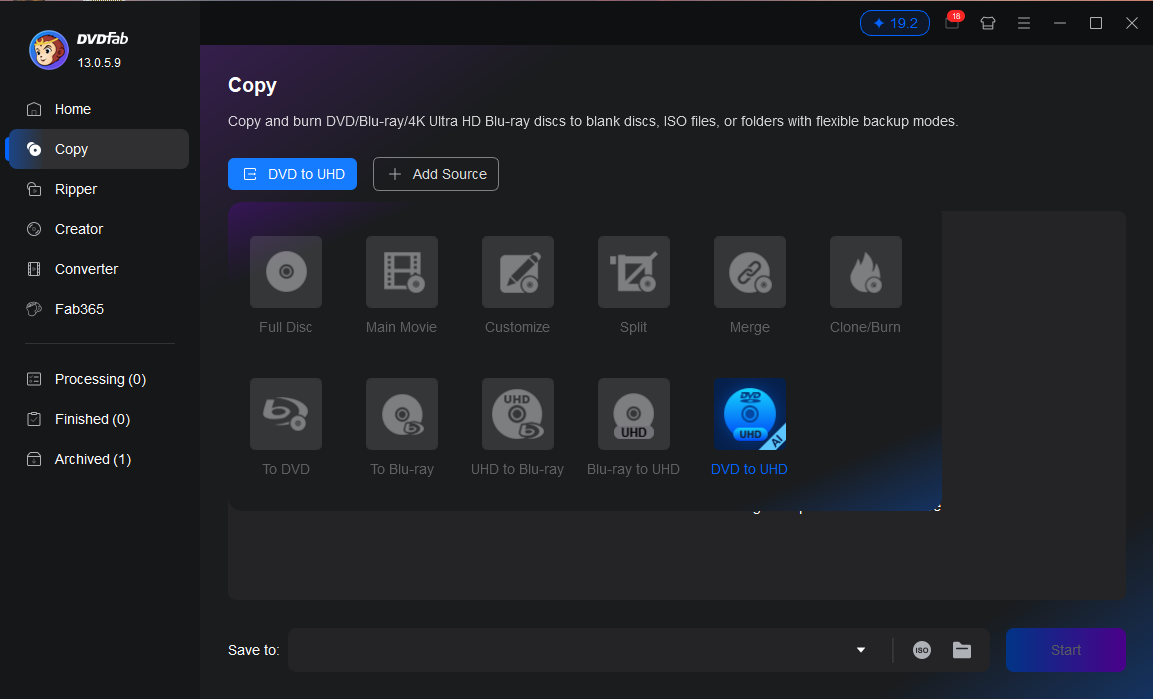
Open DVDFab, go to the "Copy" module, click "Full Disc", and choose "DVD to UHD" from the mode list. Then load the source DVD from an optical drive, ISO file, or folder so the program can begin analyzing the content before conversion.
Step 2. Customize AI Upscaling Settings
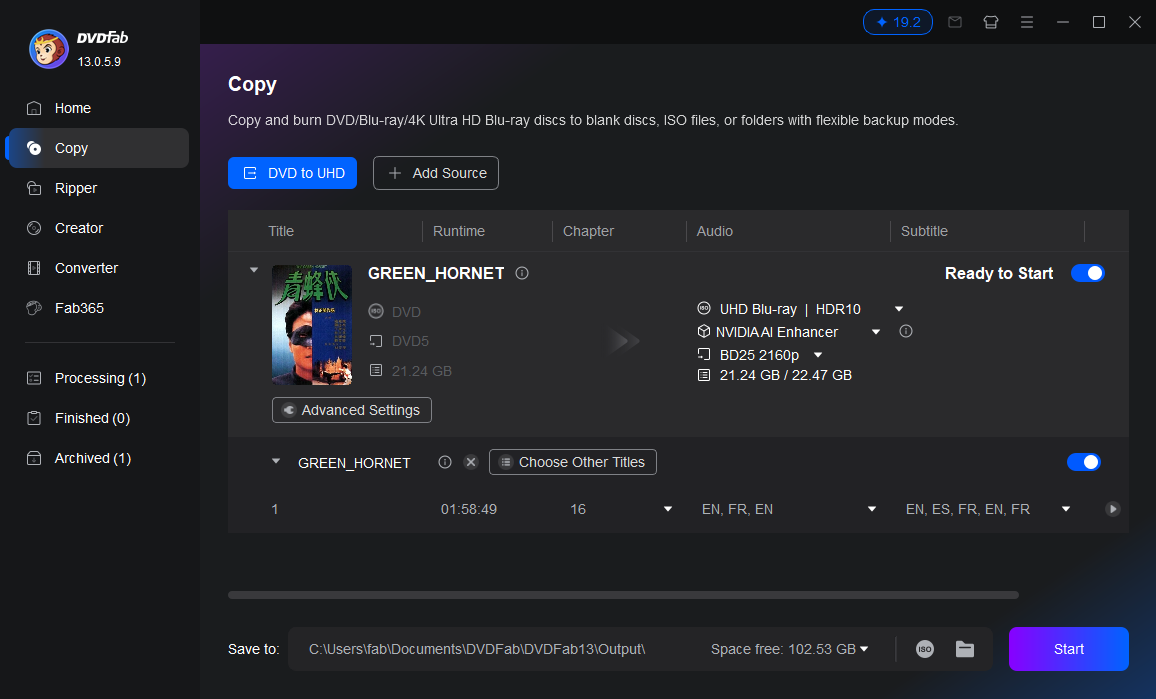
After analyzing the source, choose the preferred AI model and output type based on the target result. For SDR output, Fast, Standard, and High Quality modes are available. HDR10 output uses additional AI models and a more advanced processing workflow.
Step 3. Start the DVD to 4K UHD Conversion
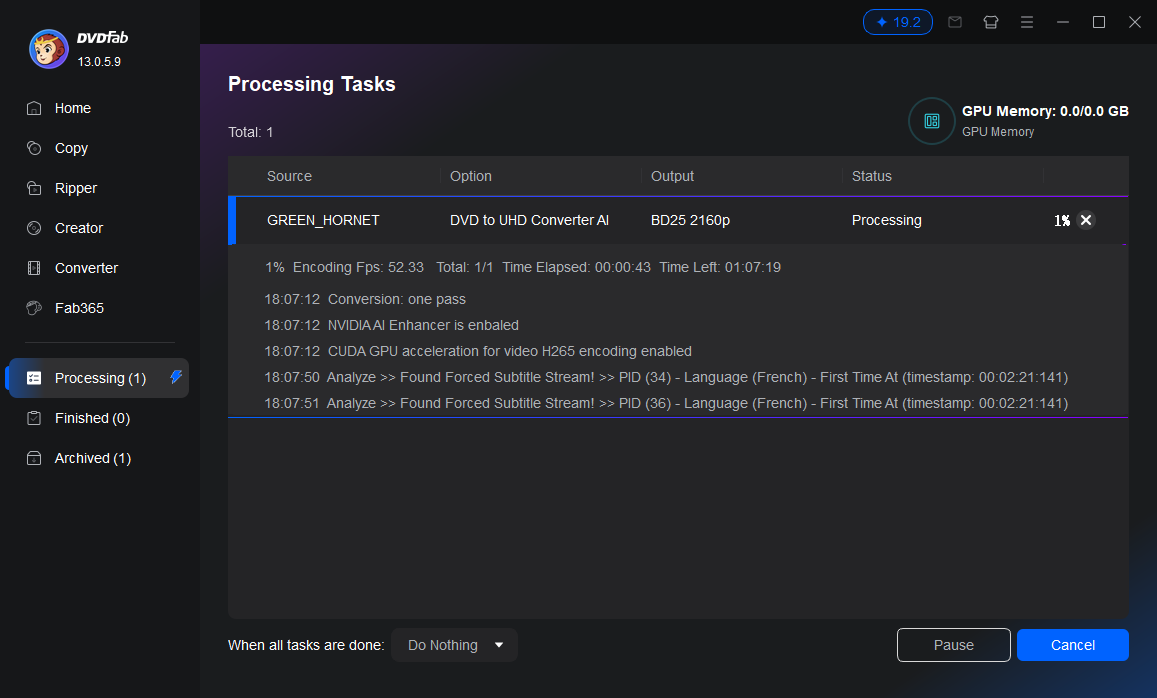
Choose the output directory, then click "Start" to begin the DVD to UHD conversion. The program displays real-time progress information during processing, making it easier to track the task and confirm when the final UHD output is ready.
System Requirements
Windows 11 / 10 (64-bit)
Intel i3 or above
4GB of RAM or above
100GB of free hard disk space or above
A NVIDIA or AMD Graphic Card for hardware acceleration
Live Internet connection required
Frequently Asked Questions
- Is a free trial available for DVDFab DVD to UHD Converter AI?
- Why is AI technology essential for upscaling DVDs to 4K UHD resolution?
- Does the product support HDR10 output?
Fair Use Policy : DVDFab is intended for personal use only, and sharing copied content with any third party is strictly prohibited.
To ensure a stable user experience and prevent potential restrictions from disc publishers, each DVDFab licensed account has a quota of 100 disc copies per week. This quota will automatically reset at the start of a new weekly cycle.