Win
Mac
DVDFab Subtitle Generator AI
Generate accurate multilingual SRT subtitles from disc audio with advanced AI speech recognition and separation in the Ripper module.
This is a FabCloud credit-based feature, and purchasing DVDFab All-In-One includes 3000 free FabCloud credits for immediate use.
This is a FabCloud credit-based feature, and purchasing DVDFab All-In-One includes 3000 free FabCloud credits for immediate use.
Buy Now
100% Safe & Clean
4.8(53)
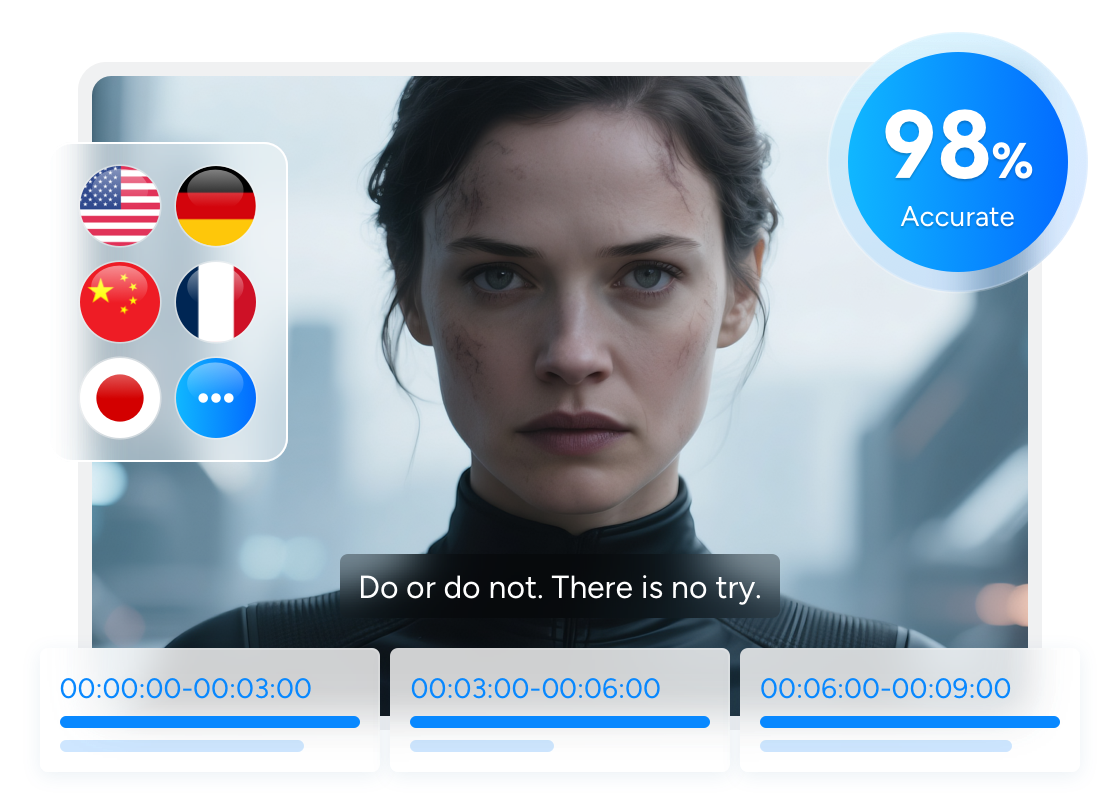
AI-Powered Accurate, Multilingual, and Synchronized Subtitle Generation
High-Quality Subtitle Generation
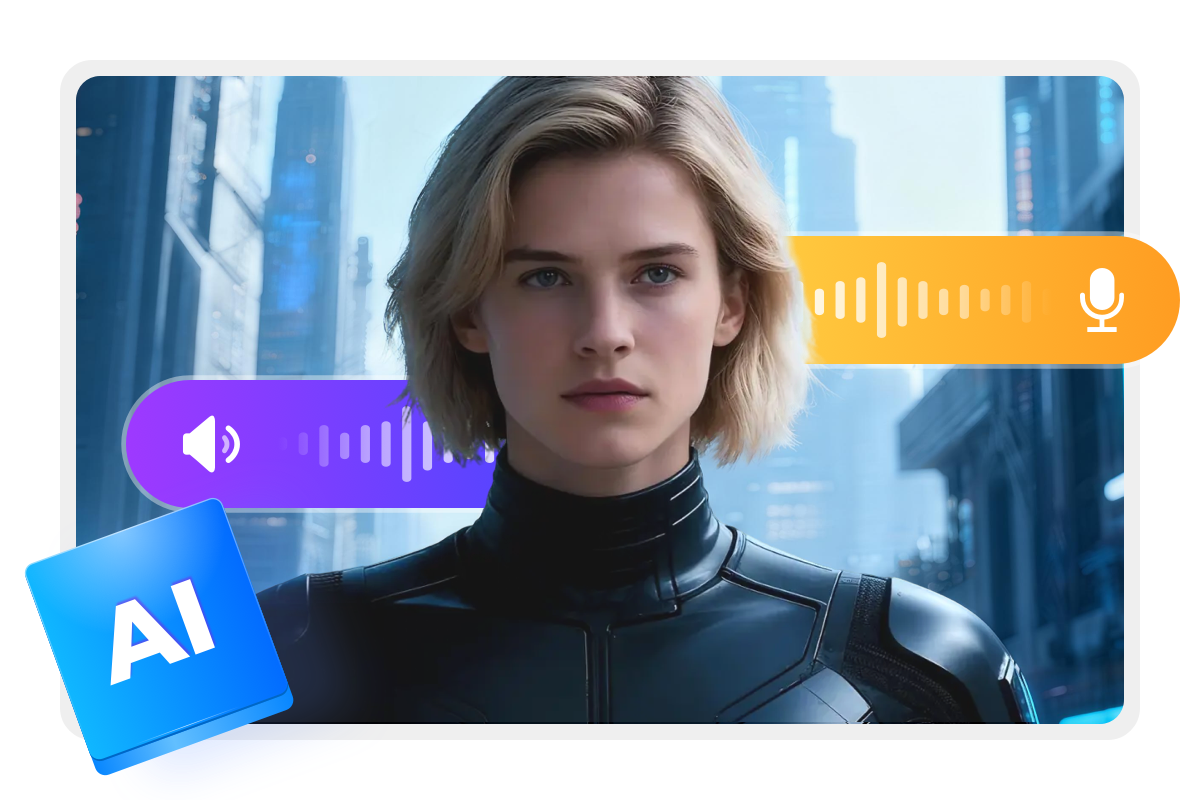
Recognize and Separate Disc Audio with AI
DVDFab Subtitle Generator AI precisely recognizes speech from your disc audio and uses advanced AI to separate voices from background sounds, ensuring highly accurate subtitle generation.
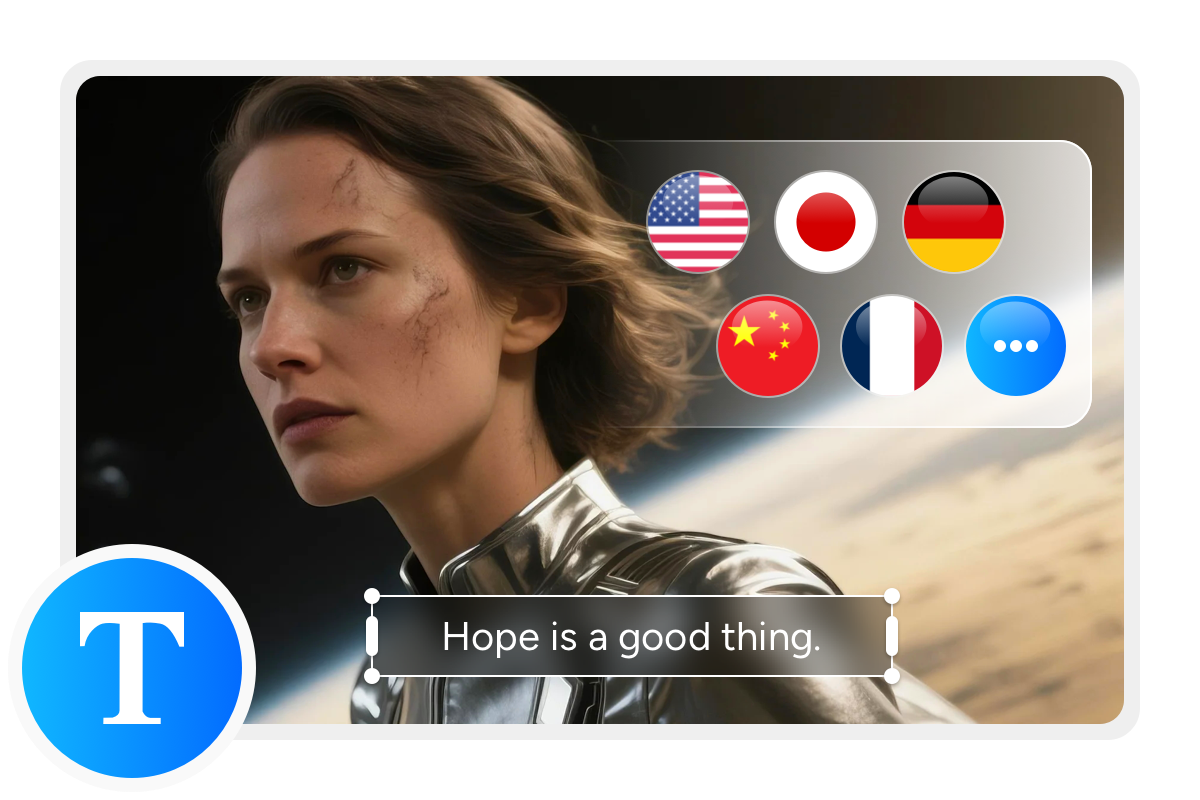
Worldwide Subtitle Support
Generate Multilingual Subtitles for Global Viewers
With DVDFab Subtitle Generator AI, recognized speech is translated into multiple languages, delivering cross-language subtitles that meet the viewing needs of audiences worldwide.
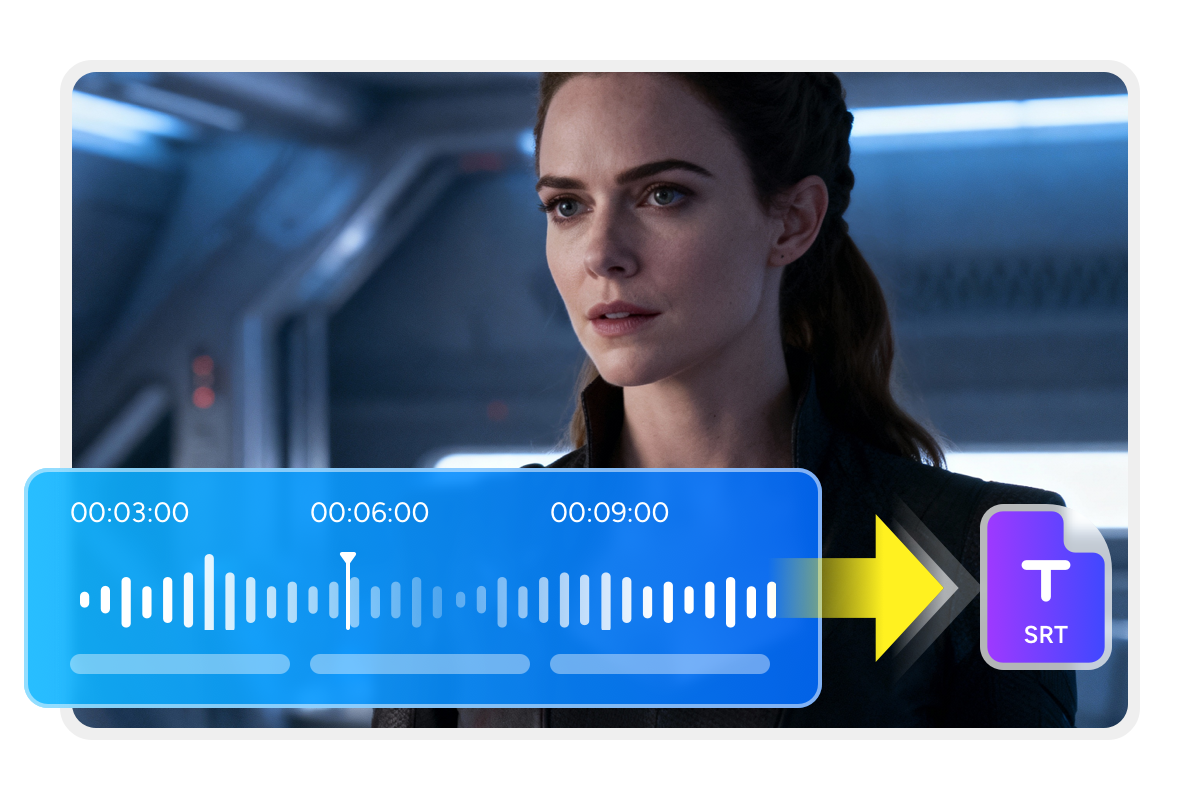
Perfect Audio Synchronization
Export Instant, Synchronized .SRT Subtitles
With DVDFab Subtitle Generator AI, you can instantly export synchronized .srt subtitle files that stay perfectly aligned with your disc audio, making it easy to use them in video playback or editing and embed the subtitles into videos later for ripping discs in DVD, Blu-ray, or UHD Ripper module.
High-Efficiency, Multi-Scenario Subtitle Conversion
Simplified Subtitle Workflow
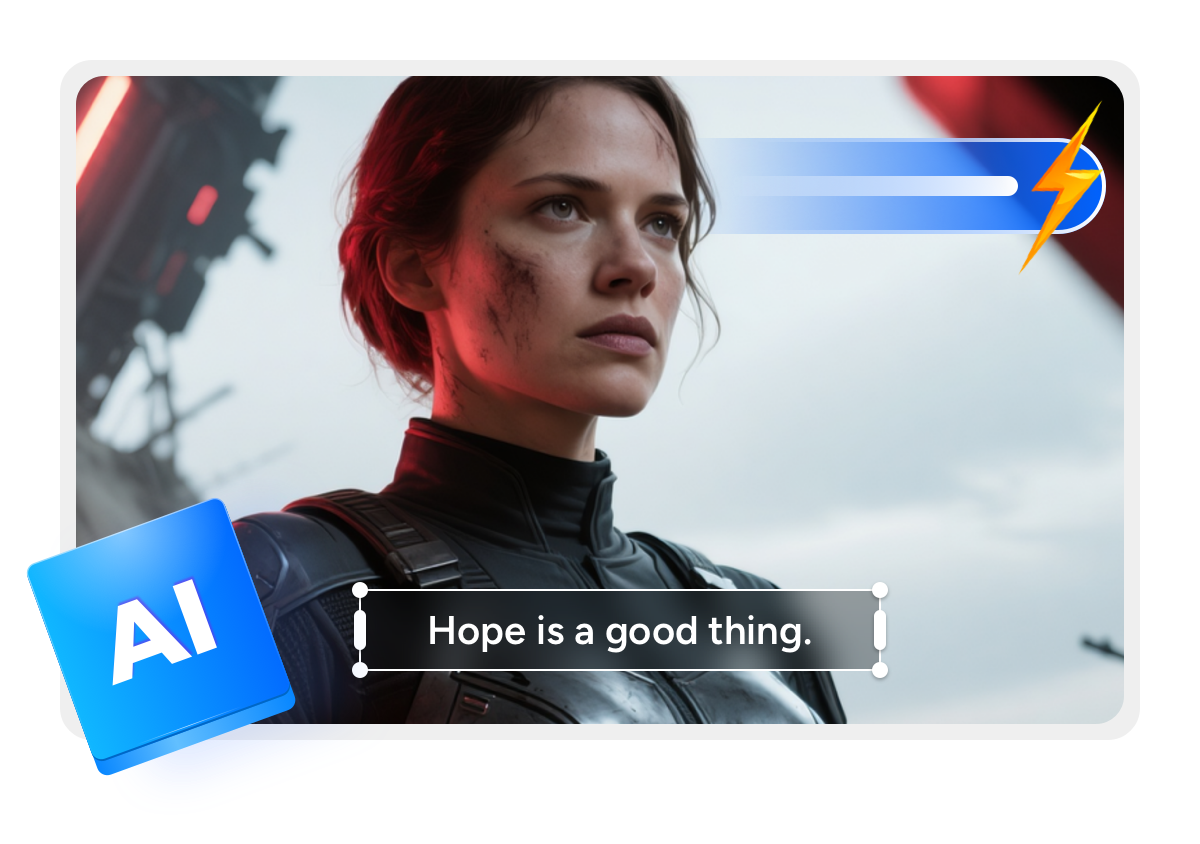
Speed Up Subtitle Creation in a Few Steps
DVDFab Subtitle Generator AI streamlines the whole workflow so you need to add your disc, choose the audio track, and set the output subtitles, completing subtitle generation in just a few simple steps with fast conversion speed.
Wide Compatibility
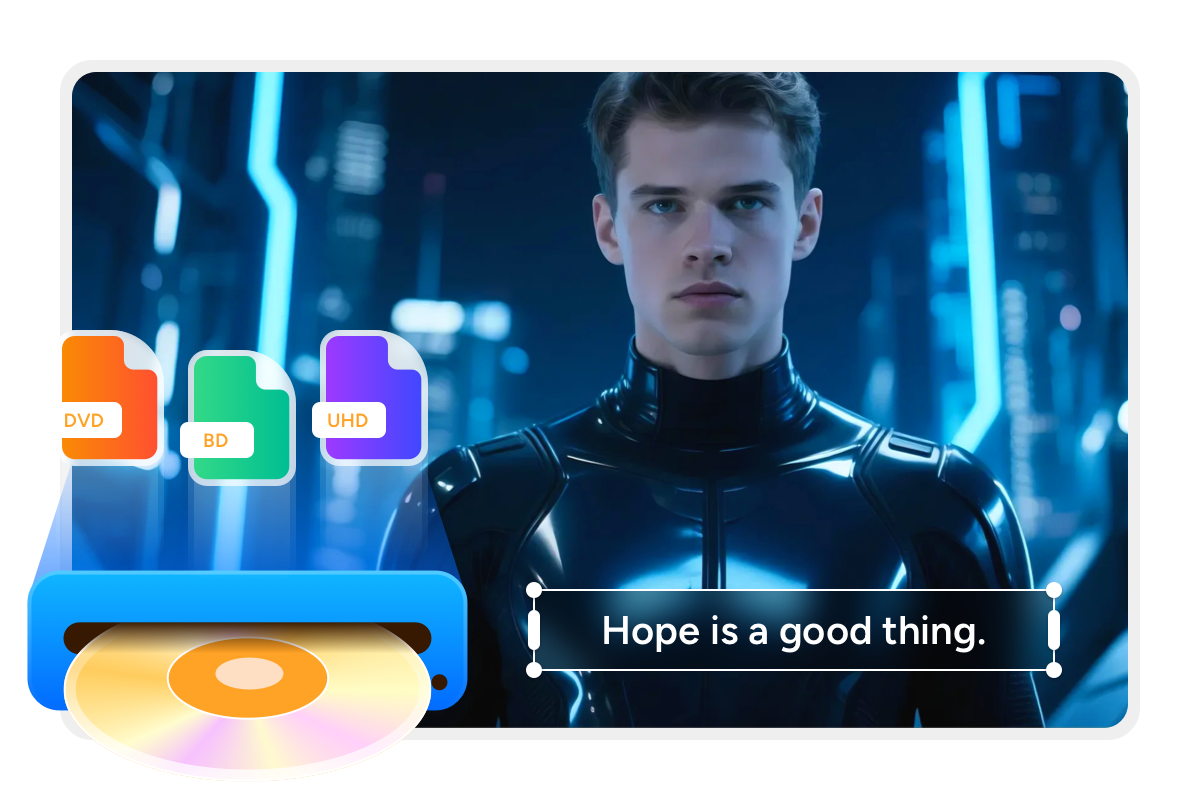
Support Multiple Disc Scenarios
DVDFab Subtitle Generator AI works with a wide range of disc-based video sources, flexibly handling transcription and subtitle generation for different content types and scenarios.
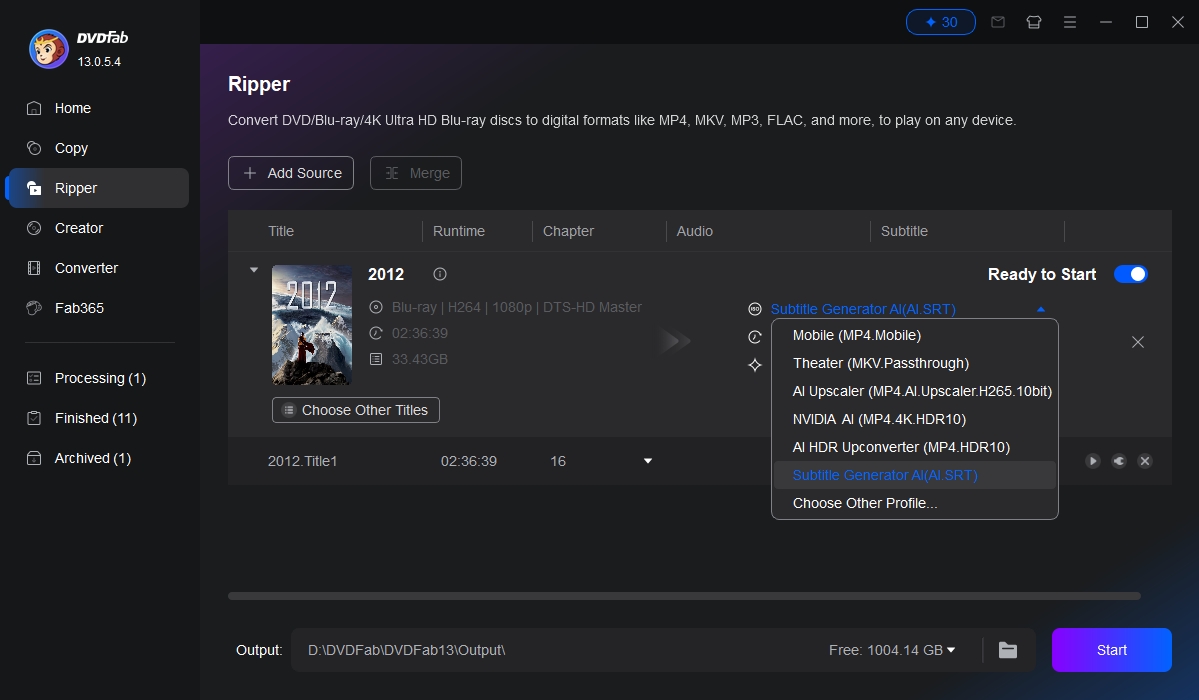
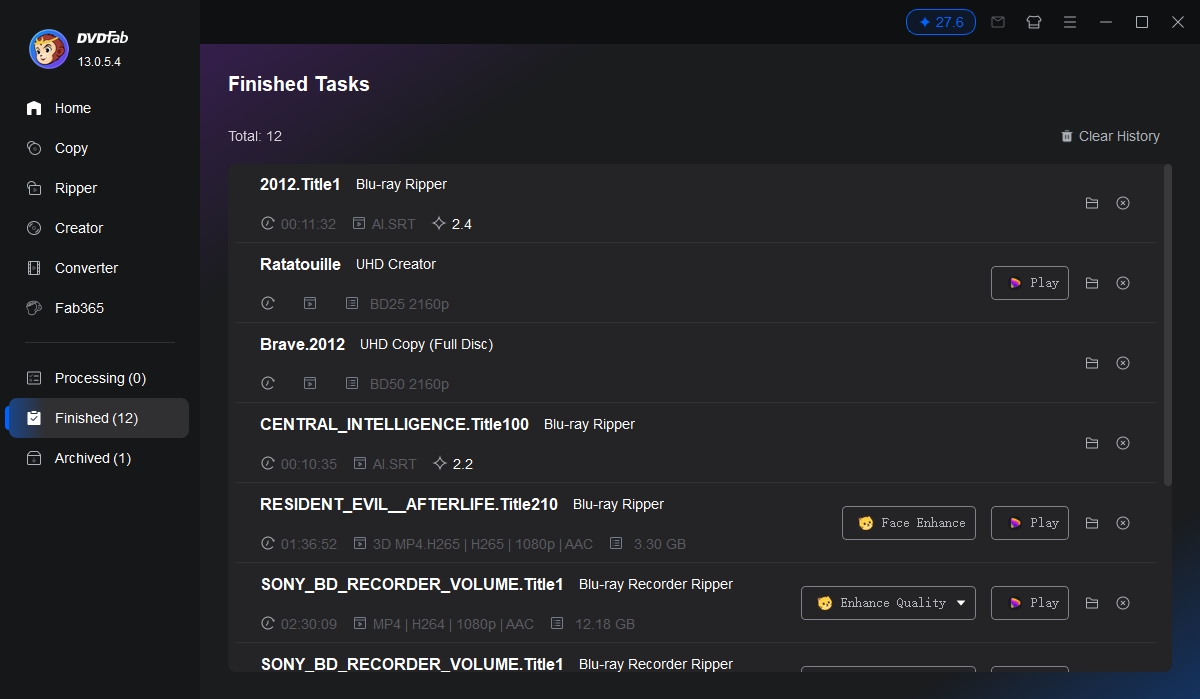
Step 1. Load Source & Select AI Subtitle Profile
Launch DVDFab and navigate to the Ripper module to load your DVD, Blu-ray, or UHD source. Click on the Profile Switcher and select Subtitle Generator AI (AI.SRT). This specialized profile ensures the system intelligently prepares your media for cloud-based subtitle generation.
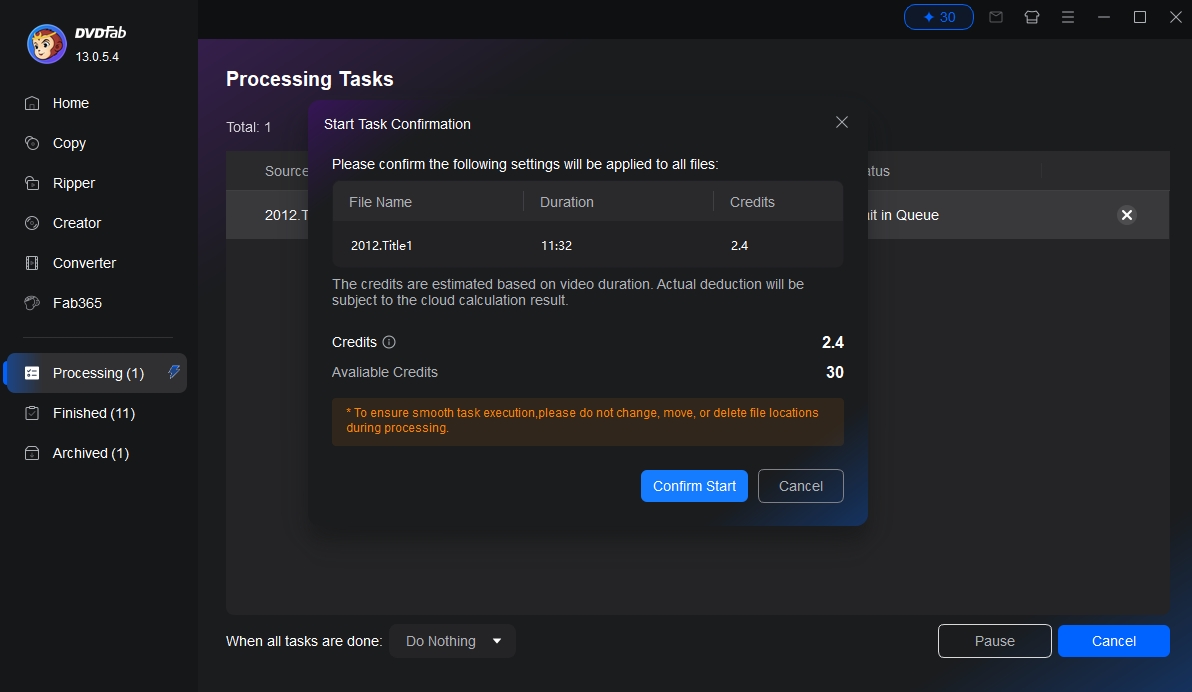
Step 2. Confirm Credits & Initiate Task
After clicking the Start button, a "Start Task Confirmation" window will appear. This displays the estimated Credits required based on the video duration and your current balance. Review the details and click Confirm Start to begin the cloud calculation process.
Step 3. Monitor Progress & Access Output
Track the real-time status of your conversion in the Processing tab. Once complete, navigate to the Finished section to view a summary of the task and the final credit deduction. Your high-quality, AI-generated SRT file will be ready for use, either integrated with your video or as a standalone subtitle file.
Feedbacks on DVDFab Subtitle Generator AI

L
Liam
Video Localization Specialist"DVDFab Subtitle Generator AI turned a painful, manual workflow into something I barely have to think about. I load my Blu-ray sources, pick the audio and target languages, and it spits out clean, time-aligned .srt files in minutes. For multi-language deliveries, it's become the first tool I open."
E
Emily
Independent Filmmaker"I work with festival screeners on DVD all the time, and getting subtitles ready used to eat days of my schedule. With DVDFab Subtitle Generator AI, I can generate English and Spanish subtitles from the same disc audio, then embed them later in the ripper. It keeps my projects on budget and actually lets me focus on editing instead of typing."
J
Jeff
Blu-ray Collector & Blogger"As a disc collector, I review a lot of foreign titles that ship without my native language. DVDFab Subtitle Generator AI lets me pull the audio from my discs, auto-generate accurate subtitles, and translate them so I can follow every line. The speech separation does a great job of ignoring background noise, which really boosts readability."
L
Lucy
E-learning Content Manager"We archive training videos on DVD and Blu-ray, and repurposing them used to be a nightmare. Now we run the audio through DVDFab Subtitle Generator AI, get synchronized subtitles in multiple languages, and reuse the content on our LMS. The speed and accuracy have dramatically cut our turnaround time for new courses."
L
Liam
Video Localization Specialist"DVDFab Subtitle Generator AI turned a painful, manual workflow into something I barely have to think about. I load my Blu-ray sources, pick the audio and target languages, and it spits out clean, time-aligned .srt files in minutes. For multi-language deliveries, it's become the first tool I open."
E
Emily
Independent Filmmaker"I work with festival screeners on DVD all the time, and getting subtitles ready used to eat days of my schedule. With DVDFab Subtitle Generator AI, I can generate English and Spanish subtitles from the same disc audio, then embed them later in the ripper. It keeps my projects on budget and actually lets me focus on editing instead of typing."
J
Jeff
Blu-ray Collector & Blogger"As a disc collector, I review a lot of foreign titles that ship without my native language. DVDFab Subtitle Generator AI lets me pull the audio from my discs, auto-generate accurate subtitles, and translate them so I can follow every line. The speech separation does a great job of ignoring background noise, which really boosts readability."
L
Lucy
E-learning Content Manager"We archive training videos on DVD and Blu-ray, and repurposing them used to be a nightmare. Now we run the audio through DVDFab Subtitle Generator AI, get synchronized subtitles in multiple languages, and reuse the content on our LMS. The speed and accuracy have dramatically cut our turnaround time for new courses."
System Requirements
Windows 11 / 10 (64-bit)
Random Access Memory (RAM): 16GB or above
Graphics Card: Nvidia RTX 30 series or above, 8GB VRAM
CPU: Intel i7 8th generation or AMD Ryzen 3000 series or above
Frequently Asked Questions
- What is DVDFab Subtitle Generator AI and what does it do?
- How does the free trial work?
- What are FabCloud credits?
- Why does DVDFab Subtitle Generator AI use a credit-based model instead of unlimited use?
- Is it safe to use DVDFab Subtitle Generator AI?

Contact Us
Can't find the answers you're looking for? If you have other problems, don't hesitate to contact us.
Our service team is always ready to help. Your problem will be addressed as soon as we can.
Contact Us
Fair Use Policy : DVDFab is intended for personal use only, and sharing copied content with any third party is strictly prohibited.
To ensure a stable user experience and prevent potential restrictions from disc publishers, each DVDFab licensed account has a quota of 100 disc copies per week. This quota will automatically reset at the start of a new weekly cycle.