
2025 Best Blu-ray Copy Software - Copy Old or New Blu-rays of All Types
All Blu-rays Supported
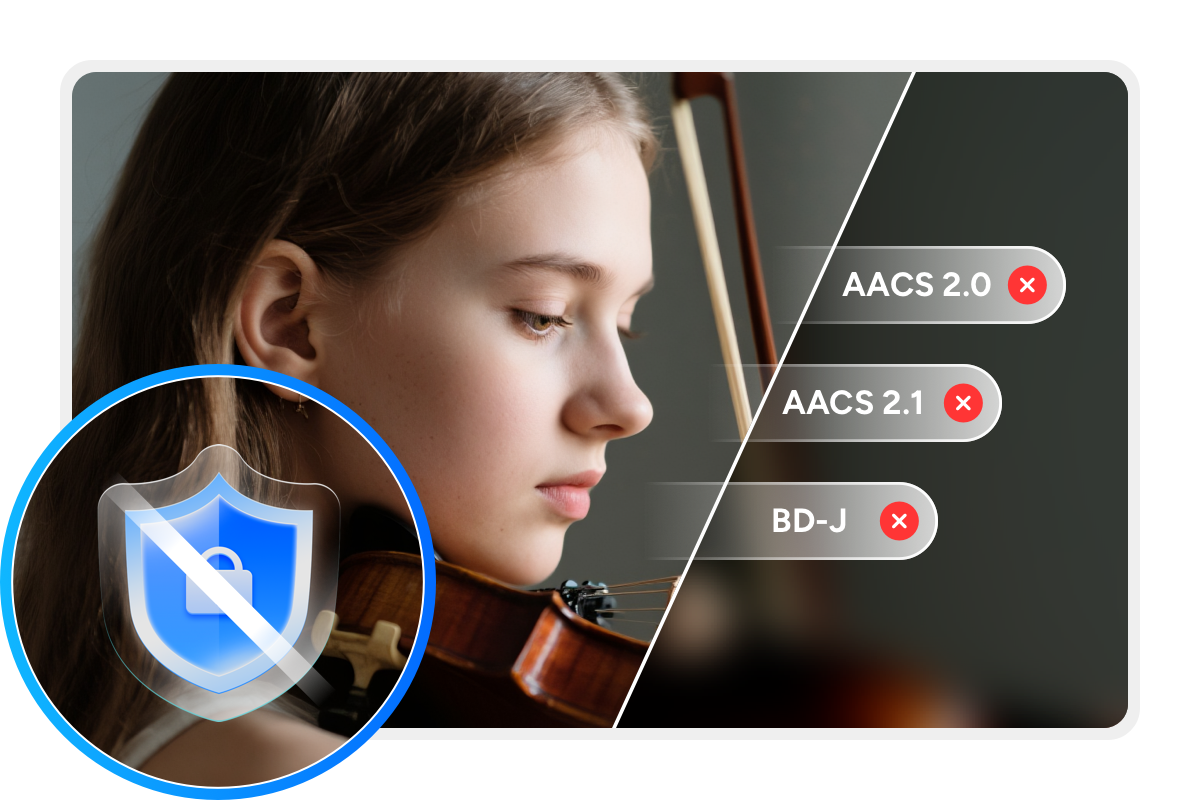
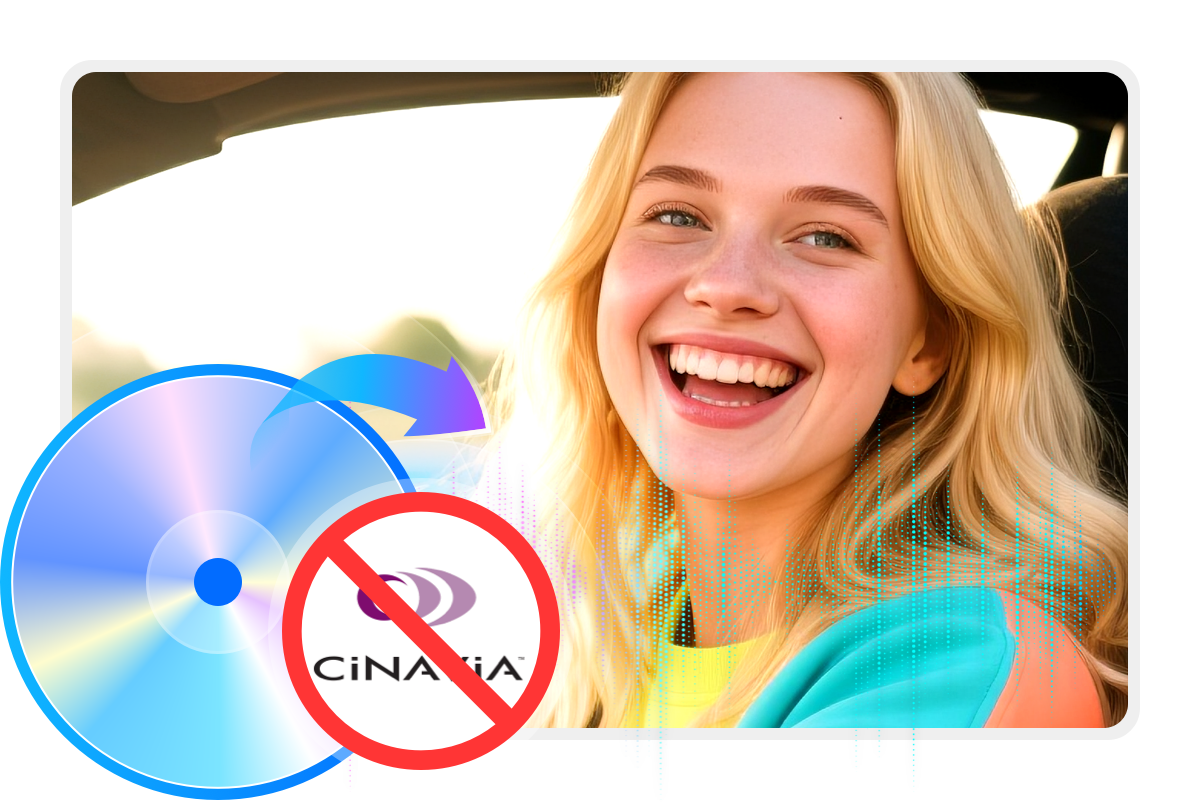
DVDFab Blu-ray Copy is a simple, reliable tool to copy Blu-ray discs for personal backup. It automatically detects and removes common Blu-ray protections, including AACS, BD+, BD-J, region codes, country codes, and more.
With its exclusive Cloud Decryption Service, this Blu-ray copy software stays current with new disc protections and handles newly released titles through secure cloud servers. You can open any Blu-ray in 5 to 10 seconds, whether the disc is new or old, well-kept or damaged.

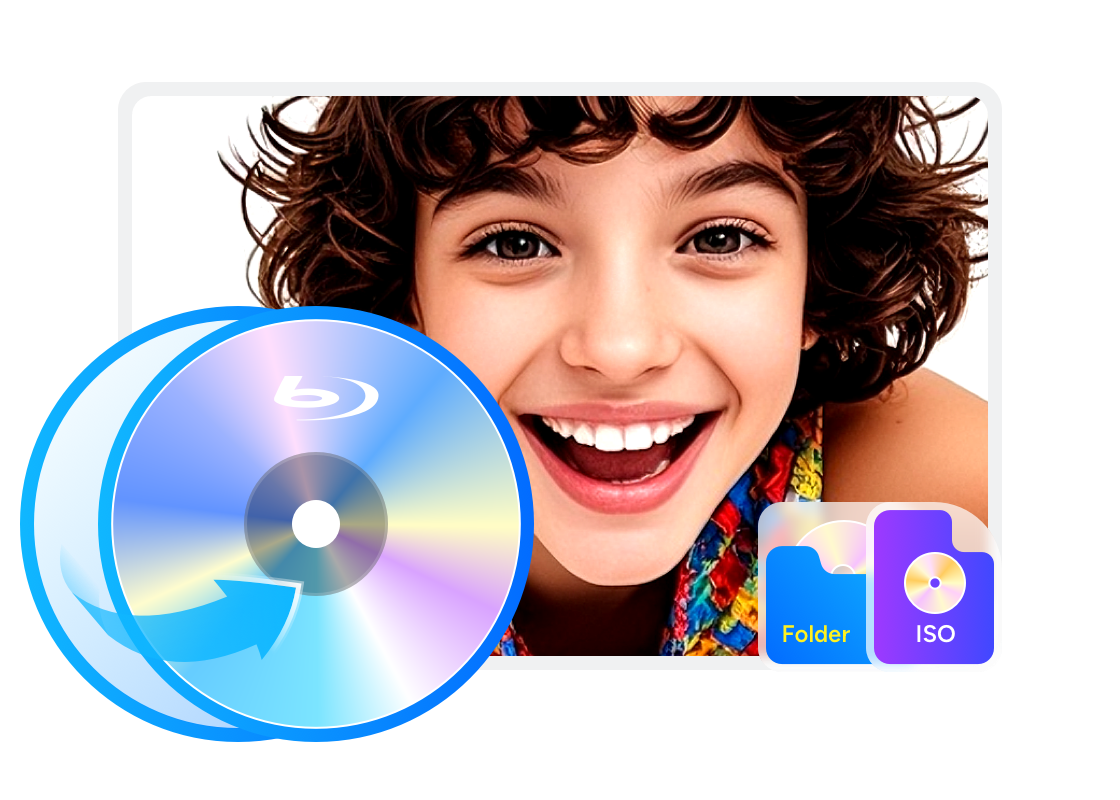
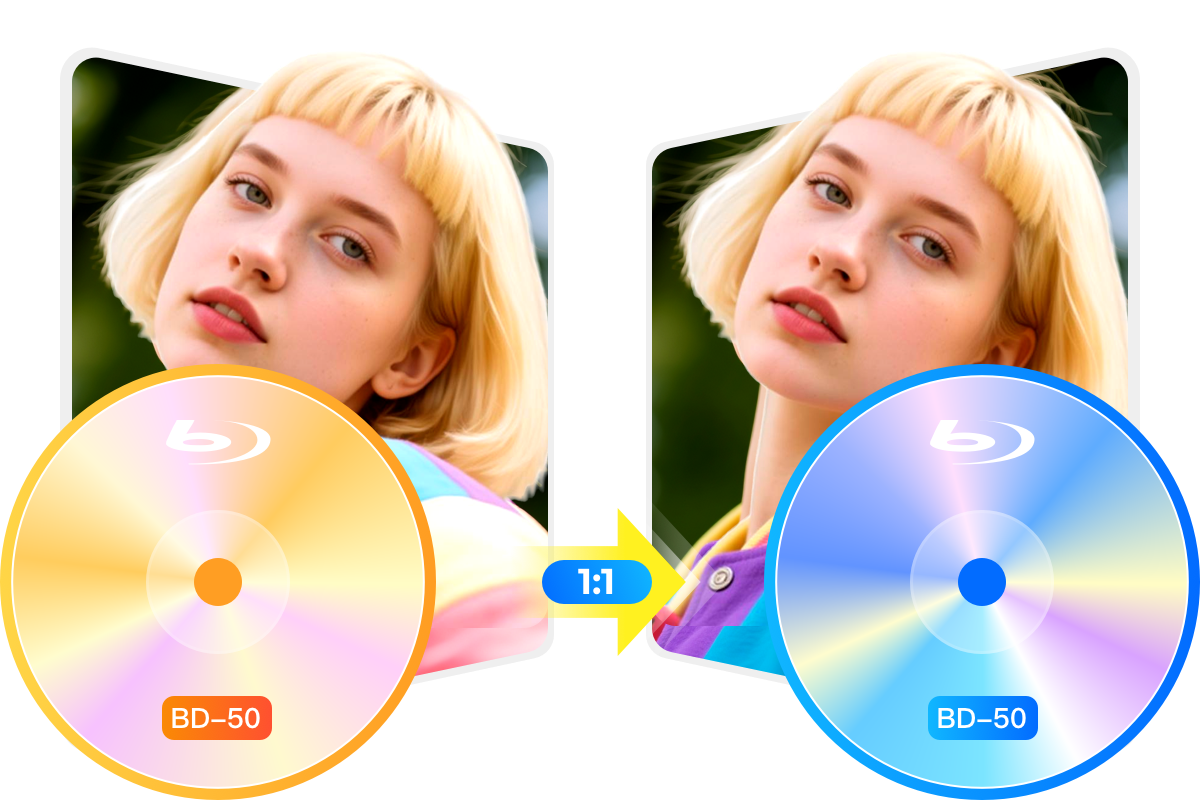
Backup or Compress Any 2D & 3D Blu-ray in 1:1 Quality
Accelerate Blu-ray Copying for Optimal Performance
Boost Ripping Speeds
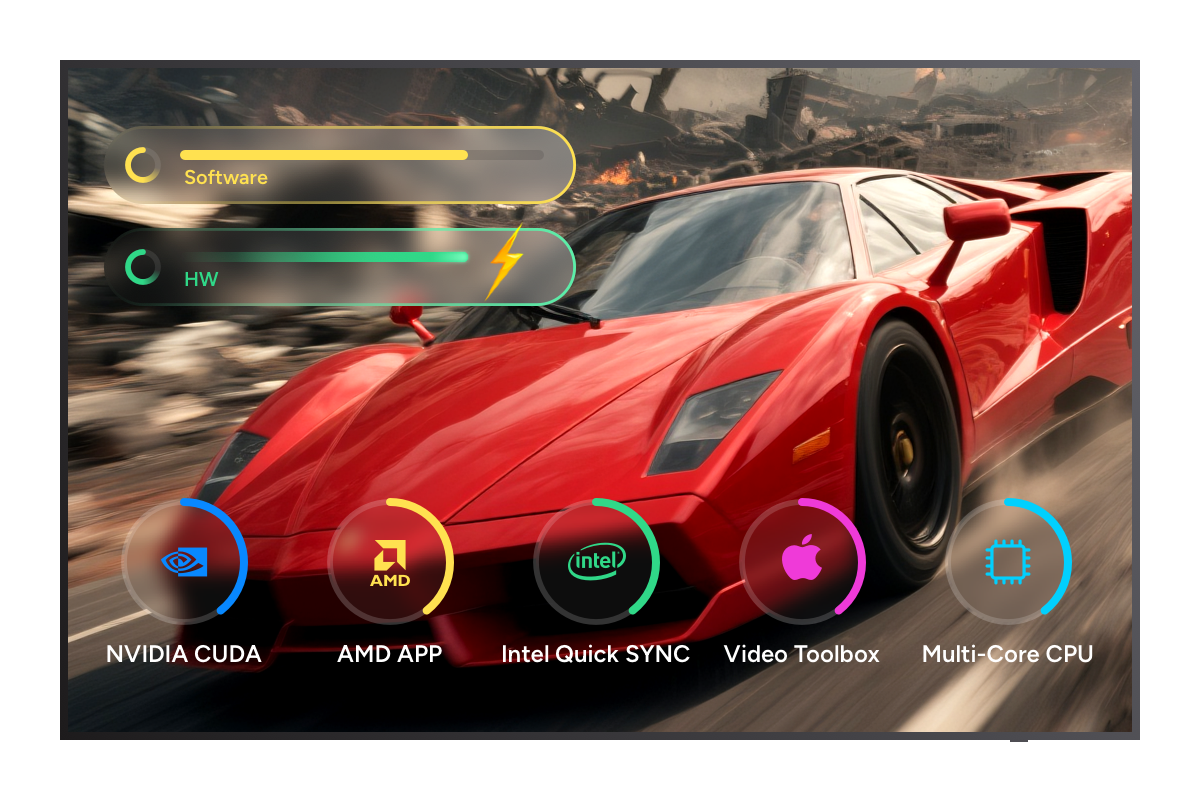
Faster Blu-ray Copying Speed with GPU Acceleration
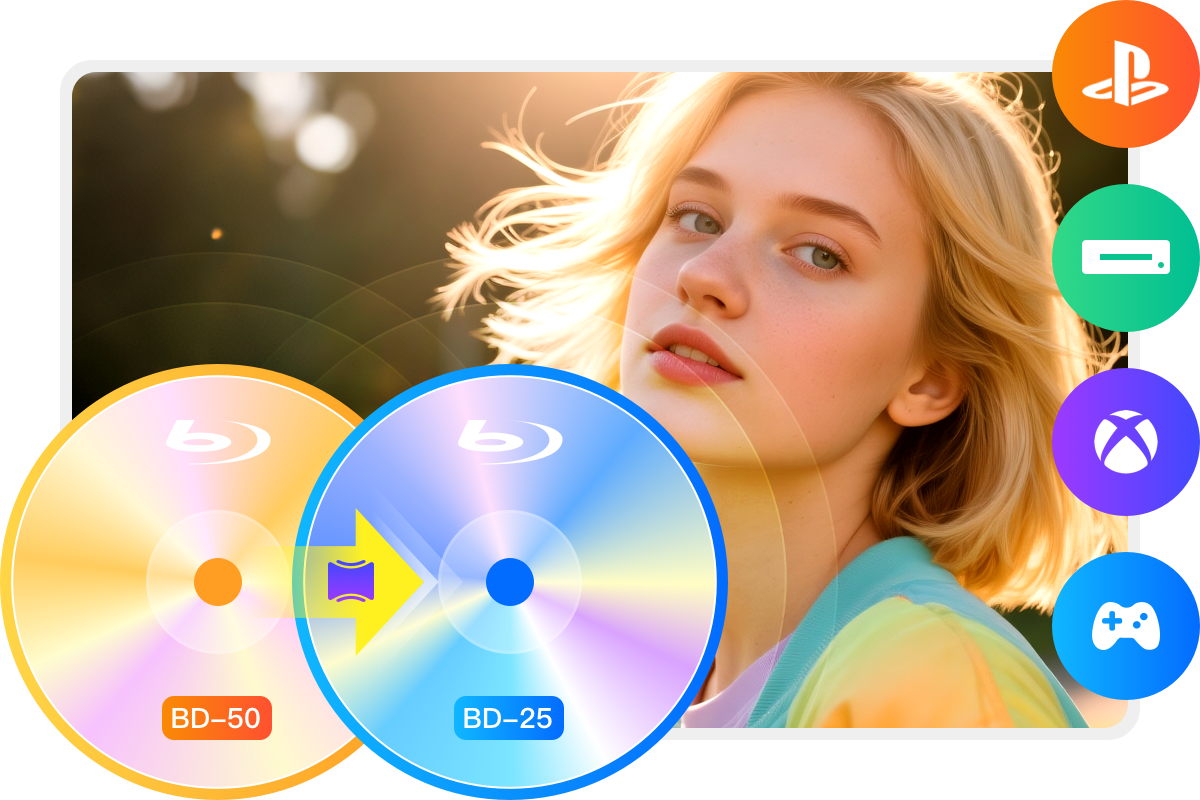
Leveraging GPU hardware acceleration technologies including Multi-Core CPUs, NVIDIA CUDA, AMD, Intel Quick Sync (IQS), and VideoToolbox (macOS), this Blu-ray cloner enables you to copy Blu-ray from BD-50 to BD-25 within 15 minutes.
Additionally, DVDFab's multitasking mode empowers you to add multiple Blu-rays to the task queue, automatically processing copy tasks sequentially.

Copy Blu-rays with 5 Modes to Meet Diverse Needs
DVDFab Blu-ray Copy offers five distinct copy modes to suit various Blu-ray copying requirements: Full Disc, Main Movie, Clone/Burn, Merge, and Customize. Each mode serves a specific function to facilitate your personal backups.
Full Disc
Copy all the BD content with or without compression.
Main Movie
Copy the main movie title of BD with or without compression.
Clone/Burn
Clone BD in a 1:1 ratio with no quality loss.
Merge
Merge multiple BD content into one BD.
Customize
Copy any titles/chapters you desire from the BD.
Get the Perfect Blu-ray Copying Experience
Functional Comparison of DVDFab Products
DVDFab Blu-ray Copy | DVDFab Blu-ray Ripper | |
|---|---|---|
$69.99 Buy Now | $69.99 Buy Now |
Supported Discs | Newest Commercial, Rental Blu-ray disc | Newest Commercial, Rental Blu-ray disc |
|---|---|---|
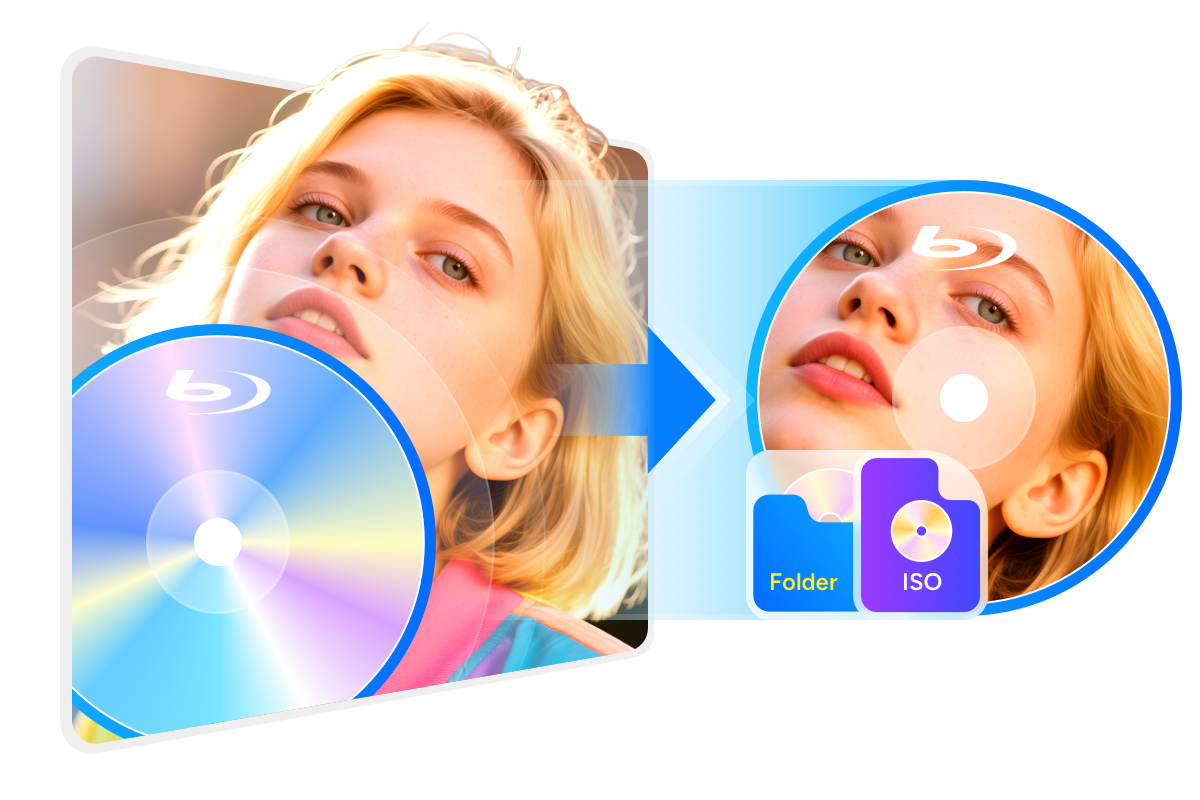
Output Format | BD/ISO Image File/Folder | Over 1000 video and audio formats including MP4, MKV, MP3, etc. |
Support Adult Blu-rays | ||
Remove Newest Blu-ray Protections | ||
Lossless Backup to BD50 | ||
Compress to BD25/BD9/BD5 | ||
Supported Copy Modes | Full Disc Main Movie Customize Clone/Burn Merge | |
Burn ISO image file to Blu-ray | ||
Output Video Resolution | Lossless | Lossless Upscale to 1080P/4K |
Hardware GPU Acceleration |
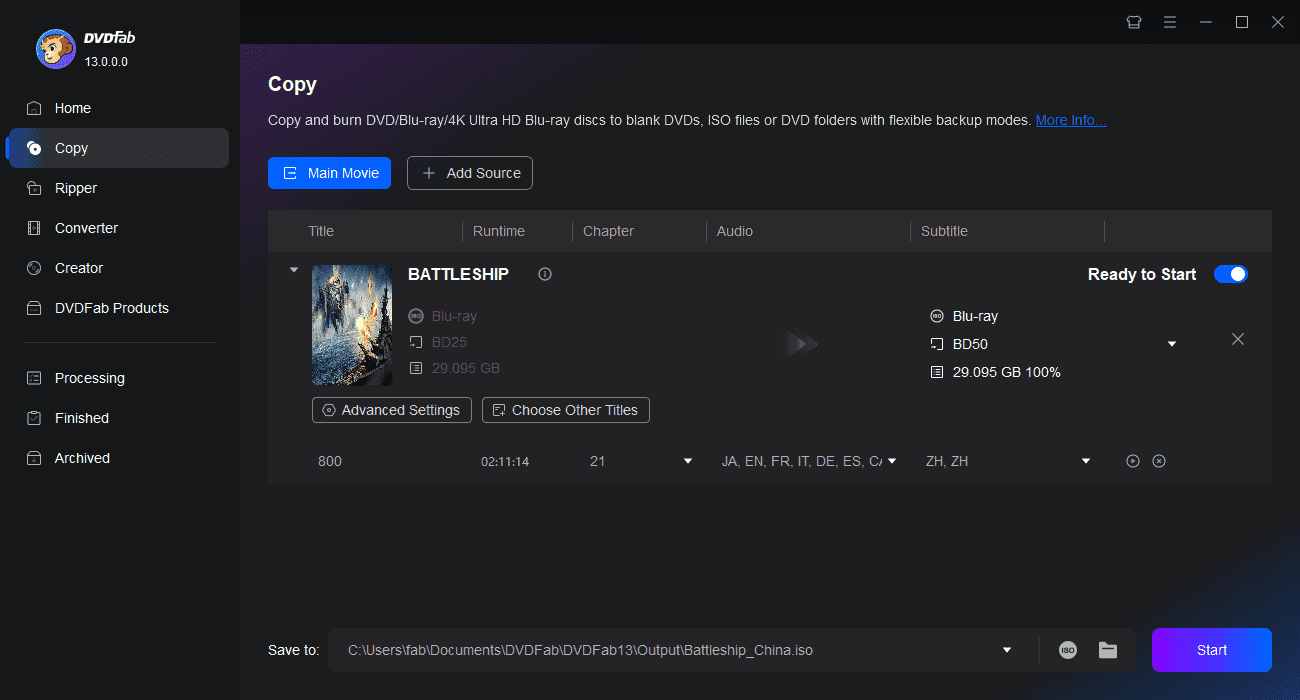
Step 1. Launch DVDFab and load the source Blu-ray.
Download and install DVDFab 13 for free. Run the program and select the Copy module. Insert the Blu-ray Disc into your Blu-ray drive. Alternatively, click the Add button or drag and drop an ISO file or folder onto the main interface.
Step 2. Choose one copy mode and customize the output Blu-ray.
Move to the left panel, click the Copy Mode selector, and choose your desired one. Then set the volume label and output size—options include BD-50, BD-25, BD-9, or BD-5.
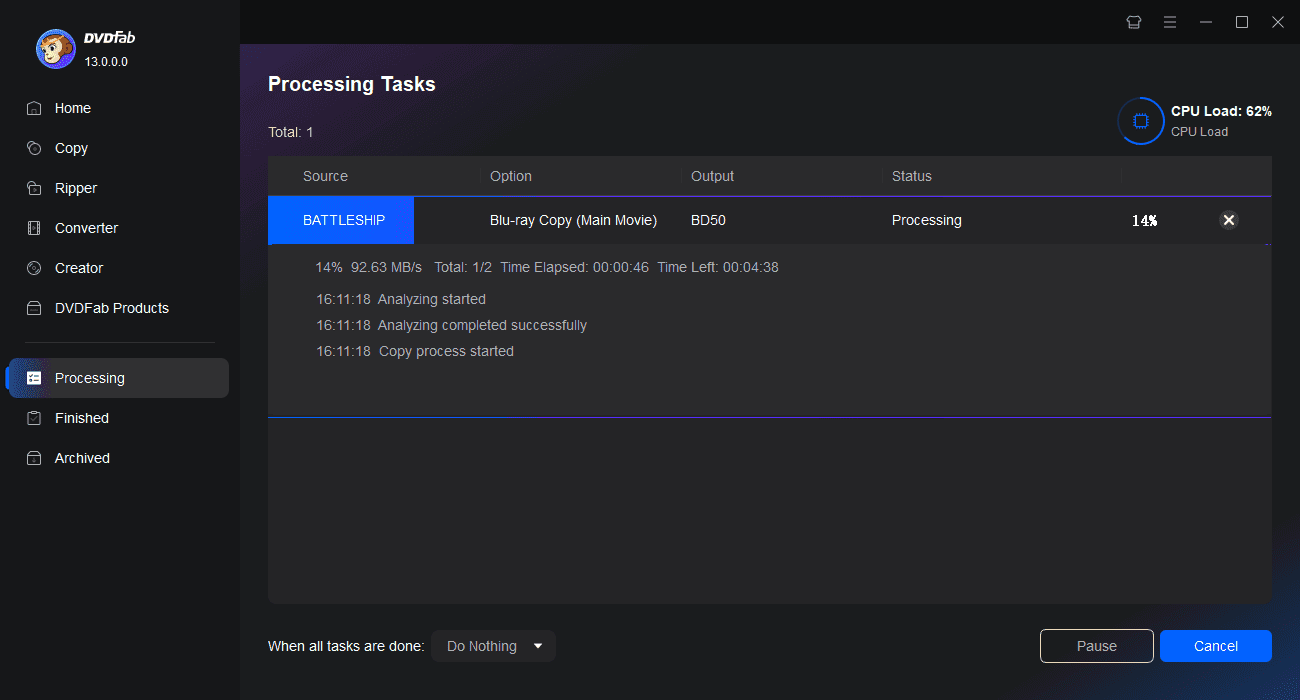
Step 3. Start copying Blu-rays.
Select your output destination as a blank disc, ISO file, or folder, then click the Start button. You can view detailed progress or cancel the Blu-ray copy task at any time.
Watch the video
80+ Million People Like Us

R
Ryan Mitchell
Blu-ray Mastering EngineerDVDFab has been around and successful for years now, and there is a good reason for that – the program delivers what it promises. On top of that, unlike other similar tools, DVDFab comes with all the internal keys required to remove certain protections.

O
Olivia Zhang
Tech EditorDVDFab Blu-ray Copy can make an excellent backup copy of my Blu-ray disc. The backup works flawlessly even on systems without HDCP monitors or video cards; that's a big plus for me as it means I can play my backups anywhere, anytime.

E
Ethan Carter
Tech SpecialistI absolutely love DVDFab Blu-ray Copy. The quality of the copies is outstanding. Plus, the ability to compress movies for smaller BD discs has allowed me to save space and money.

N
Nathan Brooks
Blu-ray Preservation ArchivistThis Blu-ray copy software helps me easily back up my movies without worrying about copy protections. The interface is user-friendly, making the process smooth even for a non-tech person like me.

L
Liam Foster
Compression EngineerI was amazed at how quickly DVDFab bypasses AACS and BD+ protections. Even newer encrypted discs take only seconds to decrypt. The batch processing feature is a lifesaver for large collections!

R
Ryan Cole
Home Theater ConsultantIf you have rare or out-of-print Blu-rays, this software is essential. I’ve backed up my entire Criterion Collection without any quality loss. The compression option is fantastic for saving storage space.

R
Ryan Mitchell
Blu-ray Mastering EngineerDVDFab has been around and successful for years now, and there is a good reason for that – the program delivers what it promises. On top of that, unlike other similar tools, DVDFab comes with all the internal keys required to remove certain protections.

O
Olivia Zhang
Tech EditorDVDFab Blu-ray Copy can make an excellent backup copy of my Blu-ray disc. The backup works flawlessly even on systems without HDCP monitors or video cards; that's a big plus for me as it means I can play my backups anywhere, anytime.

E
Ethan Carter
Tech SpecialistI absolutely love DVDFab Blu-ray Copy. The quality of the copies is outstanding. Plus, the ability to compress movies for smaller BD discs has allowed me to save space and money.

N
Nathan Brooks
Blu-ray Preservation ArchivistThis Blu-ray copy software helps me easily back up my movies without worrying about copy protections. The interface is user-friendly, making the process smooth even for a non-tech person like me.

L
Liam Foster
Compression EngineerI was amazed at how quickly DVDFab bypasses AACS and BD+ protections. Even newer encrypted discs take only seconds to decrypt. The batch processing feature is a lifesaver for large collections!

R
Ryan Cole
Home Theater ConsultantIf you have rare or out-of-print Blu-rays, this software is essential. I’ve backed up my entire Criterion Collection without any quality loss. The compression option is fantastic for saving storage space.
System Requirements

Windows 11/10/8.1/8/7 (32/64 bit)
Core 2 Quad and above
2GB of RAM
100GB of free hard disk space
NVIDIA GeForce GTX 260 and above
A Blu-ray Drive
Live Internet connection required
Frequently Asked Questions
- Is it legal to copy a Blu-ray disc?
- What's the best free Blu-ray copy software?
- Can I try DVDFab Blu-ray Copy for free?
- Can I copy a Blu-ray disc to my computer?
- Is there any loss of quality when copying Blu-ray?
- How long does it take to copy Blu-ray movies with DVDFab Blu-ray Copy?
- Can I copy Blu-ray 3D movies with DVDFab Blu-ray Copy?
Contact Us
Can't find the answers you're looking for? If you have other problems, don't hesitate to contact us.
Our Service Team is always ready to help. Your problem will be addressed as soon as we can.
Contact Us
Fair Use Policy : DVDFab is intended for personal use only, and sharing copied content with any third party is strictly prohibited.
To ensure a stable user experience and prevent potential restrictions from disc publishers, each DVDFab licensed account has a quota of 100 disc copies per week. This quota will automatically reset at the start of a new weekly cycle.


![Top 5 Free Blu-ray Decrypters for Legal Use [2025]](https://r1.dvdfab.cn/upload/resource/how-to-decrypt-blu-ray-Row0.jpeg)