How to Convert eBooks to Audiobooks Easily with AI?
Summary:Discover how to convert eBooks to audiobooks with ease. Learn about top ebook to audiobook converters, including free and AI-powered tools. Whether you're using Android or other devices, this guide covers how to quickly and efficiently transform your eBook to audiobook in multiple languages. Find the best ebook to audiobook apps for a seamless audio experience.
Table of Contents
Imagine cooking, traveling, or relaxing while listening to your favorite stories. Audiobooks have shifted how many of us read by making it easier to enjoy books in different situations. The industry keeps growing, giving authors and publishers more ways to reach listeners, including busy professionals and people with visual impairments. Nearly 70,000 audiobooks were published in the US in 2023, showing how strong the demand has become.
Thinking about turning eBooks into audiobooks? Converting text to audio is now straightforward, whether you want to reach more listeners or keep the experience for personal use. Here's how to get started.
Convert eBook to AudioBook:Benefits and Reasons
The rise of audiobooks
Audiobooks continue to grow in popularity. They offer a hands-free, eyes-free way to enjoy books, which appeals to people with busy schedules. Sales have risen for years, suggesting this format has become a steady part of digital media rather than a short-term trend.
Benefits of audiobooks
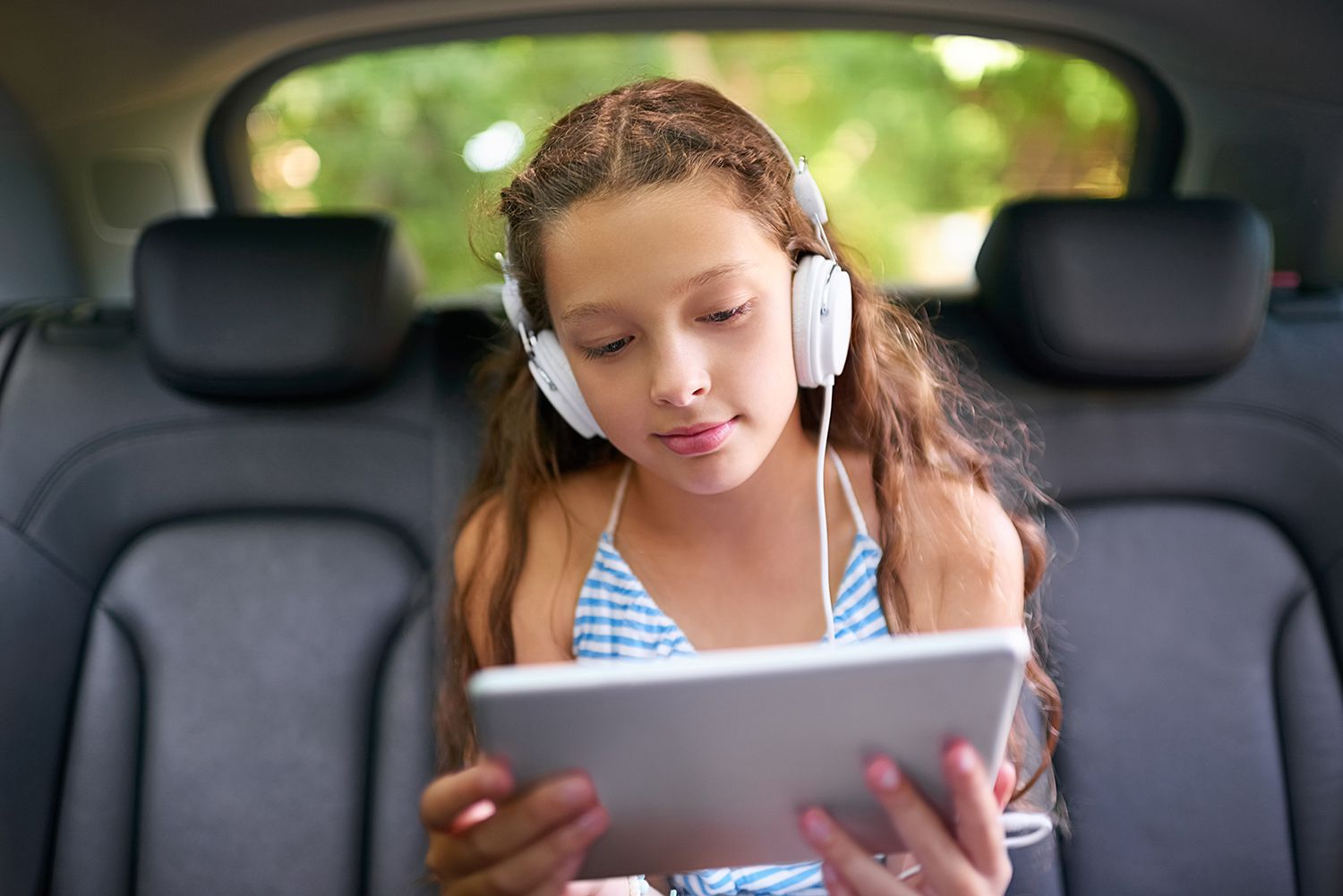
Audiobooks fit easily into a fast-paced routine. Whether you're cooking, exercising, or traveling, they let you enjoy a book without stopping what you’re doing. This format works well for people with busy schedules because it saves time and offers an accessible way to follow engaging stories.
Why converting eBooks to audiobooks?
Converting eBooks to audiobooks has become an important step for writers and publishers who want to reach more readers. You can now create clear, well-made audiobooks without special recording gear because newer software tools make the process simpler. Learning how to convert eBooks to audio helps you see that audiobooks aren’t only a time-saving option — they also reflect a shift in how people engage with content.
Top 3 eBook to Audiobook Converters
There are several tools that can make turning your eBook library into audiobooks quicker and more manageable. With the right software, you can convert your eBooks to audio formats like MP3 or WAV and listen without holding a device, no matter where you are. Here are three converters worth considering:
BookFab AudioBook Creator

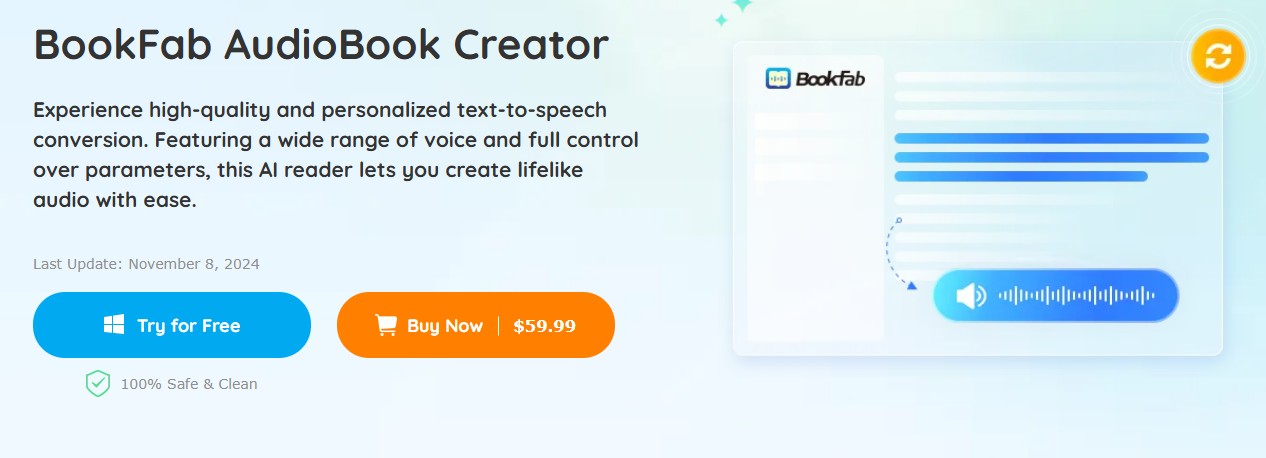
BookFab AudioBook Creator is an AI Text to Speech Generator that transforms your eBooks into lifelike audiobooks. With a variety of voices and full control over settings, this audiobook creator ensures high-quality, natural speech. Ideal for those seeking the best text-to-speech software, it converts text to audio and provides MP3 and OPUS downloads for easy, on-the-go listening.
👍Features
- Converts text into speech for audiobooks, podcasts, and other uses.
- Offers 20 English and Japanese voices with male and female options; voice cloning is planned.
- Allows adjustments to speed, volume, and tone.
- Supports pronunciation edits using Alias and custom reading rules.
- Provides live text highlighting and automatic scrolling during playback.
- Converts TXT or pasted text to MP3/OPUS and EPUB eBooks to M4B.
- Enables easy transfer of generated audio files to mobile devices.
- Includes a book management library that organizes eBooks by title and cover and tracks reading progress.
- High-quality text-to-speech conversion with adjustable options.
- A wide range of voices in many languages.
- Personalize your audio by adjusting the speed, tone, and expressiveness.
- For an interactive experience, text is highlighted in real time and scrolling is automatic.
- eBooks are easily managed, and progress is tracked for seamless listening.
- Future voice cloning feature is yet to be available.
- Some formats require additional steps for conversion.
Detailed steps to convert eBook to audiobook with BookFab AudioBook Creator
Step 1: Launch BookFab on your Windows PC and paste the text into the main interface or import a .txt file.
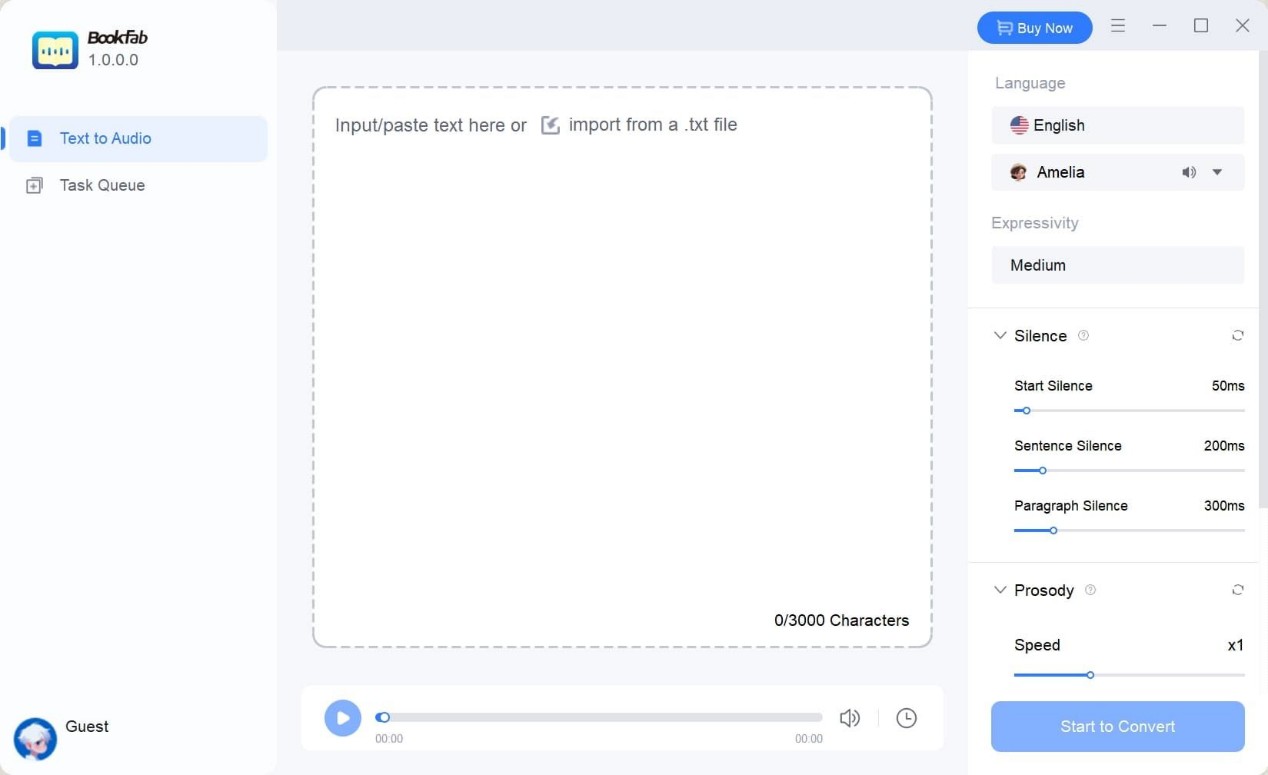
Step 2: Select and Customize the Voice Select the desired language and voice on the right side of the interface. You can also customize the speed, loudness, and emotion.
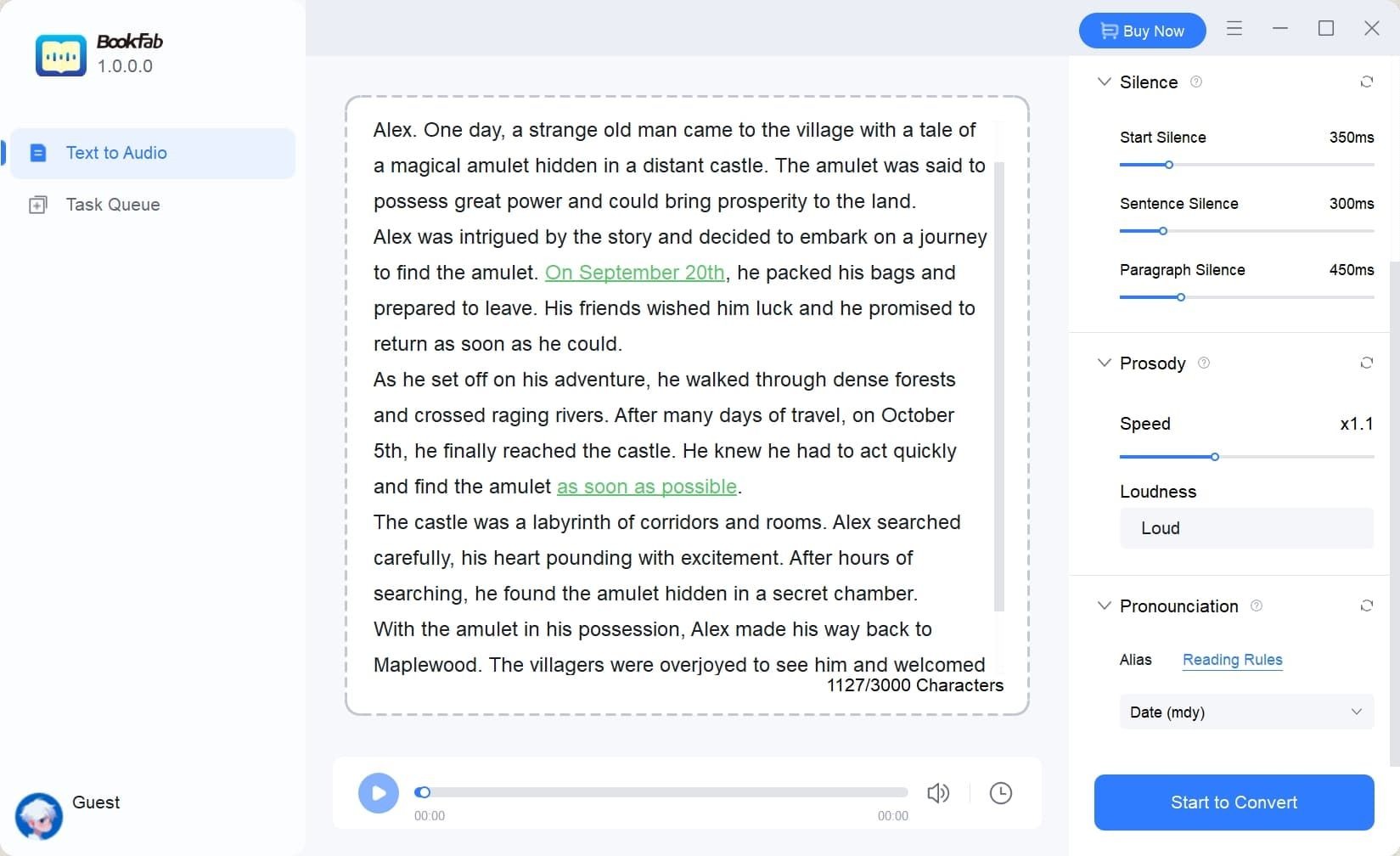
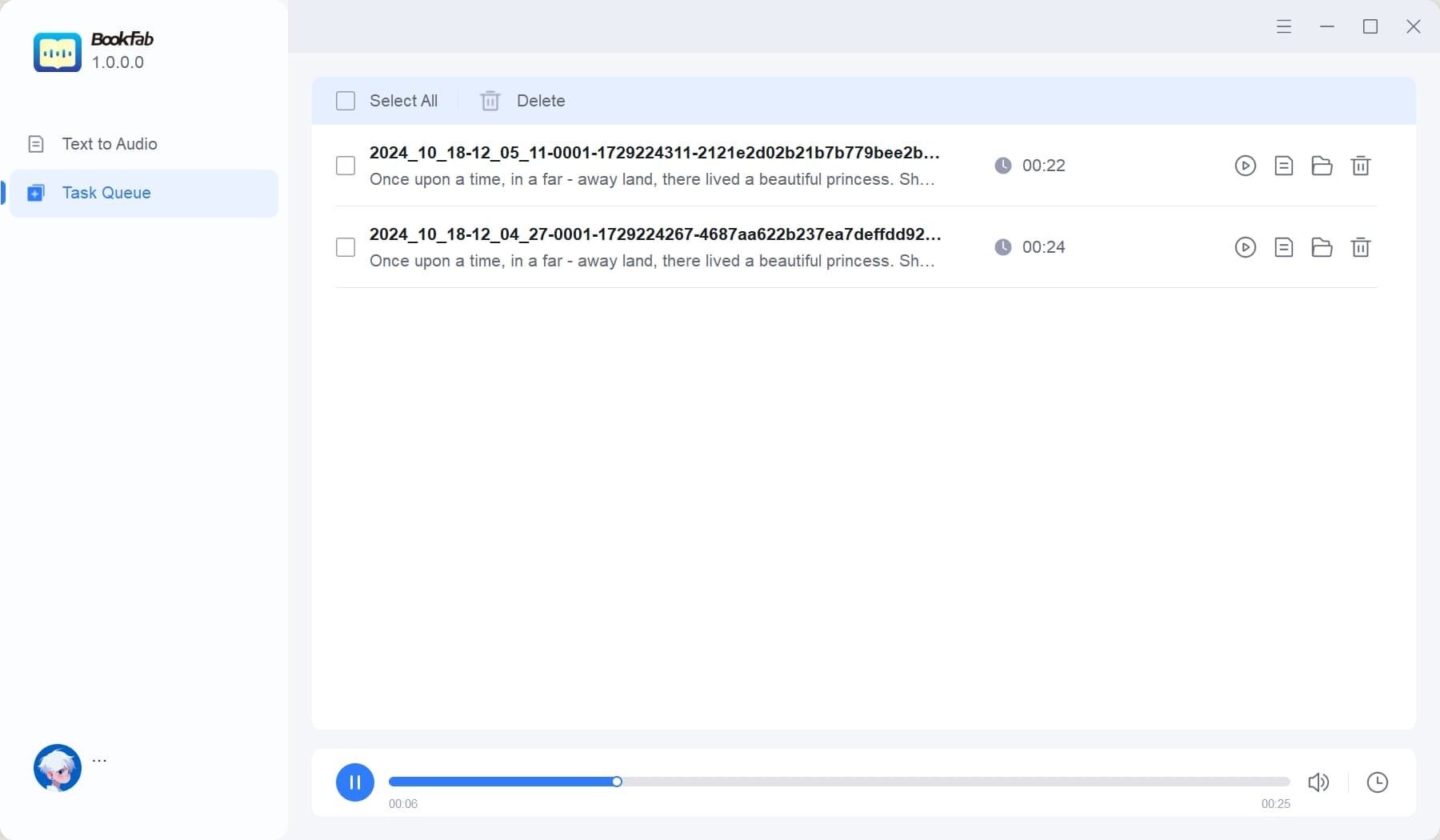
Step 3: Click "Start to Convert" to generate and play the audio, or download the file.
Murf AI
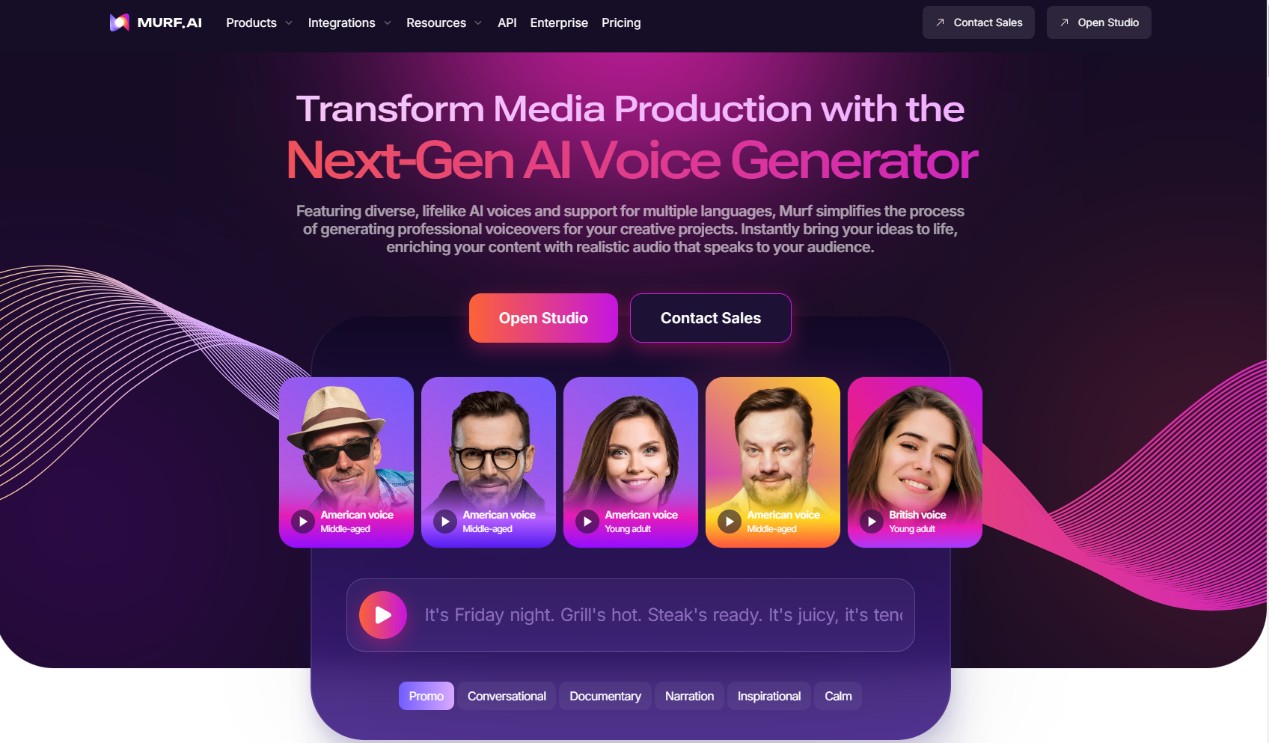
Murf AI is a text-to-speech tool that turns eBooks into well-made audiobooks. It uses newer speech-generation technology to produce voices that sound natural. With features such as voice replication and AI dubbing, Murf makes the audiobook creation process more manageable and serves writers, teachers, and content creators who want to turn written material into audio.
👍Features
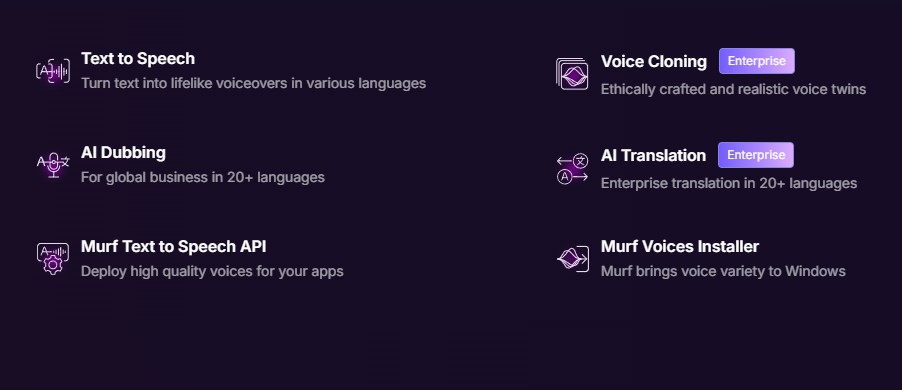
- Text to voice technology converts printed text into lifelike AI-generated voice.
- The Voice Cloning feature allows you to create a bespoke voice that can say whatever you want.
- AI Dubbing can translate documents into over 20 languages, expanding your global reach.
- AI translation translates written text to audio in more than 20 languages, ensuring global accessibility.
- Murf's powerful AI voice features can be easily integrated into your own applications thanks to its API.
- Voices Installer offers a variety of voices for Windows, allowing you to install and customize different voice options.
- Wide voice selection with over 120 AI voices in 20+ languages for various genres and characters.
- Ability to assign different voices to characters for a dynamic listening experience.
- User-friendly process for importing eBooks, selecting voices, making edits, and adding music.
- Customization features including adjusting emphasis, volume, pauses, and speech rate.
- Option to add royalty-free background music, especially useful for children’s audiobooks.
- The pitch emphasis feature is cool but can easily make the voices sound robotic.
- The translation feature is only for enterprise plans without even having a free trial to it.
- It imposes a limit on the length of the final audio you can generate
Detailed steps to convert eBook to audiobook with Murf
Step 1: Upload your docx or PDF eBook to Murf to create the script for your audiobook.
Step 2: Choose from 120+ AI voices in 20+ languages, and customize tone and emphasis.
Step 3: Select the language and accent suited for your audience.
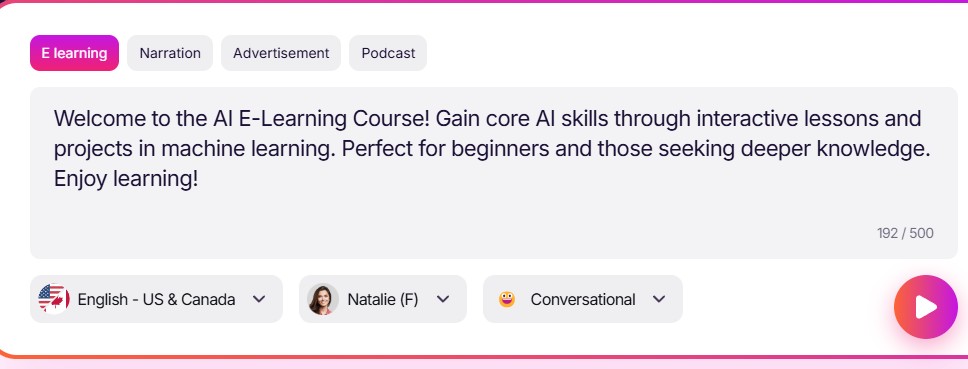
Step 4: Adjust voice settings, style, and effects (e.g., speed, pitch, and background music) to enhance your audiobook.
Step 5: Review, edit, and make final adjustments to your narration.
Step 6: Export your audiobook in MP3, FLAC, or WAV and share it.
LOVO
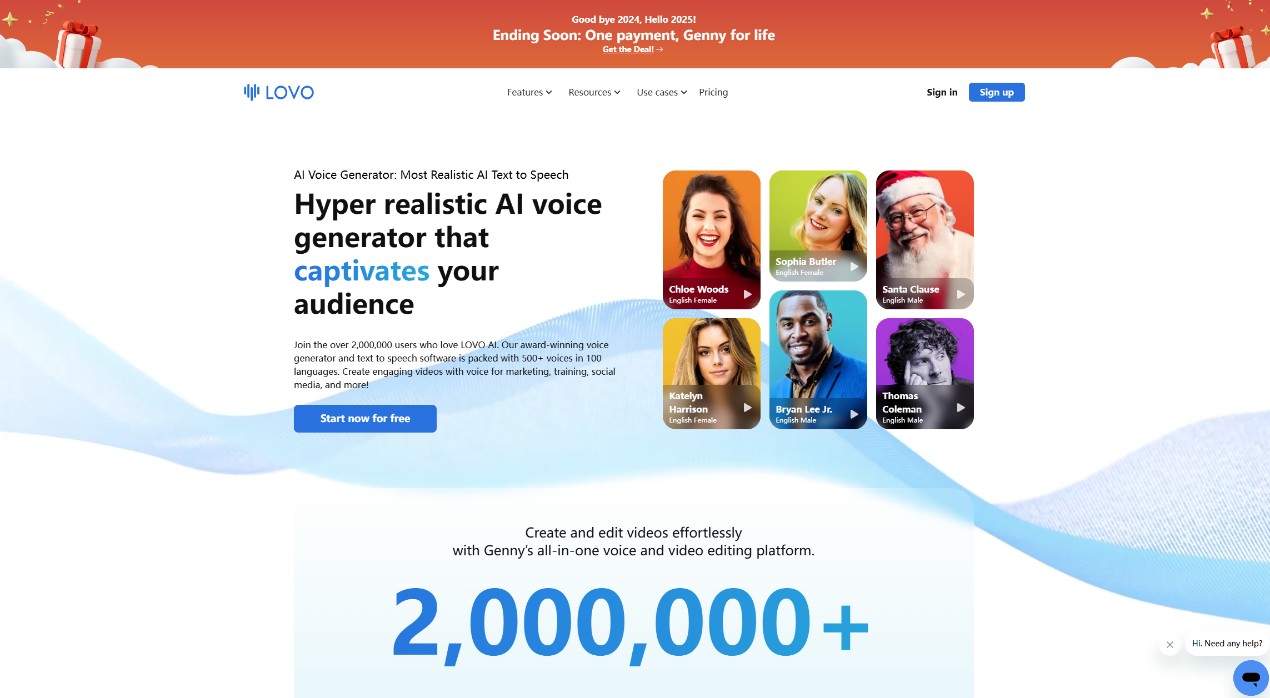
Lovo is an audiobook converter that can turn text into audio in more than 100 languages. It offers AI voice personalization, including voice replication and adjustments to tone. You can also add sound effects and background music to shape the storytelling and create a fuller listening experience.
👍Features
- Create voiceovers in seconds by entering your text, choosing a voice, and converting it to audio.
- Produce voiceovers in more than 100 languages and accents, making it easier to adapt content for a global audience.
- Use AI-generated voices to produce content more quickly while keeping the sound consistent.
- Increase listener interest with a wide range of voice options that help your content stand out.
- Create voiceovers directly in your browser and access your projects in the cloud from any location.
- Generate long-form voiceovers efficiently with more than 500 on-demand voices to support content production.
- Offers over 400 voices in 100+ languages, providing flexibility for various genres and audiences.
- Extensive customization options, including emotional tone adjustments, pitch control, and pacing, for more personalized narration.
- Includes royalty-free sound effects and background music to enhance audiobook production at no extra cost.
- The trial version is limited to 14 days.
Detailed steps to convert eBook to audiobook with lOVO
Step 1: Type, paste, or upload your text, and watch as Genny automatically creates easily editable blocks with your script.
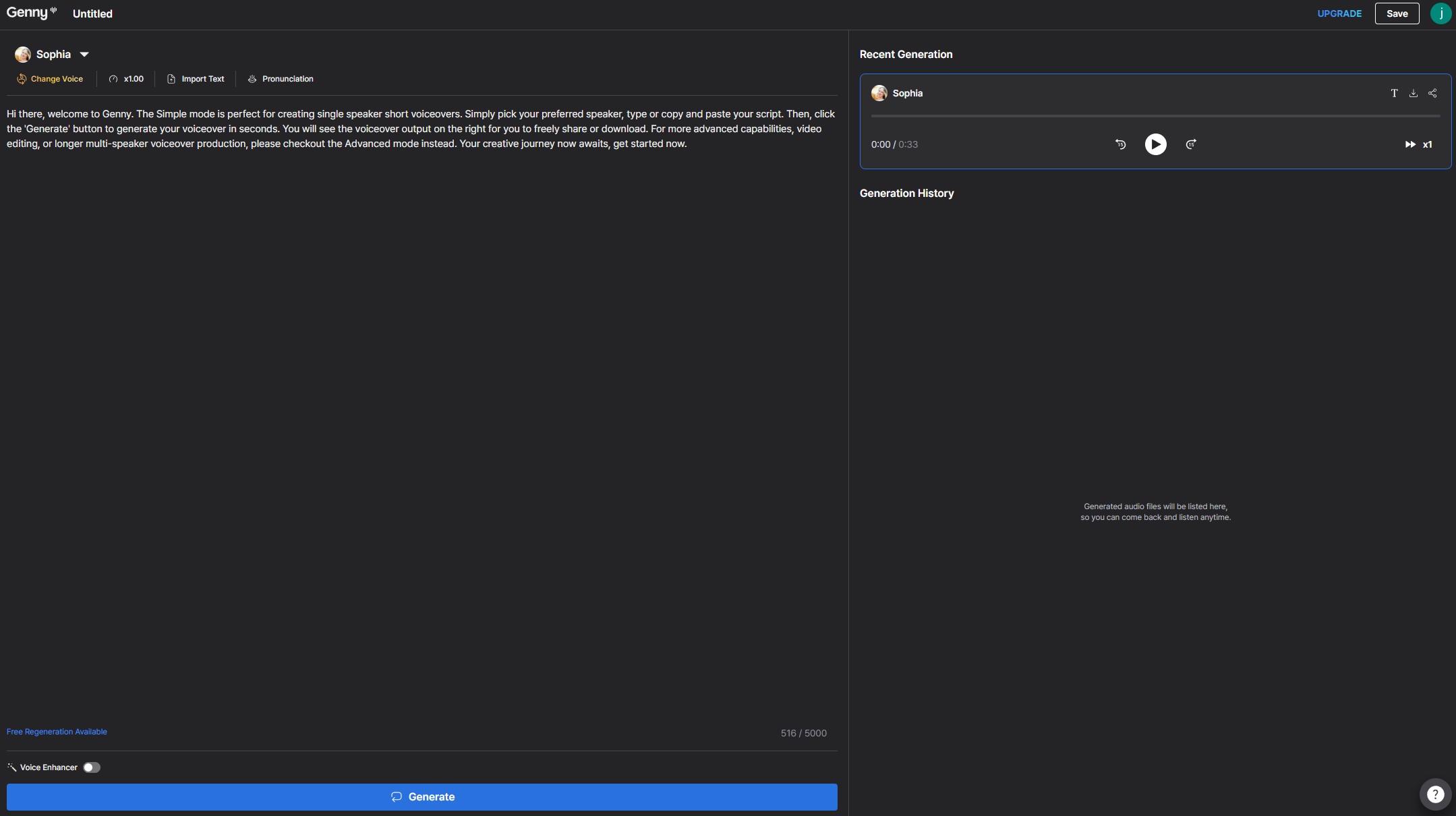
Step 2: Choose an AI voice from our wide range of voices and languages. Click generate, and in seconds, your voice is ready.
Step 3: After making your content, click export and download your audio or video file in either WAV, MP3, or MP4 format.
Conclusion
Converting eBooks to audiobooks has never been easier, and audiobooks are quickly becoming a popular mobile material consumption method. Software with powerful features to help create interesting, high-quality audiobooks includes BookFab, Murf, and LOVO.
BookFab stands out among these as the best choice for creating excellent, editable audiobooks. BookFab provides a complete solution for an enjoyable audiobook experience with its realistic voices, customizable settings, and simple file conversions.
FAQs
Several text to speech applications like Speechify, BookFab AudioBook Creator, NaturalReader, and Resemble AI can convert ebook formats to audiobook.
To convert any eBook into an audiobook for free, you'll need the right software to interpret the text. Even though the majority of gadgets have built-in text-reading features, these frequently need further assistance in order to read the text aloud efficiently. Text-to-Speech (TTS) technology becomes crucial in this situation.
Upload your PDF to Google Drive, enable OCR if it's scanned, download the converted text, then upload it to NaturalReader, select your desired voice, and save the file as MP3 or WAV.
How to get some free ebooks?
There are several legitimate sources where you can access free eBooks. One of the most popular is Google Books, which offers a vast collection of public domain titles and free previews of published works. You can search by title, author, or keyword, and if a book is available in full view, you're often able to read or download it. For step-by-step instructions on saving these books locally, you can check out this guide on how to download Google Books as PDF.
In addition to Google Books, other excellent platforms include Project Gutenberg, Internet Archive, and Open Library, all of which provide free, legally available books in various formats compatible with different devices