
Remove DRM from Apple Books: What Still Works in 2026

Summary: In this article, we will show you how to safely and legally remove DRM from Apple Books using reliable tools. This process lets you enjoy your purchased iBooks on non-Apple e-readers. Along the way, you'll learn how FairPlay DRM works, its pros and cons, and important legal considerations for personal use.
Table of Contents
People searching for how to remove DRM from Apple Books usually start with a purchased title that remains tied to Apple Books or stays locked after export. Apple Books DRM removal depends on the asset type, operating system, and authorized access path, so the compatibility matrix, current-method notes, and troubleshooting checks below matter more than a universal tool list.
There is no single method that works for every Apple Books file. Identify the asset type first, then check the operating system, method status, prerequisites, and security tradeoff before choosing an authorized access or compatibility path.
What Is FairPlay DRM in Apple Books
Apple's FairPlay protection is an access-control system used across Apple digital content. In Apple Books, the protection and the available access path depend on the asset type, account authorization, and the Apple software used to open it.
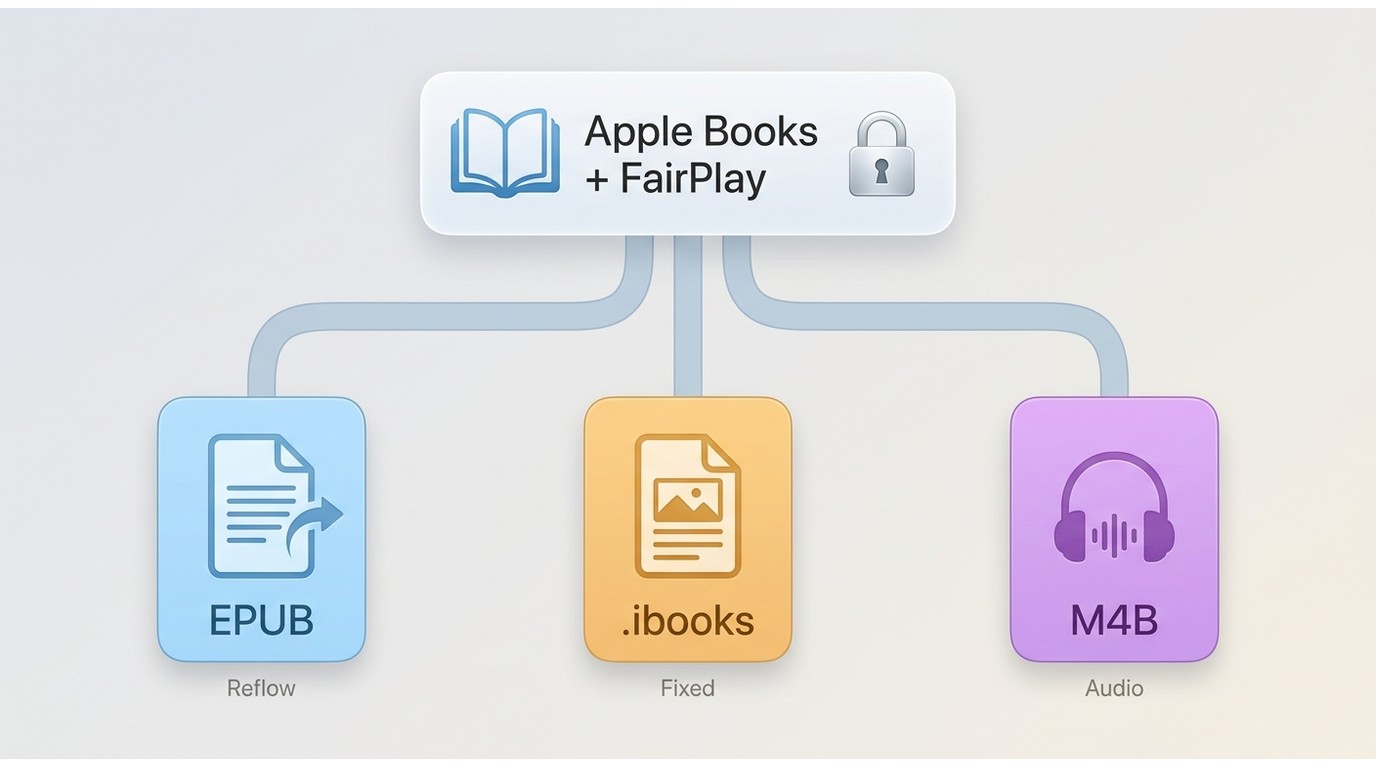
FairPlay uses encryption and license control to restrict access to authorized accounts and devices. For Apple Books, the asset type matters: EPUB, Multi-Touch Book files, and audiobook files use different containers and should not be treated as interchangeable.
- EPUB files (.epub): DRM protects the text and images within the book but does not cover the directory, audio, video content, or file structure.
- Multi-Touch Book files (.ibooks): DRM applies to all book content and media, except for small thumbnails, the book’s structure, and media inside HTML widgets.
File Types and DRM Scope
An EPUB file contains reflowable text and images, while a Multi-Touch Book file (.ibooks) can include a fixed design and interactive media. Apple Books audiobook assets, commonly encountered as audiobook files or M4B-related content, follow a separate audio and chapter structure. A workflow that applies to one asset type cannot be assumed to apply to the others.
Identifying the asset type is the first reliable decision because it determines which app, device, and authorized copy options are relevant.
- Compatible with Apple AirPlay.
- Provides secure streaming of protected content along with an option for offline viewing.
- Grants permission for specific devices to access and play secured content.
Advantages and Disadvantages of FairPlay DRM
FairPlay DRM brings clear benefits for rights holders, but it also introduces limits that many readers will notice in daily use.
Why Apple Books Access Controls Matter
Readers usually look for Apple Books DRM alternatives for practical reasons: a change of reading device, a need for accessible reading software, or concern about buying the same title again. Those needs do not automatically create a broad right to alter access controls, so the available path depends on the title and the applicable terms.
- Improved compatibility and reading experience: Without DRM, the same titles can be read on a wider range of e-readers and devices, including models that are not officially supported by Apple. For example, an authorized compatible file may be prepared for Kindle with Apple Books to Kindle conversion.
- More practical control over personal copies: DRM-free ebooks are easier to back up, move between devices, or convert to other formats, which can be helpful when changing hardware or using more than one reader.
- More predictable access planning: If a device changes or a title is no longer available in the same store, readers can look for an authorized DRM-free edition, an accessible edition, or a library copy instead of assuming that a purchase creates unrestricted file ownership.
United States Legal Limits and Alternatives
This is general information, not legal advice. In the United States, Section 1201 generally restricts circumvention of access controls, subject to narrow, purpose-specific exemptions. When a title remains protected, start with authorized access through Apple apps, a publisher-supplied DRM-free copy, an accessible edition, or a library copy.
Apple Books DRM Methods and Current Status
Apple Books titles may be protected and may remain tied to the Apple software and account used to access them. There is no universal current method for every Apple Books asset, operating system, or reading app, so this section focuses on status and scope rather than step-by-step access-control changes.
Apple Books DRM Method Compatibility
Status checked in August 2026.
| Method | Status | Operating system | Supported asset | Prerequisite or limitation |
|---|---|---|---|---|
| RemoveBooksDRM | Active | macOS | Apple Books EPUB | Advanced security changes |
| Calibre or DeDRM | Not direct | Windows, macOS, Linux | General ebook files | No direct Apple FairPlay path |
| Requiem | Legacy reference | Older systems | Older protected files | Obsolete iTunes required |
| ViWizard iBook Copy | Discontinued | Formerly Mac | Historical EPUB workflow | No current download path |
The practical tradeoff is clear: the current EPUB path is macOS-only and advanced, while familiar or easier-looking options are outdated or do not directly support Apple FairPlay. .ibooks and audiobook or M4B assets require separate handling and should not be assumed to follow an EPUB workflow.
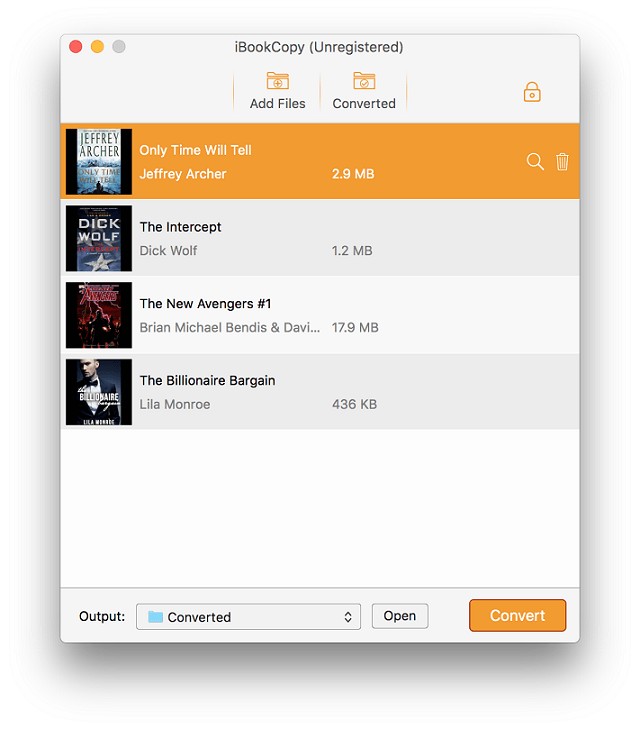
ViWizard iBook Copy: Discontinued
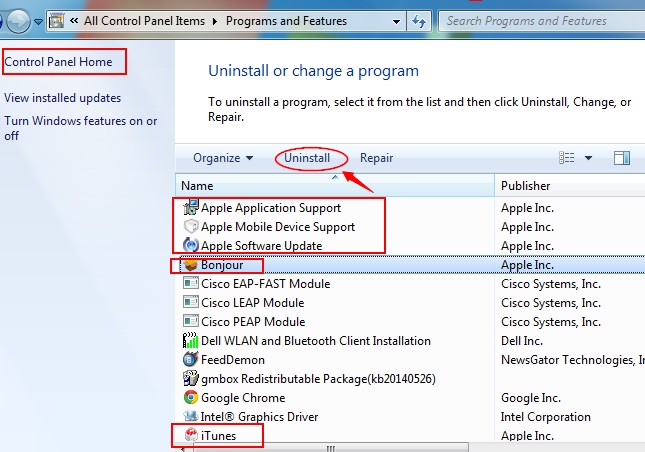
ViWizard iBook Copy is discontinued: its former official product page returns 404, and it is absent from ViWizard's current download center. It should be treated as a historical reference rather than a current Apple Books compatibility path.

The following legacy interface image does not establish current support.
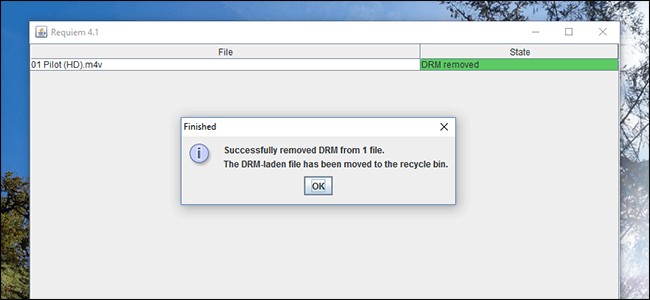
Requiem: Legacy Systems Only
Requiem is a legacy workflow whose final official release dates to 2012 and depends on obsolete iTunes versions. It is relevant only to a controlled archival environment that already maintains the required legacy software, not to a normal current-device workflow.
- The archived page describing Requiem 4.1 is not a current Apple Books solution.
Apple Books DRM Troubleshooting
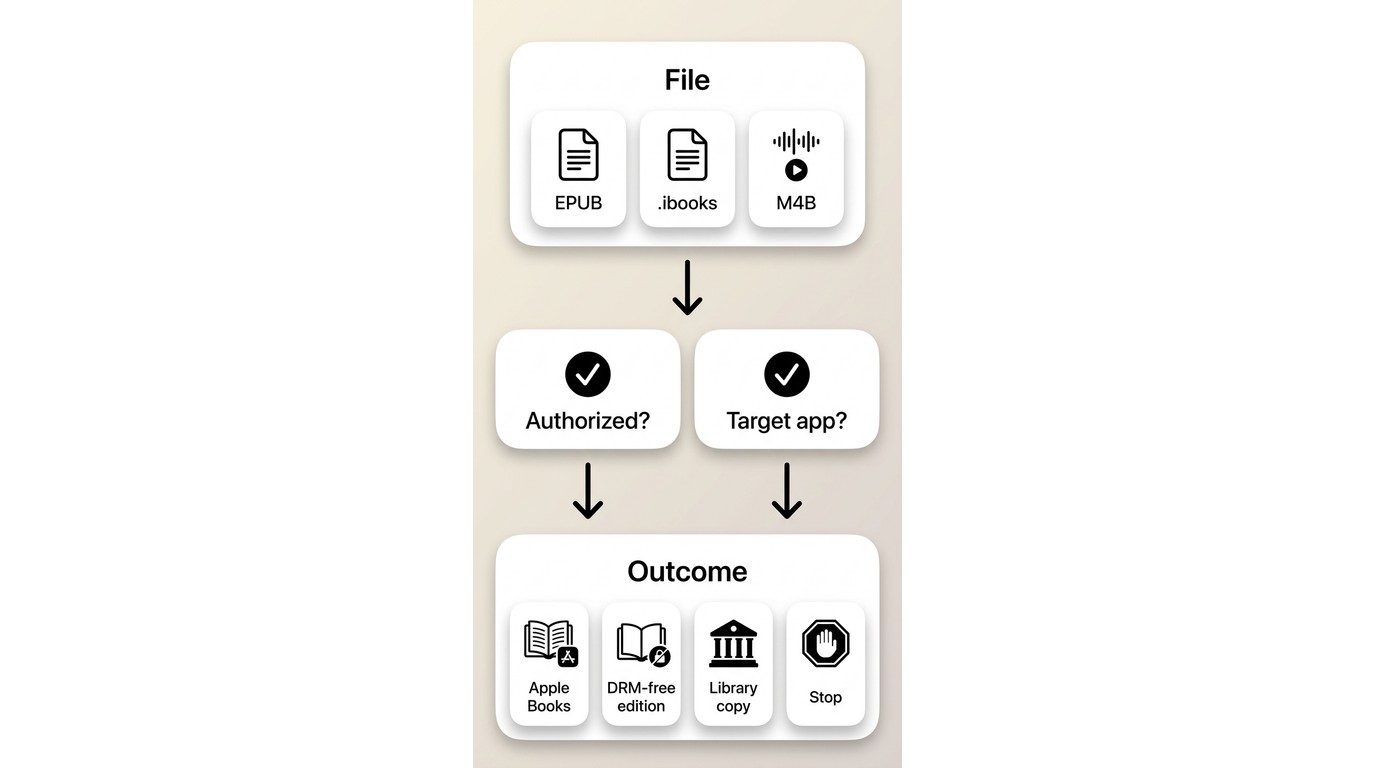
When an Apple Books file does not open elsewhere, use these checks before changing tools:
- Check the protection status. An exported EPUB may still be protected. Changing the file extension or importing it into an ebook manager does not change that status.
- Identify the asset type. Confirm that the file is an EPUB rather than a Multi-Touch Book file (.ibooks) or audiobook content associated with M4B. These formats have different structures and access paths.
- Separate Calibre assumptions from Apple Books support. Calibre and the DeDRM plugin provide general ebook functions, but they should not be treated as a direct Apple FairPlay path.
- Check platform prerequisites and risk. If the intended path is RemoveBooksDRM, confirm that its documented macOS prerequisites and required security changes match the computer and remain acceptable for the task. It is not a Windows, .ibooks, or audiobook route.
Stop when the title remains locked, the required Apple software is unavailable, or the security cost outweighs the need for a portable file. Use Apple Books on an authorized device, request a DRM-free or accessible edition from the publisher, or check library availability instead.
For example, a reader with a locked Apple Books EPUB on Windows has both a platform mismatch and a file that has not become portable through export. My stopping rule in that situation is to keep the title in an authorized Apple app or seek an accessible or library copy, because switching between tools will not fix a file-type or platform mismatch.
FAQs
Can I use RemoveBooksDRM on a Windows PC?
The documented project describes a macOS workflow, not a Windows solution. Windows readers should use authorized Apple access or obtain a compatible DRM-free or accessible edition rather than assuming an equivalent PC path.
AWhy does my exported EPUB remain locked in Calibre?
An EPUB export does not necessarily change the protection status of the book. Calibre and its generic ebook plugins should not be assumed to provide a direct Apple FairPlay path, so check the asset type and return to the authorized access options above.
ADoes the same method work for Apple Books audiobooks?
No single ebook workflow should be assumed to cover Apple Books audiobooks. EPUB, .ibooks, and audiobook or M4B-related assets have different structures, so use the Apple Books app or seek an authorized audio edition that supports the intended player.
AIs removing Apple Books DRM legal in the United States?
The answer depends on the purpose, the work, and the applicable rule. Section 1201 restrictions and exemptions are narrow; authorized Apple access, publisher-supplied DRM-free copies, accessible editions, and library options are safer starting points when the legal position is uncertain.
AConclusion
Feasibility depends on the Apple Books asset type, operating system, method status, and the reader's tolerance for technical and security risk. Identify the asset type, consult the method-status matrix, and use a documented workflow only when its platform and prerequisites fit; stop when the file or operating system falls outside that scope. For a compatible, authorized source file that is not protected by Apple Books access controls, convert iBooks to PDF for a supported reading environment. For authorized Kindle books compatible with the required Windows Kindle app, BookFab Kindle Converter can export EPUB or PDF, retain key metadata such as the cover, title, and author, and support batch tasks with task management. When the source remains protected or does not fit the documented route, use Apple Books, a publisher-supplied edition, an accessible copy, or a library option instead.

 EPUB DRM Explained: Authorized Access, Calibre Limits, and Kindle OptionsBy Amber Collins - Aug 17, 2026
 Convert iBooks to PDF in 2026: 4 Methods by File TypeBy Amber Collins - Aug 11, 2026
 How to Remove Kobo DRM from KEPUB and ACSM Kobo BooksBy Amber Collins - May 14, 2026