What DVDFab DVD to Blu-ray Converter Offers
Broad Compatibility
Convert DVDs to Blu-ray Format
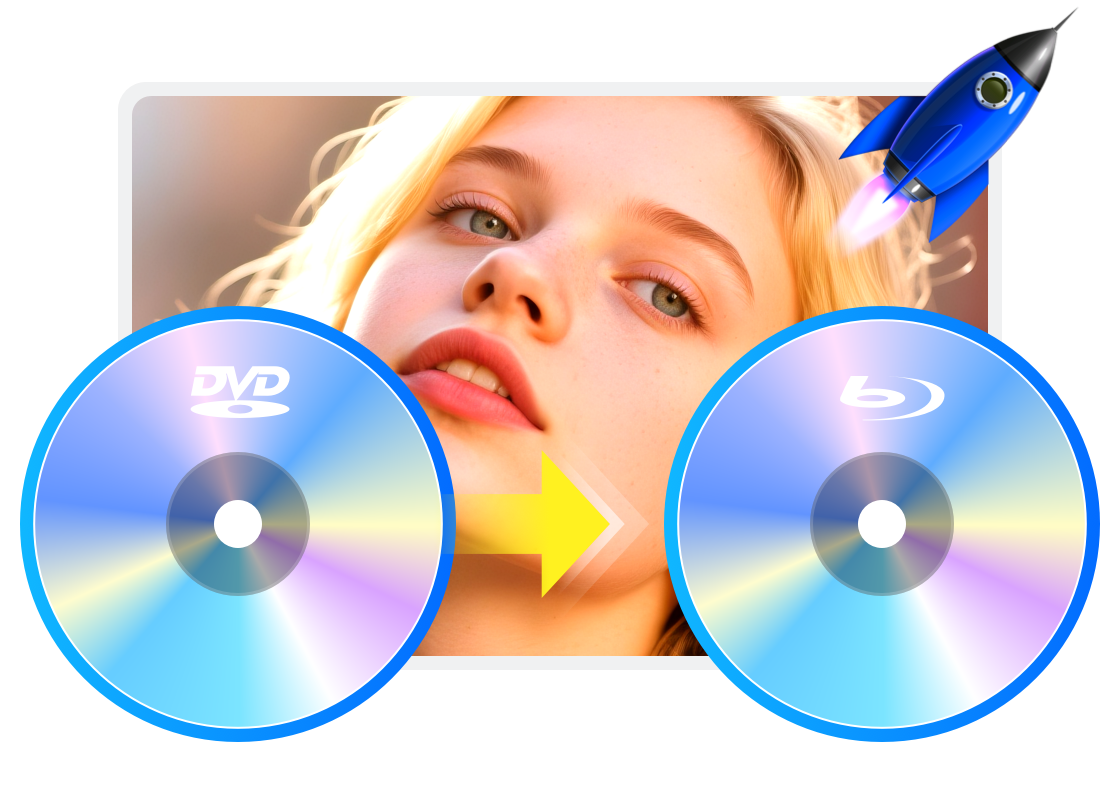
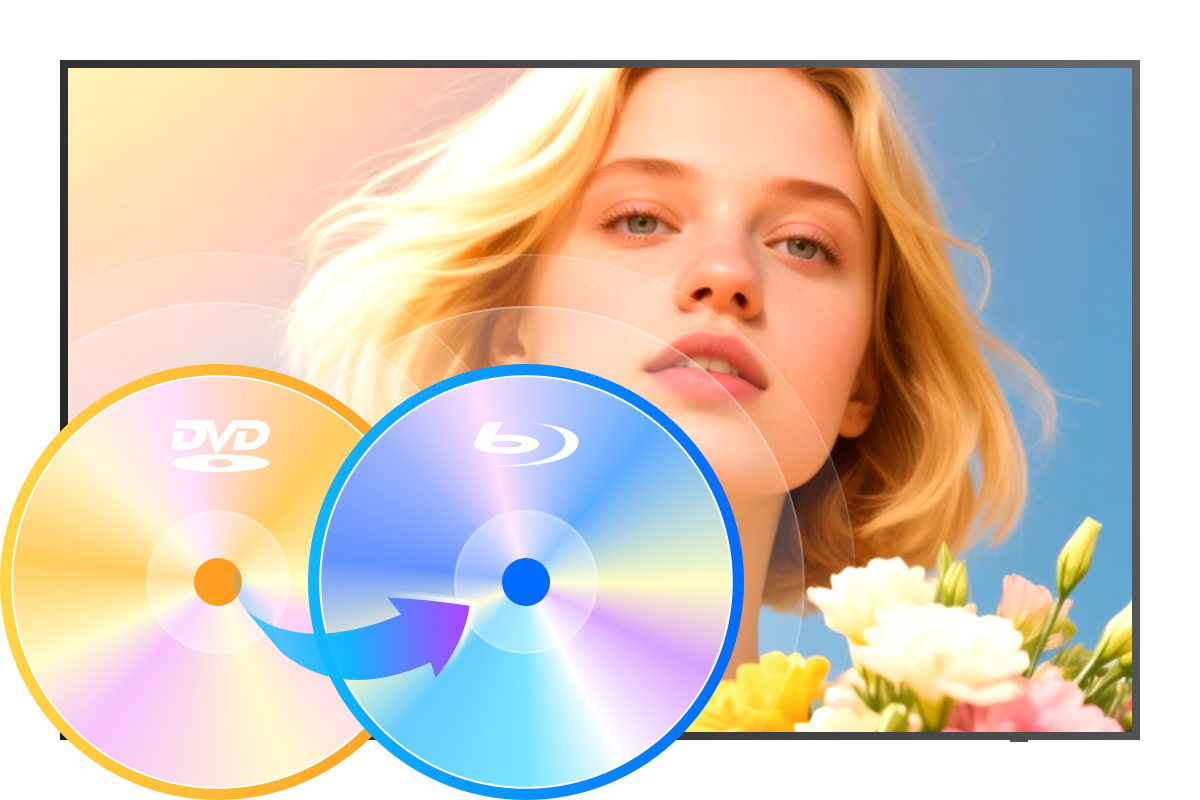
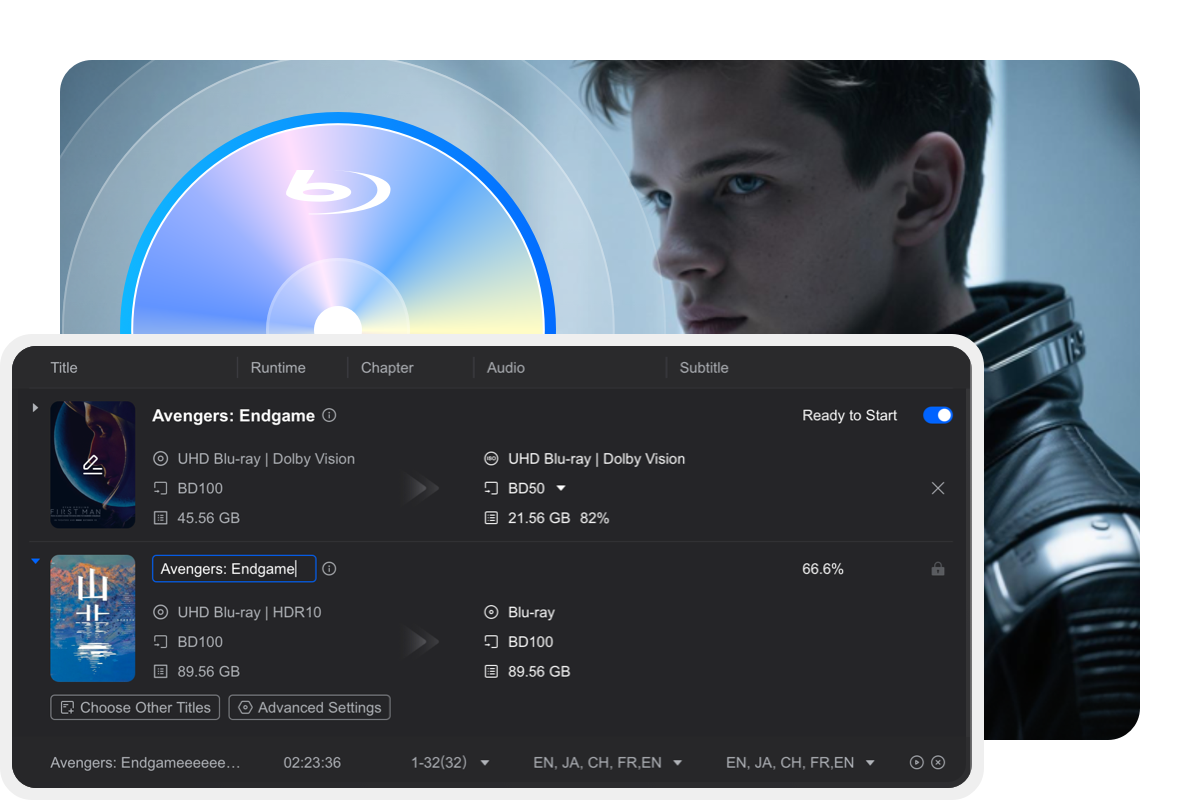
DVDFab DVD to Blu-ray Converter professionally converts DVDs to the standard Blu-ray format, saving the output as an ISO file, folder, or Blu-ray disc compatible with home Blu-ray players.

Customizable Output
Flexible DVD to Blu-ray Conversion and Customization
DVDFab DVD to Blu-ray Converter gives you complete control over your output with an intuitive and flexible interface. You can easily select and reorder titles, chapters, audio tracks, and subtitles, as well as customize playback menus with your preferred style, cover, and text.

Fast Conversion
Fast Speeds with Advanced Hardware Acceleration
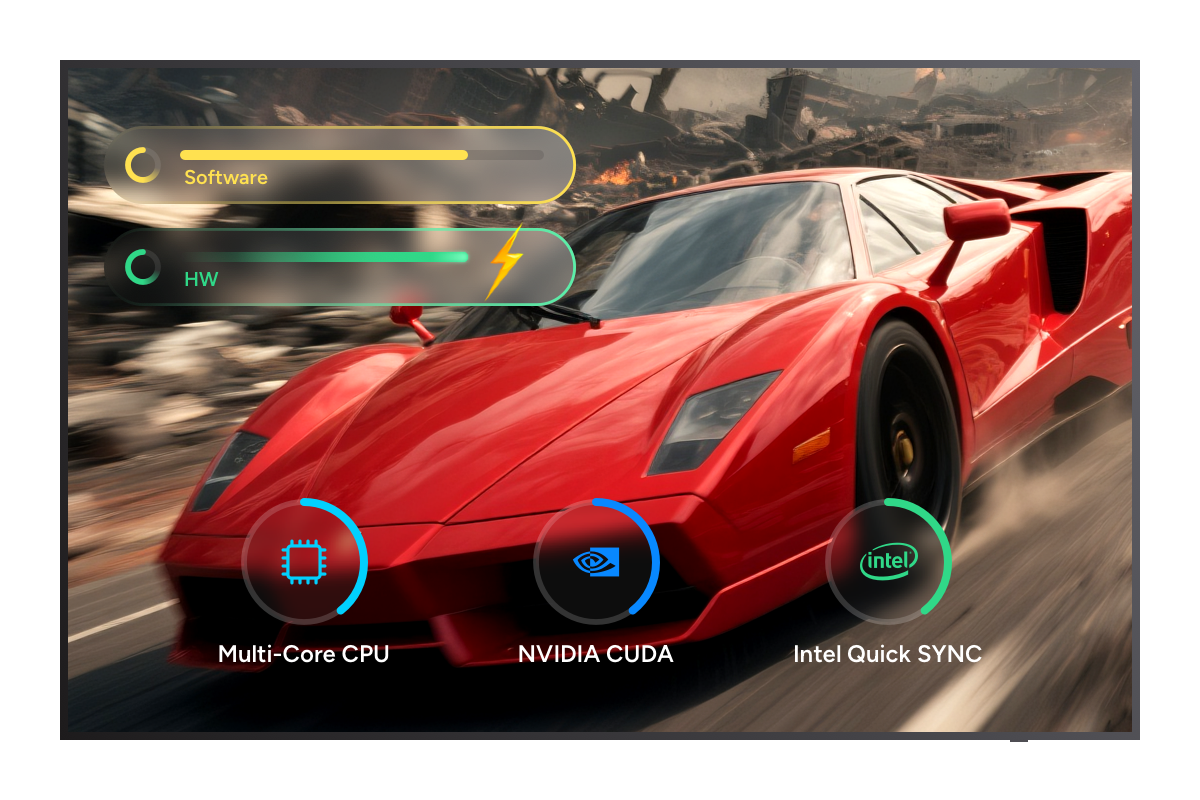
With advanced acceleration technologies—including batch conversion, multi-threading, multi-core CPU support, NVIDIA CUDA, and Intel Quick Sync—you always enjoy fast conversion speeds, no matter how many customizations you make.

Pristine Results
Reliable Conversion with Original Quality Preservation
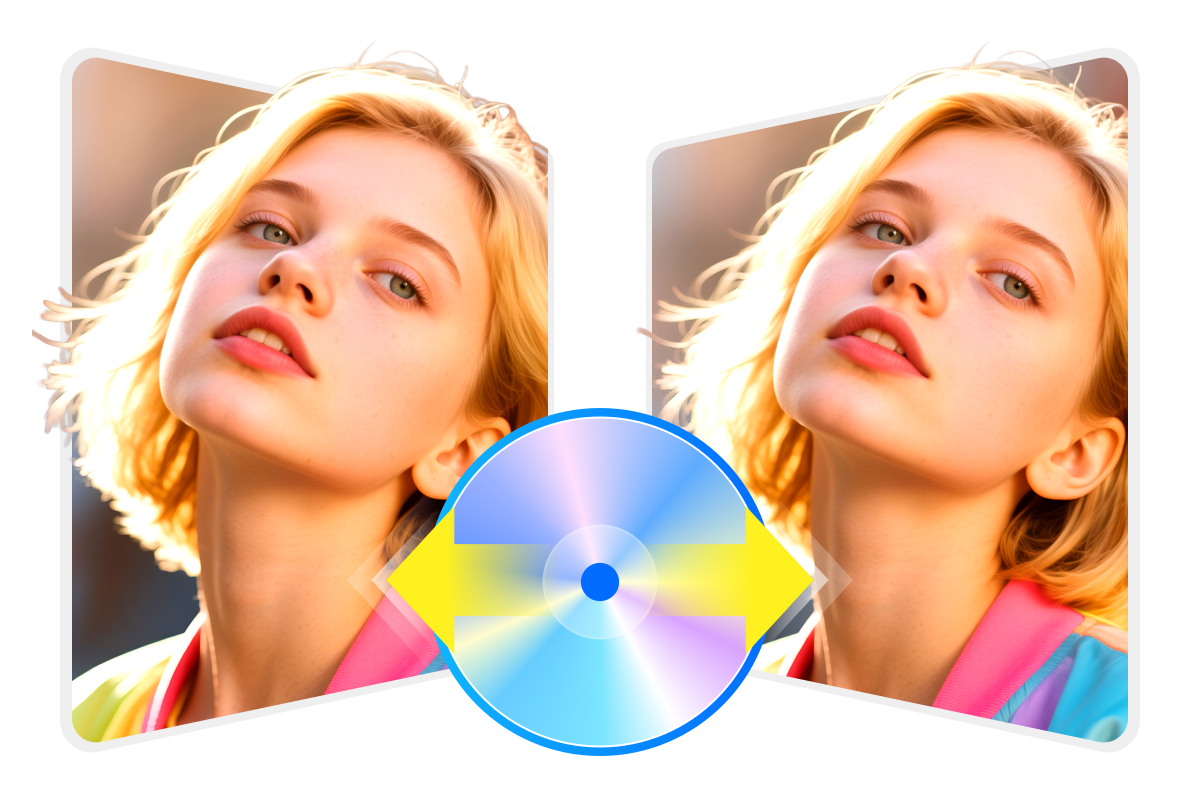
DVDFab DVD to Blu-ray Converter is built on years of development and continually adopts the latest technologies. It delivers fast and reliable conversions, efficiently combining one or more DVDs into a single Blu-ray disc. The software preserves all original DVD content, including video, audio, subtitles, and menus, ensuring faithful reproduction without further quality loss.


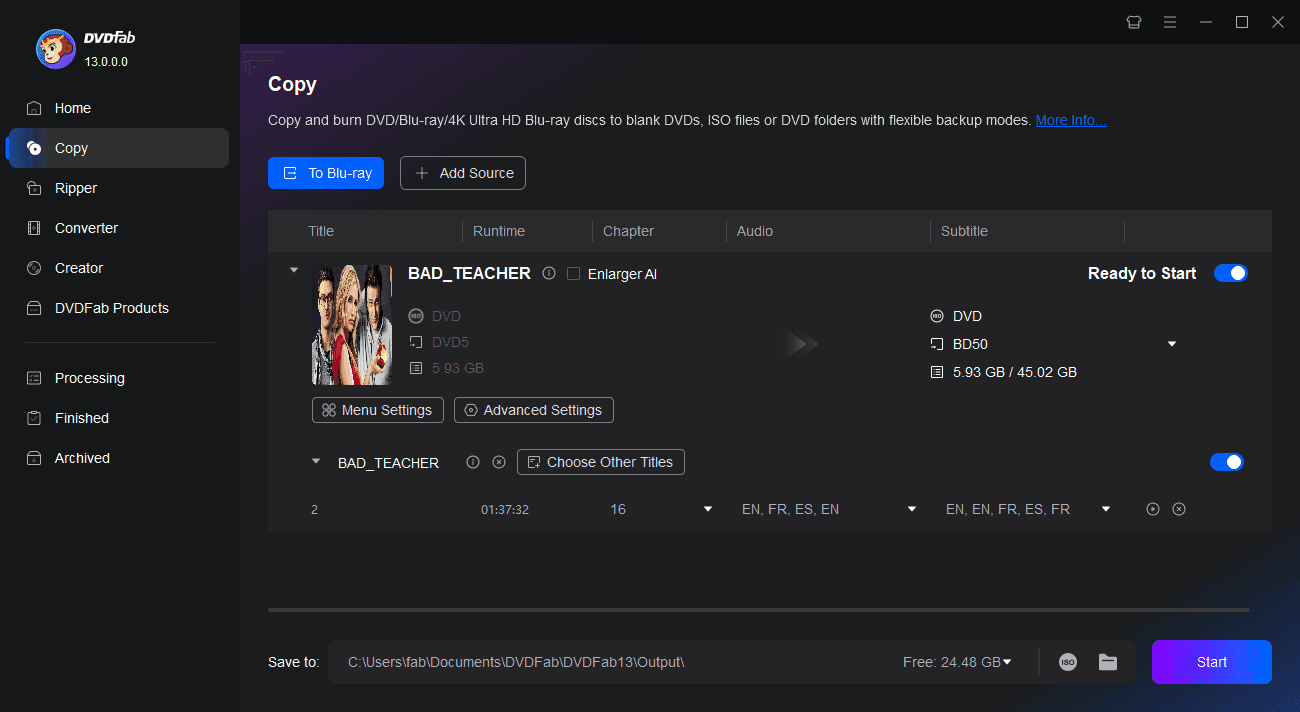
Step 1. Launch DVDFab DVD to Blu-ray Converter, and load the source
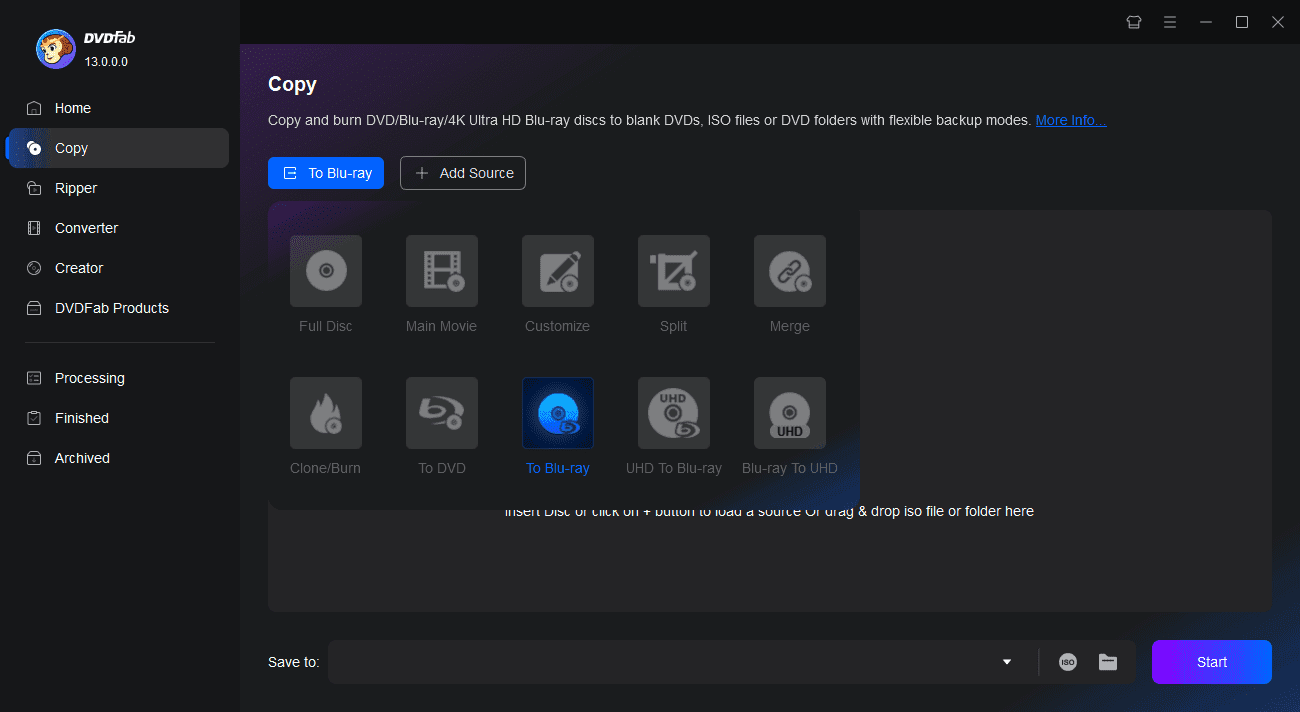
Double-click DVDFab 13 to open the program. Select Copy from the option bar, then use the Copy Mode Switcher to choose "To Blu-ray". Insert the DVD you wish to convert into your optical drive, or locate it using the Add button on the main interface. For ISO files or folders, simply drag and drop them into the main window to load.
Step 2. Personalize the output Blu-ray
Select the desired titles, chapters, audio tracks, and subtitles. Click the "Menu Setting" to customize the Blu-ray menu and click "Advanced Settings" to adjust additional settings as needed.
Step 3. Start converting the DVD to Blu-ray
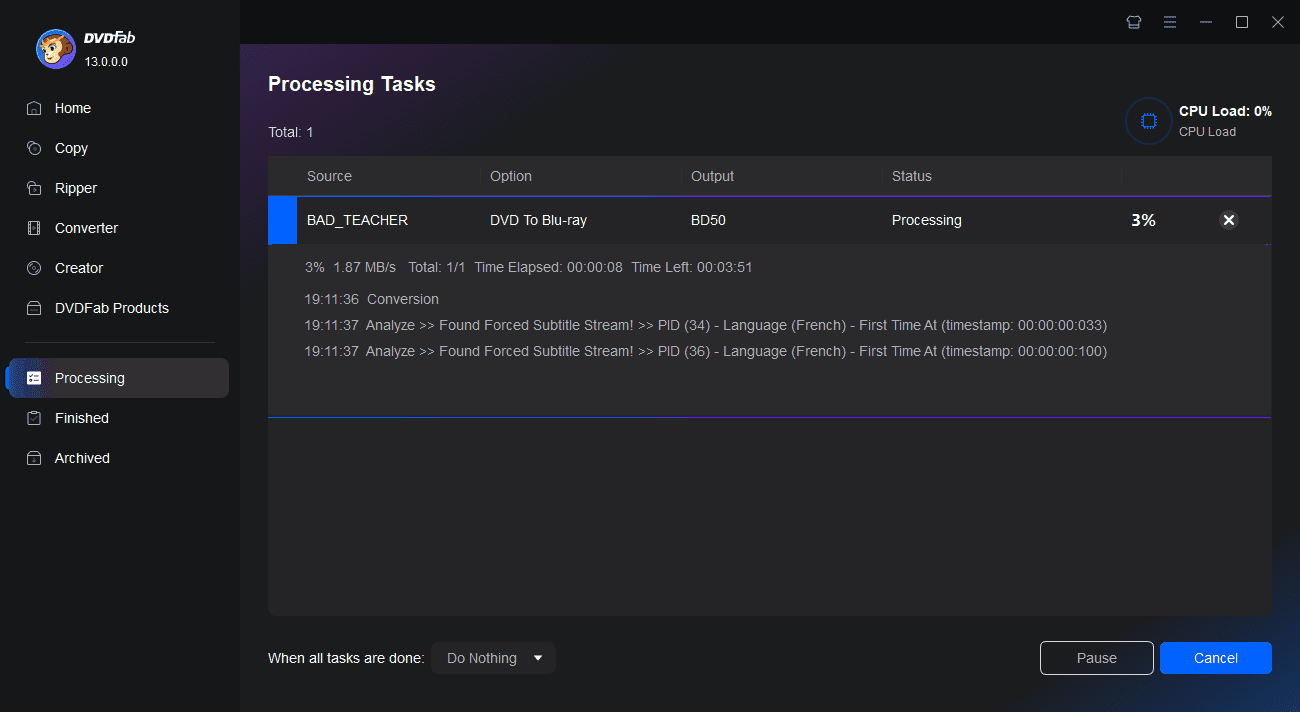
Select the output directory, then click the Start button to begin the conversion. Detailed progress information will be displayed throughout the process.
You May Be Interested in These Items
Convert Blu-rays to popular videos and audio formats for playback on mobile and portable devices.
Convert DVDs to popular videos and audio formats for playback on mobile and portable devices.
A powerful converter tool to convert any Blu-rays to standard DVDs.
System Requirements

Windows 11/10/8.1/8/7 (32-bit/64-bit)
1GHz Intel or AMD CPU
512 MB of RAM (1024MB or above recommended)
20GB of free hard disk space
NVIDIA GeForce GTX 260 and above
A Blu-ray drive
Live Internet connection required
Fair Use Policy : DVDFab is intended for personal use only, and sharing copied content with any third party is strictly prohibited.
To ensure a stable user experience and prevent potential restrictions from disc publishers, each DVDFab licensed account has a quota of 100 disc copies per week. This quota will automatically reset at the start of a new weekly cycle.