Make Stylish Blu-rays with Free Menu Templates
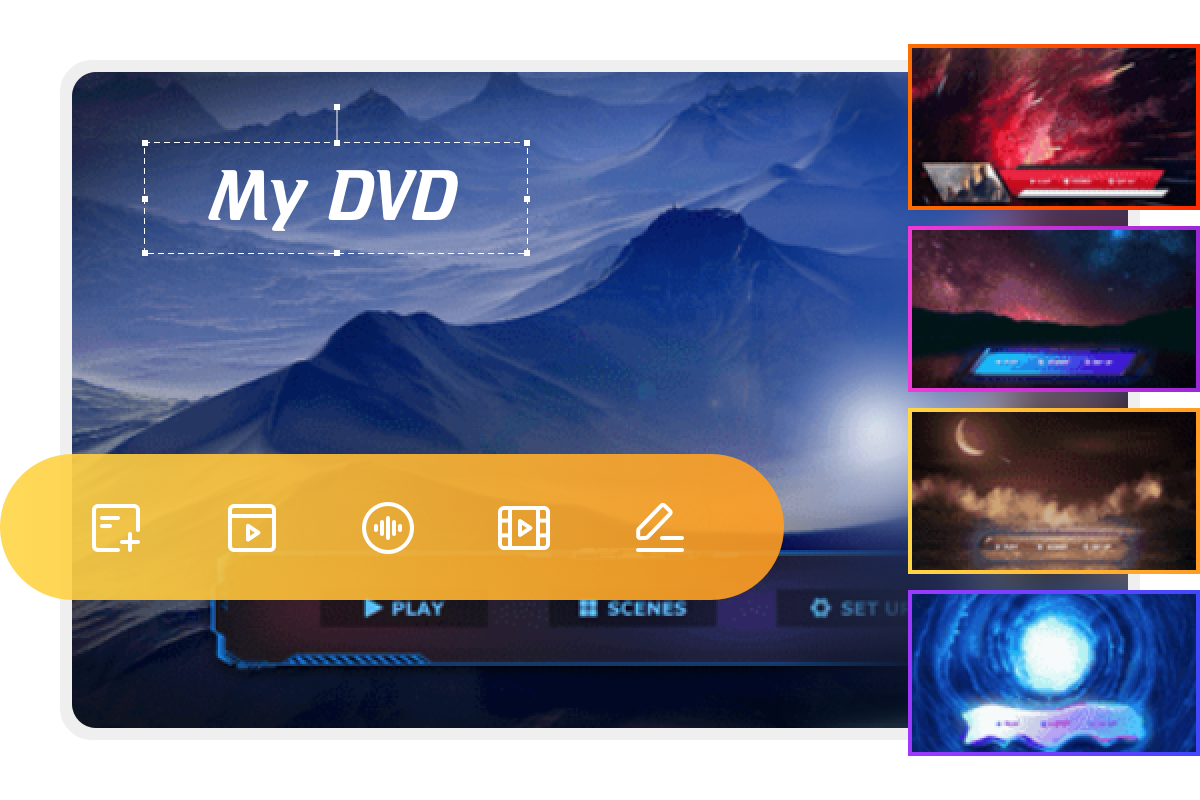
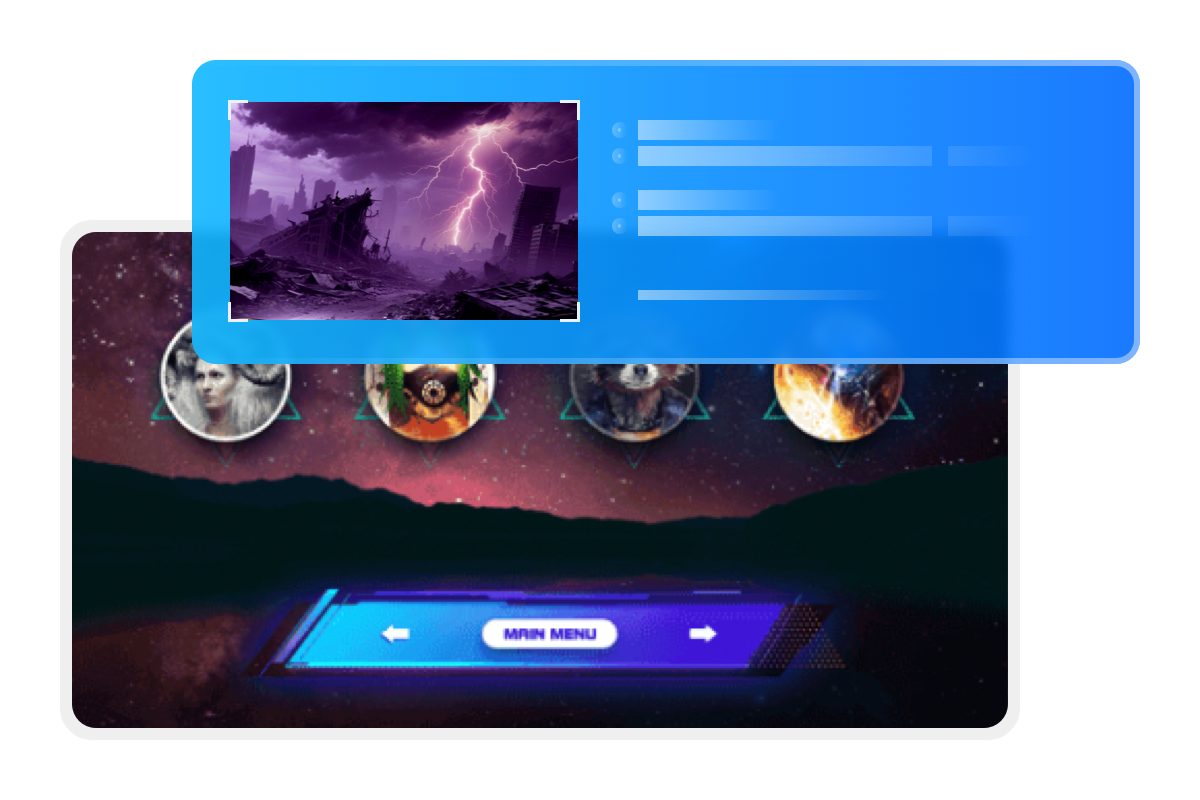
DVDFab Blu-ray Creator includes a rich set of static and dynamic menu templates in many themes to elevate your homemade Blu-rays. The built-in-menu library is updated regularly with new, stylish designs to fit your DIY needs.
Every template lets you switch audio tracks and subtitles, so your Blu-ray discs can support multiple languages.
Customize Menu Templates as per Personal Preference
Unlike ordinary Blu-ray Menu Creators, DVDFab Blu-ray Creator offers an intuitive and fully customizable menu design experience. You can freely modify every element within the templates, including background images, thumbnails, text fonts, colors, sizes, and playback buttons such as Play, Pause, Previous, and Next.
This professional Blu-ray creator for both Mac and Windows allows you to preview your personalized menu and save it as a default template for future use.





 11 Best Blu-ray Burning Software for Windows & Mac in 2026: Tested PicksBy Wenny Yan - Jun 17, 2026
 6 Best Blu-ray Authoring Software for Windows & Mac (2026 Review)By Diana Smith - Apr 30, 2026
![How to Burn a Blu-ray Disc on Windows and Mac [2026]](https://r3.dvdfab.cn/upload/resource/how-to-burn-a-blu-ray-xgMv.jpeg) How to Burn a Blu-ray Disc on Windows and Mac [2026]By Diana Smith - Aug 25, 2026
How to Burn a Blu-ray Disc on Windows and Mac [2026]By Diana Smith - Aug 25, 2026