Brun DVD from 200+ Video Formats as You Like
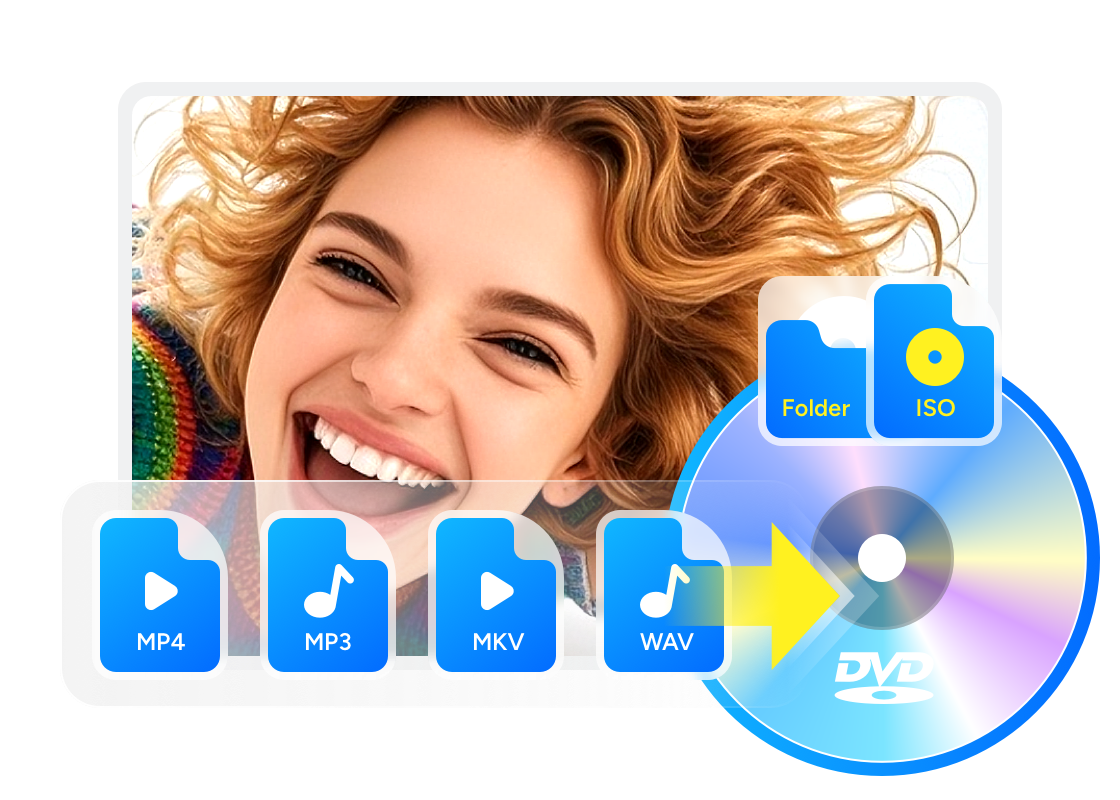
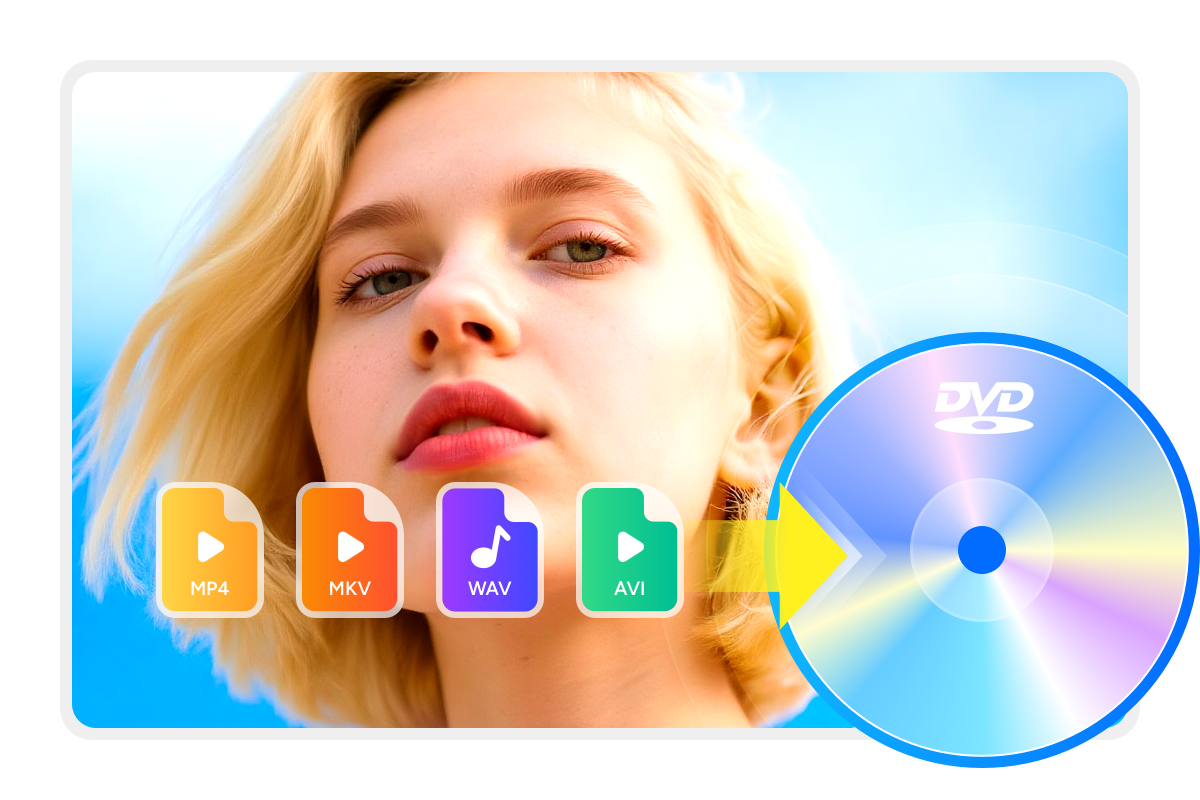
DVDFab DVD Creator can burn and make standard DVDs from more than 200 video formats including AVI, MP4, MKV, M2TS, FLV, MOV, VOB, Xvid, TS, etc.
Thus, feel free to create DVDs from homemade videos in memory of important events like birthday party and wedding anniversary, or make personal DVDs to collect the wonderful movie clips of your favorite film stars.
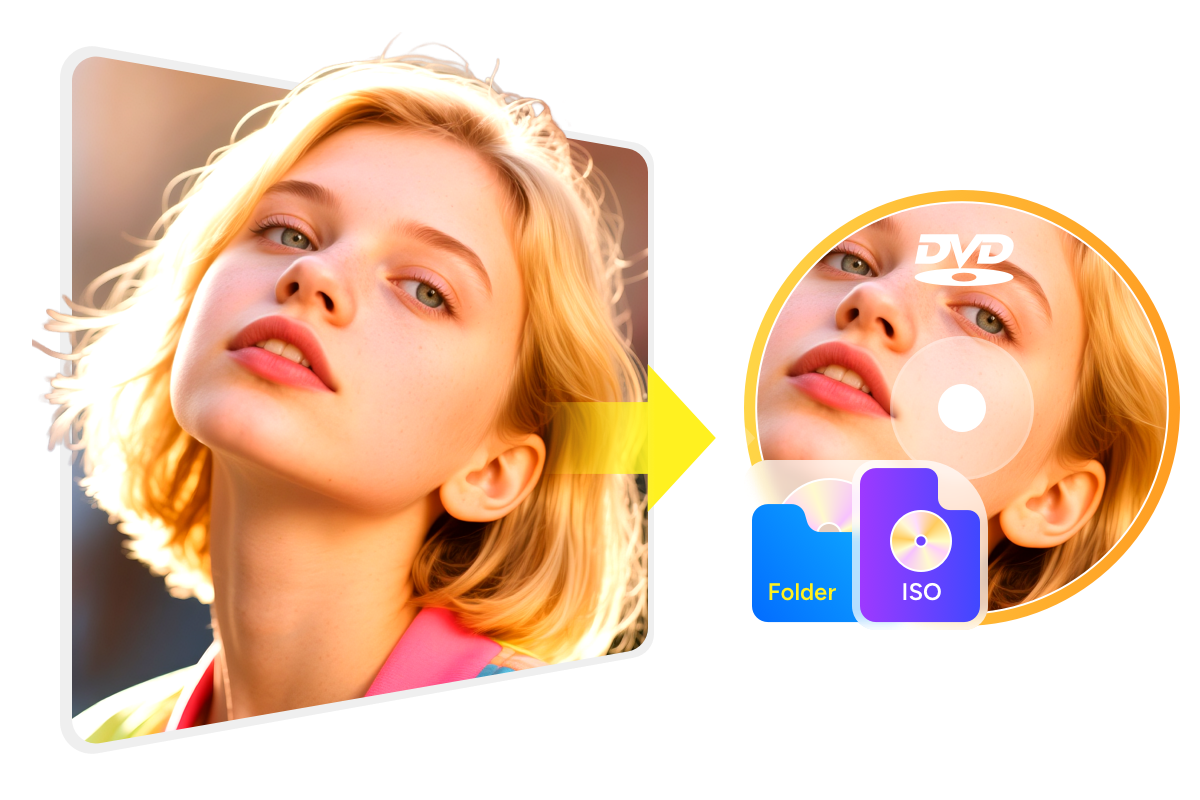
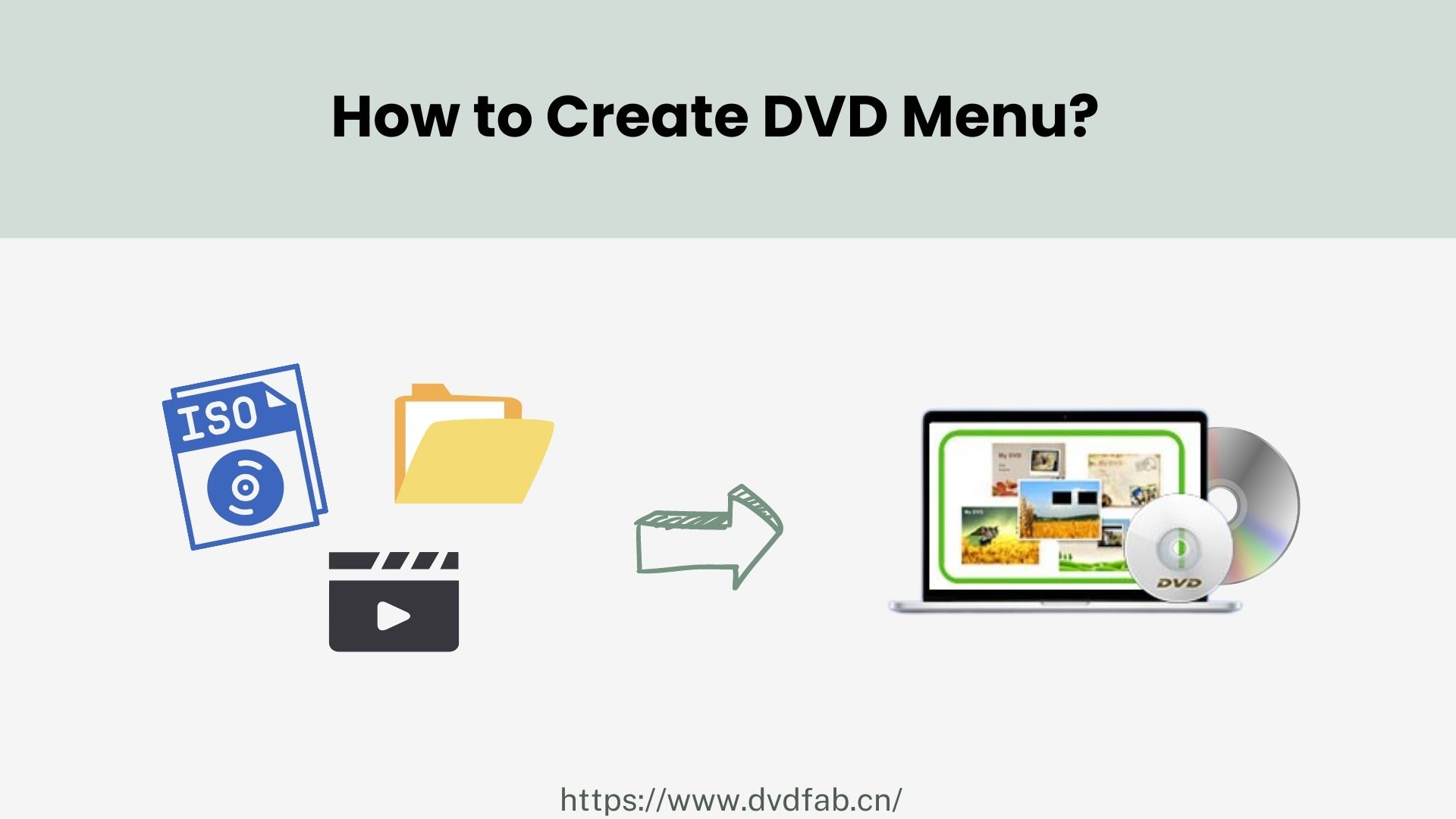
Burn Any Video to DVD Blank Disc or Save as ISO/Folder
DVDFab DVD Creator enables you to burn any video to a blank DVD disc for storage. This movie creator supports all sorts of disc formats, including DVD-9, DVD-5, DVD±R/RW, and DVD±R DL.
If you want to watch disc movies on drive-free laptops or tablets, just save DVD videos as ISO images or folders on your HDD for playback on any standalone home player.
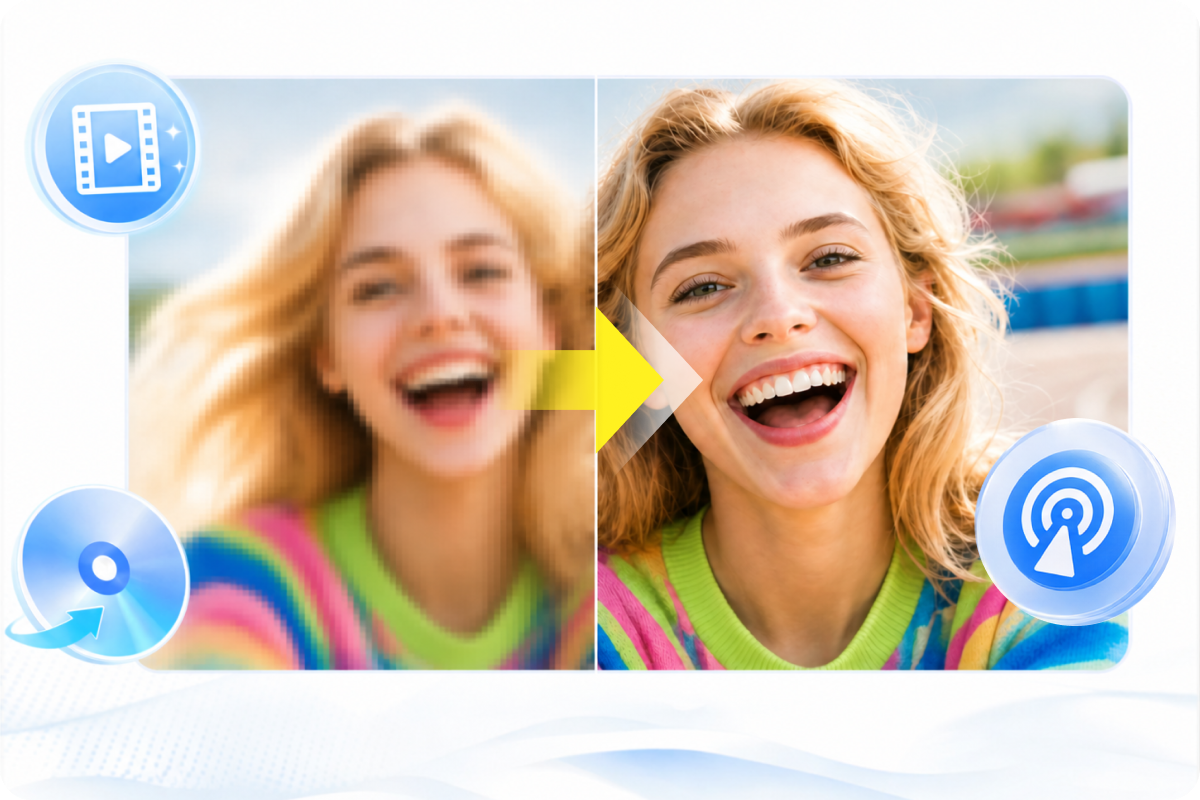
Output High-quality Video for Better Viewing Experience
This best DVD Creator allows you to make standard DVDs from homemade videos or videos downloaded from other channels.
More importantly, the output DVD with high-quality video will be playable on home DVD player, PS5, Xbox or media player software like PlayerFab, ensuring you an immersive viewing experience.
Get 50x Faster DVD Burning Speed with GPU Acceleration
DVDFab DVD Creator allows you to burn multiple video formats to one DVD simultaneously and arrange their playback order as desired. You can preview videos in real time to see whether the final result is just right.
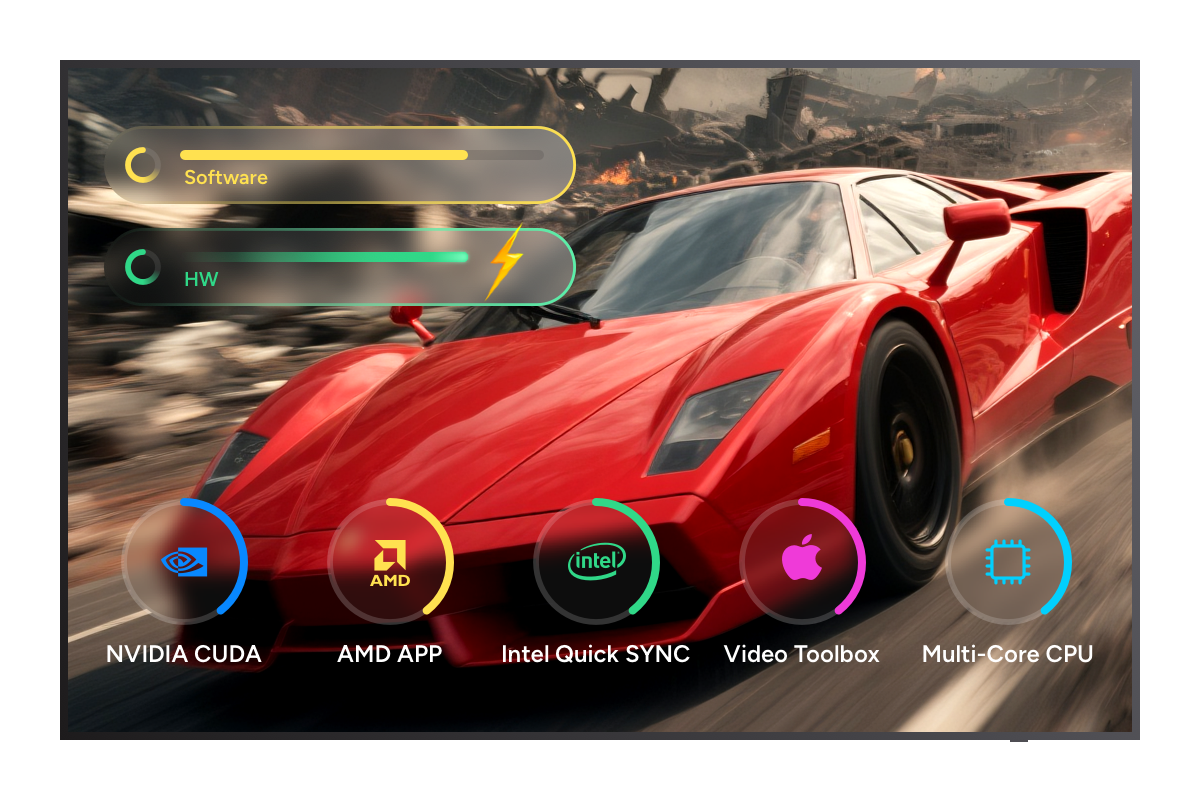
What's more, thanks to the latest advanced GPU acceleration technologies including Multi-core CPU, NVIDIA CUDA, AMD, IQS, Video ToolBox, this free DVD Creator makes it possible to burn DVDs at 50X faster speed than normal programs.
Output Friendly Meta Info and .nfo File for Media Server
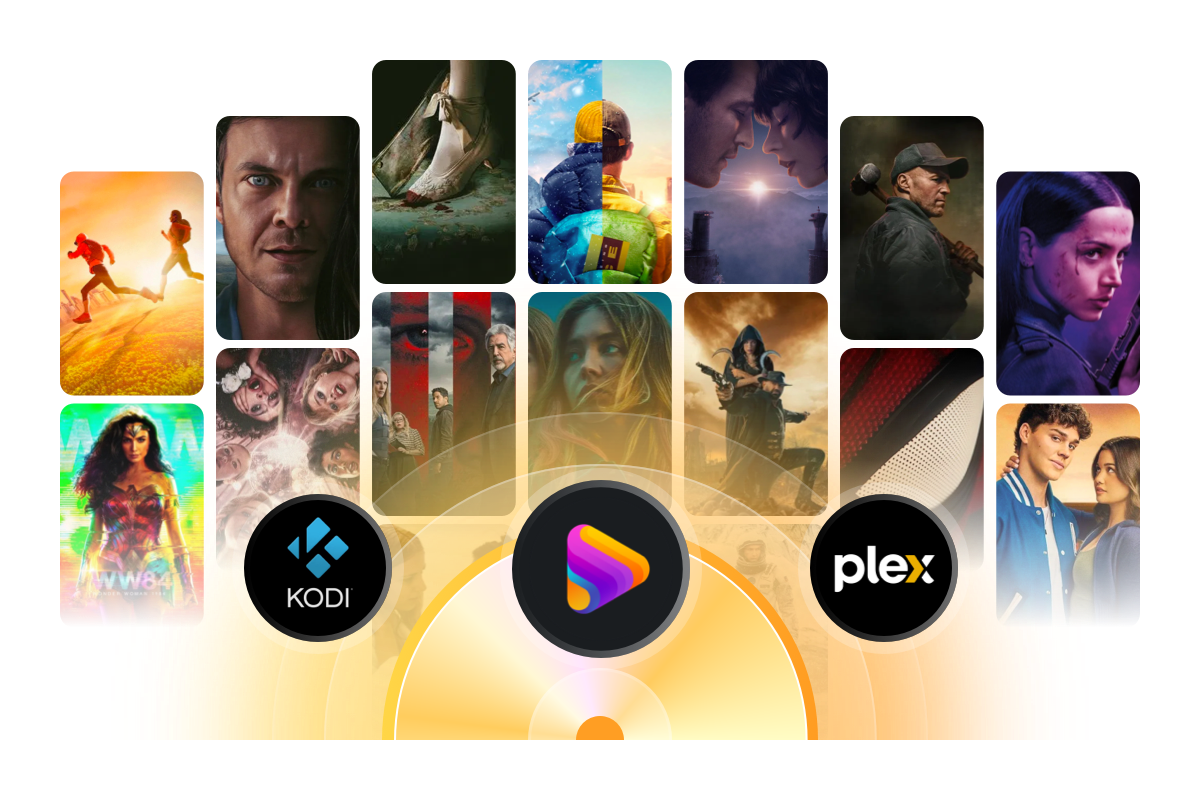
DVDFab DVD Creator boasts an exclusive Meta Info feature that can automatically synchronize all the meta info of the source video, including movie title, cast, and cover.
Moreover, this DVD creator software is able to generate .nfo file by default. All the meta info will be clearly displayed on the media server, like PlayerFab and Kodi, making it much more convenient for you to create and organize your own DVD library.
>> Follow the video instruction
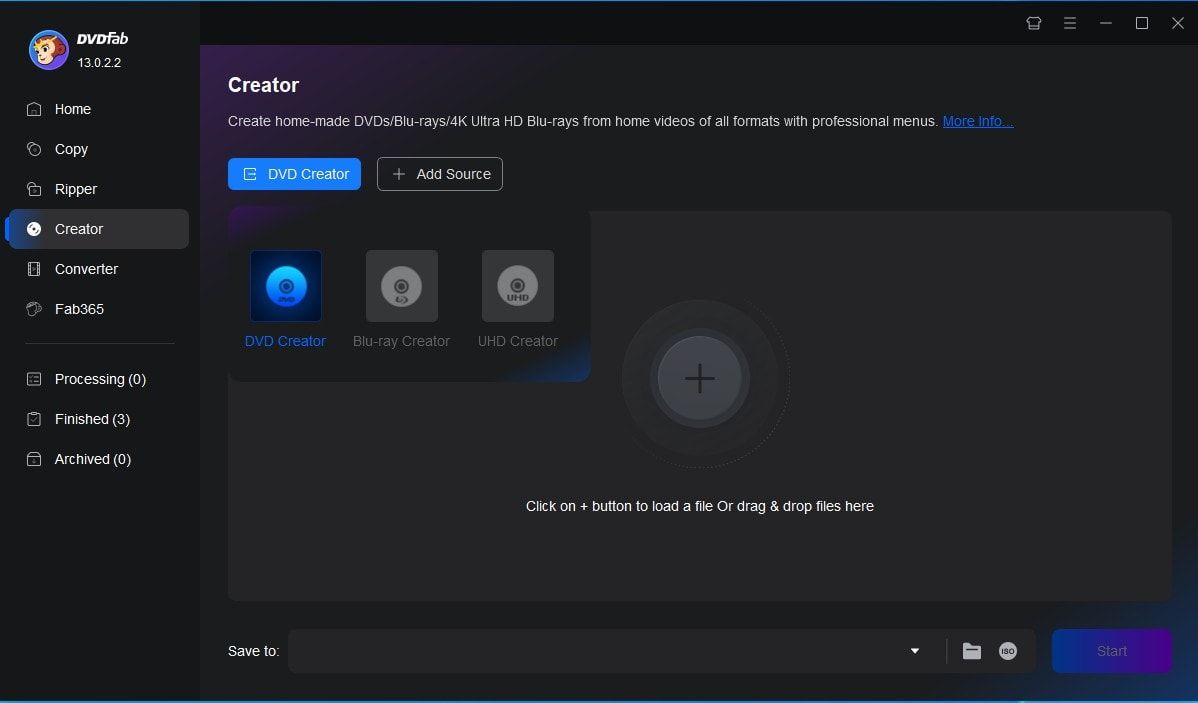
Launch DVDFab and load the source videos.
Run DVDFab 13 and select the Creator > DVD Creator module. Load your video with the Add button on the main page or by simply dragging and dropping the file onto the main page.
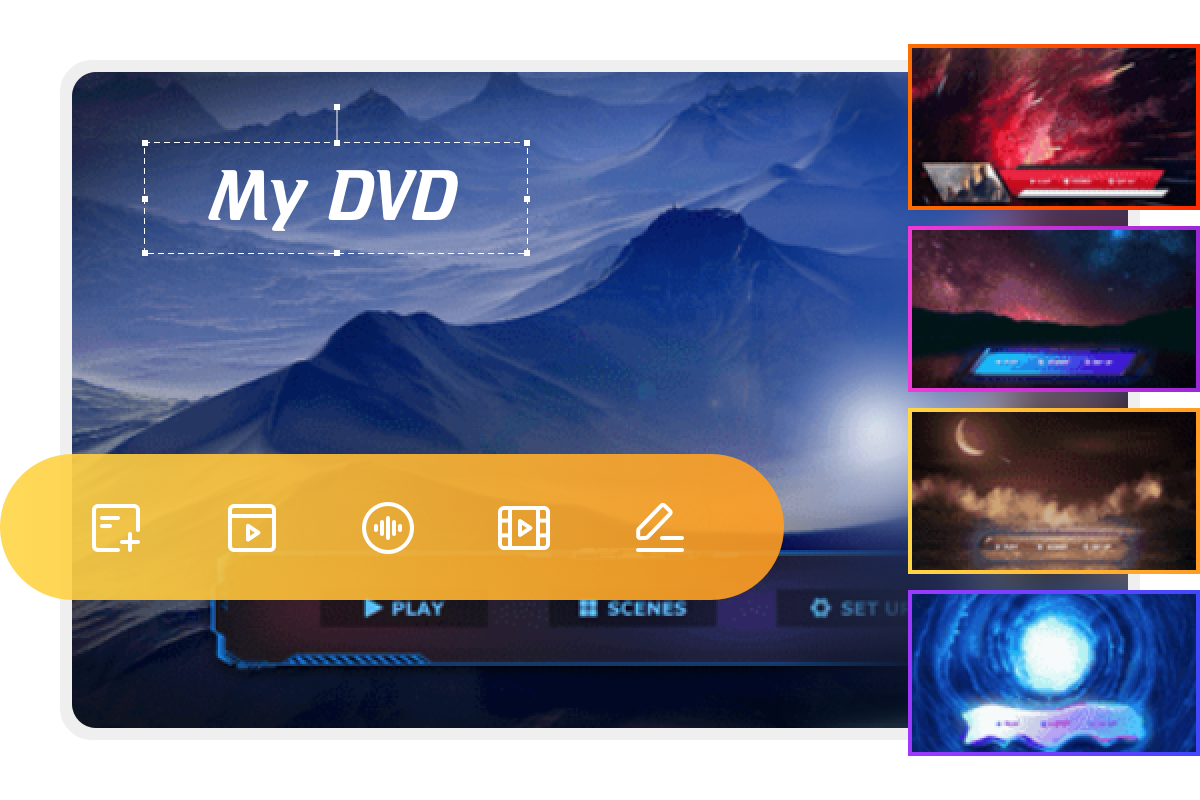
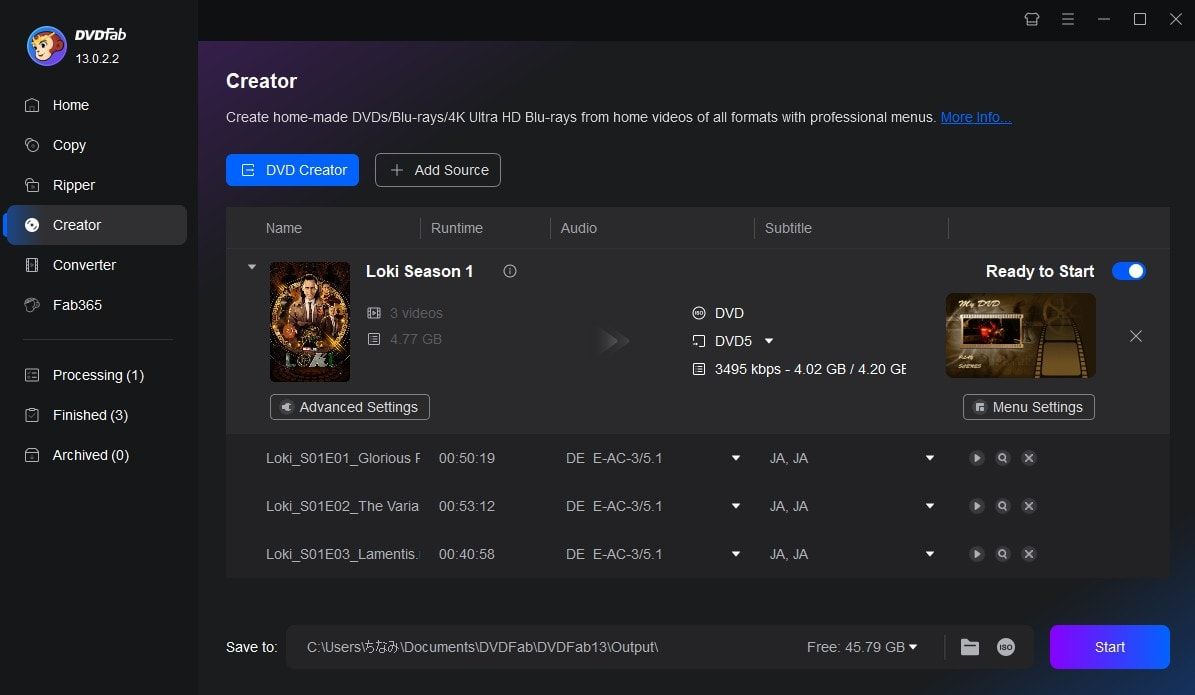
Customize your DVD and create a DVD menu.
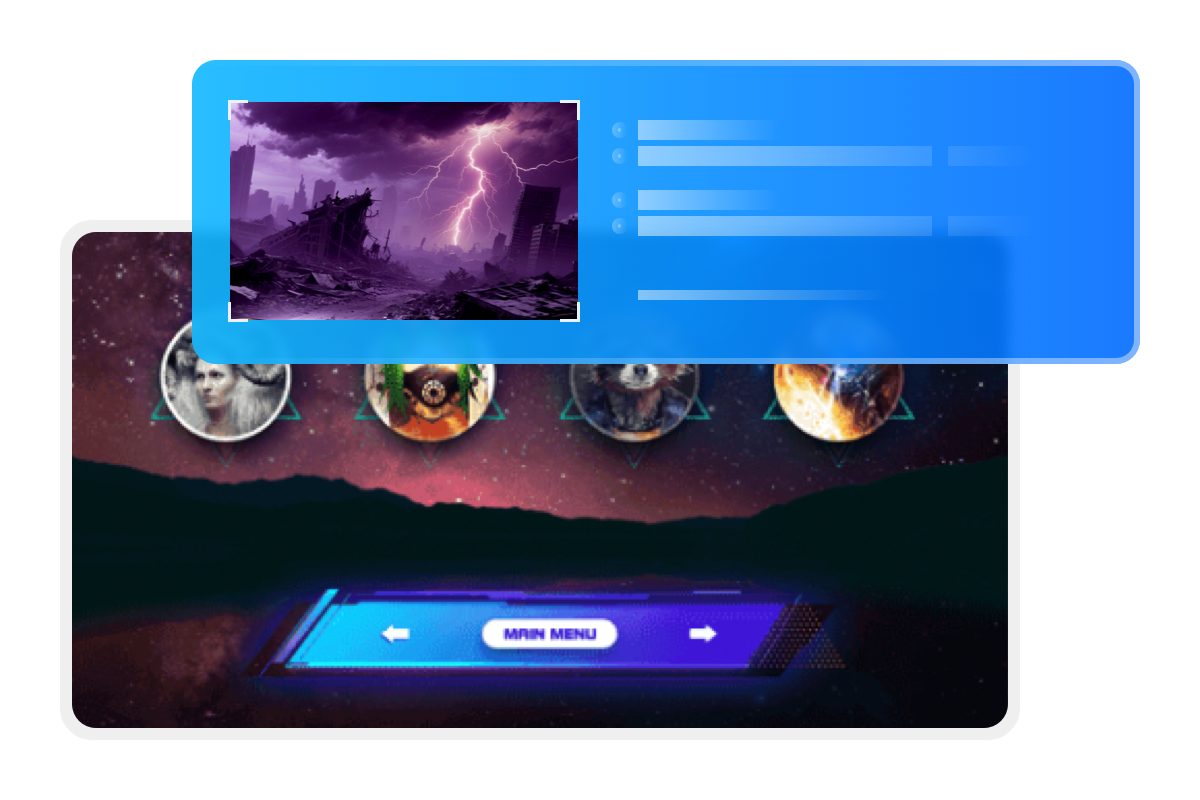
After loading the source video, click Advanced Settings and choose the output size and quality you prefer. You can also click Menu Settings to select and customize your menu.
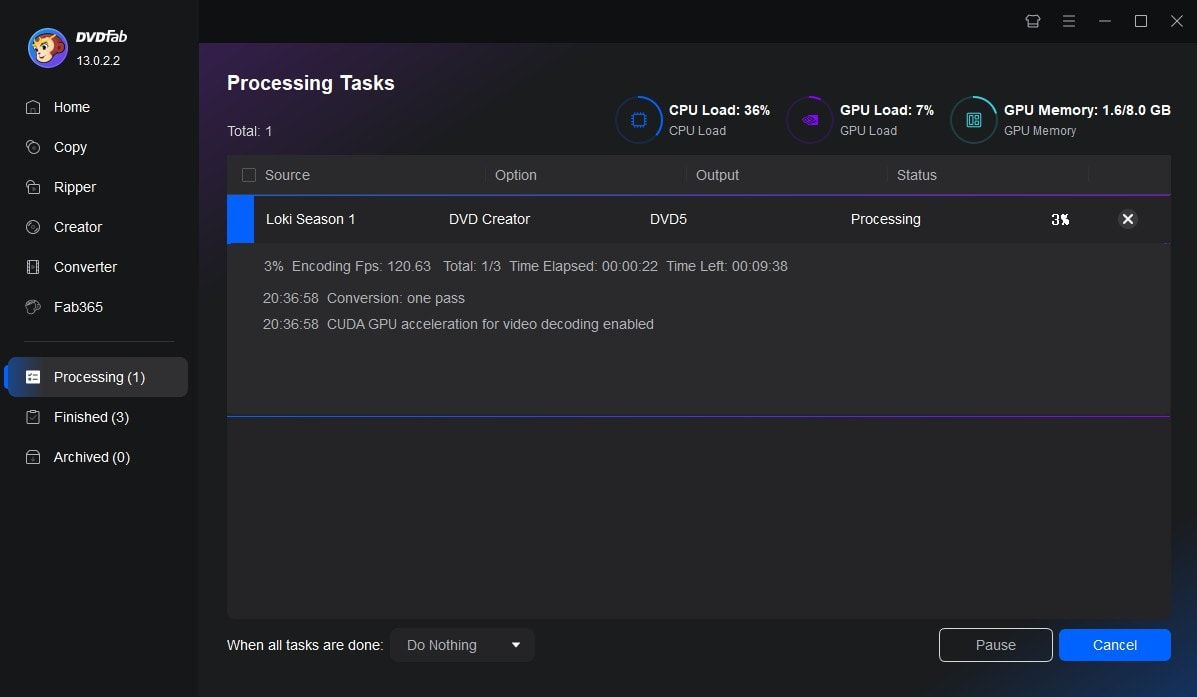
Start burning DVDs for free and fast.
Select the output directory in Save to Part, and click the Start button to begin creating your DVD. This DVD Creator will provide detailed progress information throughout the process.
System Requirements
Can’t find the answers you’re looking for? If you have other problems, don't hesitate to contact us.
Our Service Team is always ready to help. Your problem will be addressed as soon as we can.