DVDFab DVD Ripper
Convert DVDs to popular videos and audio formats for playback on mobile and portable devices.

🎬 How to Convert DVD to AVI with DVDFab DVD Ripper
Jun 17, 2025
Tired of juggling discs or dealing with aging DVDs? With DVDFab DVD Ripper, you can convert your favorite DVDs to the widely compatible AVI format—quickly, easily, and with excellent quality. Whether it’s movies, TV shows, or personal recordings, turning your physical DVDs into digital AVI files means you can enjoy them anytime, anywhere—without a disc in sight. 🎯 Why choose DVDFab DVD Ripper? ✅ Remove any DVD copy protection (old or new) ✅ Rip DVDs to AVI and 1000+ other video/audio formats ✅ Maintain 1:1 high-quality output or compress to smaller file size ✅ Built-in video editor for trimming, cropping, and customizing ✅ 50X faster conversion with GPU acceleration ✅ Play AVI on PC, Android, smart TVs, game consoles, and more From disc to digital in just a few clicks—free yourself from DVD limitations. 🛠️ Rip smarter. Edit easier. Enjoy more with DVDFab DVD Ripper. #DVDFab #DVDRipper #ConvertToAVI #DigitalFreedom #NoMoreDiscs #MediaConverter #AVIFormat
Transcript
Follow along using the transcript.
Show Transcript
Read in Article
  • How to Convert DVD to AVI Free and Easily [2026 Updated]

    Converting DVD to AVI effectively requires choosing the right ripper based on your disc type. For encrypted commercial DVDs, DVDFab DVD Ripper is the recommended solution due to its built-in decryption and GPU acceleration. For homemade or unencrypted discs, free tools like VLC and Icepine are viable alternatives. This guide covers 5 verified methods to help you digitize collections for playback on legacy hardware, such as older car DVD players and DivX-certified devices.

    By Diana Smith - Feb 12, 2026
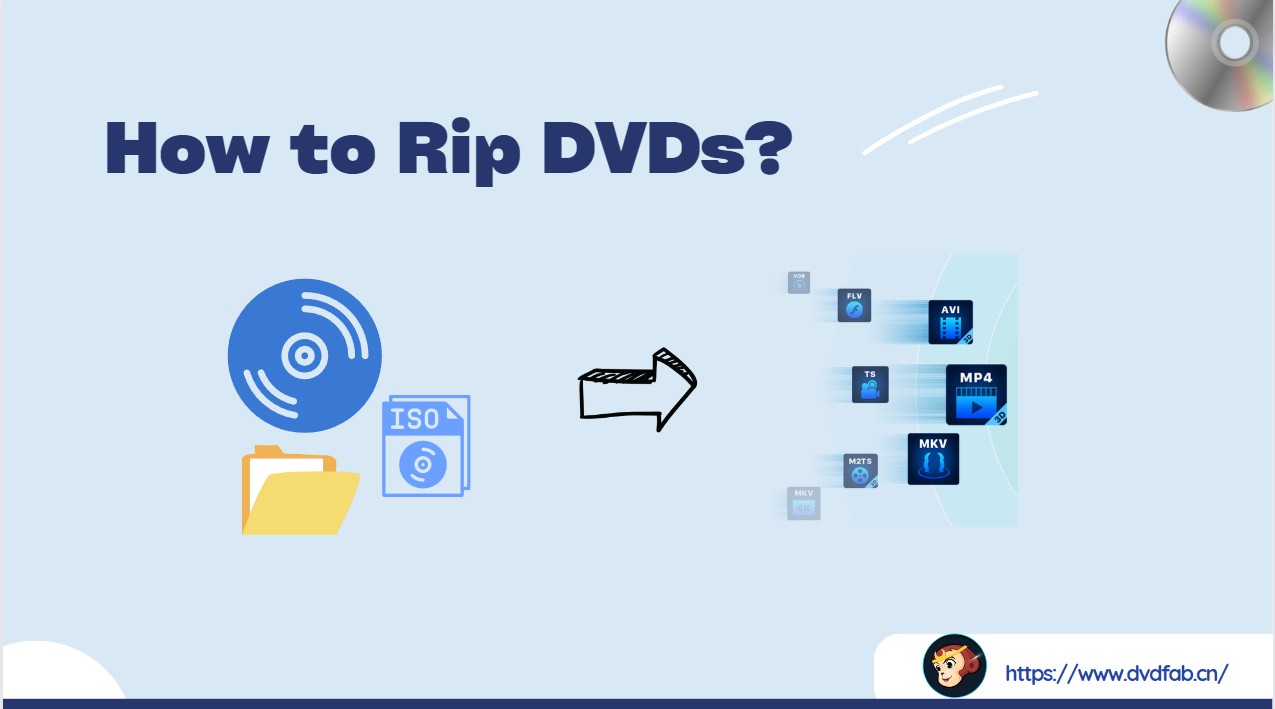
  • How to Rip a DVD: 8 Best Tools With Step-by-Step Guide

    To rip DVD, insert the disc, launch your DVD ripping software (such as DVDFab DVD Ripper or HandBrake), load the source DVD into the program, select your preferred output format (MP4 or MKV), set a destination folder, and then simply click "Start." Wait for the process to complete, and your ripped DVD videos will be ready for viewing.

    By Wenny Yan - Jan 11, 2026