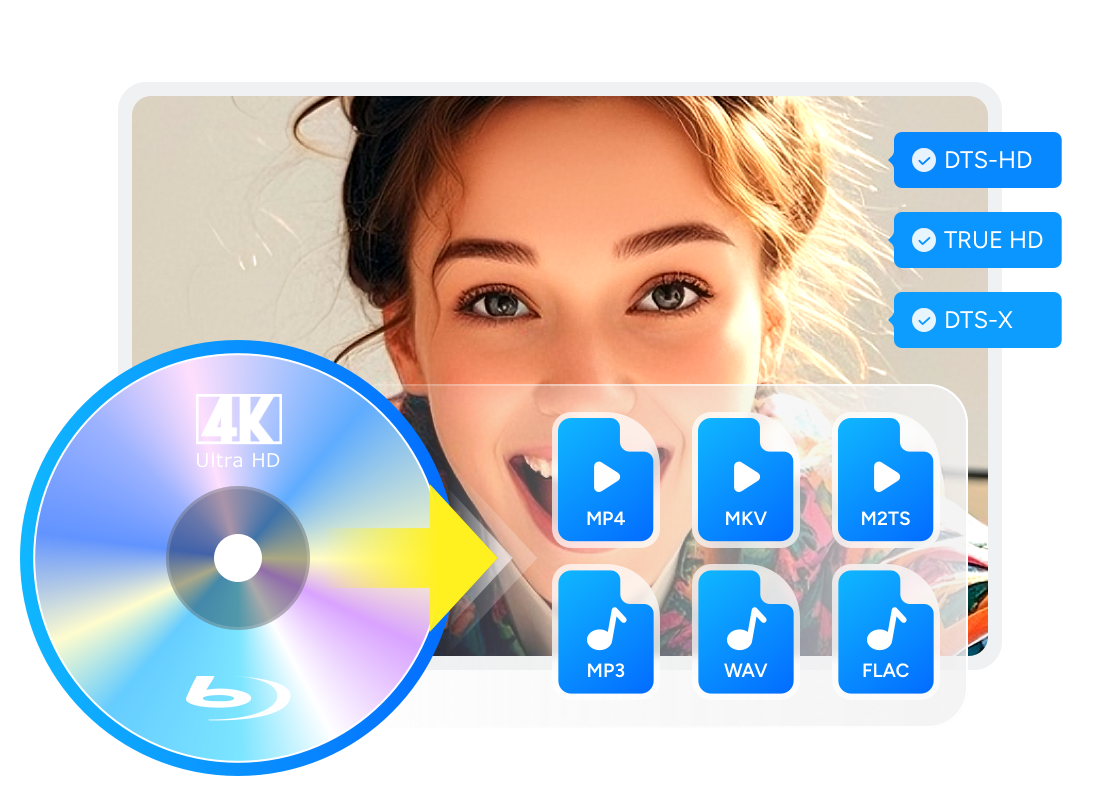
4K Ultra HD Blu-ray Solution: Everything You Need to Know

Summary: 4K Ultra HD Blu-ray still matters if you want better picture, less compression, and stronger audio than streaming can usually offer. This guide explains the difference between 4K and UHD, what you need to play UHD discs, and when standard Blu-ray is still enough. If you want to back up or convert UHD movies for easier viewing, DVDFab UHD tools can also help.
If you already stream movies in 4K, you may wonder whether 4K Ultra HD Blu-ray is still worth the extra cost. I think that is the real question now. Streaming is easier, but disc still matters if you care about the best picture, less compression, and stronger audio. In this guide, I will keep it simple: what UHD really means, how it differs from standard Blu-ray, what you need to play it in 2026, and when it is actually worth buying.

4K vs UHD: What's the Difference
💡Get a one-minute overview to quickly grasp these HD concepts:
- 4K (DCI) is 4096×2160, a cinema mastering standard.
- UHD (consumer) is 3840×2160, the resolution for TVs, players, and Ultra HD Blu-ray discs. In everyday home viewing, "4K" typically refers to UHD; the disc format itself targets 3840×2160.
One way to differ them is they originate different. The term 4K originally derives from the Digital Cinema Initiatives (DCI), a consortium of motion picture studios that standardized a specification for the production and digital projection of 4K content. 4K refers to resolution, which is stated in pixels. In this case, 4K is 4,096 by 2,160, and is exactly four times the previous standard for digital editing and projection (2K, or 2,048 by 1,080).
While UHD, short for Ultra High Definition, originates from a consumer display and broadcast standard. It is the next step up from what's called full HD, the official name for the display resolution of 1,920 by 1,080. UHD quadruples that resolution to 3,840 by 2,160. It's not the same as the 4K resolution made above – yet in practice, you will often see UHD used interchangeably with 4K, whether describing TVs, source devices, accessories or content. Therefore, when we say 4K, in most case, it also refers to UHD. From the above analysis, we can see that 4K and UHD is not exactly the same, but the differences between them don't matter so much.
Blu-ray, 4K, and UHD: When Should You Choose Each?
Standard Blu-ray still makes sense if you use a 1080p TV, want lower disc prices, or simply want a wide and affordable movie library. 4K Ultra HD Blu-ray is the better fit if you already own a 4K HDR TV or projector and want the best image and sound your setup can show.
One point that comes up often in enthusiast communities is that HDR and color can matter even more than the extra pixels. That is one reason some 4K discs look much better than their standard Blu-ray versions, even when the jump in sharpness is not dramatic.
🎯When deciding:
- Go with Blu-ray if you have an HD TV, want lower cost, or watch older releases.
- Choose 4K Ultra HD Blu-ray for the best experience on large 4K TVs or projectors, especially with HDR and a quality sound system.
What Is 4K Ultra HD Blu-ray?
A 4K Ultra HD Blu-ray disc is a home video format built for 3840 × 2160 playback, with support for HDR, wider color, higher frame rates up to 60fps, and immersive audio formats such as Dolby Atmos and DTS:X. It also uses higher-capacity discs than standard Blu-ray. According to the Blu-ray Disc Association, Ultra HD Blu-ray discs commonly come in 66GB and 100GB versions, with maximum video bitrates up to 108 or 128 Mbps. In simple terms, that gives the format more room for image detail, less visible compression, and better audio quality than most streaming setups.
Where to Get 4K Ultra HD Blu-ray Movies
Buy or Rent Online
Undoubtedly, buying or renting online is still the easiest way to get your hands on the recent blockbusters available on 4K Ultra HD Blu-rays. And there are many choices out there.

Major e-commerce websites like Amazon and Best Buy, together with hundreds of others, offer amazing deals all the year round, sometimes with great discounts during holiday seasons. If you are not a collector kind of person, renting your favorite movies from popular rental services, such as RedBox, Rent4K and familyVideo, might be a better way for you.
Buy or Rent Offline
If purchasing online is not really your kind of thing, it is absolutely okay. Maybe you can visit a nearby movie shop or supermart like Walmart to buy or rent the movies or TV shows you want.
The advantage of doing this way is that, if the disc you received is problematic, then you can get it returned and replaced quickly. Do remember to keep the receipt, though. However, the shortcoming is also obvious. The local store you usually go might not have the movies or TV shows you are looking for, especially when it comes to 4K Blu-rays.
DIY at Home
In addition to buying or renting a movie from a website or a local store, there is a 3rd method you can try — make your own 4K Blu-ray movies at home, with a 4K UHD authoring software.
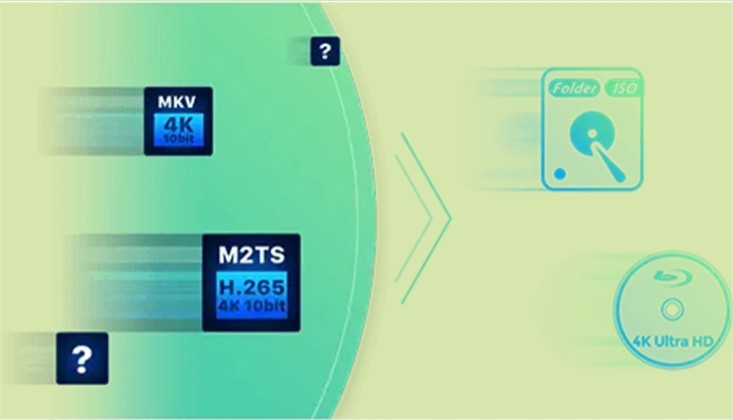
DVDFab UHD Creator is a powerful 4K UHD authoring software for users to make premium 4K Blu-rays at home, with their personal videos of all formats. The produced 4K Ultra HD Blu-rays technically conform to industry standard. That's to say, they should be able to play back hassle-free on any standalone home 4K UHD Players.
How to Watch 4K Ultra HD Blu-ray Movies?
💡Playable options at a glance:
| Playback Scenario | What You Need | Pros | Cons |
| Standalone UHD Player | UHD player + 4K HDR TV/AVR | Plug-and-play, best compatibility | Hardware cost; disc only |
| HTPC + Player Software | 4K HTPC + UHD player software (e.g., Player software link here) | Library UI, ISO/folders playback | Setup/driver/HDCP nuances |
| Desktop/Laptop + External UHD Drive | 4K-capable PC/Mac + external UHD drive + player software | Portable, flexible | External drive, cable/bus limits |
| Non-4K Setup (Down-convert) | Converter tool to Blu-ray (1080p) | Works with older TVs/players | Loses 4K/HDR benefits |
Now that I have my favorite movies and TV Shows on 4K Blu-rays, how do I watch them? To answer this question, you first need to decide where you want to watch the 4K Ultra HD Blu-rays. The most agreed approach is, of course, still the traditional way – via a 4K UHD Player. However, 4K UHD Disc Players are way more costly than regular Blu-ray Disc Players, not everyone would like to make the upgrade.
Luckily, there are some alternatives to the 4K UHD Disc Player — the Android set-top boxes that not only play 4K UHD Blu-ray ISO files and folders, when hooked up with an external 4K UHD Drive, can also play back 4K Blu-ray discs. Some of these STBs are way less expensive than the traditional 4K UHD Disc Players.
That said, if you are not really into an Android set-top box kind of thing. It's okay, we still have other approaches out there. Next, let's go over the scenarios we can think of one by one.
On an HTPC System
Usually, people who have an HTPC at home will very likely have a giant-screen display dedicated to that HTPC. In today's standard, that huge display device is most likely a 4K UHD TV.
An HTPC usually does not have an optical drive. However, it can directly play back 4K Blu-ray ISO files or folders, with a 4K UHD player software.
If you do want to watch a physical 4K Blu-ray disc, then you will need an external 4K UHD Drive hooked up to your HTPC. It's easy to find relevant models on Amazon made by major brands, such as LG.
On a Desktop or Laptop
It's already no secret that nowadays, desktops and even laptops are coming up with 4K or better screens. If you've just grabbed one of these monsters, then you can watch 4K Blu-rays there.
Unlike an HTPC that usually has a smaller size, a desktop or laptop has more space for an optical drive. If yours comes with a 4K UHD Drive, then you are lucky; if not, find an external one on Amazon.
However, if you already have the ISO files or folders of the 4K Blu-rays saved on your hard drives, then the only thing you still in need, similar to on an HTPC, is a 4K UHD player software.
On Non-4K Devices
In spite of being increasingly popular, not everyone is ready to jump from regular Blu-rays to 4K Blu-rays. After all, 4K Blu-rays and everything related to them are not money-friendly, as least for now.
Therefore, what if someone sends you a 4K Blu-ray disc as a birthday or holiday gift, but you don't have a 4K TV, nor a 4K UHD Player to watch it on? There is no need to worry about that.
You can choose to downscale and convert the 4K Blu-ray to standard Blu-ray specification to watch on a non-4K Blu-ray player or HDTV. DVDFab UHD to Blu-ray Converter is particularly designed for this circumstance.
How to Rip or Copy UHD Blu-ray Movies?
4K Ultra HD Blu-ray movie disc can each store around 70GB of data, but similar to DVDs and Blu-rays, these discs have a tendency to get lost or damaged over time. When either of these tragic events happens, the data on the disc becomes unusable or impossible to recover. Therefore, making backup copies is what people usually do to keep their precious DVDs, Blu-rays and 4K Blu-rays safe from being damaged.
📌Here's a quick guide to help you analyze your needs and determine the right tool:
| I want to… | Use this tool | Preserves HDR10 | Output Types | Typical Use |
| Rip to digital file (on-demand playback) | UHD Ripper | Yes (profiles vary) | MKV/M2TS/MP4 profiles incl. 10-bit HEVC | Plex/HTPC/TV app playback |
| Copy the whole disc (backup) | UHD Copy | Yes | ISO (1:1 or compressed), folder; can reburn to BD50/25 | Archive, re-burn, menu retention |
| Remove Cinavia (audio watermark) | UHD Cinavia Removal | No (focus: watermark) | Cinavia-free ISO/folder/file | Prevent mid-playback mute on detectors |
1. DVDFab UHD Ripper
Compared to making physical hard copies, ISO files or folders, converting a 4K Blu-ray to a single on-demand digital video can not only save you huge money on blank medium, but also your rising investment on 4K streaming services from Netflix, Amazon, Apple and the likes. With the help of DVDFab UHD Ripper, you can do that in a few mouse clicks. This means, after putting the discs on shelf, you can still enjoy your favorite 4K Blu-rays on your 4K UHD TV.
2. DVDFab UHD Copy
Any physical disc wears out after being played for many times, or mishandled. Therefore, to preserve and keep them safe becomes a real headache. If you consider copying your UHD movies and save them as lossless or compressed ISO files, then DVDFab UHD Copy would be a great choice.
DVDFab UHD Copy can copy the main movie title or the entire disc of a 4K Ultra HD Blu-ray movie off the original disc, and then save the content as a 1:1 lossless or compressed ISO file, or burn the compressed content to blank BD50/25 discs. In the process, both the Dolby Vision and the HDR10 video quality can be preserved.
Warm Tips: Before start copying UHD Blu-rays, you need to check whether the firmware inside your 4K UHD drive is friendly. Otherwise, you need to downgrade the unfriendly firmware to UHD friendly drive version with UHD Drive Tool, then reboot your PC to proceed with follow-up backup tasks.
3. DVDFab UHD Cinavia Removal
When copying or converting 4K Blu-rays, it is inevitable that you will come across the notorious Cinavia watermark. Cinavia is a new protection that consists of a multi-level watermark embedded in the audio track for movies in theaters and commercial DVD & Blu-ray discs. If you want to copy a UHD Blu-ray movie under the protection of Cinavia, you may need a UHD Cinavia Removal.
DVDFab UHD Cinavia Removal can remove the Cinavia watermarks planted in the audio tracks of most 4K Blu-rays, producing the lossless Cinavia-free backups or on-demand digital videos that shall never mute in the middle of the playback process, not even when the 4K Blu-ray playback device installed with a Cinavia detector performs a firmware update in the future.
FAQs
Often yes, especially if you already have a good TV and sound system. Ultra HD Blu-ray supports much higher disc capacity and bitrate than ordinary streaming delivery, along with uncompressed or immersive audio formats. In enthusiast discussions, many viewers also say HDR and wider color make a bigger difference than the raw jump in resolution. So if you care about image stability, dark-scene detail, and stronger sound, disc still has a real advantage.
No. The Blu-ray Disc Association says Ultra HD Blu-ray discs cannot be played in a standard Blu-ray Disc player. The good news is the reverse is easier: an Ultra HD Blu-ray player can play your existing Blu-ray discs as well.
Yes. PlayStation lists Ultra HD Blu-ray as a supported disc format for the PS5. The PS4 support page, by contrast, lists Blu-ray Disc support but not Ultra HD Blu-ray.
In general, yes. Sony's support documentation says Ultra HD Blu-ray discs are region-free and can be played back on a player that supports Ultra HD Blu-ray regardless of where the disc was purchased. That is different from standard Blu-ray, which still uses region coding.
Conclusion
4K Ultra HD Blu-ray is still the better choice when you want the best picture and sound at home. Streaming is easier, but discs usually give you higher bitrate, less compression, and better audio. If you use a 1080p TV or want lower cost, standard Blu-ray still makes sense. If you own a 4K HDR TV or projector, UHD is the better fit. The key is to choose based on your setup, not on the label alone. For users who also want to back up or convert UHD movies, DVDFab UHD tools are one practical option.

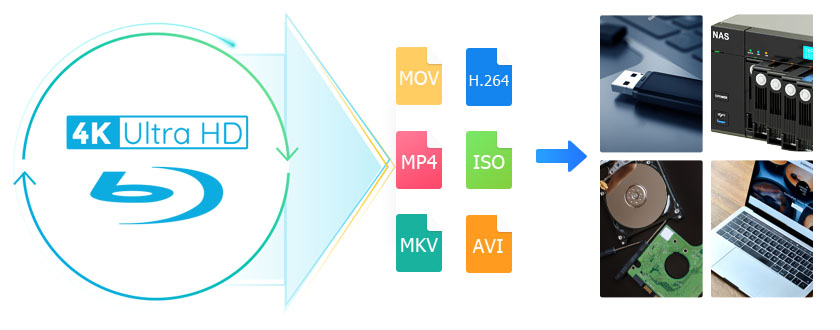 How to Rip 4K Blu-ray Disc with Lossless Quality on Windows & Mac?By Diana Smith - Feb 24, 2026
 The Ultimate Review to the Best UHD Disc Ripper: DVDFab UHD RipperBy Diana Smith - Nov 20, 2025