2 Ways to Download audiobook.jp on PC: MP3 and Unlimited Titles.

Summary: This guide shows how to download audiobook.jp audiobooks for personal use. Method 1 is about the official download route to save purchased titles as MP3 files. Method 2 uses BookFab AudiobookJP Converter to save your subscription audiobooks and podcasts from audiobook.jp in more formats, making it easier to organize your library and keep a permanent backup.
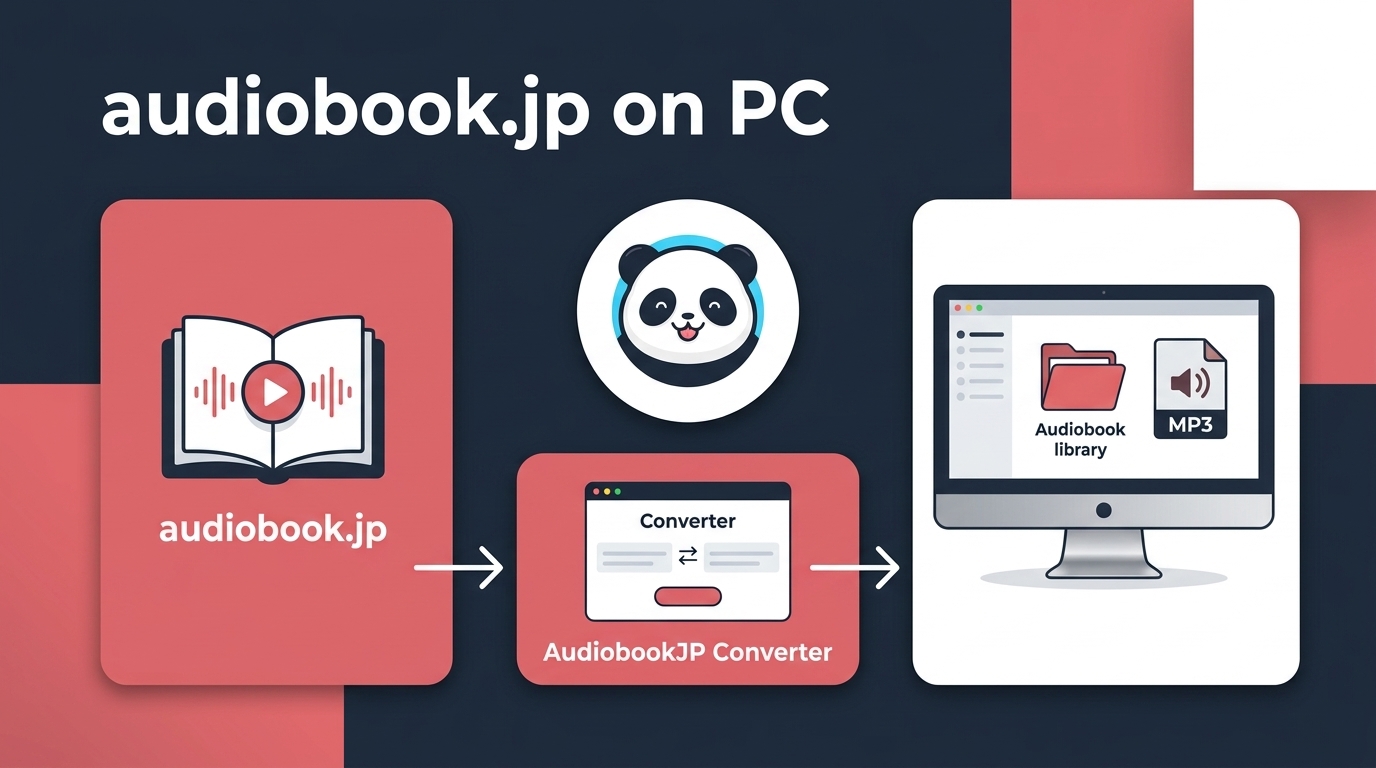
An audiobook.jp download can mean two different things: offline playback saved inside the mobile app, or an exportable audio file on your PC. The key distinction is the content type. Purchased audiobooks and subscribed podcasts can use the official MP3/ZIP route, while Unlimited titles are limited to app-based offline playback.
Table of Contents
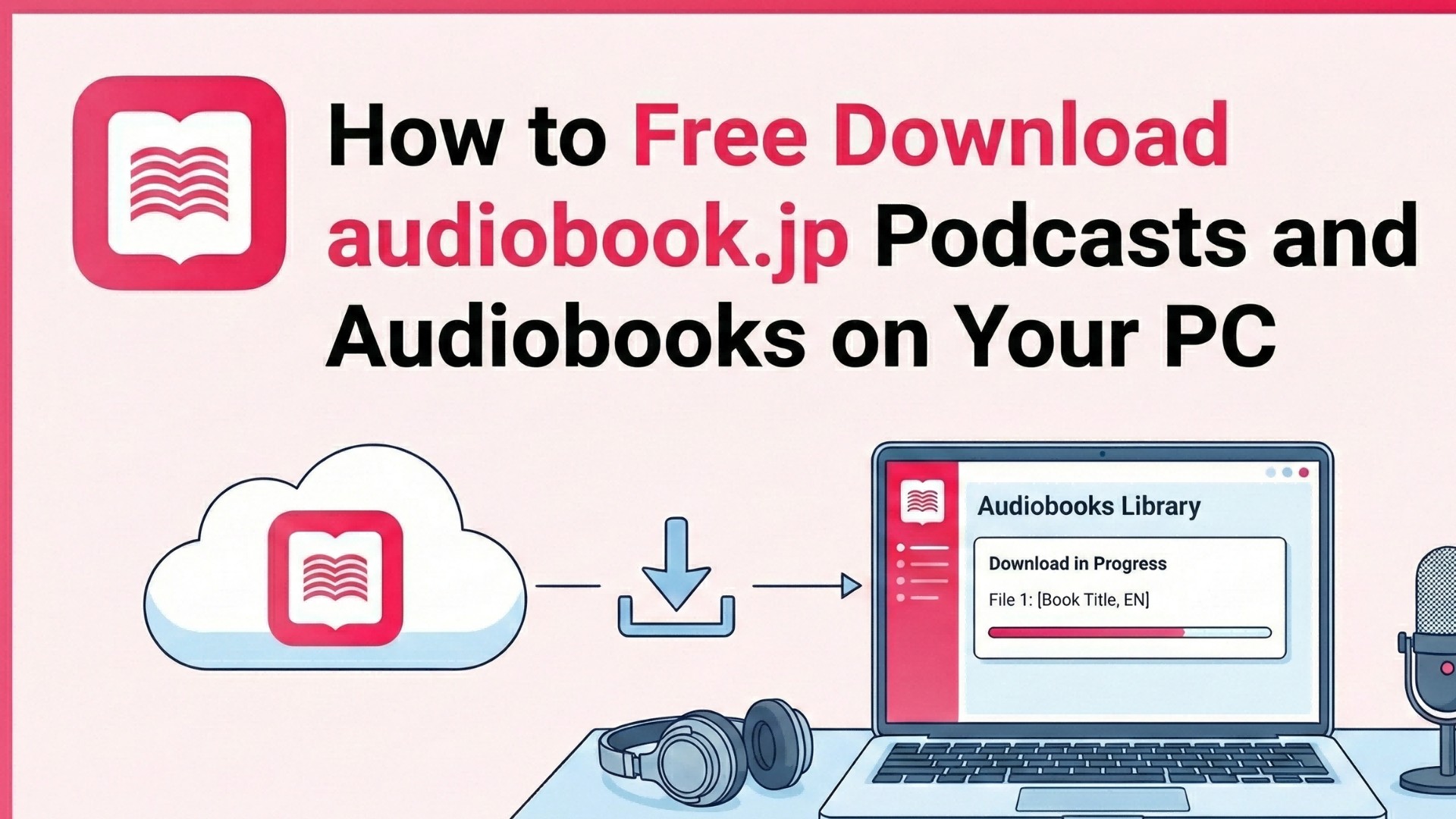
For an audiobook.jp MP3 download, the official PC route is available for eligible purchased audiobooks and subscribed podcasts. Unlimited titles can still be downloaded in the mobile app for offline listening, but that app download is not the same as an MP3 or ZIP file you can organize on a computer.
This guide separates those rights first, then covers the official audiobook.jp PC download steps and a desktop option for authorized content when standard local audio files are genuinely needed.
| Content type | App offline playback | PC/browser playback | Official MP3 or ZIP export | BookFab local files |
| Purchased audiobooks | Available | Available | MP3 in ZIP | Supported content |
| Unlimited titles | Available in app | Not as raw files | Not available | Authorized desktop option |
| Subscribed podcasts | Available | Available | MP3 in ZIP | Supported content |
What audiobook.jp Lets You Download
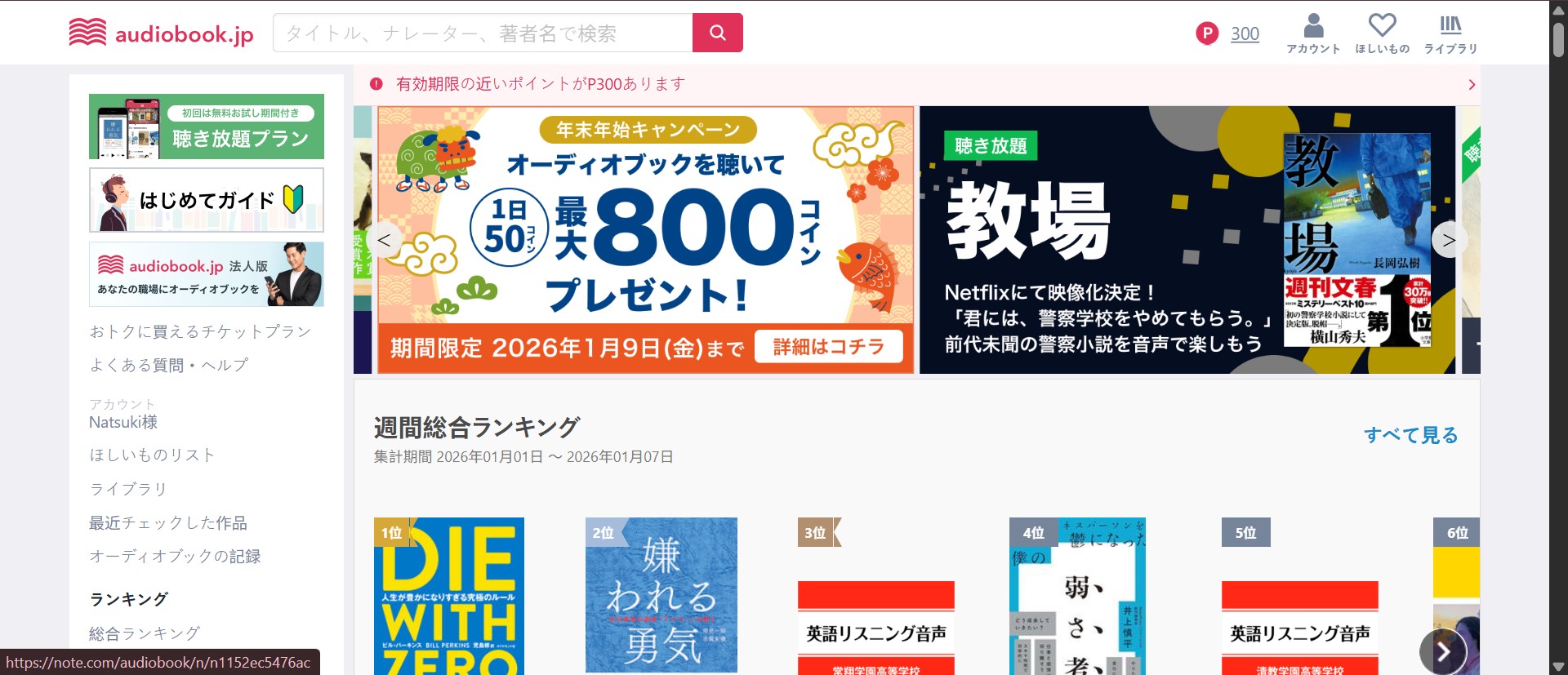
audiobook.jp is a Japanese audiobook service operated by Otobank. For downloading, the important question is not simply whether a title appears in your library, but whether it is a purchased audiobook, a subscribed podcast, or an Unlimited title.
Purchased audiobooks and subscribed podcasts can be downloaded through the official PC workflow as MP3 files in a ZIP archive. Unlimited titles can be saved for offline playback in the audiobook.jp mobile app, but the service does not offer those titles as official browser-based raw-file downloads.
audiobook.jp offers several access models, including Unlimited listening, tickets, and individual purchases.
- Unlimited Listening Plan: A subscription for eligible listening-plan titles, with offline playback available in the mobile app.
- Ticket Plans: Plans that provide tickets for eligible titles in the store.
- Individual Purchases: Purchased audiobooks can appear in your library and may qualify for the official PC MP3 download workflow.
Plans and Current Pricing
As of August 2026, audiobook.jp lists its Unlimited plan at ¥1,330 per month or ¥9,990 per year on the web. The Japan App Store lists ¥1,380 per month or ¥10,200 per year, so the billing channel affects the amount shown.
audiobook.jp and Audible
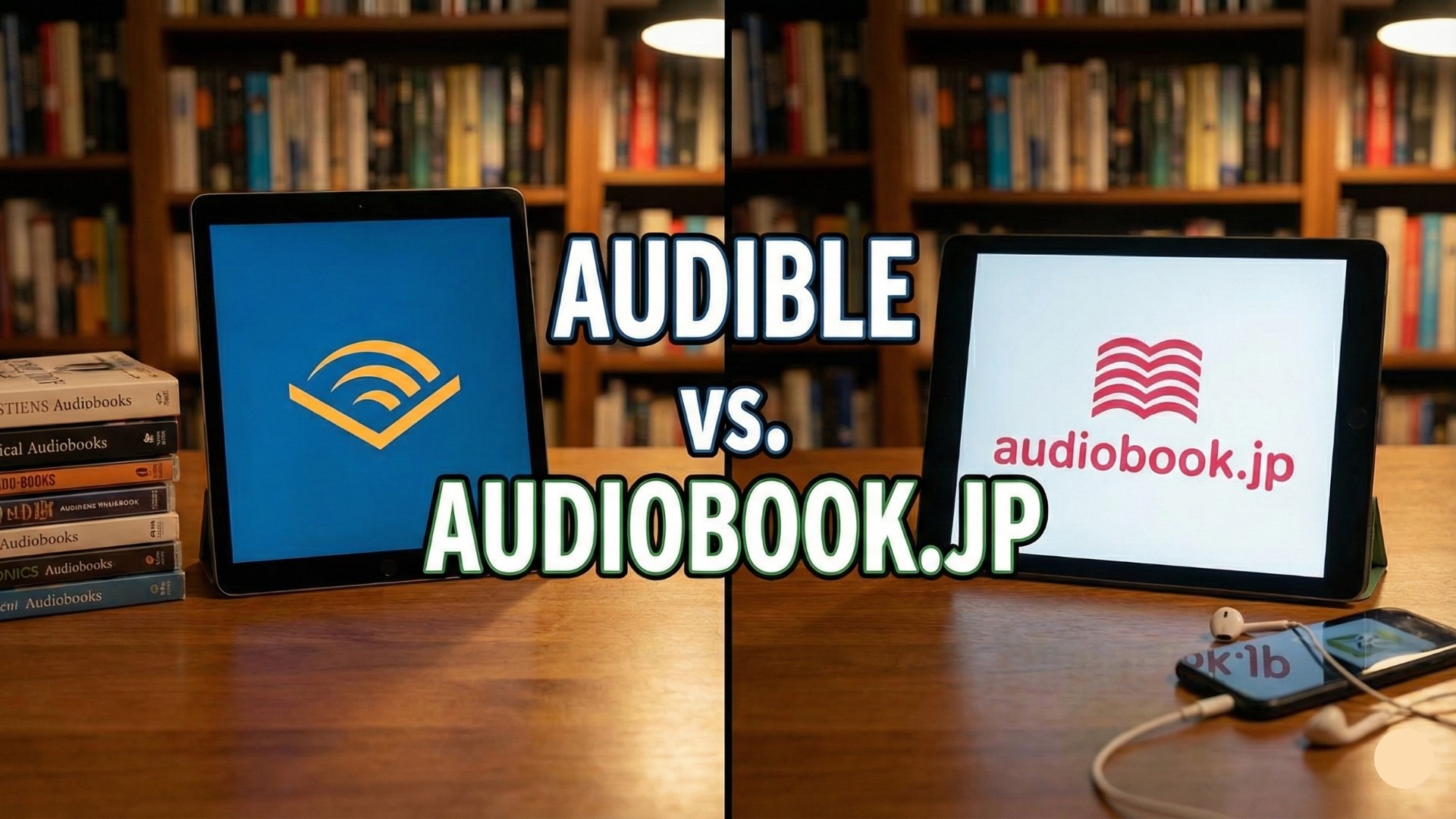
Audible's US membership options include Standard at $8.99 per month, Premium at $14.95 per month, plus annual Premium plans. If you also need instructions for downloading Audible books, that is a separate process. For Japanese listening, compare the specific titles you want and the way you plan to listen rather than treating either service as a universal winner.
For Japanese learners, title availability and narration style usually matter more than a broad service ranking. I would check a few books you actually plan to hear before committing to a membership, especially when a series or author matters to your study routine.
Official MP3 and ZIP Downloads on PC
The official PC workflow applies to purchased audiobooks and subscribed podcasts, not Unlimited titles. When an official MP3 download is available, this is the simplest route because the files arrive in a ZIP archive that you can extract and place in a local audio library.
Open Your Purchased Library
Use this official route for purchased audiobooks and subscribed podcasts. The service delivers eligible PC downloads as MP3 files in a ZIP archive; Unlimited Listening Plan titles are not eligible for this browser-based file export.
Step 1: Access the download page
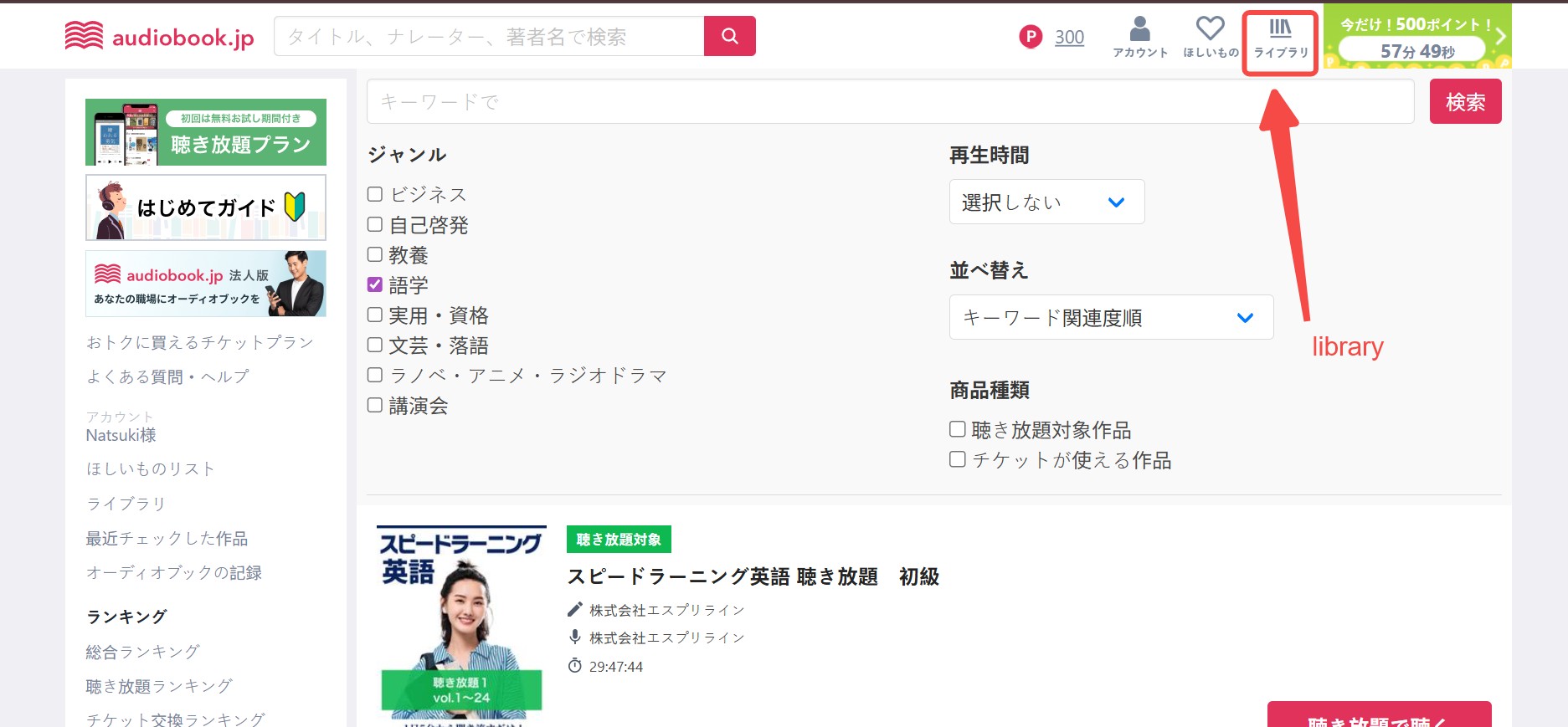
Right after a purchase, the website usually takes you to a download page automatically. If you want to download audiobooks you purchased earlier, click "ライブラリ" (Library) in the top-right corner, select a purchased audiobook, and enter its download page.
Adjust Download Settings
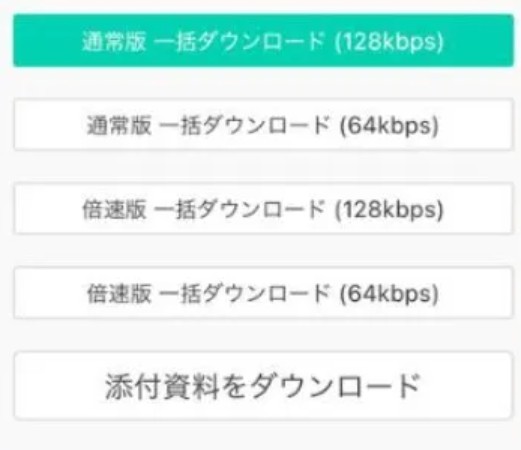
Choose a download mode. If you want to save the full set of audio files in one go, select "一括ダウンロード" (Bulk Download). The files will be saved to your computer as a ZIP file. Of course, you can also download and save the files chapter by chapter.
Extract the ZIP File
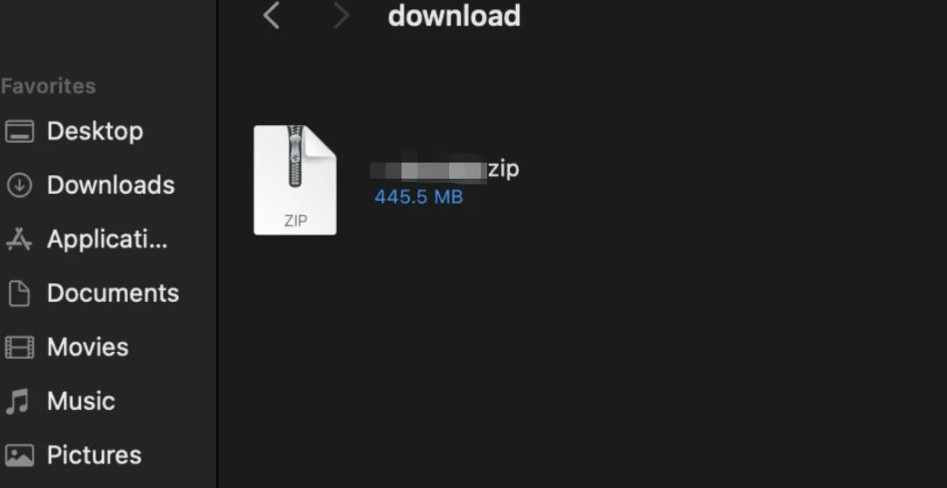
Extract the ZIP file you downloaded, and you'll find multiple MP3 files inside. In most cases, they're split by track or chapter, for example: Track01.MP3, Track02.MP3, Chapter01.MP3.
A Desktop Option for Unlimited Titles
For content you are authorized to access, and where permitted by platform terms and applicable law, BookFab AudiobookJP Converter provides a desktop local-file option for personal offline listening and library management. Disclosure: BookFab is the featured product in this article. It is relevant for Windows and Mac users who need standard audio files; it is not necessary for listeners satisfied with audiobook.jp's mobile-app offline playback.
BookFab AudiobookJP Converter supports purchased audiobooks, Unlimited titles, and subscription podcasts from audiobook.jp. It can output MP3, M4A, FLAC, WAV, or OPUS files and retain chapters plus key metadata such as cover art, title, and duration. BookFab's download manager includes download history and allows up to 100 downloads per supported source each day, while letting you monitor batch tasks. This matters most when several volumes need clear names and chapter order in the same library.
Step 1: Install BookFab and open AudiobookJP Converter
After installing BookFab, open the AudiobookJP Converter module from the sidebar. If you already have BookFab installed, update it to the current version before looking for the AudiobookJP Converter module.
Step 2: Sign in to your audiobook.jp account inside BookFab
Once the AudiobookJP Converter is open, sign in through its built-in browser and select content available through your account.
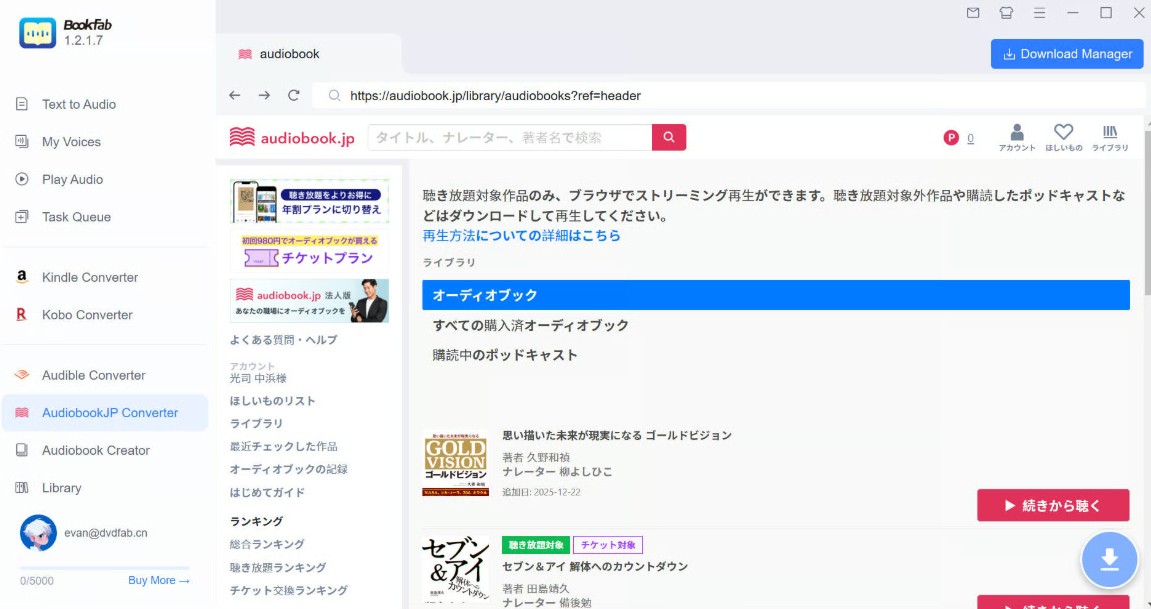
Step 3: Find the audiobook or podcast you want to save
Open your library to select purchased titles, Unlimited titles, or subscription podcasts you are authorized to access. Then open the title detail page and review the detected audio task before continuing.
Step 4: Choose an output format
Format choice affects where a book will play and how it will sit in your library. MP3 is widely compatible with basic players and car systems, while M4A is convenient in Apple-centered libraries. FLAC and WAV use more storage, and OPUS is useful when smaller files matter. When I organize an audiobook, I favor MP3 for broad playback and M4A when the destination is Apple Books or another Apple-focused player.
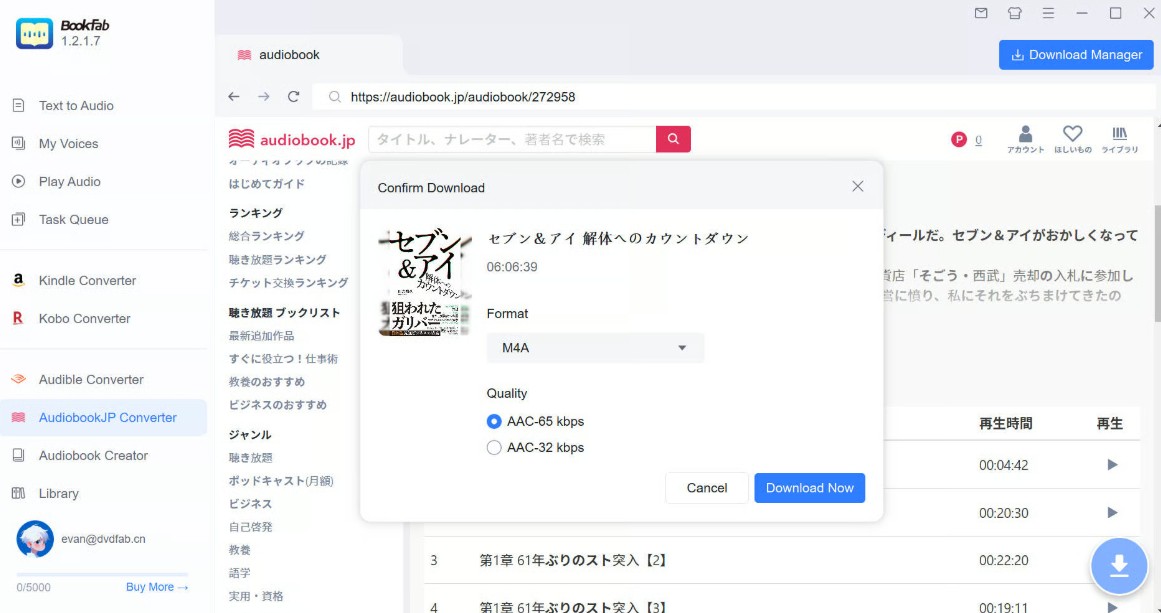
Step 5: Download audiobook.jp titles
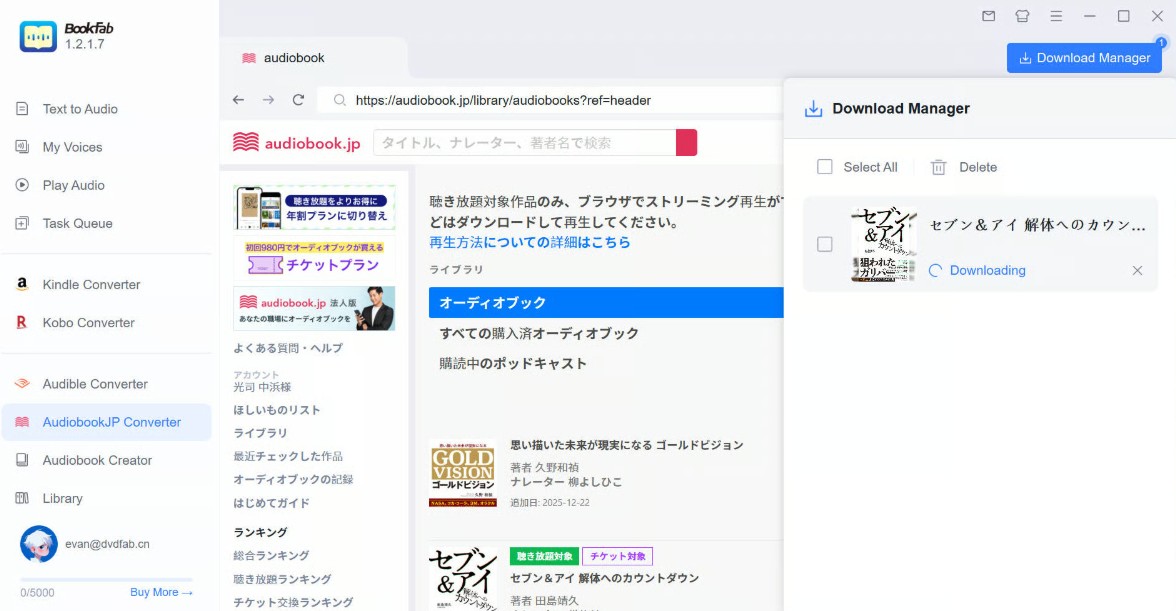
Click "Download Now" and monitor the task in Download Manager. Afterward, open a file in the player you plan to use and check the chapter names, cover art, and playback order before adding it to your main library.
Use local files for personal listening and organization, not commercial use or distribution. Your use should comply with applicable law and audiobook.jp's terms.
Choose the Right Audio Format
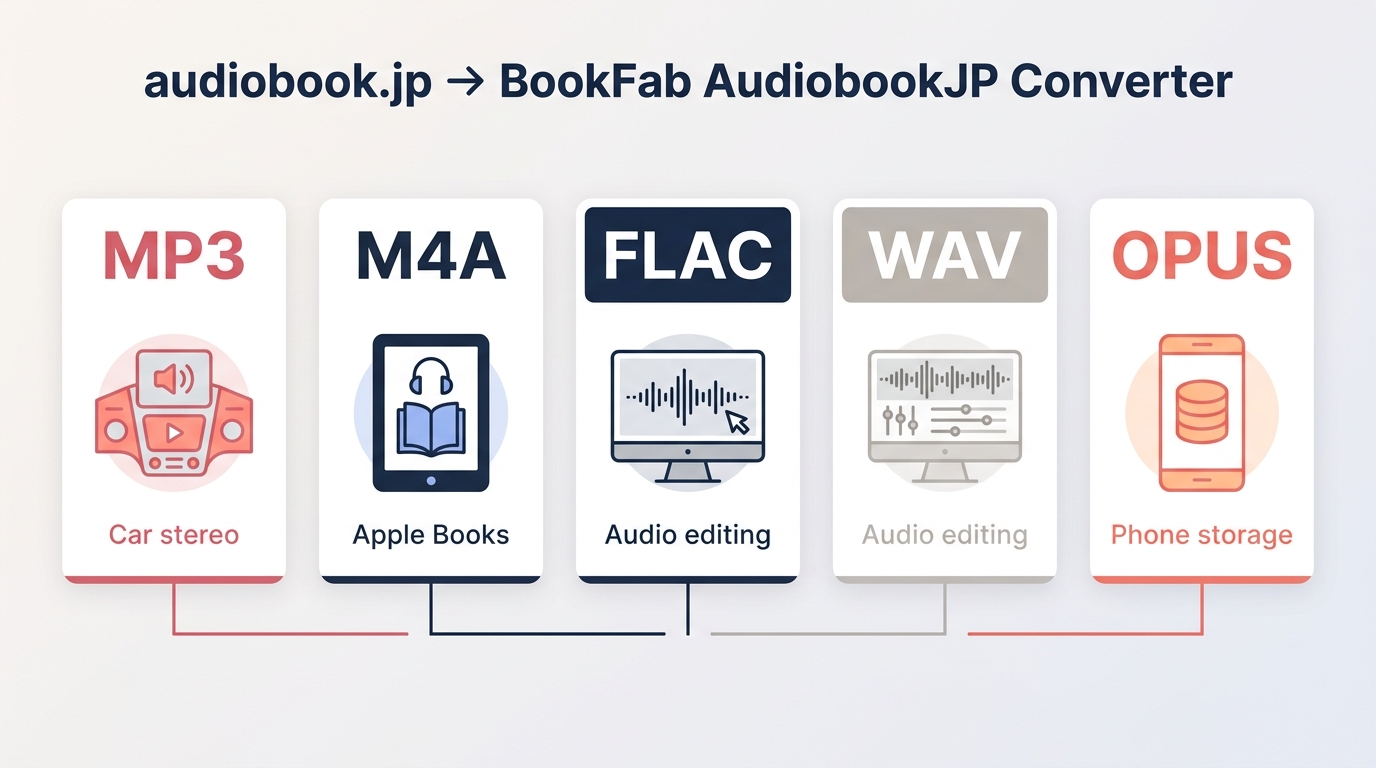
MP3 is the straightforward choice for an older player, a car stereo, or simple file transfers. M4A often fits an Apple-centered library. FLAC and WAV trade more storage for their audio format characteristics, while OPUS can reduce file size.
- MP3: Broad player and car-stereo compatibility.
- M4A: A natural fit for Apple-centered libraries.
- FLAC: Larger files for players that support FLAC.
- WAV: Large files, often useful for audio editing.
- OPUS: Smaller files where playback support is available.
The useful result is not just a file that opens: chapter names, cover art, title, duration, and metadata should remain readable enough to sort and resume a book later.
audiobook.jp Download FAQ
Q
Can I buy audiobook.jp titles from the United States?
Possibly, but checkout availability can depend on the options currently offered to your region and the payment method you use. I would treat overseas access as a title-by-title purchasing question rather than assume that every U.S. card or address will be accepted.
A
Q
What should I do if an audiobook.jp ZIP file will not open?
Confirm that the download finished before extracting the archive. Use your operating system's built-in extraction tool, make sure the computer has sufficient free storage, and download the ZIP again if the archive appears incomplete. This applies to the official PC MP3/ZIP workflow for eligible audiobook.jp content.
A
Q
Can I try BookFab before purchasing it?
Trial availability and limits vary by product, so purchasing decisions should not assume a free trial. If a trial is available, use your own supported content and intended player or storage setup to assess chapter names and metadata.
A
The Right Route Depends on Content Type
Use the official MP3/ZIP route for eligible purchased audiobooks and subscribed podcasts. If you listen to Unlimited titles and do not need separate files, the mobile app's offline playback is the simpler option. A desktop local-file option makes sense for authorized users whose player or library organization genuinely requires standard audio files. The deciding detail is the file access you need, not the membership name alone.

 4 Easy Ways to Remove Audible DRM in 2026: Tool Reviews and TutorialBy Amber Collins - Aug 26, 2026
 EPUB to Audiobook: 5 Tools for MP3, M4B, and Read-AloudBy Amber Collins - Aug 26, 2026
 Uberduck AI Review 2026: Features, Pricing, and 5 AlternativesBy Amber Collins - Aug 25, 2026
 Is Audible Free with Prime? What Prime Members Get.By Amber Collins - Aug 25, 2026