Uberduck AI Review 2026: Features, Pricing, and 5 Alternatives

Summary: This post is a comprehensive review of Uberduck AI highlights and step-by-step guide for your text-to-speech conversion purposes. Also, let's explore more possibilities in conversion with the top 5 Uberduck AI alternatives.
Here’s the short answer: Uberduck AI is no longer defined by the broad celebrity and character-voice catalog many users remember. It now centers on text to speech, custom voice cloning, speech-to-speech, and AI music, so this Uberduck AI review looks at its current fit, pricing, safety considerations, and active alternatives.
Uberduck AI Review: Features, Pricing, and Use
Uberduck currently combines text to speech, custom voice cloning, speech-to-speech, AI music with lyrics, and API-based creation tools through its web experience. Its current custom voice features are relevant to readers comparing AI voice cloning tools, but they are different from the older catalog of recognizable character voices. For music, rap, short-form voice work, and experimentation, the platform remains relevant; it is less convincing for readers who need the former character catalog or a book-length narration setup.
Voice output can vary by prompt, selected voice, and task. Trustpilot lists Uberduck at 1.7/5 from 17 reviews, a small sample that points to concerns about reliability, billing, and support without defining every user’s experience. Public plan details and this rating are current as of August 2026.
Current Features, Fit, and Reliability

Uberduck AI Text-to-speech tools let users turn written prompts into generated speech for short voice projects, drafts, and creative experiments.
Many legacy celebrity, cartoon, and anime character voices were removed. Current options emphasize custom voice cloning and approved voice workflows.
Speech-to-speech and text-to-speech tools provide different ways to shape generated audio, though results depend on the chosen voice and source material.
AI music and lyric-based voice features make Uberduck more relevant to rap, musical experiments, and short-form creative audio than to long-form narration.
Custom voice cloning is available for authorized voice use.best AI voice cloning toolsConsent and authorization matter when a voice or source content belongs to someone else.
Pricing and Plan Limits
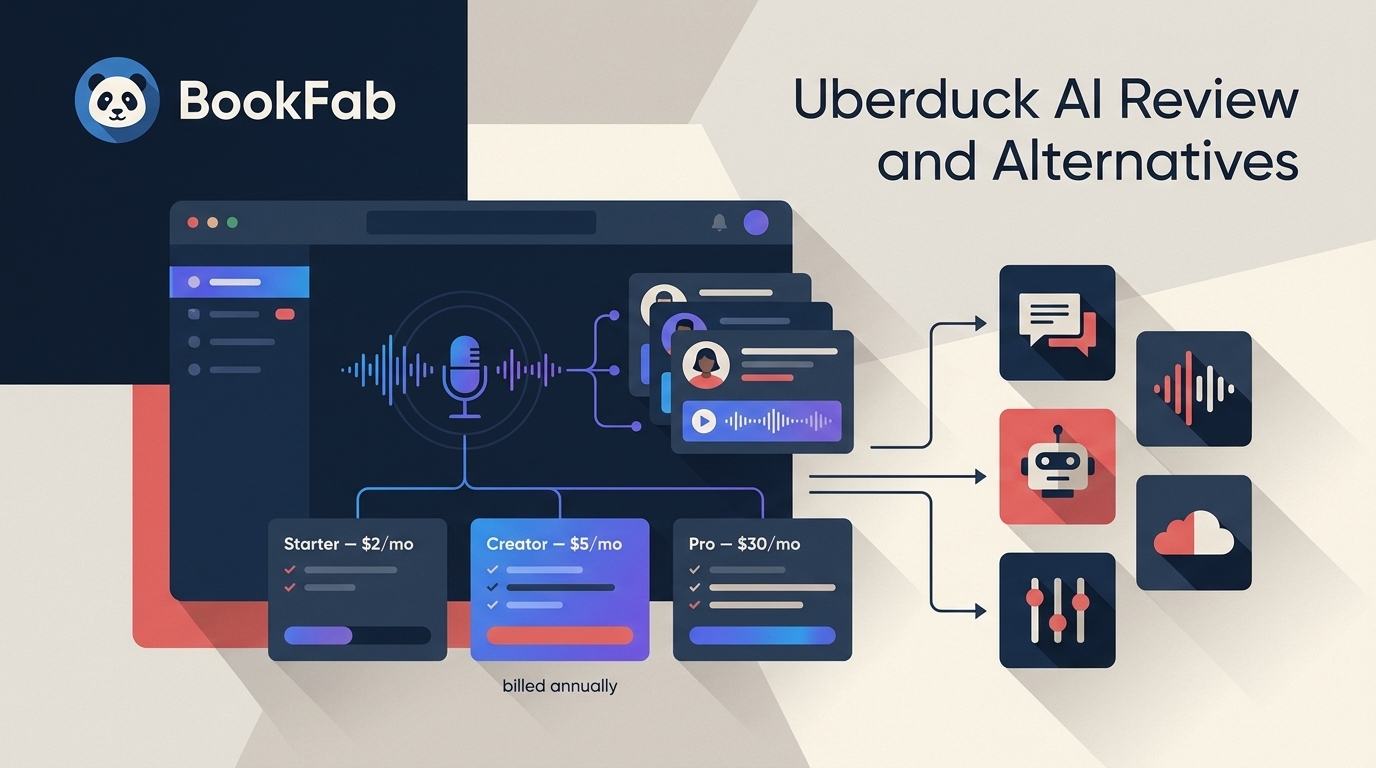
Uberduck’s public US pricing lists three plans, each billed annually. Credits and commercial-use terms differ by plan, so the plan name alone does not determine whether a particular project is covered.
- Starter: $2 per month, billed annually
- Creator: $5 per month, billed annually
- Pro: $30 per month, billed annually
Using Uberduck Text to Speech
Uberduck is accessed through its supported web experience. Before generating audio, prepare the final text and confirm that you have permission to use the selected voice and source material.
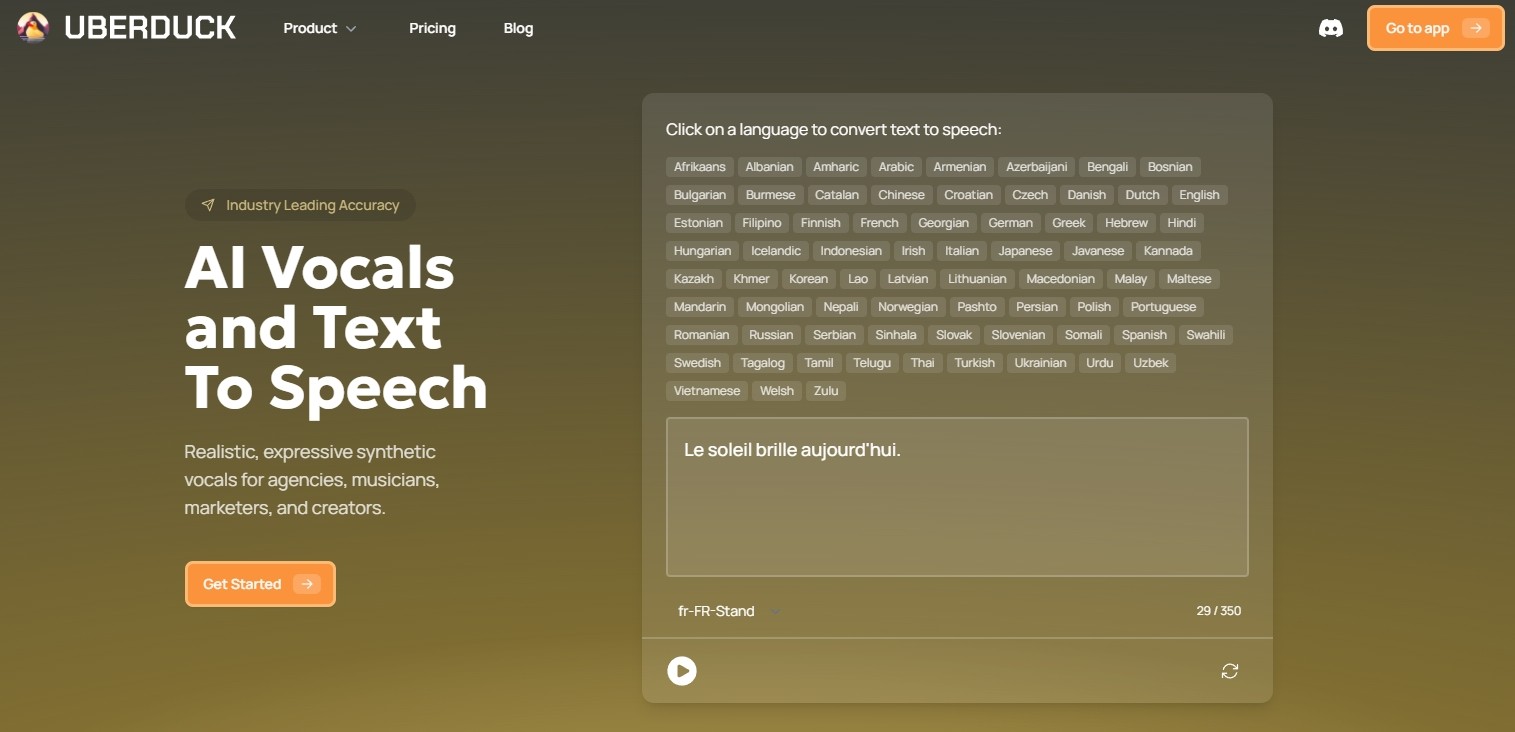
Step 1: Open Uberduck in a supported web browser and sign in to your account.
Step 2: Open the text-to-speech creation area and select an available voice option.
Step 3: Enter or paste the text you want to hear, then review names, numbers, punctuation, and pauses before generating audio.
Step 4: Adjust the available voice or generation settings, then start the generation.
Step 5: Preview the result and export it if the available option and your plan allow it. Listen for pronunciation, pacing, and any text that needs revision.
For spoken content, the most common friction point is not clicking Generate. It is catching names, abbreviations, dialogue, and punctuation that sound different from how they read on the page.
The points below summarize the platform’s current strengths and limits rather than treating a generated file as proof that it will suit every voice project.
When an Uberduck Alternative Makes Sense
An Uberduck alternative makes sense when the task no longer matches the current platform: you may need character-oriented voices, professional cloning controls, cross-platform reading support, clearer commercial terms, or a tool built for audiobooks. The loss of legacy character voices, more than price alone, explains much of this demand. For a long text, I would judge the result by chapter flow, pronunciation, and whether it can be organized as a usable audiobook, not simply by whether the audio file was created.
5 Uberduck Alternatives Compared
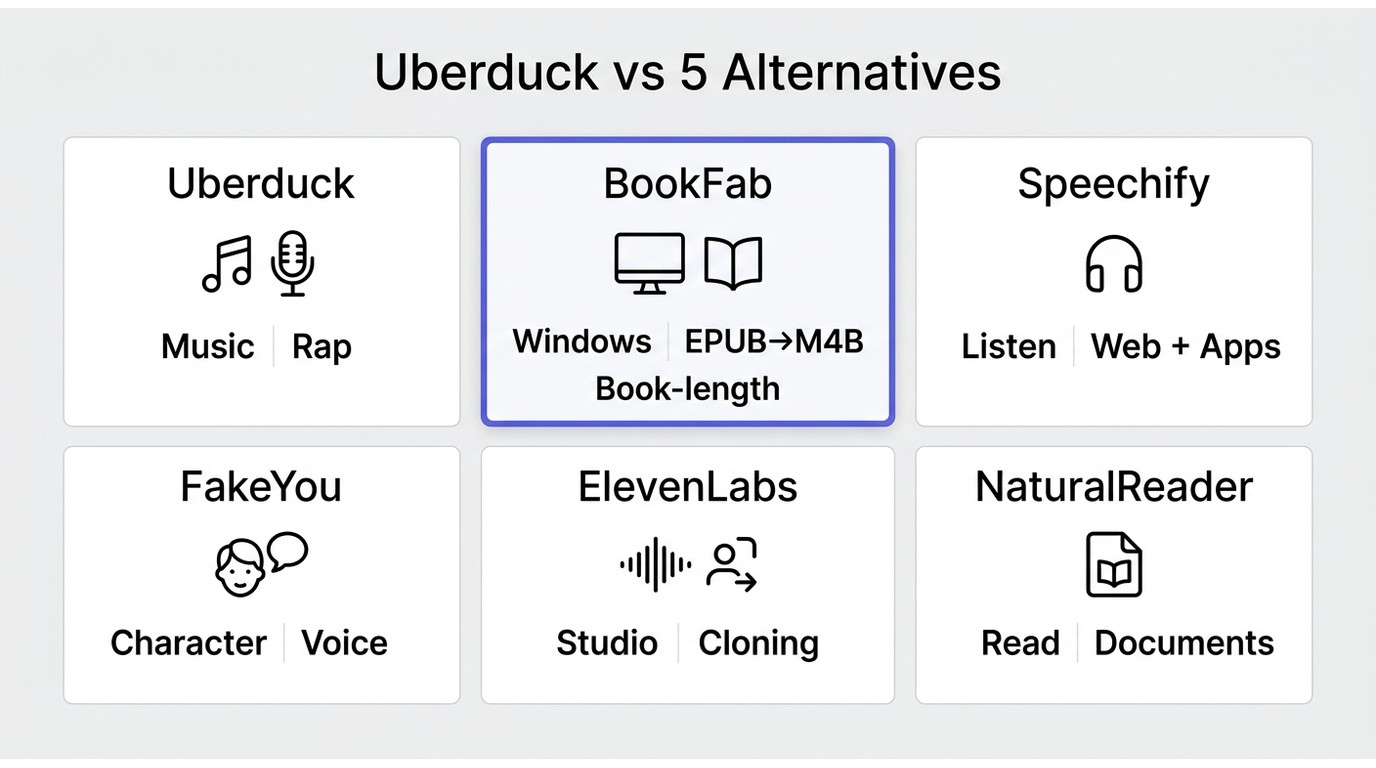
| Tool | Best fit | Access and platform | Voice or narration controls | Commercial-use terms |
|---|---|---|---|---|
| Uberduck | Music, rap, short-form experiments | Web | TTS, cloning, speech-to-speech | Plan-dependent |
| BookFab AudioBook Creator | Book-length audio on Windows | Windows desktop | Narration and pronunciation settings | Authorized content only |
| Speechify | Cross-device listening | Web and apps | Reading voices and playback | Plan-dependent |
| FakeYou | Community character-style voices | Web | Community voice catalog | Review terms carefully |
| ElevenLabs | Professional voice projects | Web | Voice design and cloning | Plan-dependent |
| NaturalReader | Everyday text reading | Web and apps | Reading voices and documents | Plan-dependent |
Use the table to narrow the field by the job you need done. A character-oriented project, a professional voice project, a cross-platform reading task, and a book-length audiobook call for different tools.
BookFab AudioBook Creator
BookFab AudioBook Creator is a Windows desktop tool for turning authorized TXT and EPUB content into narrated audio. Its Lifetime License includes an initial 1,000,000-word quota, and additional word quota is required after that amount is used. It is most relevant when the task is a book-length project rather than browser-based character voices or short music clips.
For EPUB-to-audiobook conversion, BookFab accepts TXT and EPUB input and can export MP3, OPUS, and M4B files while retaining key book details such as titles and covers where supported. Its narration settings can help with pronunciation, pacing, pauses, and chapter-based listening. It is not the right match for readers who need a browser tool or a character-voice catalog.
Pros:
- Narration controls for pacing, pauses, and pronunciation
- TXT and EPUB input; MP3, OPUS, and M4B output
- Chapter-oriented audio creation for longer reading material
- Library management with key title and cover details retained where supported
Cons:
- This tool is not available for Mac
- Technical support is provided for a paid plan
Steps to convert text-to-speech using BookFab AudioBook Creator
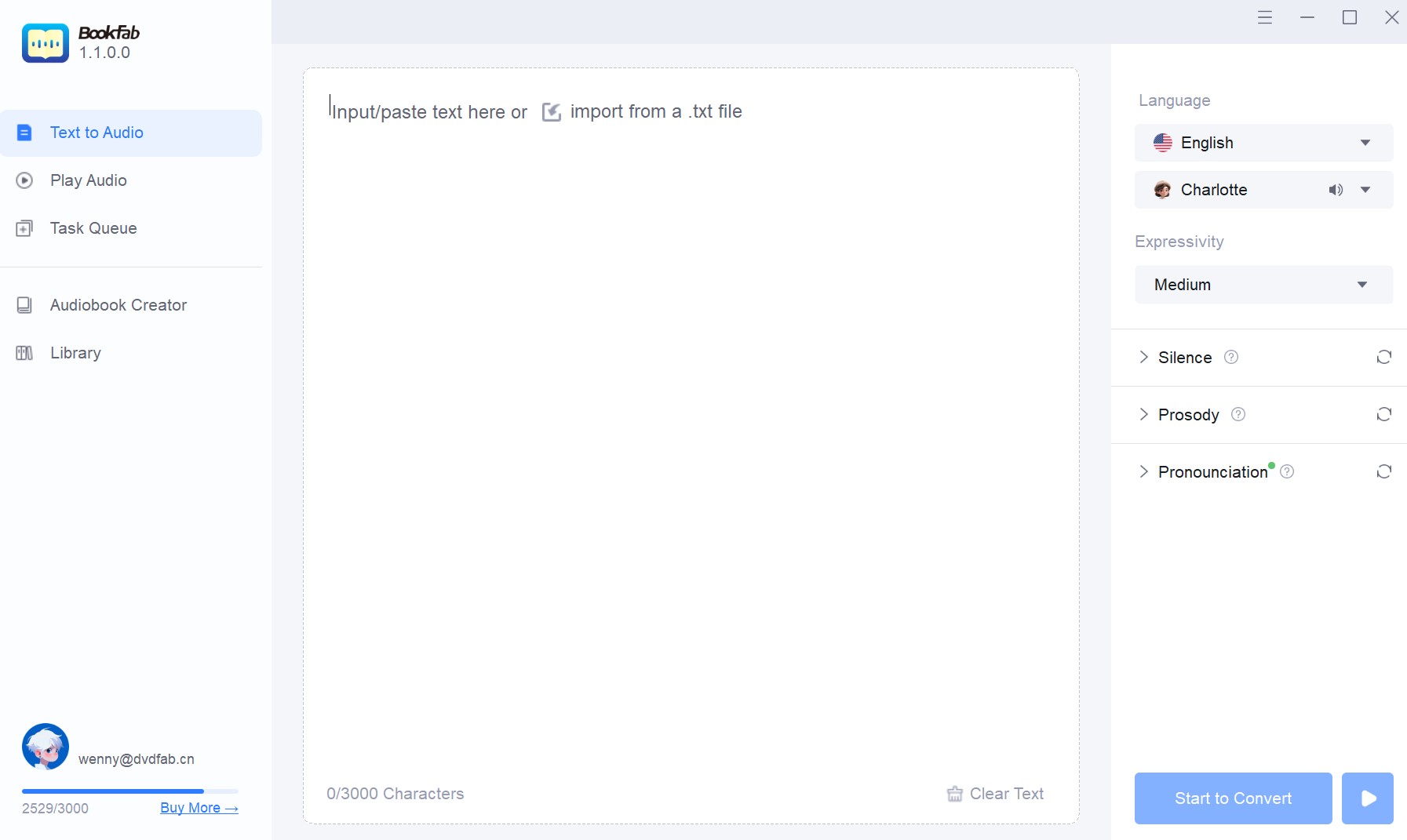
Step 1: After launching and opening the BookFab program on your Windows, move to the left column to select the “Audiobook Creator” interface. Now, import the required TXT file or EPUB file for conversion.
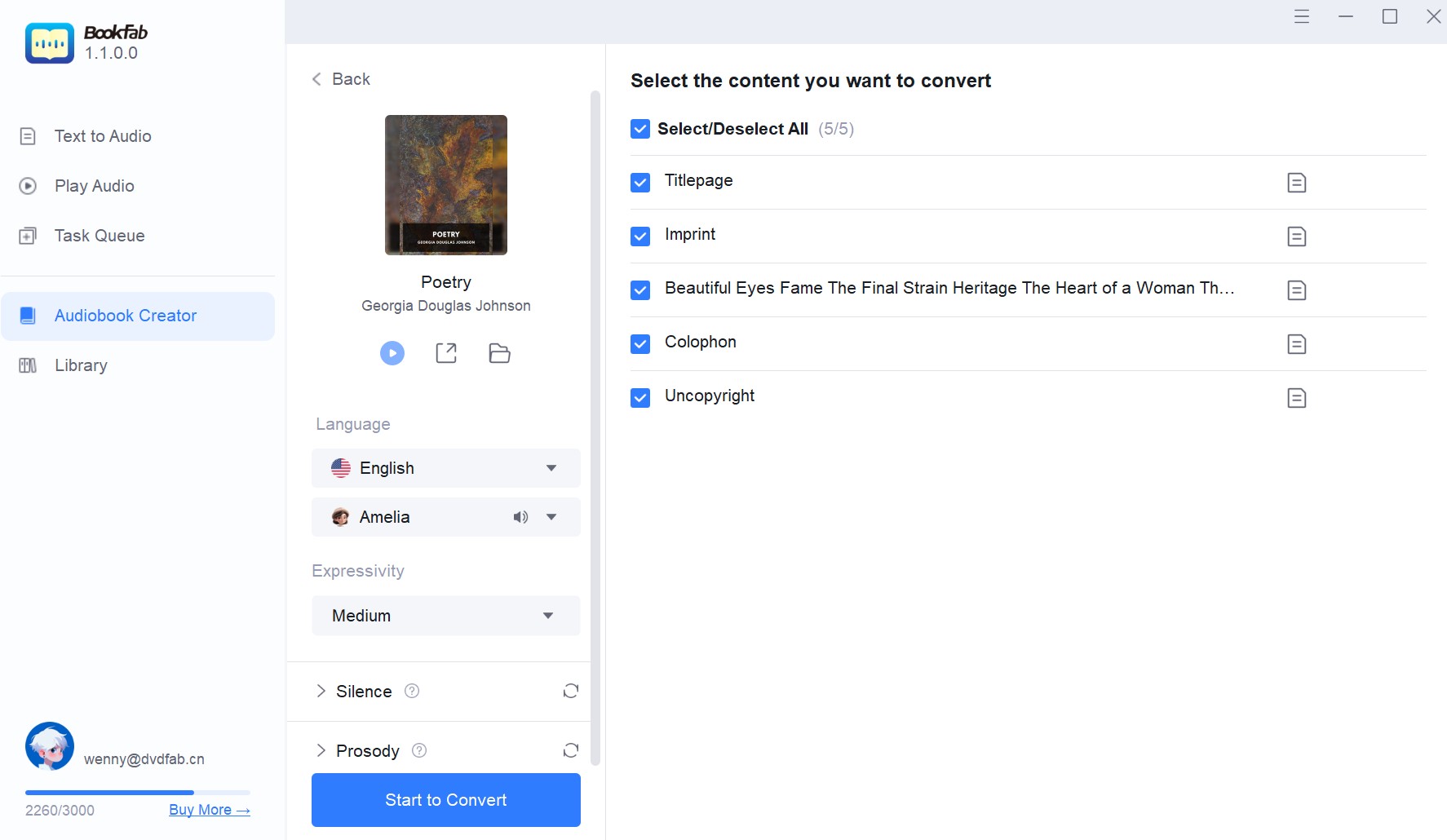
Step 2: Once the uploaded files are analyzed, you must choose your preferred chapters for conversion, customize “Settings” such as prosody, language, etc., and select the “Start to Convert” option.
Step 3: After completing the text-to-speech conversion process, you can organize the audiobook content library where you will save the output listening programs.
Speechify Text-to-Speech
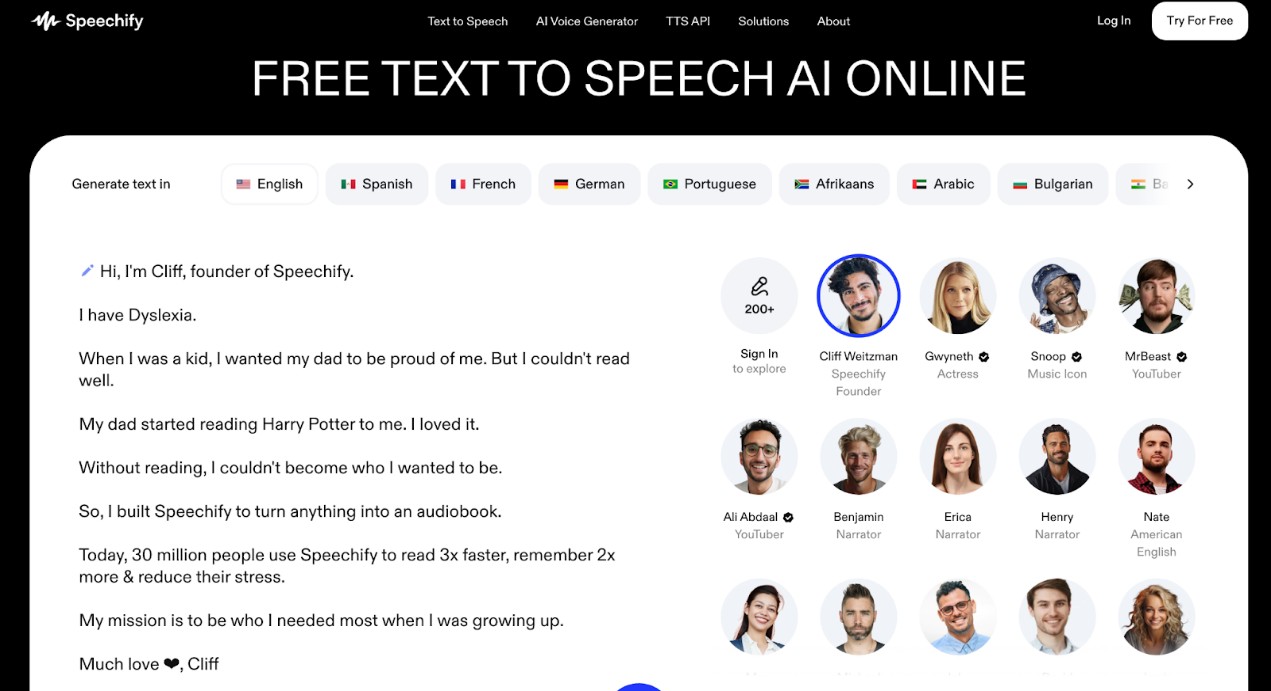
Speechify Text-to-Speech is an Uberduck alternative for readers who want listening access across web and supported apps. Its reading voices and playback features are more relevant to everyday documents and articles than to character-voice work. Review the available voices, export options, and plan terms against the material you want to hear.
FakeYou Text-to-Speech
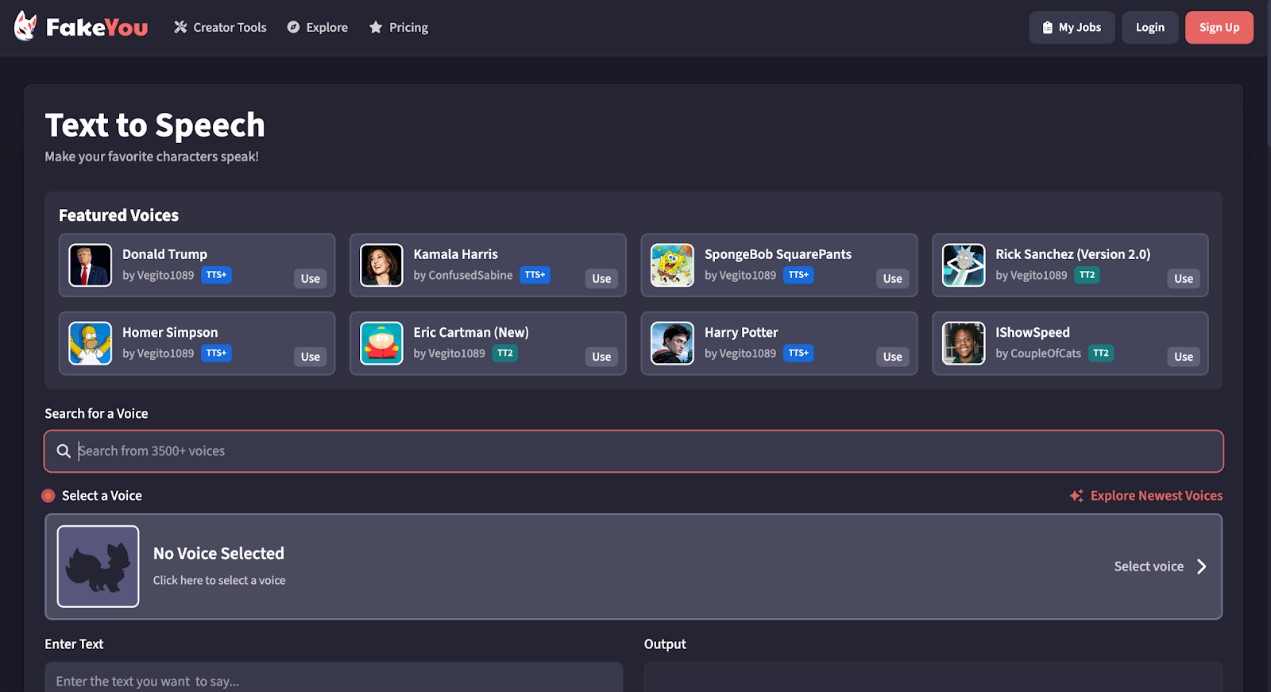
FakeYou AI Text-to-Speech is a community-created web tool that may appeal to users seeking a character-style voice catalog. Voice availability and output controls can vary by entry. Use voices, character references, and source material only where you have the required permission, and review the platform terms before publishing or using generated audio commercially.
ElevenLabs Text-to-Speech
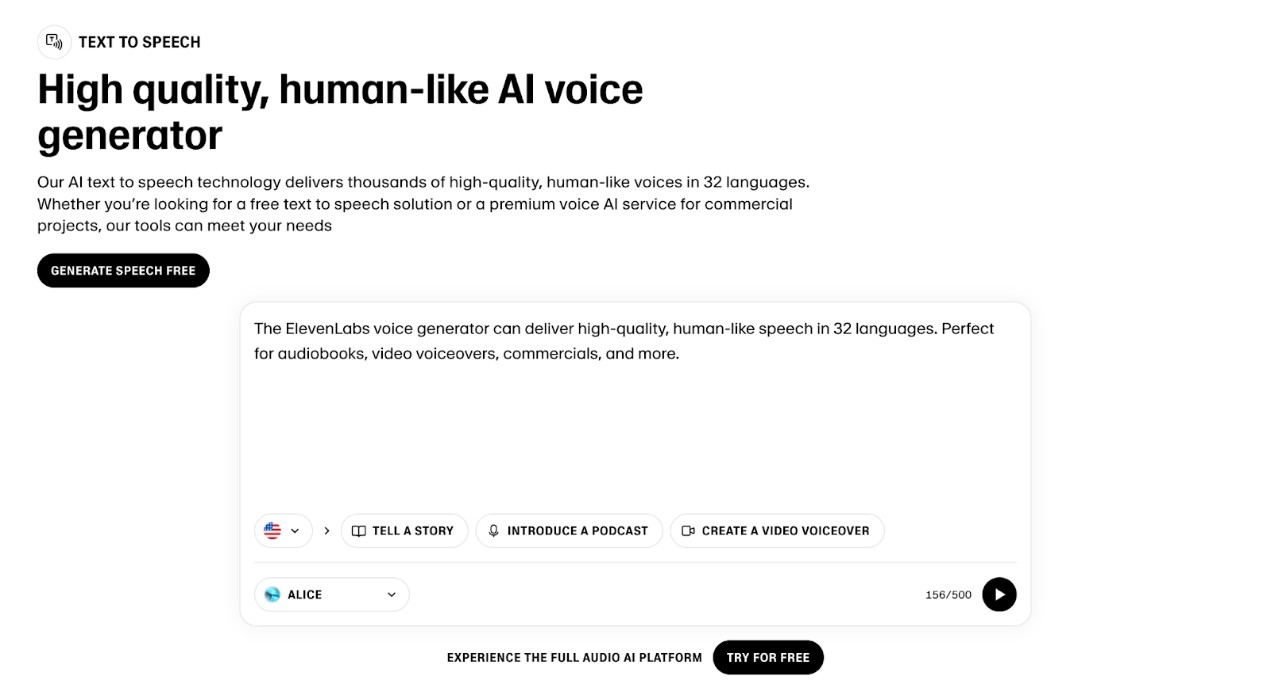
Among Uberduck AI alternatives, ElevenLabs Text-to-Speech is an online option for professional voice projects. Its voice design and cloning controls may suit video voiceovers and narration, while commercial use depends on the selected plan and the rights to the source material.
NaturalReader
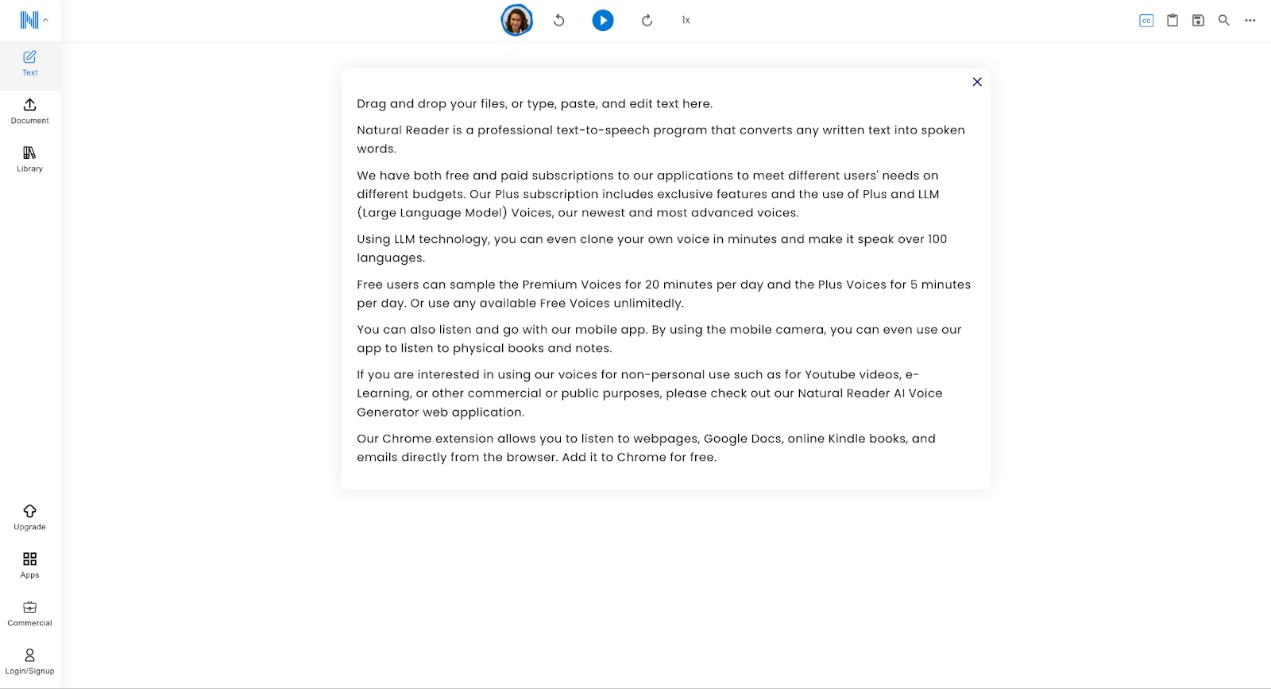
NaturalReader is an option for everyday text reading through its web and app offerings. It is more relevant to documents and routine listening than to a character-voice catalog. Available voices, features, output options, and commercial-use permissions vary by plan.
Uberduck AI FAQs
Q
Is Uberduck AI safe to use?
Uberduck AI safety involves more than ordinary website security. Before using voice cloning or generated audio, review the platform’s privacy policy and terms, confirm that you have consent to use the voice, and check whether your plan permits the intended commercial use. Rights to the source content and refund terms also matter.
A
Q
Are there free Uberduck alternatives?
Some active text-to-speech tools offer free access, but the available credits, voices, export options, output rights, and quality limits vary. Compare the tool against your actual task: character-style experiments, everyday reading, professional narration, or a longer audiobook. A free tier can be useful for checking whether its voice and controls suit the material.
A
Q
Can Uberduck clone my own voice?
Uberduck currently offers custom voice cloning. Use a voice only when you have appropriate consent and authorization, including for commercial work. Custom cloning is different from the older catalog of celebrity and character voices, many of which are no longer available.
A
Q
What happened to 15.ai?
15.ai is defunct. Its follow-up project, 15.dev, closed indefinitely on May 28, 2026. It remains historical context for readers who remember early character-voice tools, not an active service to compare with current text-to-speech options.
A
Is Uberduck Worth It?
Uberduck is worth considering for creators working with current AI music, rap, custom voices, and short-form audio who are comfortable with annual billing and plan-specific terms. Readers looking for the former character catalog, dependable long-form narration, or stronger confidence in support should compare alternatives first. Its 1.7/5 Trustpilot rating is based on 17 reviews, so it is a limited signal rather than a complete measure of user experience. For Windows users making audiobook-length files from authorized books, BookFab AudioBook Creator is a more focused option because it supports book imports, narration controls, and library organization; it is not intended as a character-voice replacement.

 EPUB to Audiobook: 5 Tools for MP3, M4B, and Read-AloudBy Amber Collins - Aug 26, 2026
 6 EPUB Text-to-Speech Readers and Audio Tools Compared (2026)By Amber Collins - Aug 24, 2026
 Ebook to Audiobook: 3 Routes for Any File or DeviceBy Amber Collins - Aug 21, 2026
 How to Listen to Kindle Books and Convert Them into AudiobooksBy Amber Collins - Aug 10, 2026