
2025 Best DVD Copy Software - Copy Old or New DVDs of All Types
All DVDs Supported
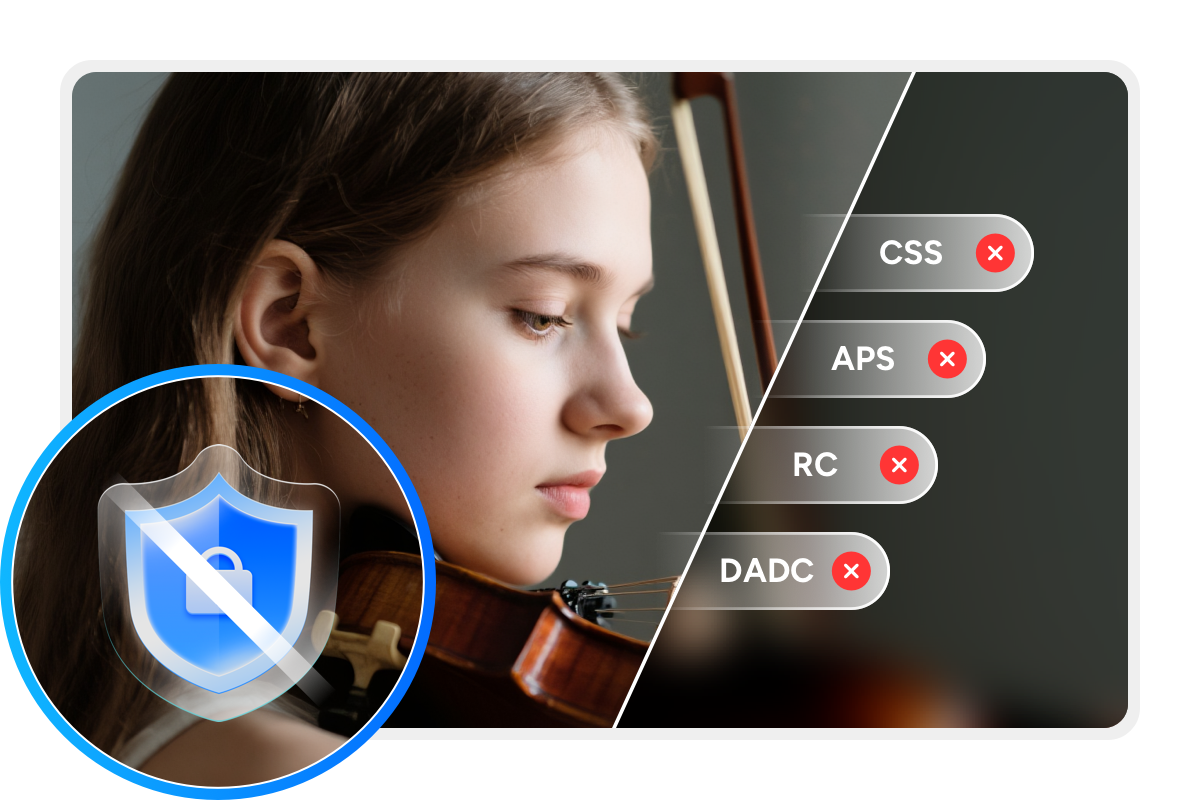
DVDFab DVD Copy is a highly rated DVD copy software for easier personal backup. It can automatically detect and remove any copy protection without any hassle, such as CSS (Content Scramble System), APS (Analog Protection System), RC (Region Code), DADC, etc.
Moreover, DVDFab's exclusive Cloud Decryption Service can decrypt even newly purchased, encrypted DVDs quickly on secure cloud servers. As a result, the program typically opens any old and new DVDs in about 5 to 10 seconds.

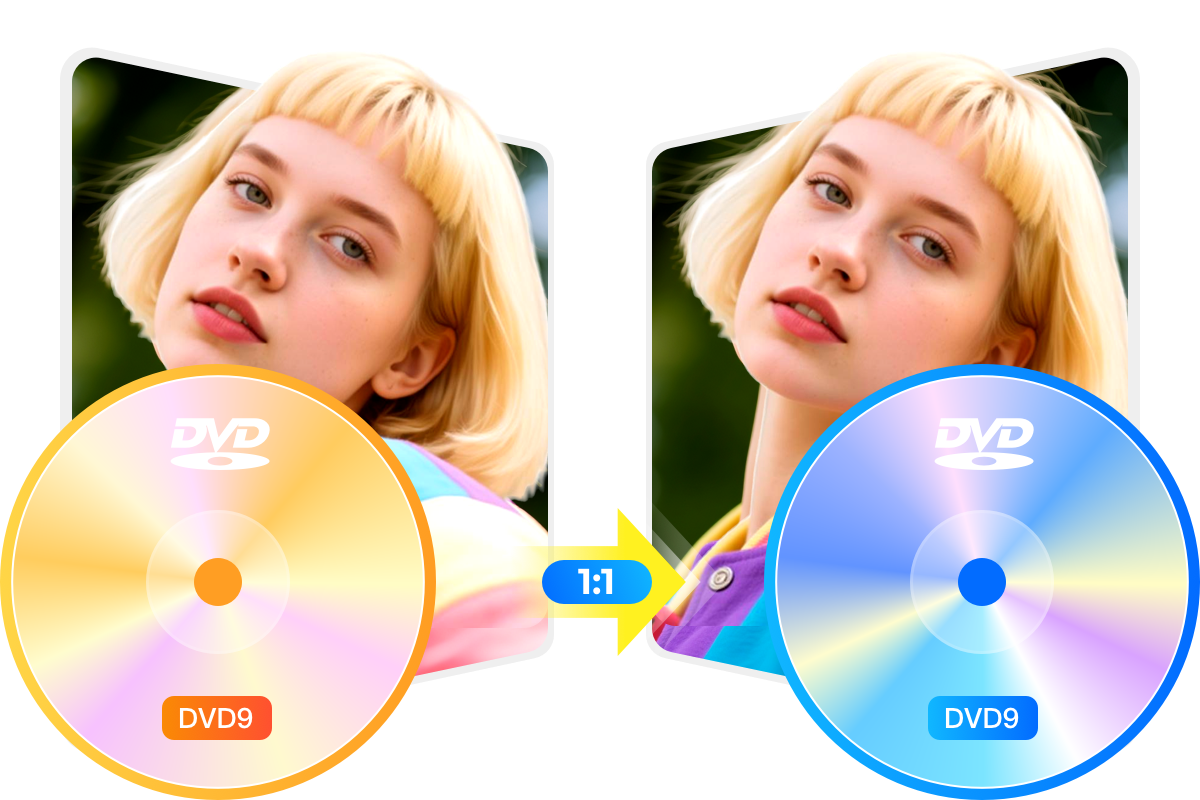
Duplicate or Compress Any DVD in 1:1 Quality
Accelerated DVD Copying Performance
Maximum Efficiency
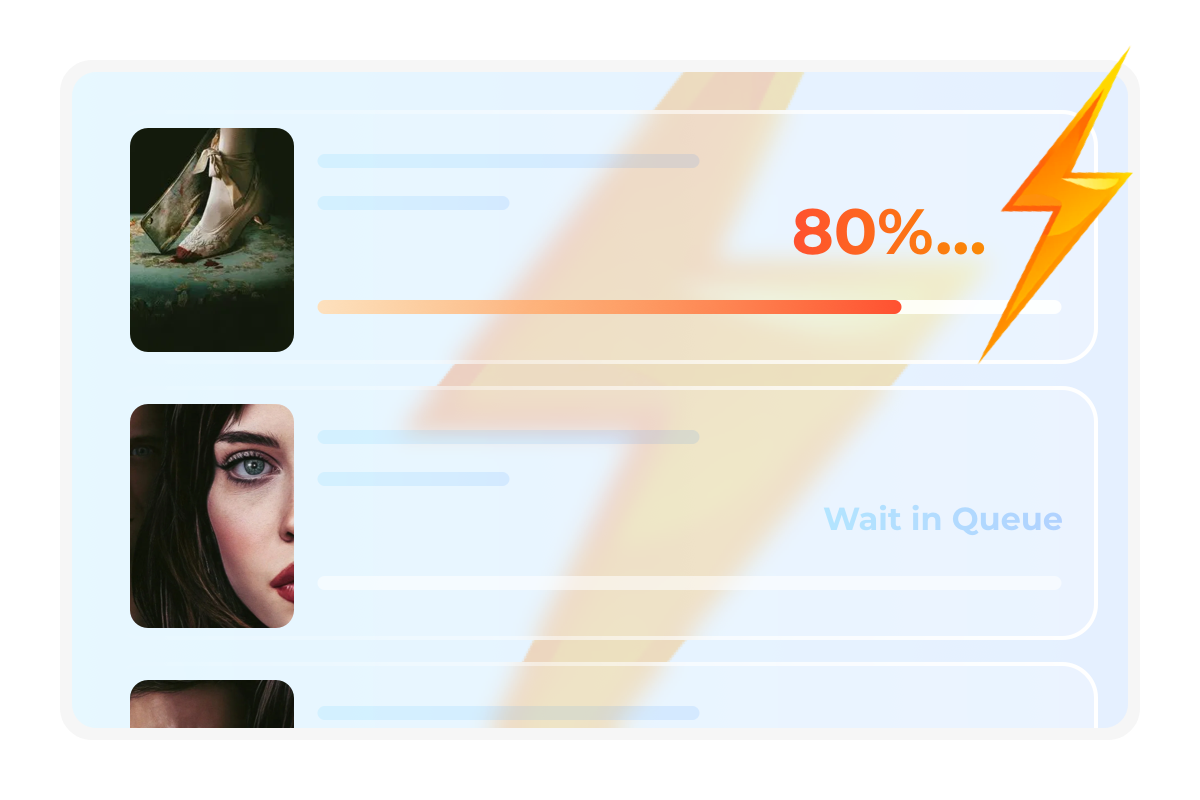
Batch Copy Multiple DVDs at Lightning-fast Speed
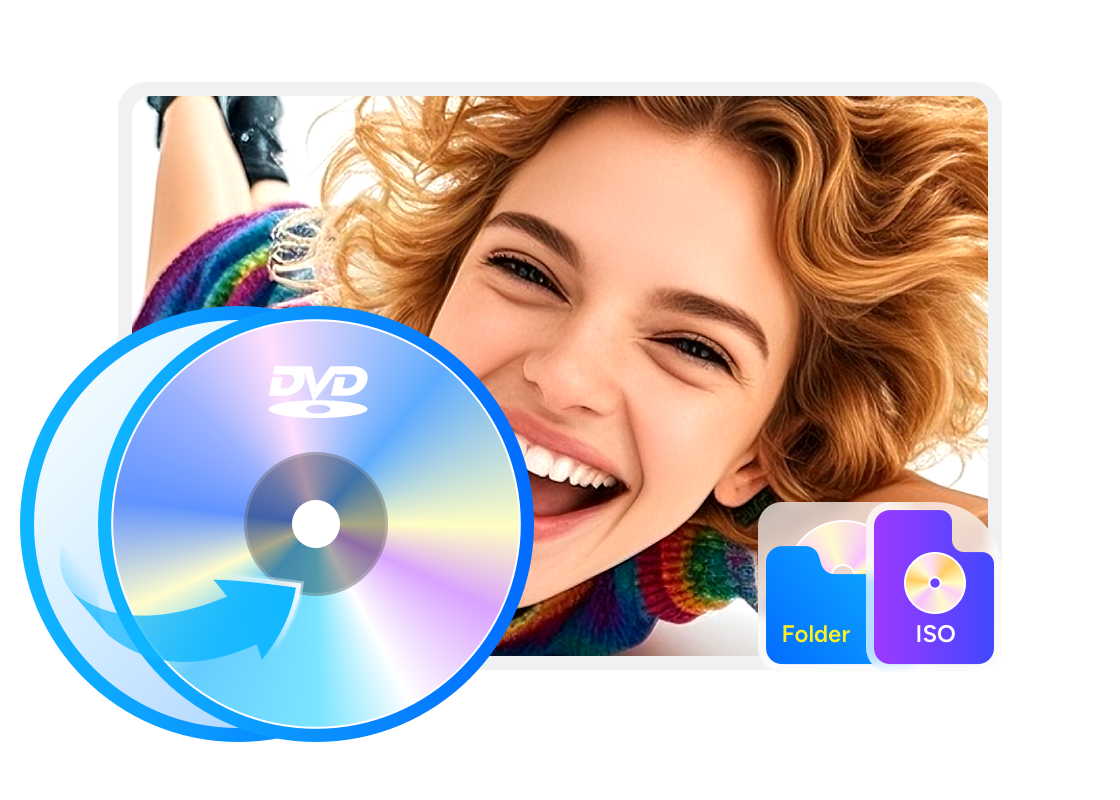
DVDFab DVD Copy software allows you to copy multiple DVDs simultaneously, including DVD discs and ISO files. You can add all the DVDs you want to back up to the task queue, letting DVDFab complete the task on its own.
Meanwhile, this DVD cloner delivers high-speed burning performance. The writing speed to disc depends on your optical drive, while copying to an ISO file or folder takes only 3 to 5 minutes.

Copy DVD with 6 Copy Modes to Meet Diverse Needs
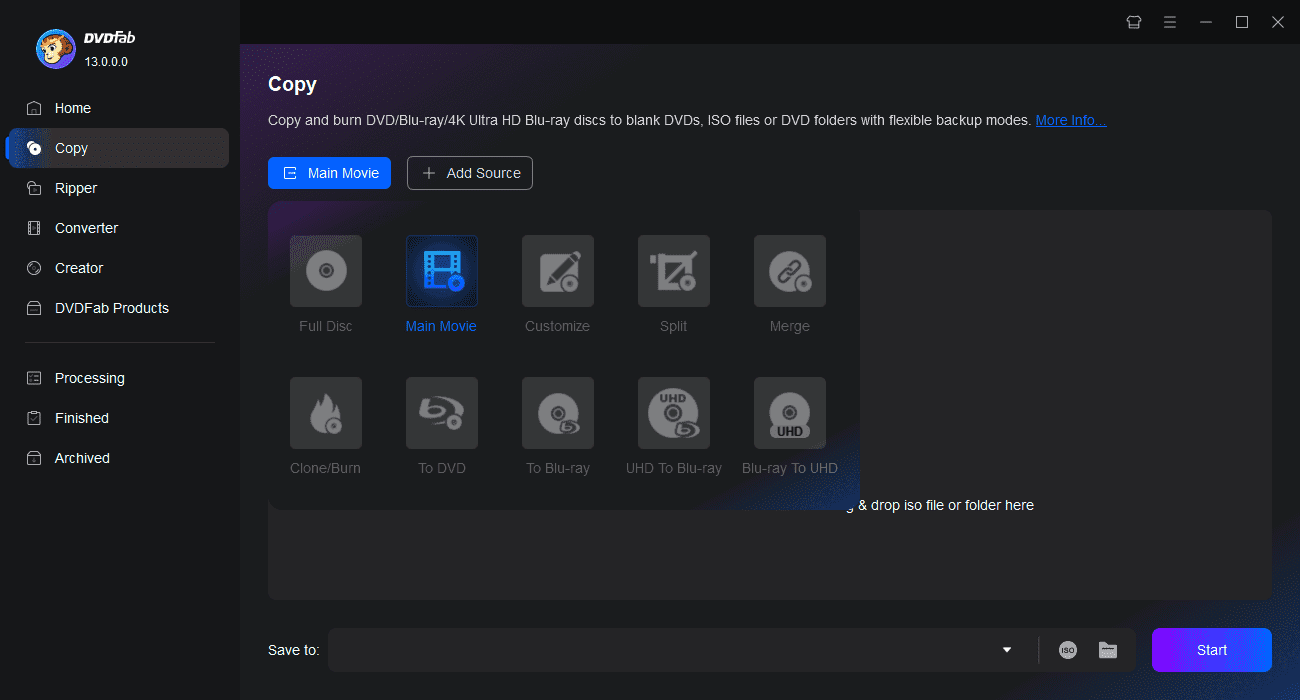
To address different DVD copying requirements, DVDFab DVD Copy provides six distinct copy modes: Full Disc, Main Movie, Clone/Burn, Merge, Split, and Customize. Each mode serves a specific purpose to help you create perfect backups of your DVD collection.
Full Disc
Copy all the DVD content with or without compression.
Main Movie
Copy the main movie title of DVD with or without compression.
Clone/Burn
Clone DVD in a 1:1 ratio with no quality loss.
Merge
Merge multiple DVD content into one DVD.
Split
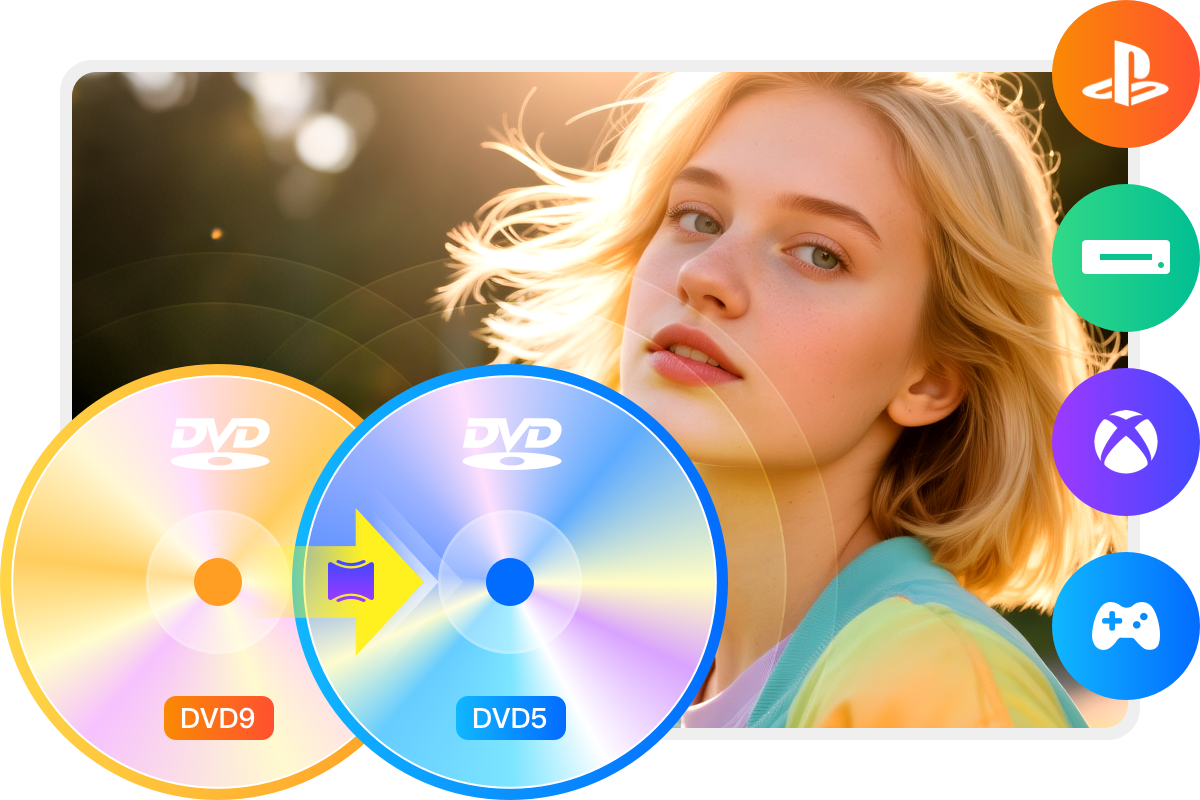
Split one DVD-9 into two DVD-5.
Customize
Copy any titles/chapters you desire from the DVD.
Additional Features of the Smart DVD Copier
Functional Comparison of DVDFab Products
DVDFab DVD Copy | DVDFab DVD Ripper | |
|---|---|---|
$42.50 Buy Now | $59.49 Buy Now |
Supported Discs | Newest Commercial, Rental or Recorded DVD | Newest Commercial, Rental or Recorded DVD |
|---|---|---|
Output Format | DVD/ISO Image File/Folder | Over 1000 video and audio formats including MP4, MKV, MP3, etc. |
Support Adult DVDs | ||
Remove Newest DVD Protections | ||
Lossless Backup to DVD9 | ||
Compress to DVD5 | ||
Supported Copy Modes | Full Disc Main Movie Customize Clone/Burn Split Merge | |
Burn ISO image file to DVD | ||
Output Video Resolution | Lossless | Lossless Upscale to 1080P |
Hardware GPU Acceleration |

Step 1. Launch DVDFab and load the DVD source.
Open DVDFab 13 and choose the Copy option. Insert your DVD into the optical drive, or navigate to it through the Add button. If the source is an ISO or a folder, you can simply drag and drop the file onto the main page.
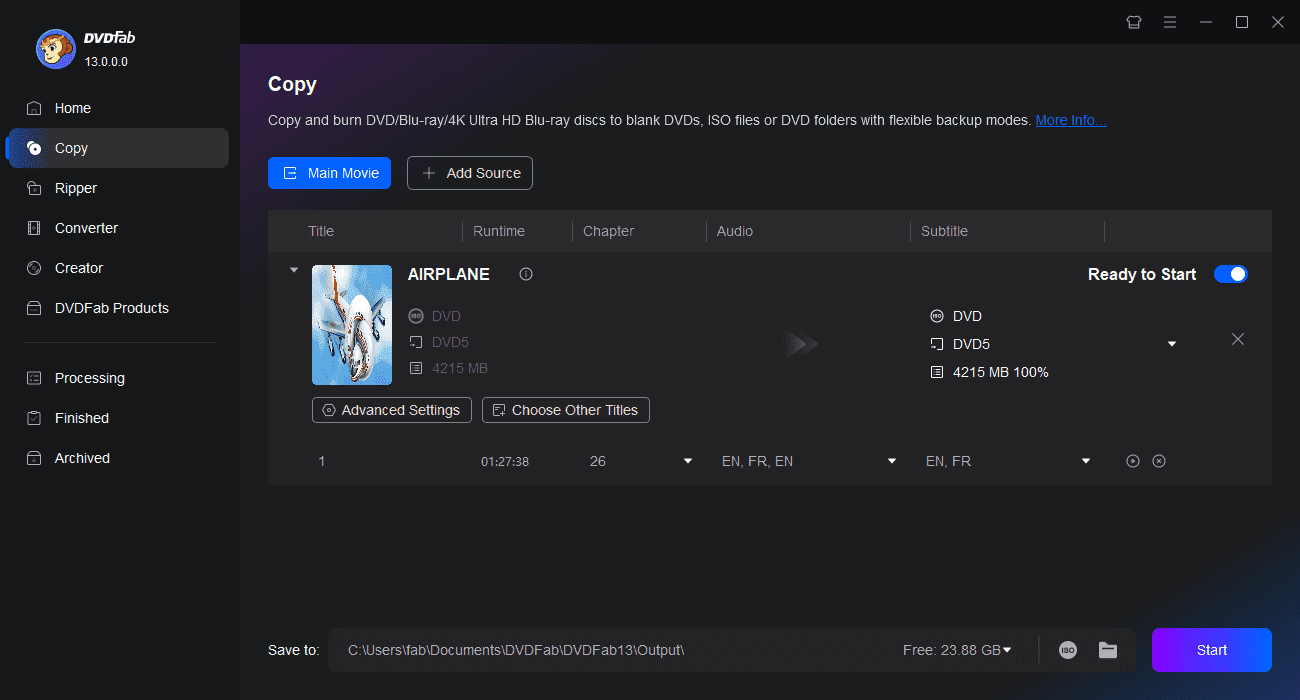
Step 2. Select a Copy mode and customize the output DVD.
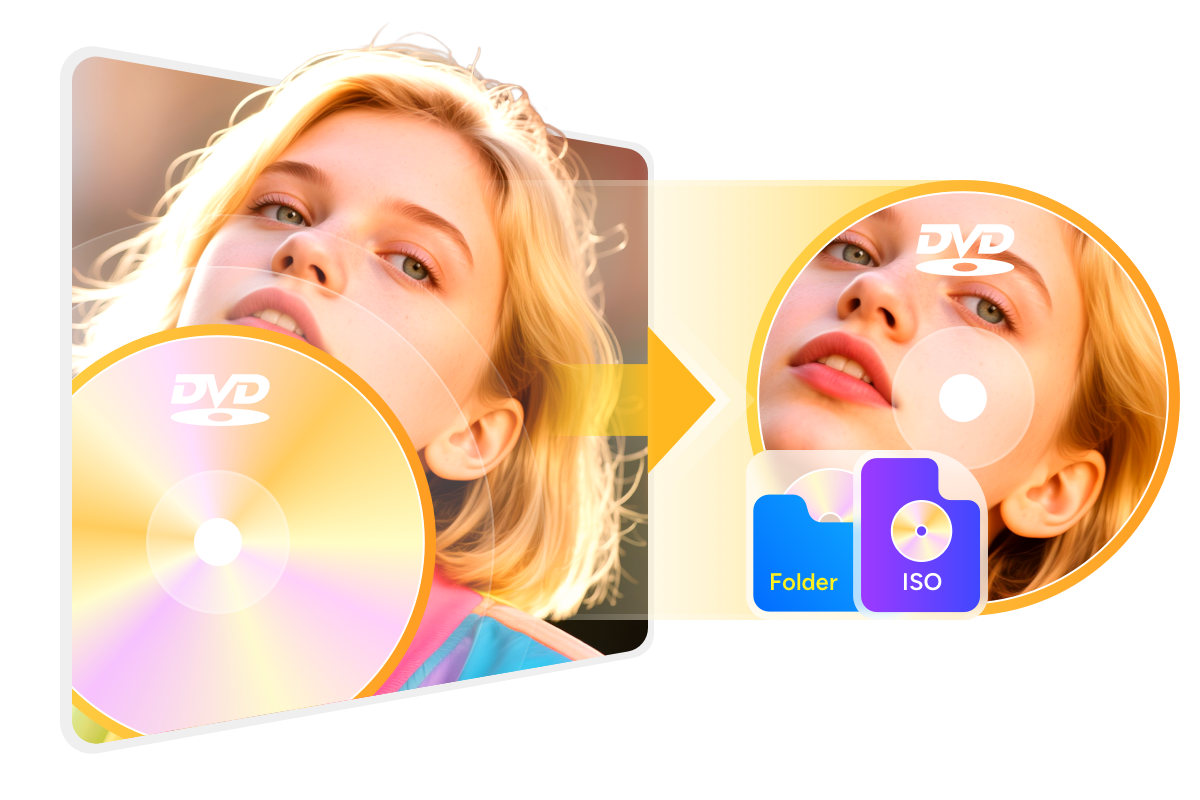
Click the Copy mode as needed. Then choose the output DVD size (DVD-9/5). You can also define the volume label and change other copy options. Finally, select your output directory as a blank disc, ISO file, or folder.
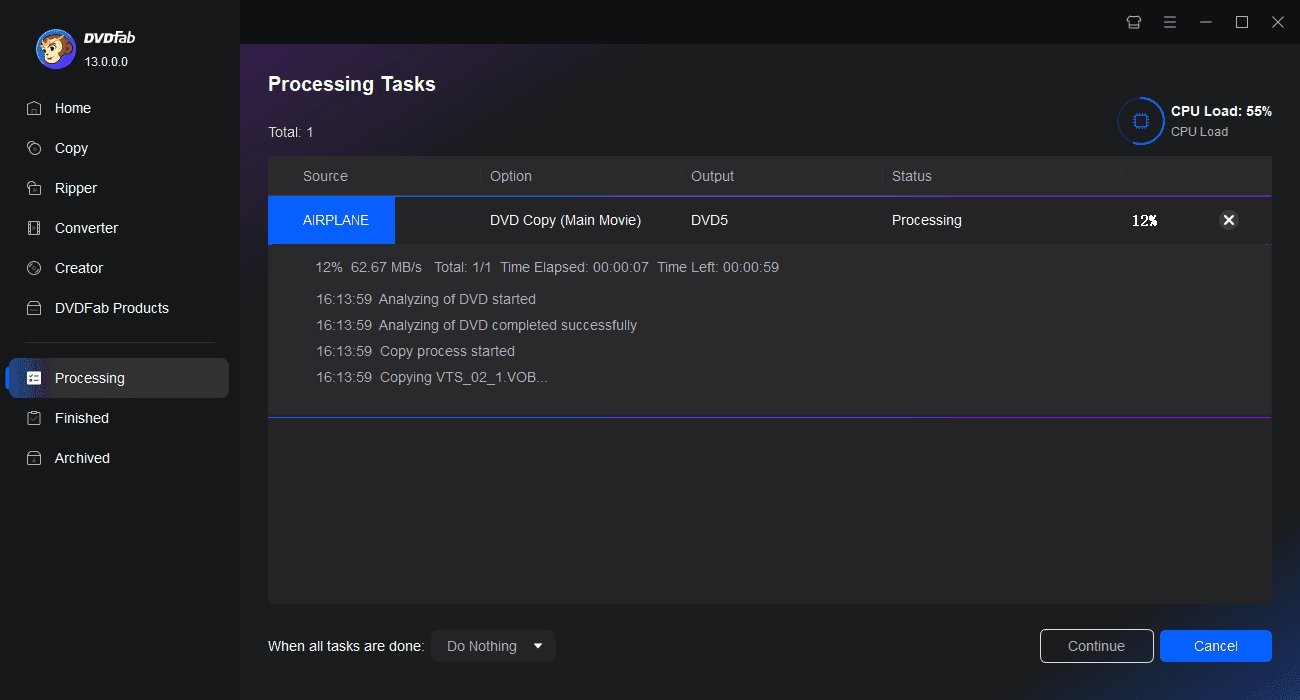
Step 3. Start to copy DVDs free and fast.
Tap the Start button to copy DVDs with lightning speed and top quality. You can cancel the process at any time, set your PC to automatically shut down, hibernate, exit the program, or do nothing at the end of the process.
Watch the video
80+ Million People Like Our DVD Copy Software

J
Jessica Davis
Project ManagerDVDFab DVD Copy not only speeds up my DVD backup process but also preserves the original quality perfectly. It's an essential part of my digital workflow.

R
Robert White
JournalistI’ve been using DVDFab DVD Copy for years, and I must say that it never disappoints! It offers excellent quality copies with great speed. A top-notch tool for anyone who needs reliable DVD copying software. Plus the consistent updates ensuring compatibility with new DVDs are just impressive!

E
Emily Johnson
TeacherThe hardware acceleration feature really makes a difference in speed without compromising on quality. It's a great tool for educators who want to preserve teaching materials.

S
Sarah Moore
Social WorkerThis DVD copy software enables you to copy DVD to DVD, ISO image, DVD folder at 1:1 ratio, and extract video/audio tracks, copy DVD chapter, burn DVD, with absolutely no loss of quality.

M
Mia Walker
LawyerWith a busy schedule, I needed a simple yet effective way to back up my DVD collection. DVDFab is user-friendly and fast, which is perfect for someone like me who isn't very tech-oriented.

I
Isla Evans
Marketing ManagerCreating backup copies of my favorite DVDs has never been easier than with DVDFab DVD Copy. This software is a game-changer - it is highly functional, robust and provides top-notch quality outputs.

J
Jessica Davis
Project ManagerDVDFab DVD Copy not only speeds up my DVD backup process but also preserves the original quality perfectly. It's an essential part of my digital workflow.

R
Robert White
JournalistI’ve been using DVDFab DVD Copy for years, and I must say that it never disappoints! It offers excellent quality copies with great speed. A top-notch tool for anyone who needs reliable DVD copying software. Plus the consistent updates ensuring compatibility with new DVDs are just impressive!

E
Emily Johnson
TeacherThe hardware acceleration feature really makes a difference in speed without compromising on quality. It's a great tool for educators who want to preserve teaching materials.

S
Sarah Moore
Social WorkerThis DVD copy software enables you to copy DVD to DVD, ISO image, DVD folder at 1:1 ratio, and extract video/audio tracks, copy DVD chapter, burn DVD, with absolutely no loss of quality.

M
Mia Walker
LawyerWith a busy schedule, I needed a simple yet effective way to back up my DVD collection. DVDFab is user-friendly and fast, which is perfect for someone like me who isn't very tech-oriented.

I
Isla Evans
Marketing ManagerCreating backup copies of my favorite DVDs has never been easier than with DVDFab DVD Copy. This software is a game-changer - it is highly functional, robust and provides top-notch quality outputs.
System Requirements

Windows 11/10/8.1/8/7 (32/64 bit)
Pentium 500 MHz
2GB of RAM
20GB of free hard disk space
A DVD-R (W) or DVD + R (W) Drive
Live Internet connection required
Frequently Asked Questions
- Is it legal to copy a DVD?
- What's the best free DVD Copy Software?
- Is DVDFab DVD Copy safe to use?
- How to duplicate a DVD with copy protection?
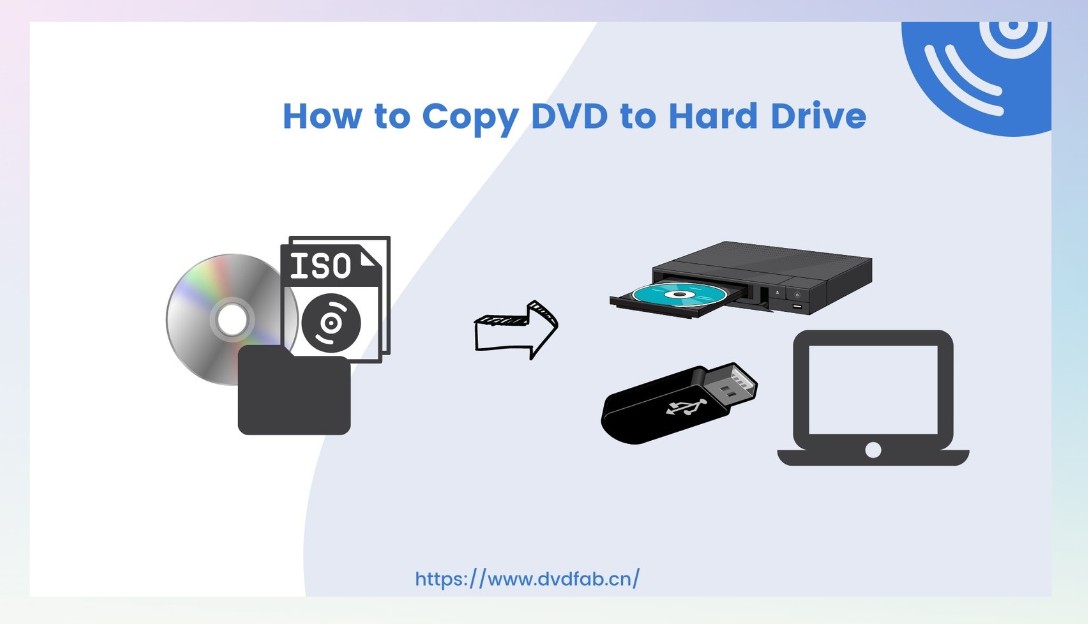
- How to copy a DVD to hard drive?
- How long does it take to copy a DVD with DVDFab DVD Copy?
- What is the difference between DVD Copy software and DVD Ripper software?
Contact Us
Can't find the answers you're looking for? If you have other problems, don't hesitate to contact us.
Our Service Team is always ready to help. Your problem will be addressed as soon as we can.
Contact Us
Fair Use Policy : DVDFab is intended for personal use only, and sharing copied content with any third party is strictly prohibited.
To ensure a stable user experience and prevent potential restrictions from disc publishers, each DVDFab licensed account has a quota of 100 disc copies per week. This quota will automatically reset at the start of a new weekly cycle.


![How to Remove Copy Protection from DVD Easily [2025 Update]](https://r5.dvdfab.cn/upload/resource/en/remove-dvd-copy-protection-gAlQ.jpg)