
Tested MakeMKV Alternatives to Rip Disc in 2026

Summary: MakeMKV is still a popular DVD and Blu-ray ripper, but its MKV-only output, limited editing features, beta restrictions, and currently unavailable purchase option have pushed many users to look for a better MakeMKV alternative. DVDFab is the best MakeMKV alternative for users who need stronger DVD/Blu-ray/UHD decryption, ripping, compression, and editing, while HandBrake is better for free video compression and format conversion.
Table of Contents
MakeMKV has long been a popular option for ripping DVDs and Blu-rays. However, more and more users are looking for a MakeMKV alternative due to its limitations: it only supports the MKV format, lacks editing features and device presets, has no re-encoding or compression options, and can be slow in disc scanning.
But the more pressing issue for us today is reliability.
- In late May 2026, users on the official MakeMKV forum reported that the permanent-key purchase page failed across different devices, networks, and VPN connections; one user also said PayPro Global search no longer returned MakeMKV.
- As of October 8, 2026, the current MakeMKV beta key is valid until the end of October 2026, but the official permanent licence purchase option remains unavailable.
If you are tired of the recurring "Time-Bomb" mechanic, or simply need a tool that can compress video to space-saving HEVC/H.265 or output universally compatible MP4 files, it is time to diversify your toolkit. Below, I have benchmarked the most robust MakeMKV alternatives that offer both long-term stability and advanced encoding features.
Best MakeMKV Alternatives for DVD and Blu-ray Ripping on Windows & Mac
The following MakeMKV alternatives will work for you whether you want to rip DVDs or Blu-rays, convert disc content to more formats, or make protected discs readable for another ripping workflow. They often have more features than MakeMKV does. Keep reading to try them out. You might wish you had started using them sooner.
DVDFab All-In-One: Best Overall MakeMKV Alternative
Why we picked it: Best MakeMKV alternative for robust disc decryption
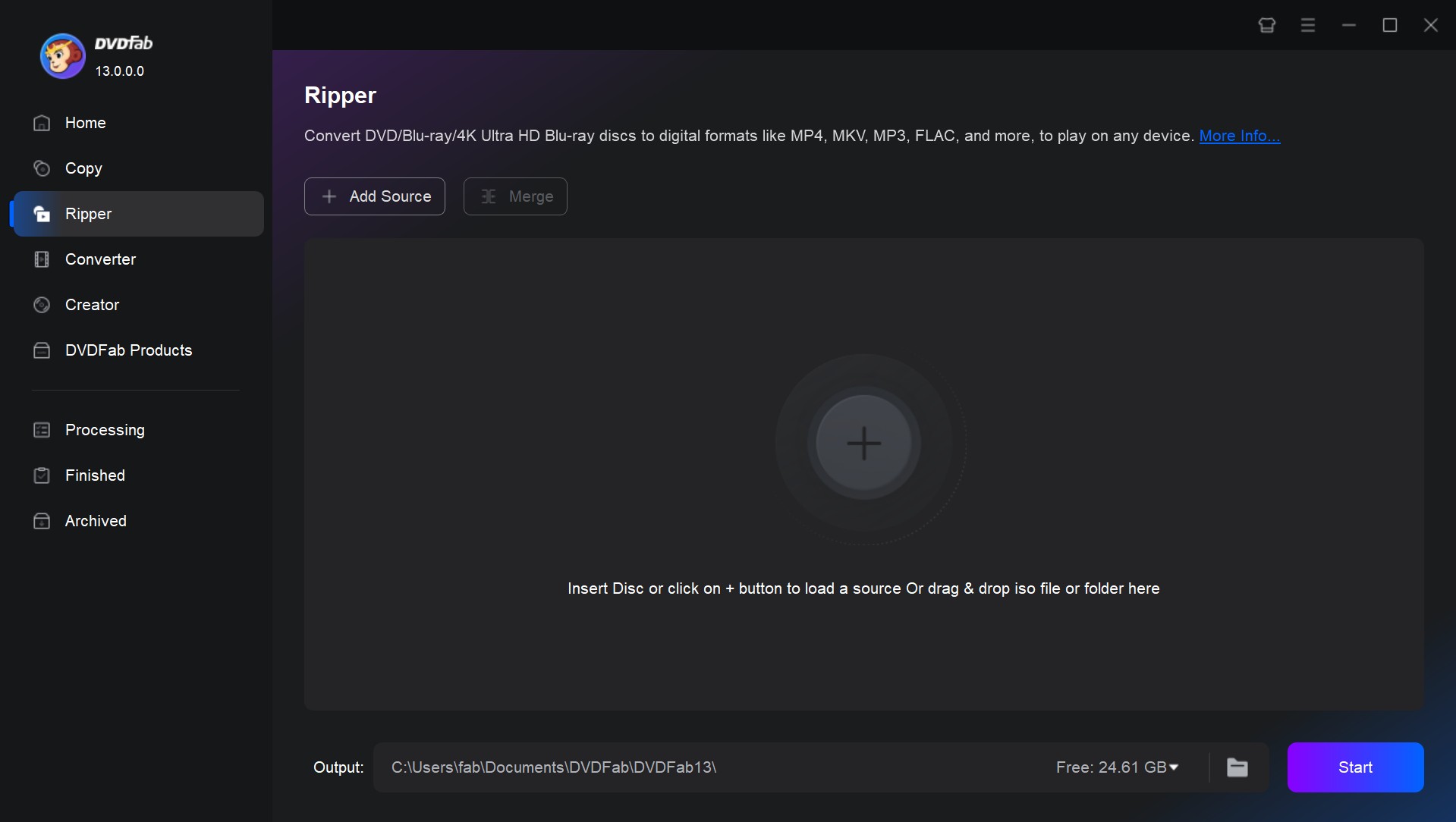
DVDFab All-In-One is a reliable alternative to MakeMKV if you want to rip any DVD that is region-locked or encrypted on a Mac or Windows computer. It can convert DVDs to play on smartphones, tablets, and other devices without any problems. It supports a wide range of output formats, including MP4, MKV, and more. You can keep the original video quality and 5.1 AC3 surround sound, or you can use compressed formats like MP4 to save space without losing too much quality.
For more than 20 years, DVDFab has been a well-known and trusted name in the business. It is known for its wide range of modern features, stability, and full range of services. DVDFab All-In-One does a lot more than just rip discs to lossless MKV files. It also does a lot more:
- Decrypt the latest copy protections on DVDs/Blu-rays/UHD discs
- Rip DVDs, Blu-rays, and 4K UHD discs to MKV, MP4, or M2TS without losing quality
- Rip different discs to more than 1000 digital video formats and edit them right away
- GPU acceleration lets you rip discs up to 50 times faster, which saves CPU memory
- Clone discs or back them up as ISO/Folder on your computer hard drive
- Burn over 200 video formats to discs with customized menu settings
- Seamlessly convert between DVDs, Blu-rays, and UHDs with a single click
- AI video enhancement and Cinavia removal for clearer picture and audio
- Regular blog updates and forum maintenance for a better disc management experience
- New: Pioneer drives are now broadly supported. Most models work right away, while selected legacy Pioneer drives can use UHD Drive Tool to downgrade or cross-flash compatible firmware, unlocking 4K UHD discs for UHD Copy and UHD Ripper.
In my tests, DVDFab is the closest MakeMKV alternative when the goal is not only to keep the disc content, but also to choose how the final file should be used. MakeMKV is cleaner for a fast MKV-only backup, while DVDFab gives me more control when I need MP4 output, smaller file size, ISO/folder backup, subtitle handling, or a disc task that MakeMKV cannot finish.
Free Download Windows 11/10/8.1/8/7
Free Download macOS 12 or newer
Where it outshines MakeMKV:
- Outputs MP4, MKV, M2TS, AVI, MOV, WebM, and more instead of MKV only
- Adds compression, editing, ISO/folder backup, and disc-copy modules in one suite
- Handles more DVD/Blu-ray/UHD backup scenarios when MakeMKV cannot complete the job
- Gives users a clearer paid-license path when they do not want to rely on beta keys
Where it falls short of MakeMKV:
- It is heavier than MakeMKV if all you need is a simple MKV remux
- Some users may prefer buying only the modules they need instead of using the complete suite
HandBrake
Why we picked it: Open-source MakeMKV alternative with smart presets and filters
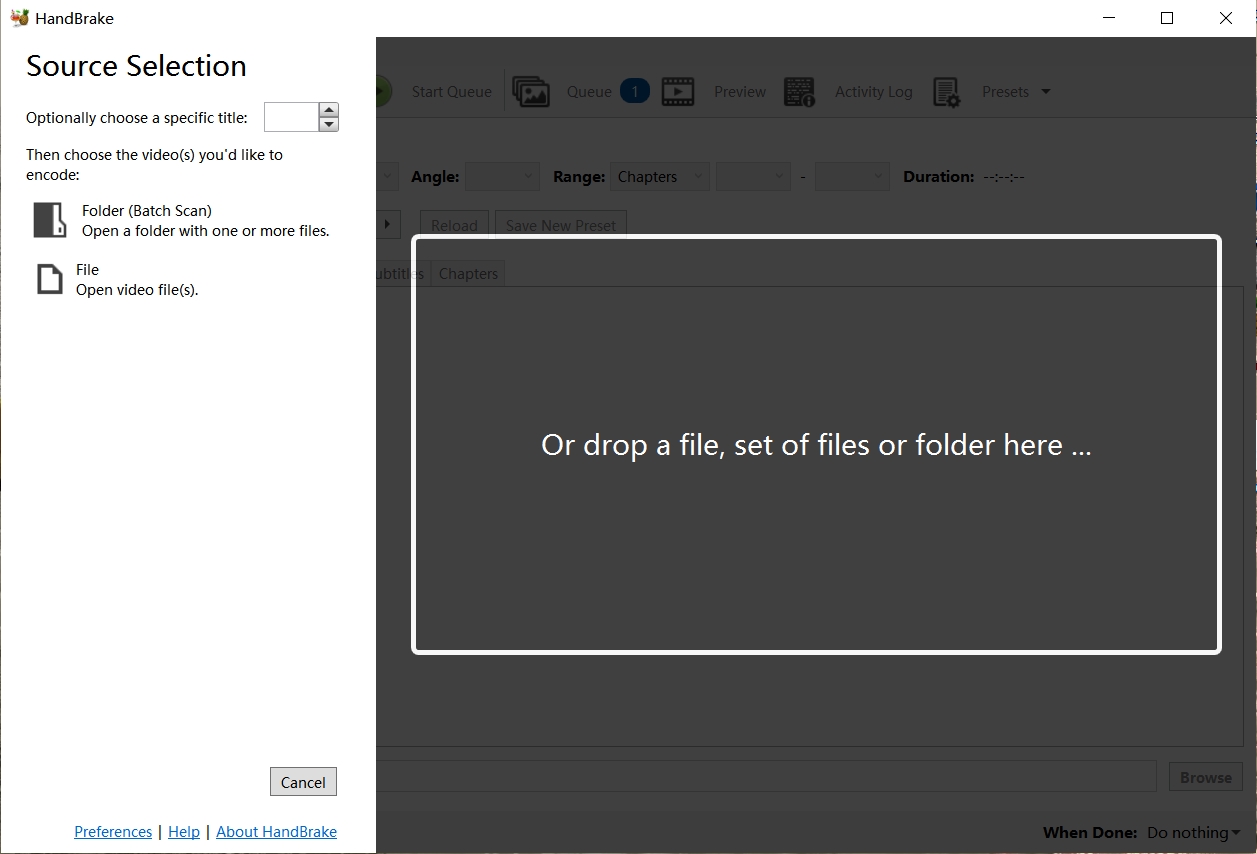
HandBrake is not only a video converter but also an effective DVD ripper, making it a great alternative to MakeMKV. It runs on Windows, macOS, and Linux, offering MP4, MKV, and WebM containers, modern codecs, and a robust filter stack for cleanup (such as deinterlace and detelecine), presets make quick, consistent encodes easy, while power users can fine-tune everything or save custom presets.
In the MakeMKV vs HandBrake competition, HandBrake shines after the decrypt step: I can target constant-quality encodes, tame frame rates, and produce small, universally compatible files. For compressing large DVD libraries efficiently, those built-in presets are a time saver. Because HandBrake re-encodes video (whereas MakeMKV remuxes without altering the streams), some quality loss is inevitable. Results may look softer than a MakeMKV rip, but file sizes are dramatically smaller, which is ideal if you're prioritizing storage over absolute fidelity.
Do note that HandBrake itself doesn't remove most DVD copy protection. Many guides pair it with libdvdcss, which helps for CSS-encrypted discs but won't magically handle every scheme. Results vary by title and drive you use.
Where it outshines MakeMKV:
- Rip DVD to your desired device profile with built-in device presets option
- It supports three major video file formats like MKV, MP4, and WebM
- It provides batch scanning & chapter marking
- You can explore chapter, range, and subtitle selection
- Customize video with filters such as decomb, deblock, denoise, etc
Where it falls short of MakeMKV:
- Handbrake can't remove copy-protection from encrypted DVD
- It's very time-consuming and inconvenient to rip any long DVD content
VLC Media Player
Why we picked it: Best MakeMKV alternative for home-made DVD ripping
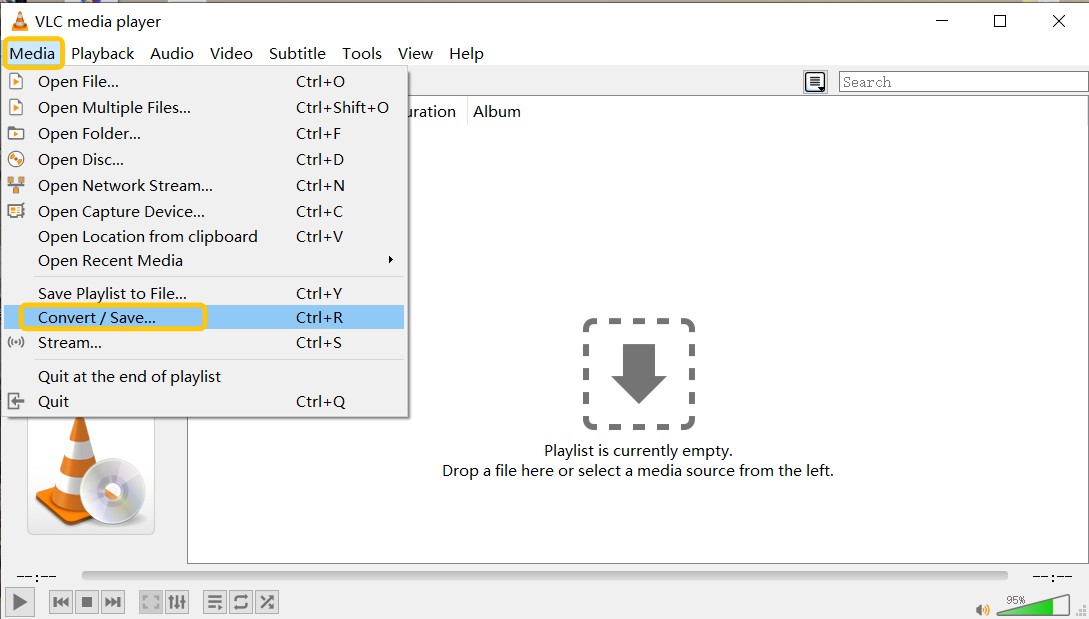
VLC Media Player is a free, and cross-platform media player that includes basic DVD ripping features. It opens nearly anything, and yes, it can create a file from a DVD via Convert/Save or the command line. When ripping, VLC allows you to choose between keeping the original video quality or compressing the file size. Also, this free MakeMKV alternative supports nearly all multimedia formats and streaming protocols, making it a versatile, lightweight media tool.
VLC is more about ease than functionality, in contrast to MakeMKV. With just a few clicks and a window, you can create a playable file for sharing or casual viewing. I know a lot of movie buffs have it installed on their PCs because it's a portable and easy-to-use choice.
While VLC can convert unprotected DVDs, support for copy-protected discs is inconsistent unless libdvdcss is installed, and even then, decryption is limited. On RPC-2 drives, libdvdcss does not have raw access, hence region-mismatched DVDs may refuse to play or rip at all. So it's best used as a quick, lightweight option rather than a comprehensive ripping suite.
Where it outshines MakeMKV:
- Plays most audio and video codecs natively without needing additional codec packs
- Completely free, and free from ads, user tracking, or spyware
- Supports a wide range of input and output file formats
- Allows subtitle synchronization and customization during playback
- Includes various audio and video filters for enhanced media experience
Where it falls short of MakeMKV:
- Cannot decrypt or rip most commercial DVDs protected by encryption
- Limited DVD ripping features—no support for batch ripping, editing, or output presets
- Lacks a dedicated, user-friendly interface for DVD ripping
DVD Shrink
Why we picked it: Free MakeMKV alternative for DVD backup
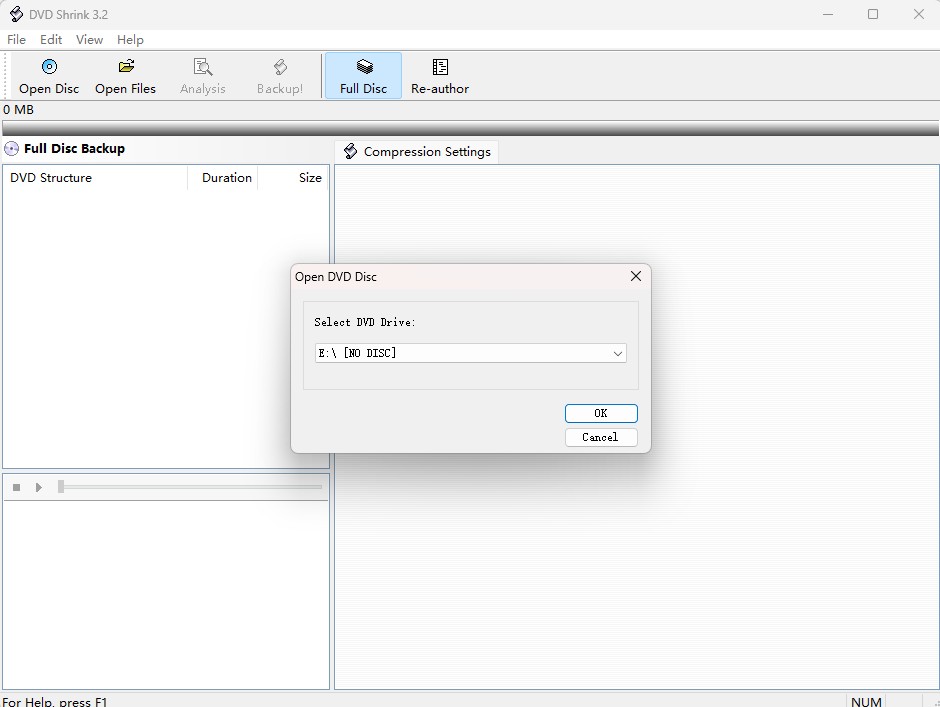
DVD Shrink is a classic MakeMKV alternative designed for compressing and backing up DVDs to your hard drive. Though no longer updated, it remains a lightweight tool for shrinking dual-layer DVDs to fit on single-layer discs. DVD Shrink analyzes a disc, lets you drop unwanted audio/extras, and compresses titles to fit single-layer media or save as ISO/VIDEO_TS. For older, unprotected collections where space matters, its re-author plus shrink routine remains quick and friendly on modest PCs.
As a MakeMKV alternative, it's less about format variety and more about efficient archiving. I'll slim a legacy disc here to a tidy VIDEO_TS or ISO. If I need modern formats, I'll hand that result to a converter afterward.
DVD Shrink also can bypass certain copy protections like CSS on older DVDs. It's discontinued and last officially updated in 2004, so newer protections and Blu-ray/UHD aren't supported. The final official versions are 3.2.0.15 (English) and 3.2.0.16 (German), so beware "newer" or repackaged editions, which are widely flagged as scams. Just treat it as a niche tool for vintage DVDs rather than a daily driver on modern media.
Where it outshines MakeMKV:
- It functions smoothly on older PCs and has no installation bloat
- Shrink dual-layer DVDs to fit onto single-layer DVDs with minimal quality loss
- Removes basic protection on many older DVDs without third-party help
Where it falls short of MakeMKV:
- Just for backup, no cropping, cutting, or format conversion
- Lacking modern video formats and device presets
- No support for Blu-ray or modern DVD encryption
- No official support or compatibility improvements for modern systems
AnyDVD HD
Why we picked it: a Windows option for background disc access
AnyDVD HD is not a direct MakeMKV replacement because it does not focus on creating MKV files by itself. Instead, it works in the background on Windows and helps other programs read, play, or copy DVD and Blu-ray discs. For advanced users who already have a separate ripping, copying, or encoding tool, this can be helpful when a disc cannot be accessed normally.
Still, AnyDVD HD is not a reliable recommendation in 2026 because the RedFox website and its software have been unavailable since June 2024. You may not be able to access the official software or purchase a valid license, so you should check its current availability before relying on it. Be especially careful with unofficial downloads, repacked installers, cracks, or mirror versions, since their source and file integrity may be difficult to verify.
Where it outshines MakeMKV:
- Works in the background on Windows and can help other software read discs
- Useful for advanced users who already have a ripping, copying, or encoding workflow
- Can be paired with other tools instead of forcing one output format
Where it falls short of MakeMKV:
- Windows only
- Does not create MKV files as a complete one-click MakeMKV replacement
Best MakeMKV Alternatives for Linux Users
Linux users have a different decision path. MakeMKV itself is available for Linux through the MakeMKV forum page, but if you need a MakeMKV alternative on Linux, the best setup is usually a small toolkit instead of one all-in-one program.
HandBrake for Linux
HandBrake is one of the most practical free MakeMKV alternatives for Linux users who already have a readable video source and want to convert it to MP4, MKV, or WebM. It is ideal for compressing large MKV files, creating device-friendly MP4 videos, and using presets for phones, tablets, TVs, or browsers.
Its main limit is the same as on Windows and Mac: HandBrake does not defeat or circumvent copy protection. Use it after you have a source that HandBrake can open.
VLC Media Player for Linux
VLC is a light option if your main need is playback or simple conversion. It can open many media files and disc sources, but it is not a full disc-ripping suite. Use it when you want a free media player that can also handle quick conversion tasks.
Best MKV Editing and Management Tools After MakeMKV
Sometimes you do not need another DVD or Blu-ray ripper. You may already have the MKV file from MakeMKV and only need to edit, compress, inspect, or play it. In that case, these tools are more useful as post-rip helpers than as direct MakeMKV alternatives.
MKVToolNix: Best for MKV Track Management
MKVToolNix is the best fit when you want to inspect MKV tracks, merge streams, remove unwanted audio or subtitle tracks, or make small container-level changes without re-encoding the video. It is especially useful for users who like MakeMKV's quality but want more control over the final MKV file.
HandBrake: Best for Compressing MKV Files
HandBrake is the better choice when the MakeMKV file is too large. It can turn a large MKV rip into a smaller MP4, MKV, or WebM file, and its presets make it easier to target common devices. The trade-off is that HandBrake re-encodes video, so it is not the same as MakeMKV's lossless remuxing.
VLC: Best for Checking Playback
VLC is the quickest way to check whether the MKV file plays correctly before you move it into a media library or convert it again. It is not an editor, but it is useful for checking audio tracks, subtitle display, and playback problems.
Comparison: Which is the Best MakeMKV Alternative?
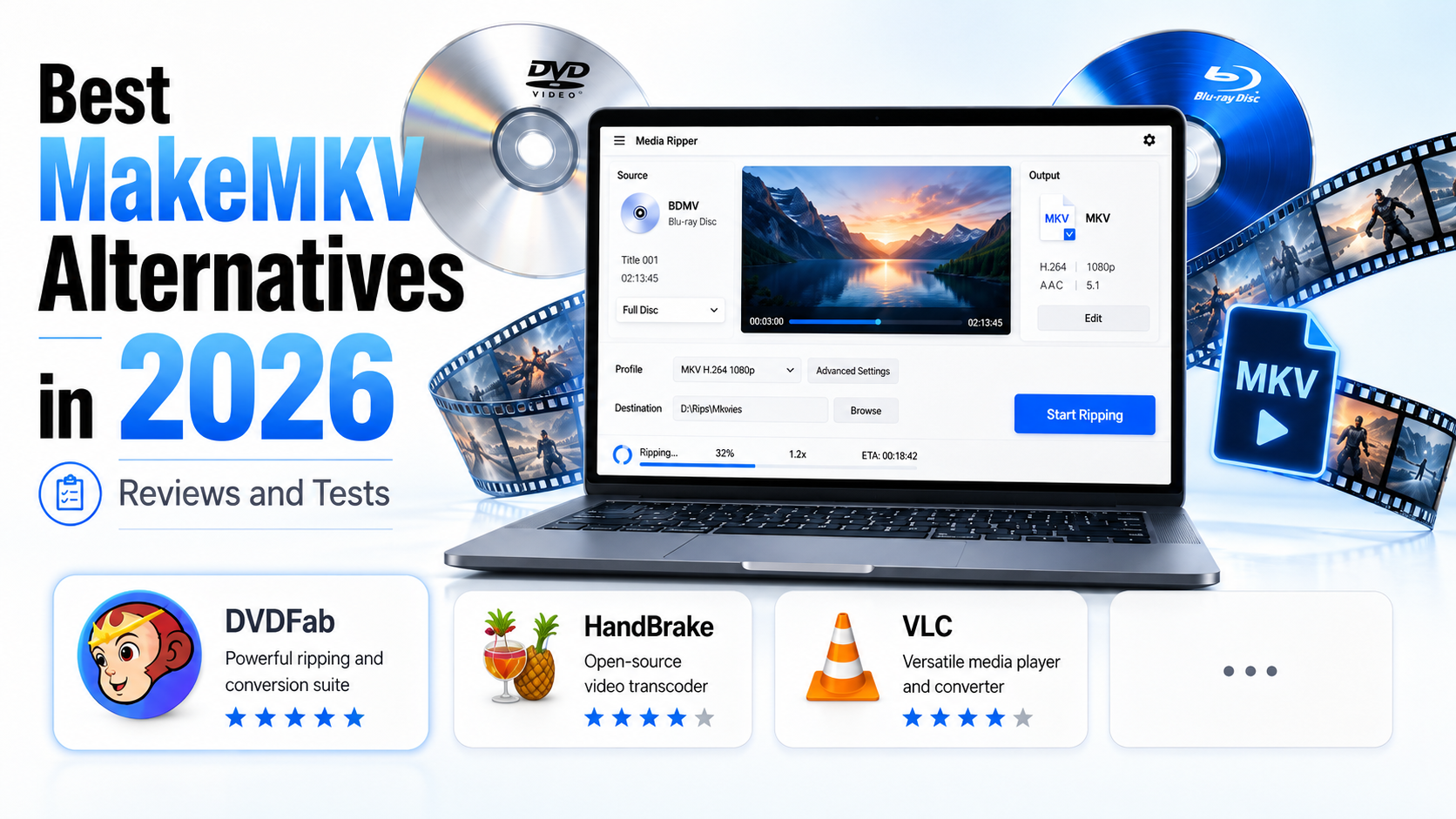
The comparison below focuses on real decision points: what each tool is built for, whether it can replace MakeMKV directly, what it can output, how it handles protected discs, and which users should pick it.
| Tool | Best for | Direct MakeMKV replacement? | Disc types / inputs | Output formats | Protected disc handling | Compression / re-encoding | Editing / track control | Best user fit | Platforms |
| MakeMKV | Lossless MKV backup | Original baseline | DVD, Blu-ray, UHD, ISO, folders | MKV only | Handles many DVD/Blu-ray protections, but not every disc or drive issue | No | Title, audio, and subtitle selection | Users who want a simple MKV remux with original streams | Win, macOS, Linux |
| DVDFab🏆 | Full disc ripping, copying, compression, and format conversion | Yes, for users who need more than MKV output | DVD, Blu-ray, UHD, ISO, folders | MP4, MKV, M2TS, AVI, MOV, WebM, etc. | Stronger support for newer DVD/Blu-ray/UHD backup scenarios | Yes | Trim, crop, merge, subtitles, watermark, color filters | Users who want one suite for ripping, backup, compression, and output control | Win, macOS |
| HandBrake | Free encoding, compression, and device presets | Partly; best after the source is already readable | Common video files, DVD/Blu-ray sources HandBrake can open | MP4, MKV, WebM | Does not defeat copy protection; CSS support depends on libdvdcss setup | Yes | Filters, crop, resize, subtitles, chapters, presets | Users who want smaller files and flexible MP4/WebM output | Win, macOS, Linux |
| VLC media player | Playback and simple conversion | No, only a light option for unprotected or simple sources | Media files, DVD-Video discs, ISO, VIDEO_TS | MP4, AVI, OGG, TS, WebM, ASF, etc. | Limited; CSS only with libdvdcss and not reliable for commercial discs | Basic conversion only | No dedicated ripping editor | Users who need a free player with occasional conversion features | Win, macOS, Linux |
| AnyDVD HD | Background disc access | No, it needs another tool for output | DVD and Blu-ray discs | Depends on the paired ripping or encoding tool | Works as a Windows background access layer | No | No direct editing workflow | Windows users who already have a separate ripper or converter | Win |
| DVD Shrink | Legacy DVD backup and compression | Only for older DVD workflows | DVD discs, VIDEO_TS, ISO | VIDEO_TS, ISO | Legacy CSS/region handling on older DVDs | Yes, for DVD shrinking | Re-author, remove audio/extras, compression ratio | Users with older DVD collections and simple backup needs | Win |
| MKVToolNix | MKV editing and track management after ripping | No, it is a post-rip MKV tool | MKV and Matroska files | MKV container output | No disc decryption | No | Merge, split, inspect, remove tracks, edit properties | Users who like MakeMKV output but need better MKV file control | Win, macOS, Linux/Unix |
MakeMKV Review: Pros, Limits, and Why You May Need an Alternative
MakeMKV is a DVD and Blu-ray ripper that can convert your physical discs and digital backups into MKV format. These MKV files retain the original video quality, audio tracks, subtitles, and chapter data, making them portable across devices and media players.
What MakeMKV does well:
- It keeps the ripping process simple: load the disc, select the title, choose the audio and subtitle tracks, and output an MKV file.
- It does not change the original streams, which makes it practical for users who want a direct MKV backup.
- It preserves video quality, audio tracks, subtitles, and chapter data in the MKV container.
Where MakeMKV falls short:
- It only outputs MKV, so you need another tool if you want MP4, WebM, or device presets.
- It does not provide video compression, trimming, cropping, or batch encoding controls.
- Its beta version is time-limited, and the official download page says the beta program will stop functioning after 60 days unless you download the latest version.
FAQs
Is MakeMKV Safe?
Yes, MakeMKV is safe when you download it from the official website. The risk comes from crack versions, keygens, repacked installers, and unofficial mirrors. If you want to avoid malware or broken updates, use the official download page and the current beta key.
Is MakeMKV Free?
MakeMKV is free for DVD and AVCHD conversion or streaming. Blu-ray conversion is shareware functionality with a 30-day trial, but all features are currently available during beta with the official beta key, which is valid until the end of October 2026. The official purchase option remains unavailable for the moment.
Is MakeMKV Legal?
MakeMKV itself is a disc-ripping tool. Whether ripping is legal depends on your local law, the disc's copy protection, and whether you own or have permission to copy the content. Use disc tools only for personal content or media you are allowed to copy.
Why Does MakeMKV Say It Is Too Old?
MakeMKV beta is time-limited and expires periodically. If the program says it is too old or has expired, download the latest MakeMKV build and enter the current beta key from the official MakeMKV forum. The current key is valid until the end of October 2026.
Is ImgBurn a MakeMKV Alternative?
No. ImgBurn is mainly used for disc image and burning tasks. It may appear in older DVD workflows, but it does not replace MakeMKV for ripping DVD or Blu-ray titles to MKV files.
Should I Use Plex or Jellyfin After Ripping Discs with MakeMKV?
Use Plex or Jellyfin when you want to build a home media library from the MKV files created by MakeMKV. Plex is easier for many users who want polished apps and automatic library metadata, while Jellyfin is a free open-source option for users who prefer self-hosted media streaming. Neither tool rips discs; they help manage and stream the files after ripping.
Which Is Better: DVDFab or MakeMKV?
With its more extensive format compatibility (more than 1,000 formats), sophisticated video editing, batch processing, file compression, customization options and over 20 years of consistent maintenance, DVDFab is a more reliable and powerful ripping solution than MakeMKV.
Conclusion
Now you know the best MakeMKV alternatives with their best abilities and limitations. So, while picking up the right tool for your DVD ripping purpose, you must look for the maximum features, customization, decryption and video editing option in the tool. To meet all of these requirements nothing would be better than DVDFab DVD Ripper.