

Explore the Features of DVDFab UHD Cinavia Removal
Complete Cinavia Solution
Ultimate Removal of Cinavia Protection
Have you ever encountered a media player error message when your favorite music was suddenly muted? This error might indicate that you are attempting to play a Cinavia-protected disc that is not authorized on your 4K UHD player.
DVDFab UHD Cinavia Removal can automatically eliminate all Cinavia restrictions and obtain clean, lossless-quality AC3 audio output. As a result, you can enjoy uninterrupted, high-quality music playback without error messages.

Lossless Backup
Preserve Lossless DTS-HD Audio Track
High audio quality is essential for an optimal listening experience on your 4K UHD device. However, Cinavia protection can disrupt playback and degrade audio performance.
Now, with DVDFab UHD Cinavia Removal—the world's first permanent Cinavia removal solution—you can completely remove Cinavia protection from DTS-HD Master Audio tracks of your source files. This allows you to enjoy uninterrupted, high-quality DTS-HD audio in copy mode, ensuring premium sound quality with no compromise in performance.

High-Quality Ripping
Produces Multiple Audio Tracks Through Conversion
If your output files suffer from poor audio quality after ripping, DVDFab UHD Cinavia Removal offers a superior solution. This powerful tool delivers high-quality audio outputs in formats such as AAC, AC3, and more.
Furthermore, if your 4K Blu-ray disc contains Cinavia protection, the software will automatically and permanently remove the Cinavia code during the ripping process, ensuring you enjoy an outstanding 4K UHD audio experience.

Flexible Conversion
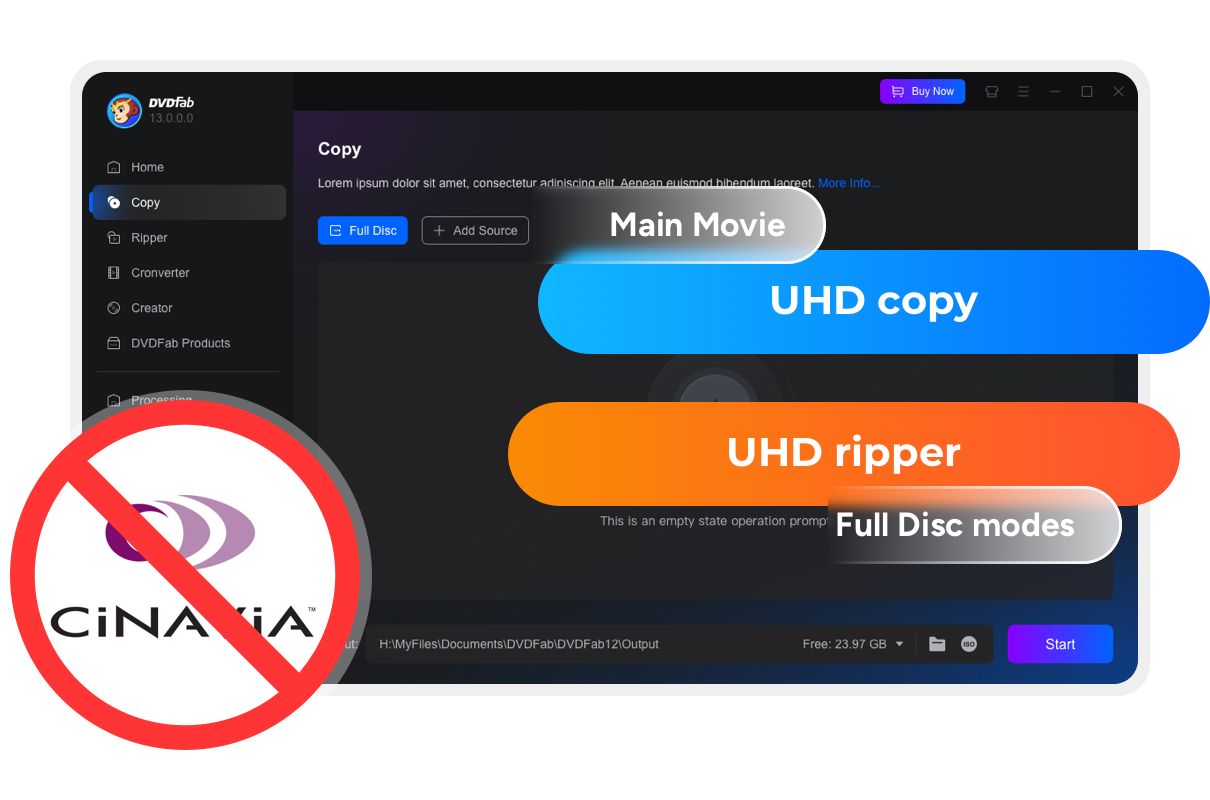
Improve the Performance of All Three UHD Modules
Cinavia protection restricts the full playback capabilities of your discs. DVDFab UHD Cinavia Removal further enhances the functionality of the UHD Copy, UHD Ripper, and UHD to Blu-ray Converter modules by enabling flexible removal of Cinavia protection.
With this solution, your Blu-ray discs can be copied, ripped, or converted with greater versatility and consistently lossless audio quality in every backup.

Multi-Device Support
Compatible with All Cinavia-Affected Devices
Are you concerned about device compatibility after removing Cinavia from your disc? With DVDFab UHD Cinavia Removal's advanced technology, your discs remain fully compatible with all playback devices.
Furthermore, the audio quality is consistently preserved across different devices. Enjoy high-fidelity 4K audio playback on your DTS-HD player or any device of your choice, thanks to this industry-leading solution.


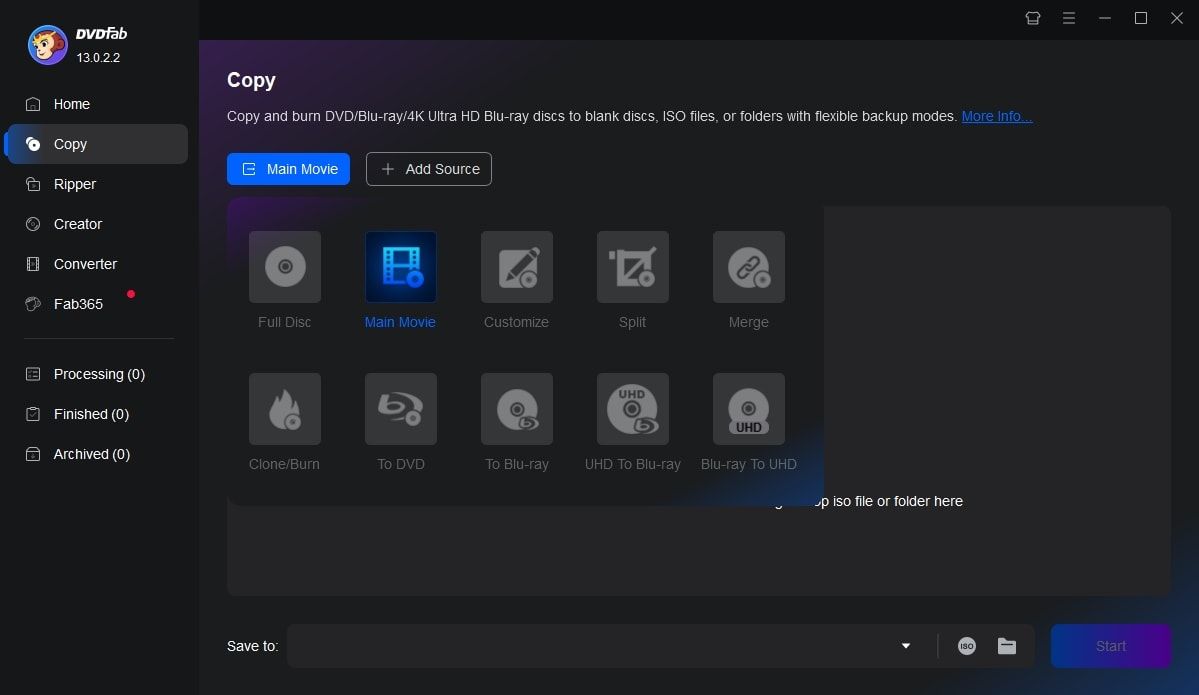
Step 1. Launch DVDFab UHD Copy, and load the source Blu-ray
Open DVDFab 13 and go to the UHD Copy module. Insert the target disc into your drive for DVDFab to access, or, if your source is an ISO file, simply drag and drop it into the main interface. If the disc is protected by Cinavia, a notification window will appear.
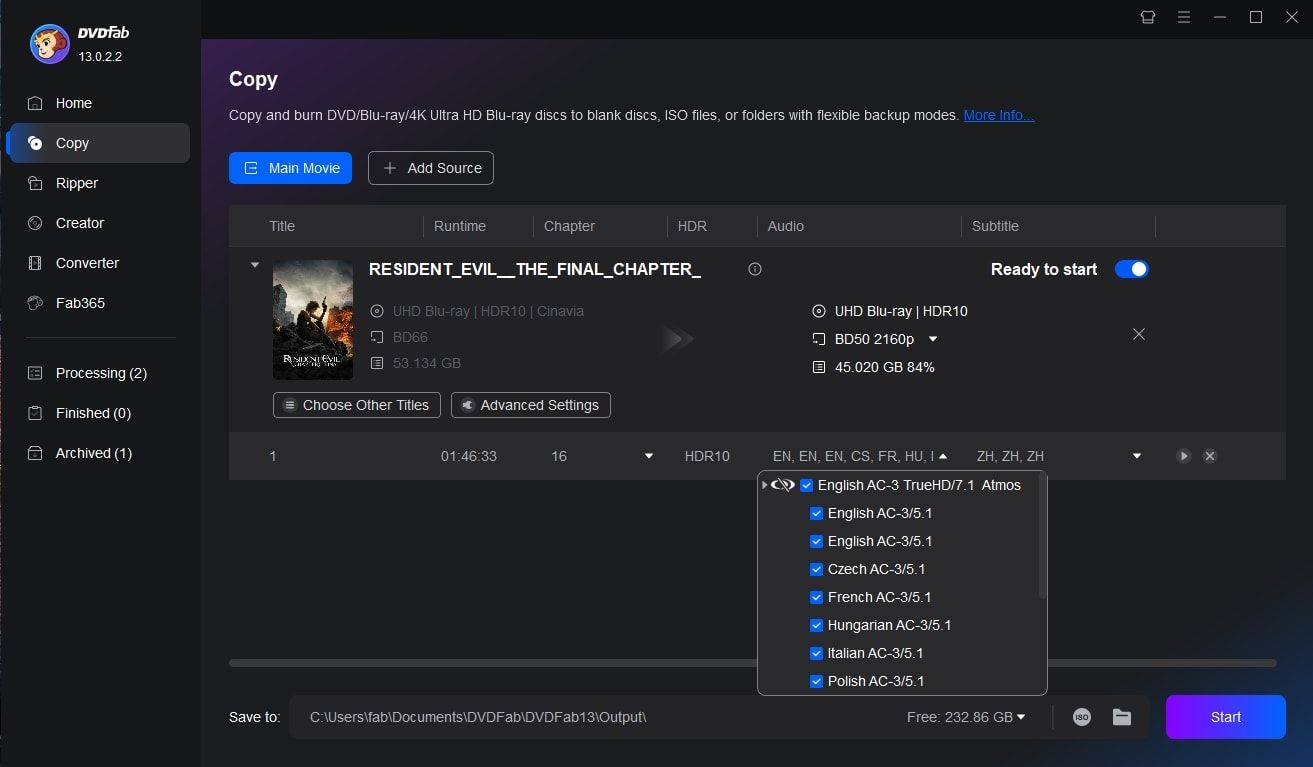
Step 2. Select the Cinavia-protected audio track for removal
At the audio selection section, choose the audio track that is planted with Cinavia watermark. Then, select the subtitles, output size, and output destination you want, and then start the removal process.
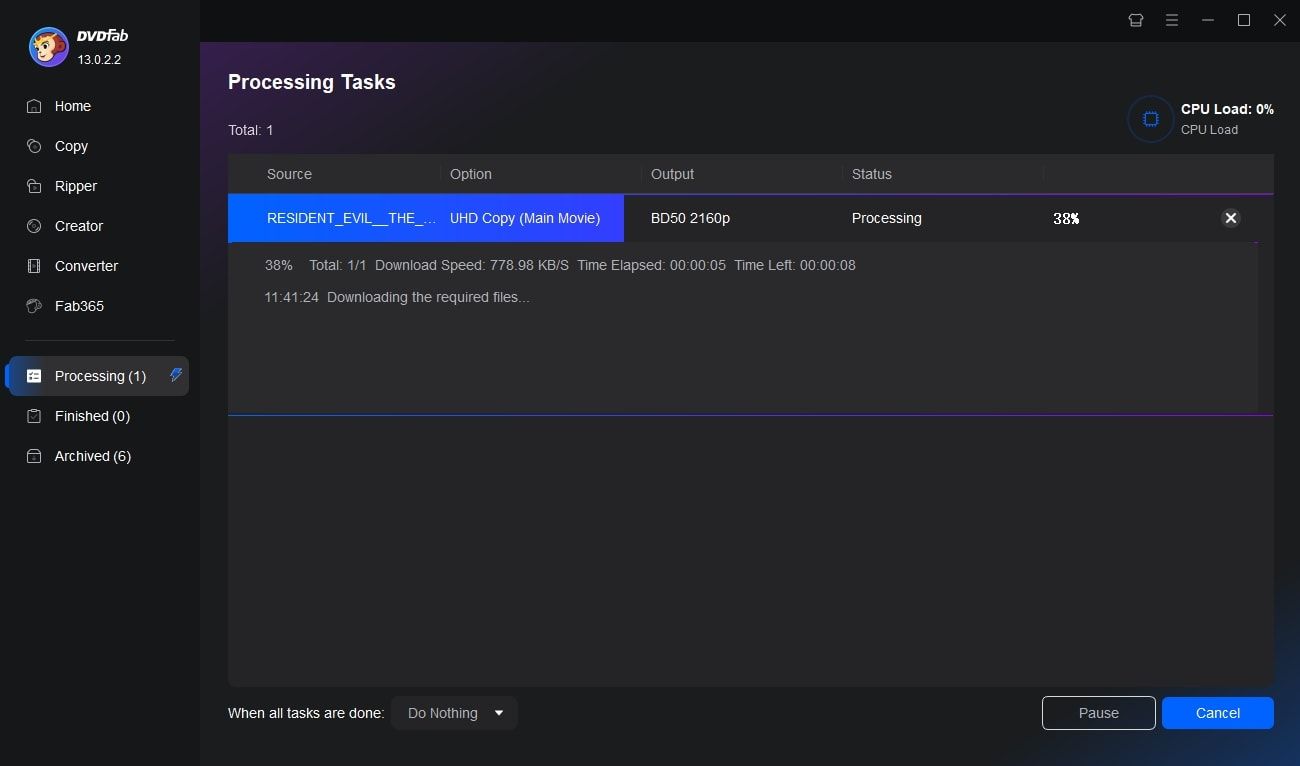
Step 3. Start Cinavia removal task
Click the Start button. Once the backup is started, the Cinavia watermark will be completely removed from the audio track, leaving you a lossless DTS-HD audio track that preserves the original quality.
You May Be Interested in These Items
Copy 4K Ultra HD Blu-rays to BD-50/25 discs, ISO files or folders.
Convert protected 4K Ultra HD Blu-ray movies to lossless MKV and M2TS videos.
Downscale and convert 4K Ultra HD Blu-rays to better-than-1080p Blu-rays.
System Requirements

Windows 11/10/8.1/8/7 (64 bit)
Core 2 Quad and above
4GB of RAM
1TB of free hard disk space
A 4K UHD Blu-ray drive, see our Supported Drive List
Live Internet connection required
Fair Use Policy : DVDFab is intended for personal use only, and sharing copied content with any third party is strictly prohibited.
To ensure a stable user experience and prevent potential restrictions from disc publishers, each DVDFab licensed account has a quota of 100 disc copies per week. This quota will automatically reset at the start of a new weekly cycle.


![6 Best 4K Blu-ray Burners You Should Know [Software & Drive Included]](https://r2.dvdfab.cn/upload/resource/en/4k-blu-ray-burner-bIVA.jpg)