[2025] How to Convert ISO to MP4 ?
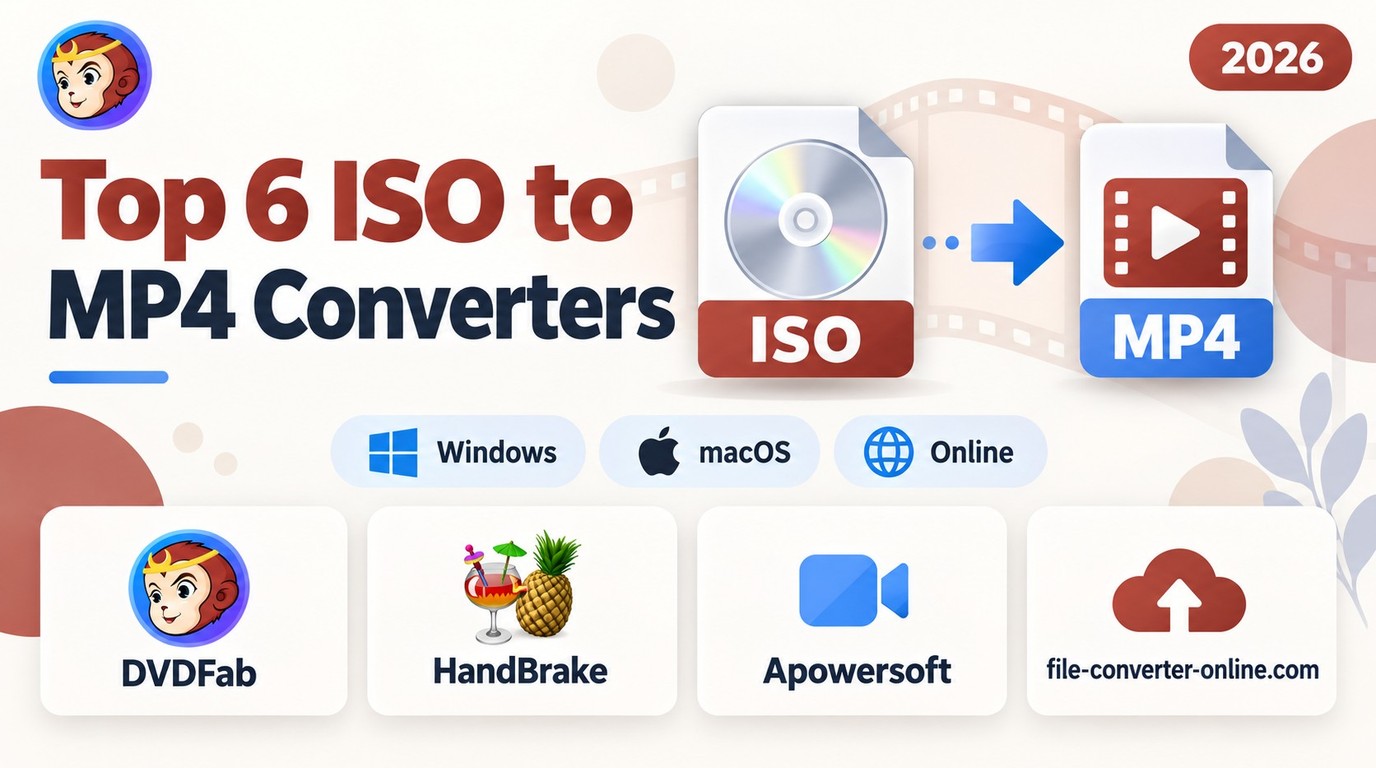
To convert a DVD ISO to MP4, load the disc image into a compatible converter, select the movie title, choose MP4 with H.264/AAC for broad device compatibility, and start encoding. HandBrake is free for unprotected DVD and Blu-ray ISOs, while DVDFab DVD Ripper supports protected DVD sources and batch conversion. In my test, DVDFab converted the same DVD ISO faster than HandBrake under matched output settings. Ordinary data ISOs cannot be converted into MP4 movies in the same way. Use content you own or have permission to convert, subject to local laws.
By Diana Smith - Oct 28, 2026

To convert a DVD to MP4, you'll need "ripping" software to read the physical disc's data and re-encode it into a digital file. While free tools like HandBrake or VLC Media Player are excellent for homemade discs, professional software like DVDFab DVD Ripper is often required for complex movie file structures. To begin, simply insert the DVD, open your selected software, choose the MP4 (H.264/AAC) output profile, and click "Start".
By Diana Smith - Sep 4, 2026