2025 Best DVD Creator Software - Make Playable DVDs from Any Video
Extensive Format Support
Create DVDs from 200+ Video Formats Freely
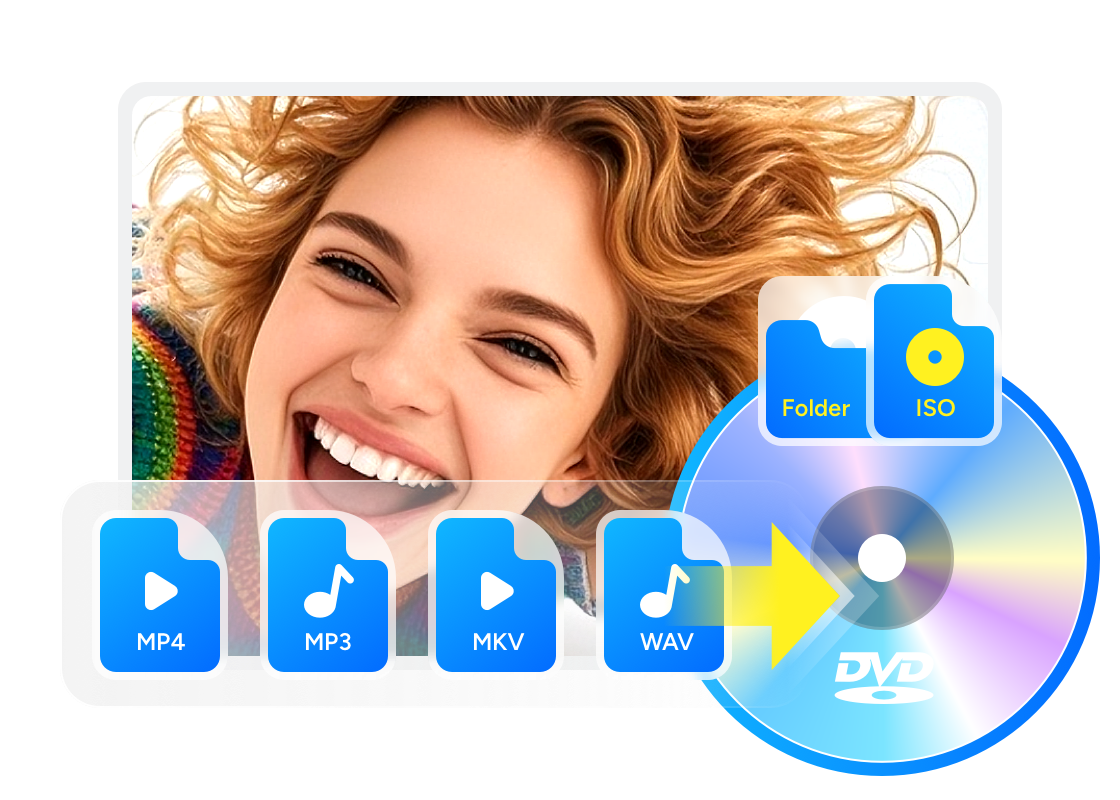
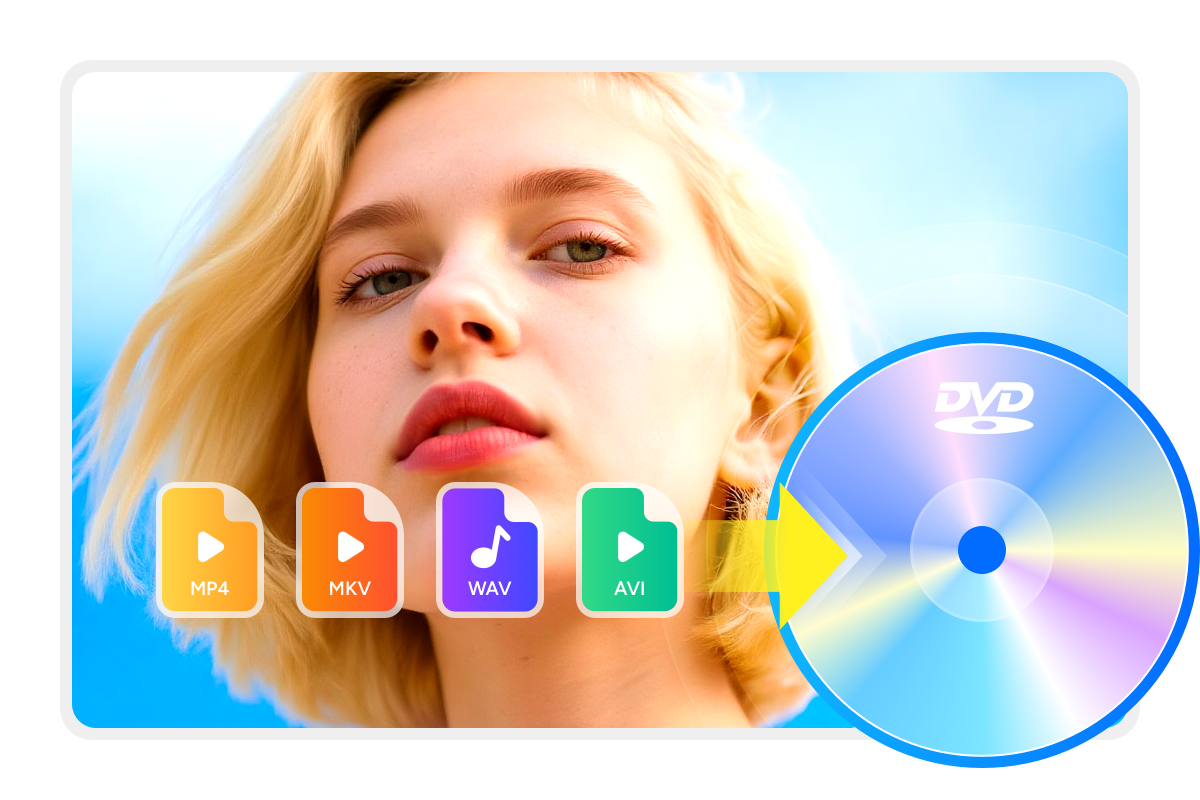
DVDFab DVD Creator can burn standard DVDs from more than 200 video formats, including AVI, MP4, MKV, M2TS, FLV, MOV, VOB, Xvid, TS, and more. Whether you're preserving travel footage, burning downloaded videos, or archiving family events like birthdays or weddings, this tool makes it easy to turn digital videos into physical keepsakes.

Flexible Output Options
Burn Any Video to DVD Blank Disc or Save as ISO/Folder
DVDFab DVD Maker allows you to burn any video to blank DVD discs, with full support for various formats like DVD-9, DVD-5, DVD±R/RW, and DVD±R DL.
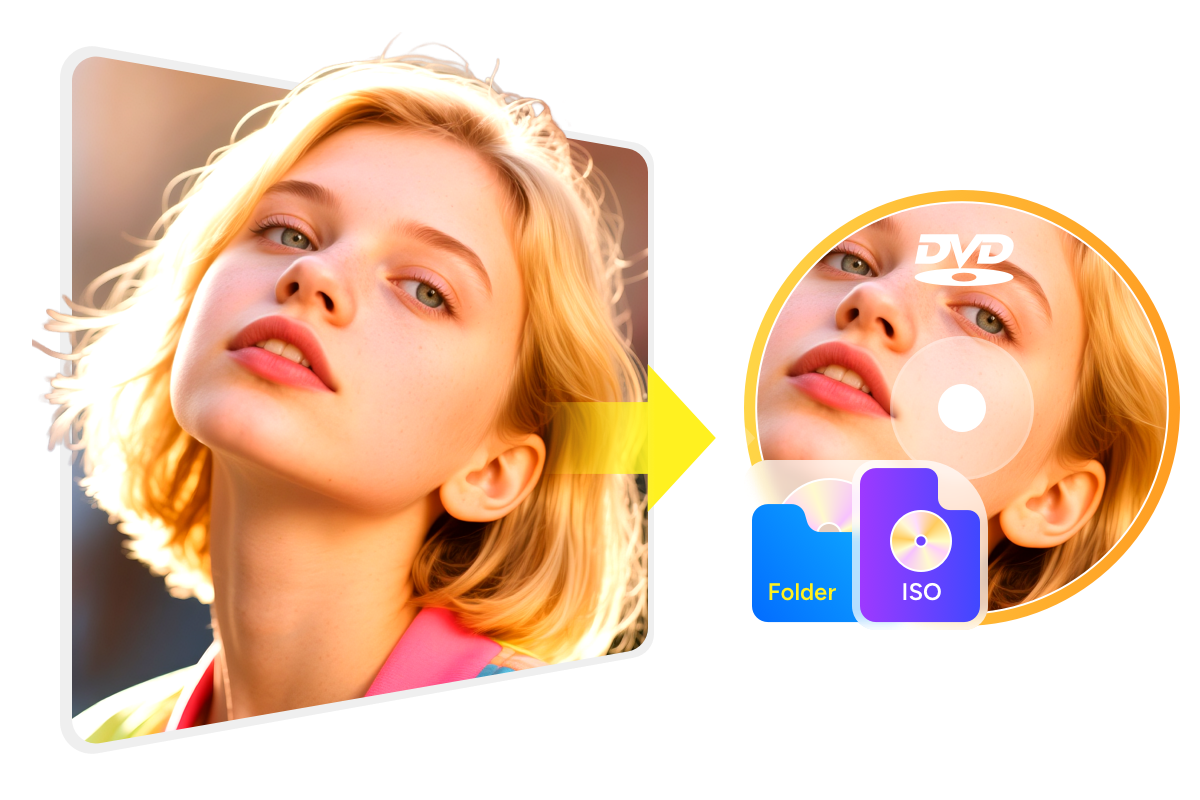
You can also choose to save your DVD output as an ISO file or folder, making it easier to watch your movies on laptops without optical drives, or play them on home media servers and players.

Broad Playback Compatibility
Burn High-quality DVDs Playable on Multiple Devices
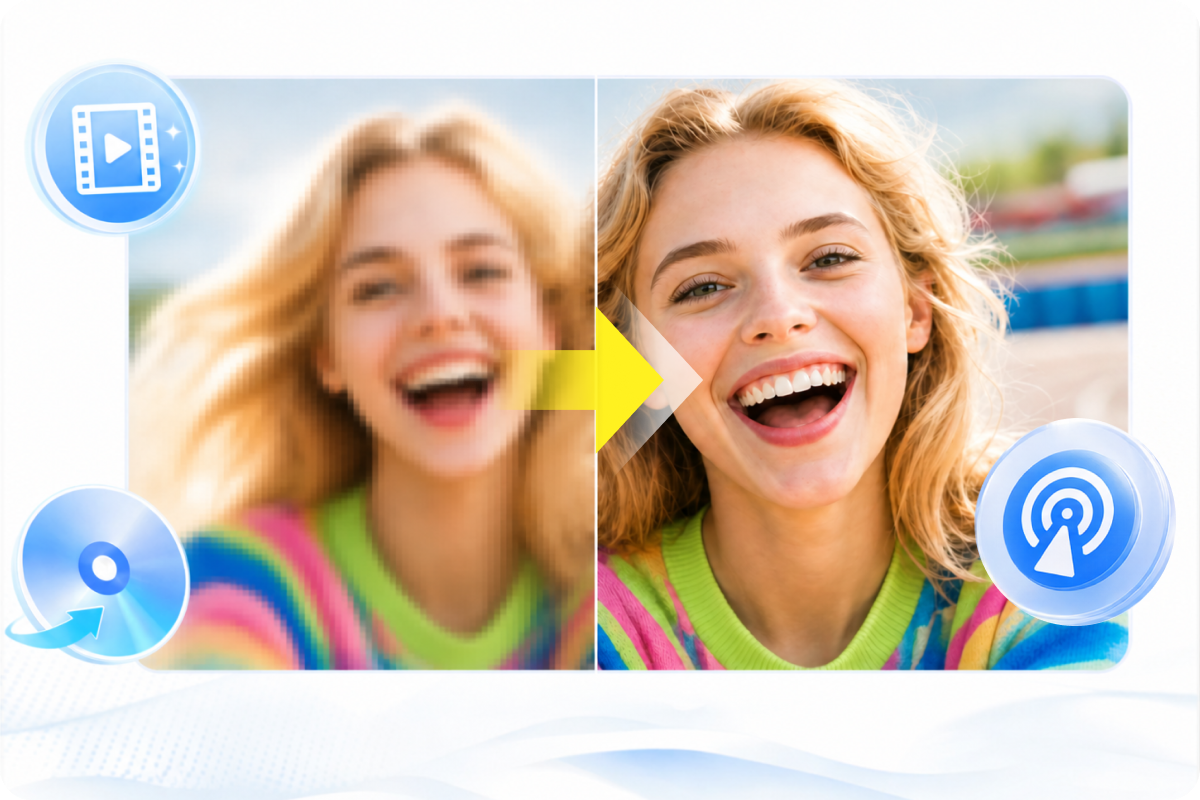
This best DVD Creator lets you create high-quality DVDs from personal or online videos, preserving original visual clarity.
The resulting DVDs can be played smoothly on home DVD players, game consoles like PS5 and Xbox, or media player software such as PlayerFab, ensuring broad compatibility and a great viewing experience on your favorite screen.

Best DVD Maker with Custom DVD Menu Design


Make Stylish DVDs with Free Menu Templates
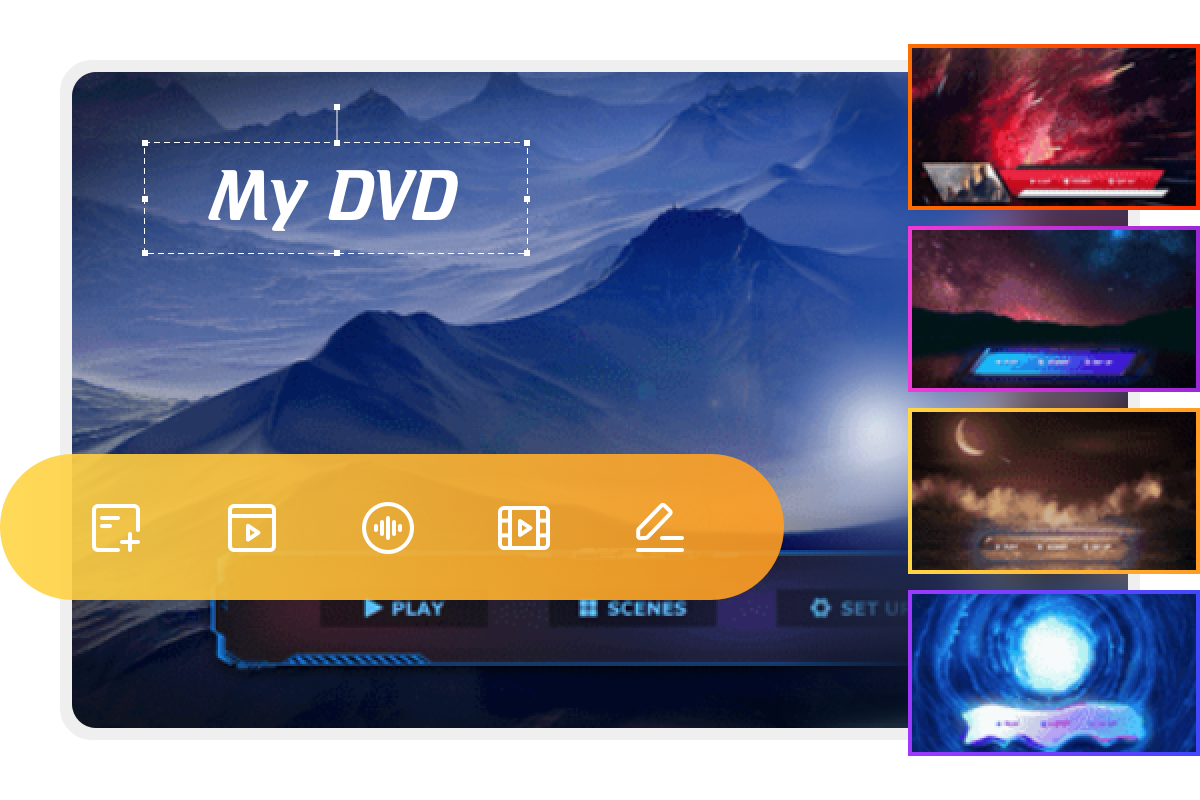
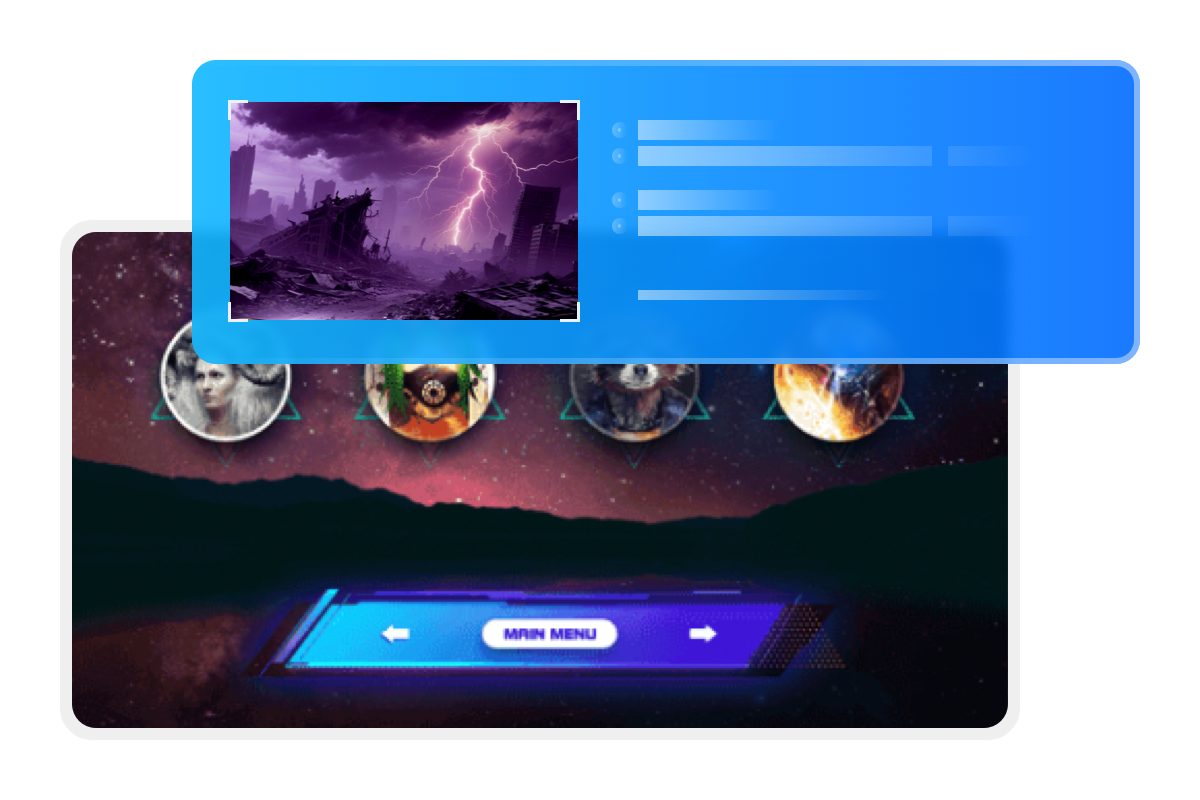
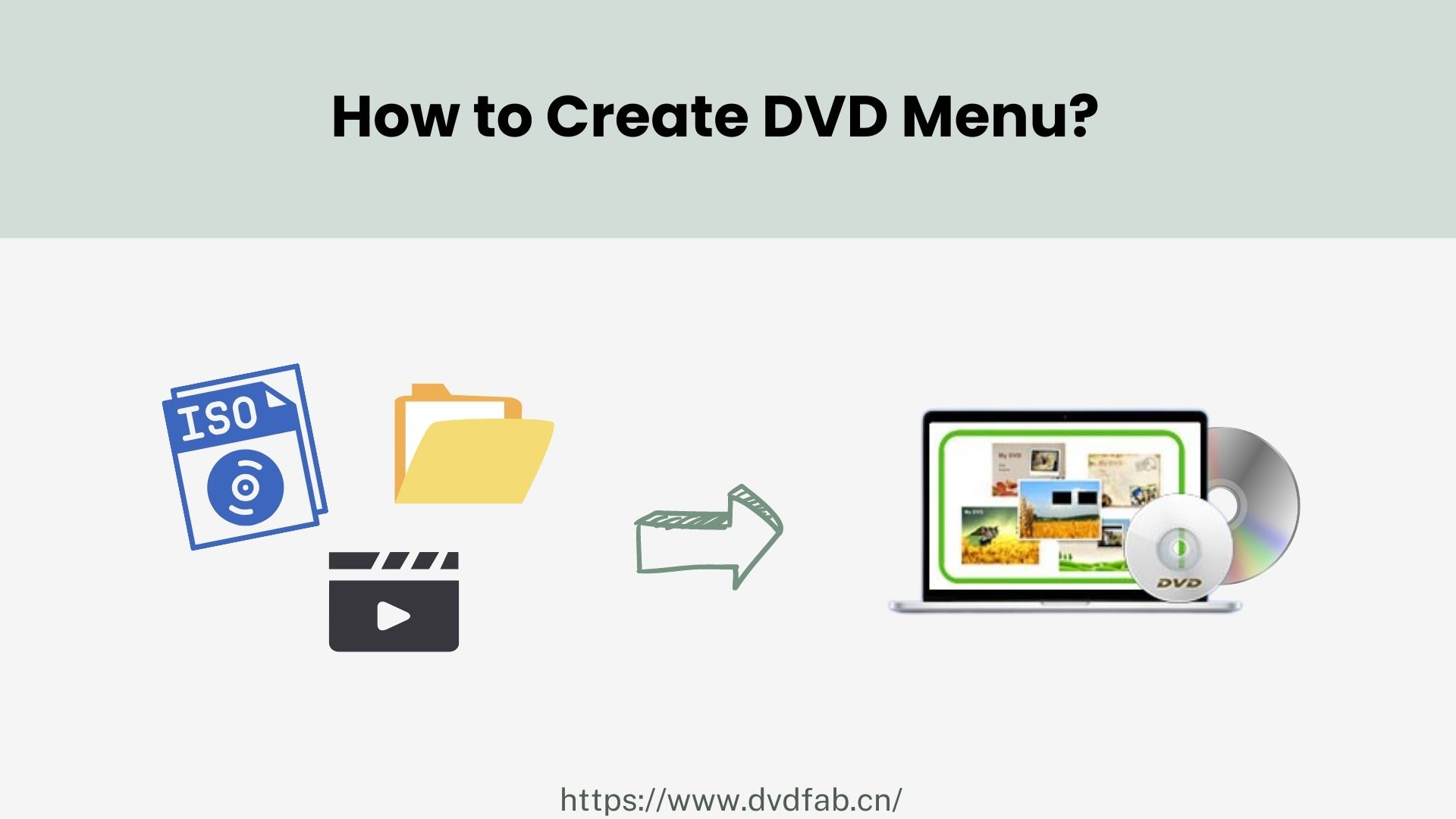
DVDFab DVD Creator boasts multiple sets of static and dynamic menu templates to take your homemade DVDs to the next level. The built-in menu library with stylish templates will be updated regularly to meet your diverse DIY needs.
Besides, all templates enable you to switch audio tracks and subtitles, meaning you can create DVDs that support multiple languages.
Design DVD Menus with Your Personal Touch
Make Your DVD Video Outstanding with Built-in Video Editor
DVDFab DVD Creator features a video editor that lets you crop and trim, add watermarks and filters, edit subtitles, and adjust brightness and contrast. Customize your videos before burning to DVD to refine your DVD project.
Crop
Crop video to desired aspect ratio
Trim
Trim unwanted clips to make a video just right
Watermark
Add a watermark (image/text) to the video
External Subtitles
Add external subtitles (SRT/ASS format) to the video
Brightness
Adjust brightness, contrast, and saturation
Chapters
Customize video chapter content
Accelerated DVD Burning with Smart Organization
High-Speed Disc Writing
Achieve 50× Faster DVD Burning with GPU Acceleration
DVDFab DVD Creator enables you to burn multiple video formats onto a single DVD and customize their playback order as desired. With real-time preview, you can instantly check whether the final result meets your expectations.
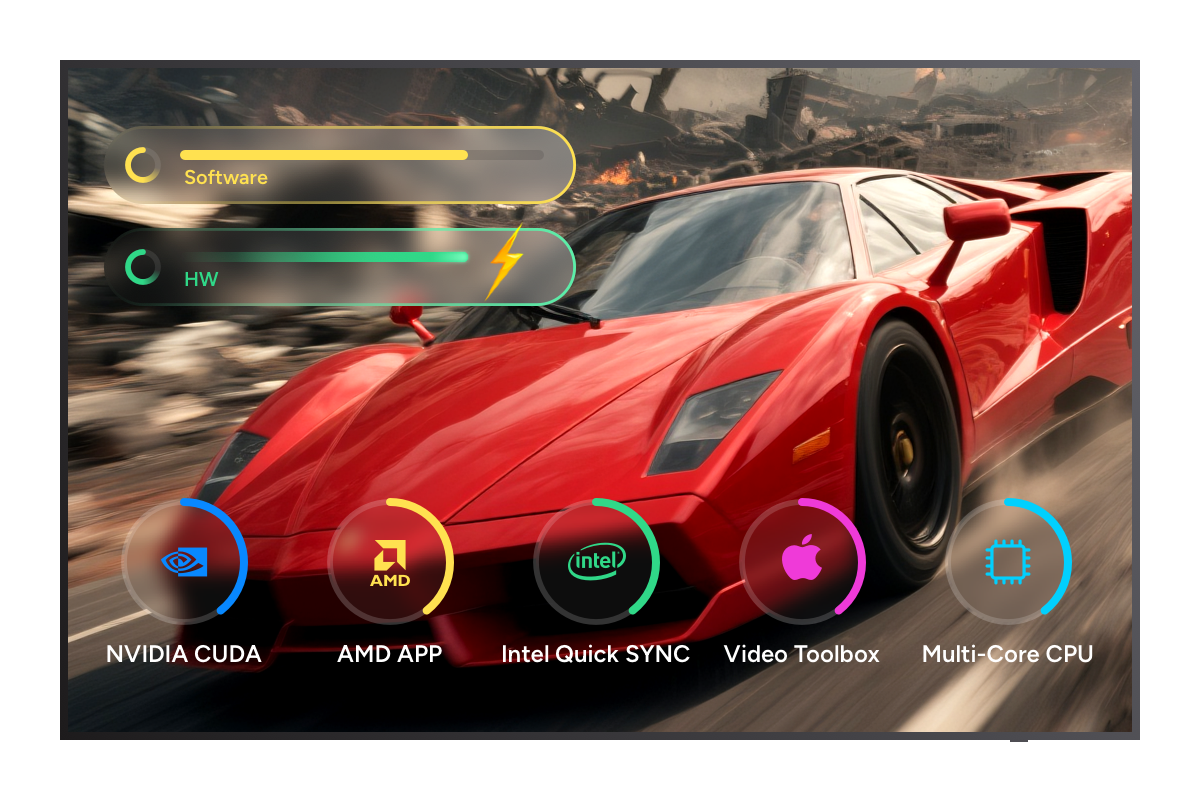
Moreover, thanks to advanced GPU acceleration technologies including Multi-core CPU, NVIDIA CUDA, AMD, IQS, Video ToolBox, this free DVD Creator delivers up to 50× faster burning speed compared to standard programs.

Smart Meta Info
Output Friendly Metadata for Media Server Integration
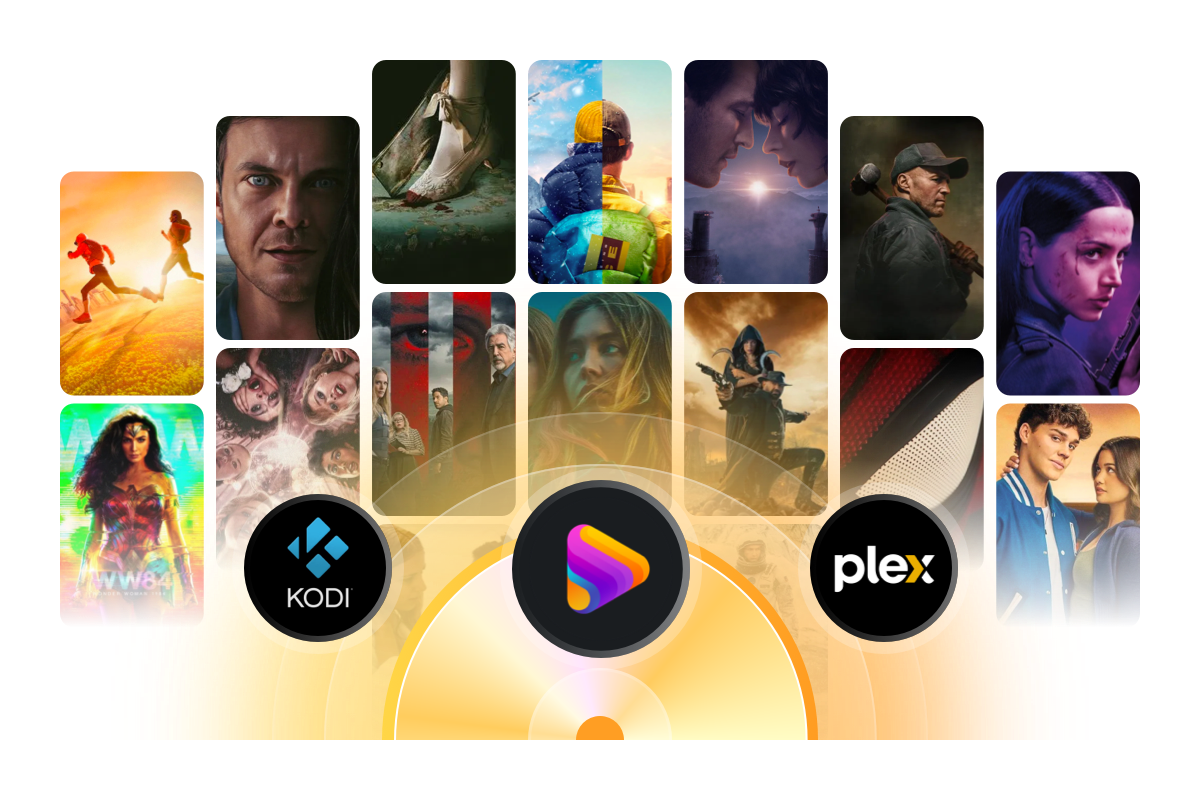
DVDFab DVD Creator boasts an exclusive Meta Info feature that can automatically synchronize all the meta info of the source video, including movie title, cast, and cover.
Moreover, this DVD creator software is able to generate .nfo file by default. All the meta info will be clearly displayed on the media server, like PlayerFab and Kodi, making it much more convenient for you to create and organize your own DVD library.


Step 1. Launch DVDFab and load the source videos.
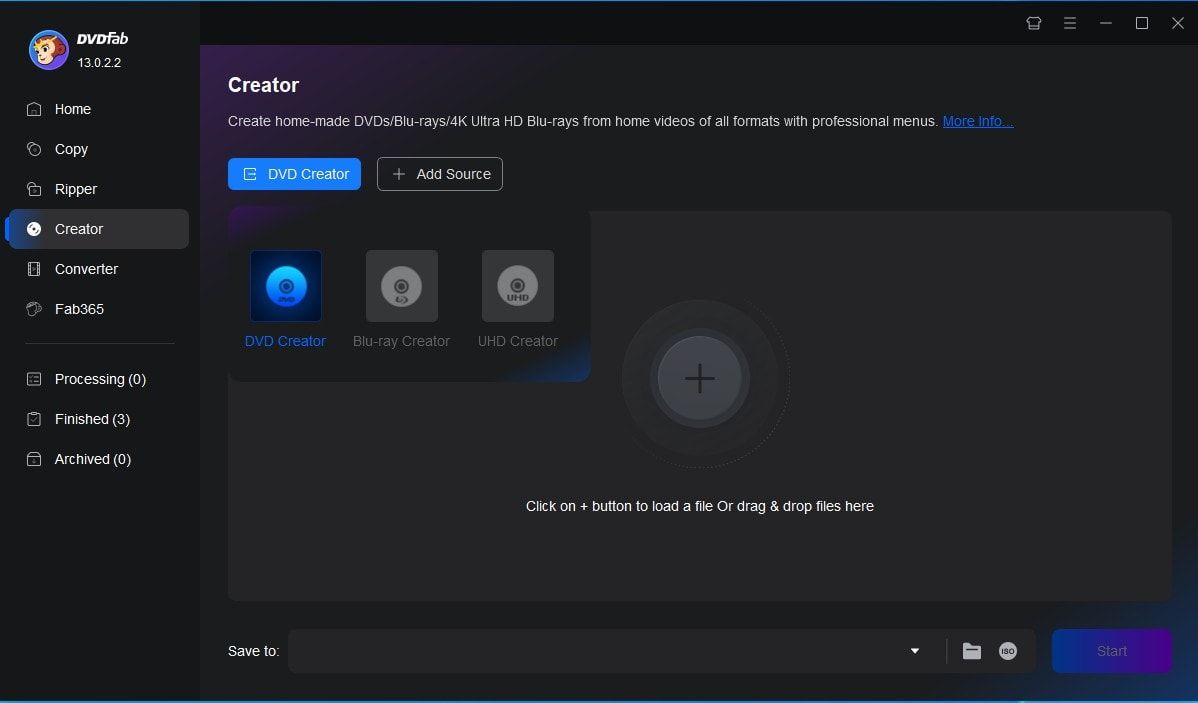
Run DVDFab 13 and select the Creator > DVD Creator module. Load your video by clicking the Add button or simply dragging and dropping the file onto the main interface.
Step 2. Customize your DVD and create a DVD menu.
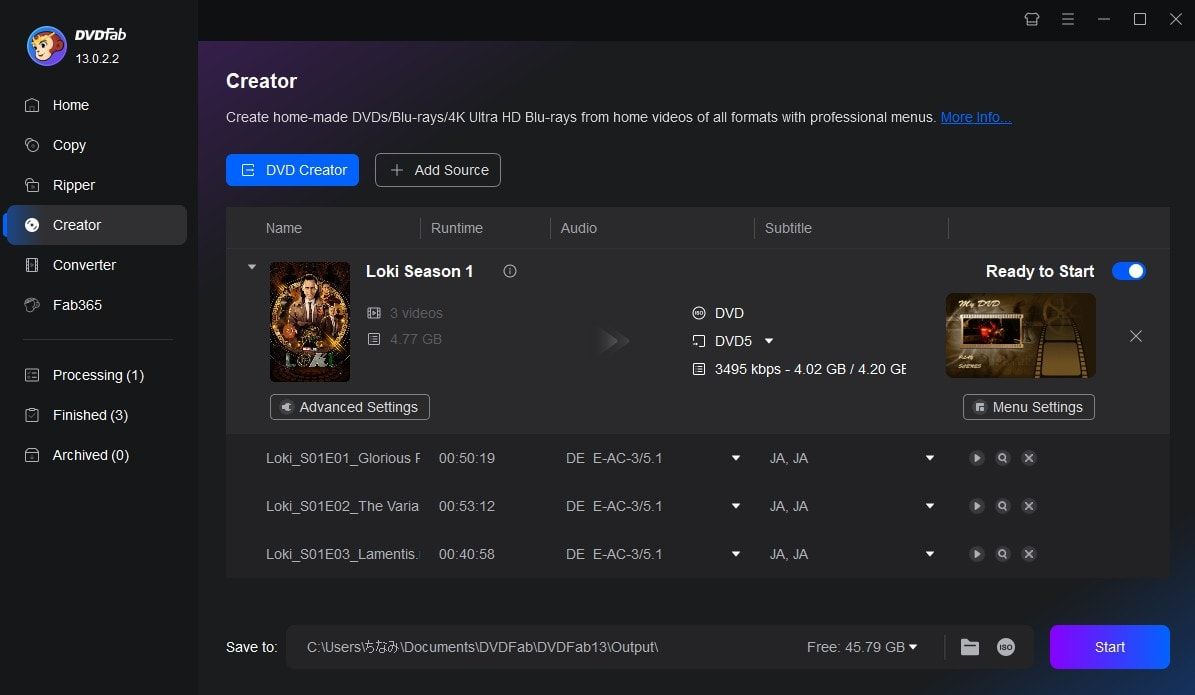
After loading the source video, click Advanced Settings and choose the output size and quality you prefer. You can also click Menu Settings to select and customize your menu.
Step 3. Start burning DVDs for free and fast.
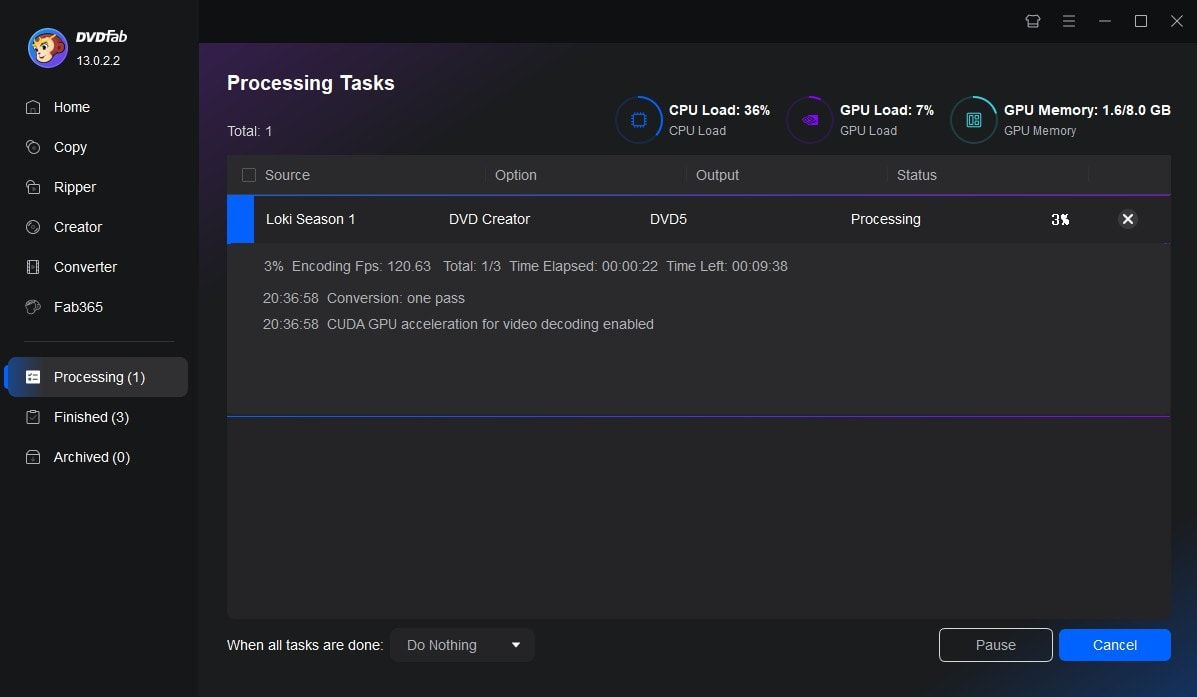
Select the output directory in Save to Part, and click the Start button to begin creating your DVD. This DVD Creator will provide detailed progress information throughout the process.
Watch the video
80+ Million People Like Our DVD Creator Software

Z
Zoe Alvarez
Theatre DirectorI’ve been using DVDFab DVD Creator for a while now and it has never let me down. The user interface is easy to navigate, making the process of creating DVDs smooth and hassle-free. I love that I can customize my DVD menus too!

B
Benjamin Hartley
University LecturerPerfect for creating class project DVDs. My students can easily navigate the menus I make, and it works with our old classroom DVD players. Saves me so much time compared to other complicated software.

D
Dylan Thomas
Music ProducerThis software really shines when it comes to creating DVDs. From simple tasks like burning videos onto a disc to complex ones like making customized menus - DVDFab DVD Creator handles them all effortlessly!

G
Grace Patterson
Tech JournalistDVDFab DVD Creator can burn all kinds of videos to DVD discs with ease and multi-core processing and high-tech acceleration like Intel Quick Sync and CUDA are supported, so the speed of this DVD Creator is super fast.

S
Sophie Harris
Wedding VideographerAs someone who delivers wedding videos on DVDs, quality and customization are everything. DVDFab DVD Creator lets me design professional menus. It never crashes halfway through burning like other programs I've tried.

Z
Zoe Brown
Software EngineerDVDFab DVD Creator is reliable software to create DVDs and menus. It offers fast conversion speeds without sacrificing quality, plus the customer support team is always ready to help if you encounter any problems. I give it five stars.

Z
Zoe Alvarez
Theatre DirectorI’ve been using DVDFab DVD Creator for a while now and it has never let me down. The user interface is easy to navigate, making the process of creating DVDs smooth and hassle-free. I love that I can customize my DVD menus too!

B
Benjamin Hartley
University LecturerPerfect for creating class project DVDs. My students can easily navigate the menus I make, and it works with our old classroom DVD players. Saves me so much time compared to other complicated software.

D
Dylan Thomas
Music ProducerThis software really shines when it comes to creating DVDs. From simple tasks like burning videos onto a disc to complex ones like making customized menus - DVDFab DVD Creator handles them all effortlessly!

G
Grace Patterson
Tech JournalistDVDFab DVD Creator can burn all kinds of videos to DVD discs with ease and multi-core processing and high-tech acceleration like Intel Quick Sync and CUDA are supported, so the speed of this DVD Creator is super fast.

S
Sophie Harris
Wedding VideographerAs someone who delivers wedding videos on DVDs, quality and customization are everything. DVDFab DVD Creator lets me design professional menus. It never crashes halfway through burning like other programs I've tried.

Z
Zoe Brown
Software EngineerDVDFab DVD Creator is reliable software to create DVDs and menus. It offers fast conversion speeds without sacrificing quality, plus the customer support team is always ready to help if you encounter any problems. I give it five stars.
System Requirements

Windows 11/10/8.1/8/7 (32/64 bit)
Pentium 500 MHz
2GB of RAM
20GB of free hard disk space
A DVD-R (W) or DVD + R (W) Drive
Live Internet connection required
| Input | MKV, MP4, AVI, M2TS, TS, MOV, WMV, WMA, 3GP, FLV, M4V, VOB, etc. |
| Output | DVD-9, DVD-5, DVD+R/RW, DVD-R/RW, DVD+R DL, DVD-R DL |
Frequently Asked Questions
- What Is the Best DVD Creator Software?
- How to Create a DVD That Is Compatible with Any DVD Player?
- Is DVDFab DVD Creator Free?
- Can I Make a DVD with Menus for Free?
- How to Choose Between Paid and Free DVD Creator Software?
- What DVD Creators Are in Windows 10?
- Does DVDFab DVD Creator Support Burning Video to Blu-ray?
Contact Us
Can't find the answers you're looking for? If you have other problems, don't hesitate to contact us.
Our Service Team is always ready to help. Your problem will be addressed as soon as we can.
Contact Us
Fair Use Policy : DVDFab is intended for personal use only, and sharing copied content with any third party is strictly prohibited.
To ensure a stable user experience and prevent potential restrictions from disc publishers, each DVDFab licensed account has a quota of 100 disc copies per week. This quota will automatically reset at the start of a new weekly cycle.


![18 Best Free DVD Burner Software for Windows in 2025 [Expert Review]](https://r1.dvdfab.cn/upload/resource/en/best-dvd-burning-software-3mQn.jpg)