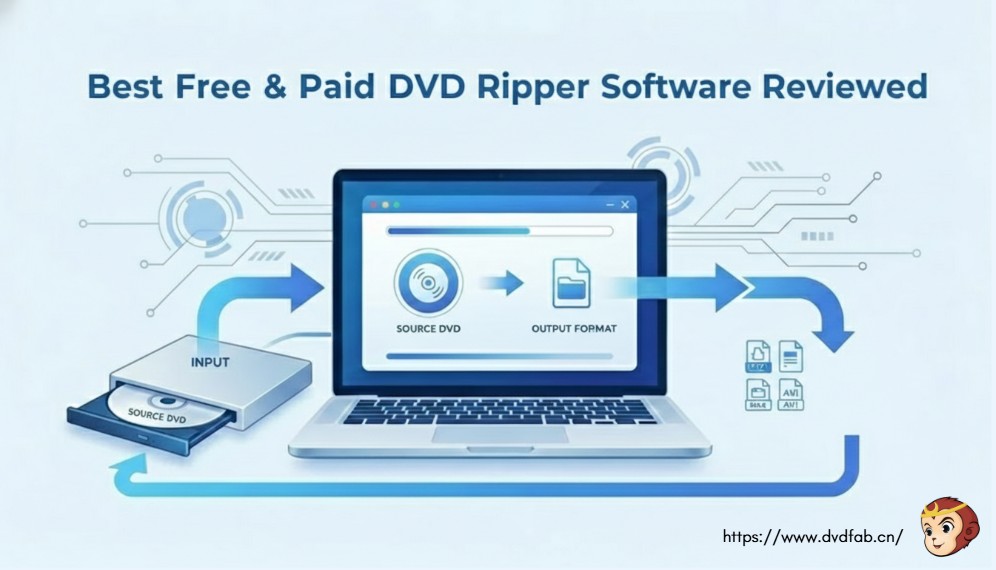





2025 Best DVD Ripper - Rip Old or New DVDs of All Types
All DVDs Supported
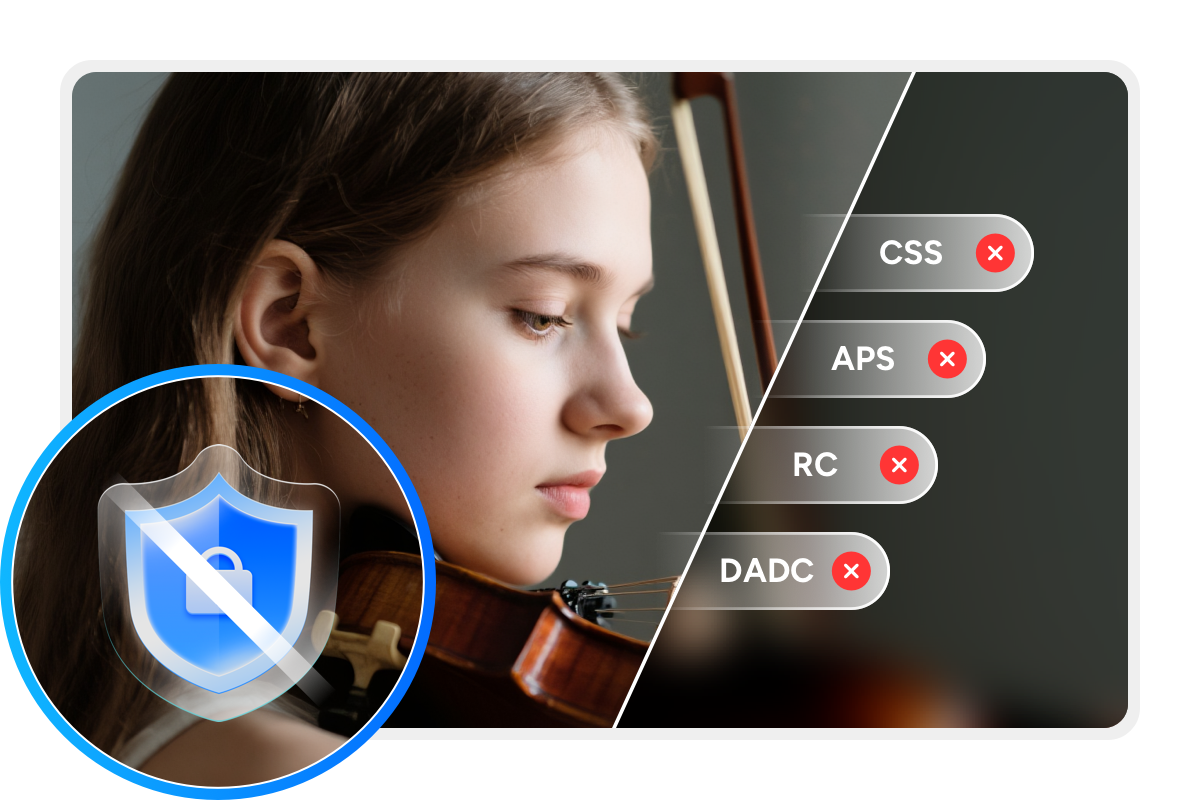
DVDFab DVD Ripper is 2025 best DVD ripping software to rip DVDs for personal backup. It supports both homemade and commercial DVDs protected with CSS, APS, RC, RCE, Sony ARccOS, UOPs, ARccOS, RipGuard, etc. Based on the exclusive Cloud Decryption Service, DVDFab also stays updated to handle newly released DVDs.
This makes DVD ripping easy across all disc types, including DVD-5, DVD-9, DVD±R, DVD±RW, DVD-RAM, DVD-R DL, ISO image files and VIDEO_TS folders. After you load a disc, DVDFab can recognize it in about 5 to 10 seconds - even if it's old, new, scratched, or damaged.

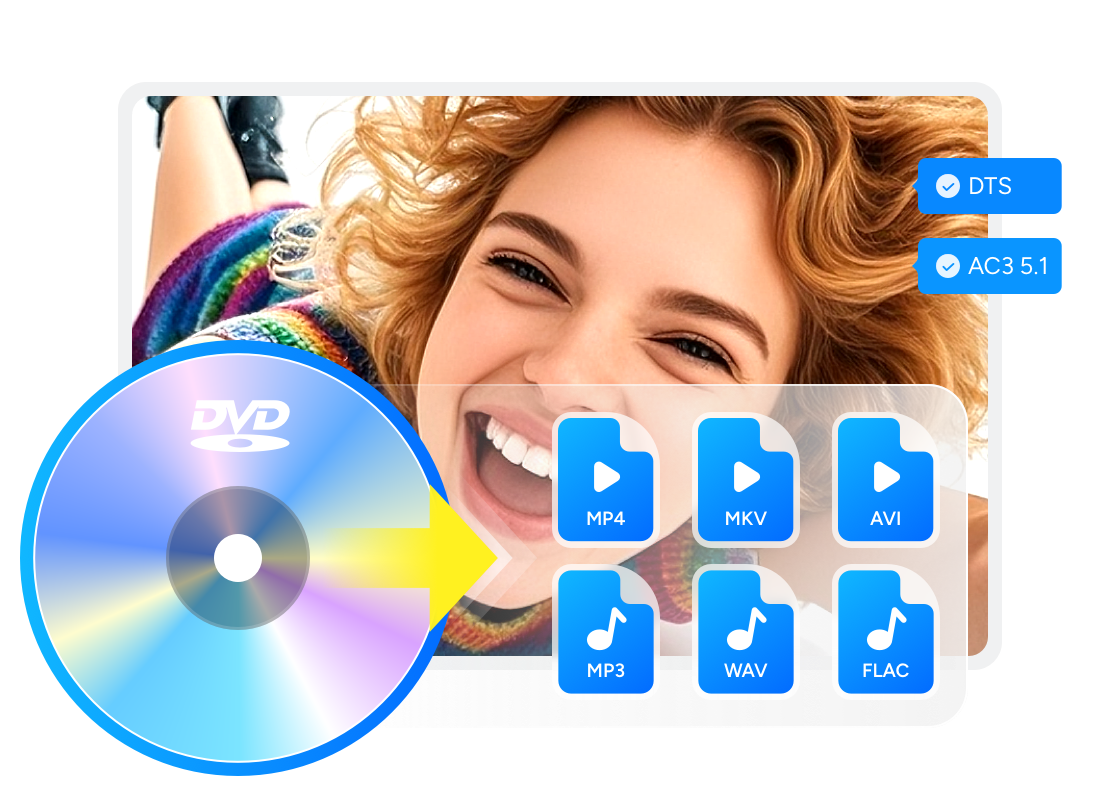
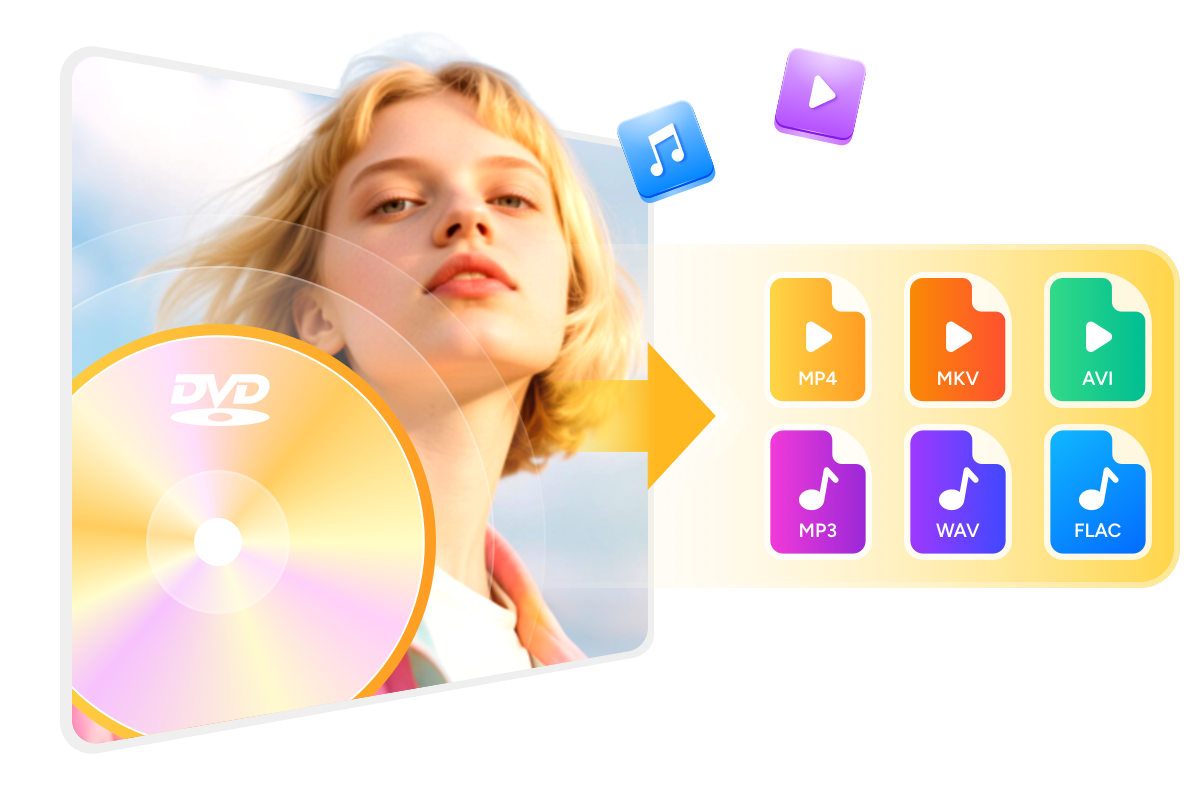
Rip DVD to Various Formats with Lossless or Compressed Output
Boost DVD Ripping Speed with Smart Performance
GPU-Powered Ripping
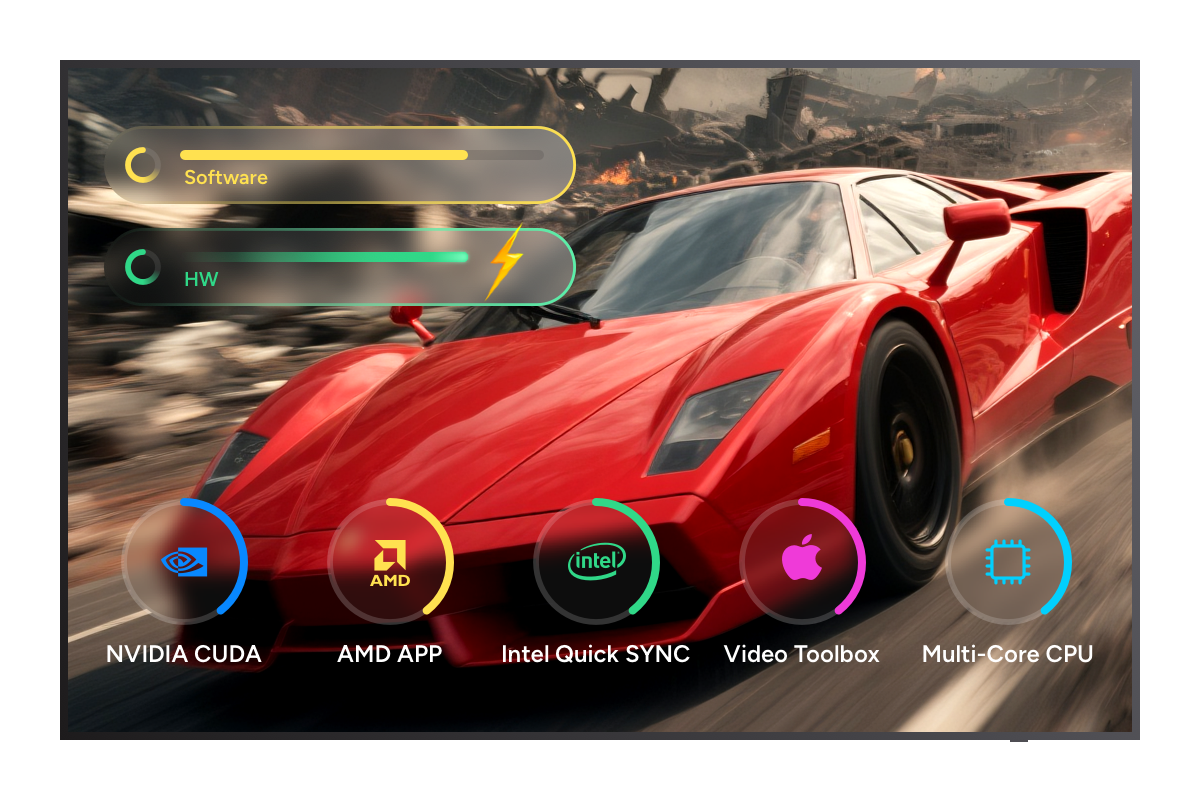
Get 50x Faster DVD Ripping Speed with GPU Acceleration
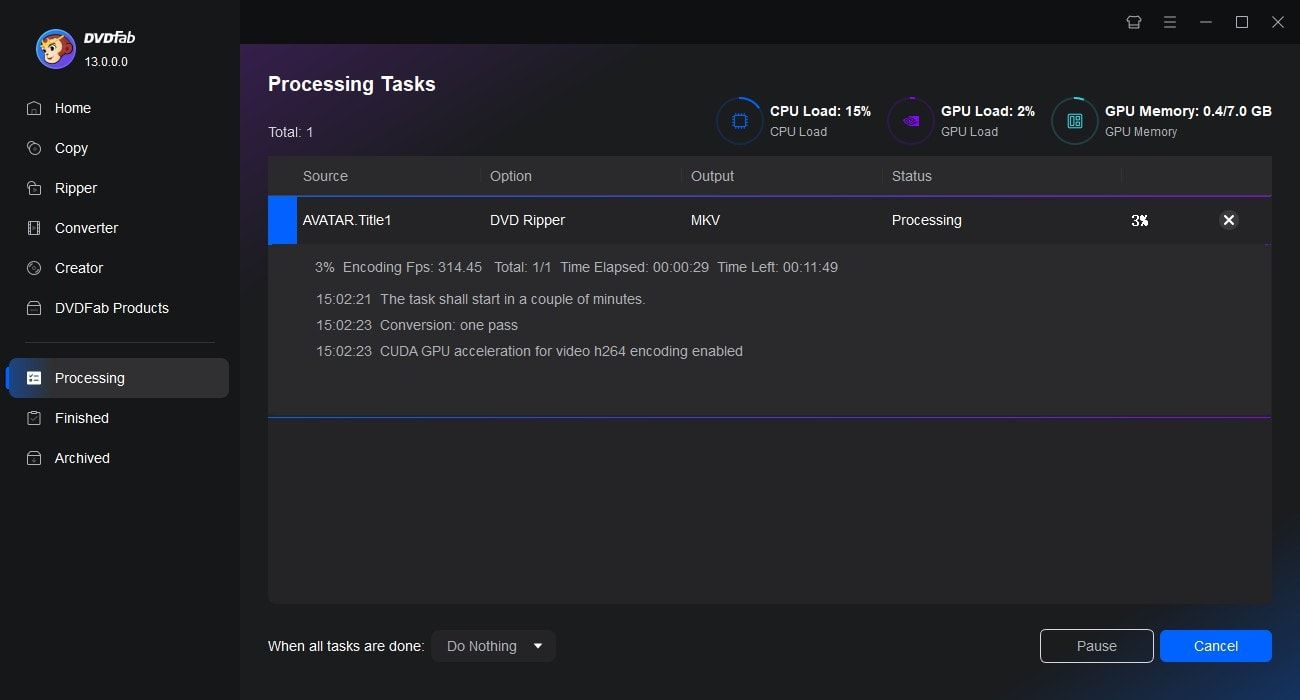
DVDFab is a super fast DVD ripper that supports advanced CPU and GPU acceleration. It leverages multi-core CPUs and GPU engines, including NVIDIA CUDA/NVENC, AMD AMF, Intel Quick Sync Video, and VideoToolbox on macOS, to speed up DVD ripping.
We tested it on Windows with an NVIDIA GeForce RTX 4060 Ti (8GB) and an Intel Core i7-6700. Ripping the 6.13 GB “8 Mile” DVD to the MP4 (H.264/AAC) profile averaged 5 minutes across four runs. Using the MKV Passthrough profile, the job finished in only 1 min 37 s, with the output matching the original source.

Task Automation
Convert DVDs to Digital Files via Multitasking Mode
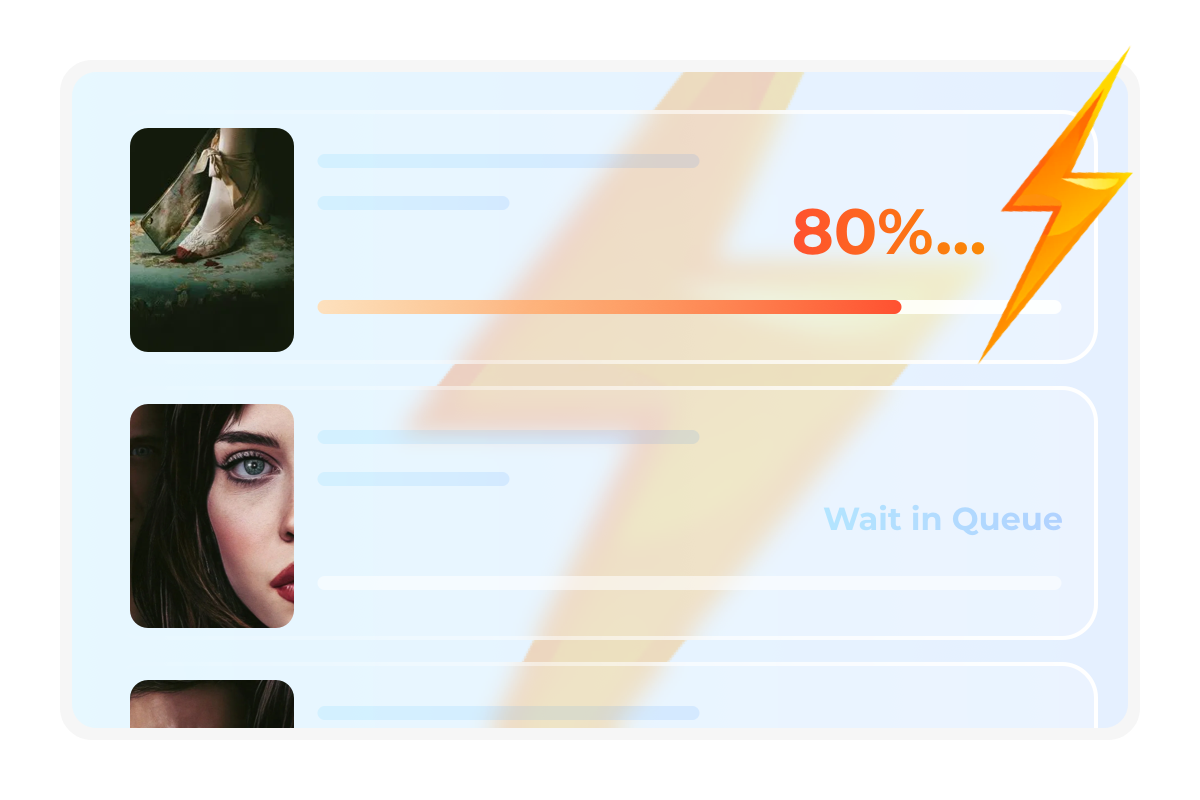
Task Queue is the feature highlight of DVDFab products. Once you add multiple DVDs ripping tasks to the queue, this DVD ripper will automatically start the next task as soon as one task finishes. Such multitasking mode will save your precious time.

Enhance Your DVDs with AI
AI-Powered Video Upscaling
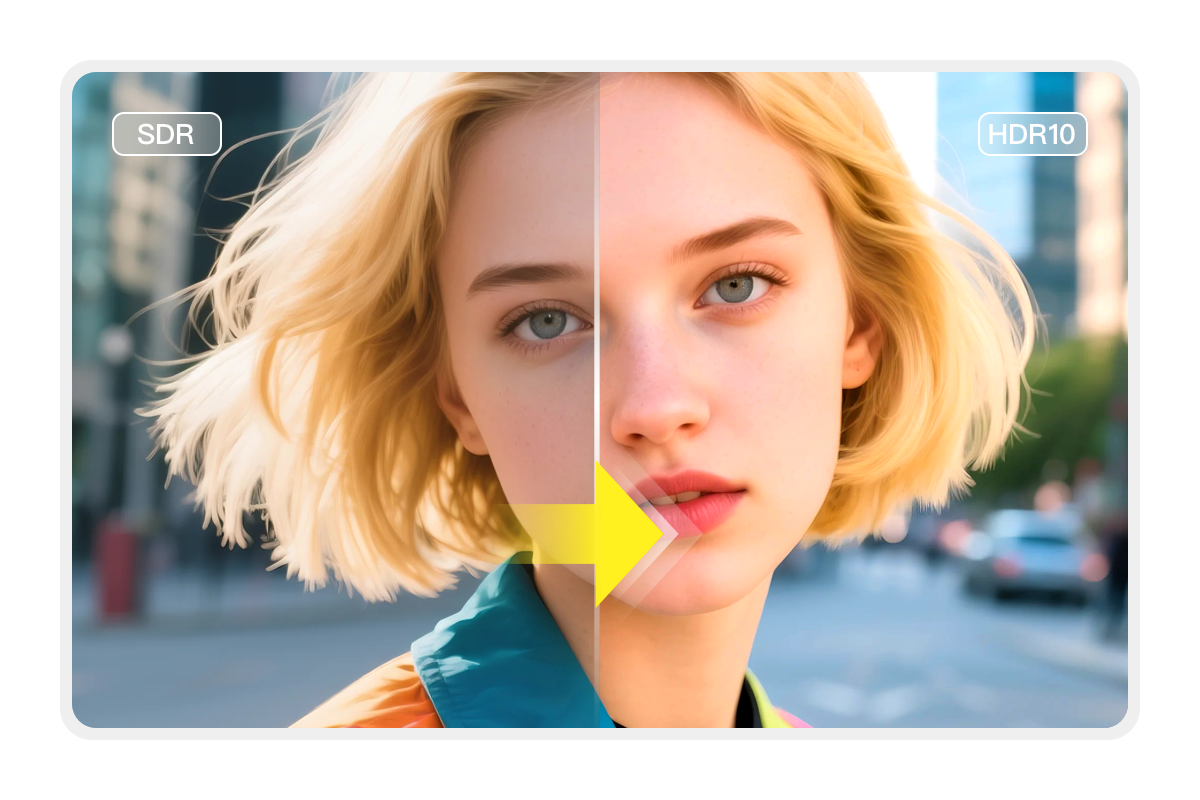
Upscale SDR Video to HDR10 for Enhanced Visuals
DVDFab DVD Ripper works seamlessly with NVIDIA AI Enhancer to convert video from SDR to HDR10 on Windows PC, improving contrast and color range while enhancing detail in shadows and highlights.
The upgraded videos can be saved in MP4 or MKV format, ensuring compatibility with a wide range of devices. This enhancement delivers more vibrant colors, sharper details, and a more immersive viewing experience.

Make Your Videos Outstanding with the Video Editor
DVDFab DVD Ripper can easily rip DVDs to 1000+ video and audio formats while also allowing you to edit your DVD video with its in-built professional editor. You can crop, trim, merge video, add watermarks and subtitles, and even adjust video color as you like.
Crop
Crop video to desired aspect ratio
Trim
Trim unwanted clips to make a video just right
Watermark
Add a watermark (image/text) to the video
External Subtitles
Add external subtitles (SRT/ASS format) to the video
Merge
Merge multiple clips into a single one
Brightness
Adjust brightness, contrast, and saturation
More Functions in the Smart DVD Ripper Software
Functional Comparison of DVDFab Products
DVDFab DVD Copy | DVDFab DVD Ripper | |
|---|---|---|
$42.50 Buy Now | $59.49 Buy Now |
Supported Discs | Newest Commercial, Rental or Recorded DVD | Newest Commercial, Rental or Recorded DVD |
|---|---|---|
Output Format | DVD/ISO Image File/Folder | Over 1000 video and audio formats including MP4, MKV, MP3, etc. |
Support Adult DVDs | ||
Remove Newest DVD Protections | ||
Lossless Backup to DVD9 | ||
Compress to DVD5 | ||
Supported Copy Modes | Full Disc Main Movie Customize Clone/Burn Split Merge | |
Burn ISO image file to DVD | ||
Output Video Resolution | Lossless | Lossless Upscale to 1080P |
Hardware GPU Acceleration |

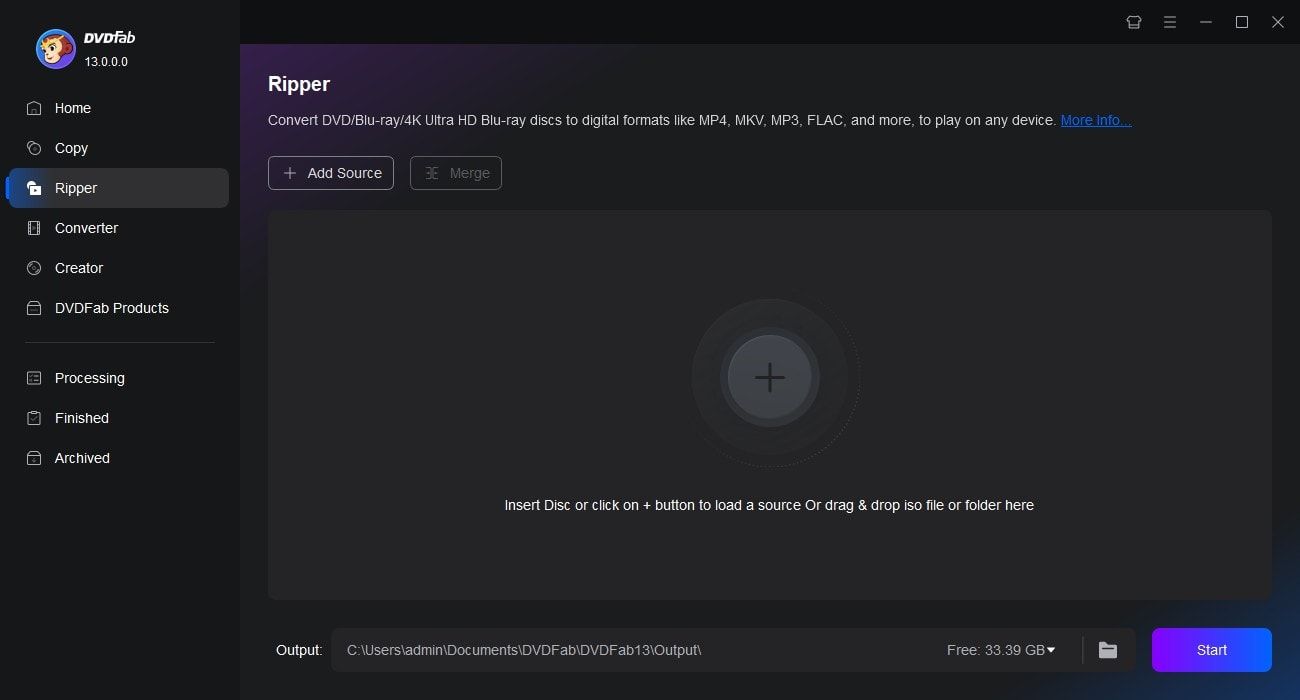
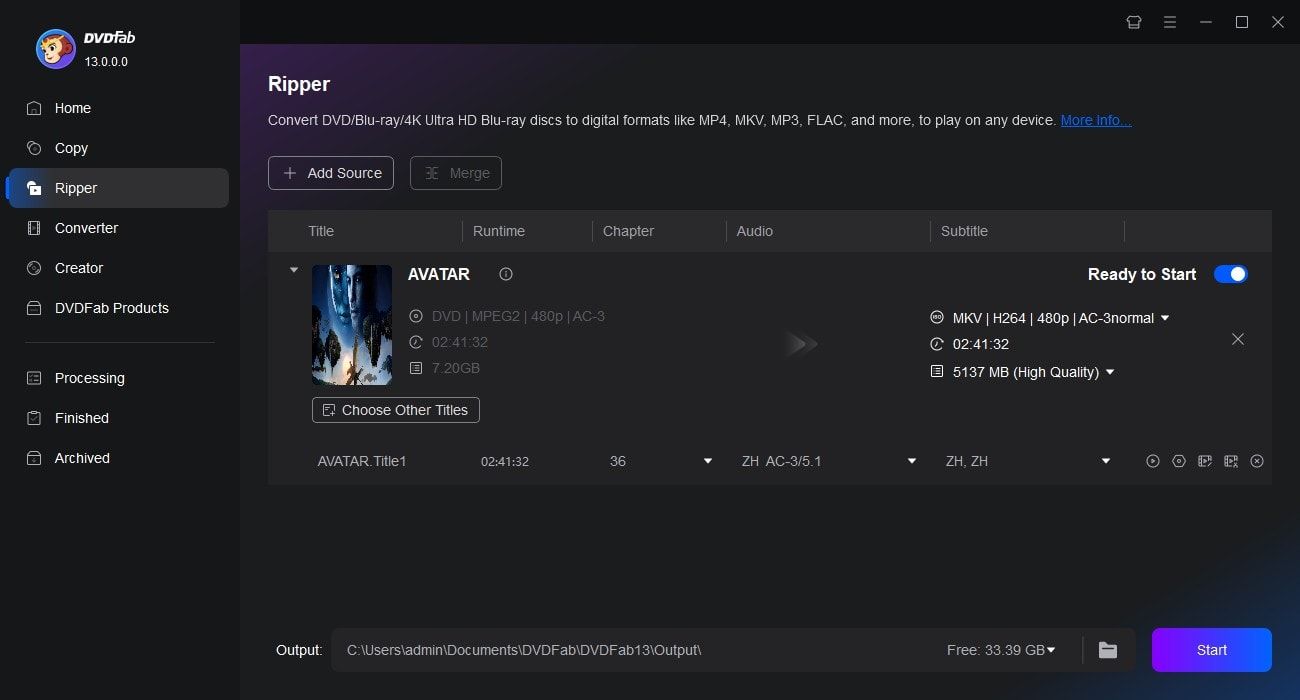
Step 1. Launch DVDFab and load the DVD source.
Run DVDFab 13 and select the Ripper option. Insert your DVD disc into the optical drive or navigate to it via the Add button. If the source is an ISO file or a folder, simply drag and drop it onto the workspace.
Step 2. Choose one profile and customize the output DVD video.
Click "Choose Other Profile" to select an output format. Options are available to select audio tracks and subtitles, set video and audio parameters, and more.
Step 3. Start to rip DVDs for free and fast.
Save your video on your HDD or Mobile device. Click the Start button, and the actual DVD ripping process will be clearly shown.
Watch the video
80+ Million People Like Our DVD Ripping Software

S
Sophia Jones
Travel VloggerI've been using DVDFab DVD Ripper to convert my old travel DVD footage into digital format for YouTube. I was ripping my first disc within minutes of installation.

T
Thomas Jones
Small Business OwnerIt converts my DVD to MP4 format in minutes while maintaining perfect audio quality. Its stable performance saved me a lot of time when processing multiple discs. Definitely worth every penny!

M
Mia Garcia
Freelance EditorFor work, I sometimes need to rip DVDs into formats compatible with editing software. DVDFab does this smoothly and keeps the quality high. Definitely made organizing my media so much easier.

J
Jacob Smith
IT ProfessionalI’ve been using this tool to back up family DVDs. It's super easy to add multiple DVDs to the queue and let it rip overnight. Moreover, It's rare to find software that works equally well for home users and enterprise clients.

G
George Williams
RetireeI wanted to preserve my family's precious memories by converting our old home videos from DVD to digital. I was worried the software would be too technical, but DVDFab proved me wrong. The simple interface guided me through each step.

L
Lucas Martinez
Film StudentI've tested several DVD ripping tools, and DVDFab stands out due to its stability. As for now, I've converted a lot of old DVDs to digital format, and I appreciate the fast ripping speeds without quality loss.

S
Sophia Jones
Travel VloggerI've been using DVDFab DVD Ripper to convert my old travel DVD footage into digital format for YouTube. I was ripping my first disc within minutes of installation.

T
Thomas Jones
Small Business OwnerIt converts my DVD to MP4 format in minutes while maintaining perfect audio quality. Its stable performance saved me a lot of time when processing multiple discs. Definitely worth every penny!

M
Mia Garcia
Freelance EditorFor work, I sometimes need to rip DVDs into formats compatible with editing software. DVDFab does this smoothly and keeps the quality high. Definitely made organizing my media so much easier.

J
Jacob Smith
IT ProfessionalI’ve been using this tool to back up family DVDs. It's super easy to add multiple DVDs to the queue and let it rip overnight. Moreover, It's rare to find software that works equally well for home users and enterprise clients.

G
George Williams
RetireeI wanted to preserve my family's precious memories by converting our old home videos from DVD to digital. I was worried the software would be too technical, but DVDFab proved me wrong. The simple interface guided me through each step.

L
Lucas Martinez
Film StudentI've tested several DVD ripping tools, and DVDFab stands out due to its stability. As for now, I've converted a lot of old DVDs to digital format, and I appreciate the fast ripping speeds without quality loss.
System Requirements

Windows 11/10/8.1/8/7 (32/64 bit)
Pentium 500 MHz
2GB of RAM
20GB of free hard disk space
A DVD-R (W) or DVD + R (W) Drive
Live Internet connection required
Frequently Asked Questions
- Is it legal to rip DVD?
- What's the best free DVD Ripper?
- How to rip copy protected DVD?
- How to choose the suitable DVD ripping software?
- How fast does DVDFab DVD Ripper rip DVDs?
- Can I rip Hi-Fi audio from DVD using DVDFab DVD Ripper?
- Paid DVD ripper and free DVD ripper, which should I choose?
Contact Us
Can't find the answers you're looking for? If you have other problems, don't hesitate to contact us.
Our Service Team is always ready to help. Your problem will be addressed as soon as we can.
Contact Us
Fair Use Policy : DVDFab is intended for personal use only, and sharing copied content with any third party is strictly prohibited.
To ensure a stable user experience and prevent potential restrictions from disc publishers, each DVDFab licensed account has a quota of 100 disc copies per week. This quota will automatically reset at the start of a new weekly cycle.


![How to Convert DVD to MP4: 14 Best & Free Methods [2025]](https://r3.dvdfab.cn/upload/resource/convert-dvd-to-mp4-p2X3.jpeg)