
 Does Xbox 360 Play Blu-ray? Guide to Alternatives & Solutions
Does Xbox 360 play Blu-ray? The short answer is no. The console only supports DVDs, CDs, and digital files. This guide explains why Blu-ray isn't supported, what formats the Xbox 360 can play instead, and the best workarounds if you still want to enjoy your Blu-ray collection.
By Wenny Yan - Apr 20, 2026
 Lightning Shrink: DVDFab's Fast and Efficient Video Compression Tech
DVDFab Lightning Shrink is a hardware-accelerated Blu-ray compression technology designed to reduce file size with less time and effort. It works best for users who want a faster, simpler workflow on supported hardware, while factors like codec choice, playback compatibility, and control still play a major role in the final result.
By Alex Carter - Apr 17, 2026
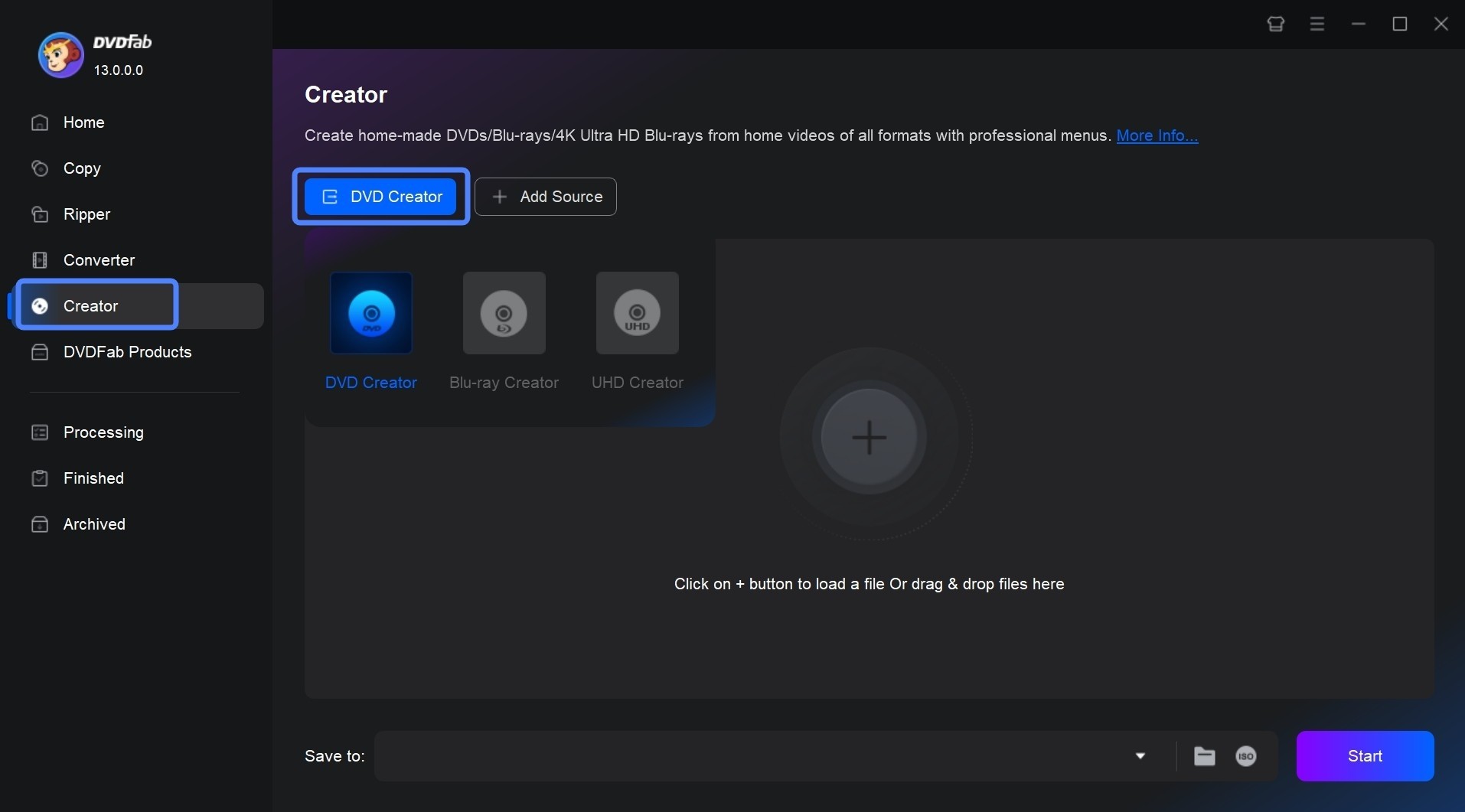 How to Make DVDs on Mac and Windows with Easy Steps?
By Wenny Yan - Apr 10, 2026
 How to Rip 3D Blu-rays for Quest 3, Projectors & PC (MVC vs SBS vs TAB)
Ripping a 3D Blu-ray requires matching the output format to your specific device. For VR headsets like Meta Quest 3, Side-by-Side is essential. While free tools like MakeMKV excel at lossless MVC remuxes for PC playback, they cannot directly generate SBS files. Based on my testing, DVDFab Blu-ray Ripper is the most efficient all-in-one solution. It bypasses complex workflows, letting you rip 3D discs to high-quality SBS or TAB formats with hardware acceleration.
By Wenny Yan - Mar 12, 2026
 Does Wii Play Blu-ray? How to Play Blu-ray Movies on Wii/Wii U?
The Nintendo Wii and Wii U cannot play Blu-ray discs natively. These consoles lack the blue-violet laser hardware and licensing stacks required for high-density movie playback. To watch your movies, use DVDFab Blu-ray Ripper to decrypt the content and FFmpeg to transcode it into a Wii-compatible Motion JPEG format.
By Diana Smith - Mar 12, 2026
 How to Burn a Blu-ray Disc with High Quality on Mac & Windows?
I consistently rely on burning Blu-ray discs to preserve movies with lossless audio and crisp visuals. Mastering how to burn Blu-ray requires specific hardware setups, reliable blank media like Verbatim, and robust software selections. Based on my testing across Mac and Windows, the insights below detail the methods and tools needed to successfully burn a Blu-ray disc.
By Diana Smith - Mar 10, 2026
 10 Best Blu-ray Burning Software for Windows & Mac [2026 Update]
Top Blu-ray burning software for Windows and Mac includes DVDFab Blu-ray Creator, ImgBurn, and Power2Go. In my testing, these tools, ranging from free utilities like ImgBurn for basic ISO writing to premium suites like DVDFab for comprehensive video authoring with menus, are essential for preserving high-quality memories offline. This guide reviews the 10 best options available in 2026, comparing their format support, speeds, and reliability.
By Wenny Yan - Feb 27, 2026
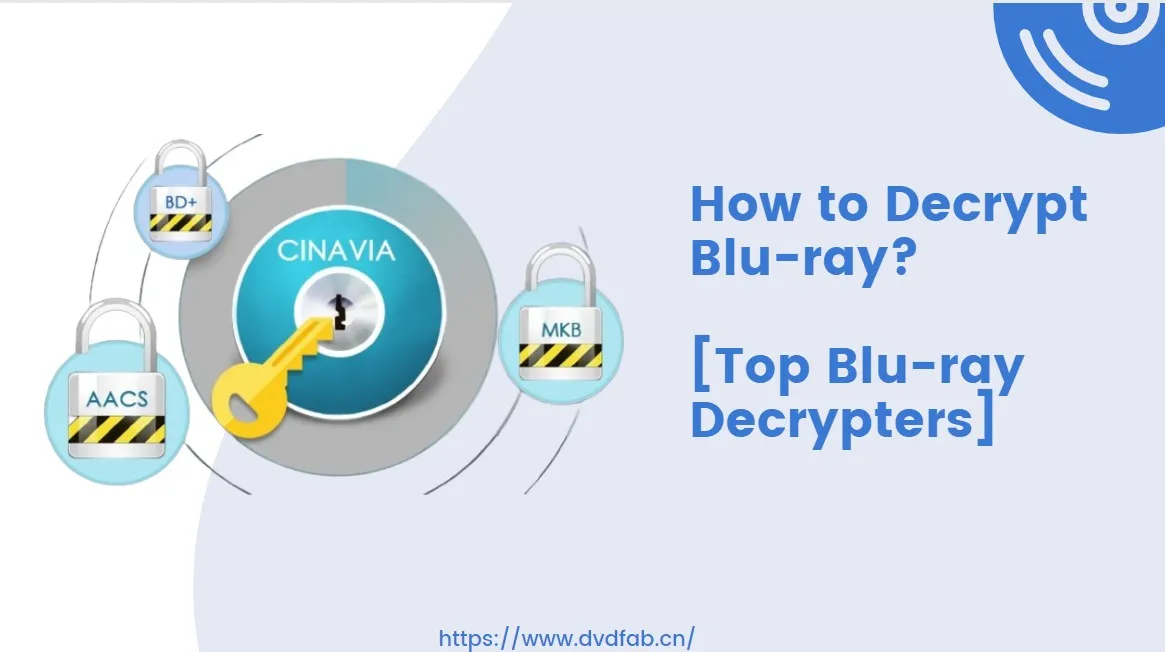 Top 5 Free Blu-ray Decrypters for Legal Use [2026]
Blu-ray Discs are a superior way to enjoy high-definition movies at home. However, its embedded encryption technology makes it challenging to access the content. This guide features 5 of the best free Blu-ray decrypters to help you easily unlock Blu-ray protection. Read on to find your solutions!
By Wenny Yan - Feb 26, 2026