
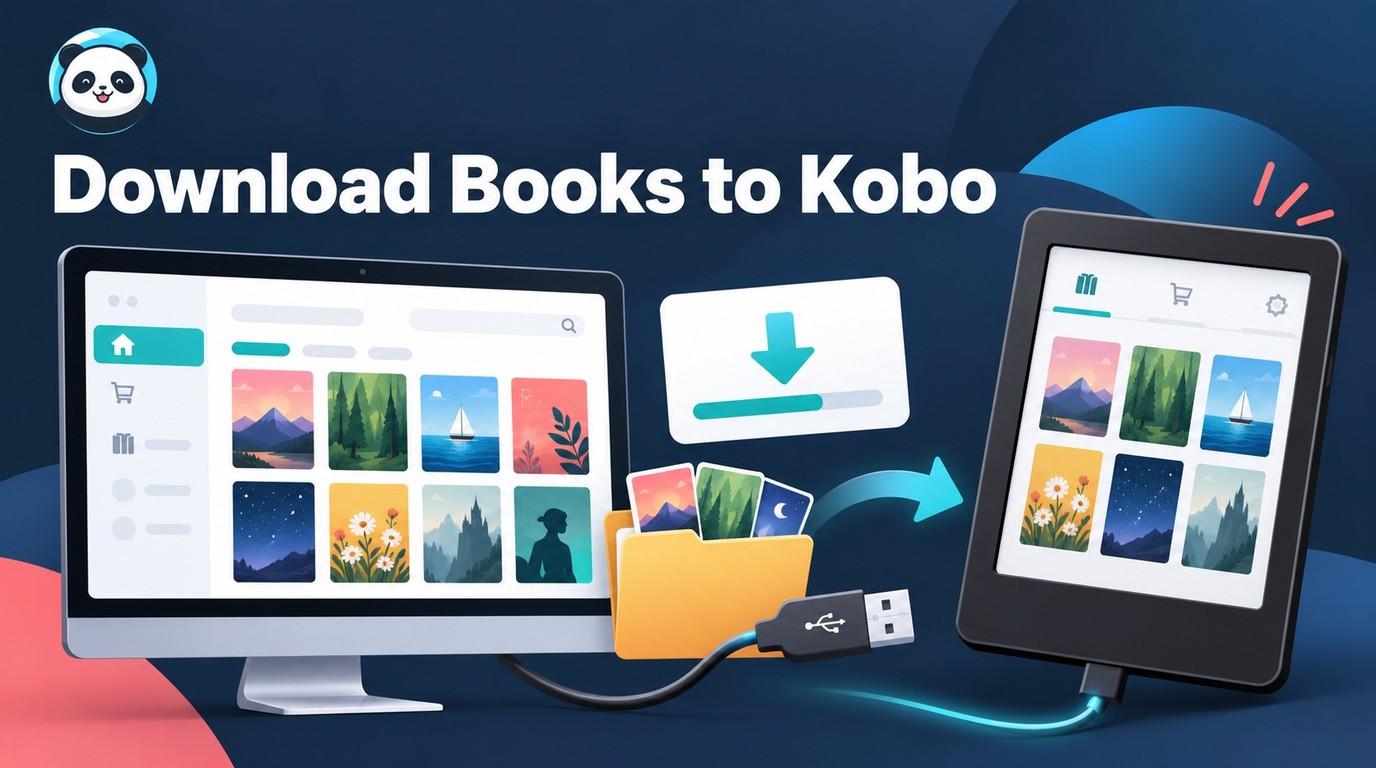
 how to download book in kobo: Official vs Local Files
Kobo offers different paths for offline reading, account exports, and sideloaded EPUB or PDF files. This guide matches each book source to the right method, explains ACSM files, and shows what to inspect before adding a local file to your library.
By Amber Collins - Sep 30, 2026
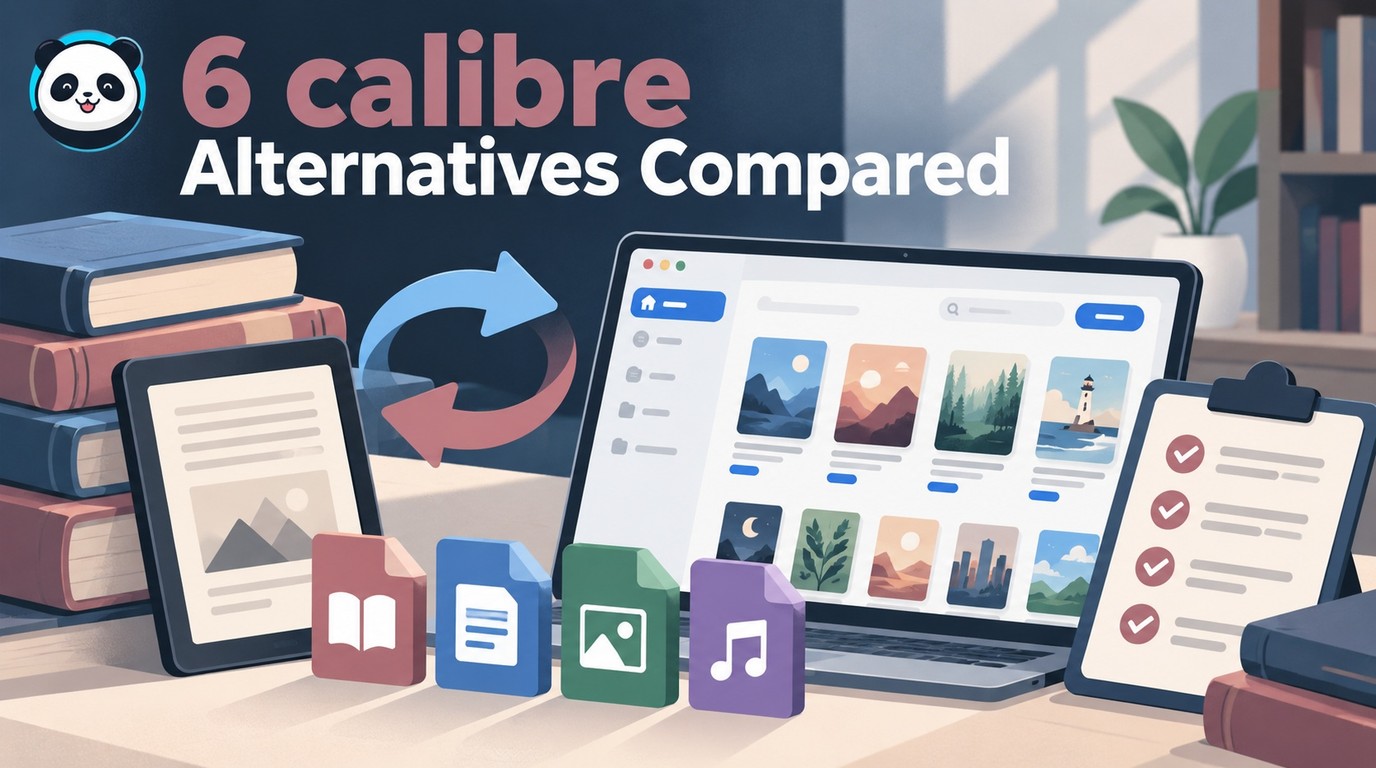 6 calibre Alternatives: What Each Tool Can Replace
Compare six tools for cataloging, EPUB editing, desktop reading, browser libraries, and supported Kindle conversion. Learn which calibre functions to retain and how to check sample books before moving a collection.
By Amber Collins - Sep 30, 2026
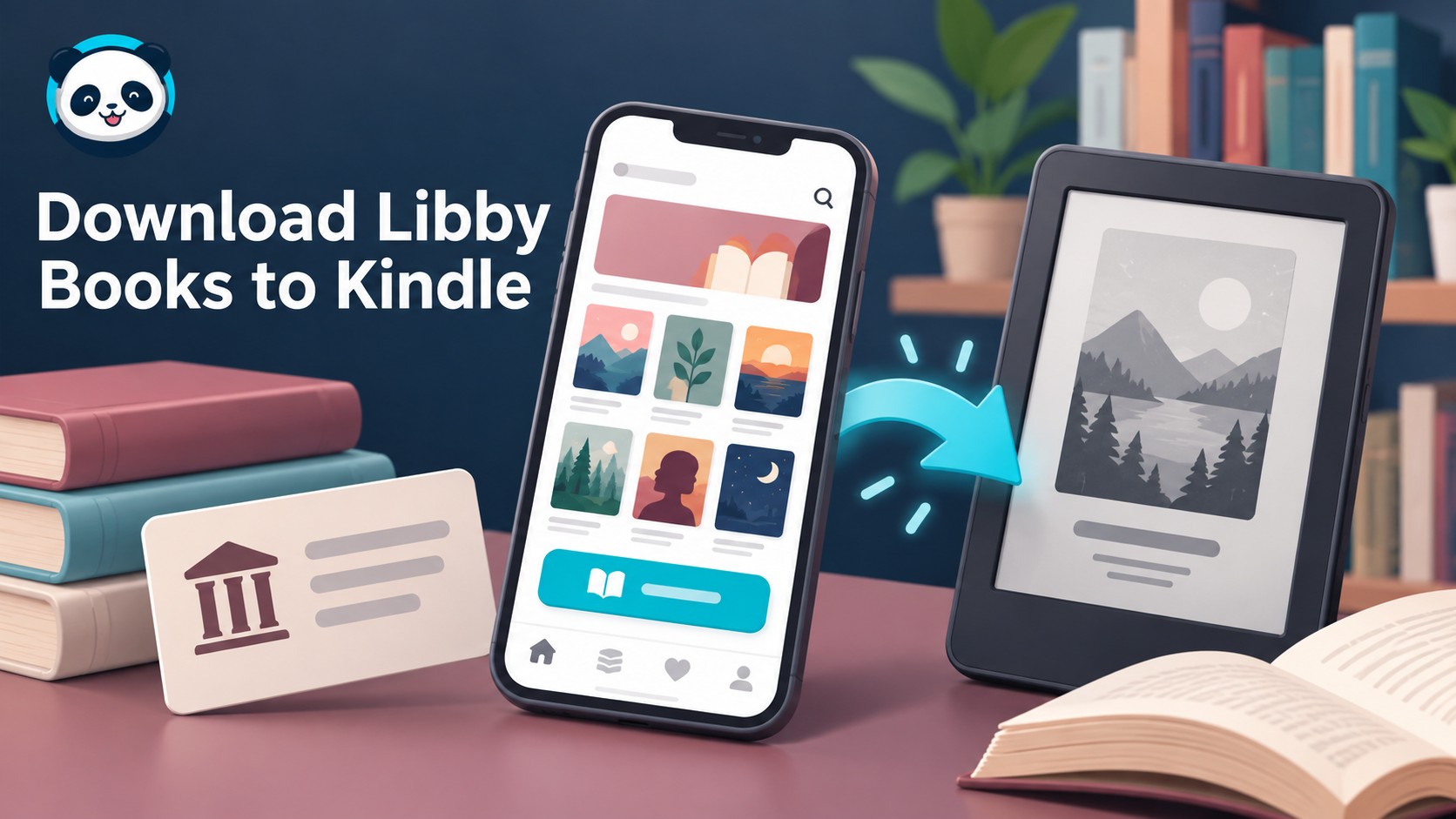 How to Download Libby on Kindle: Books, Not the App
Kindle e-readers receive eligible Libby ebooks through Amazon; compatible Fire tablets can install Libby directly. Follow the borrowing and delivery steps, identify missing-book problems, and distinguish library loans from purchased ebook conversion.
By Amber Collins - Sep 30, 2026
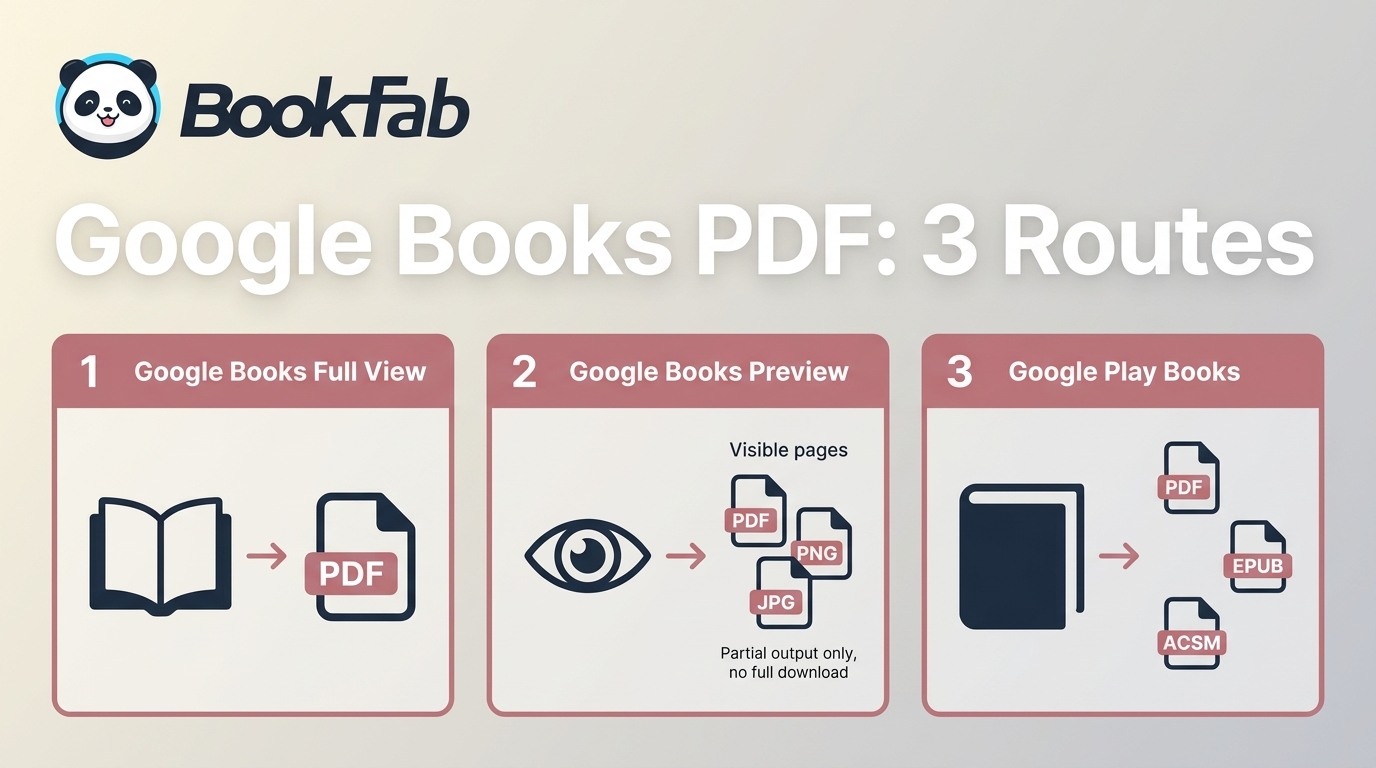 Google Books Downloader: 3 PDF Routes and Their Limits (2026)
To download Google Books as PDFs, the right method depends on whether the book is available in Full View, Preview, or your Google Play Books library. This guide explains how to download Full View Google Books, export Preview pages with a free Google Books Downloader, and save Google Play Books as PDFs, covering all your Google Books download needs.
By Amber Collins - Sep 17, 2026
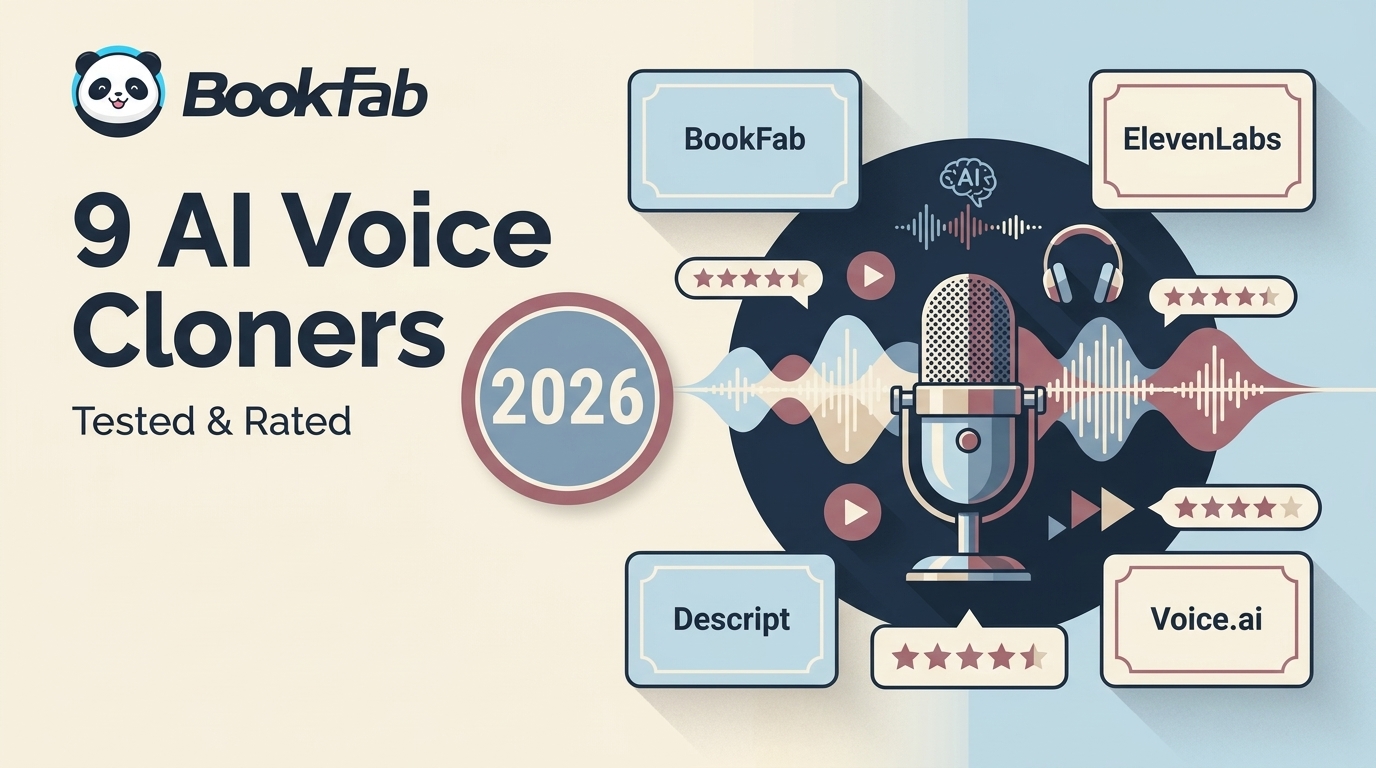 7 Active AI Voice Cloning Tools Compared in 2026
Still struggling to find the best voice cloning AI tools? Overwhelmed by the countless options? Read this article to explore 9 best AI voice cloners based on my real tests, each tool's strengths and weaknesses to help you find the perfect voice cloning solution.
By Amber Collins - Sep 17, 2026
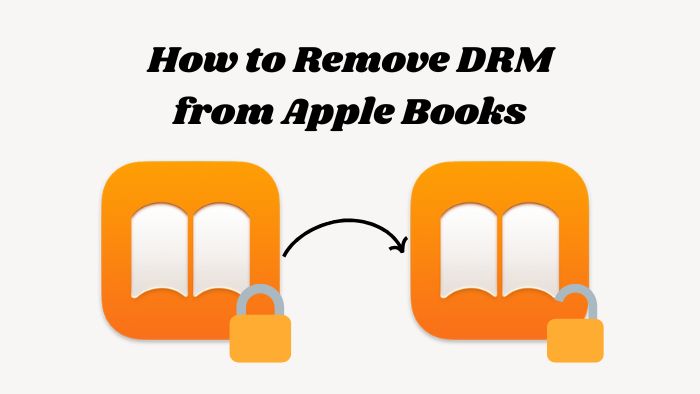 Remove DRM from Apple Books: What Still Works in 2026
In this article, we will show you how to safely and legally remove DRM from Apple Books using reliable tools. This process lets you enjoy your purchased iBooks on non-Apple e-readers. Along the way, you'll learn how FairPlay DRM works, its pros and cons, and important legal considerations for personal use.
By Amber Collins - Sep 1, 2026
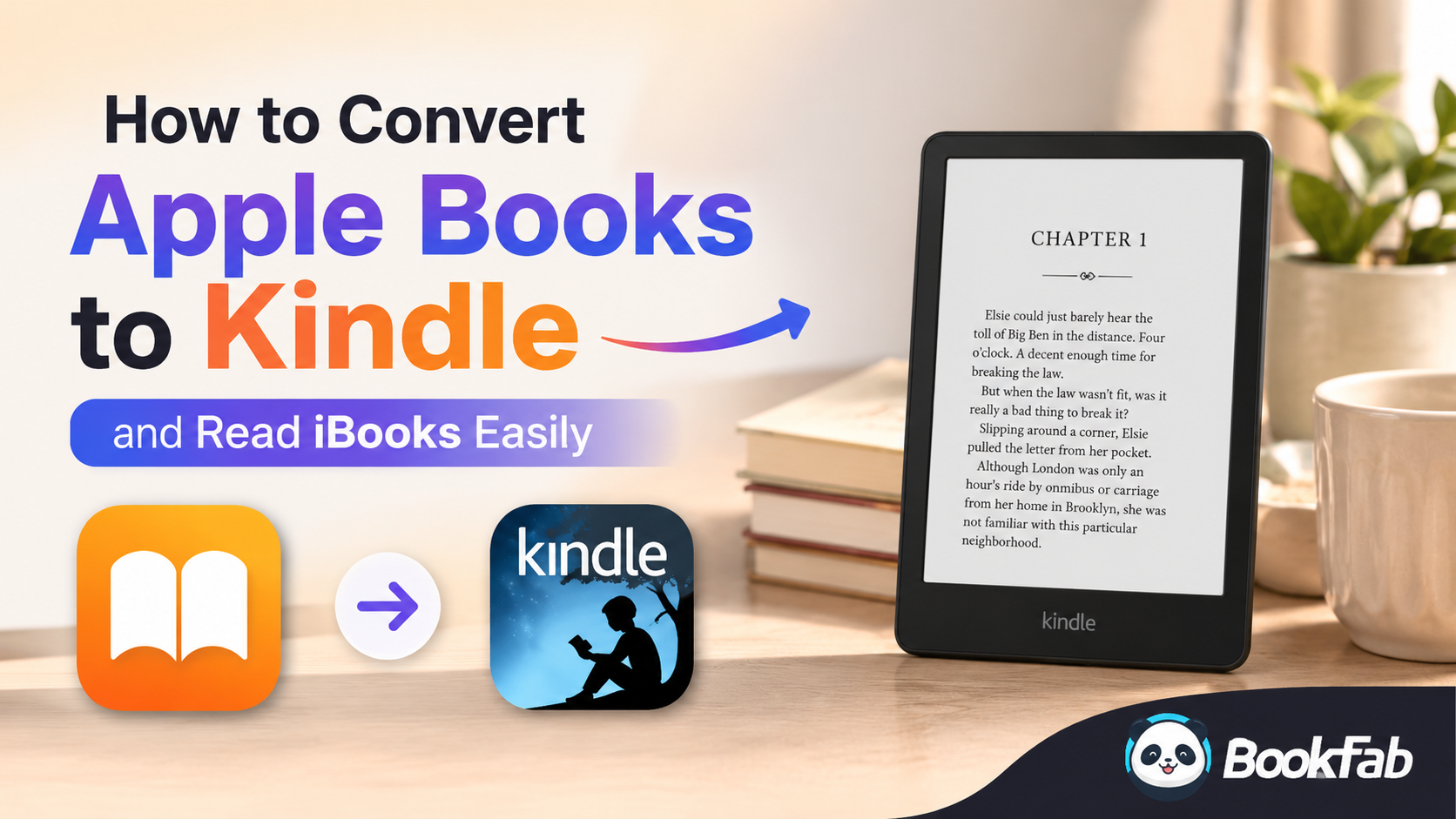 Can You Read Apple Books on Kindle? 4 Transfer Paths
Apple Books and Kindle use separate ecosystems and incompatible DRM. To read Apple Books or iBooks on Kindle, you need to remove Apple's FairPlay DRM first, convert the books to EPUB or AZW format, and then transfer the iBooks to your Kindle via the Send to Kindle service or USB. This article will provide a detailed, step-by-step tutorial on how to read Apple Books on your Kindle.
By Amber Collins - Sep 1, 2026
 Epubor Ultimate Review 2026: Setup, Pricing, and 10-Book Test.
Epubor Ultimate is an ebook DRM removal tool that supports Kindle, Kobo, and Adobe DRM. For Kindle books, it still works reasonably well with older AZW and AZW3 titles. However, it has become less stable with newer books, with common issues including KFX decryption failures, poor compatibility across Kindle for PC versions, and weak macOS support. If you need a more stable solution for handling newer Kindle books, you may want to explore some alternatives to Epubor.
By Amber Collins - Aug 28, 2026