
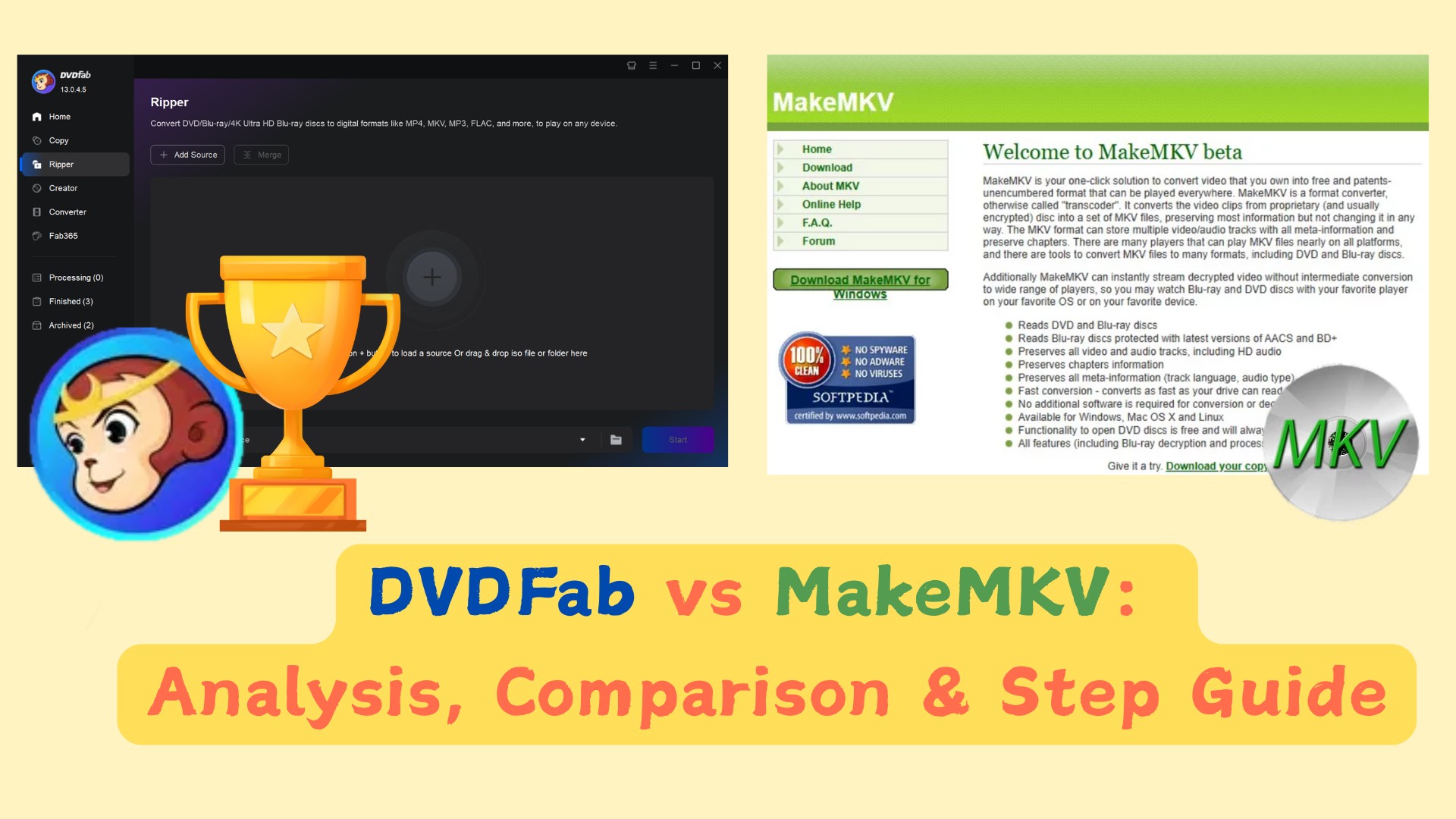
 DVDFab vs MakeMKV: Comparison, Test Result & Step-by-Step Guide
DVDFab vs MakeMKV comes down to output control and disc workflow. MakeMKV is better for fast 1:1 MKV archiving of DVD and Blu-ray sources. DVDFab is a more complete all-in-one suite for users who need more than MKV backup. It supports MKV, MP4, AVI, device profiles, file compression, disc cloning, video editing, and disc burning for a broader DVD, Blu-ray, and UHD backup workflow.
By Wenny Yan - Oct 15, 2026
 How to Use MakeMKV to Rip DVD and Blu-ray Discs [October 2026 Updated]
MakeMKV can rip DVDs and Blu-rays to MKV files by reading the disc, letting you choose the main title, and saving the selected video, audio, subtitles, and chapter data without re-encoding. It is a direct way to make a digital copy for personal backup or local playback, but it only exports MKV, does not compress files, and needs the right optical drive for DVD, Blu-ray, or UHD Blu-ray discs.
By Wenny Yan - Oct 15, 2026
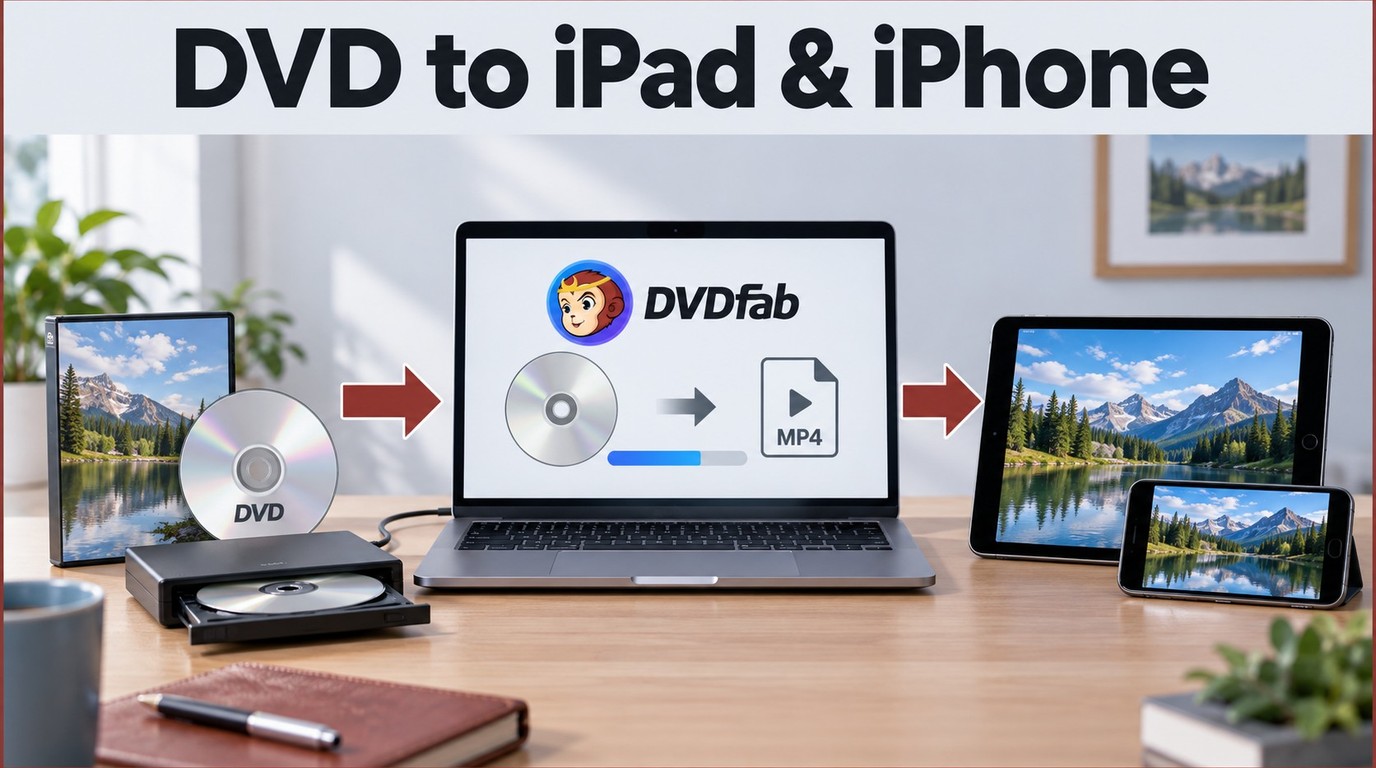 How to Rip and Transfer DVD to iPad/iPhone: Free and Paid Options in 2026
iPads and iPhones don't have DVD drives, and most commercial discs include copy protection that free tools can't bypass. This guide covers three DVD rippers for converting your collection to iPad-compatible formats, and four ways to transfer the file to your device. For protected commercial DVDs, DVDFab handles what HandBrake and VLC cannot. For wireless transfers on a Mac, AirDrop is the fastest option.
By Wenny Yan - Oct 15, 2026
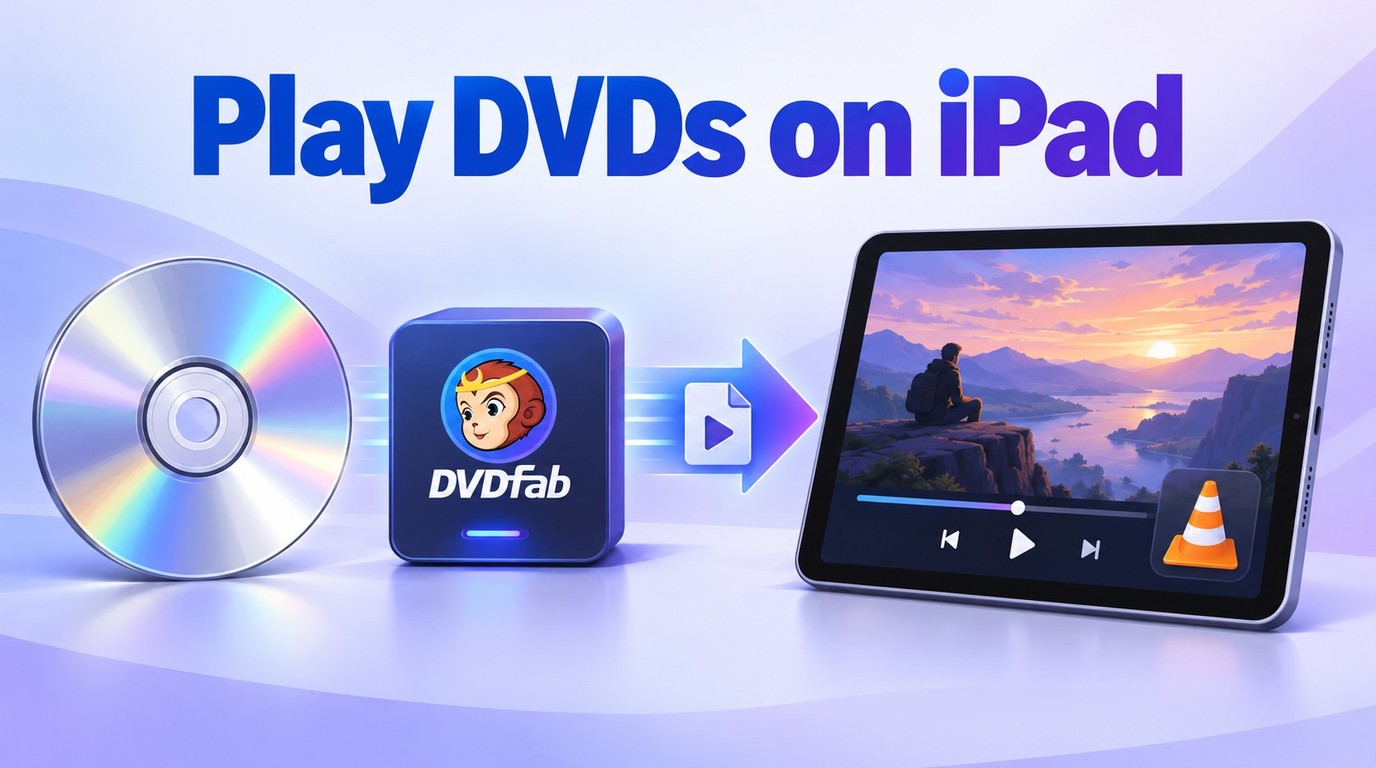 How to Play DVDs on iPad: Check the Best DVD Player for iPad
Since there is no built-in DVD player for iPad, I tested the most effective way to turn physical discs into iPad-ready video files. By using DVDFab DVD Ripper on your computer and a player app like V on your iPad, you can enjoy your DVD library without any external DVD drive attached to the tablet.
By Wenny Yan - Oct 15, 2026
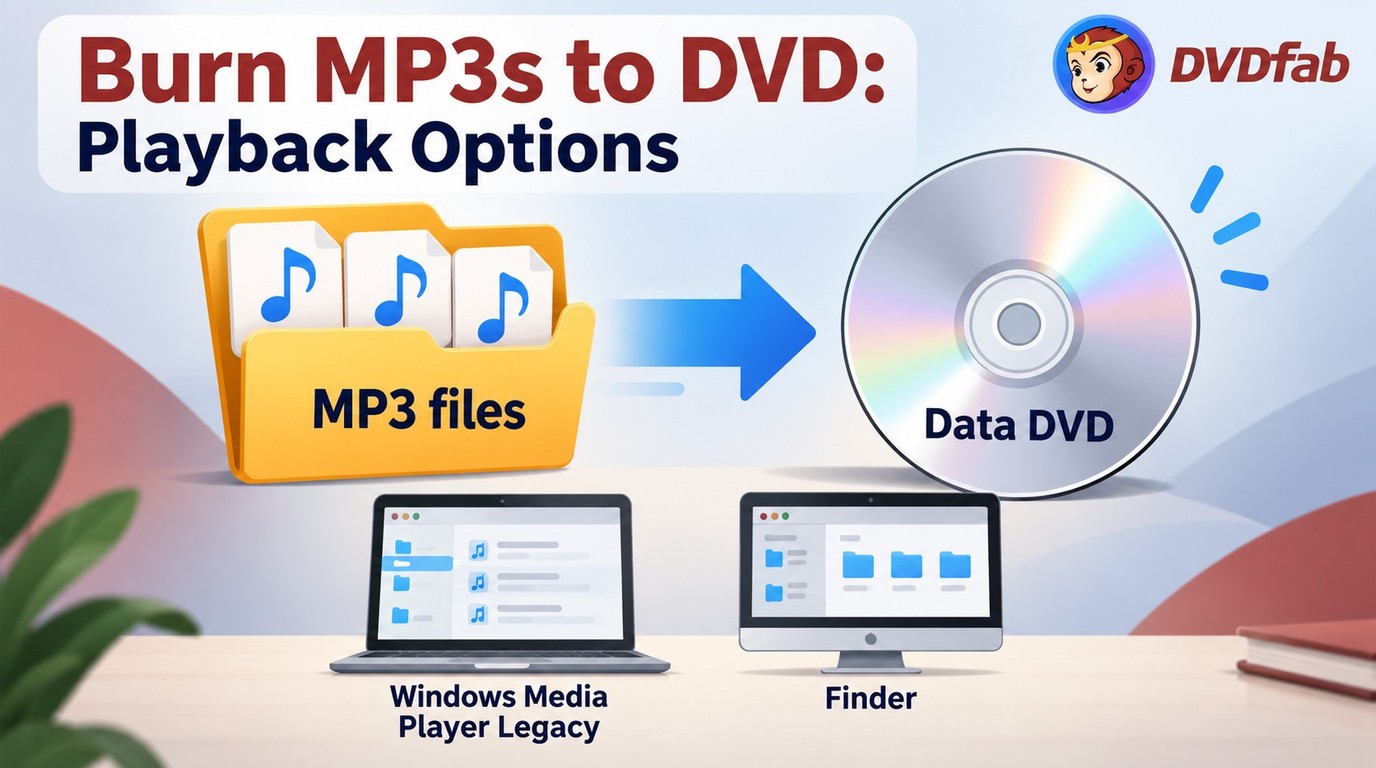 How to Burn MP3 to DVD: Best Audio DVD Creators Compared (2026)
To burn MP3 to DVD, you usually do not need to convert the MP3 files. Burn them as a data DVD with Windows Media Player Legacy on Windows or Finder on Mac, then check whether the target player supports MP3 files from DVD media. Use an Audio CD for standard CD-player compatibility, and use DVD authoring software like DVDFab only when the project contains video and needs a DVD-Video disc with menus.
By Wenny Yan - Oct 15, 2026
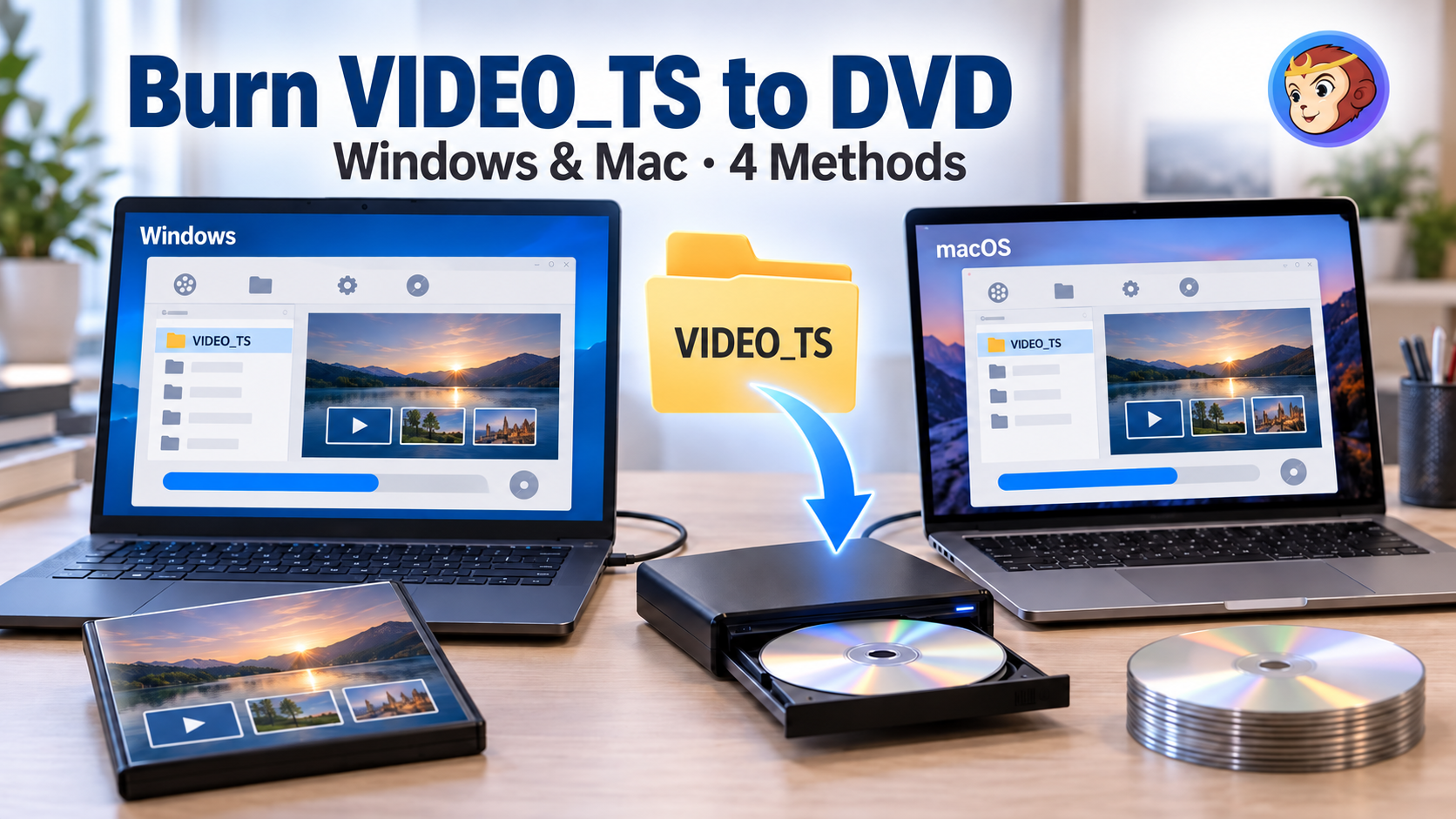 How to Burn Video_TS to DVD on Windows and Mac: 4 Methods That Work
A VIDEO_TS folder will not play on a DVD player just by copying it onto a blank disc: authoring and burning are separate steps, and skipping either one is why home-burned discs often fail. This guide covers four ways to handle both steps, from an all-in-one paid application to a free two-tool combination and the burning feature built into Windows. For most people, the choice comes down to paying for ongoing support and menu design, or using a free workflow.
By Diana Smith - Oct 15, 2026
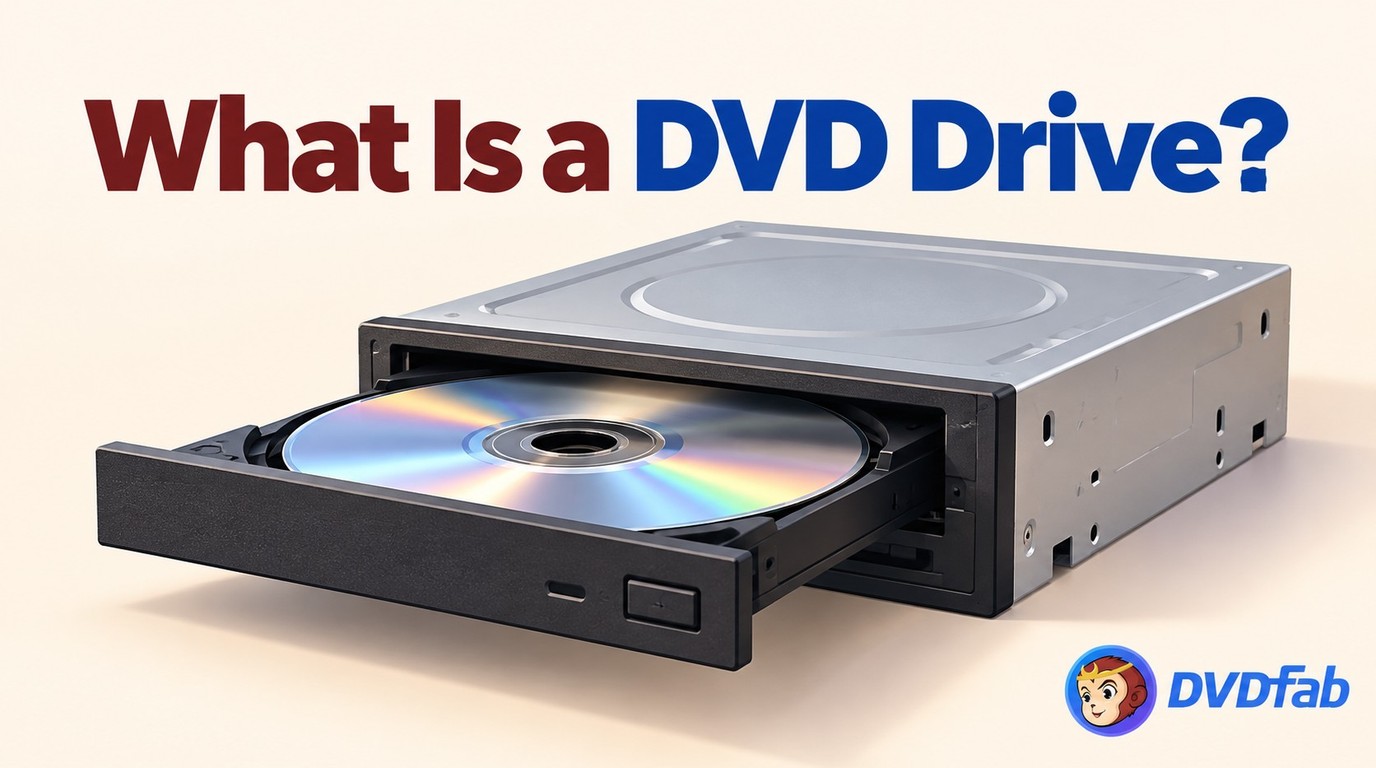 What is a DVD Drive? Definition, Functions and Types Explained
Choosing between an internal, external, or virtual DVD drive depends on how much desk space you have and whether your laptop still has a disc slot at all. This guide compares read speeds across drive types, flags the reliability signals worth checking before buying an external unit, and walks through the Device Manager and power-setting fixes that resolve most drives that stop responding.
By Diana Smith - Oct 15, 2026
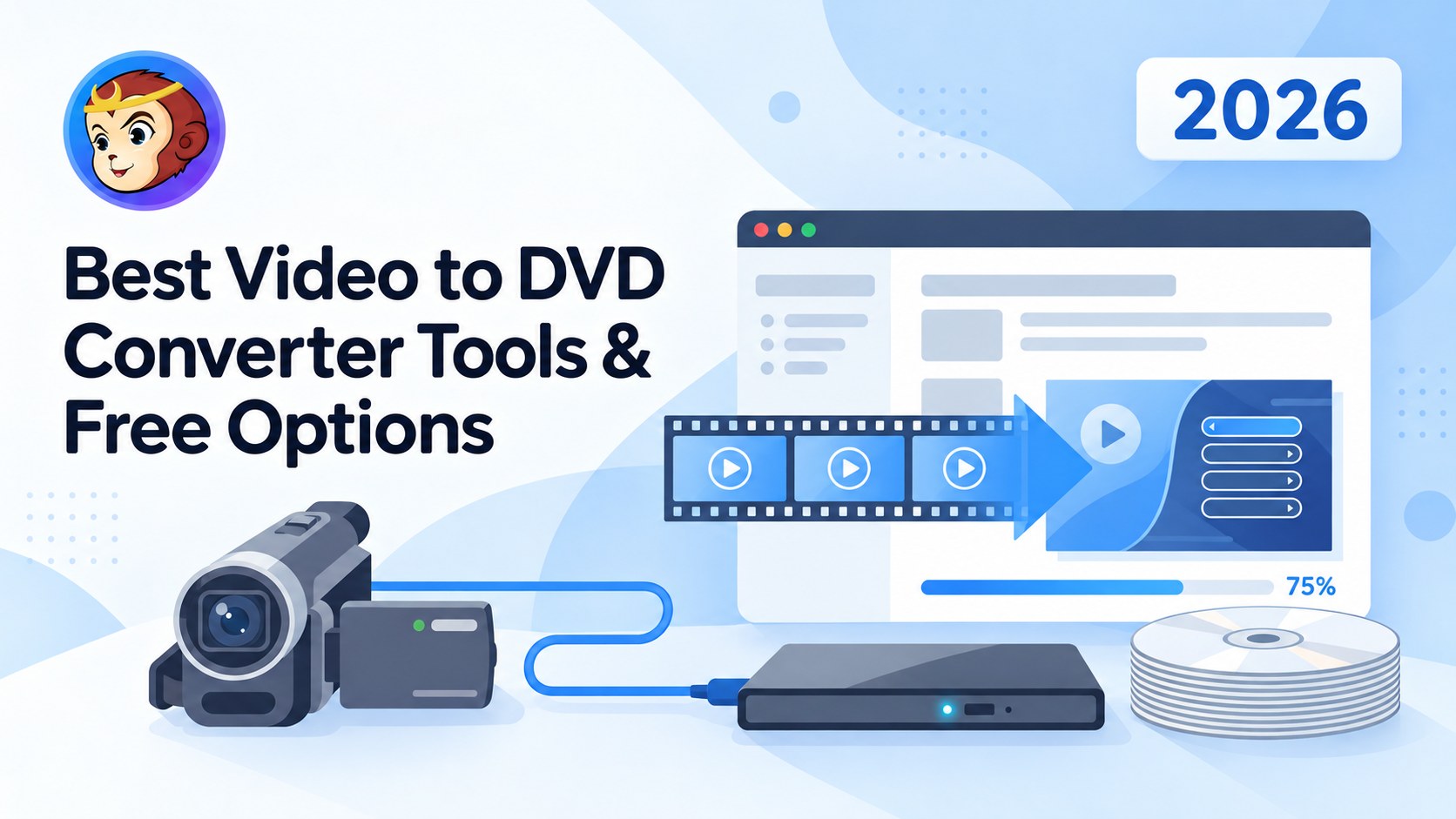 Convert Video to DVD: 5 Free & Paid Video to DVD Converters [2026]
Converting video to DVD involves a platform decision, an input format fit, and for some users an installation safety check. This article tests five DVD creation tools across Windows and macOS, covering free and paid options. For most Windows users with standard files, Free Video to DVD Converter handles the task at no cost. DVDFab DVD Creator covers the full range for cross-platform and GPU-accelerated needs. A separate section addresses three professional tape-to-DVD services.
By Diana Smith - Oct 14, 2026