2025 Best Blu-ray Ripper - Rip Old or New Blu-rays of All Types
All Blu-rays Supported
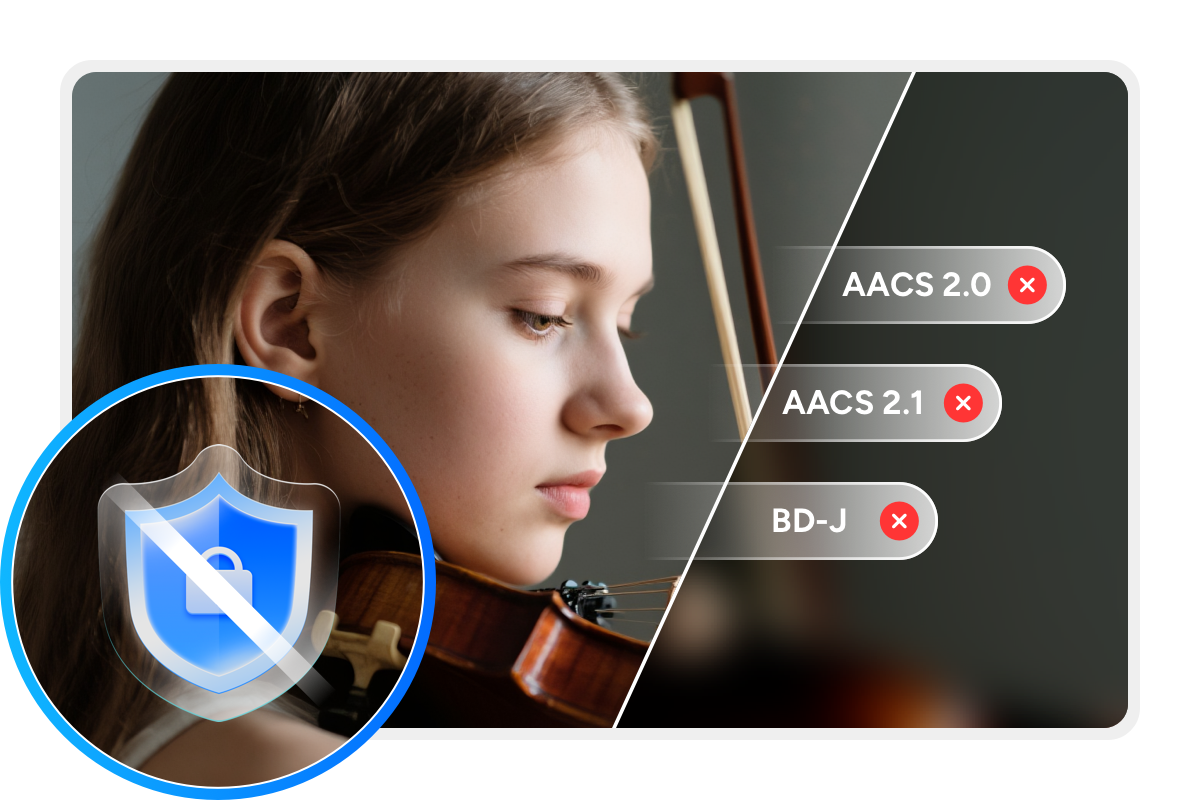
DVDFab Blu-ray Ripper is the best Blu-ray ripping software for converting discs into digital files for personal backup. It automatically removes common Blu-ray protections, including AACS, BD+, BD-J, region codes, and country codes, so that you can rip encrypted Blu-rays with ease.
DVDFab also offers an exclusive Cloud Decryption Service that handles protection for newly released discs on secure cloud servers. The program typically detects and opens both new and old discs within 5 to 10 seconds.

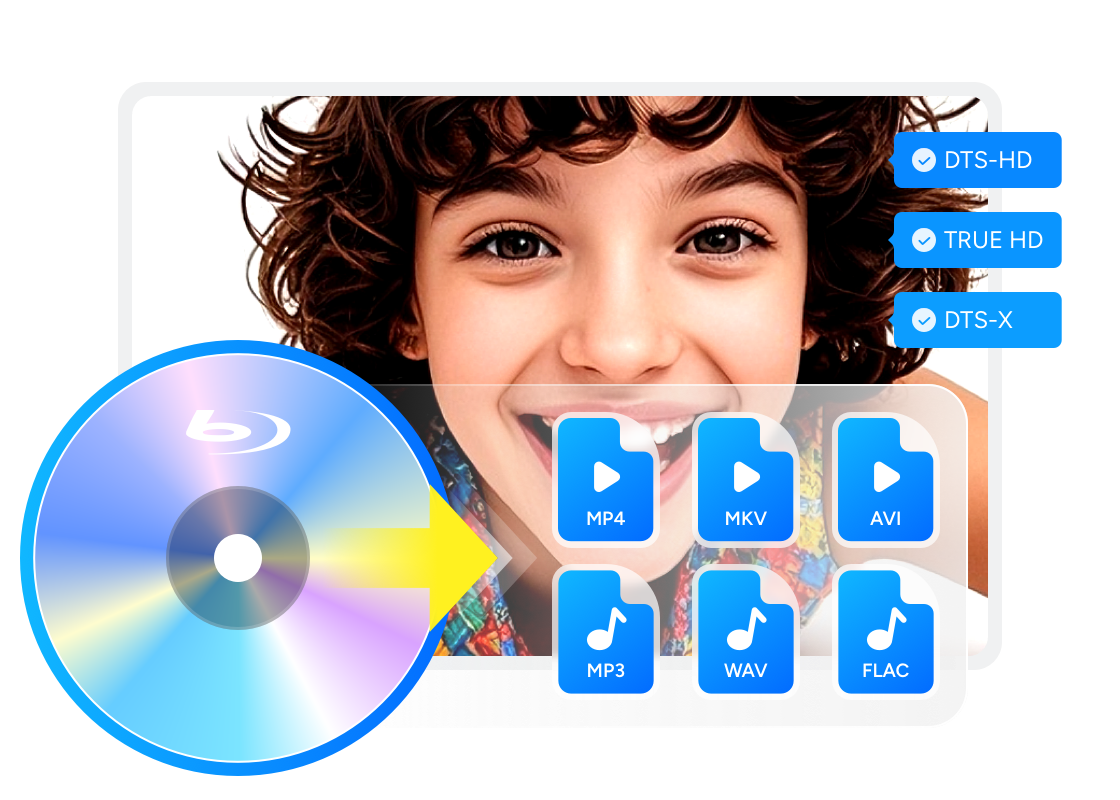
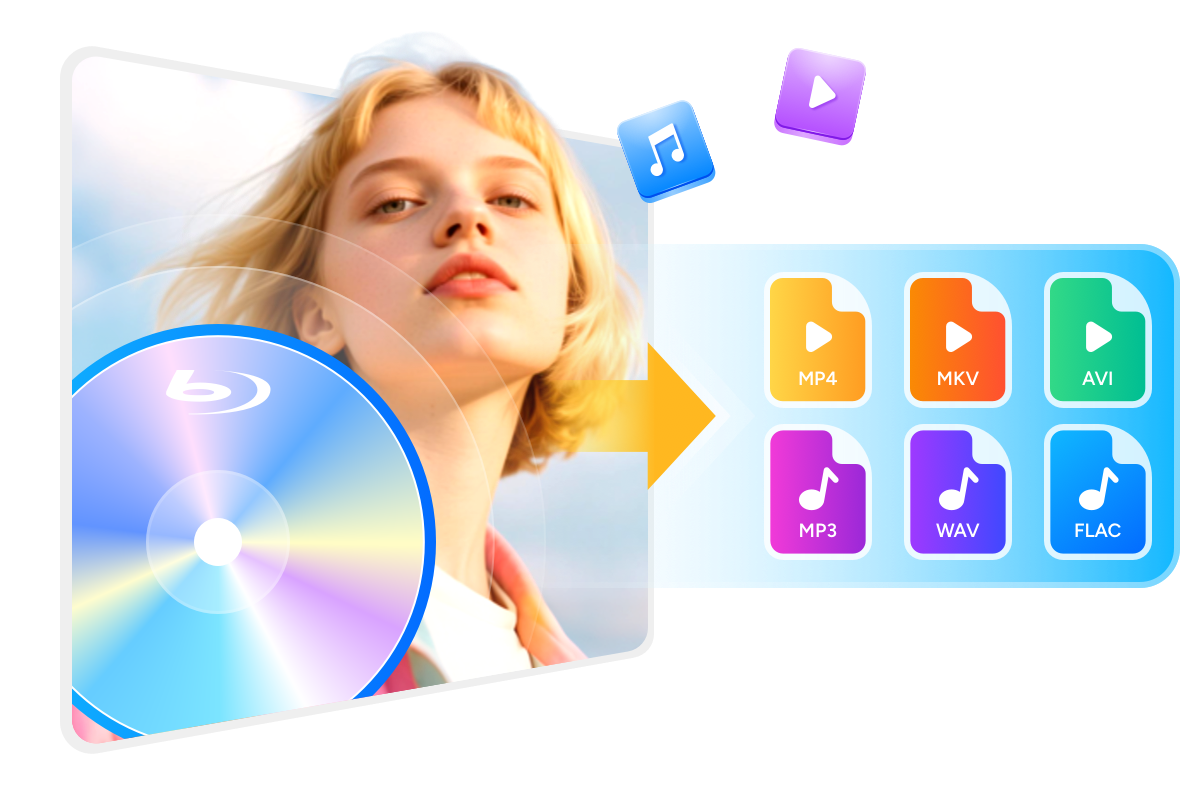
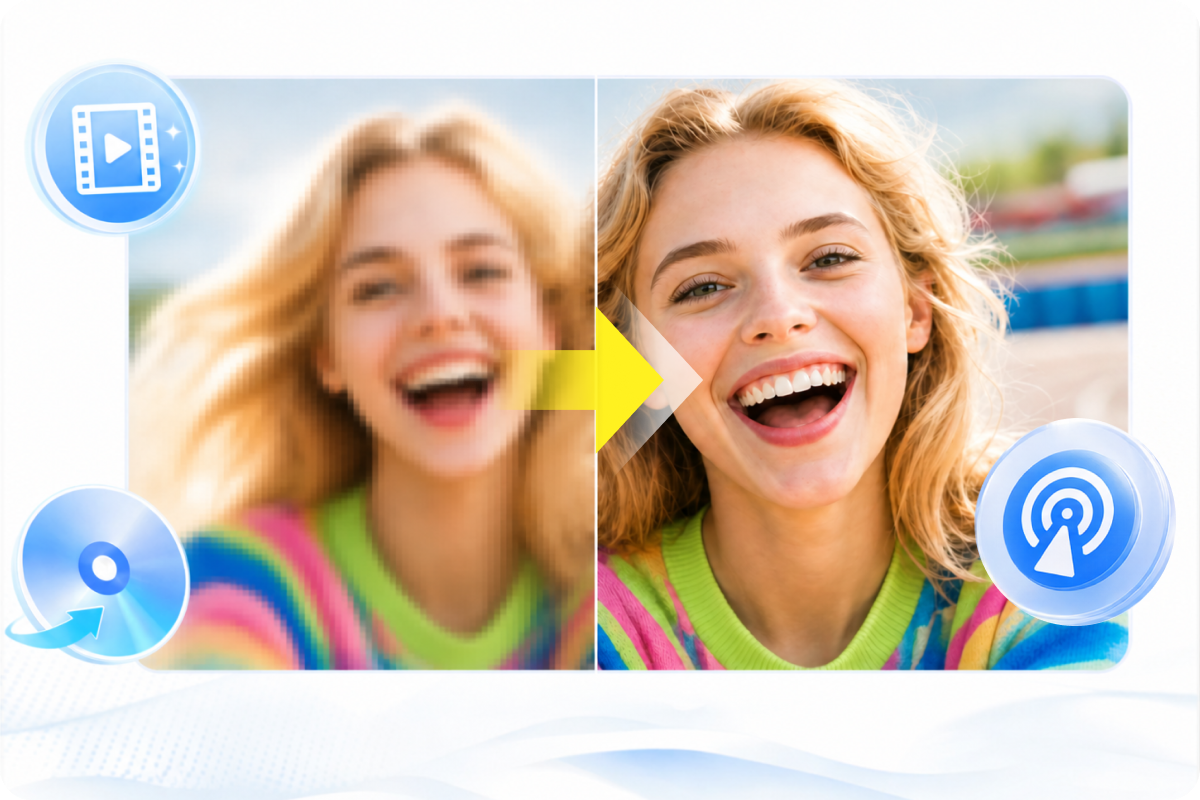
Rip Blu-ray to Any Format with 1:1 or Compressed Quality
Boost Blu-ray Ripping Speed with Smart Performance
GPU-Powered Ripping
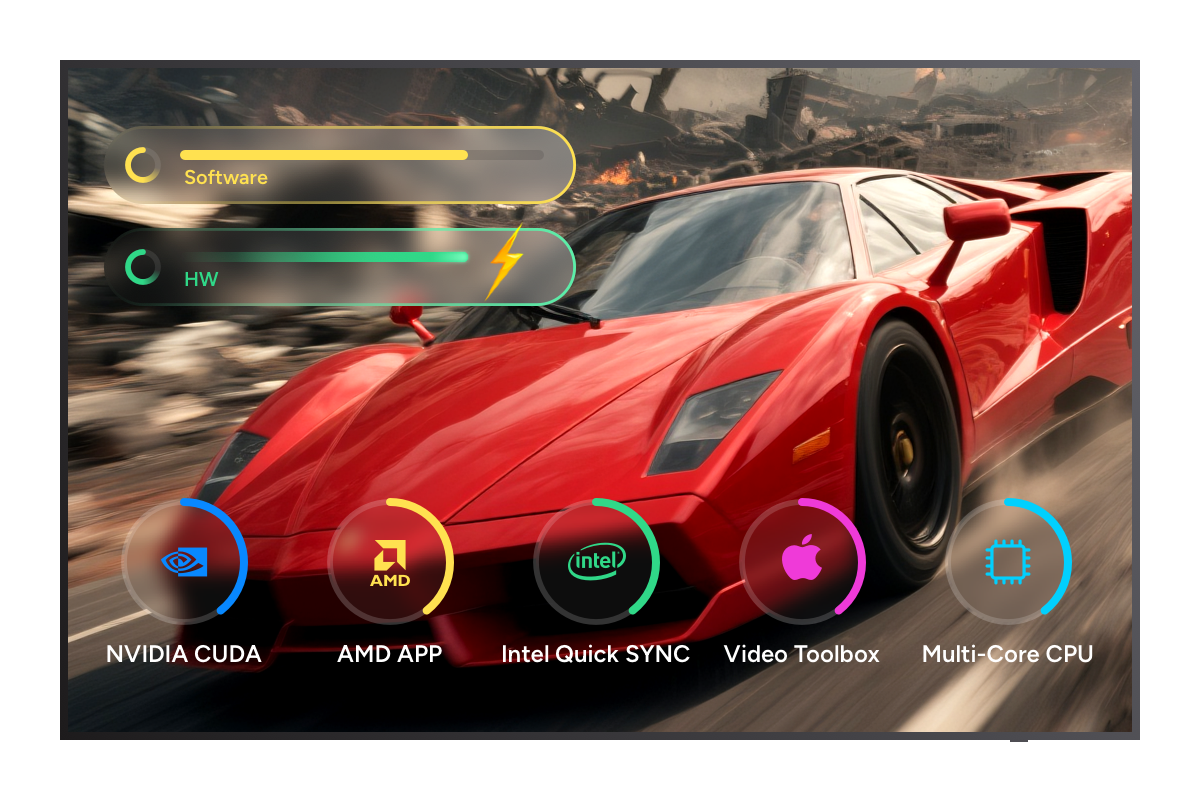
Rip Blu-rays 50x Faster with GPU Acceleration
DVDFab Blu-ray Ripper is a very fast Blu-ray ripper that uses advanced GPU acceleration, including multicore CPU support, NVIDIA CUDA, AMD APP, Intel Quick Sync (IQS), and macOS VideoToolBox, to speed up the ripping process.
We tested it on Windows with an NVIDIA GeForce RTX 4060 Ti 8 GB and an Intel Core i7 6700. Ripping the full length Blu-ray movie "2012" (2 hours 26 minutes, 33.4 GB) to a compressed MP4 H.264 AAC file or a lossless MKV file took about only 7 minutes, and the output matched the original source.

Automated Task Queue
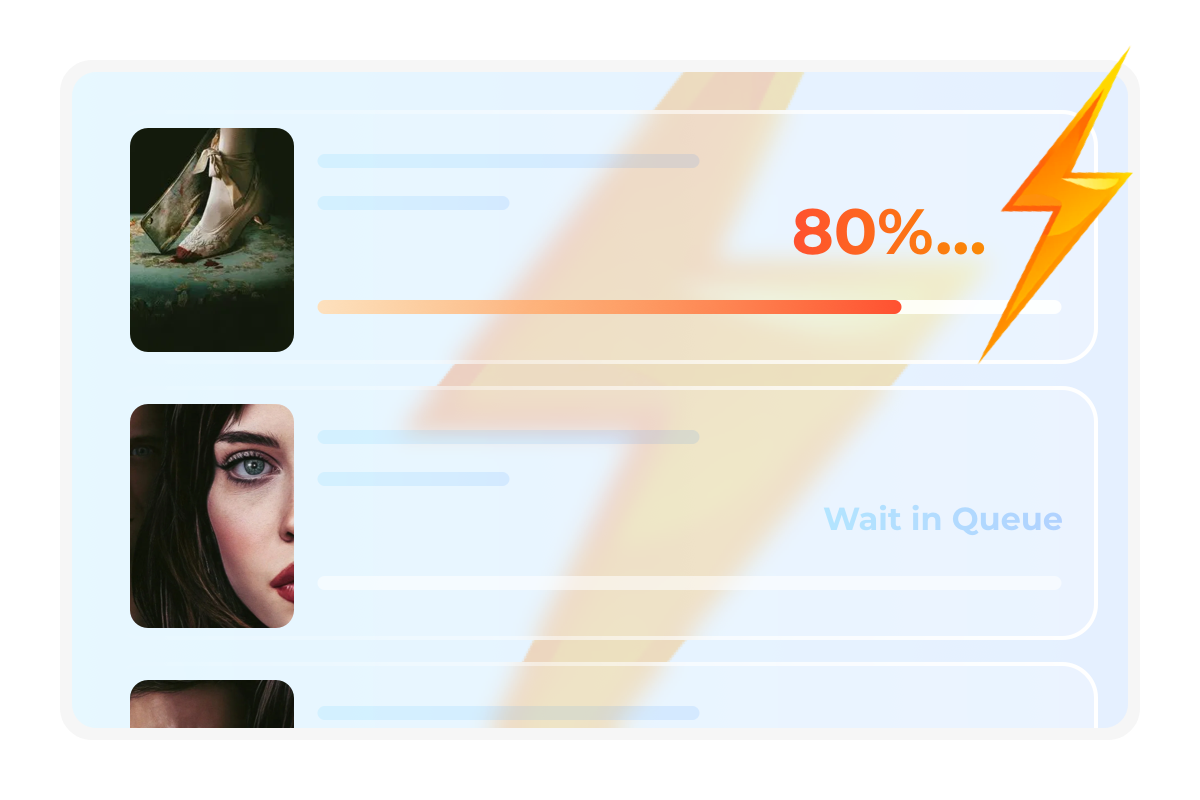
Convert Blu-rays to Digital Files via Multitasking Mode
DVDFab Blu-ray Ripper supports a smart Task Queue that lets you batch-rip multiple Blu-rays automatically. Tasks are processed one by one without manual intervention, saving time and ensuring efficient, uninterrupted conversion - perfect for users with large disc collections.

Upscale Videos With Advanced AI Technology
AI-Powered Video Enhancement
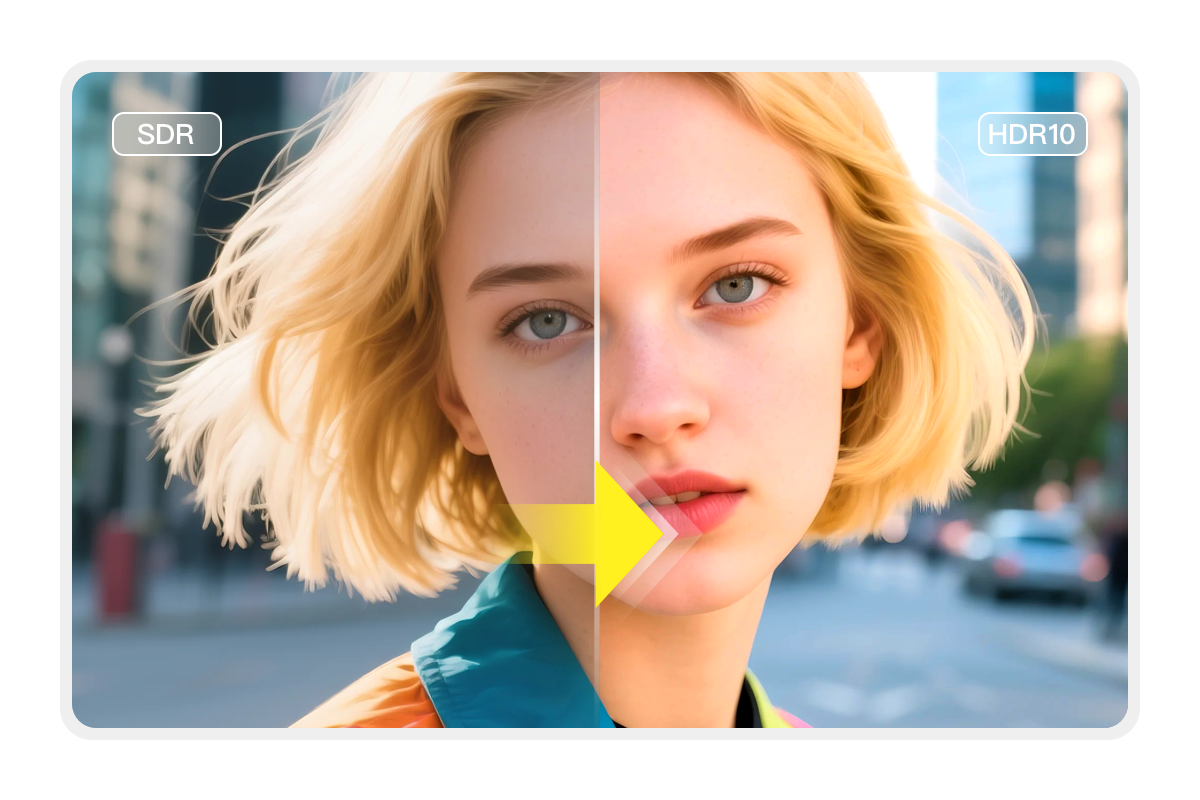
Upscale SDR Video to HDR10 for Enhanced Visuals
DVDFab Blu-ray Ripper works seamlessly with NVIDIA AI Enhancer to convert video from SDR to HDR10 on Windows PC, improving contrast and color range while enhancing detail in shadows and highlights.
With HDR becoming the standard for video content, converting Blu-ray video from 1080P SDR to 4K HDR will ensure that the video remains visually appealing as the technology advances.

Make Your Videos Outstanding with the Video Editor
DVDFab Blu-ray Ripper can easily rip Blu-rays to 1000+ video and audio formats while also enabling you to edit your Blu-ray video with its in-built professional editor. You can crop, trim, merge video, add watermarks and subtitles, and even adjust video color, making your videos stick out from the crowd.
Crop
Crop video to desired aspect ratio
Trim
Trim unwanted clips to make a video perfect
Watermark
Add a watermark (image/text) to the video
External Subtitles
Add external subtitles (SRT/ASS format) to the video
Merge
Merge multiple clips into a single one
Brightness
Adjust brightness, contrast, and saturation
More Functions in the Smart Blu-ray Ripper Software
Functional Comparison of DVDFab Products
DVDFab Blu-ray Copy | DVDFab Blu-ray Ripper | |
|---|---|---|
$69.99 Buy Now | $69.99 Buy Now |
Supported Discs | Newest Commercial, Rental Blu-ray disc | Newest Commercial, Rental Blu-ray disc |
|---|---|---|
Output Format | BD/ISO Image File/Folder | Over 1000 video and audio formats including MP4, MKV, MP3, etc. |
Support Adult Blu-rays | ||
Remove Newest Blu-ray Protections | ||
Lossless Backup to BD50 | ||
Compress to BD25/BD9/BD5 | ||
Supported Copy Modes | Full Disc Main Movie Customize Clone/Burn Merge | |
Burn ISO image file to Blu-ray | ||
Output Video Resolution | Lossless | Lossless Upscale to 1080P/4K |
Hardware GPU Acceleration |

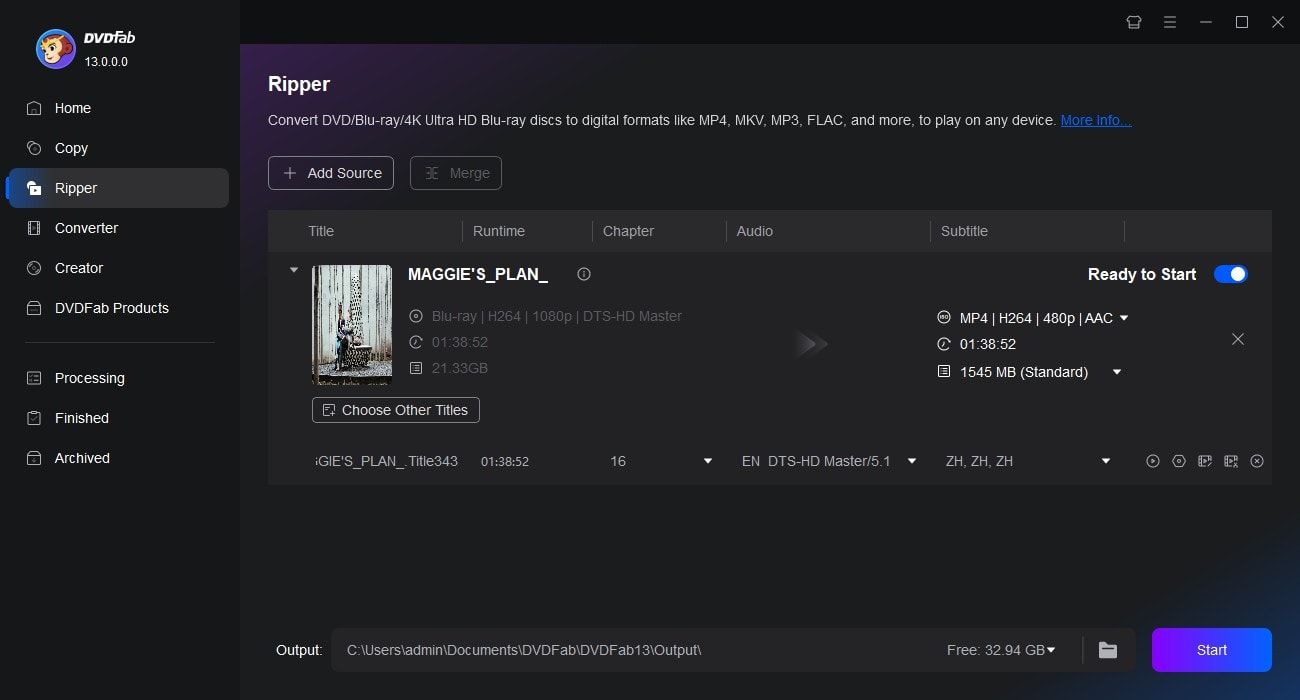
Step 1. Launch DVDFab and load Blu-ray disc/ISO/folder
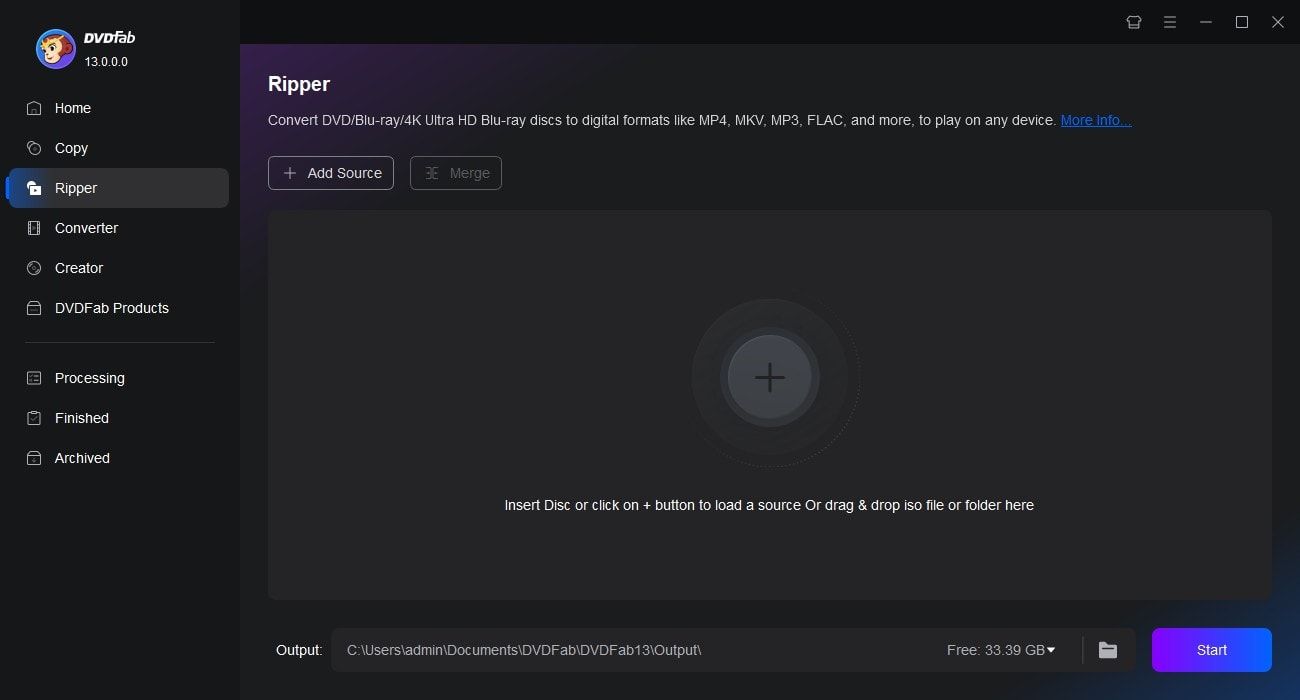
Open DVDFab 13 and choose the Ripper module. Insert the Blu-ray disc into your external drive, click the Add button to locate it, or simply drag and drop an ISO file or folder into the main interface.
Step 2. Choose one profile and customize the output video
Click Choose Other Profile to select a preferred format. Then, choose the titles, audio tracks, and subtitles you want to keep. Use the Advanced Settings and built-in Video Editor to further customize the output.
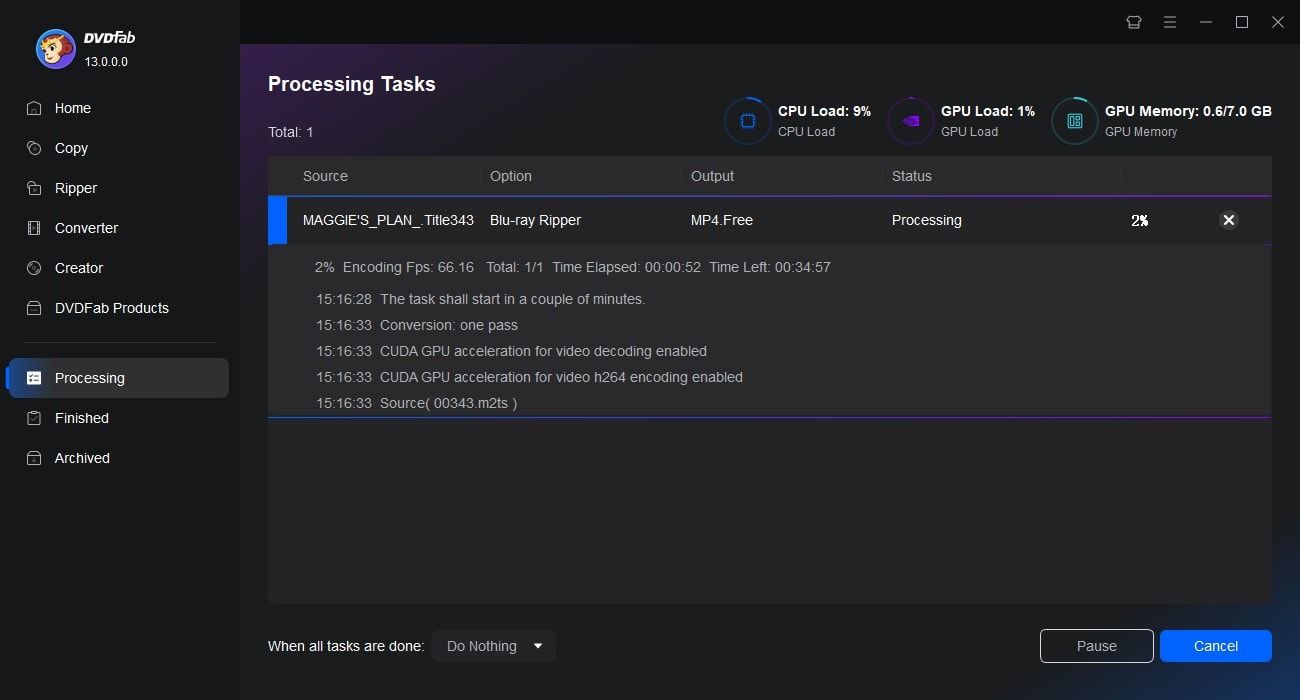
Step 3. Start Ripping Your Blu-ray
Choose to save the video on your hard drive or mobile device. Click the Start button, and DVDFab will begin ripping your Blu-ray while displaying detailed progress in real time.
Watch the video
80+ Million People Like Our Blu-ray Ripping Software

E
Emma Watson
Blu-ray Disc CollectorDVDFab Blu-ray Ripper is a fantastic tool! Its user-friendly interface and high-speed ripping capability have made my Blu-ray movie conversion so much easier. The quality of output files is absolutely excellent too.

N
Noah Singh
Tech YouTuberDVDFab Blu-ray Ripper gives me the power to convert and customize my Blu-ray videos effortlessly. Not only does it maintain the original quality, but its advanced settings also allow for personal tweaks.

D
Daniel Hughes
Disc Tech WriterA five-star program. DVDFab Blu-ray Ripper provides speedy disc conversions without compromising on video quality. Additionally, the wide range of output formats ensures compatibility with all my devices.

R
Ryan Cole
VloggerThis Blu-ray ripper has made digitizing my Blu-ray discs a breeze while offering me control over audio and subtitle options as well as output settings—truly versatile.

Z
Zoe Mitchell
Indie App DeveloperI've tried other rippers, but DVDFab is the only one that reliably removes Cinavia protection and decrypts AACS/BD+ without issues. My backups play flawlessly on any device!

J
Jacob Lee
Dolby Vision CreatorThe interface is clean and intuitive. I was ripping Blu-rays within minutes—no complicated settings. The preview option helps avoid mistakes before starting.

E
Emma Watson
Blu-ray Disc CollectorDVDFab Blu-ray Ripper is a fantastic tool! Its user-friendly interface and high-speed ripping capability have made my Blu-ray movie conversion so much easier. The quality of output files is absolutely excellent too.

N
Noah Singh
Tech YouTuberDVDFab Blu-ray Ripper gives me the power to convert and customize my Blu-ray videos effortlessly. Not only does it maintain the original quality, but its advanced settings also allow for personal tweaks.

D
Daniel Hughes
Disc Tech WriterA five-star program. DVDFab Blu-ray Ripper provides speedy disc conversions without compromising on video quality. Additionally, the wide range of output formats ensures compatibility with all my devices.

R
Ryan Cole
VloggerThis Blu-ray ripper has made digitizing my Blu-ray discs a breeze while offering me control over audio and subtitle options as well as output settings—truly versatile.

Z
Zoe Mitchell
Indie App DeveloperI've tried other rippers, but DVDFab is the only one that reliably removes Cinavia protection and decrypts AACS/BD+ without issues. My backups play flawlessly on any device!

J
Jacob Lee
Dolby Vision CreatorThe interface is clean and intuitive. I was ripping Blu-rays within minutes—no complicated settings. The preview option helps avoid mistakes before starting.
System Requirements

Windows 11/10/8.1/8/7 (32-bit/64-bit)
Pentium II 500 MHz
2GB of RAM
100GB of free hard disk space
A Blu-ray drive
Live Internet connection required
Frequently Asked Questions
- Is it legal to rip Blu-ray?
- Does ripping a Blu-ray damage it?
- What is the best Blu-ray ripper?
- How long does it take to rip a Blu-ray?
- Is there a free Blu-ray ripper of DVDFab?
- Does DVDFab Blu-ray Ripper leave a watermark?
- Blu-ray copy vs. Blu-ray ripper software, what is the difference?
Contact Us
Can't find the answers you're looking for? If you have other problems, don't hesitate to contact us.
Our Service Team is always ready to help. Your problem will be addressed as soon as we can.
Contact Us
Fair Use Policy: DVDFab is intended for personal use only, and sharing copied content with any third party is strictly prohibited.
To ensure a stable user experience and prevent potential restrictions from disc publishers, each DVDFab licensed account has a quota of 100 disc copies per week. This quota will automatically reset at the start of a new weekly cycle.


![Top 5 Free Blu-ray Decrypters for Legal Use [2025]](https://r1.dvdfab.cn/upload/resource/how-to-decrypt-blu-ray-Row0.jpeg)