



Best UHD Copy Software for Comprehensive Protection Removal
Decryption Solution
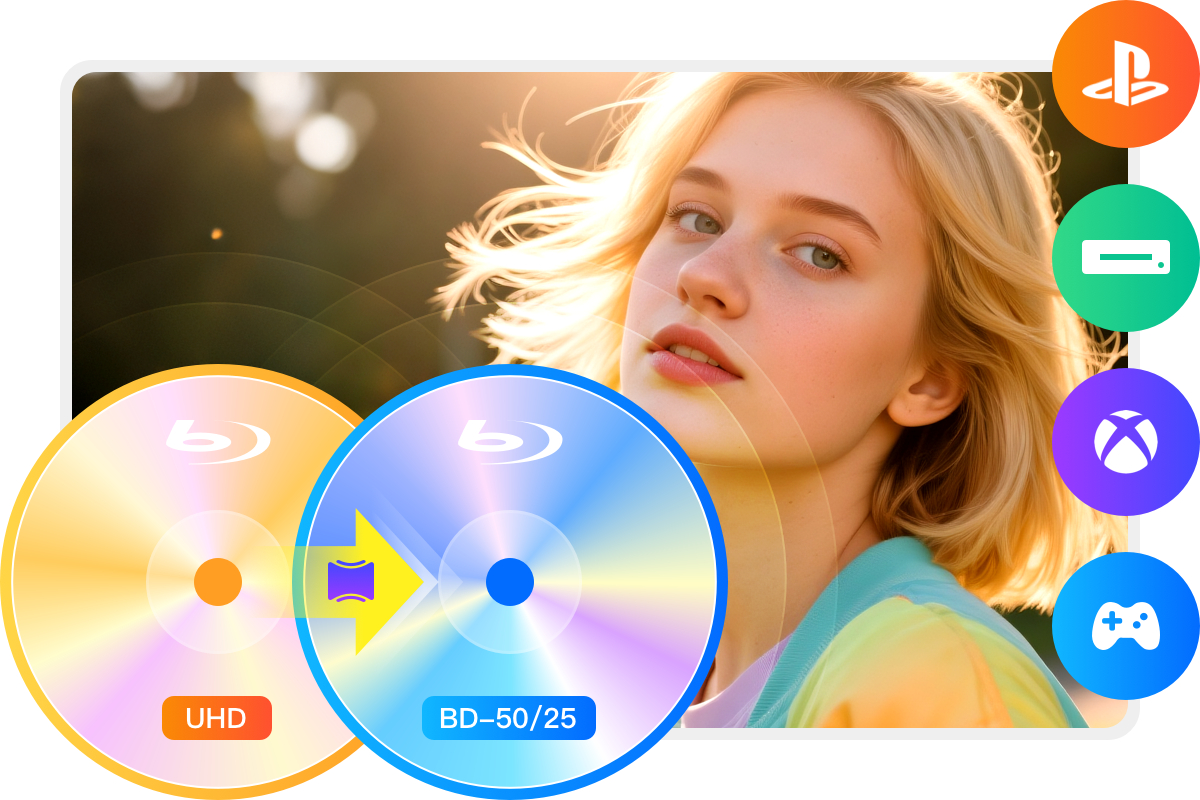
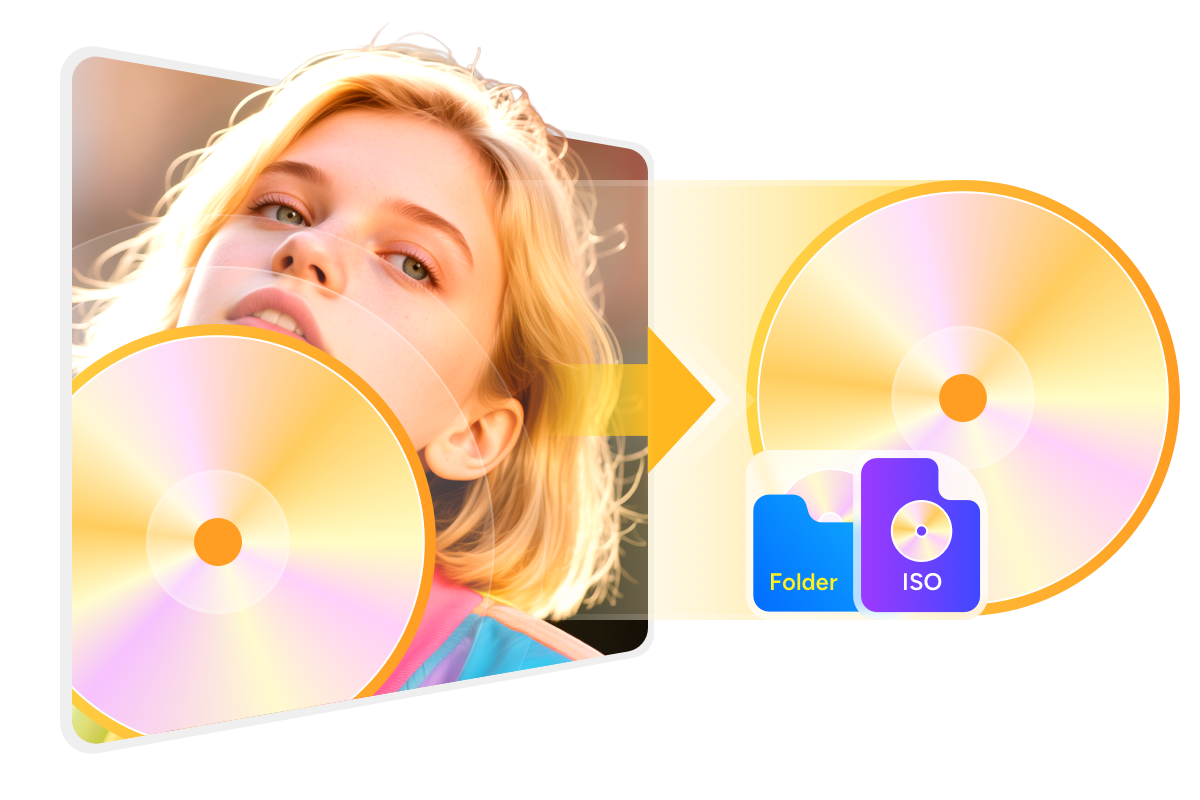
Remove Any UHD Copy Protection to Enable Backup
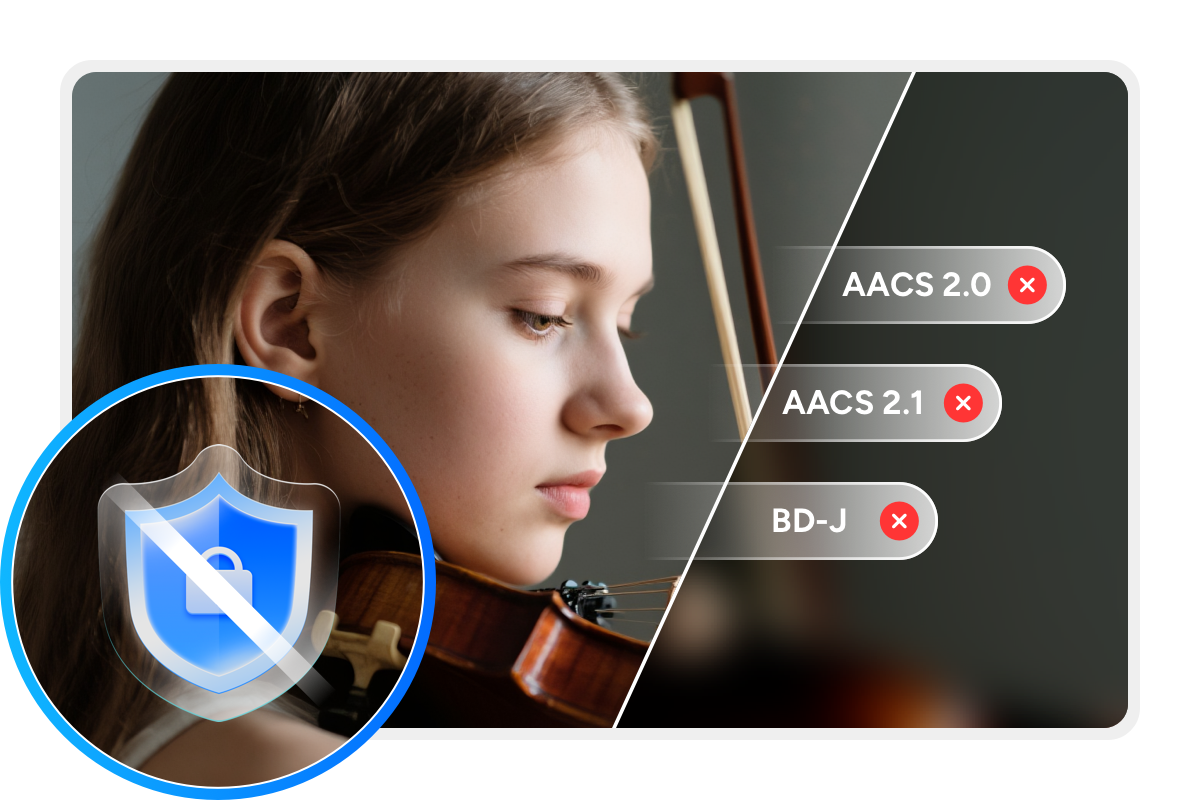
4K Ultra HD Blu-rays offer superior picture and sound quality but are usually protected by copy protections such as AACS 2, AACS 2.1, and BD-J. To make personal backups, these protections must be removed.
DVDFab UHD Copy comes in handy to address this issue. It can remove all copy protections easily, providing you with protection-free 4K UHD content. The removal process is fully automatic, fast, and reliable.

Cloud Decryption
Rapid Support for Newly Encrypted UHD Discs
With DVDFab's exclusive Cloud Decryption Service, UHD Copy tool quickly removes protections from newly purchased 4K UHD discs, enabling access within 5 to 10 seconds.
Currently, this UHD Copy software supports most 4K UHD titles, allowing easy UHD backup as long as you have a compatible UHD drive.

Duplicate or Compress UHD with Flexible Quality Options
Accelerated UHD Copying Performance
Maximum Efficiency
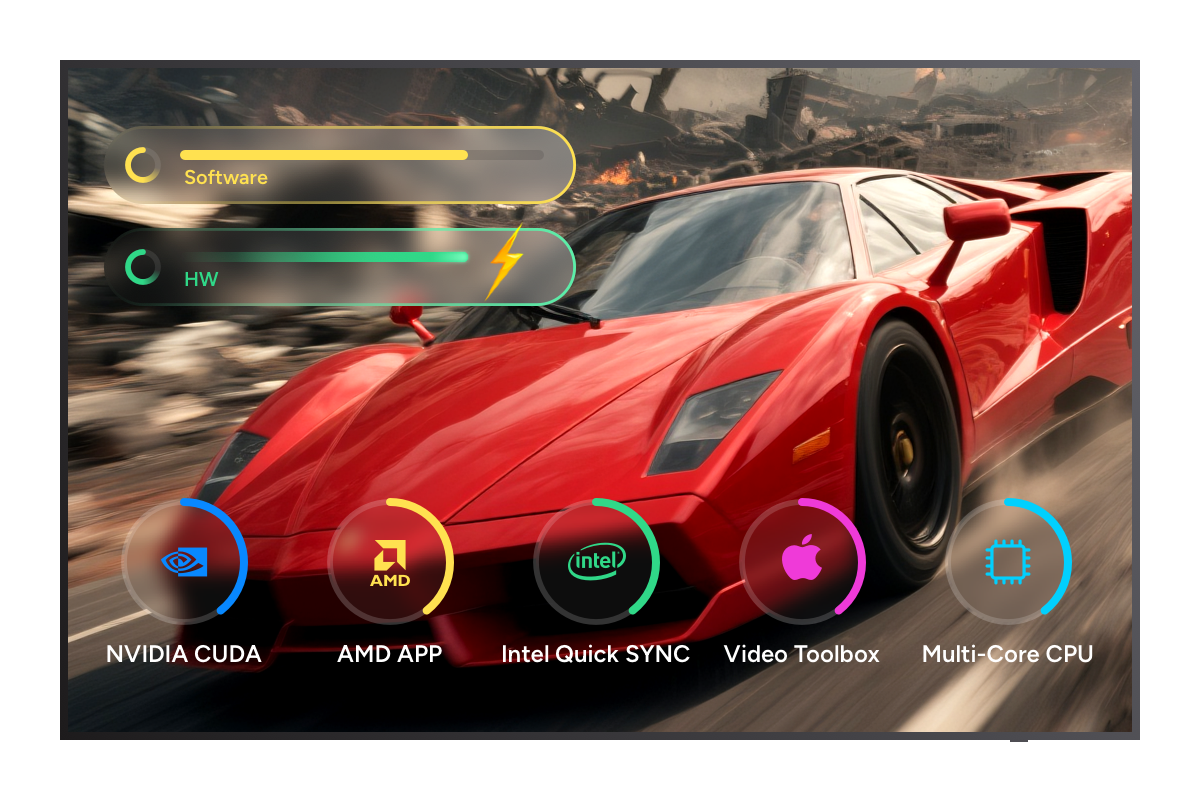
Boost UHD Blu-ray Copy Speed with GPU Acceleration
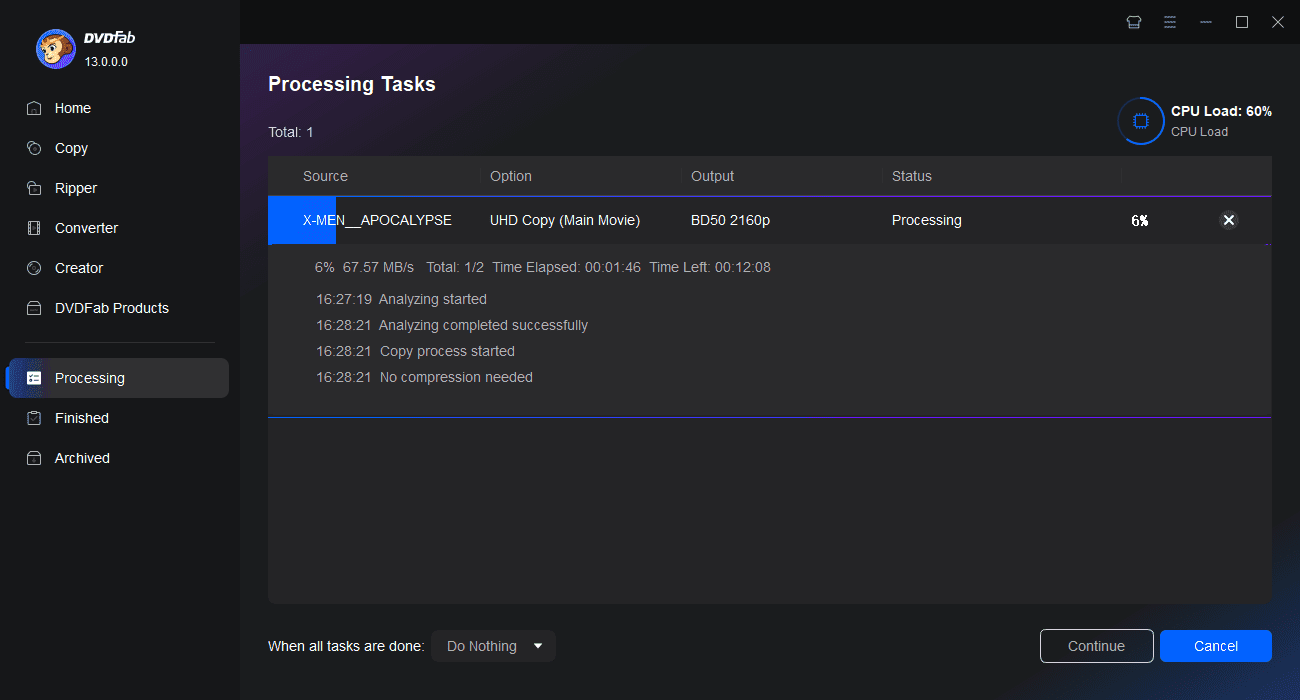
Copying a 4K UHD Blu-ray can typically take several hours. However, with a GPU-accelerated UHD copy tool, the backup process becomes significantly faster.
That's where DVDFab UHD Copy comes in. It utilizes the latest hardware acceleration technologies, including multi-core CPUs, NVIDIA CUDA, AMD, Intel Quick Sync (IQS), and macOS VideoToolbox, allowing you to copy a BD100 in as little as 25 minutes.

Flexible UHD Copying Options
Multiple Choice
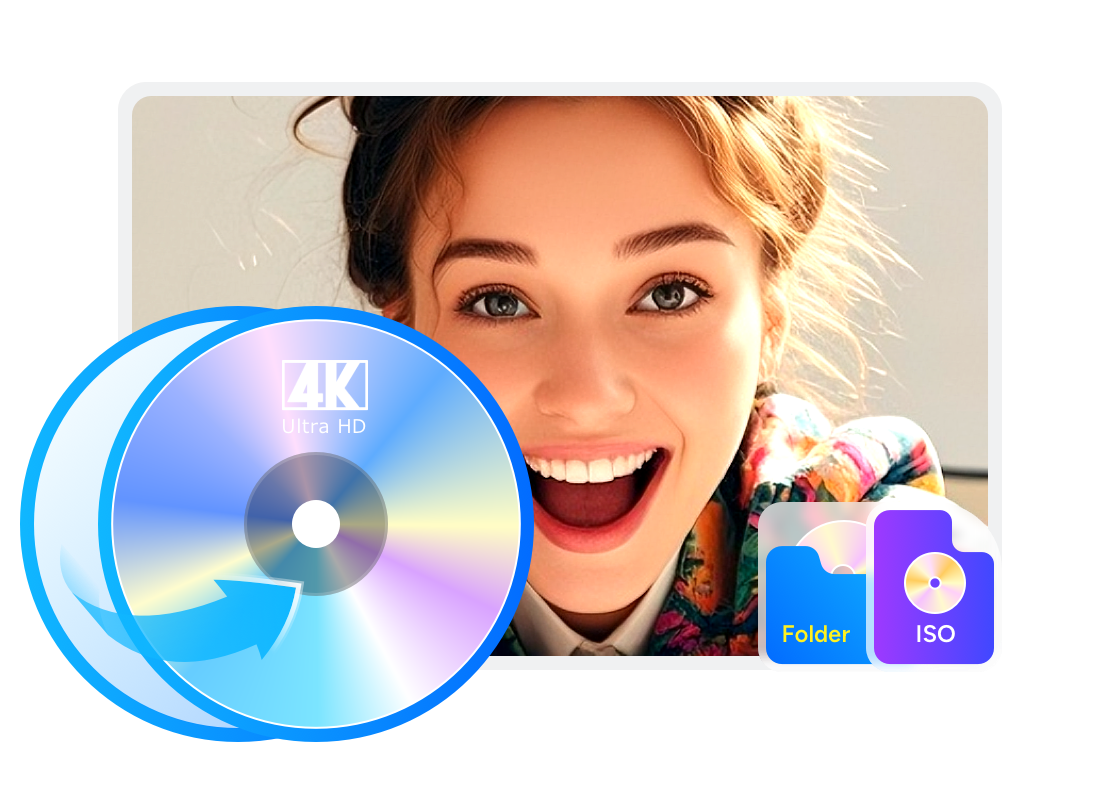
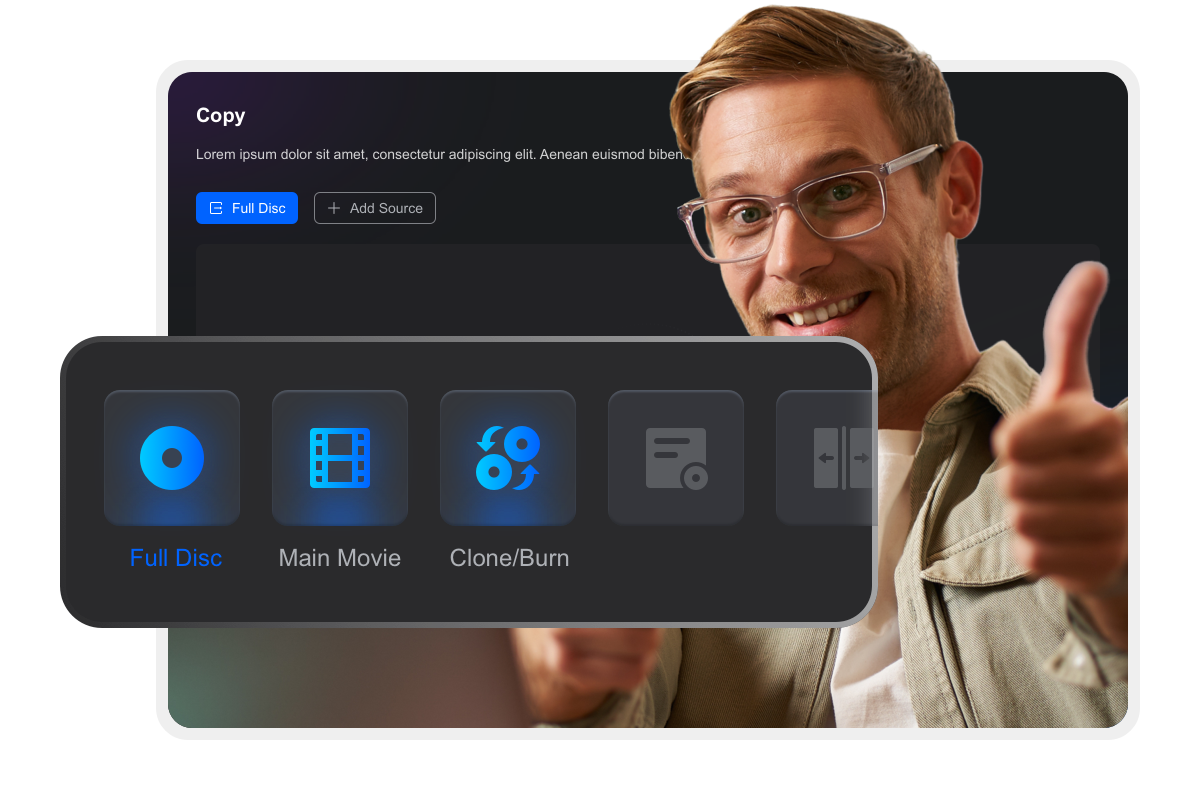
Copy Any Ultra HD Blu-ray Disc with 3 Custom Modes
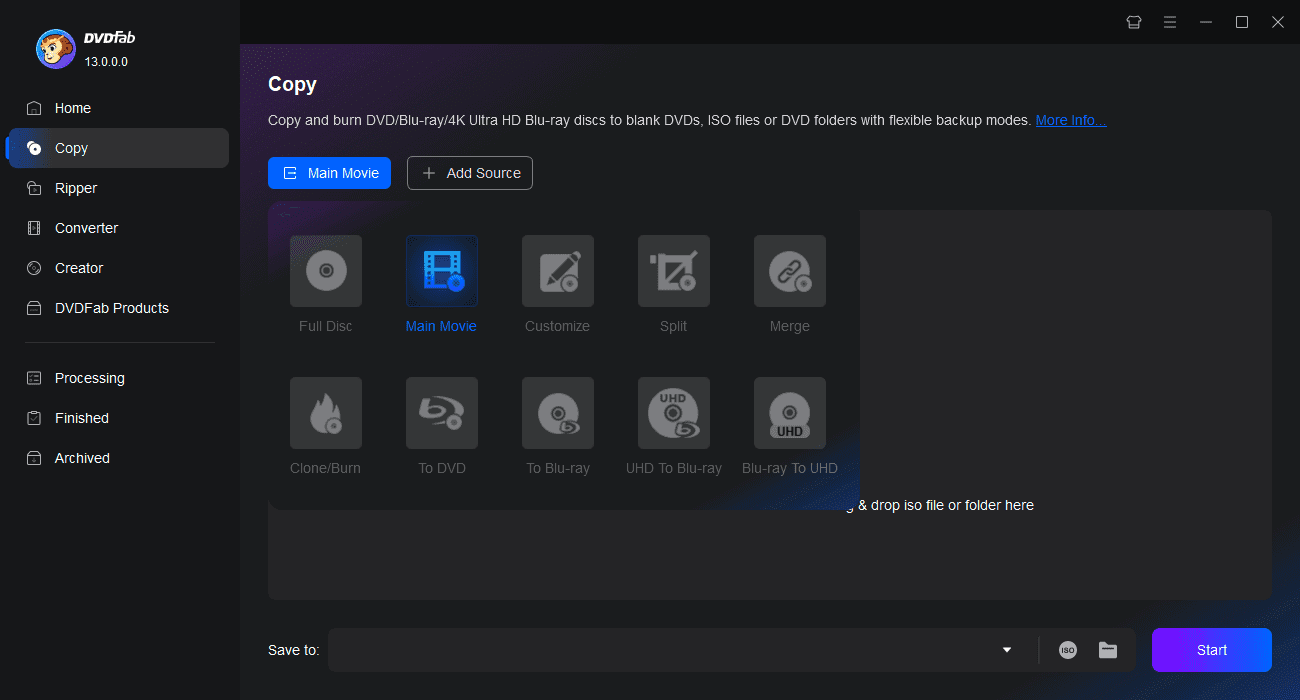
DVDFab UHD Copy offers three copy modes to suit different usage scenarios. You can extract the exact content you want from UHD discs by selecting one of the copy modes listed below. This is a great benefit for users who seek customized backups for their home theater setups.

Full Disc
Copy all the content of disc/ISO/folder source with or without compression.
Main Movie
Copy the main movie title of disc/ISO/folder source with or without compression.
Clone/Burn
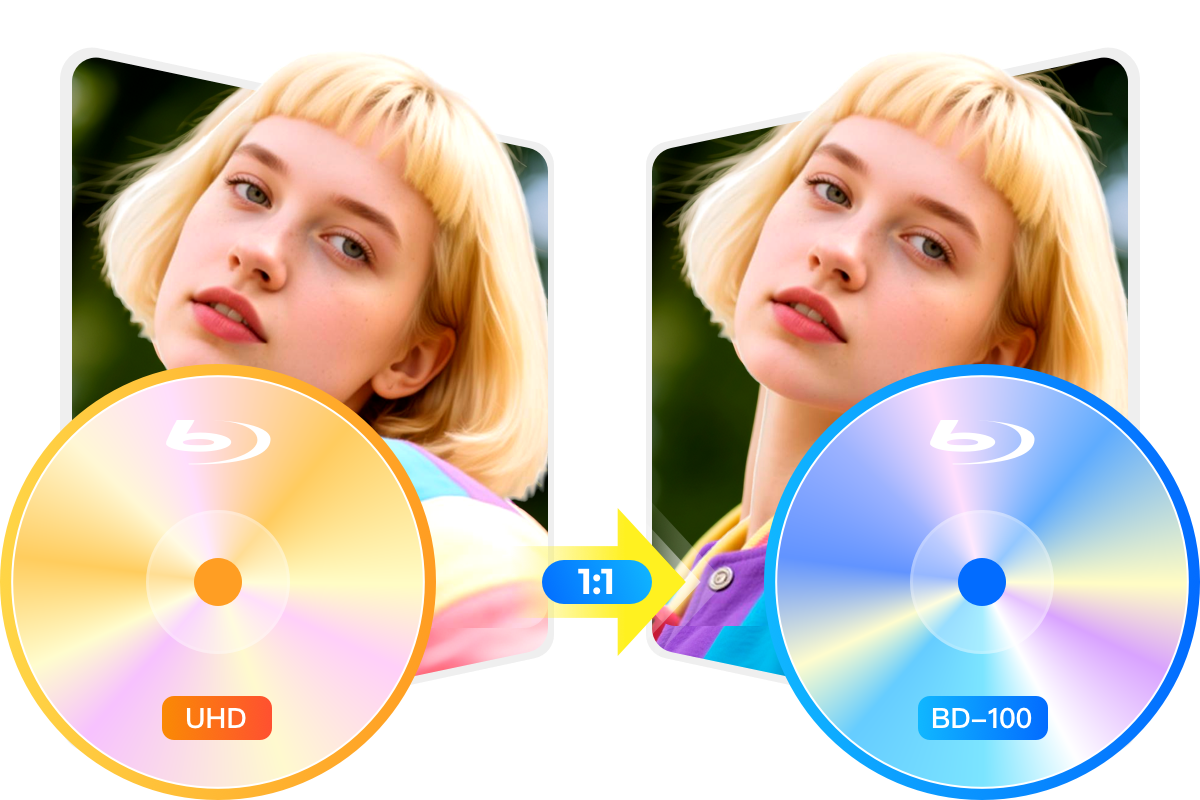
Clone UHD Blu-ray source in 1:1 ratio with no quality loss
More Features in the Smart UHD Copier

Step 1. Download and install DVDFab 13
The UHD Copy module is included in the 64-bit Windows version and the compatible macOS version. After installation, launch DVDFab 13 to begin.
Step 2. Select copy mode and customize output settings
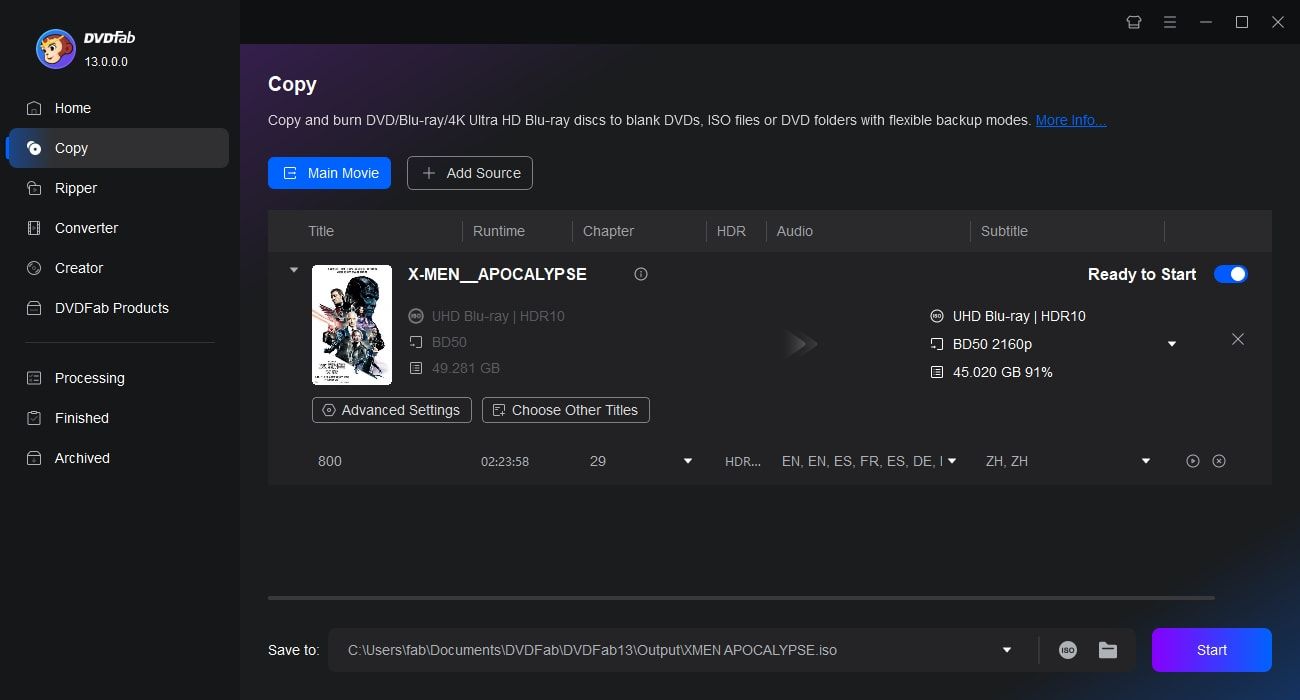
Load your 4K Ultra HD source (disc, ISO file, or folder). Then navigate to the Copy module and select one of the supported modes: Main Movie, Full Disc, or Clone. Click the Advanced Settings (wrench icon) to customize output options such as BD50 or BD100.
Step 3. Choose output destination and start copying
Choose the output destination under the Save to section, then click the Start button to begin the copying process.
Feedbacks on DVDFab UHD Copy

D
Daniel Brooks
4K CollectorImpressive compression without sacrificing video or audio quality - perfect for preserving my 4K collection while saving storage space. DVDFab UHD Copy is definitely a good choice!

M
Michael Turner
Home Theater EnthusiastIt shrinks decrypted 4K UHD Blu-ray titles down in size so the output can be written on BD25/50 media while preserving HDR metadata.

J
James Walker
Software ReviewerDVDFab UHD Copy is the 1st 4K Ultra HD Blu-ray copy software to clone the entire disc of a 4K Ultra HD Blu-ray as a 1:1 lossless ISO file; copy the entire disc or Main Movie title to an ISO file or folder with BD-100 2160p quality; or compress them to a much smaller size to fit a blank BD-50/25 disc!

E
Emily Chen
Tech JournalistDVDFab UHD Copy is a software utility that tries to capitalize on this very tendency since it offers to copy movies sporting this format without exposing them to any quality loss.

P
Peter Collins
Video EditorSupports more of the latest firmware, allowing you to make the UHD backup-friendly and copy or rip your UHD discs with DVDFab UHD Copy or UHD Ripper.

L
Laura Mitchell
Multimedia SpecialistDVDFab UHD Copy software delivers seamless UHD backups with an intuitive interface, making it incredibly user-friendly for both novices and pros

D
Daniel Brooks
4K CollectorImpressive compression without sacrificing video or audio quality - perfect for preserving my 4K collection while saving storage space. DVDFab UHD Copy is definitely a good choice!

M
Michael Turner
Home Theater EnthusiastIt shrinks decrypted 4K UHD Blu-ray titles down in size so the output can be written on BD25/50 media while preserving HDR metadata.

J
James Walker
Software ReviewerDVDFab UHD Copy is the 1st 4K Ultra HD Blu-ray copy software to clone the entire disc of a 4K Ultra HD Blu-ray as a 1:1 lossless ISO file; copy the entire disc or Main Movie title to an ISO file or folder with BD-100 2160p quality; or compress them to a much smaller size to fit a blank BD-50/25 disc!

E
Emily Chen
Tech JournalistDVDFab UHD Copy is a software utility that tries to capitalize on this very tendency since it offers to copy movies sporting this format without exposing them to any quality loss.

P
Peter Collins
Video EditorSupports more of the latest firmware, allowing you to make the UHD backup-friendly and copy or rip your UHD discs with DVDFab UHD Copy or UHD Ripper.

L
Laura Mitchell
Multimedia SpecialistDVDFab UHD Copy software delivers seamless UHD backups with an intuitive interface, making it incredibly user-friendly for both novices and pros
You May Be Interested in These Items
Back up Blu-rays to blank BD50/BD25/BD9/BD5 discs, ISO files or folders with up to 5 backup modes.
Convert Blu-rays to popular videos and audio formats for playback on mobile and portable devices.
Remove the Cinavia watermarks planted in the audio tracks of Cinavia infected Blu-rays.
System Requirements

Windows 11/10/8.1/8/7 (64-bit)
4GB of RAM and above
200GB of free hard disk space
A 4K UHD Blu-ray drive, see our Supported Drive List.
For the 4K HW Acceleration to work, you need:Either the CPUs from Intel Kaby Lake series and above;
Or, the video cards from NVIDIA GeForce GTX 1050 series and above
Live Internet connection required
Fair Use Policy: DVDFab is intended for personal use only, and sharing copied content with any third party is strictly prohibited.
To ensure a stable user experience and prevent potential restrictions from disc publishers, each DVDFab licensed account has a quota of 100 disc copies per week. This quota will automatically reset at the start of a new weekly cycle.