Best UHD Ripper to Remove Any Old or New Protection
Advanced Decryption
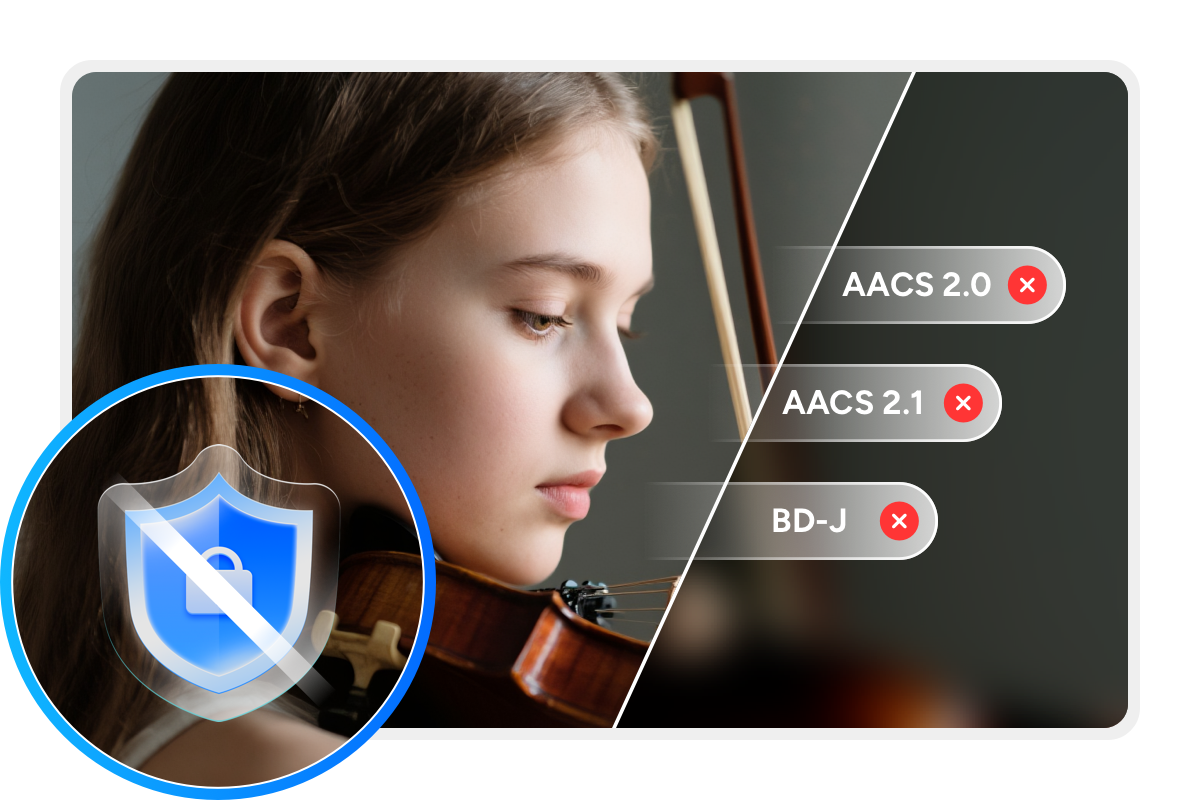
4K Ultra HD Blu-rays are a favorite among home theater enthusiasts thanks to their superior picture and sound quality. However, most commercial 4K UHD Blu-rays are protected by technologies such as AACS and BD-J to prevent unauthorized copying. Before ripping 4K Blu-rays, the protection must be removed.
With DVDFab's exclusive Cloud Decryption Service, the software can swiftly remove protection from newly purchased encrypted 4K UHD discs via the cloud. As a result, discs can be opened within just 5 to 10 seconds.

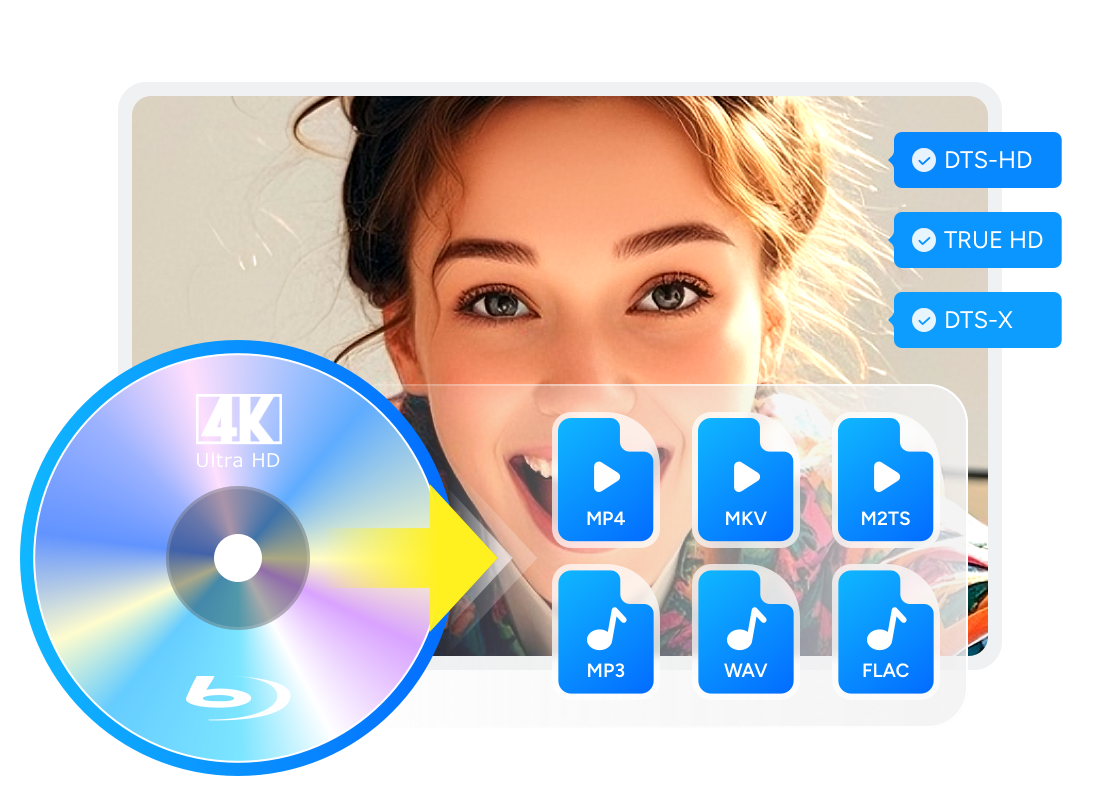
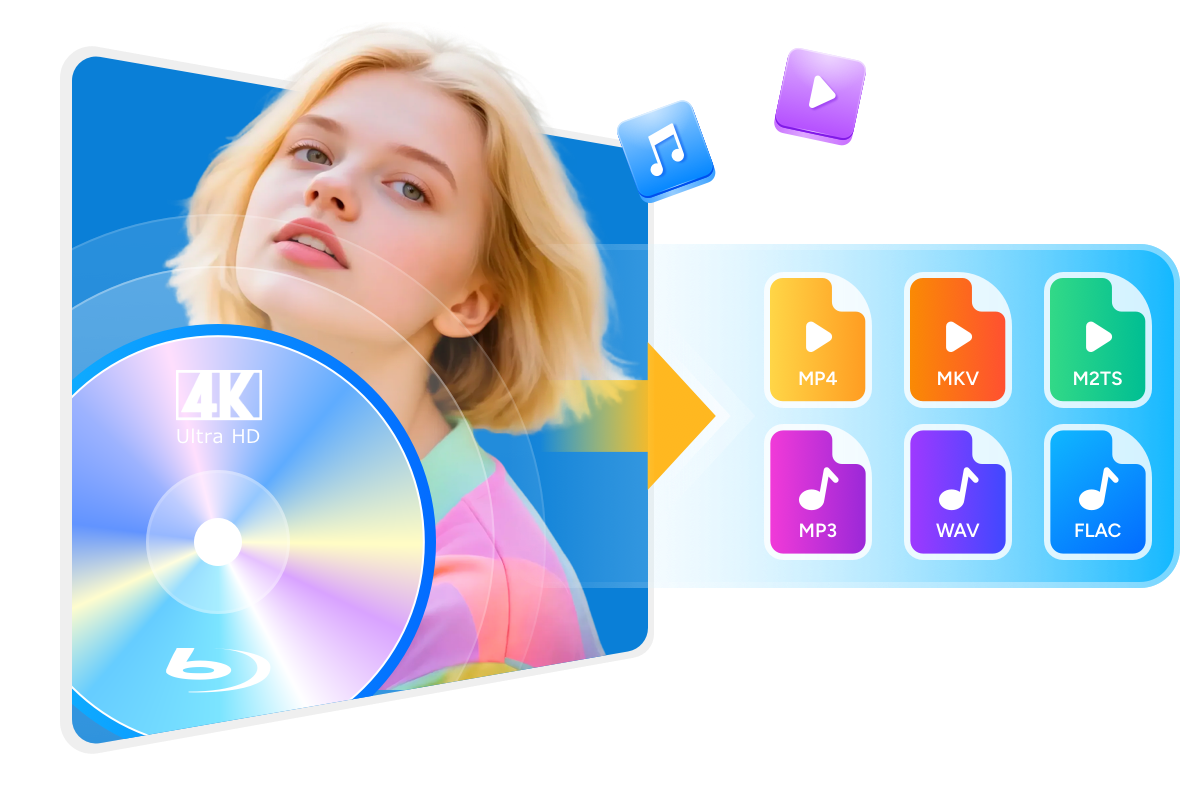
Rip UHD to Various Formats in Lossless or Compressed Quality
Improve UHD Blu-ray Ripping Speed with Smart Performance
GPU-Powered Ripping
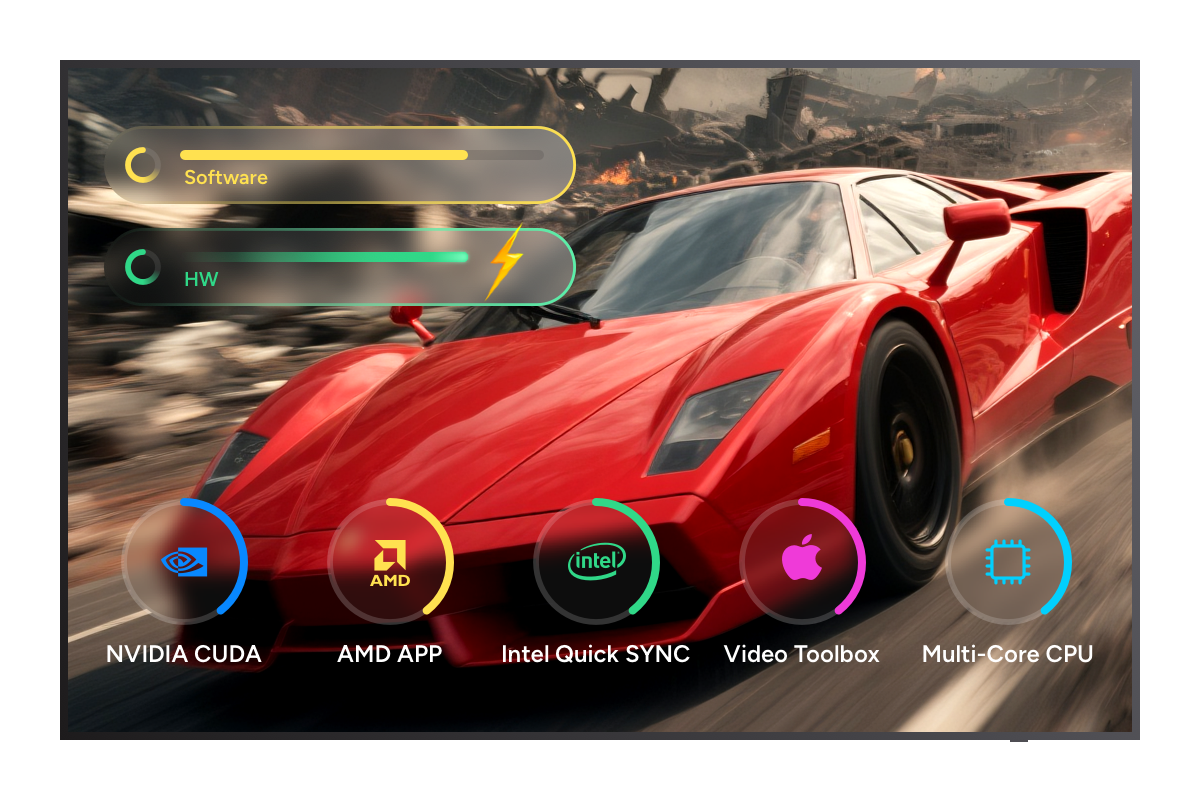
Rip UHD 50x Faster with Advanced GPU Acceleration
Ripping a 4K Ultra HD Blu-ray typically takes hours. However, with the right software, the process can be drastically faster.
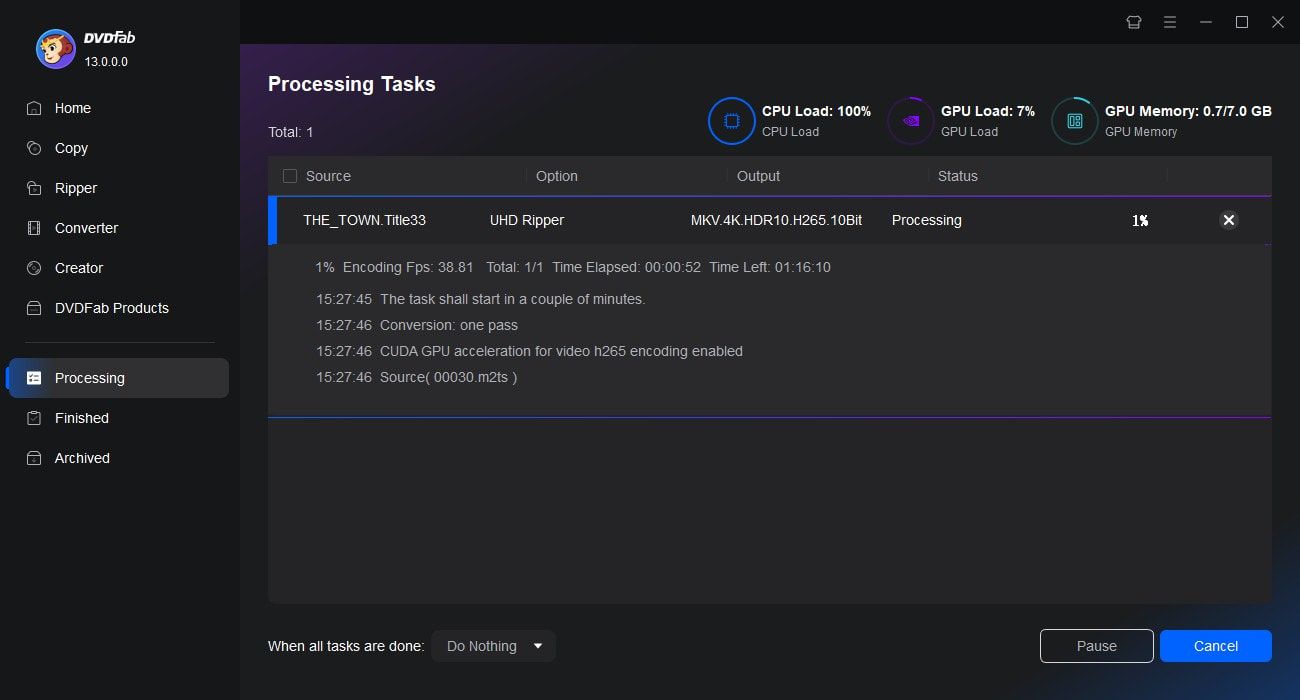
DVDFab UHD Ripper leverages advanced GPU acceleration technologies including Multi-core CPU, NVIDIA CUDA, AMD, Intel Quick Sync (IQS), and VideoToolBox (macOS). Thanks to these innovations, it can convert a standard 4K Ultra HD Blu-ray in just 15 minutes.

Task Automation
Convert Multiple UHD Blu-rays at Once with Task Queue
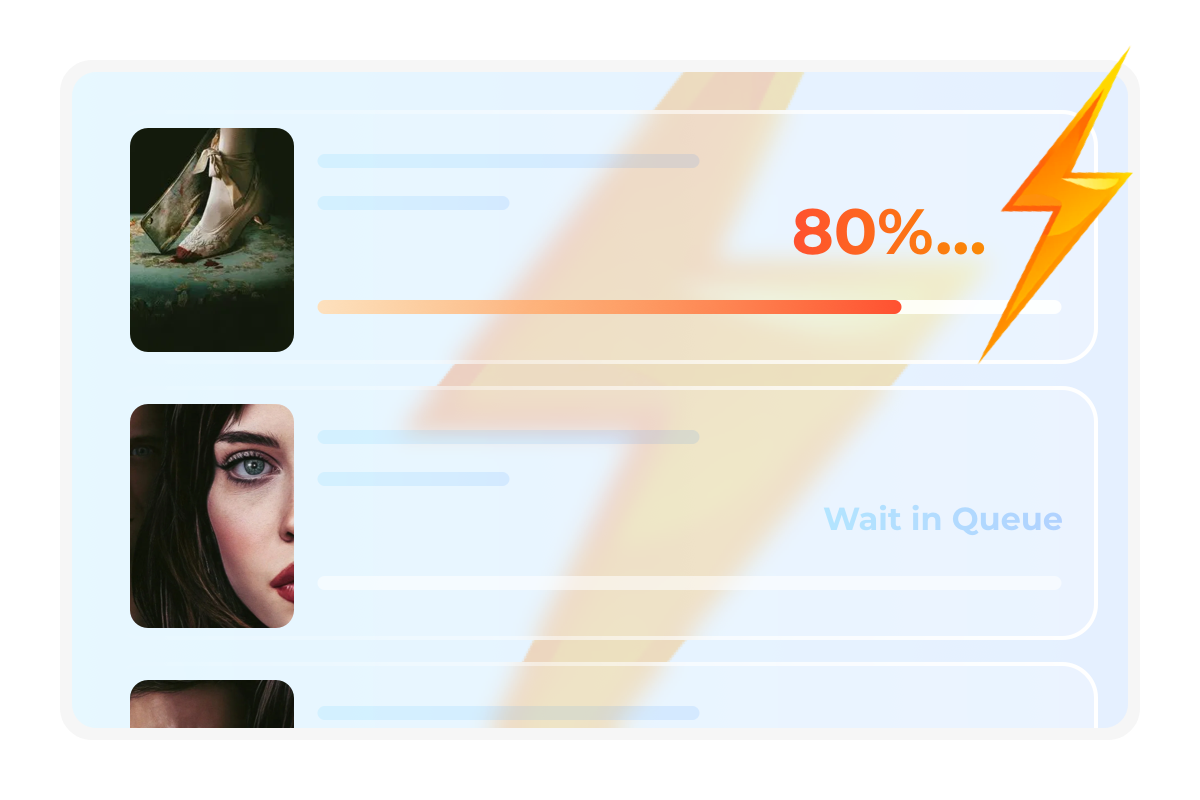
Looking to streamline your 4K Blu-ray ripping workflow? DVDFab UHD Ripper supports multitasking, allowing you to add multiple ripping files at once. The software will automatically process each task in sequence and save the converted files to your hard drive.
This smart queueing system is a standout feature of DVDFab, designed to boost efficiency, especially when handling large batches of UHD discs.

Powerful Video Customization Tools for UHD Content
DIY Your UHD
Built-in Video Editor Makes Your Video Personalized
DVDFab UHD Ripper features a video editor that lets you enhance your videos during the 4K Blu-ray ripping process. You can crop, trim, and merge clips, add watermarks or subtitles, and even fine-tune color settings with ease.

Crop
Crop video to desired aspect ratio
Trim
Trim unwanted clips to make a video perfect
Watermark
Add a watermark (image or text) to the video
External Subtitles
Add external subtitles (SRT/ASS format) to the video
Merge
Merge multiple clips into a single one
Brightness
Adjust brightness, contrast, and saturation
More Functions in the Smart UHD Ripper Software

Step 1. Launch DVDFab 13 and load your 4K Ultra HD Blu-ray
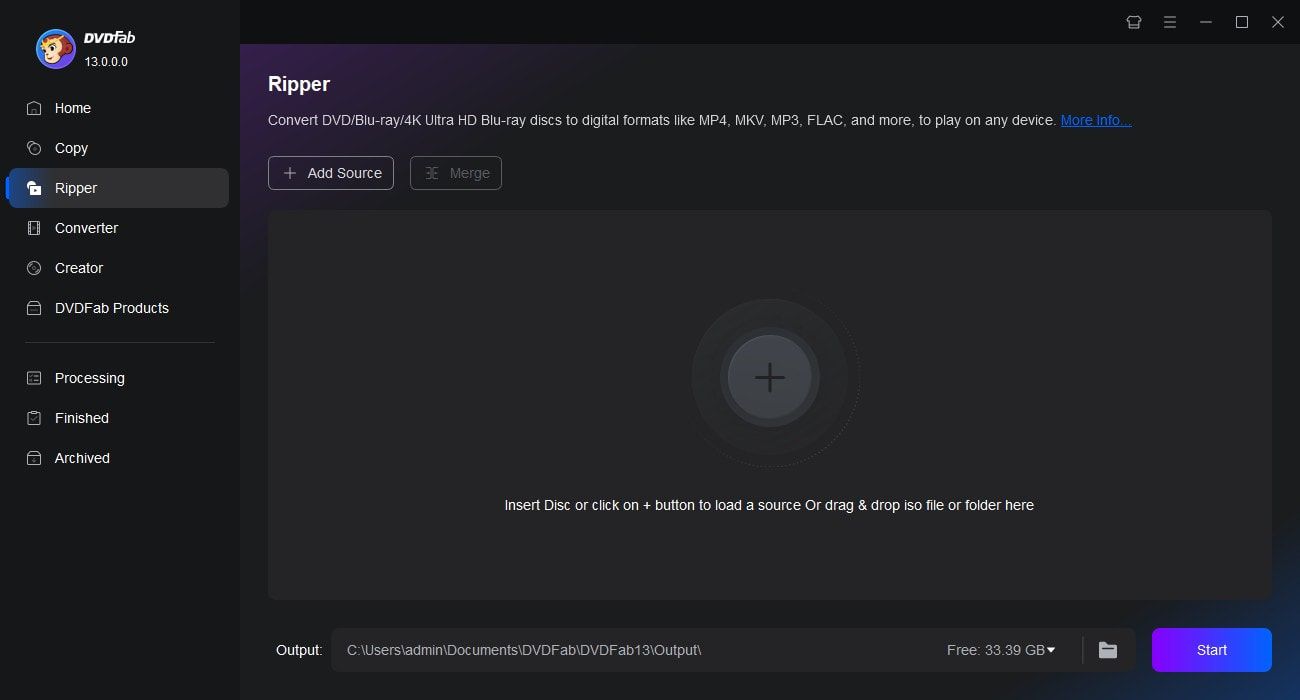
After downloading and installing the latest version of DVDFab 13, launch the program, go to the Ripper module, and load your 4K Ultra HD Blu-ray disc.
Step 2. Choose a conversion profile and customize necessary parameters
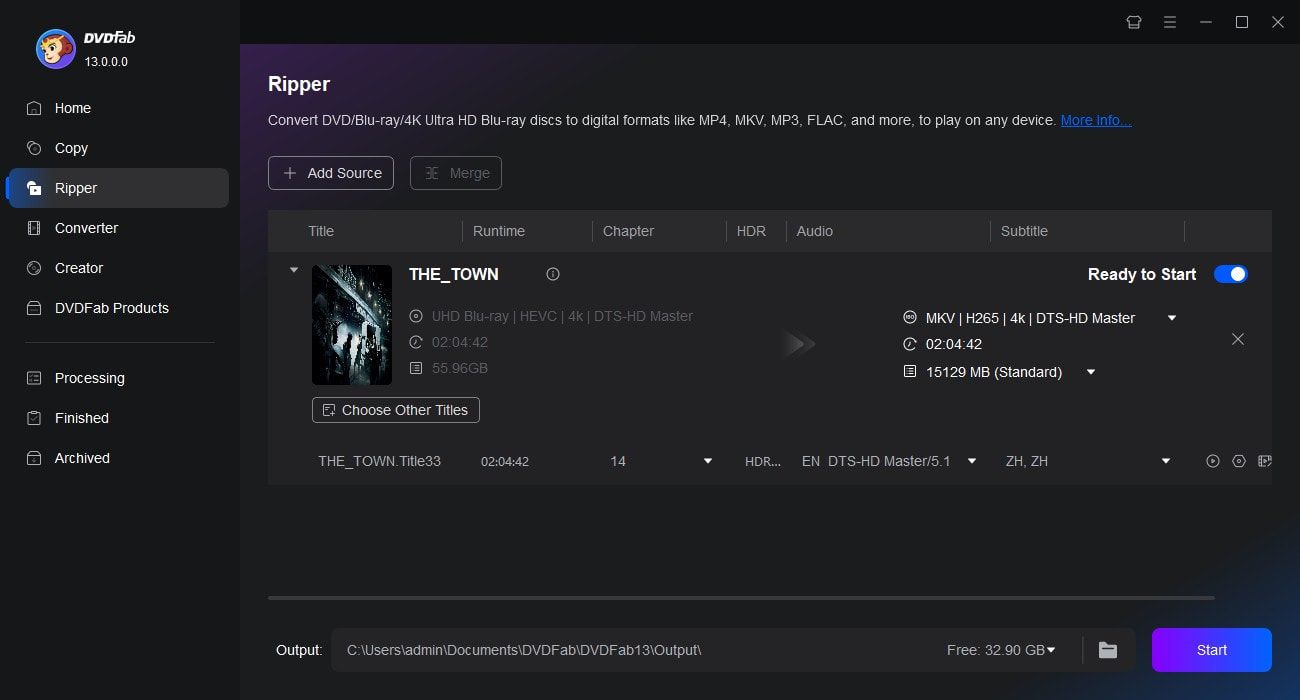
It will display a default output profile. Click Choose Other Profile to access more options via the Filter tab. After choosing your desired format, use Advanced Settings and the Editor to fine-tune output parameters and personalize your video.
Step 3. Start the conversion
Once everything is ready, click the Start button to begin. You can cancel the task at any time during the process, and set the program to shut down the PC once the task is completed.
Feedbacks on DVDFab UHD Ripper

J
Jason Miller
4K Movie BuffDVDFab UHD Ripper is one of the function modules in DVDFab and it is mainly for 4K Blu-ray discs, including the 3D ones.

E
Emily Sanders
WorkerTime to enjoy the 4K Ultra HD movies on your giant screen 4K UHD TV, without actually bothering the discs anymore.

A
Alex Johnson
YouTuberDVDFab UHD Ripper is an application that tries to keep up with the times, offering a reliable solution to those trying to rip 4K Ultra HD discs and convert them to a file format that suits their needs.

S
Sarah Nguyen
4K Movie BuffDVDFab UHD Ripper is one of the DVDFab function modules. It is optimized for 4K Blu-ray discs, including 3D Blu-ray discs. It is recommended since it now supports AACS 2.1 and retains compatibility for HDR10 and HDR 12.

R
Rachel Kim
Video EditorWith DVDFab UHD Ripper, I can easily convert my 4K Blu-rays to flexible formats for smooth playback on any device, all while preserving HDR quality.

A
Alex Nguyen
4K CollectorThe support for AACS 2.1 encryption and 3D discs makes UHD Ripper a reliable choice for my 4K disc library management.

J
Jason Miller
4K Movie BuffDVDFab UHD Ripper is one of the function modules in DVDFab and it is mainly for 4K Blu-ray discs, including the 3D ones.

E
Emily Sanders
WorkerTime to enjoy the 4K Ultra HD movies on your giant screen 4K UHD TV, without actually bothering the discs anymore.

A
Alex Johnson
YouTuberDVDFab UHD Ripper is an application that tries to keep up with the times, offering a reliable solution to those trying to rip 4K Ultra HD discs and convert them to a file format that suits their needs.

S
Sarah Nguyen
4K Movie BuffDVDFab UHD Ripper is one of the DVDFab function modules. It is optimized for 4K Blu-ray discs, including 3D Blu-ray discs. It is recommended since it now supports AACS 2.1 and retains compatibility for HDR10 and HDR 12.

R
Rachel Kim
Video EditorWith DVDFab UHD Ripper, I can easily convert my 4K Blu-rays to flexible formats for smooth playback on any device, all while preserving HDR quality.

A
Alex Nguyen
4K CollectorThe support for AACS 2.1 encryption and 3D discs makes UHD Ripper a reliable choice for my 4K disc library management.
You May Be Interested in These Items
Copy 4K Ultra HD Blu-rays to BD-50/25 discs, ISO files or folders.
Convert Blu-rays to popular videos and audio formats for playback on mobile and portable devices.
Remove the Cinavia watermarks planted in the audio tracks of Cinavia infected Blu-rays.
System Requirements

Windows 11/10/8.1/8/7 (64-bit)
4GB of RAM and above
200GB of free hard disk space
A 4K UHD Blu-ray Drive
For the 4K HW Acceleration to work, you need:Either the CPUs from Intel Kaby Lake series and above;
Or, the video cards from NVIDIA GeForce GTX 1050 series and above
Live Internet connection required
Fair Use Policy: DVDFab is intended for personal use only, and sharing copied content with any third party is strictly prohibited.
To ensure a stable user experience and prevent potential restrictions from disc publishers, each DVDFab licensed account has a quota of 100 disc copies per week. This quota will automatically reset at the start of a new weekly cycle.


![Blu-ray vs 4K UHD: Key Differences, Pros and Cons [2025 Updated]](https://r6.dvdfab.cn/upload/resource/en/blu-ray-vs-4k-sKWJ.jpg)