How DVDFab UHD to Blu-ray Converter Helps You?

4K to 1080P

Downscale 4K Blu-rays to Standard Blu-ray

If your home Blu-ray player or desktop software cannot play 4K Ultra HD Blu-rays, DVDFab 4K to 1080p Converter allows you to downscale and convert 4K Ultra HD Blu-rays to 1080p Blu-rays (disc/ISO/folder) that fully comply with standard Blu-ray specifications. The output is compatible with all non-4K Blu-ray playback devices.
Downscale 4K Blu-rays
HDR10 to SDR

Produce Blu-rays with Superior Quality Over Official Discs

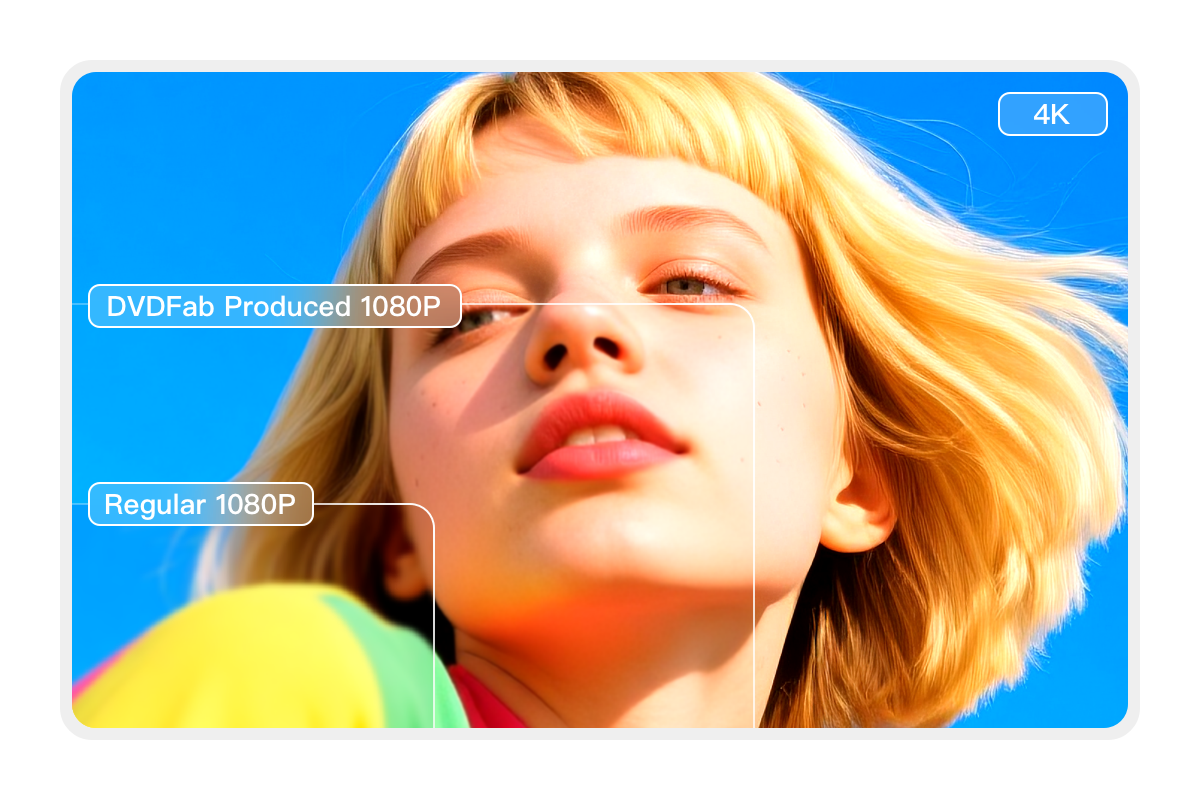
To comply with standard Blu-ray specifications, HDR10 content is converted to SDR (Standard Dynamic Range) using this 4K to 1080p Converter. Thanks to DVDFab's advanced conversion engine, the resulting SDR video preserve most of the natural color details of the HDR10 contents on the original 4K Blu-rays, including its brightness, saturation, sharpness and vividness, etc.
Produce Blu-rays with lossless quality
Immersive Soundtracks

Preserve the Original Lossless Audio Tracks

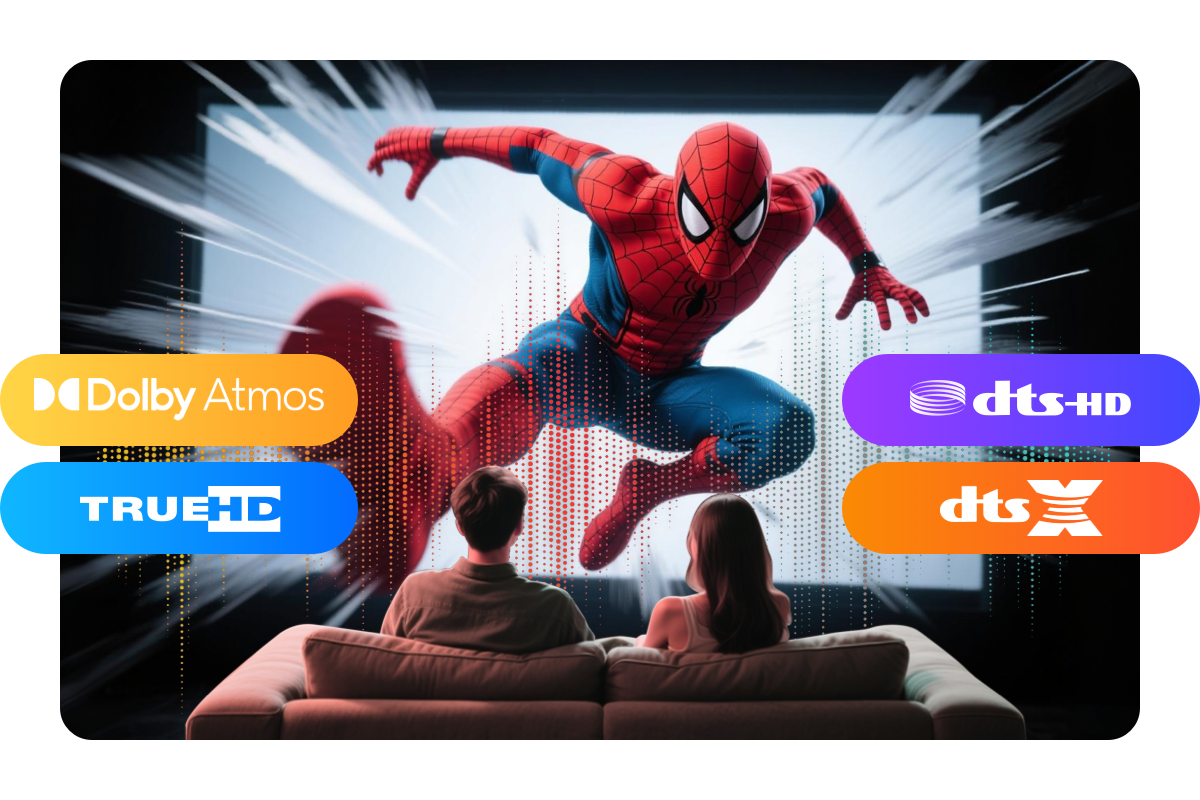
DVDFab UHD to Blu-ray Converter uses advanced algorithms to extract original lossless audio tracks from 4K Ultra HD Blu-rays, including Dolby Atmos, Dolby TrueHD, DTS-HD Master, and DTS:X, etc. As a result, when you play the converted Blu-ray on a high-quality home audio system, you experience cinema-level sound quality.
Preserve the original audio
Versatile Output

Flexible Output Choices to Discs/ISOs/Folders

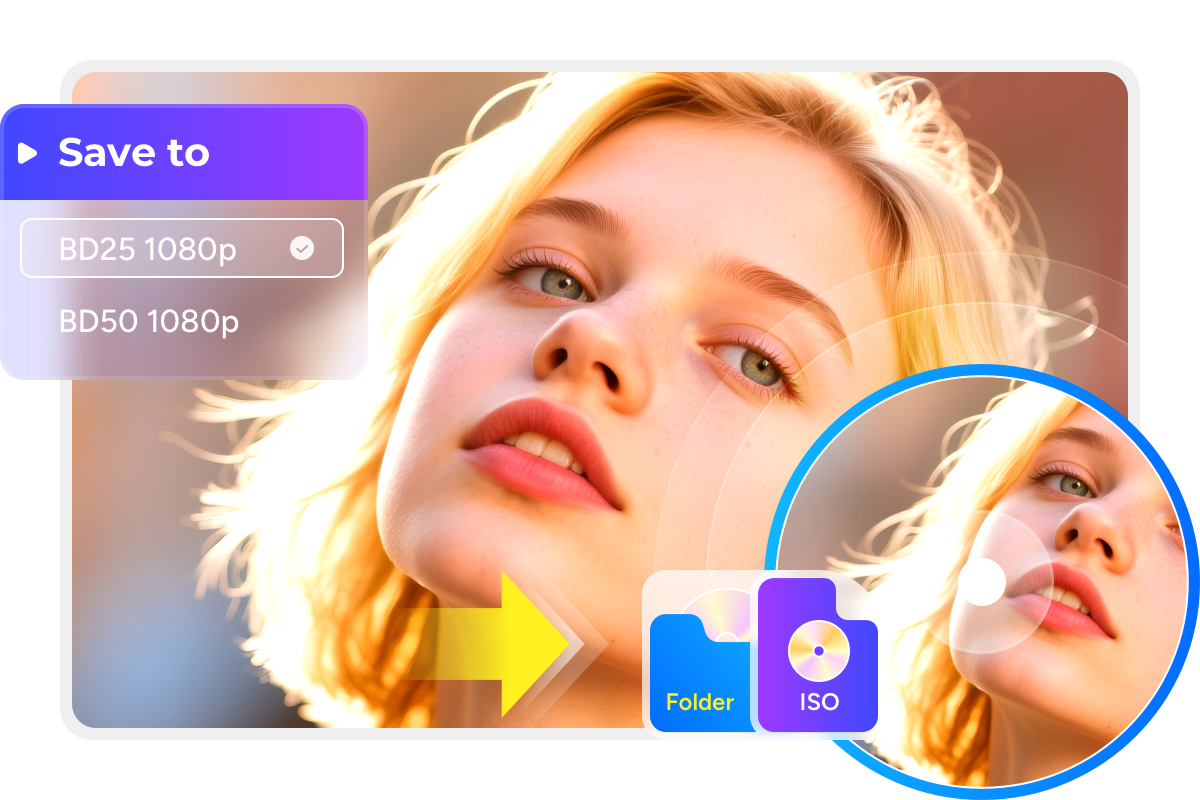
DVDFab UHD to Blu-ray Converter provides flexible output options, allowing you to save the converted Blu-ray as an ISO file, folder on your hard drive, or burn it directly to a blank disc. You can choose between BD50 or BD25 disc capacities according to your needs. Additionally, different menu and playback modes are available to further enhance your viewing experience.
Flexible output choices
Multiple Acceleration

Blazing Fast Conversion Speed

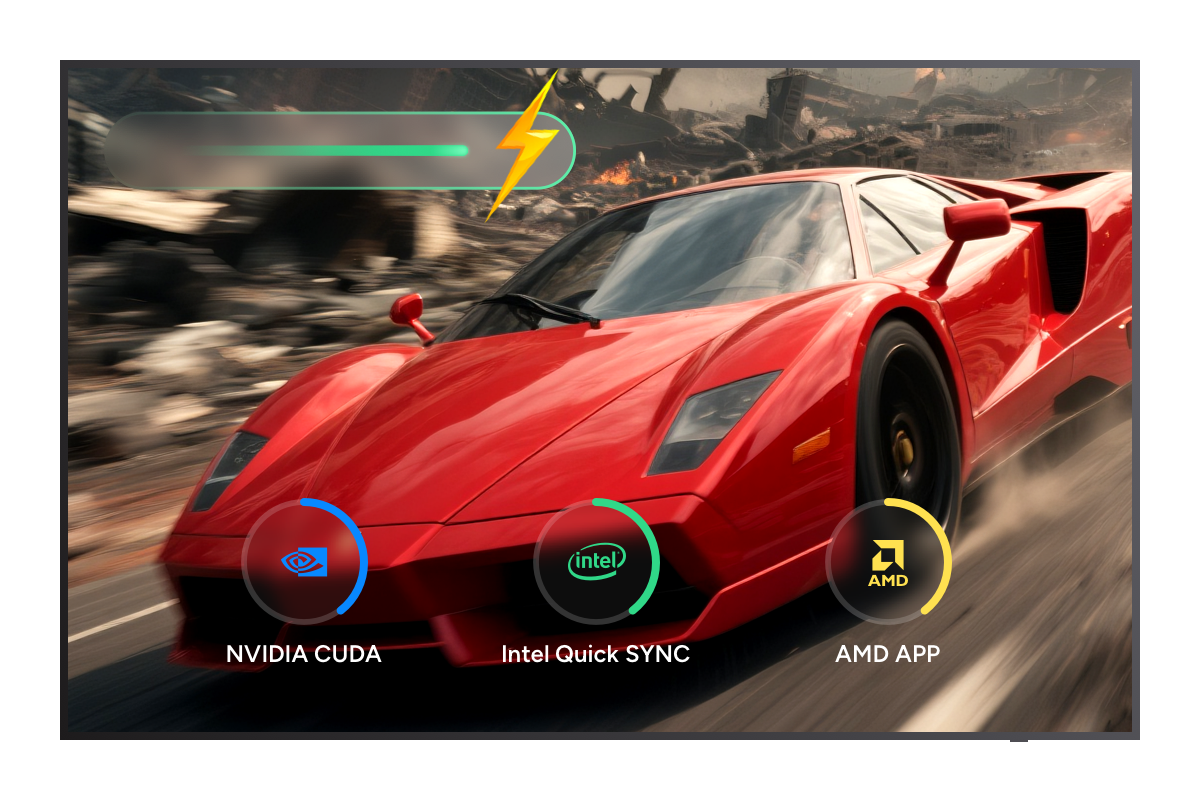
DVDFab UHD to Blu-ray Converter utilizes hardware acceleration technologies throughout both decoding and encoding stages: 4K hardware acceleration boosts decoding speed, while CUDA, AMD APP, and Intel Quick Sync accelerate encoding. This combined hardware acceleration dramatically speeds up the conversion process, delivering high-quality Blu-rays quickly and efficiently.
Fast conversion speed
dvdfab uhd to blu-ray converter guide 1
Step 1. Download and install the DVDFab 13
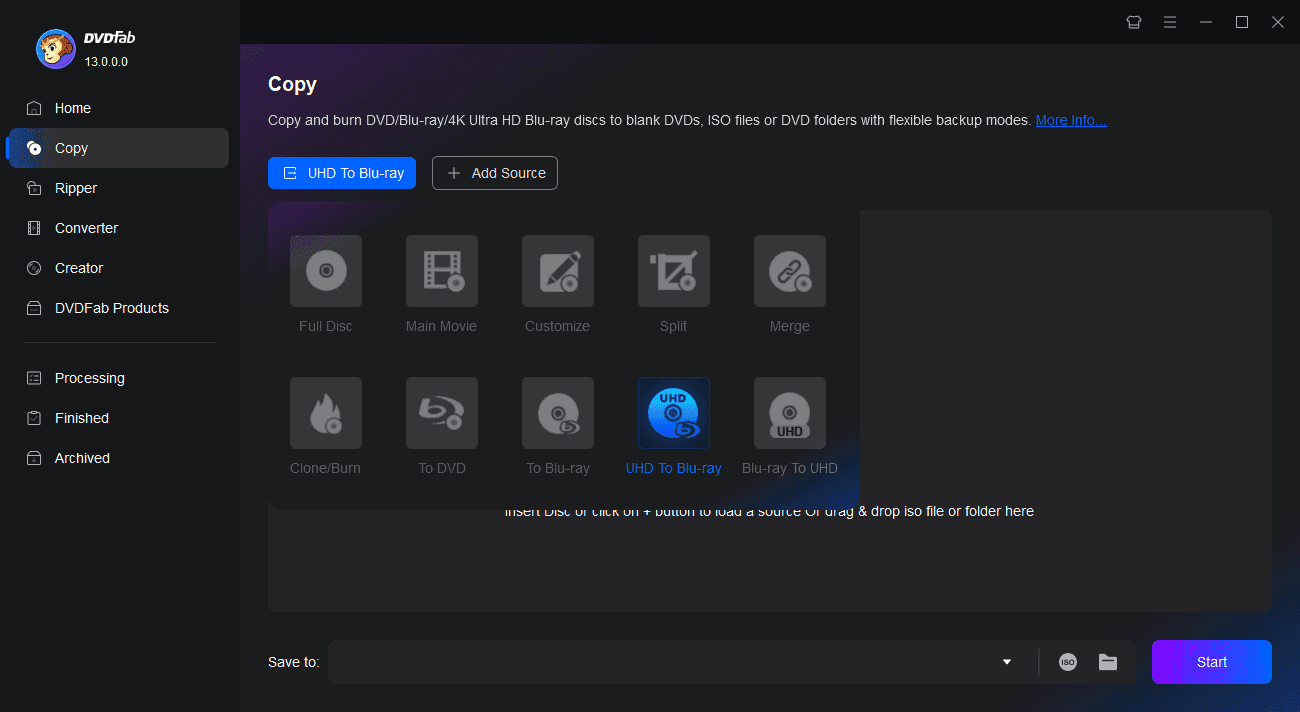
Ensure you download and install the correct version on your PC. Go to the "Copy" module and click the "+Add" button to load your 4K Ultra HD Blu-ray (disc, ISO, or folder).
Step 2. Load the UHD Blu-ray and Customize the output
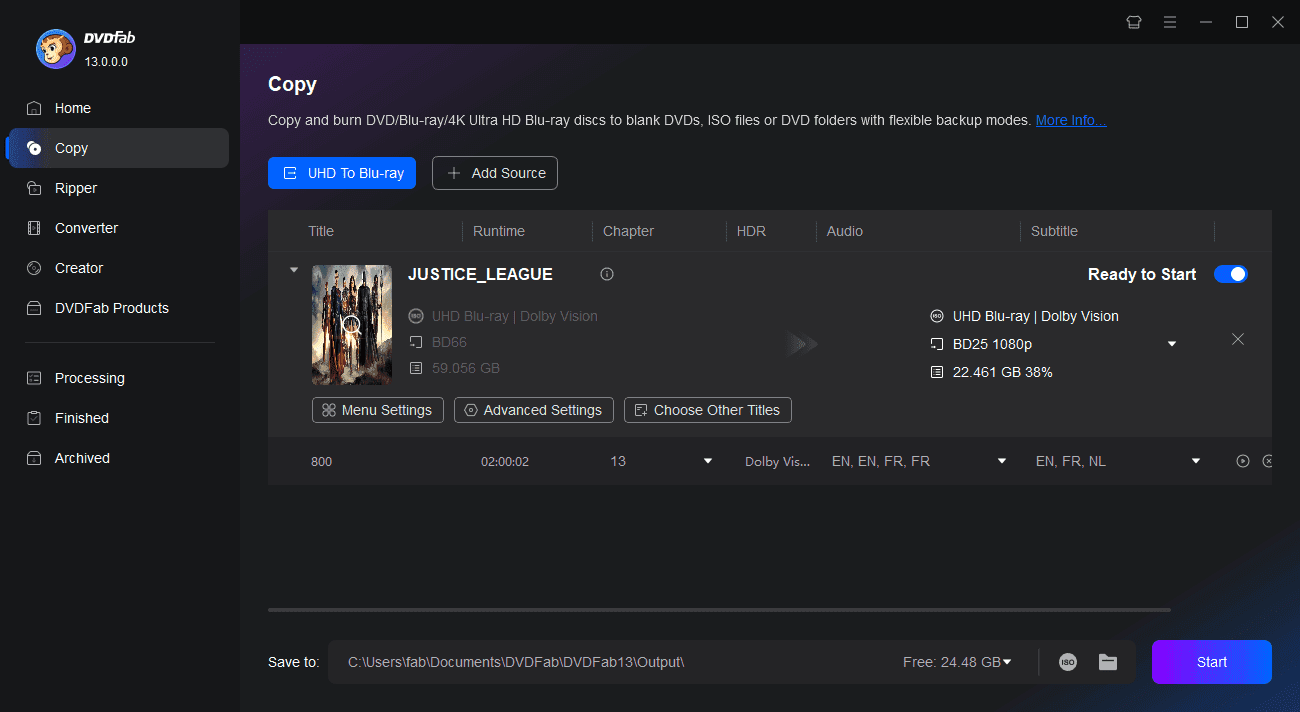
Use the copy mode switcher to select the "UHD to Blu-ray" profile. Then, select your desired titles, audio tracks, subtitles, output size, file destination, menu mode and playback mode.
Step 3. Start converting the UHD to Blu-ray
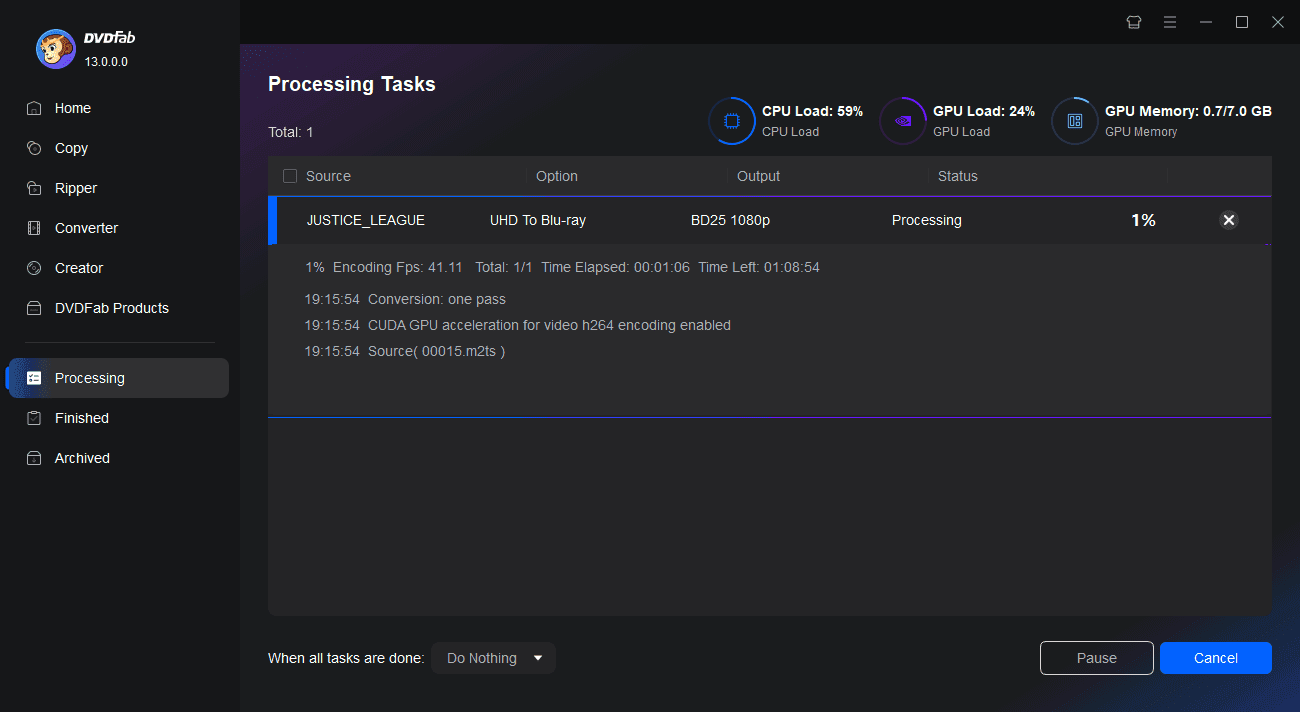
Select the output directory, then click the Start button to begin the conversion. Detailed progress information will be displayed throughout the process.

You May Be Interested in These Items

Back up Blu-rays to blank BD50/BD25/BD9/BD5 discs, ISO files or folders with up to 5 backup modes.

Convert Blu-rays to popular videos and audio formats for playback on mobile and portable devices.

Remove the Cinavia watermarks planted in the audio tracks of Cinavia infected Blu-rays.

System Requirements

Icon
Windows 11 / 10 (64-bit)
4 GB RAM or higher
1TB of free hard disk space
A 4K UHD Blu-ray Drive
Intel i3 or higher
Live Internet connection required

Supported 4K UHD Drives List

BrandDrive ModelTypeCompatible Firmware
Pioneer (NEW)BDR-S12UHTInternal 5.25" SATA1.00, 1.01
BDR-S12JXInternal 5.25" SATA1.00, 1.01
BDR-212UBKInternal 5.25" SATA1.00, 1.01, 1.02
BDR-212MInternal 5.25" SATA1.01, 1.02
BDR-XD07UHDExternal USB (Top-loading)1.00, 1.01, 1.03
BDR-XD07TUHDExternal USB (Japan variant)1.02, 1.03 (GENERAL ID)
BDR-XS07UHDExternal USB (Slot-loading)1.00, 1.01, 1.02
BDR-XS07B-UHDExternal USB (Black variant)1.00, 1.01
BDR-XS07TUHDExternal USB (Japan variant)1.00, 1.01
BDR-S11 / BDR-S11JXInternal 5.25" SATA1.02, 1.50, 1.51, 1.52, 1.53
BDR-211UBK / 211MInternal 5.25" SATA1.51, 1.53 (GENERAL ID)
LGWH16NS60Internal 5.25" SATA1.00
BH16NS55Internal 5.25" SATA1.00
BE16NU50External USB1.01
BU40NInternal Slim/LaptopCAT9
BU50NInternal Slim/LaptopCC01
BP60NB10External USB1.00, 1.02
ASUSBC-12D2HTInternal 5.25" SATA3.00
BW-16D1HTInternal 5.25" SATA3.00
BW-16D1H-UExternal USBA201
BuffaloBU40N (BRUHD-PU3)External USBBU10
HPHLDS BU40NInternal Slim/LaptopBW41
HLDS BU50NInternal Slim/LaptopBW50
ArchgonMD-8107S-U3-UHDExternal USB1.00

Tips & Resource

  • How to Rip 4K Blu-ray Disc: 2 Tested Tools [2026]
    How to Rip 4K Blu-ray Disc: 2 Tested Tools [2026]

    To rip 4K Blu-ray discs losslessly for playback on Plex or 4K TVs, you will need a UHD-friendly drive, 50GB+ of storage, and robust decryption software. While this guide covers both free and professional tools for Windows and Mac, my tests show that DVDFab UHD Ripper is the most efficient choice. It handles strict AACS 2.0 protections, preserves HDR10/Dolby Vision and Atmos metadata, and leverages GPU acceleration to complete a 54GB lossless rip in under 12 minutes with a significantly optimized file size.

    By Diana Smith - Aug 10, 2026

  • QLED vs. UHD: Which TV Technology Is Better in 2026?
    QLED vs. UHD: Which TV Technology Is Better in 2026?

    QLED and UHD describe different things: QLED is a display technology that boosts brightness and color through a quantum dot layer; UHD is a resolution standard equivalent to 4K. Most QLED TVs are already UHD, so the real decision is whether quantum dot performance justifies the added cost for your viewing environment.

    By Wenny Yan - May 28, 2026
  • 6 Best 4K Blu-ray Burners You Should Know [Software & Drive Included]
    6 Best 4K Blu-ray Burners You Should Know [Software & Drive Included]

    A 4K Blu-ray burning setup needs authoring software like DVDFab UHD Creator, a compatible Blu-ray/BDXL writer, and recordable media that matches the project size. External drives are easier to add to laptops or compact PCs, while internal SATA drives suit desktops with a 5.25-inch bay. Check BDXL writing support separately from UHD playback support, because one does not automatically guarantee the other.

    By Diana Smith - Aug 10, 2026
Fair Use Policy : DVDFab is intended for personal use only, and sharing copied content with any third party is strictly prohibited.
 
To ensure a stable user experience and prevent potential restrictions from disc publishers, each DVDFab licensed account has a quota of 100 disc copies per week. This quota will automatically reset at the start of a new weekly cycle.