Latest Posts
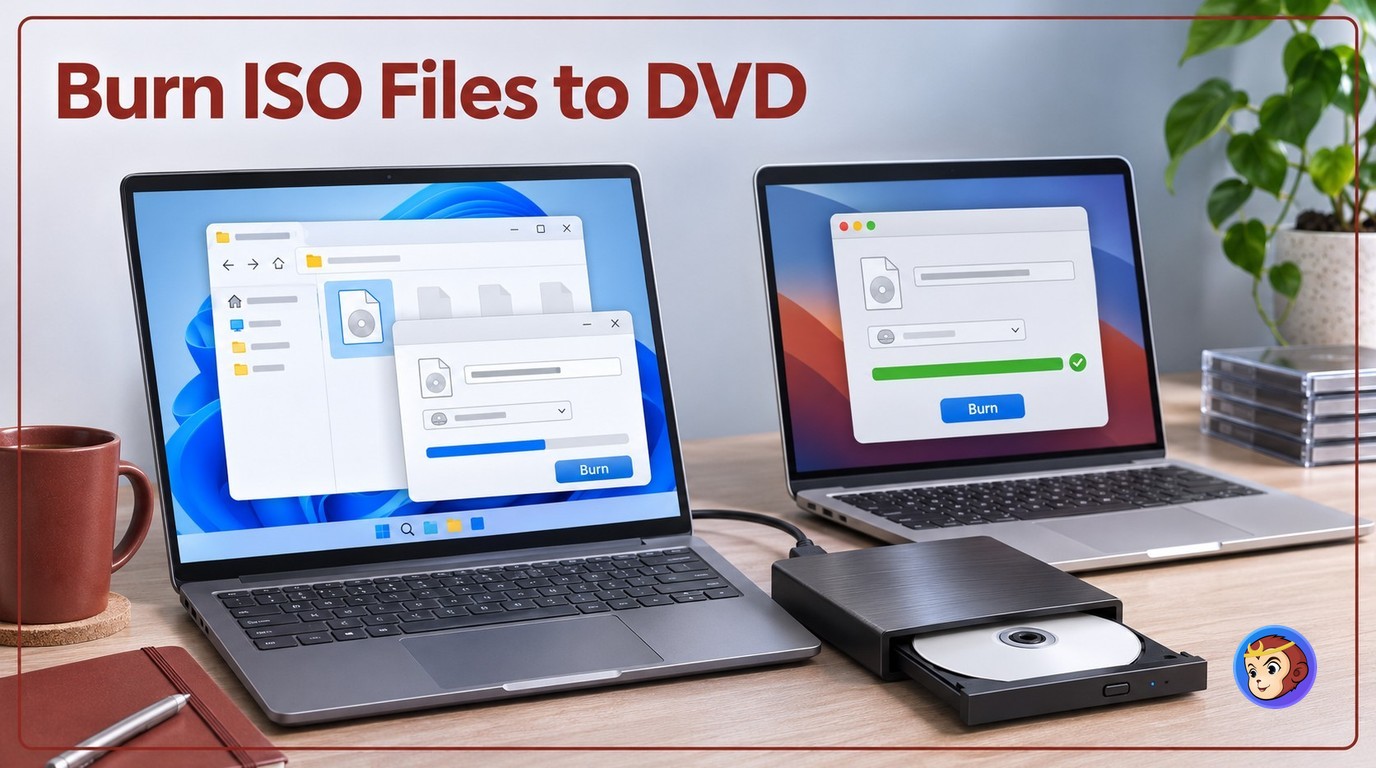 How to Burn ISO to DVD on Windows 11 and Mac [2026]
To burn ISO to DVD, use Windows Disc Image Burner or Finder when the image is ready for disc and already fits the blank media. Choose DVDFab DVD Copy when a DVD-9 ISO must fit DVD-5, when titles or chapters need selection, or when a more complex DVD source needs controlled loading. Check your ISO type, disc capacity, optical drive, and target playback device before starting.
By Diana Smith - Nov 13, 2026 Top Tested Tools to Burn MKV to Blu-ray on Mac and Windows [2026]
To burn MKV to a playable Blu-ray disc, you need Blu-ray authoring software that can create a BDMV folder, Blu-ray ISO, or disc structure instead of copying the MKV file as data. DVDFab Blu-ray Creator is the most complete option for Mac and Windows users who need menus, BD25/BD50 output, subtitle and audio control, and direct disc, ISO, or folder output. Tools like tsMuxer, ImgBurn, and BurnAware are better for no-menu workflows or burning prepared Blu-ray structures.
By Diana Smith - Nov 12, 2026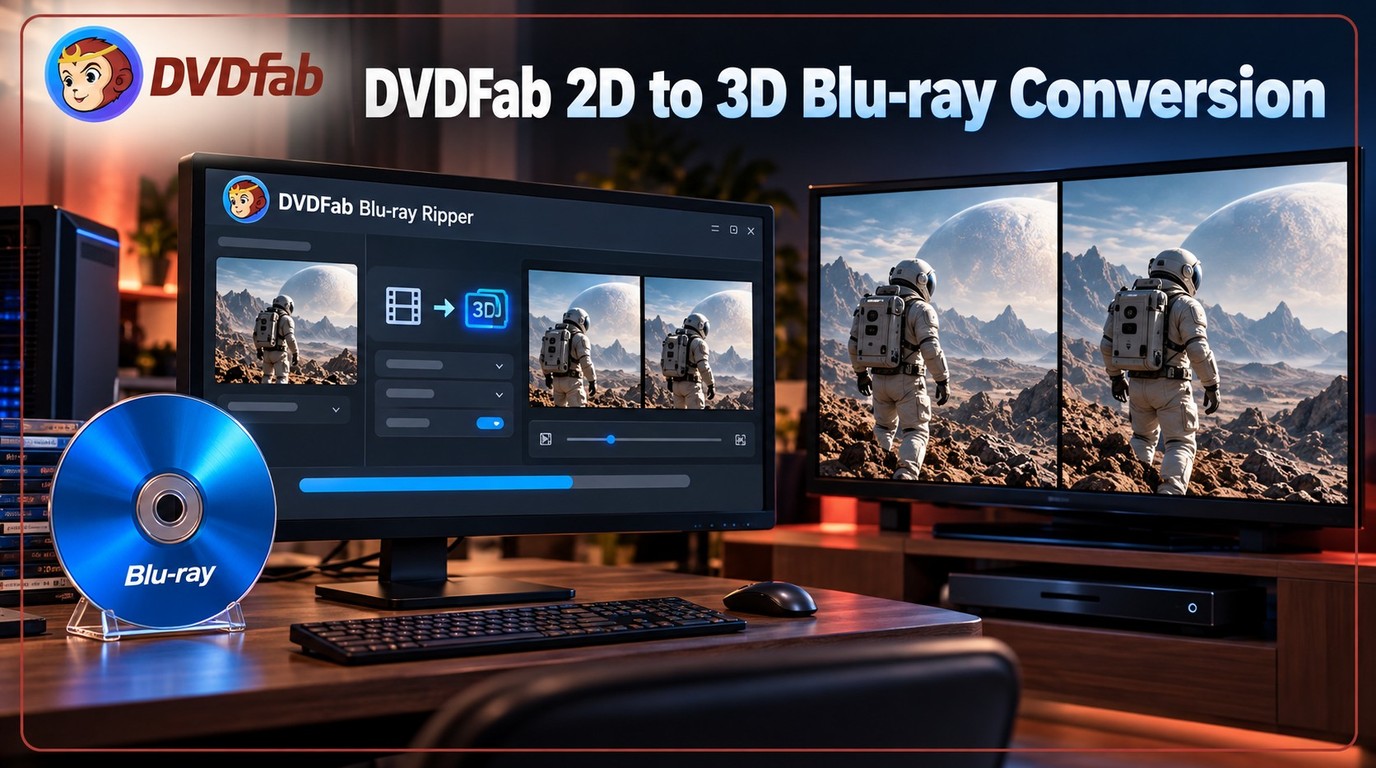 How to Convert 2D Blu-ray to 3D Video with DVDFab Blu-ray Ripper
To convert a 2D Blu-ray to 3D, load the Blu-ray disc, ISO image, or BDMV folder into DVDFab Blu-ray Ripper, select a 3D output profile, adjust the depth and stereo layout in Advanced Settings, and export the video as 3D MP4 or MKV. Choose side-by-side (SBS) for compatible VR headsets and 3D TVs, top-and-bottom for displays that support it, or anaglyph for standard screens with red/cyan glasses.
By Diana Smith - Nov 12, 2026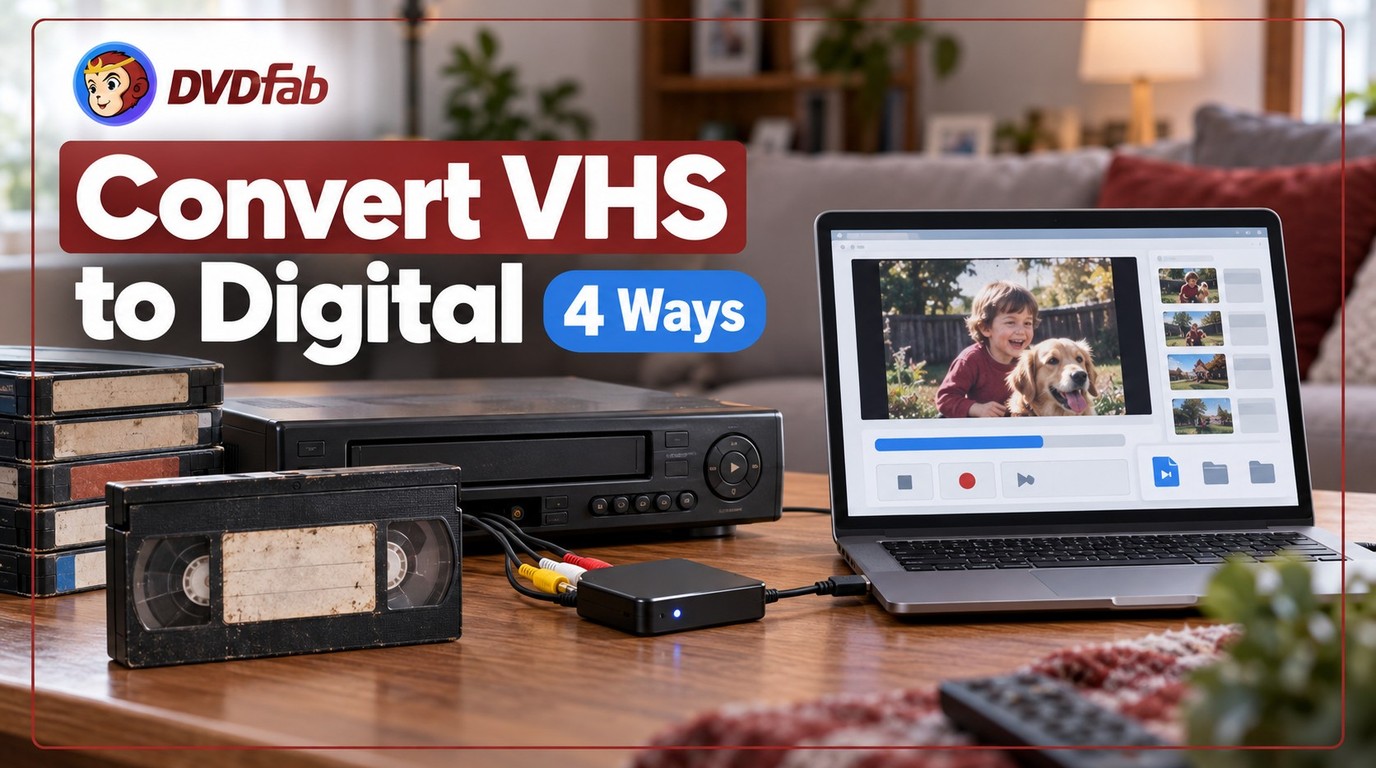 How to Convert VHS to Digital: 4 Practical Ways
How to convert VHS to digital depends on whether you still have a working VCR. A capture card is usually the best home option, a standalone converter is simple, DVD-to-digital works if you already record tapes to disc, and a service is the easiest choice without a VCR. Expect real-time capture, modest VHS quality, and plan backups from day one.
By Diana Smith - Nov 12, 2026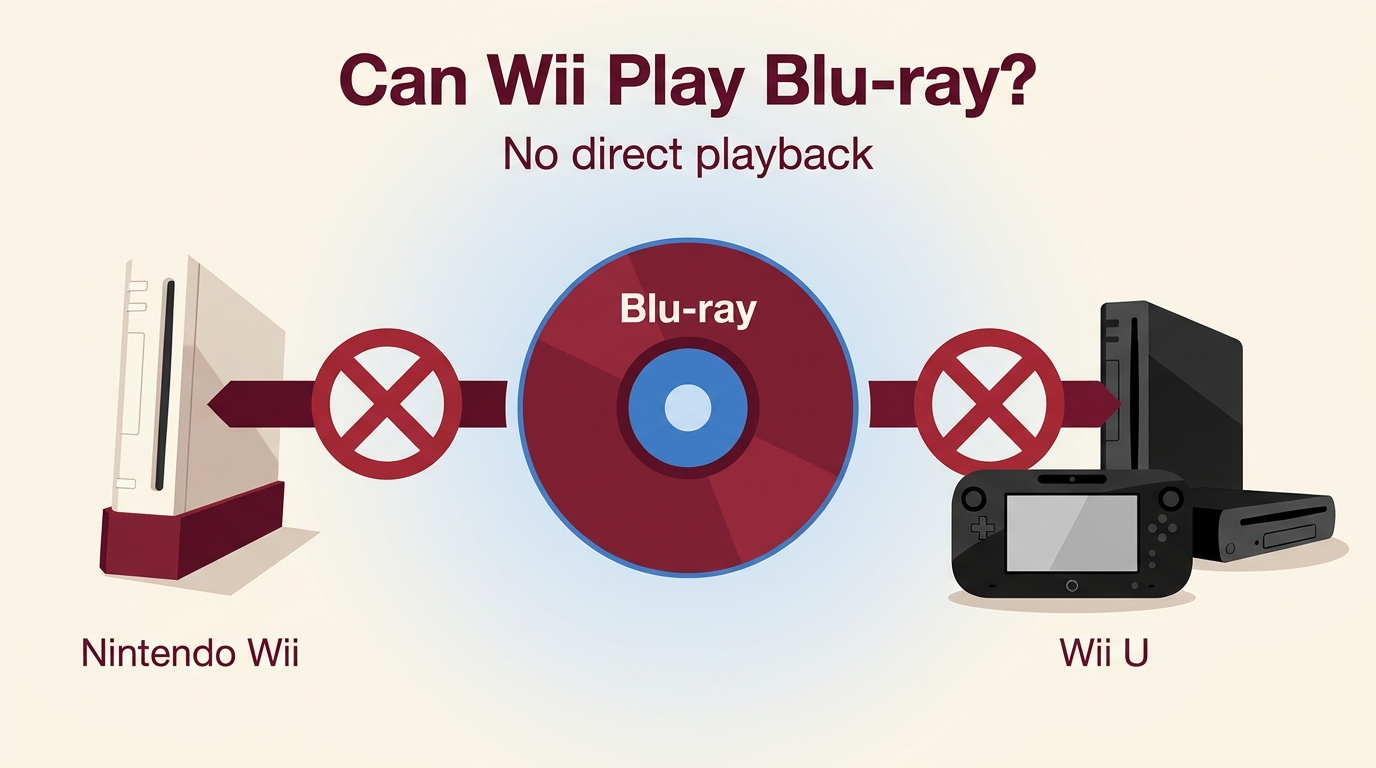 Does Wii Play Blu-ray? No—What Works on Wii and Wii U
No. Neither the Nintendo Wii nor Wii U can play Blu-ray movie discs. An original Wii can play Motion JPEG AVI or MOV files up to 848×480 through Photo Channel from an SD card, but Wii U has no equivalent official feature. For direct HD playback, use a Blu-ray player; convert the movie only if you specifically want to watch it on an original Wii.
By Diana Smith - Nov 11, 2026 DRM Protection Explained: How It Works and How to Remove DRM from DVD
DVDFab DRM Removal now centers on authorized DVD backups rather than one tool for every protected media source. This guide separates the retired Apple module from current DVD Ripper capabilities, compares common DVD tools and output choices, explains the three-step ripping process, and provides checks for missing titles, free-tool failures, and scratched discs.
By Diana Smith - Nov 10, 2026 Do Blu-rays Have Dolby Vision? HDR Formats Explained
Standard Blu-ray and DVD do not carry Dolby Vision video, while selected 4K UHD Blu-ray releases do. This guide compares HDR10, HDR10+, and Dolby Vision, explains the playback chain, and maps disc backup formats to compatible local players.
By Diana Smith - Nov 10, 2026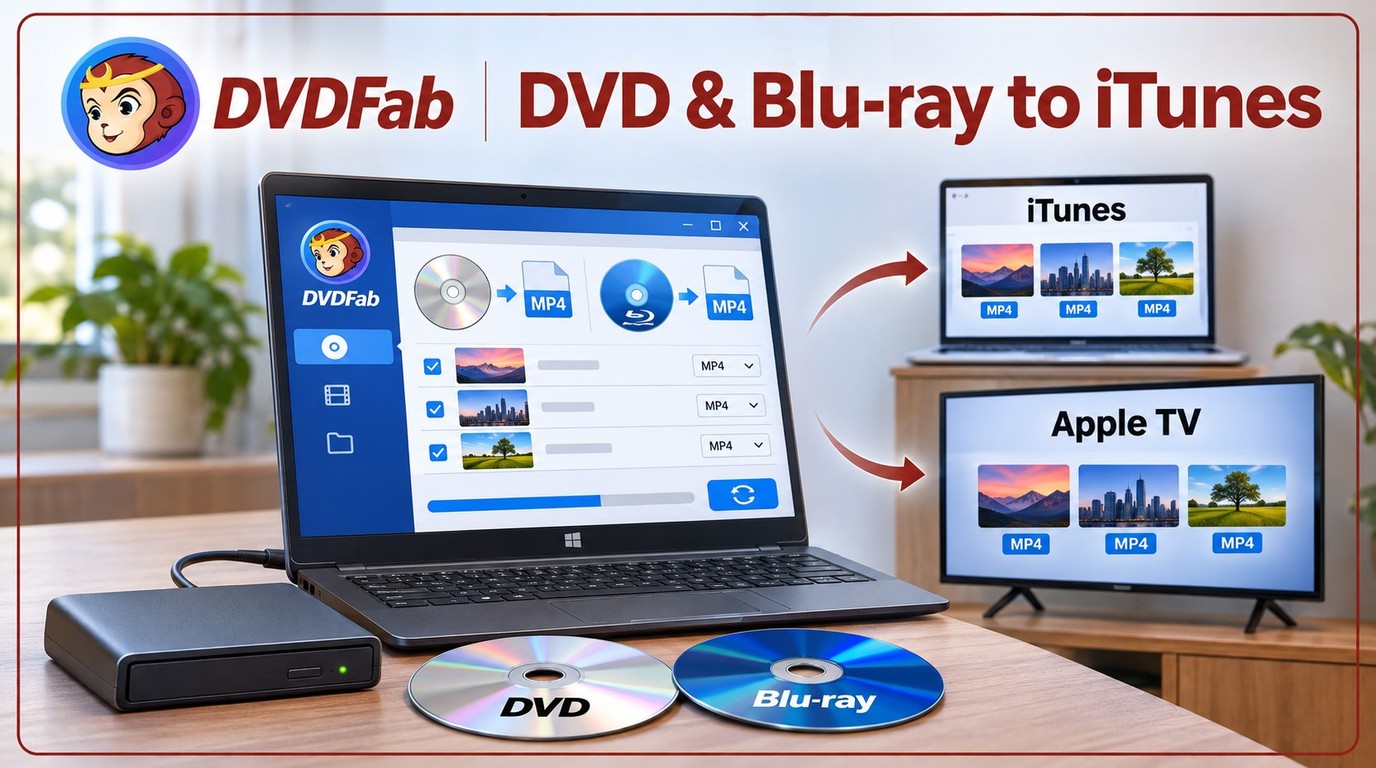 How to Rip a DVD to iTunes or the Apple TV App: 3 Tested Methods
To rip a DVD to iTunes or the Apple TV app, first convert the disc to an MP4 or M4V file with H.264 video and AAC audio. DVDFab DVD Ripper suits protected commercial discs, while HandBrake and VLC cover readable, unprotected sources. Import the finished file into the Apple TV app, then use Apple Devices on Windows or Finder on Mac to sync it to an iPhone or iPad.
By Diana Smith - Nov 10, 2026 7 Best & Free DVD Menu Creators in 2026: How to Make a DVD Menu on Windows & Mac
I tested 7 top DVD menu creators for Windows, Mac, and Linux to find the best tool for turning video files into professional discs. DVDFab DVD Creator is my top pick for its advanced customization features, effectively filling the gap left by discontinued software like Adobe Encore. This guide provides a full comparison of these tools and a tutorial on how to make a custom DVD menu.
By Diana Smith - Nov 10, 2026 DVD Shrink Review and Its Best Alternatives on Windows and Mac
DVD Shrink 3.2.0.15 remains available from the currently reachable dvdshrink.org download page, but development ended in 2005 and the DVD Shrink software is not actively maintained. It can still compress DVDs into ISO or VIDEO_TS backups, although Windows 10 and Windows 11 compatibility varies and newer workflows often need a maintained tool like DVDFab.
By Diana Smith - Nov 9, 2026 Cinavia Message Code 3: Meaning and How to Fix Audio Muted Errors
Cinavia Message Code 3 appears when a Blu-ray or DVD player detects a Cinavia watermark, usually muting the audio during playback. Here we outline what triggers this error, which devices are affected, and the available Cinavia removal tools.
By Diana Smith - Nov 9, 2026 CinEx HD Review 2026: Current Status, Limits, and Alternatives
CinEx HD Utility is now more useful as a legacy reference than as a current software recommendation. This review explains its uncertain download status and database dependence, then compares documented DVD, Blu-ray, and UHD options for authorized personal disc backups.
By Diana Smith - Nov 9, 2026