
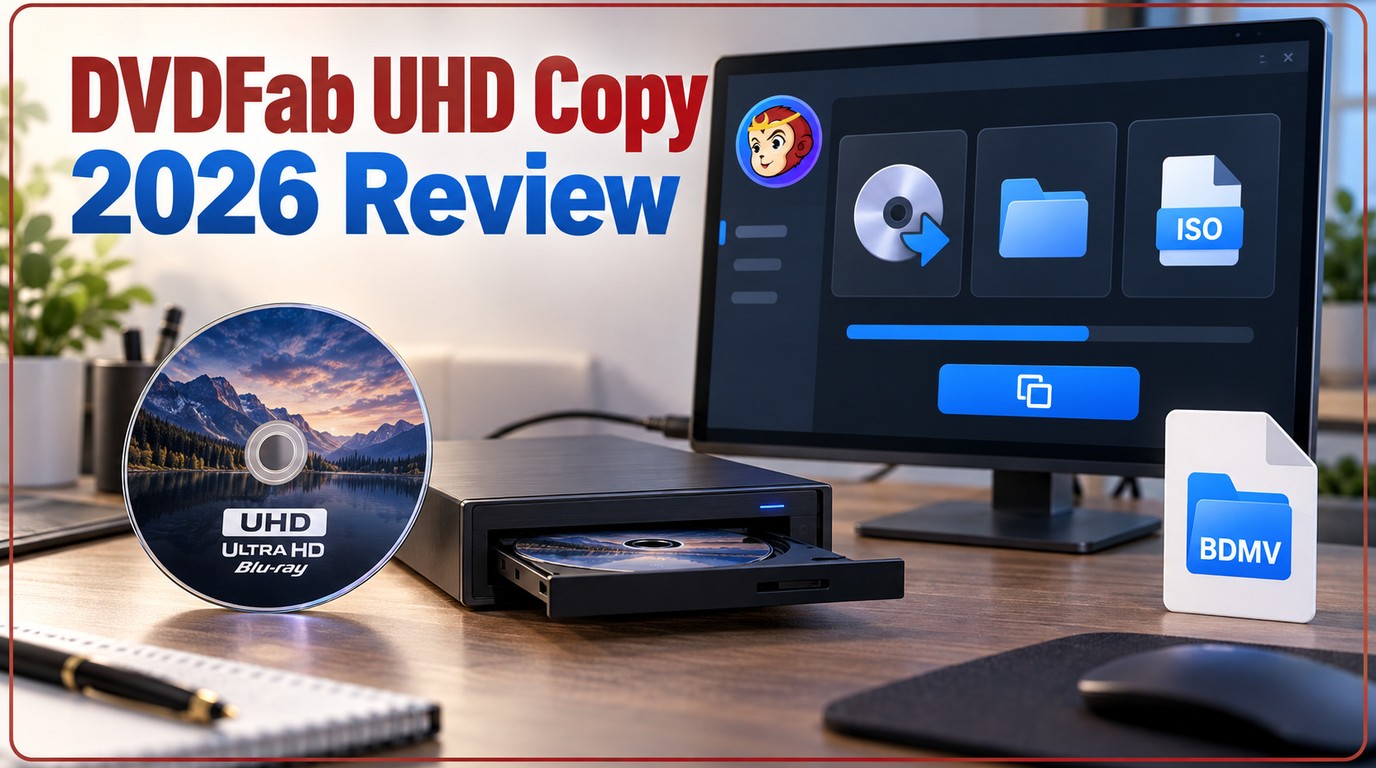
 DVDFab UHD Copy Review 2026: 3 Modes, Drives, and Backup Steps
In 2026 DVDFab UHD Copy review, we found this software remains the gold standard for home theater enthusiasts looking to back up their physical 4K Blu-ray collections. It balances exceptional decryption power with lossless retention of premium formats like HDR10, Dolby Vision, and Dolby Atmos. While it requires a compatible UHD-friendly drive, its impressive GPU-accelerated speed makes it a reliable investment for serious media collectors.
By Diana Smith - Sep 16, 2026
 Convert Vudu Disc to Digital in 2026: How It Works, Pricing and Limits
Vudu Disc to Digital still works under the Fandango at Home name, but it is no longer the old desktop-based Vudu To Go process. Today, you need to scan an eligible disc's UPC barcode on a mobile device, confirm the listed SD or HDX conversion price, and add the movie to your Fandango at Home library. The service currently allows up to 100 eligible physical Blu-ray and DVD titles per calendar year. It creates a cloud-based digital copy, not a local MP4 or MKV file.
By Diana Smith - Sep 4, 2026
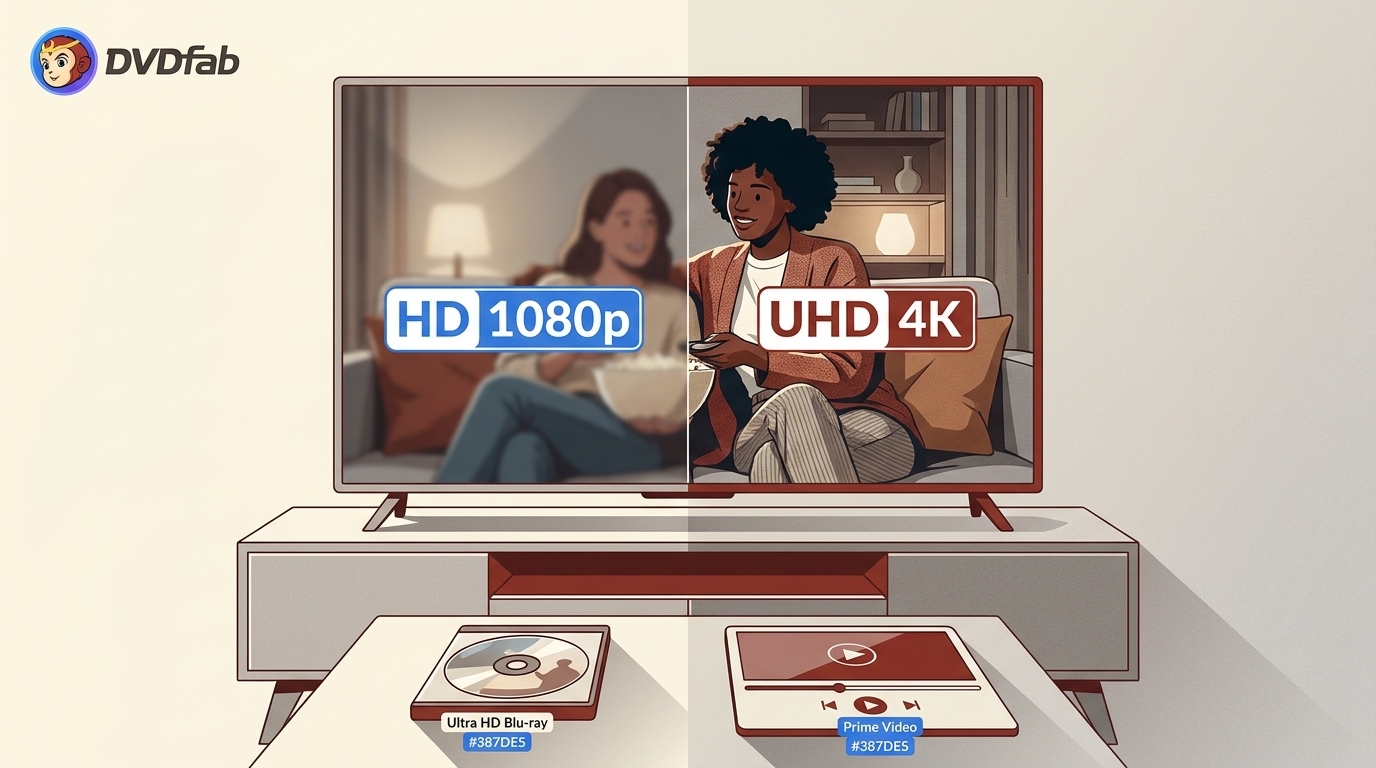 UHD vs HD: Which Movie Format Fits Your Setup?
Choosing between HD and UHD depends on more than just pixel count. This guide covers the resolution gap, HDR requirements, viewing distance thresholds, and the quality difference between streaming 4K and physical UHD Blu-ray. For most viewers, the upgrade is noticeable on screens 55 inches or larger at close range. Physical UHD Blu-ray delivers higher bitrate video and lossless audio that streaming currently cannot match.
By Diana Smith - Sep 2, 2026
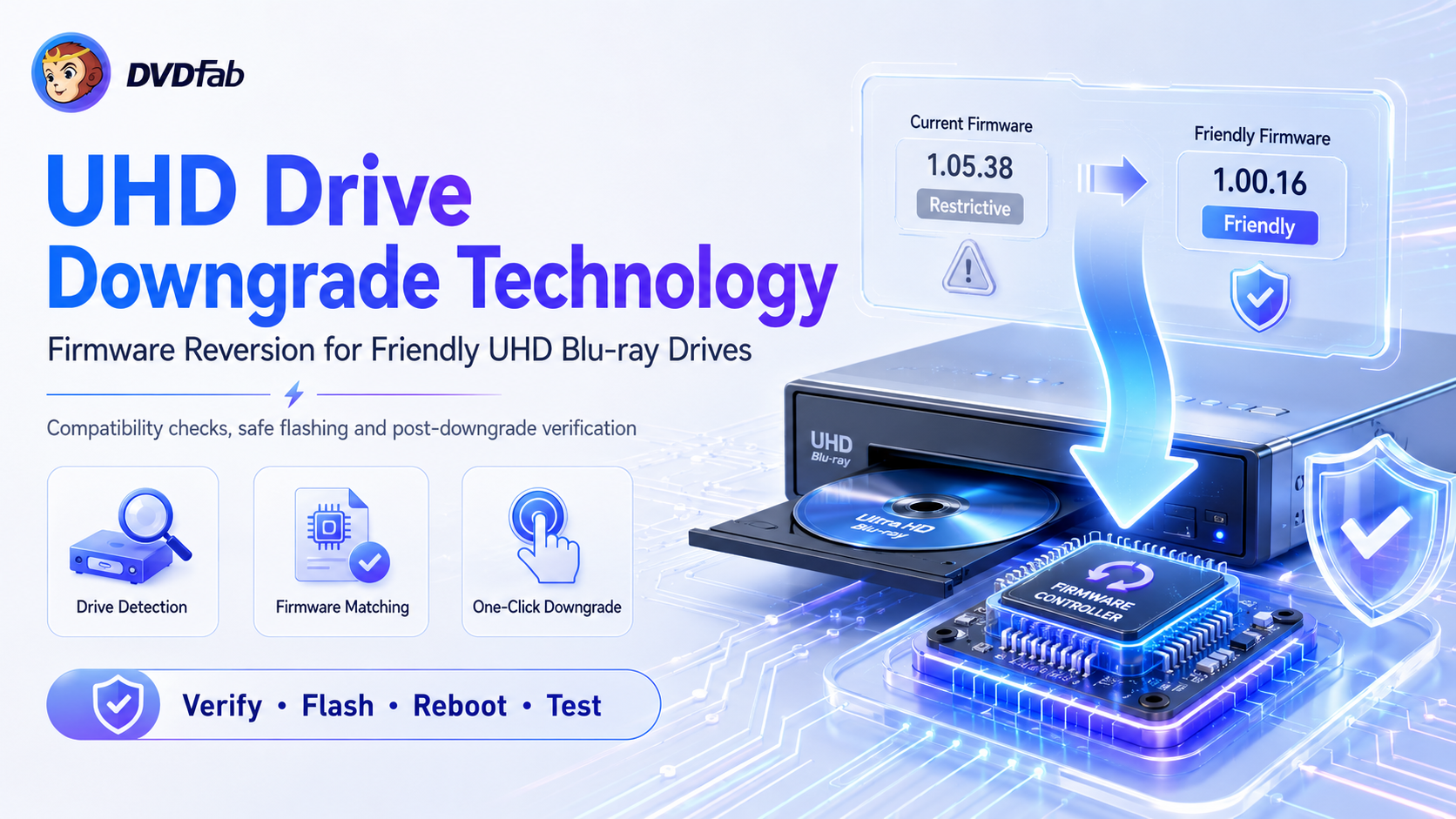 Full Analysis of UHD Drive Firmware Downgrade Technology
A comprehensive guide on UHD drive firmware downgrade: process, risks, encryption, verification, and legal considerations.
By Alex Carter - Aug 12, 2026
 6 Best 4K Blu-ray Burners You Should Know [Software & Drive Included]
A 4K Blu-ray burning setup needs authoring software like DVDFab UHD Creator, a compatible Blu-ray/BDXL writer, and recordable media that matches the project size. External drives are easier to add to laptops or compact PCs, while internal SATA drives suit desktops with a 5.25-inch bay. Check BDXL writing support separately from UHD playback support, because one does not automatically guarantee the other.
By Diana Smith - Aug 10, 2026
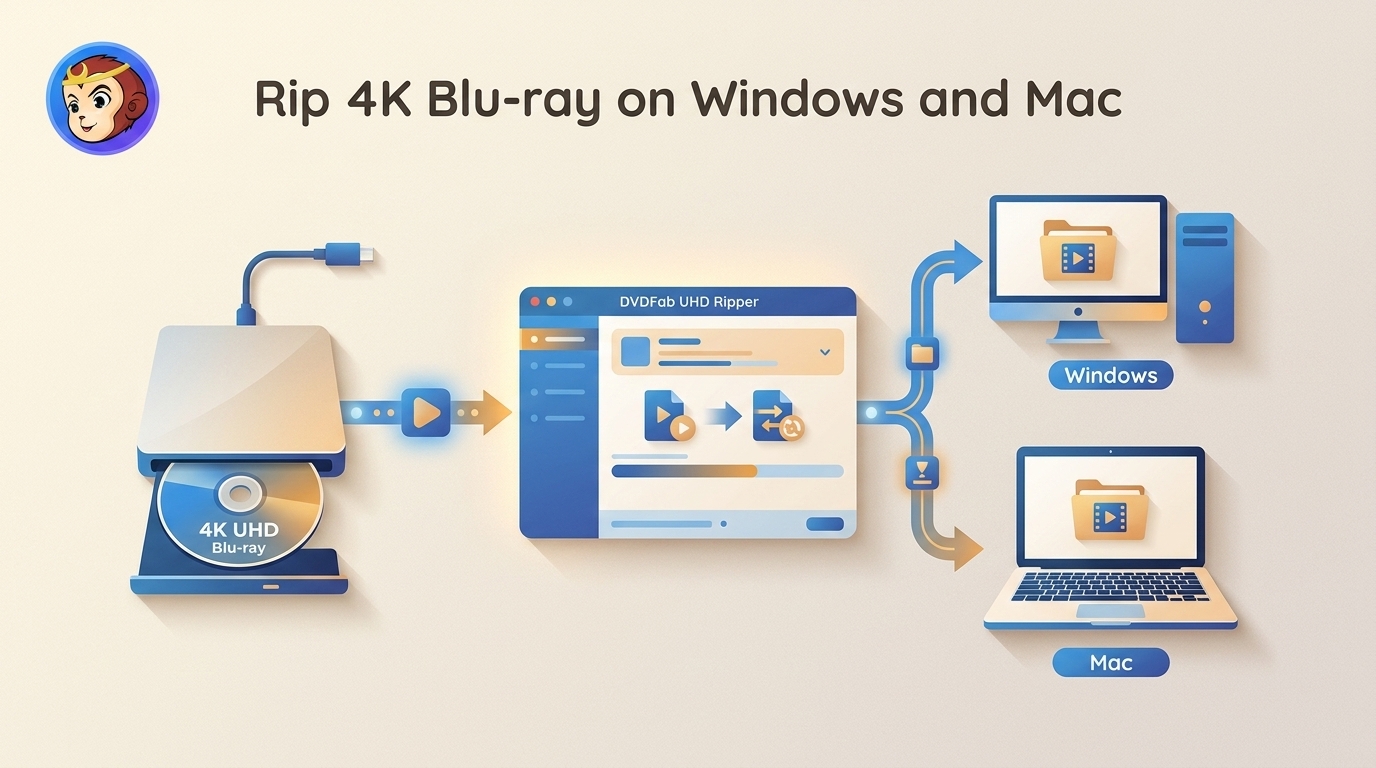 How to Rip 4K Blu-ray Disc: 2 Tested Tools [2026]
To rip 4K Blu-ray discs losslessly for playback on Plex or 4K TVs, you will need a UHD-friendly drive, 50GB+ of storage, and robust decryption software. While this guide covers both free and professional tools for Windows and Mac, my tests show that DVDFab UHD Ripper is the most efficient choice. It handles strict AACS 2.0 protections, preserves HDR10/Dolby Vision and Atmos metadata, and leverages GPU acceleration to complete a 54GB lossless rip in under 12 minutes with a significantly optimized file size.
By Diana Smith - Aug 10, 2026
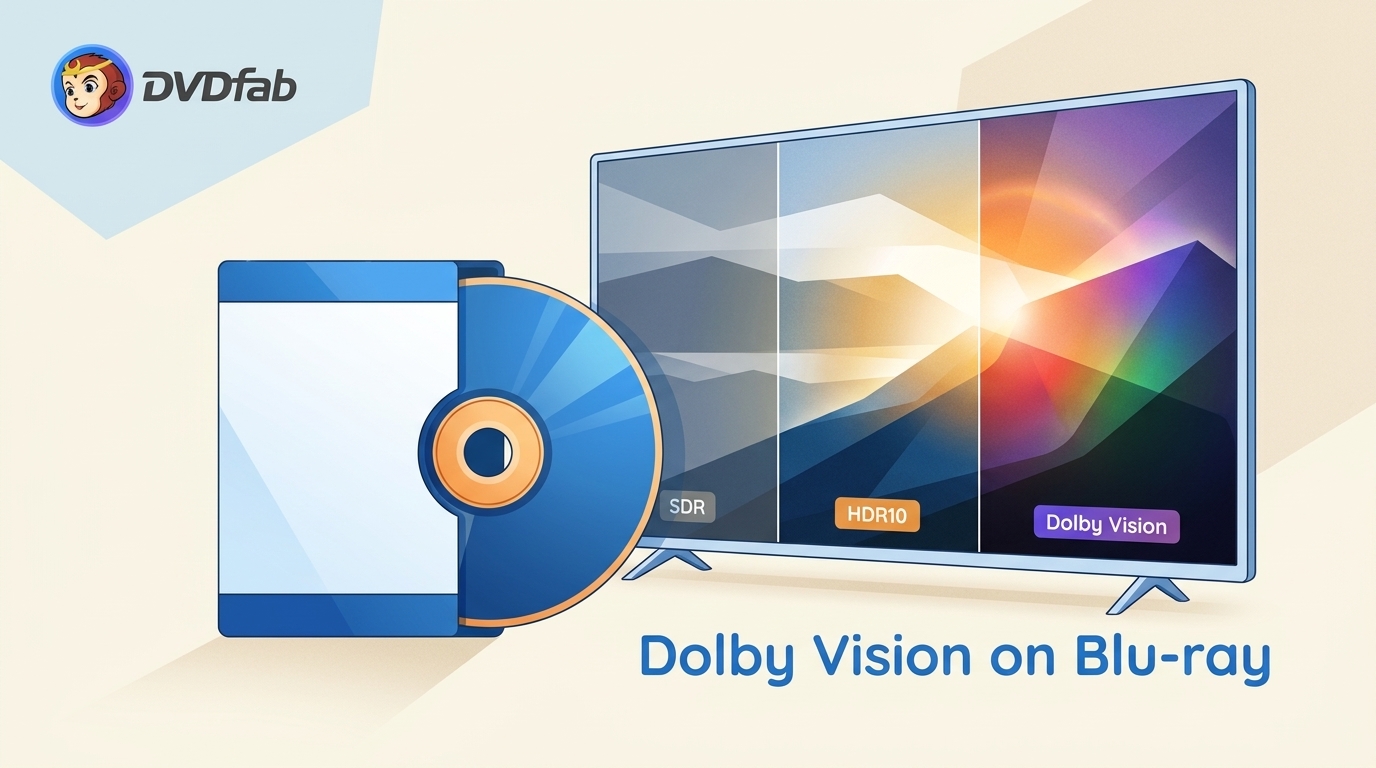 Do Blu-rays Have Dolby Vision? HDR Formats Explained
Standard Blu-ray and DVD do not carry Dolby Vision video, while selected 4K UHD Blu-ray releases do. This guide compares HDR10, HDR10+, and Dolby Vision, explains the playback chain, and maps disc backup formats to compatible local players.
By Diana Smith - Jul 28, 2026
 4K Ultra HD Blu-ray Solution: Everything You Need to Know
4K Ultra HD Blu-ray still matters if you want better picture, less compression, and stronger audio than streaming can usually offer. This guide explains the difference between 4K and UHD, what you need to play UHD discs, and when standard Blu-ray is still enough. If you want to back up or convert UHD movies for easier viewing, DVDFab UHD tools can also help.
By Diana Smith - Jul 27, 2026