Latest Posts
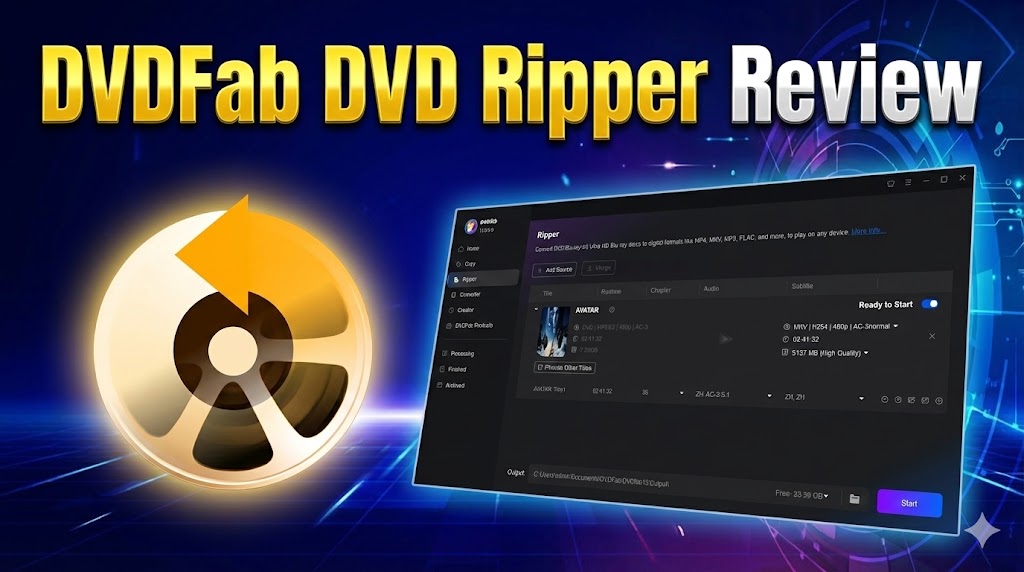 DVDFab DVD Ripper Review 2026: Speed, Quality, Features, and Limits
DVDFab DVD Ripper can convert protected DVDs, ISO images, and VIDEO_TS folders while providing detailed control over formats, audio tracks, subtitles, and device compatibility. In my 6.13 GB DVD test, MP4/H.264 averaged 5 minutes 31 seconds, while MKV Passthrough finished in 1 minute 37 seconds and retained the selected source streams. Full use requires a paid license, Internet access, and compliance with the 100-disc weekly fair-use limit. Select MP4/H.264 for broader playback or MKV Passthrough to avoid video re-encoding.
By Lucy Liu - Aug 4, 2026 DVDFab Blu-ray Ripper Review 2026: Quality, Speed, and Reliability
This DVDFab Blu-ray Ripper review looks at how the software handles real Blu-ray discs, from disc detection and decryption to profiles, AI enhancement, and hardware-accelerated encoding. Test results on a full-length movie show that it can produce both compact H.265 files and near-disc MKV backups quickly on mid-range hardware. Based on my experience, it makes the most sense for users planning to build or maintain a serious Blu-ray library.
By Lucy Liu - Aug 4, 2026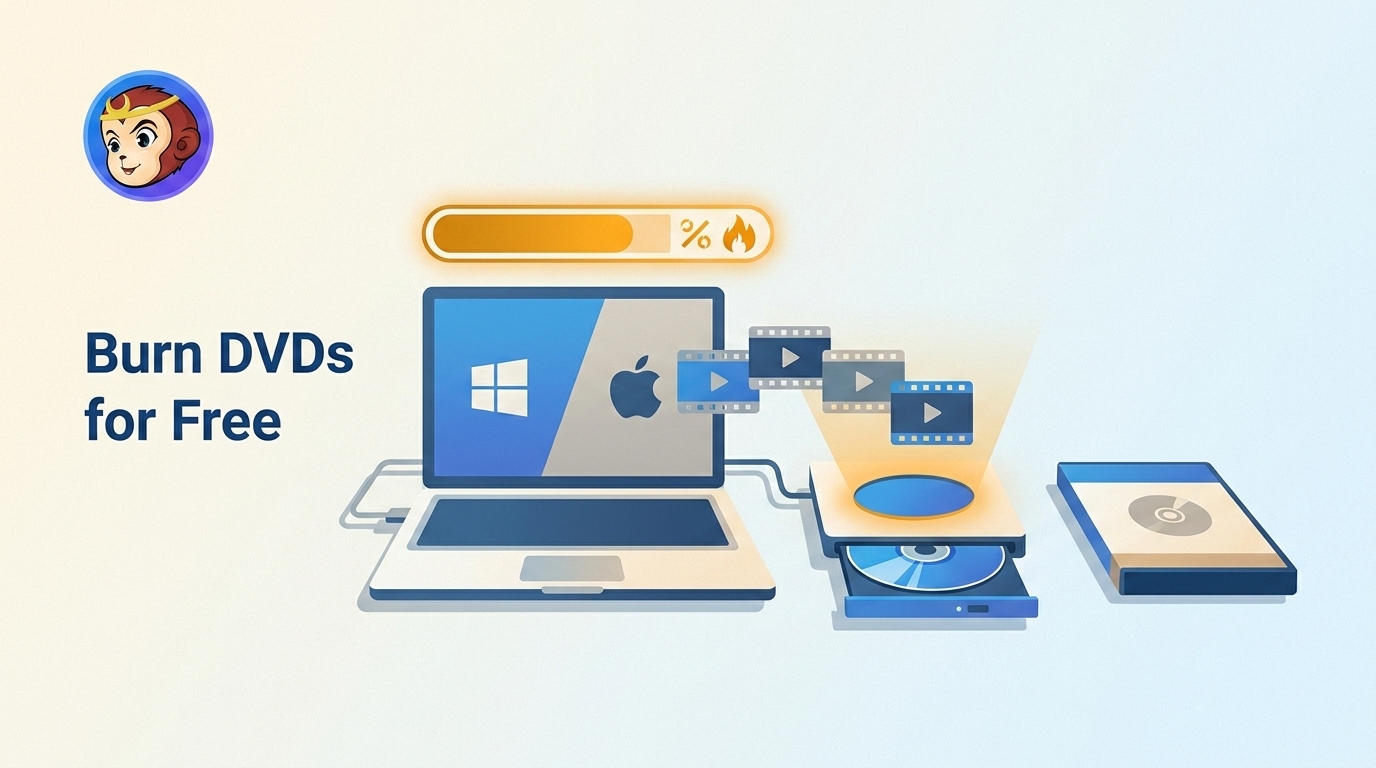 How to Burn a DVD on Windows & Mac: 2026 Tested Ways
How to burn a DVD for free depends on the type of disc you want to create. File Explorer on Windows or Finder on macOS can write a data DVD, but a DVD movie for a standard player requires authoring software, such as DVDFab DVD Creator, to create the VIDEO_TS structure. Use an ISO-burning or DVD-copying tool only when the source image already contains the complete disc structure. After burning, finalize the disc and test it in the target DVD player.
By Lucy Liu - Aug 4, 2026 DVDFab Blu-ray Copy Review 2026: Decryption Tests, User Feedback, and Fixes
DVDFab Blu-ray Copy is a Windows and Mac tool for backing up Blu-ray discs to ISO, folder, or disc, using Cloud Decryption Service and BluPath to handle current encryption and fake titles. Copying finished in under ten minutes with GPU acceleration, and the five copy modes range from a full 1:1 backup to a compressed BD50-to-BD25 transfer. The software does not cover 4K UHD Blu-ray, which needs a separate UHD Copy module.
By Lucy Liu - Jul 9, 2026 DVDFab Blu-ray Creator Review: Why it is the High-Quality Solution
Since Adobe discontinued Encore, options for authoring a proper Blu-ray with a working menu have narrowed. This review tests DVDFab Blu-ray Creator's format compatibility, GPU-accelerated burn speed, and covers its newer Detail Refiner AI feature and Mac support. For creators archiving a body of work or families building a yearly record, the core workflow holds up, though it isn't a substitute for a full video editor.
By Lucy Liu - Jul 3, 2026 DVDFab DVD Copy Review: Why I Choose This DVD Copy Software
This DVDFab DVD Copy review covers the software's powerful features: 6 copy modes, decryption, lossless/compressed backups, and high-speed copying. It also explains unique technologies this DVD Copy tool uses, real user stories, and a step-by-step tutorial.
By Lucy Liu - Jul 3, 2026 DVDFab DVD Creator Review: Features, Real Test Results, and Is It Worth It
Modern video piles up in cloud folders and rarely gets watched twice, which is why some footage still ends up on a physical DVD. This review tests DVDFab DVD Creator's format support, GPU-accelerated burning speed, and menu tools, and answers the pricing, trial-limit, and Blu-ray-versus-DVD questions raised in user communities. For anyone who burns discs regularly, the format compatibility and stability tend to outweigh the cost of a paid tool.
By Lucy Liu - Jul 2, 2026
No more