
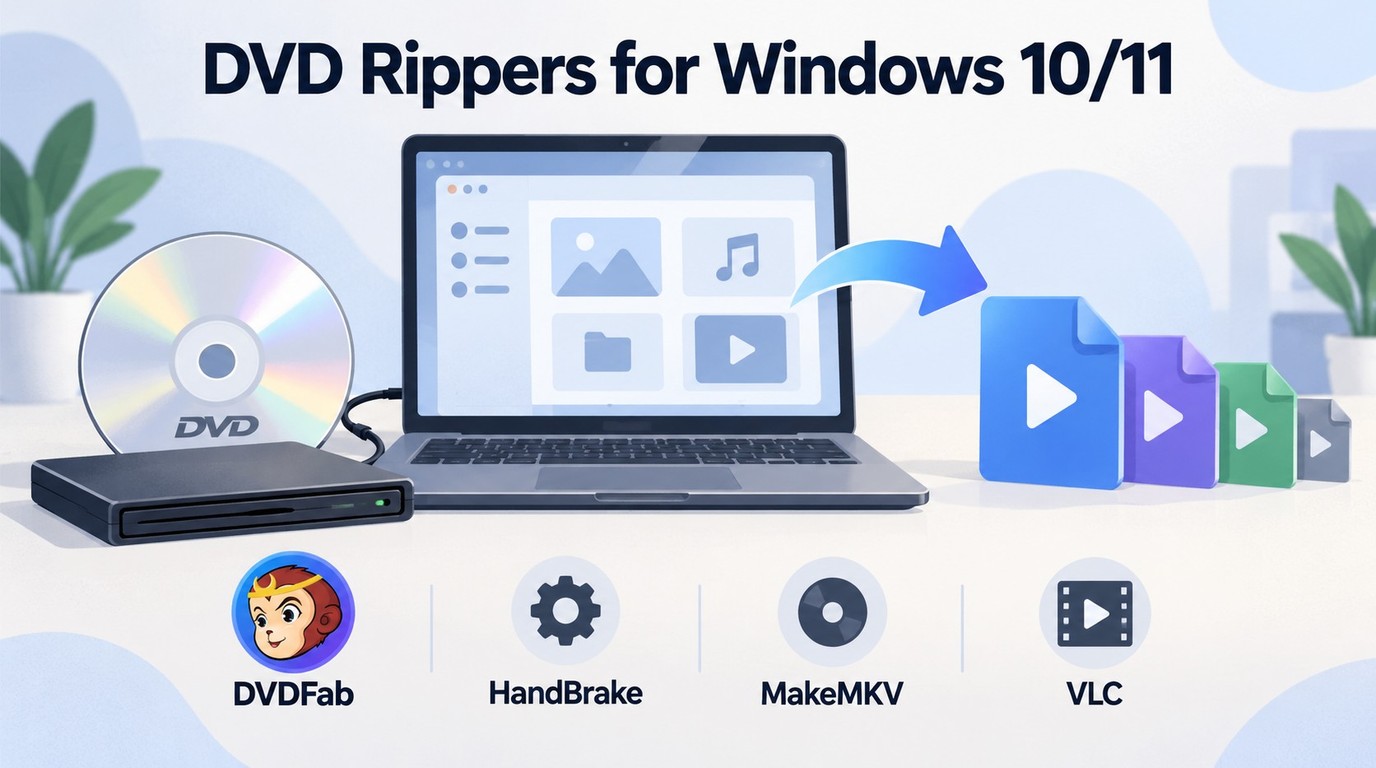
 4 Free DVD Rippers for Windows 10/11: Best Tools & Step-by-Step Guide
The best DVD rippers for Windows 10/11 in 2026 depend on your disc type and output needs. HandBrake is a good free choice for converting unprotected DVDs to MP4, MKV, or WebM, while MakeMKV is better for full quality MKV backups that keep audio tracks, subtitles, metadata, and chapters. VLC can handle simple DVD ripping tests, and DVDFab DVD Ripper may be more useful when you need a guided interface, more output profiles, or support for protected DVDs. These tools help you digitize DVDs for easier backup, playback, and storage on modern devices.
By Diana Smith - Oct 13, 2026
 How to Convert DVD to AVI Free: 3 Current Options [2026]
This guide compares three current ways to convert DVD to AVI: DVDFab DVD Ripper for authorized commercial discs, and VLC or XMedia Recode for unprotected sources. It also explains AVI codec choices for older players, when MP4 is the better format, and how to preserve audio and subtitles.
By Diana Smith - Oct 12, 2026
 How to Convert MKV to DVD: 4 Tested Tools for Playable Discs (2026)
To convert MKV to DVD, you need specialized software to transcode video files into DVD-compatible formats like MPEG-2. Recent tests show DVDFab DVD Creator is the best overall choice, delivering the fastest burning speed and highest picture quality. For a free option without watermarks, DVDStyler is a good choice, though it is limited by a complex, outdated interface and occasional stability errors. The process generally involves importing MKV videos, customizing menus, and burning the output to a disc.
By Wenny Yan - Oct 12, 2026
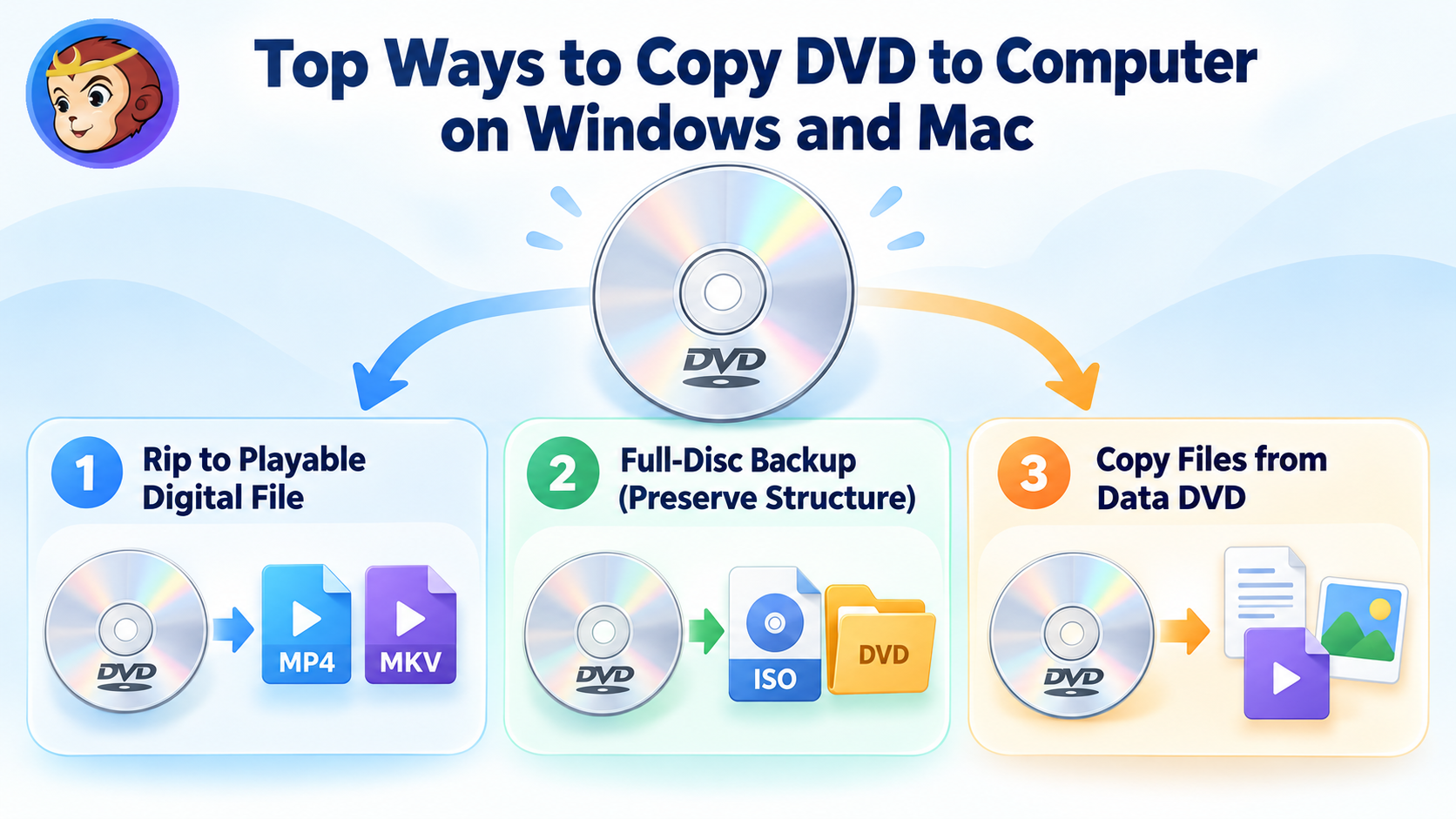 How to Copy DVD to Computer on Windows & Mac: Rip and Direct Copy
To copy a DVD to your computer, first decide what you want to keep. Use a DVD ripper such as DVDFab or HandBrake to create a playable MP4 or MKV file, or DVD Copy software to preserve the original disc as an ISO or DVD folder. For ordinary data DVDs containing documents, photos, or existing video files, File Explorer or Finder is usually enough. Direct file copying is not recommended for DVD movies because of copy protection and the DVD-Video file structure.
By Wenny Yan - Oct 12, 2026
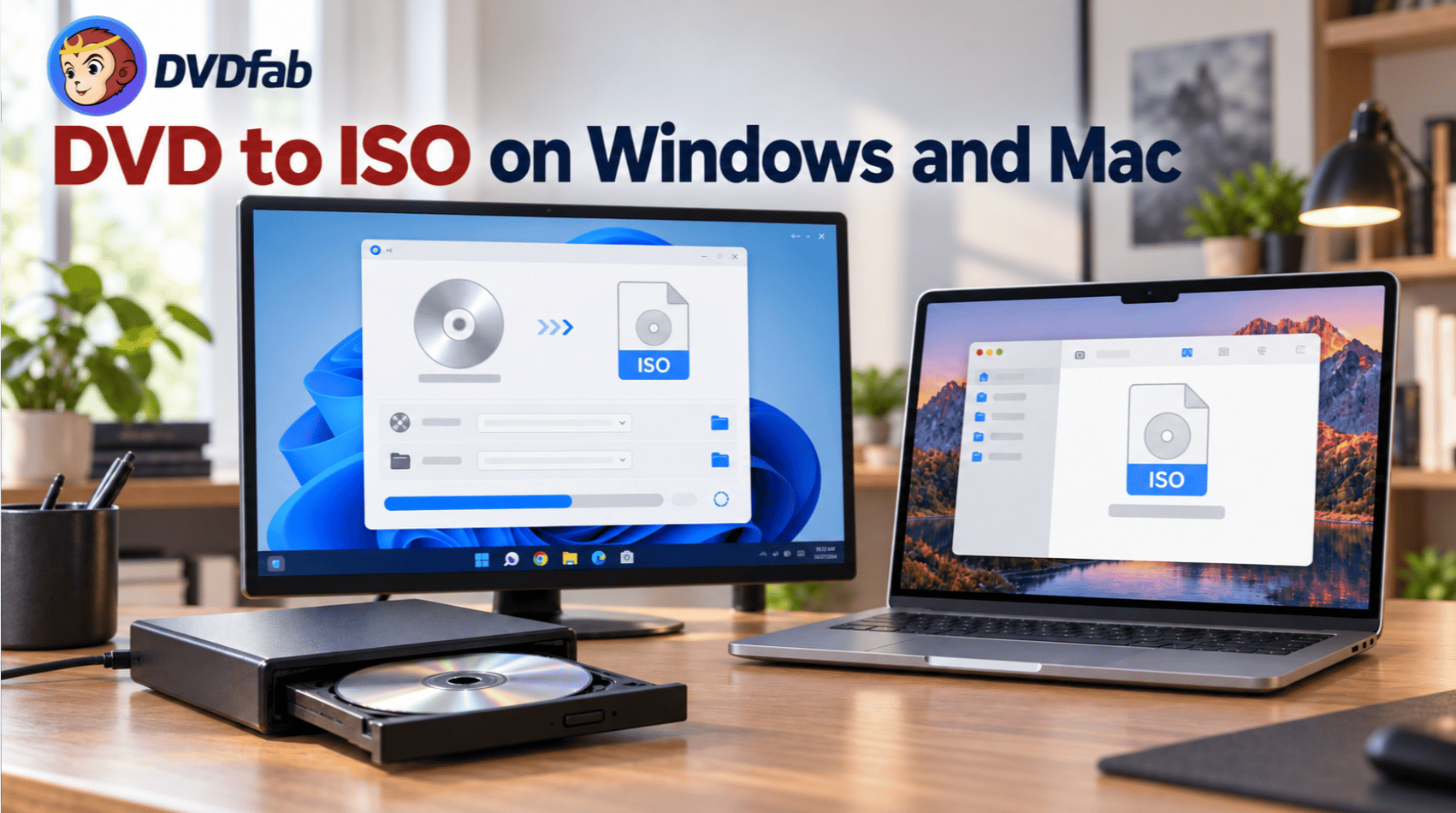 How to Rip DVD to ISO on Windows 10/11 and Mac in 2026
To convert a DVD to an ISO image, you can rely on dedicated ripping software like DVDFab DVD Copy to simplify the process. To begin, simply insert the disc, select a specific copy mode to prioritize the core content, and choose ISO as the output format to start the backup. Alternatively, Mac users can utilize the built-in Disk Utility to create a .cdr disc image from the physical media, which can then be converted into a standard .iso file using a simple command in the Terminal.
By Wenny Yan - Oct 12, 2026
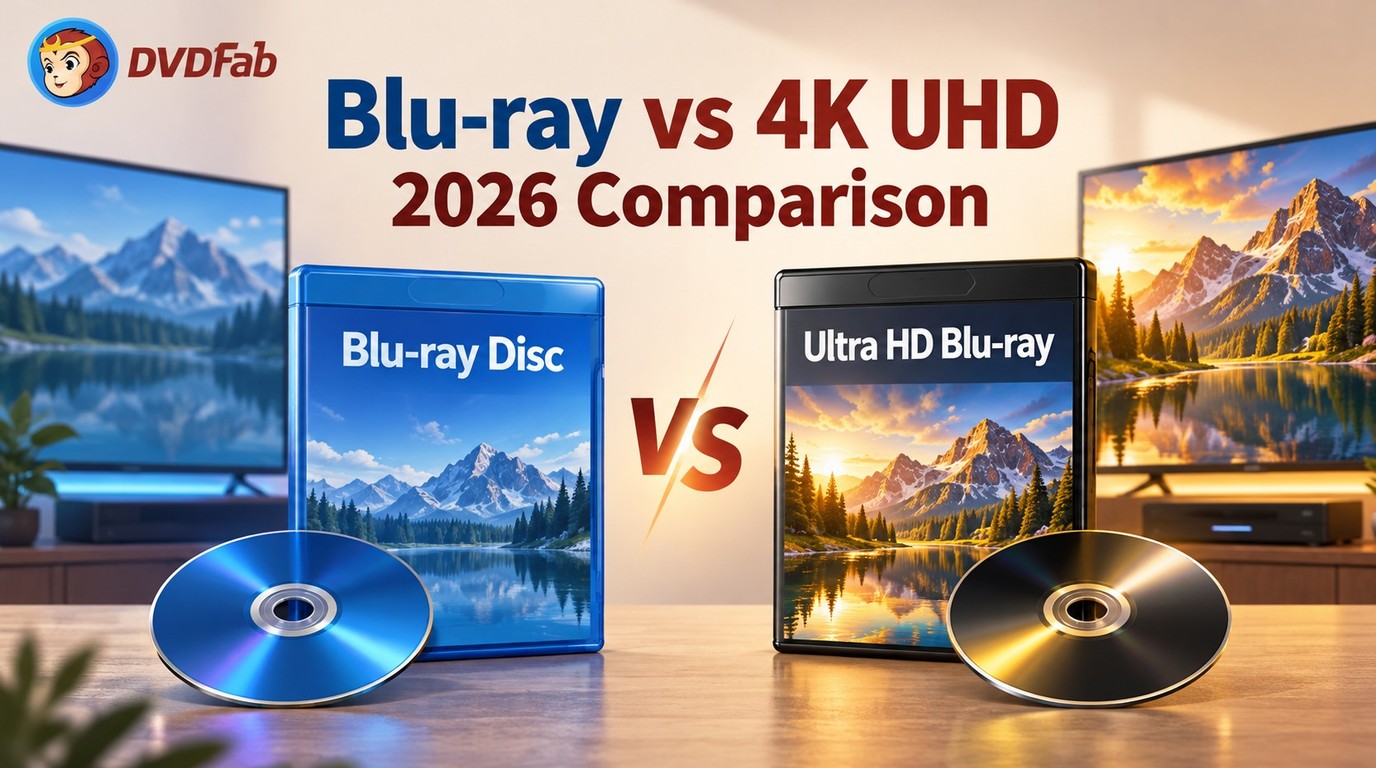 Blu-ray vs 4K UHD: Key Differences, Pros and Cons [2026 Updated]
Blu-ray vs 4K depends on your TV, player, budget, and viewing needs. 4K UHD Blu-ray gives higher resolution, HDR, wider color, and larger disc capacity, while standard Blu-ray still offers strong 1080p quality, lower cost, and wider compatibility. Choose 4K UHD for a home theater setup and Blu-ray for value.
By Wenny Yan - Oct 12, 2026
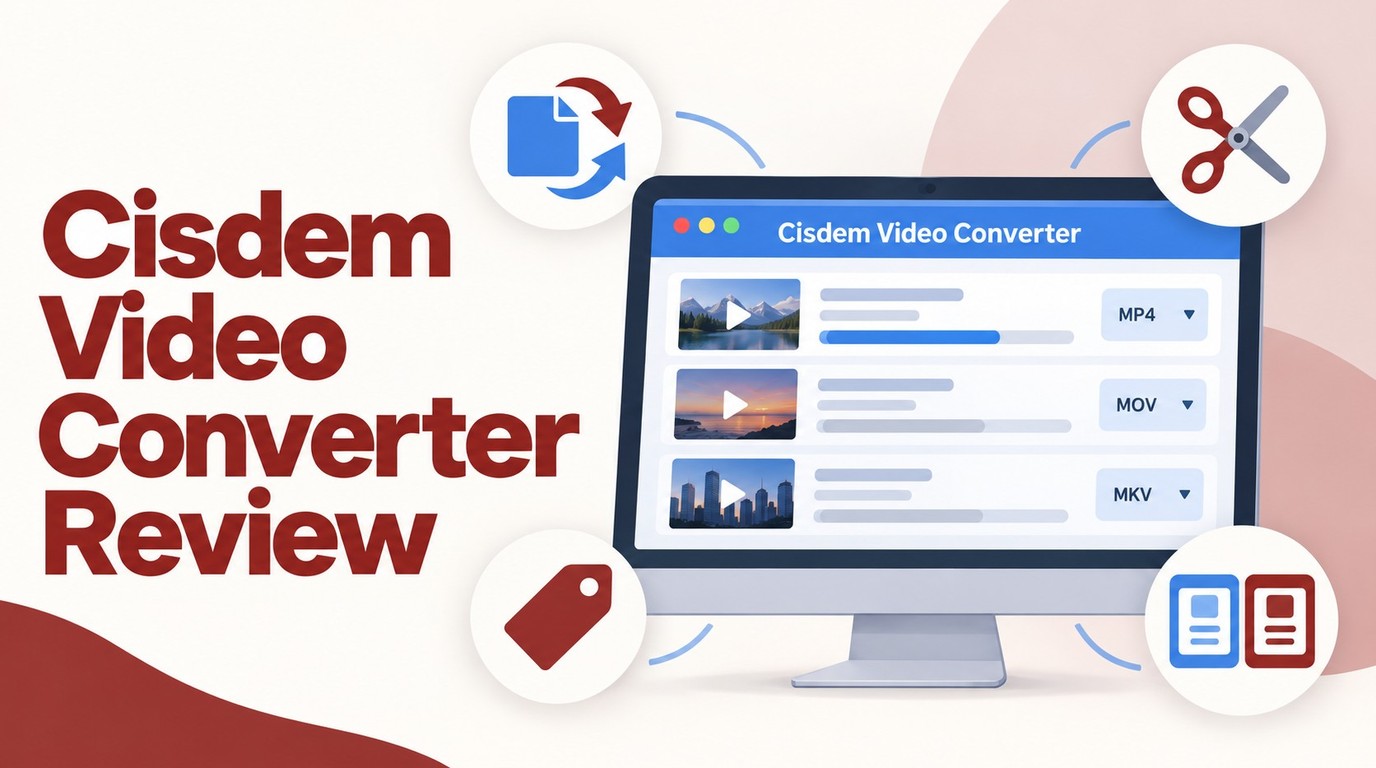 Cisdem Video Converter Review: VideoPaw, Price, and 3 Alternatives
This Cisdem Video Converter review finds that Cisdem Video Converter is useful for Windows and Mac users who need broad format support, basic editing, device presets, and occasional DVD/Blu-ray handling in one desktop tool. Its main trade-offs are the restricted free version, moderate speed on large files, and higher system resource use compared with lighter options. You may consider DVDFab Ripper if you need stronger disc ripping, decryption, and conversion performance.
By Diana Smith - Oct 12, 2026
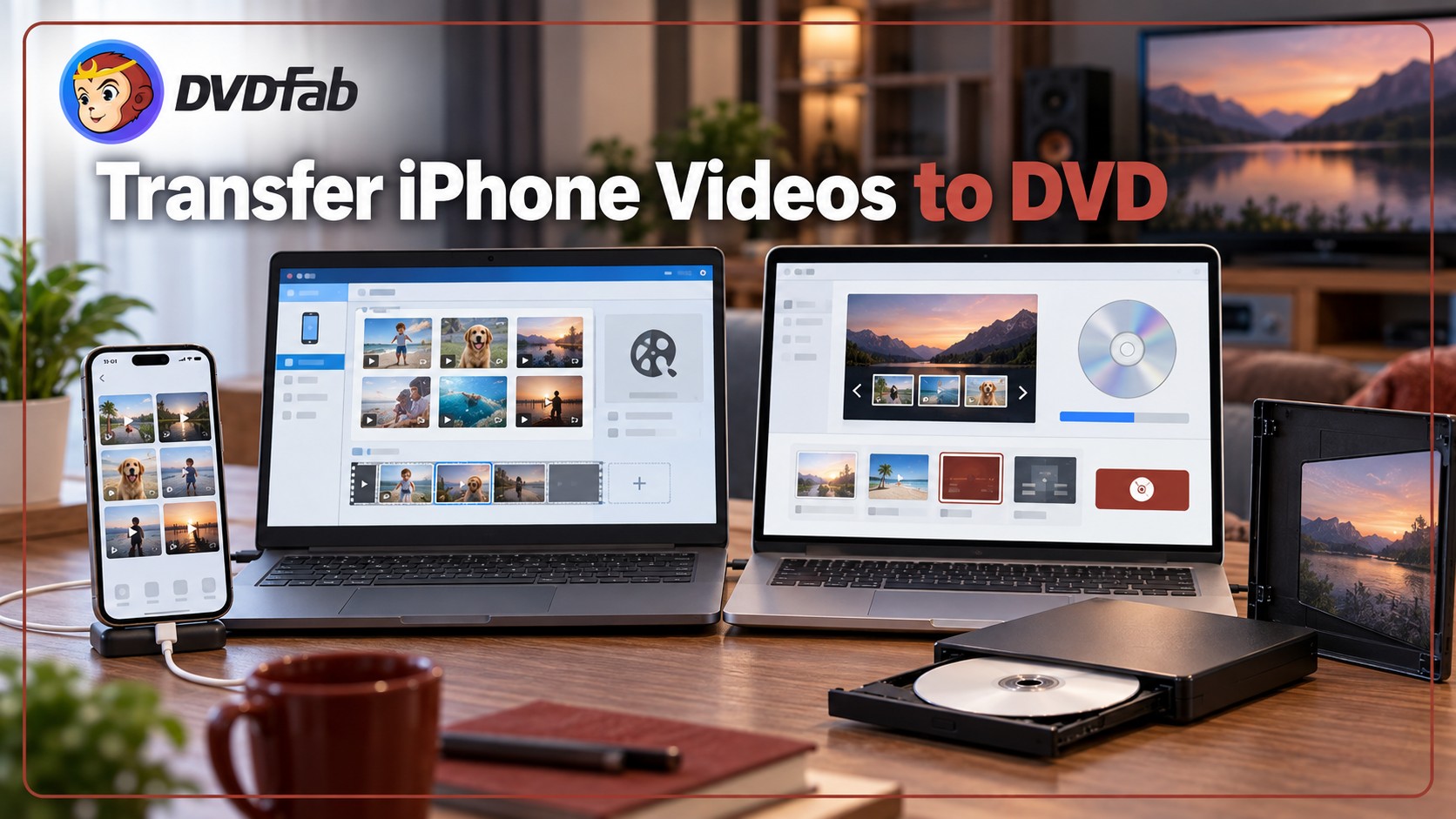 How to Transfer and Burn iPhone Videos to DVD on Windows & Mac
This guide explains how to transfer iPhone videos to a Windows PC or Mac and burn them to DVD using DVDFab DVD Creator or Windows Media Player. It covers iPhone's HEVC video format compatibility, three retail mail-in services, and answers common questions on playback compatibility, burn time, and free DVD tools.
By Diana Smith - Oct 10, 2026