
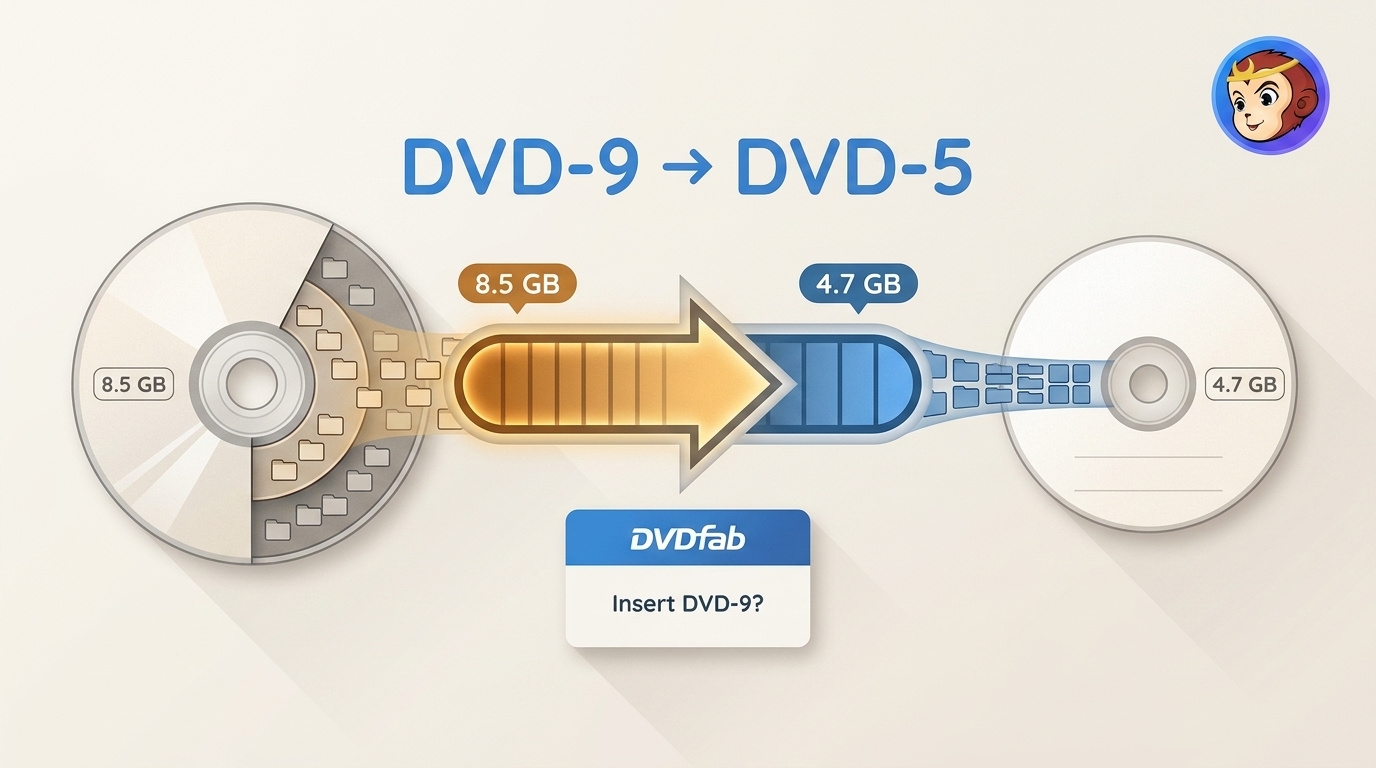
 DVD9 to DVD5: Fix the Insert DVD-9 Prompt
Learn how to convert DVD9 to DVD5 in DVDFab, fix the Insert DVD-9 prompt, manage compression and retained content, and choose ISO, DVD folder, or disc output.
By Diana Smith - Jul 23, 2026
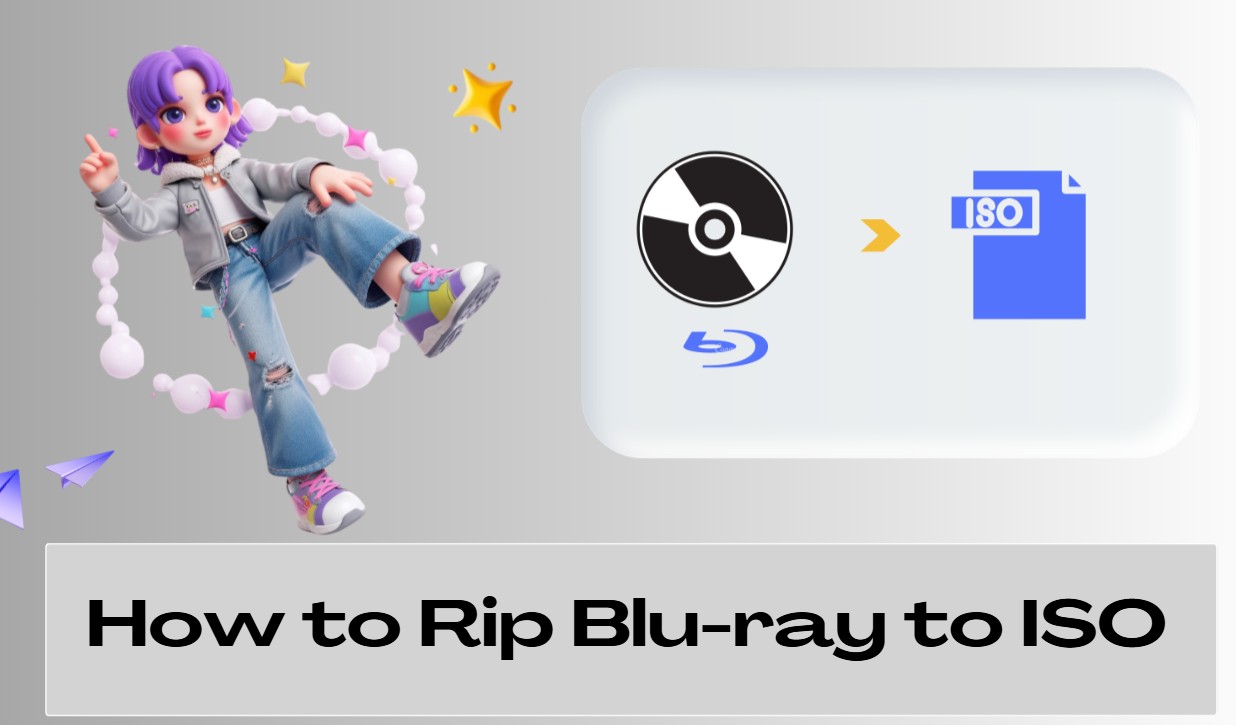 2026 Tested Ways to Rip Blu-ray to ISO on Mac & Windows: 1:1 Backup & Decryption
To rip a Blu-ray to ISO with the original menus and structure intact, you need software such as DVDFab Blu-ray Copy that can handle disc protections like AACS, BD+, and BD-J while creating a full disc image. A free MakeMKV + ImgBurn workflow can also work on Windows, but it requires two separate steps and is better suited to unprotected or homemade discs. It also cannot compress BD50 to BD25, so DVDFab is the more complete choice when you need a direct 1:1 ISO backup or disc compression.
By Wenny Yan - Jul 16, 2026
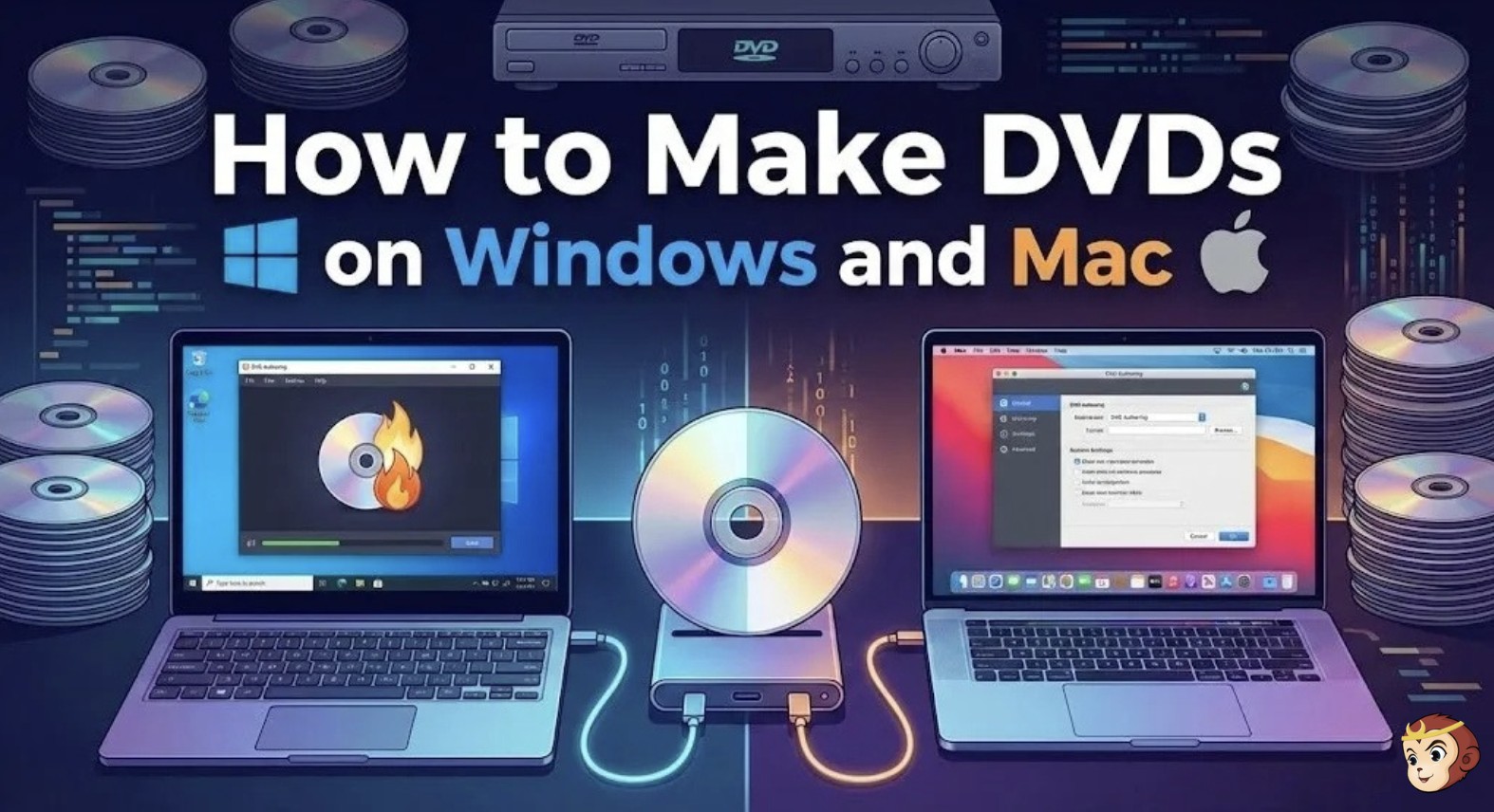 How to Make DVDs on Mac and Windows with Easy Steps?
This article provides a step-by-step guide on how to make a DVD on Windows 10. The process is easy for users who want to burn their own DVDs.
By Wenny Yan - Jul 13, 2026
 How to Convert 2D Blu-ray to 3D Video with DVDFab Blu-ray Ripper
Picking the right 3D output format is not a simple matter, since anaglyph, SBS, and top-and-bottom playback each suit different screens and headsets. This guide walks through the DVDFab Blu-ray Ripper workflow. SBS is the safest starting format for most setups, since it covers both 3D TVs and VR apps like Bigscreen.
By Diana Smith - Jul 7, 2026
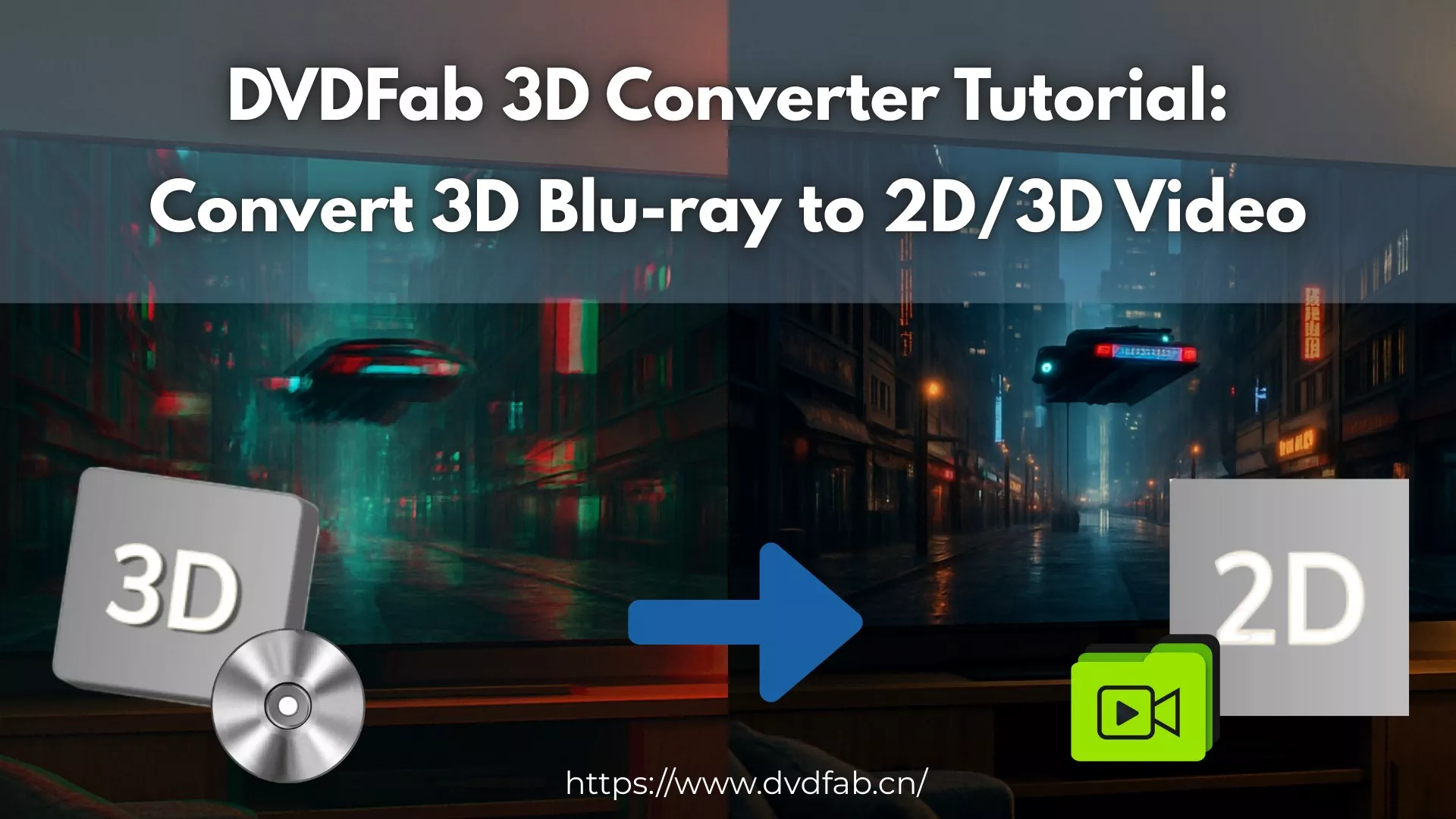 How to Convert 3D Blu-ray to 2D Video: DVDFab 3D Converter Guide
Playing 3D Blu-ray movies on a regular TV or VR headset requires converting the disc first — whether to flat 2D video for phones and tablets, or to side-by-side output for Meta Quest and Apple Vision Pro. This guide walks through the full four-step process using DVDFab Blu-ray Ripper, covering format selection, MVC track handling, GPU speed, and expected file sizes for each output type.
By Diana Smith - Jun 10, 2026
 How to Rip and Extract Hi-Fi Audio from Blu-rays Easily? [2026 Update]
To rip audio from Blu-ray, you need a Blu-ray reader connected to your computer and software that can read the encrypted Blu-ray disc. The most direct method is to use a Blu-ray audio ripper such as DVDFab Blu-ray Ripper to choose the title, chapter range, and audio stream, then export the audio as FLAC, WAV, MP3, AAC, or another format. For Blu-ray Audio or concert discs, DVD Audio Extractor can also save the audio separately, while MakeMKV with MKVToolNix is better when you want to keep the original Blu-ray audio stream in an MKV first and extract it later.
By Diana Smith - May 19, 2026
 How to Convert Blu-ray to AVI Using DVDFab Blu-ray Ripper
While modern formats dominate, converting Blu-ray to AVI remains essential for legacy devices like older TVs and in-car systems. In my experience, finding a reliable tool is the hardest part, but DVDFab Blu-ray Ripper makes this process effortless. It easily bypasses disc protections and utilizes GPU acceleration for blazing-fast, high-quality conversions.
By Wenny Yan - Apr 29, 2026
 How to Convert DVD to Blu-ray with DVDFab DVD to Blu-ray Converter?
Convert DVDs to Blu-ray fast with DVDFab: AI upscaling to 1080p, merge multiple discs, customize menus, output BD50/25/9/5, ISO or folder, with GPU acceleration and clear steps.
By Diana Smith - Apr 27, 2026