
 How to Convert 3D Blu-ray to 2D Video: DVDFab 3D Converter Guide
Playing 3D Blu-ray movies on a regular TV or VR headset requires converting the disc first — whether to flat 2D video for phones and tablets, or to side-by-side output for Meta Quest and Apple Vision Pro. This guide walks through the full four-step process using DVDFab Blu-ray Ripper, covering format selection, MVC track handling, GPU speed, and expected file sizes for each output type.
By Diana Smith - Sep 16, 2026
 How to Rip and Extract Hi-Fi Audio from Blu-rays? [2026 Update]
To rip audio from Blu-ray, you need a Blu-ray reader connected to your computer and software that can read the encrypted Blu-ray disc. The most direct method is to use a Blu-ray audio ripper such as DVDFab Blu-ray Ripper to choose the title, chapter range, and audio stream, then export the audio as FLAC, WAV, MP3, AAC, or another format. For Blu-ray Audio or concert discs, DVD Audio Extractor can also save the audio separately, while MakeMKV with MKVToolNix is better when you want to keep the original Blu-ray audio stream in an MKV first and extract it later.
By Diana Smith - Sep 1, 2026
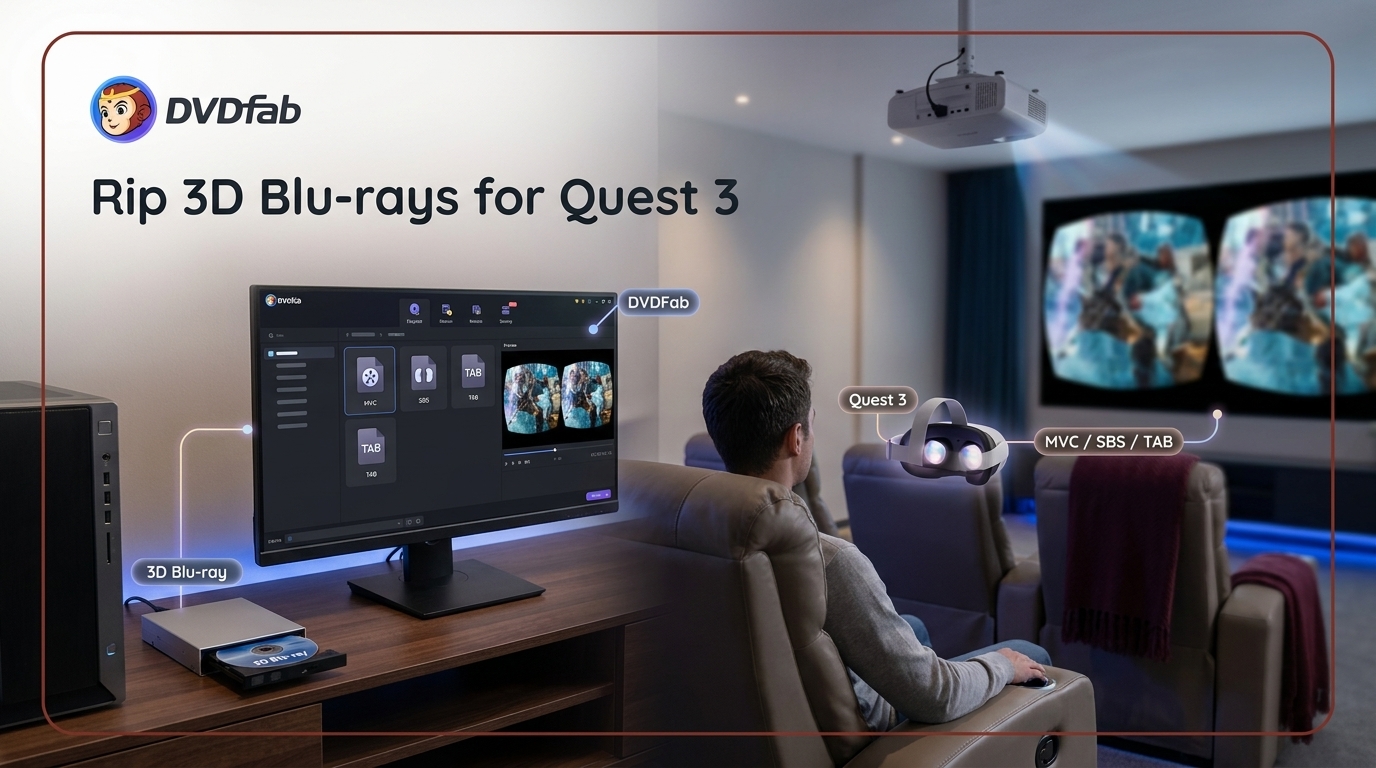 How to Rip 3D Blu-ray to MVC, SBS or TAB for Quest 3, Projectors & PC
To rip a 3D Blu-ray, use MVC when you want to preserve the disc's native 3D video and your player supports MVC-in-MKV; use SBS or TAB when the target headset, TV, or projector requires those layouts. DVDFab Blu-ray Ripper is the simpler option for creating supported MVC, SBS, or TAB outputs in one program, while MakeMKV can preserve MVC without video re-encoding and BD3D2MK3D can convert it to SBS/TAB on Windows. For MVC, both methods can retain the native 3D streams; for SBS/TAB, DVDFab avoids the extra multi-tool setup, while the MakeMKV route requires more manual encoding choices that can affect final image quality.
By Wenny Yan - Aug 26, 2026
 Convert Blu-ray to AVI in 4 Steps, With the Right Settings
Blu-ray to AVI is only the right choice when the target player specifically supports DivX or Xvid in an AVI container. For newer TVs, phones, or media libraries, MP4 or MKV usually makes more sense. If AVI is required, use DVDFab Blu-ray Ripper with a computer Blu-ray drive, test a short clip on the device, then adjust bitrate or resolution before converting the full disc movie.
By Wenny Yan - Aug 4, 2026
 Convert DVD to Blu-ray in 4 Steps with DVDFab
Choose the correct DVD-to-Blu-ray output before starting: a physical disc for set-top playback, an ISO or folder for storage and later burning, or a separate MP4/MKV process for portable files. The article covers hardware requirements, realistic quality limits, four DVDFab authoring steps, and a capacity-aware method for combining several DVDs.
By Diana Smith - Aug 4, 2026
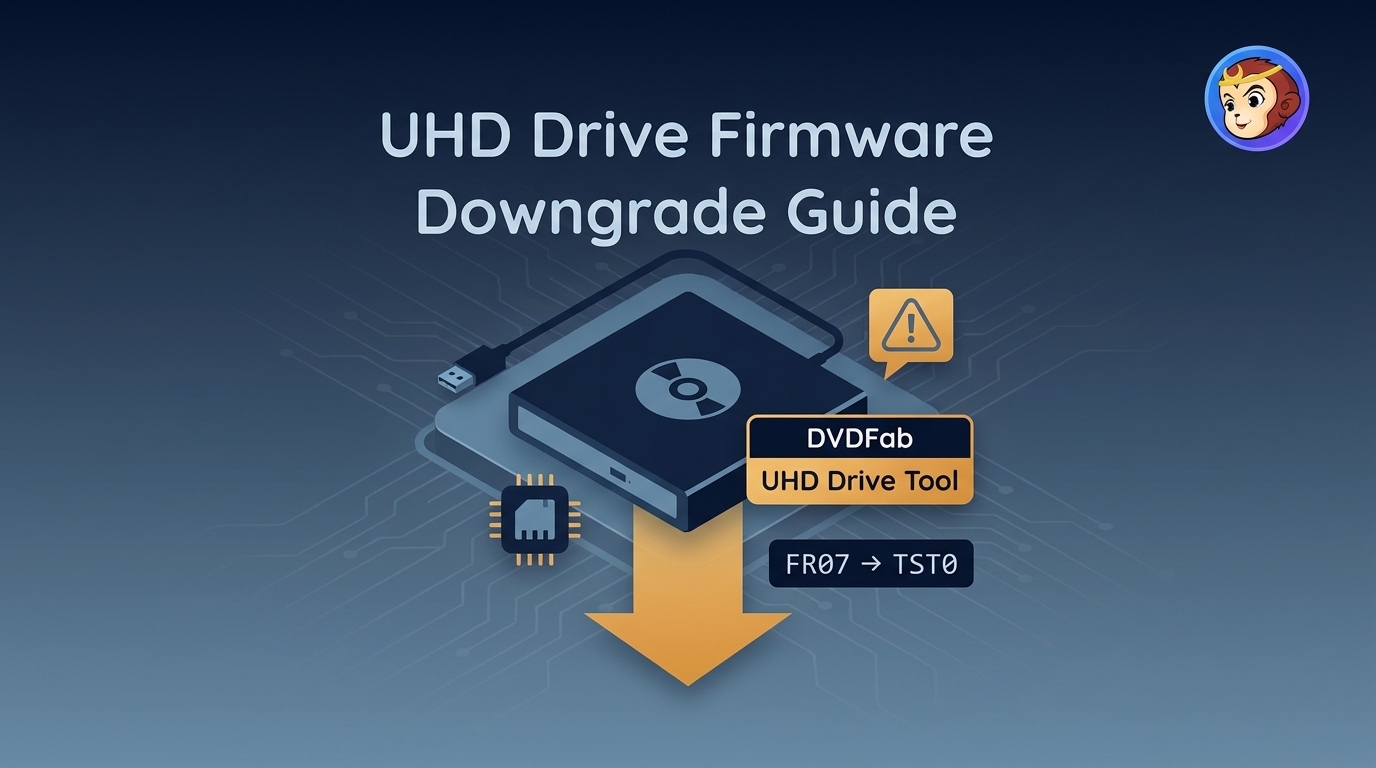 UHD Drive Firmware Downgrade: Supported Models and Safer Steps
Finding a UHD friendly drive and flashing it without bricking the hardware comes down to identity checks, not luck. This guide covers what makes a drive friendly, when a firmware downgrade makes sense, a supported model-and-firmware matrix (BU40N vs BU50N included), a safer DVDFab UHD Drive Tool workflow, and troubleshooting plus post-flash verification for authorized personal 4K backups.
By Diana Smith - Aug 3, 2026
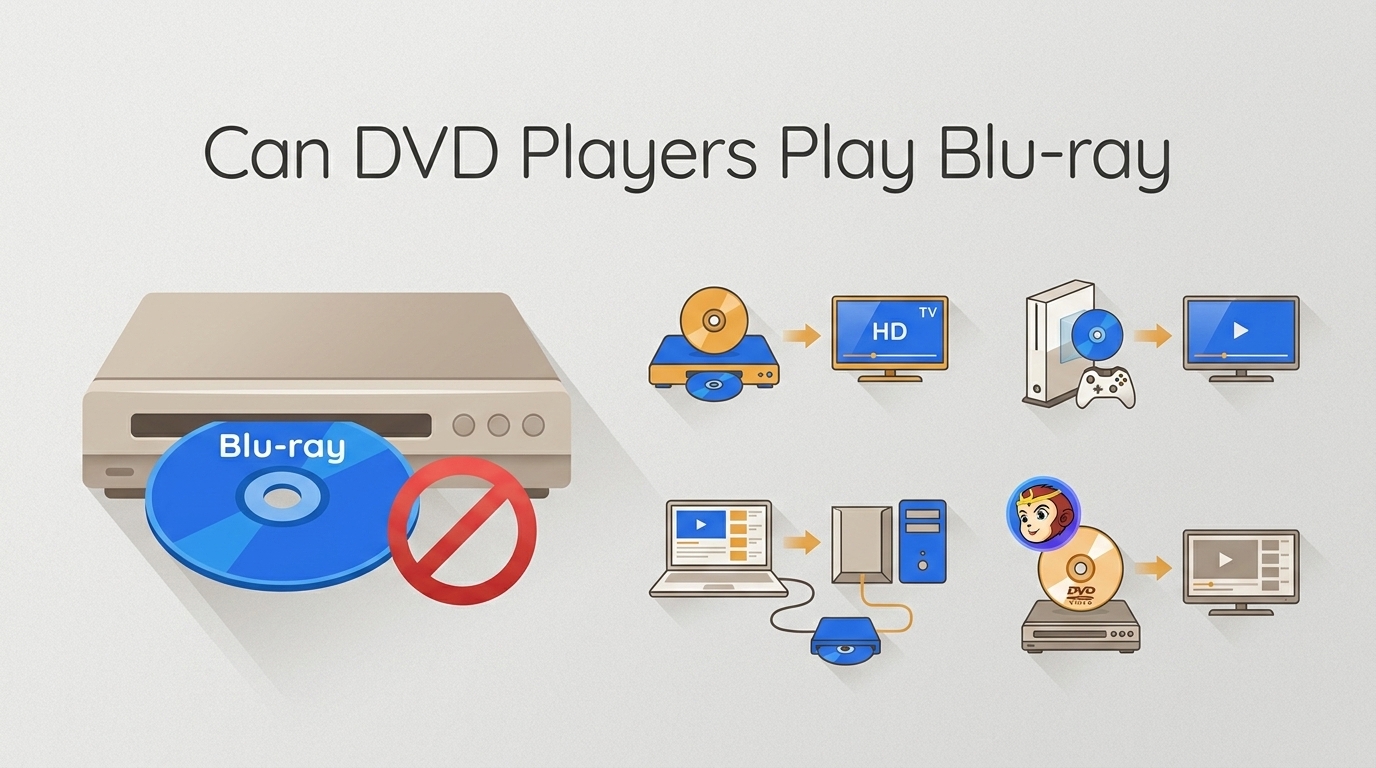 Can a DVD Player Play Blu-ray? No, Plus 4 Options [2026]
A standard DVD player cannot play Blu-ray discs because its red-laser drive cannot read Blu-ray’s denser disc structure. Blu-ray players usually play DVDs, but DVD players do not work in reverse. To watch Blu-ray content, use a Blu-ray player, a supported disc-drive console, or a computer Blu-ray drive. You can also convert Blu-ray to DVD-Video with DVDFab if you want to keep using an older DVD player.
By Diana Smith - Jul 27, 2026
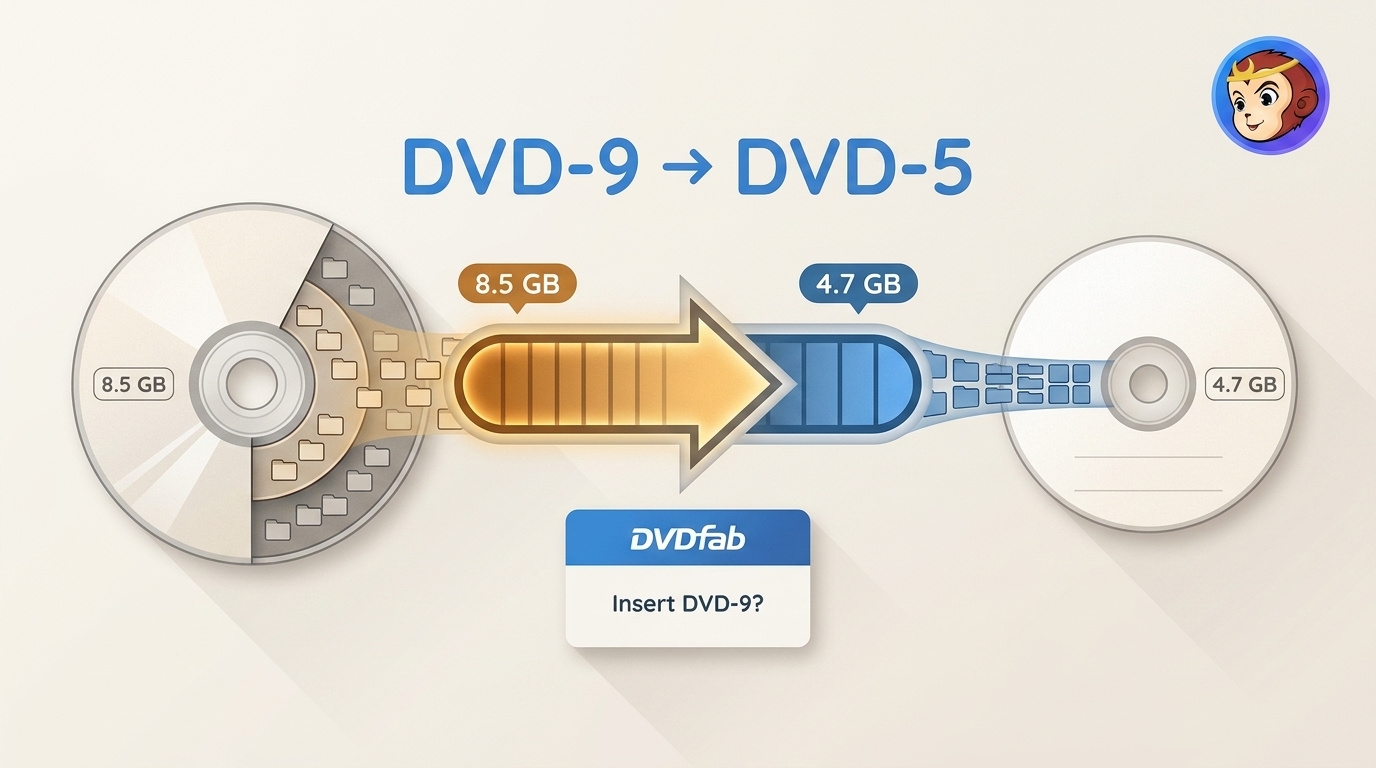 DVD9 to DVD5: Fix the Insert DVD-9 Prompt
Learn how to convert DVD9 to DVD5 in DVDFab, fix the Insert DVD-9 prompt, manage compression and retained content, and choose ISO, DVD folder, or disc output.
By Diana Smith - Jul 23, 2026