Latest Posts
![How to Burn ISO to DVD on Windows 11 and Mac [2026]](https://images.dvdfab.cn/media/Screenshot_2026-08-07_at_10.57.26_d3iqro.png/public) How to Burn ISO to DVD on Windows 11 and Mac [2026]
How to Burn ISO to DVD on Windows 11 and Mac [2026]To burn ISO to DVD, use Windows Disc Image Burner or Finder when the image is ready for disc and already fits the blank media. Choose DVDFab DVD Copy when a DVD-9 ISO must fit DVD-5, when titles or chapters need selection, or when a more complex DVD source needs controlled loading. Check your ISO type, disc capacity, optical drive, and target playback device before starting.
By Diana Smith - Aug 7, 2026 DVDFab DVD Copy vs HD Decrypter: 11 Key Differences
DVDFab HD Decrypter keeps basic Copy and Ripper tasks available for supported older discs after the trial, while DVD Copy adds six modes, newer-disc coverage, compression, and paid updates. This comparison maps each version to disc, ISO, folder, MKV, and MP4 needs and explains limits, troubleshooting, and support.
By Diana Smith - Aug 6, 2026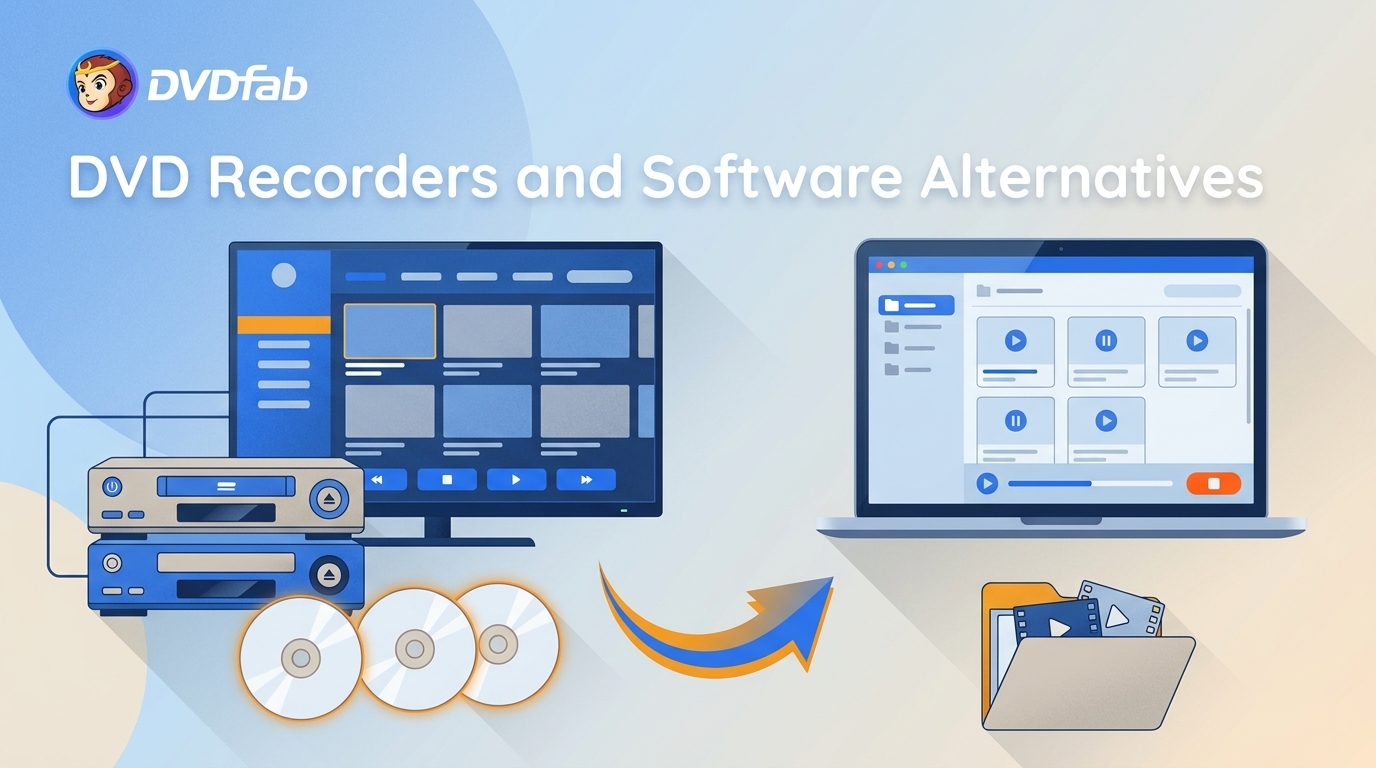 Best DVD Recorders in 2026: 3 Models, Uses, and Buying Checks
A DVD recorder is a standalone unit that captures a compatible TV, VCR, camcorder, or external video signal to a writable DVD; some models also store recordings on an HDD. New units are uncommon in North America, so most buyers will be comparing used or refurbished models. The Magnavox MDR535H/F7 suits North American HDD/DVD recording, the Panasonic DMR-EX97EB is built around UK Freeview, and the Toshiba DR430 records external analog or DV sources. Existing digital files need DVD authoring software like DVDFab instead.
By Diana Smith - Aug 4, 2026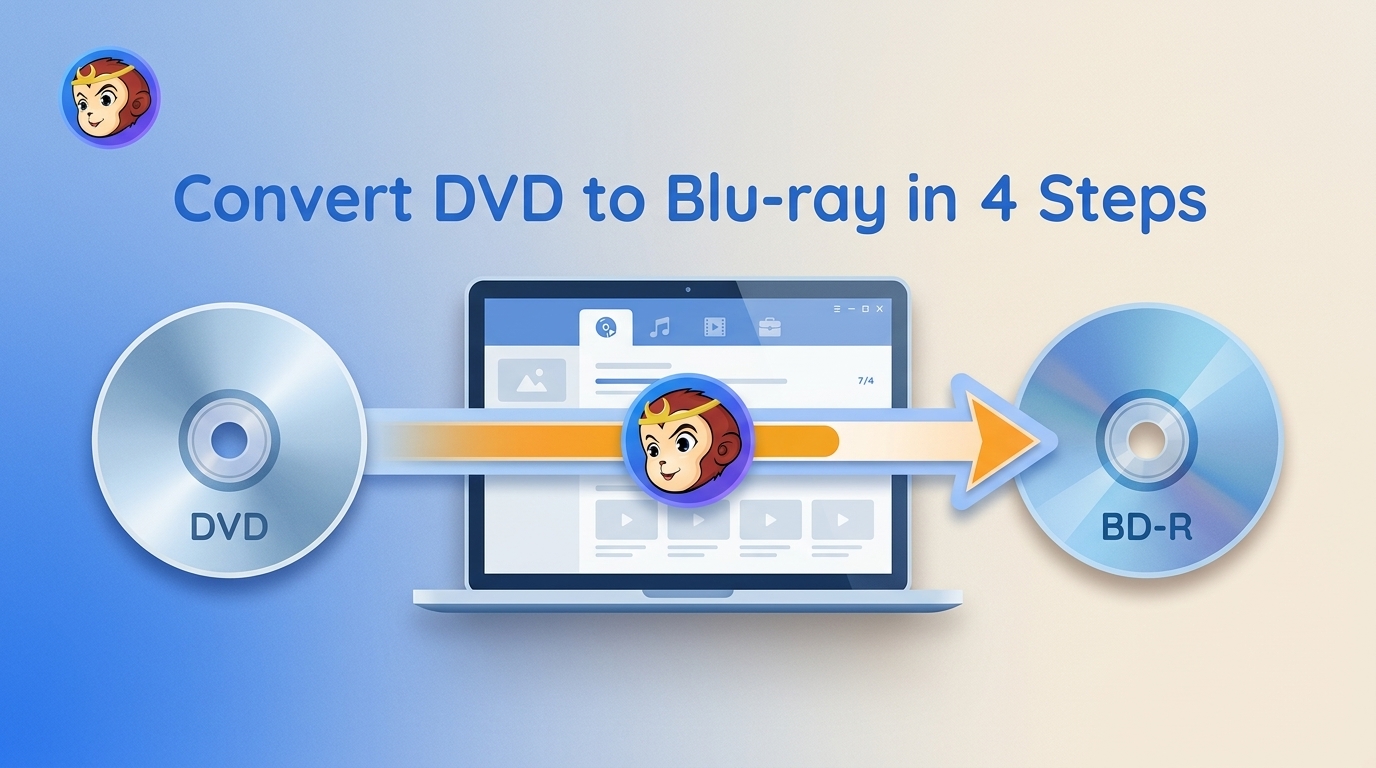 Convert DVD to Blu-ray in 4 Steps with DVDFab
Choose the correct DVD-to-Blu-ray output before starting: a physical disc for set-top playback, an ISO or folder for storage and later burning, or a separate MP4/MKV process for portable files. The article covers hardware requirements, realistic quality limits, four DVDFab authoring steps, and a capacity-aware method for combining several DVDs.
By Diana Smith - Aug 4, 2026![Top 10 Best CD Burning Software on Windows and Mac [Detailed Review]](https://r2.dvdfab.cn/upload/resource/en/top-cd-dvd-burners-NLX7.jpg) Top 10 Best CD Burning Software on Windows and Mac [Detailed Review]
Top 10 Best CD Burning Software on Windows and Mac [Detailed Review]CD burning software is designed to help you preserve music, photos, and data on physical media. Power2Go 13 is the most complete paid option in this list, while CDBurnerXP remains a free Windows choice for basic disc projects. Express Burn supports both Windows and Mac, but its free version is limited to non-commercial CD burning. For video files that need to become a playable DVD Video disc with menus, DVDFab DVD Creator covers that separate authoring task.
By Diana Smith - Aug 3, 2026 Does Wii Play Blu-ray? No—What Works on Wii and Wii U
No. Neither the Nintendo Wii nor Wii U can play Blu-ray movie discs. An original Wii can play Motion JPEG AVI or MOV files up to 848×480 through Photo Channel from an SD card, but Wii U has no equivalent official feature. For direct HD playback, use a Blu-ray player; convert the movie only if you specifically want to watch it on an original Wii.
By Diana Smith - Aug 3, 2026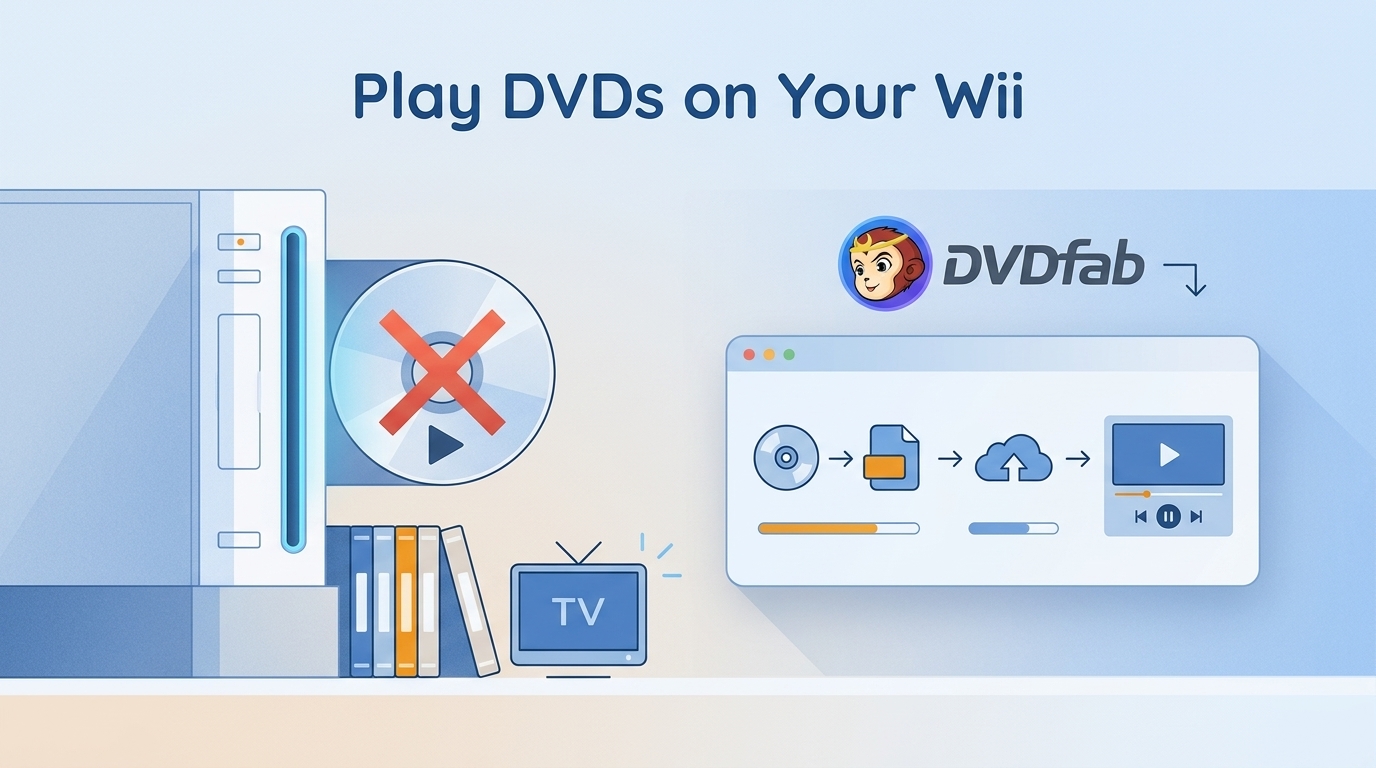 Can Wii Play DVDs? 2 Ways That Work in 2026
A stock Wii does not play DVD-Video discs, but two limited alternatives remain. This guide compares an SD-card file for compatible Photo Channel models with Homebrew disc playback on early Wii drives, including Wii Mini exclusions, format settings, and troubleshooting.
By Diana Smith - Aug 3, 2026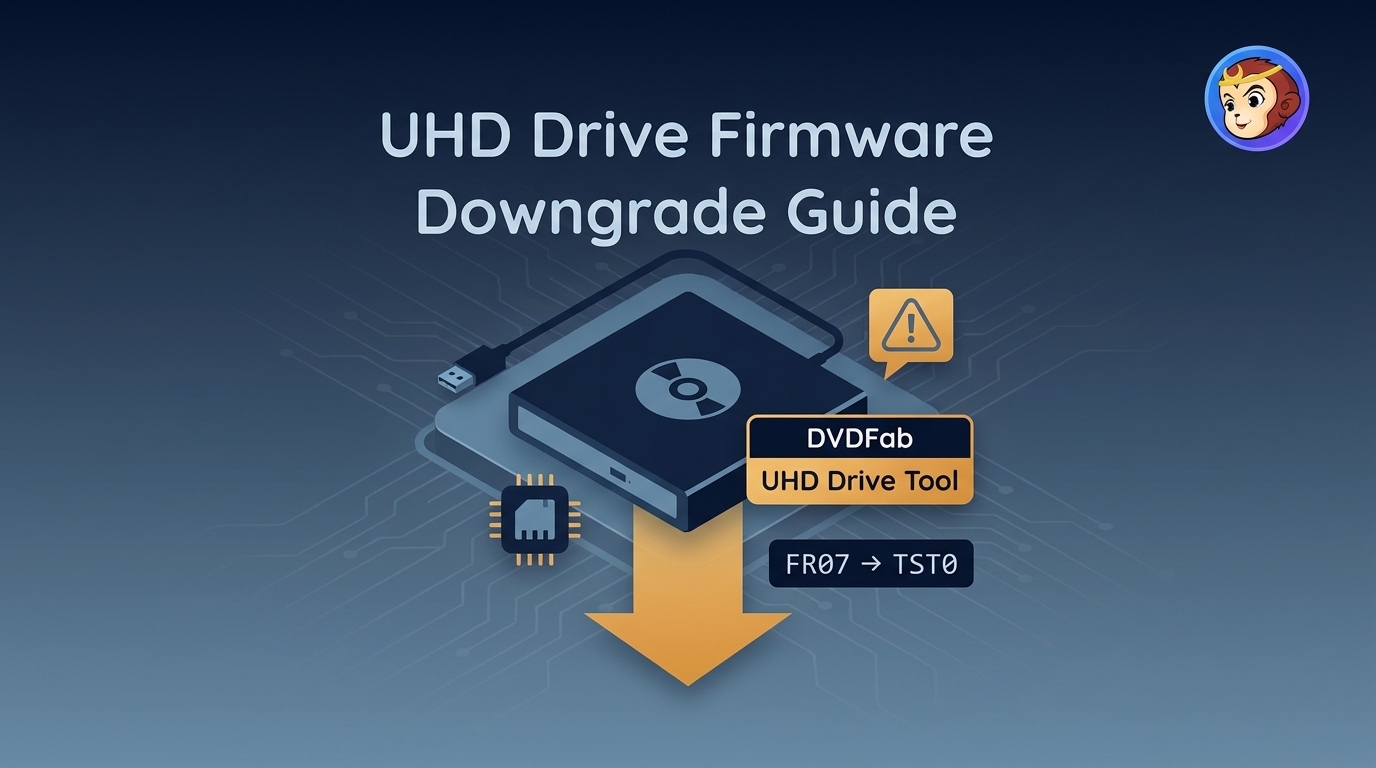 UHD Drive Firmware Downgrade: Supported Models and Safer Steps
Finding a UHD friendly drive and flashing it without bricking the hardware comes down to identity checks, not luck. This guide covers what makes a drive friendly, when a firmware downgrade makes sense, a supported model-and-firmware matrix (BU40N vs BU50N included), a safer DVDFab UHD Drive Tool workflow, and troubleshooting plus post-flash verification for authorized personal 4K backups.
By Diana Smith - Aug 3, 2026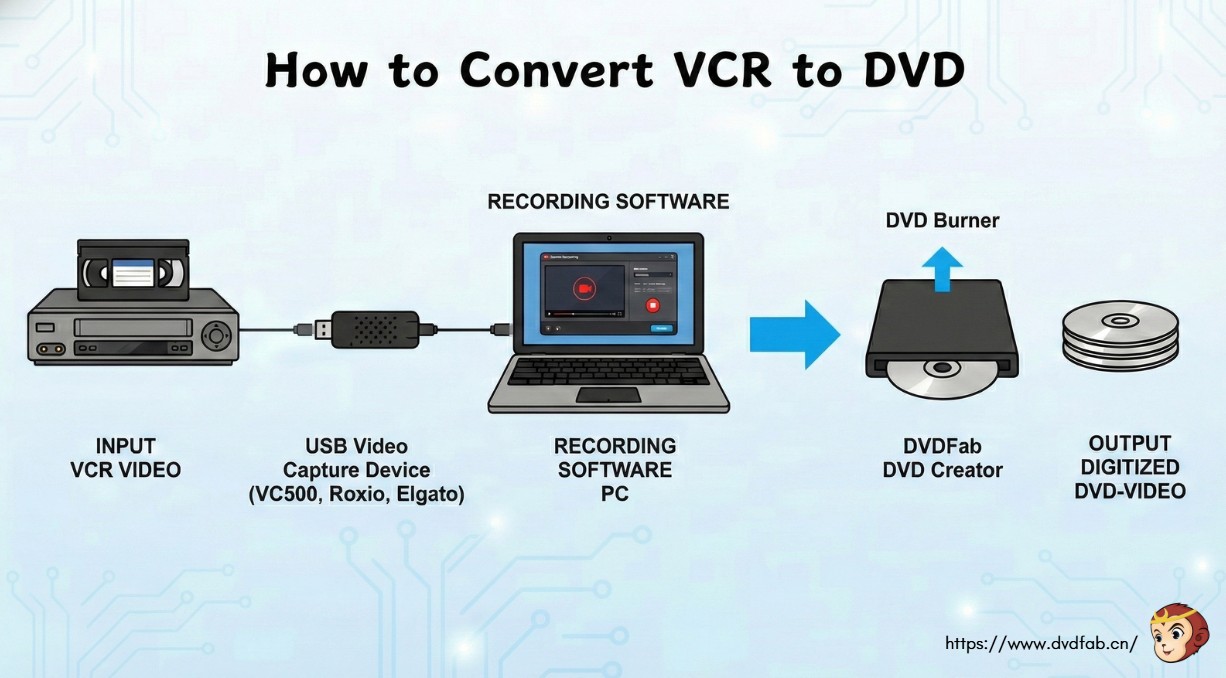 VCR to DVD: 3 Ways to Transfer Tapes Without Losing Quality
To convert vcr to dvd, use a USB video capture device (such as Diamond Video Capture VC500, Roxio, or Elgato) to connect your VCR to a computer. Then, use the included software to record the video and burn it to a DVD. You can also use professional software like DVDFab DVD Creator to burn the digitized video to a standard DVD.
By Diana Smith - Aug 3, 2026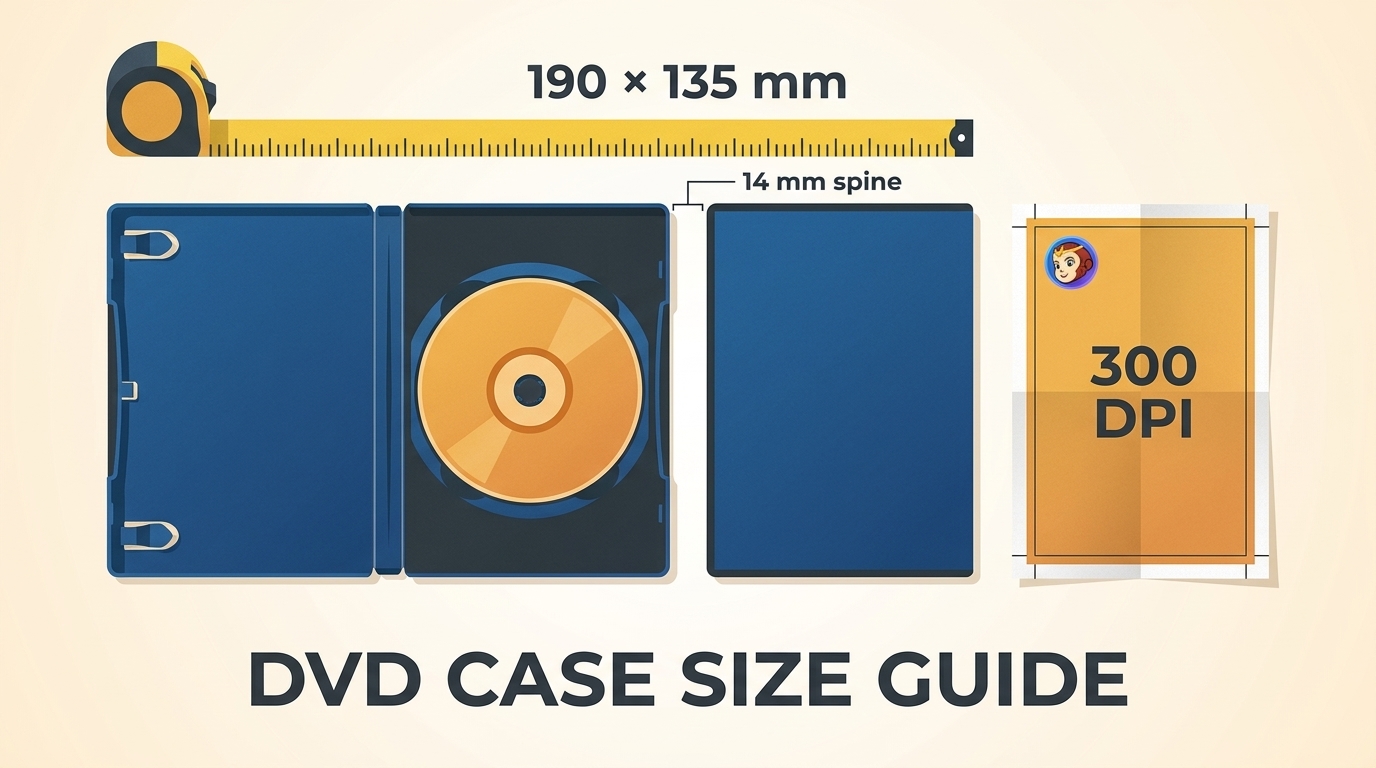 DVD Case Dimensions in mm and Inches: A Collector's Sizing and Print Guide
A standard DVD case measures 190 mm x 135 mm x 14 mm (7.48" x 5.31" x 0.55"). This sizing guide covers standard, slim, and multi-disc DVD cases in millimeters and inches, along with cover wraps, sleeves, inserts, and 300 DPI canvases. It also explains print bleed, actual-size output, cross-format case differences, shelf planning, and an optional digital alternative.
By Diana Smith - Jul 30, 2026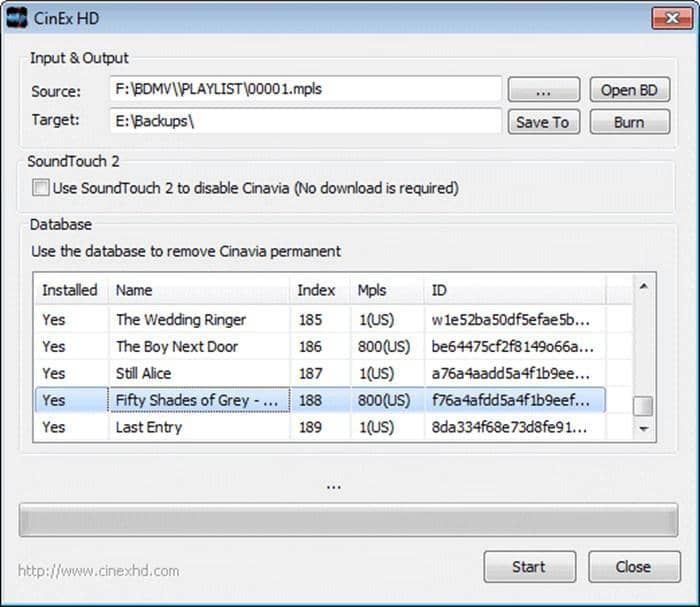 CinEx HD Review 2026: Current Status, Limits, and Alternatives
CinEx HD Utility is now more useful as a legacy reference than as a current software recommendation. This review explains its uncertain download status and database dependence, then compares documented DVD, Blu-ray, and UHD options for authorized personal disc backups.
By Diana Smith - Jul 29, 2026 Cisdem DVD Burner Review 2026: Tests and 3 Alternatives
Cisdem DVD Burner creates playable DVD-Video discs, VIDEO_TS folders, and ISO files from common video formats on Windows and Mac. Its trial burns only the first five minutes, while current single-device licenses cost $39.99 per year or $59.99 as a one-time purchase. It includes editing, chapters, subtitles, menu design, and previewing, but 4K sources are converted to standard DVD resolution.
By Diana Smith - Jul 29, 2026