Latest Posts
 6 Best External CD/DVD Drives for Ripping in 2026
The best external drive for ripping depends more on your disc collection than on price alone. The LG GP65NB60 covers standard CD and DVD tasks, the Pioneer BDR-XD07B adds Blu-ray support, and the ASUS ZenDrive V1M is a better fit for laptops with USB-C ports. M-DISC support is useful for long-term archiving, while read stability matters when working with worn or scratched discs. To rip a DVD, connect a compatible optical drive and use ripping software such as DVDFab DVD Ripper.
By Diana Smith - Nov 2, 2026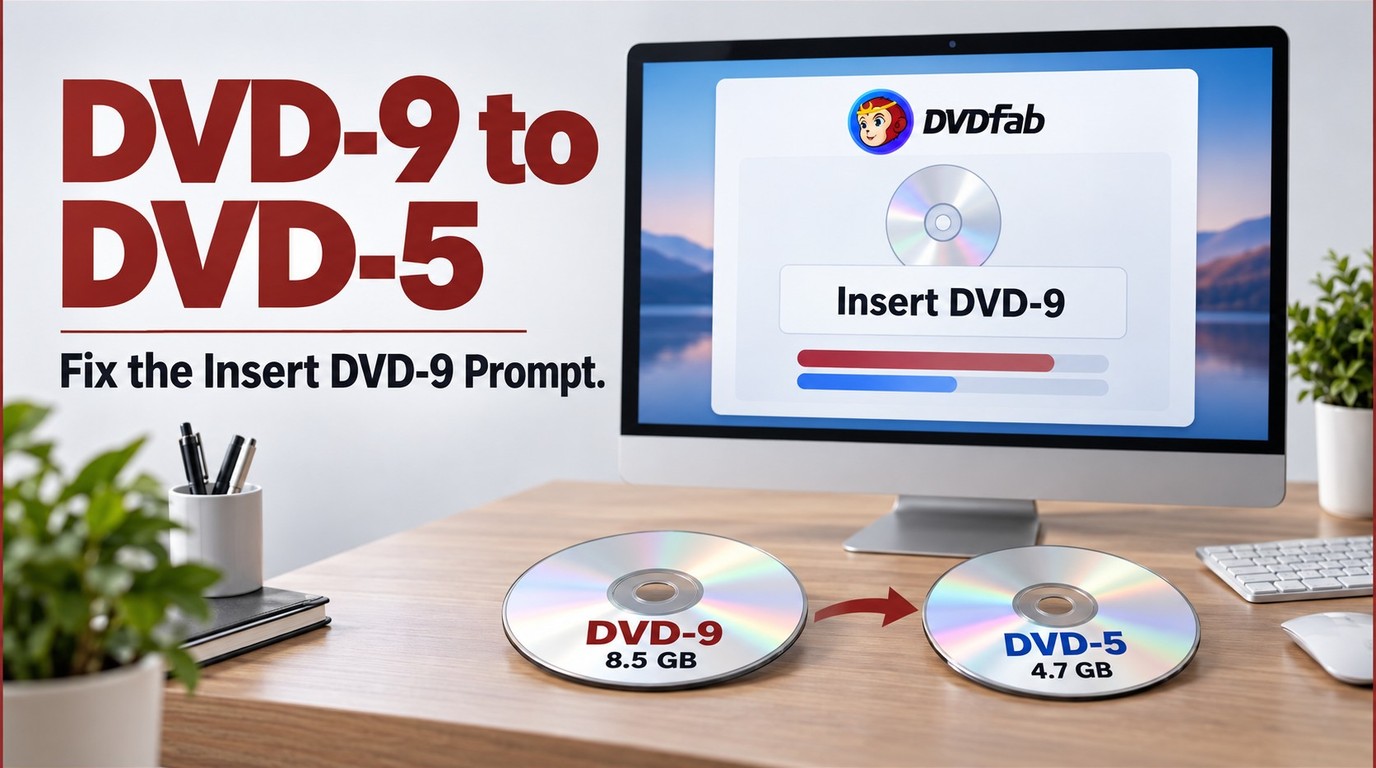 DVD9 to DVD5: Fix the Insert DVD-9 Prompt
Fix DVDFab's Insert DVD-9 prompt, compare DVD5 vs DVD9 capacity, and convert DVD9 to DVD5 while retaining key movies, menus, audio, and subtitles.
By Diana Smith - Oct 29, 2026 HandBrake Review 2026: Is It Free and Worth Using?
HandBrake is a free, open-source video transcoder valued for strong batch processing, good output quality, offline privacy, device presets, and hardware acceleration. Its main drawbacks are a steep learning curve, limited output containers (MP4, MKV, and WebM), and high CPU usage during encoding.
By Diana Smith - Oct 29, 2026 Does HandBrake Use the GPU? Setup and Encoder Fixes
HandBrake supports GPU acceleration through NVIDIA NVENC, AMD VCE/VCN, and Intel Quick Sync. To enable it, load a video, open the Video tab, and select a compatible hardware encoder before starting or queueing the job. GPU encoding is faster and reduces CPU usage, but it may produce slightly larger files or lower quality than slower CPU encoding. Supported systems can also use hardware decoding to speed up input processing.
By Diana Smith - Oct 29, 2026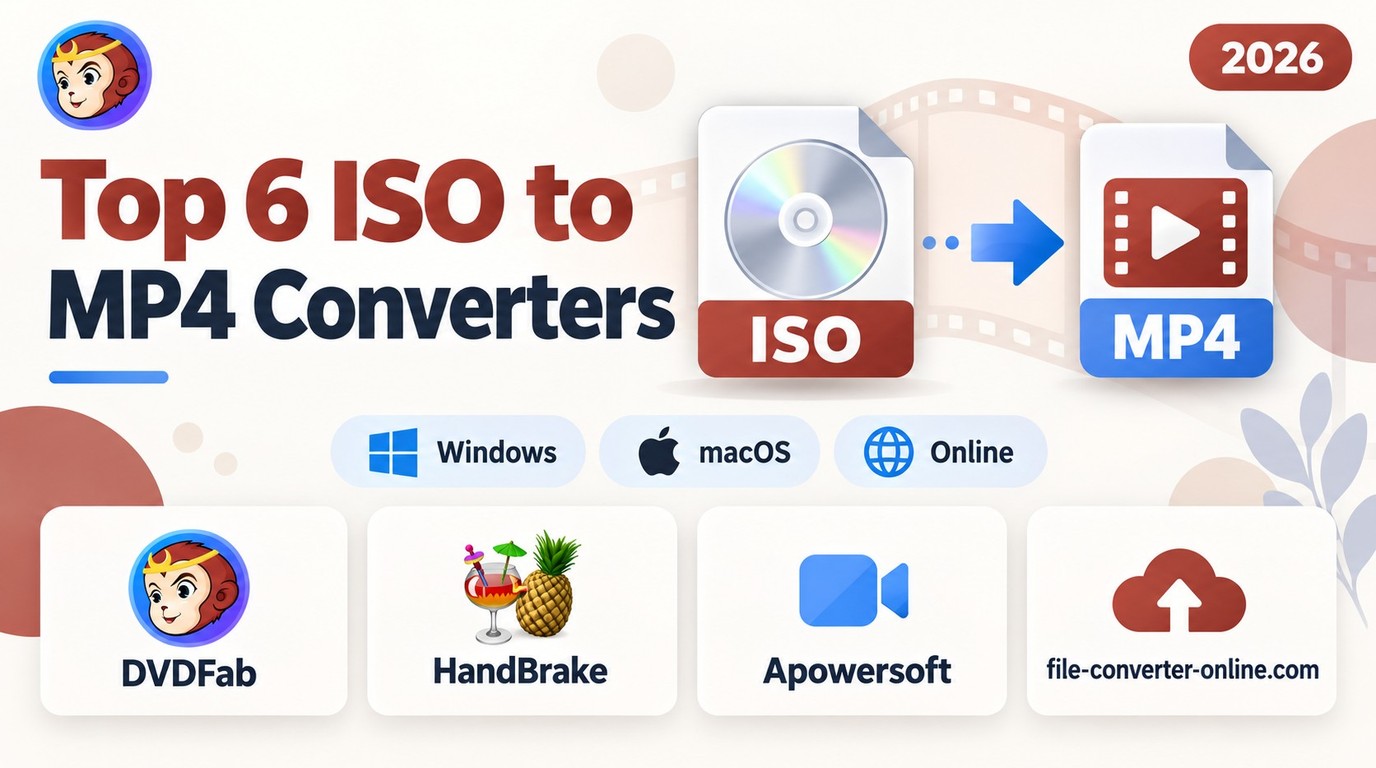 Top 6 ISO to MP4 Converters in 2026: Tested & Guide
To convert a DVD ISO to MP4, load the disc image into a compatible converter, select the movie title, choose MP4 with H.264/AAC for broad device compatibility, and start encoding. HandBrake is free for unprotected DVD and Blu-ray ISOs, while DVDFab DVD Ripper supports protected DVD sources and batch conversion. In my test, DVDFab converted the same DVD ISO faster than HandBrake under matched output settings. Ordinary data ISOs cannot be converted into MP4 movies in the same way. Use content you own or have permission to convert, subject to local laws.
By Diana Smith - Oct 28, 2026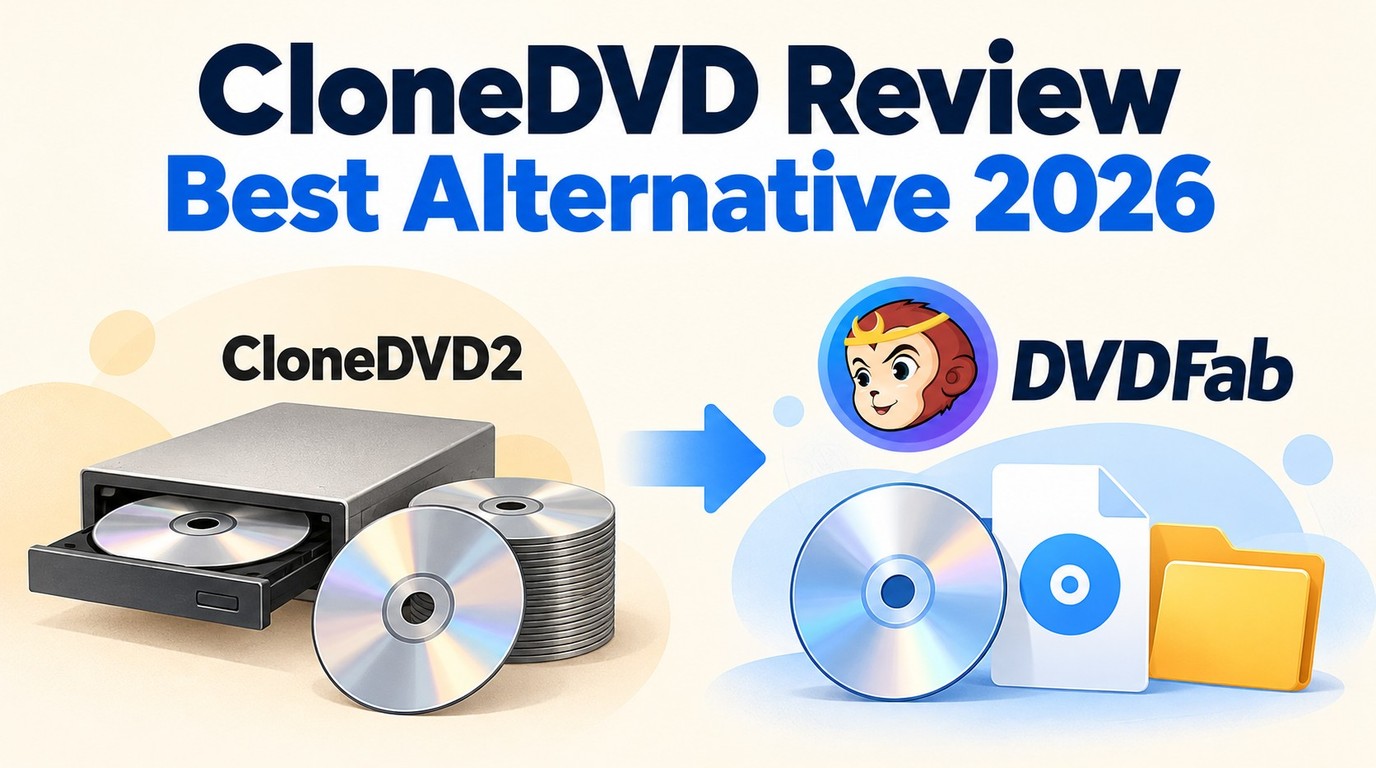 CloneDVD Review and Alternative: DVD Backup in 2026
CloneDVD is still sold directly by its developer, Elaborate Bytes, but AnyDVD, the decryption tool it relied on for newer discs, was discontinued by RedFox. This review tests CloneDVD's current features, pros, and cons, then walks through DVDFab as a maintained alternative with broader disc compatibility. For older, unprotected DVDs, CloneDVD can still work; for newer titles, DVDFab is the more reliable option.
By Diana Smith - Oct 20, 2026![5 Top AVI to DVD Converters for Windows and Mac [2026]](https://images.dvdfab.cn/artifact/2026/10/19/HsCx2t8W3VyD6wHfogzkhte4XqgpBqdz/feature_cover.jpg) 5 Top AVI to DVD Converters for Windows and Mac [2026]
5 Top AVI to DVD Converters for Windows and Mac [2026]An AVI to DVD converter turns AVI videos into DVD-Video discs that can play on compatible standalone DVD players. For a free option, DVDStyler works on Windows, Mac, and Linux, while WinX DVD Author creates watermark-free DVDs on Windows. DVDFab DVD Creator adds video editing, customizable menus, and disc, ISO, or DVD-folder output. Choose the DVD standard and disc capacity supported by your player, then check the finished DVD before making more copies.
By Diana Smith - Oct 20, 2026 5 Best Android DVD Player Apps in 2026 (Plus ISO & External-Drive Fixes)
While most smartphones and tablets don't have a built-in DVD drive to play physical discs, you can still enjoy your DVD collection with a few simple workarounds. In this guide, we'll explore how to convert DVDs into digital files that can be transferred to your phone and recommend the best Android apps that can play them.
By Diana Smith - Oct 19, 2026 Is DVDFab Safe? Virus Scan, Legal Check, and Payment Safety Guide (2026)
DVDFab is a disc-ripping and decryption tool that some antivirus programs flag on download, leaving new users uncertain about its safety. This guide covers the VirusTotal scan result, digital signature verification, and the legal picture under US copyright law. The official installer is clean; whether disc decryption is legal in your country depends on local law.
By Diana Smith - Oct 19, 2026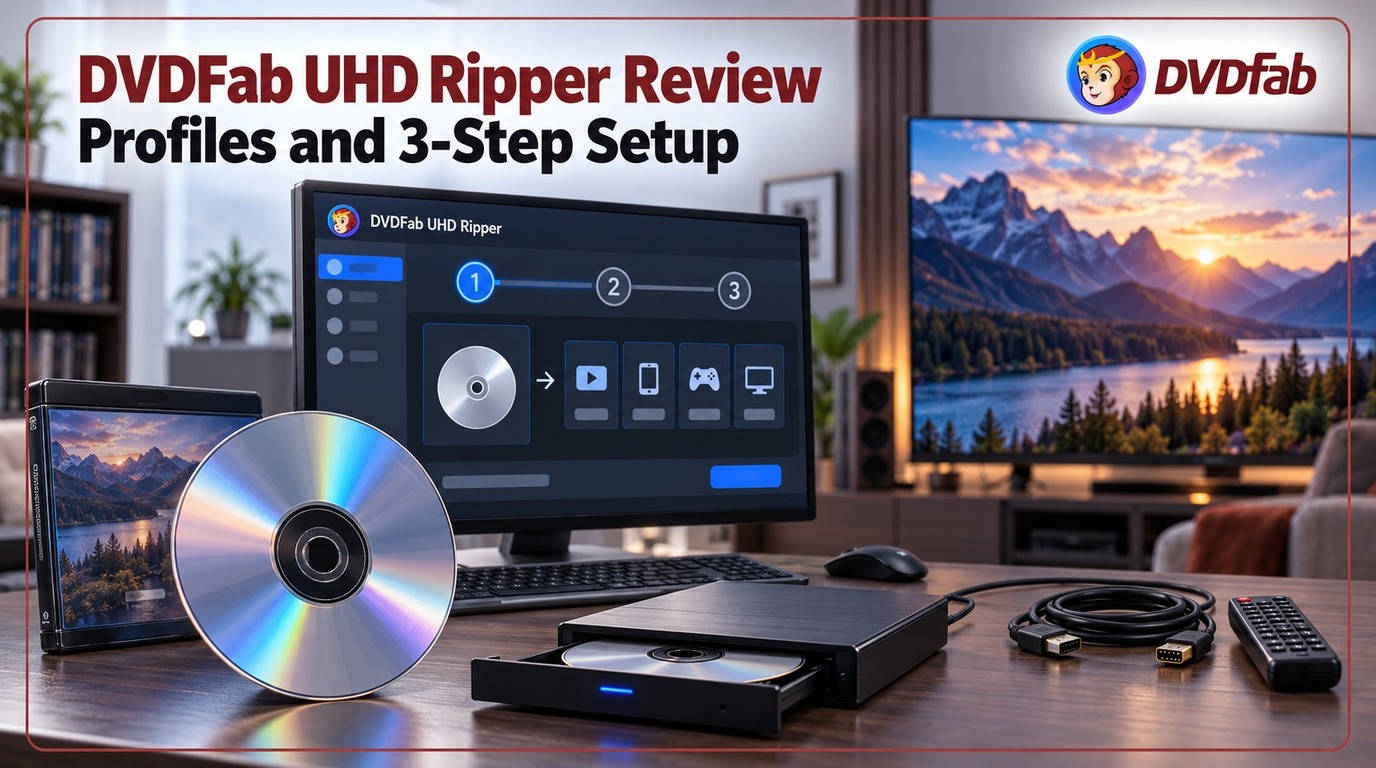 DVDFab UHD Ripper Review: Key Features Tested & How to
DVDFab UHD Ripper is designed for users who want to rip 4K UHD Blu-ray discs, ISO files, or folders into flexible digital formats such as MKV, MP4, and M2TS. It is most useful when you need profile control, HDR10 or Dolby Vision preservation, subtitle and audio selection, compression options, and GPU-accelerated conversion. Before using it, prepare a compatible 4K UHD Blu-ray drive, enough storage space, and a clear output goal such as lossless backup, Plex playback, mobile playback, or SDR display compatibility.
By Diana Smith - Oct 15, 2026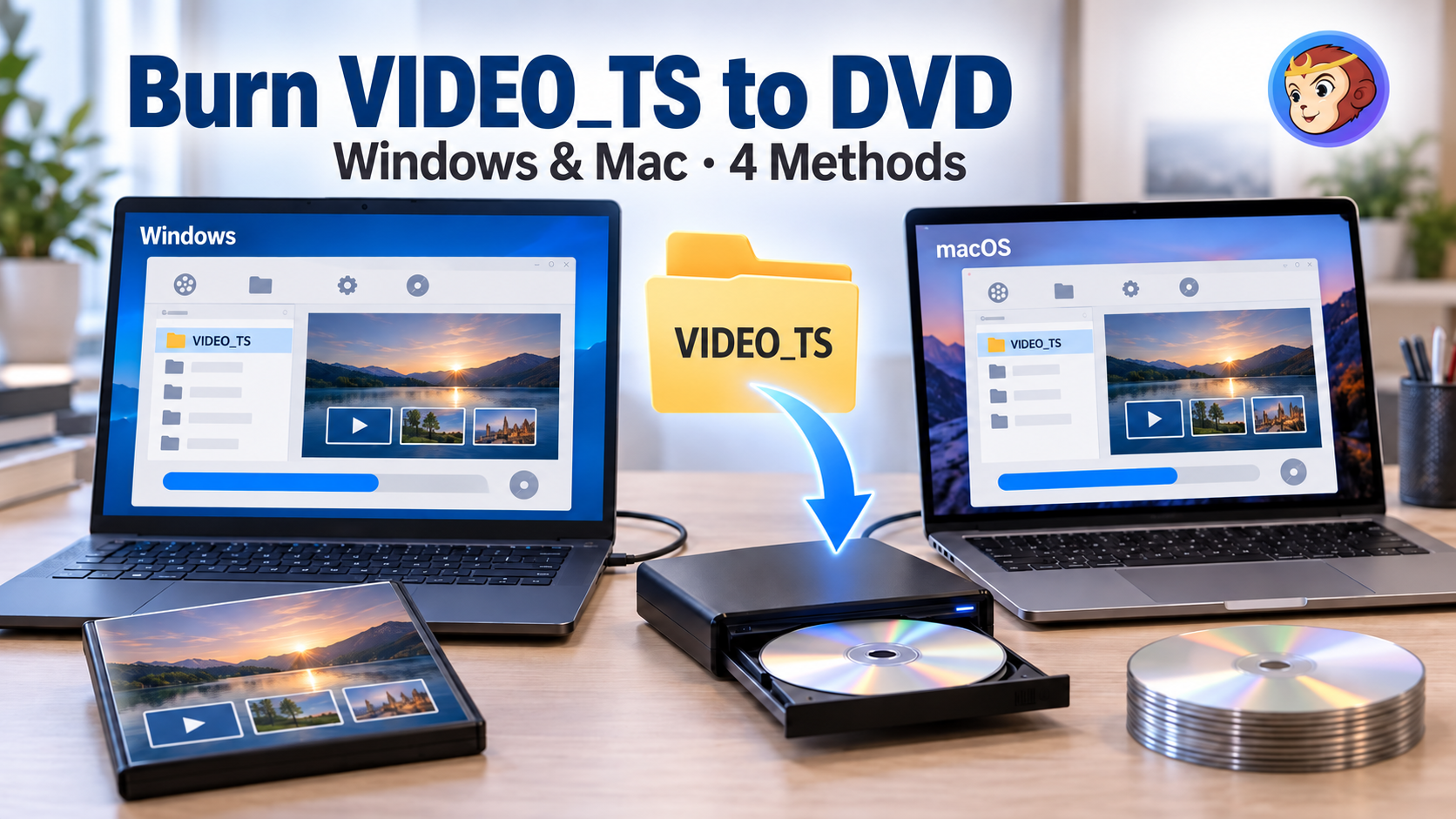 How to Burn Video_TS to DVD on Windows and Mac: 4 Methods That Work
A VIDEO_TS folder will not play on a DVD player just by copying it onto a blank disc: authoring and burning are separate steps, and skipping either one is why home-burned discs often fail. This guide covers four ways to handle both steps, from an all-in-one paid application to a free two-tool combination and the burning feature built into Windows. For most people, the choice comes down to paying for ongoing support and menu design, or using a free workflow.
By Diana Smith - Oct 15, 2026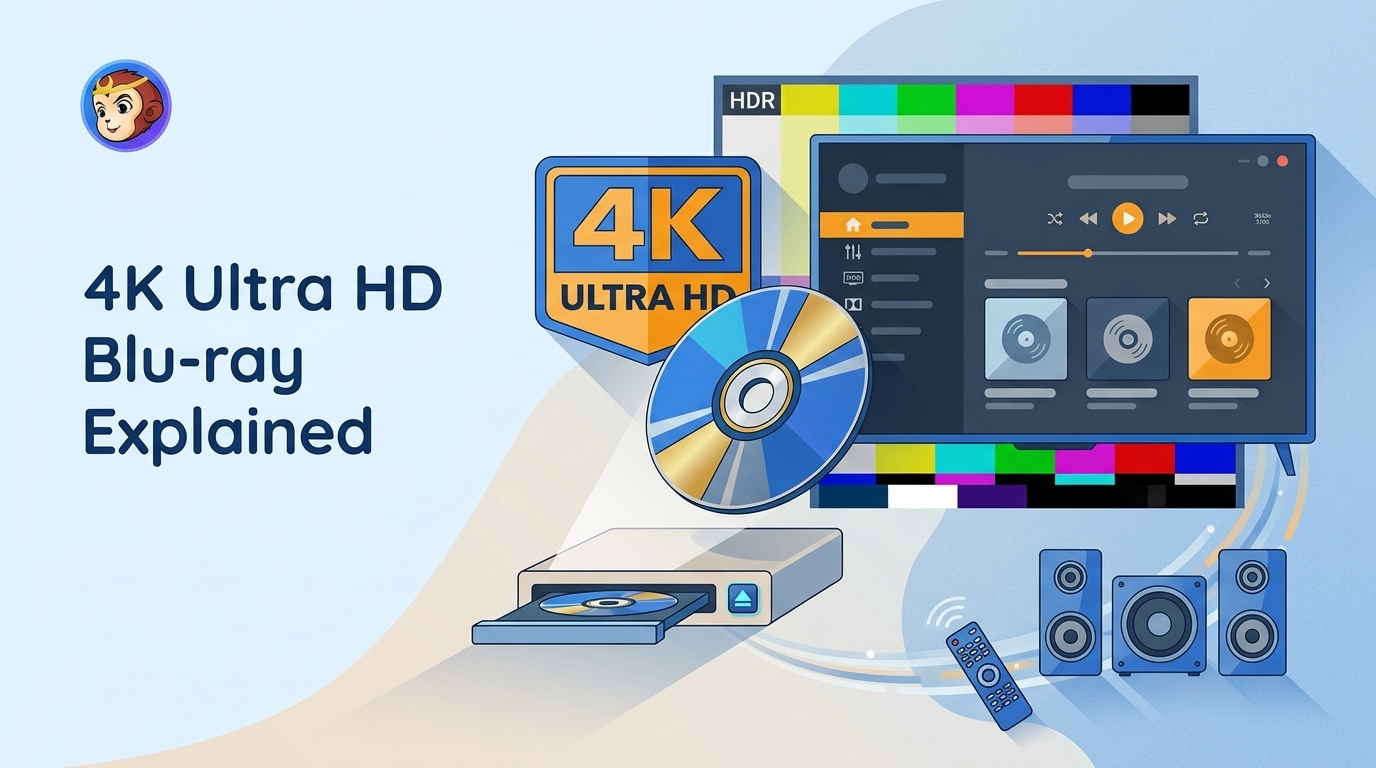 4K Ultra HD Blu-ray Solution: Everything You Need to Know
4K Ultra HD Blu-ray still matters if you want better picture, less compression, and stronger audio than streaming can usually offer. This guide explains the difference between 4K and UHD, what you need to play UHD discs, and when standard Blu-ray is still enough. If you want to back up or convert UHD movies for easier viewing, DVDFab UHD tools can also help.
By Diana Smith - Oct 15, 2026