Latest Posts
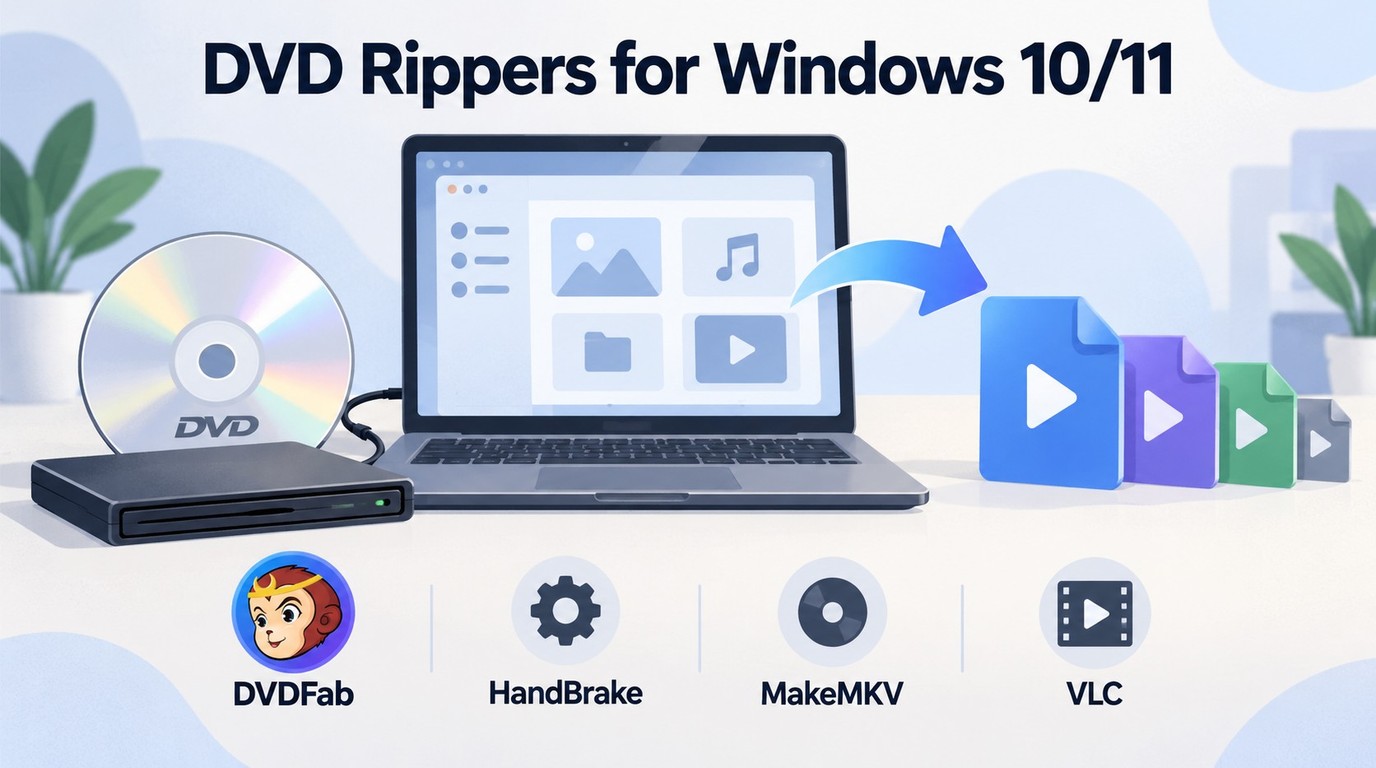 4 Free DVD Rippers for Windows 10/11: Best Tools & Step-by-Step Guide
The best DVD rippers for Windows 10/11 in 2026 depend on your disc type and output needs. HandBrake is a good free choice for converting unprotected DVDs to MP4, MKV, or WebM, while MakeMKV is better for full quality MKV backups that keep audio tracks, subtitles, metadata, and chapters. VLC can handle simple DVD ripping tests, and DVDFab DVD Ripper may be more useful when you need a guided interface, more output profiles, or support for protected DVDs. These tools help you digitize DVDs for easier backup, playback, and storage on modern devices.
By Diana Smith - Oct 13, 2026![How to Convert DVD to AVI Free: 3 Current Options [2026]](https://images.dvdfab.cn/artifact/2026/09/17/2HqH4KgGwIXxwkHdUUZtp0D98DCpL4gS/feature_cover.jpg) How to Convert DVD to AVI Free: 3 Current Options [2026]
How to Convert DVD to AVI Free: 3 Current Options [2026]This guide compares three current ways to convert DVD to AVI: DVDFab DVD Ripper for authorized commercial discs, and VLC or XMedia Recode for unprotected sources. It also explains AVI codec choices for older players, when MP4 is the better format, and how to preserve audio and subtitles.
By Diana Smith - Oct 12, 2026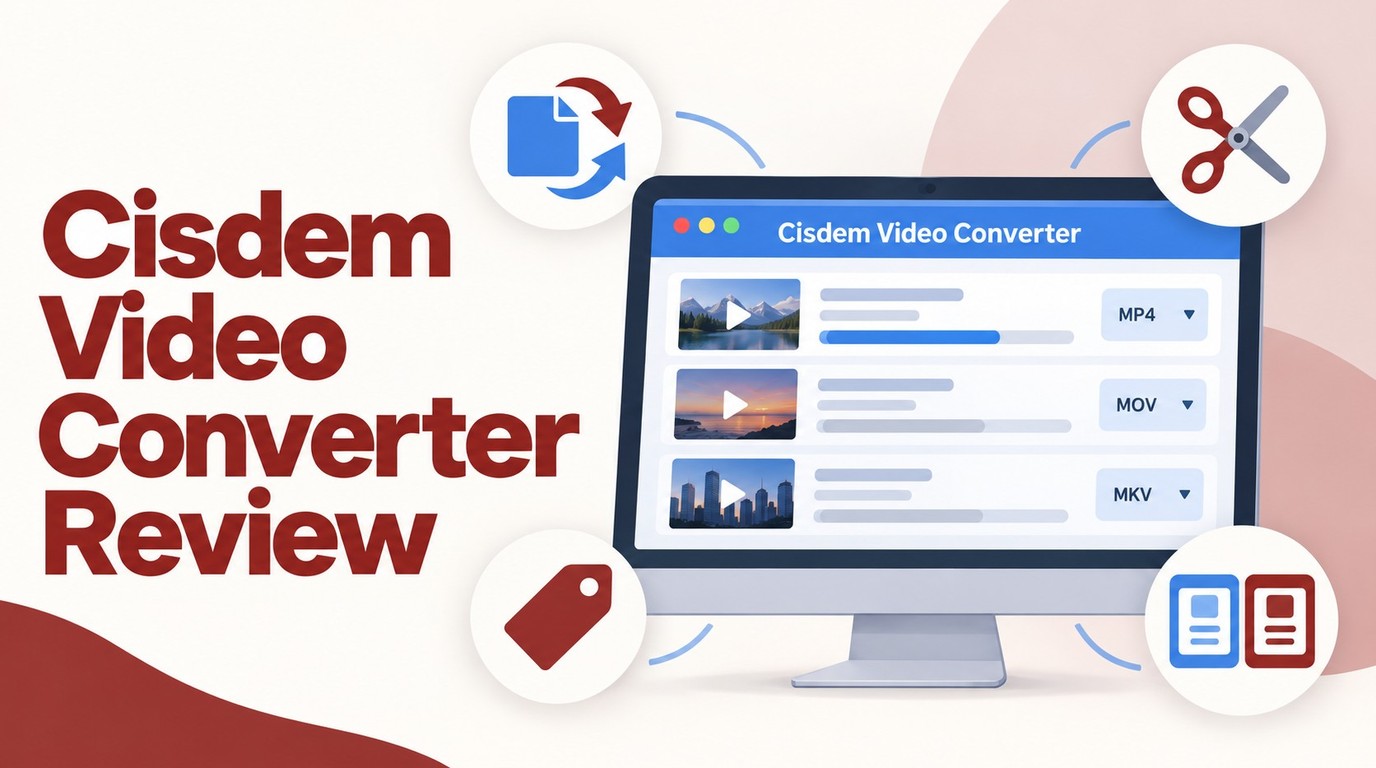 Cisdem Video Converter Review: VideoPaw, Price, and 3 Alternatives
This Cisdem Video Converter review finds that Cisdem Video Converter is useful for Windows and Mac users who need broad format support, basic editing, device presets, and occasional DVD/Blu-ray handling in one desktop tool. Its main trade-offs are the restricted free version, moderate speed on large files, and higher system resource use compared with lighter options. You may consider DVDFab Ripper if you need stronger disc ripping, decryption, and conversion performance.
By Diana Smith - Oct 12, 2026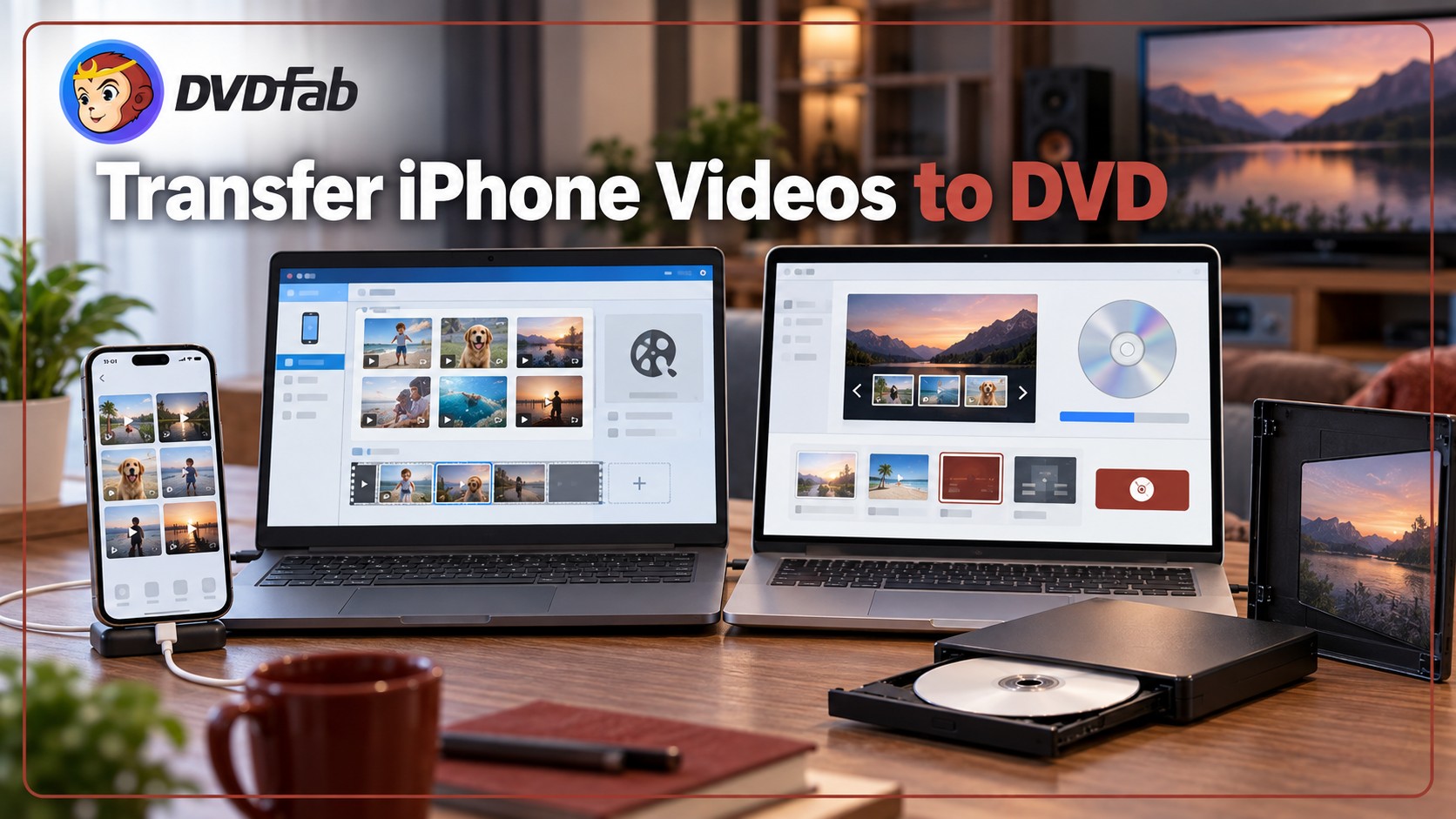 How to Transfer and Burn iPhone Videos to DVD on Windows & Mac
This guide explains how to transfer iPhone videos to a Windows PC or Mac and burn them to DVD using DVDFab DVD Creator or Windows Media Player. It covers iPhone's HEVC video format compatibility, three retail mail-in services, and answers common questions on playback compatibility, burn time, and free DVD tools.
By Diana Smith - Oct 10, 2026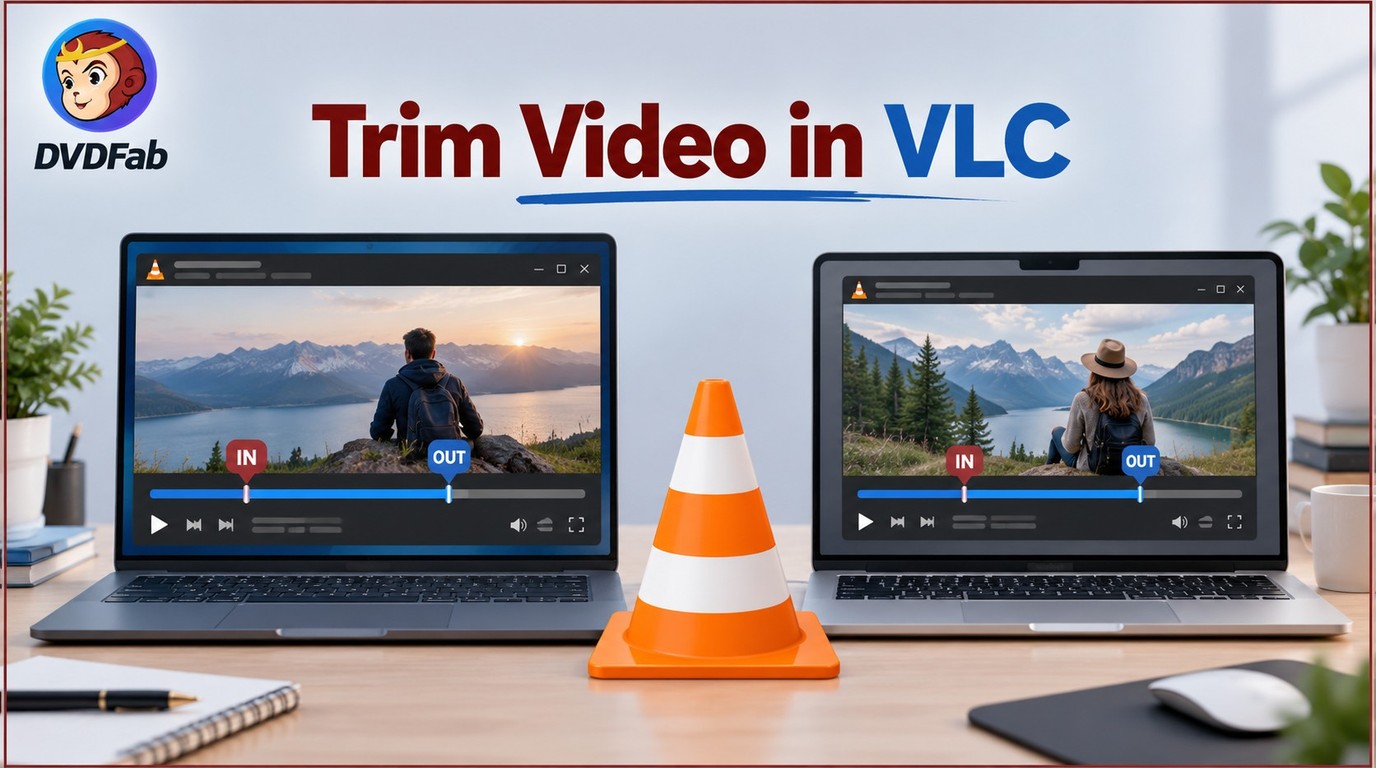 How to Trim a Video in VLC on Windows and Mac
VLC can trim a video on both Windows and Mac using its built-in record feature, but the process re-encodes footage and is not built for precise or repeated cuts. This guide walks through the exact steps for each platform, explains the quality trade-offs involved, and notes when a keyframe-based tool such as LosslessCut fits better than VLC.
By Diana Smith - Oct 10, 2026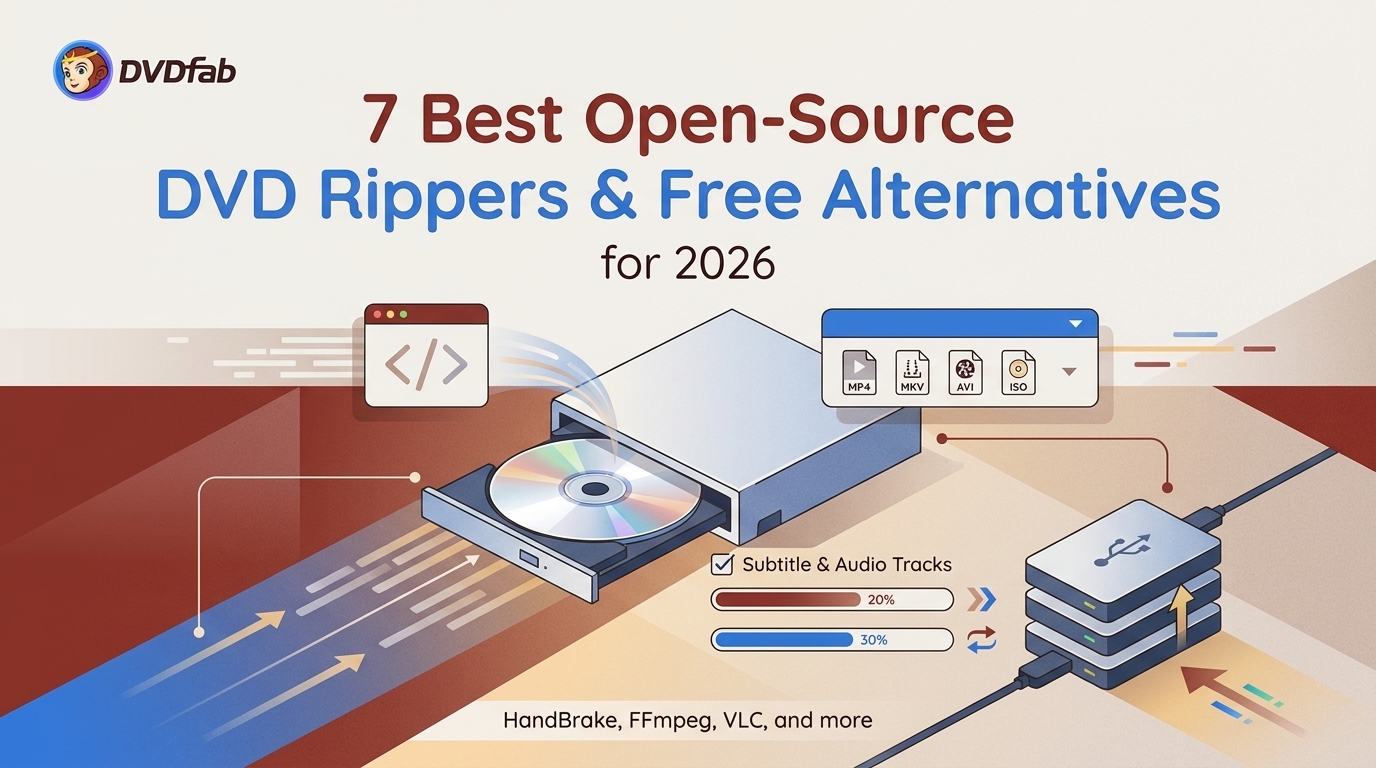 7 Best Open-Source DVD Rippers and Free Alternatives for 2026
While open-source DVD rippers like HandBrake and VLC are excellent free tools for digitizing home videos, they inherently lack the ability to bypass commercial DVD copy protections. To successfully convert your physical collection for mobile playback, you must either manually install third-party decryption libraries or opt for a powerful freeware alternative like DVDFab, which handles DRM natively for legal use.
By Diana Smith - Oct 9, 2026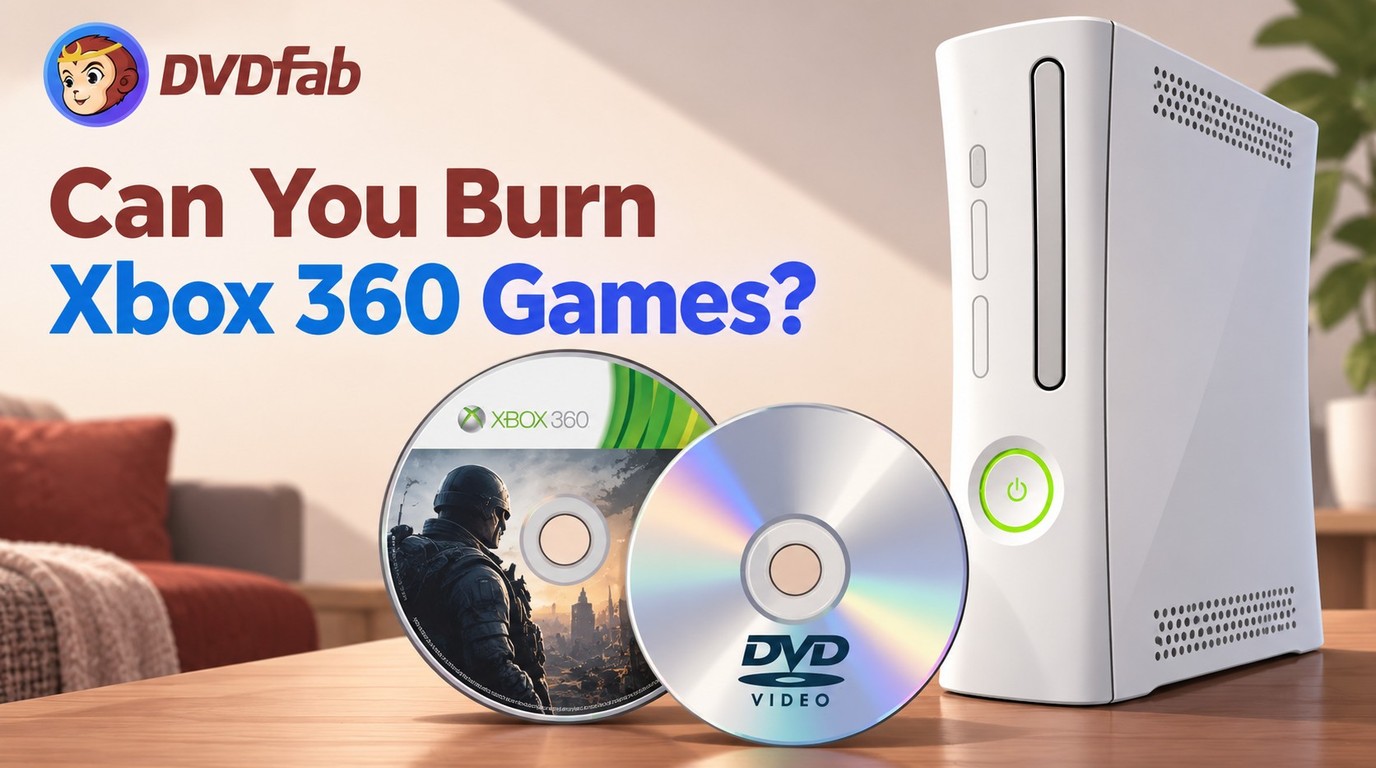 Can You Burn Xbox 360 Games? DVD Compatibility Explained
Burning Xbox 360 games to DVD requires a legal backup image, DVD+R DL media, and a dual-layer DVD burner, but a burned disc may not run on a standard console. Avoid downloaded ISOs and console mods due to legal and hardware risks. For recorded gameplay videos, use DVDFab DVD Creator to make a standard video DVD.
By Diana Smith - Oct 8, 2026![Is MakeMKV Down? Intermittent Site Access, Buying Still Unavailable [October 2026]](https://images.dvdfab.cn/media/Screenshot_2026-06-18_at_10.11.38_n7wexv.png/public) Is MakeMKV Down? Intermittent Site Access, Buying Still Unavailable [October 2026]
Is MakeMKV Down? Intermittent Site Access, Buying Still Unavailable [October 2026]MakeMKV went through several access problems between June and August 2026, but the official website came back online on September 2. The official download page currently provides MakeMKV 2.0.0, and the current beta key is valid until the end of October 2026, while permanent license purchases remain unavailable. Use official MakeMKV sources when accessible and avoid unverified sellers, mirrors, or payment pages.
By Diana Smith - Oct 8, 2026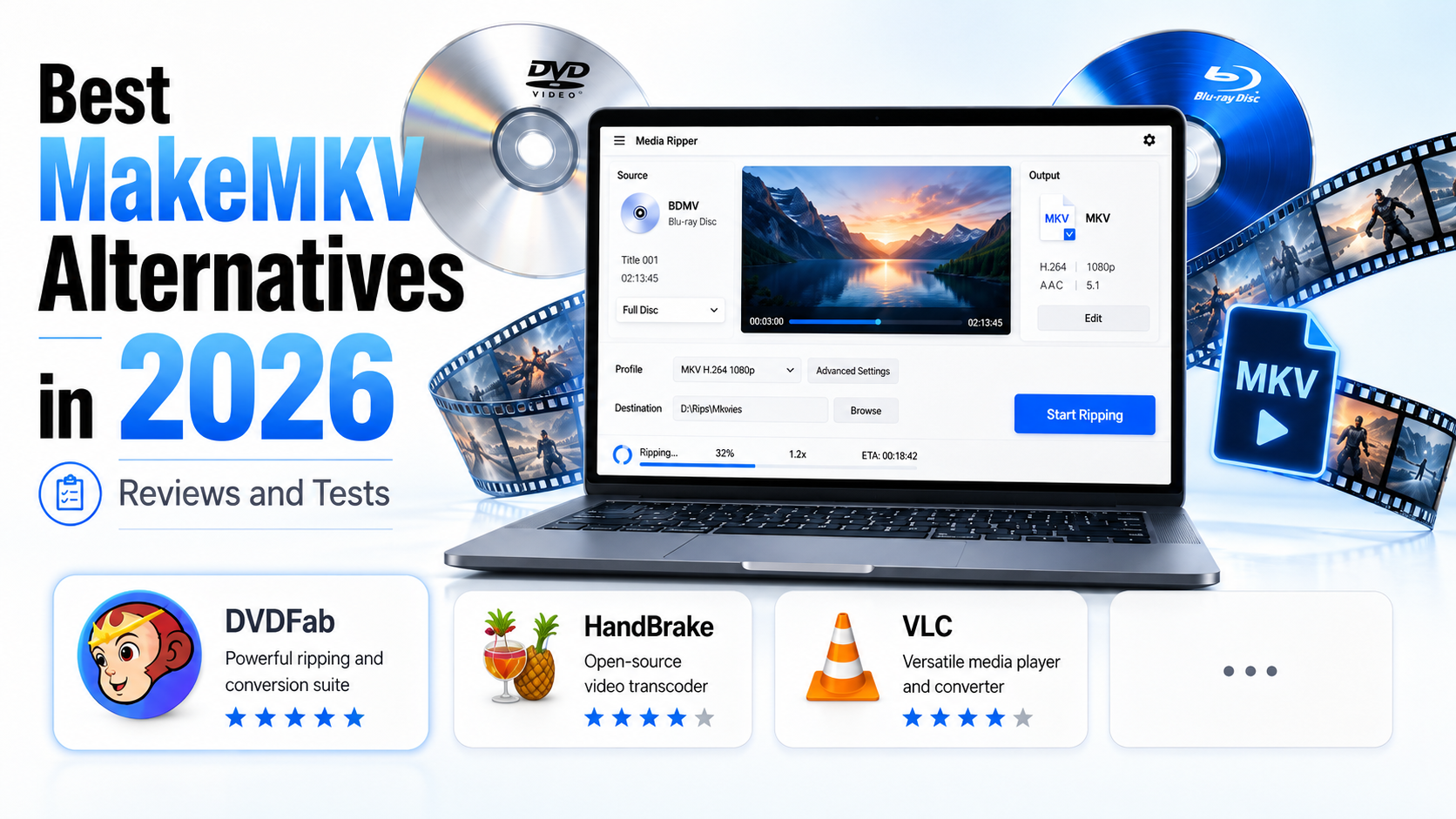 Tested MakeMKV Alternatives to Rip Disc in 2026
MakeMKV is still a popular DVD and Blu-ray ripper, but its MKV-only output, limited editing features, beta restrictions, and currently unavailable purchase option have pushed many users to look for a better MakeMKV alternative. DVDFab is the best MakeMKV alternative for users who need stronger DVD/Blu-ray/UHD decryption, ripping, compression, and editing, while HandBrake is better for free video compression and format conversion.
By Diana Smith - Oct 8, 2026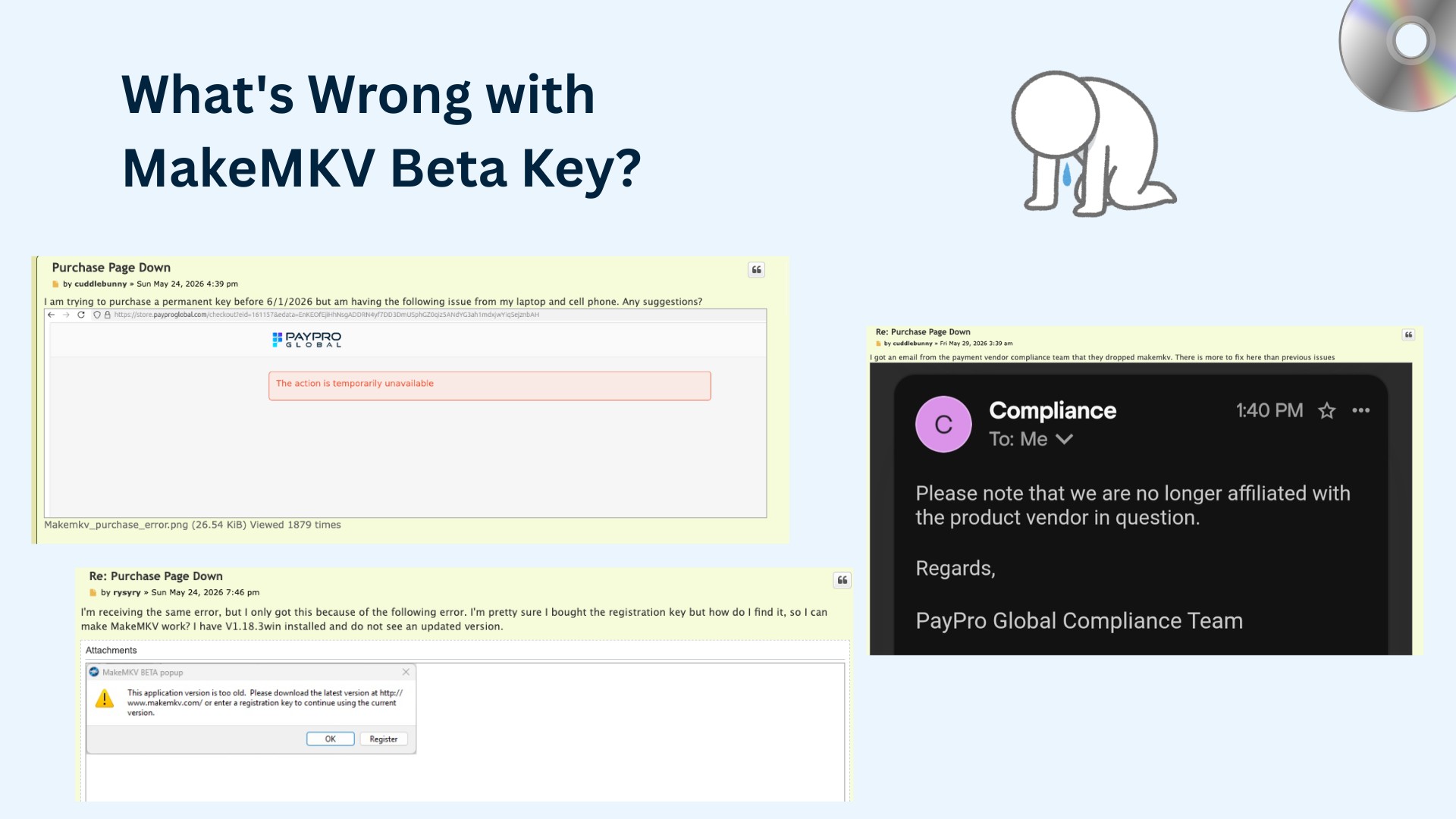 MakeMKV Beta Key October 2026: Current Key & Purchase Status
MakeMKV's current beta key is valid until the end of October 2026, so free beta access is available again. However, permanent key purchases remain unavailable, while MakeMKV 2.0.0 is now the current Windows and Mac build. This page explains the current key status, purchase limits, safer workarounds, and when a MakeMKV alternative like DVDFab may be needed.
By Diana Smith - Oct 8, 2026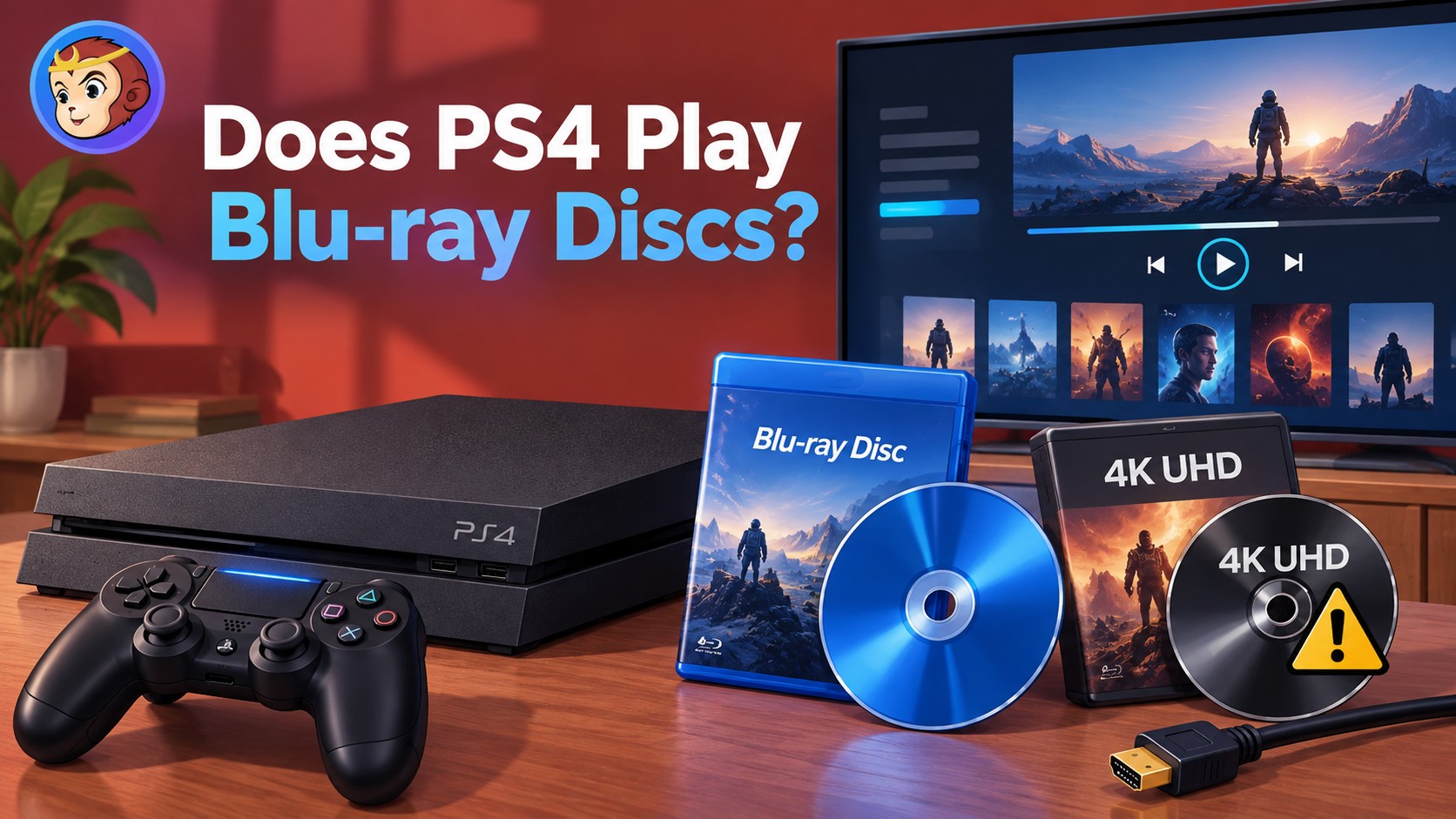 Does PS4 Play Blu-ray? Yes, All Models - Not 4K UHD
Yes, every PS4 model, including the original PS4, PS4 Slim, and PS4 Pro, can play standard 1080p Blu-ray discs and DVDs. The first time you play a Blu-ray or DVD, your PS4 must connect to the internet once to enable disc playback. No PS4 model can play 4K Ultra HD Blu-ray discs, although PS4 Pro can upscale standard Blu-ray video for a 4K TV.
By Diana Smith - Oct 8, 2026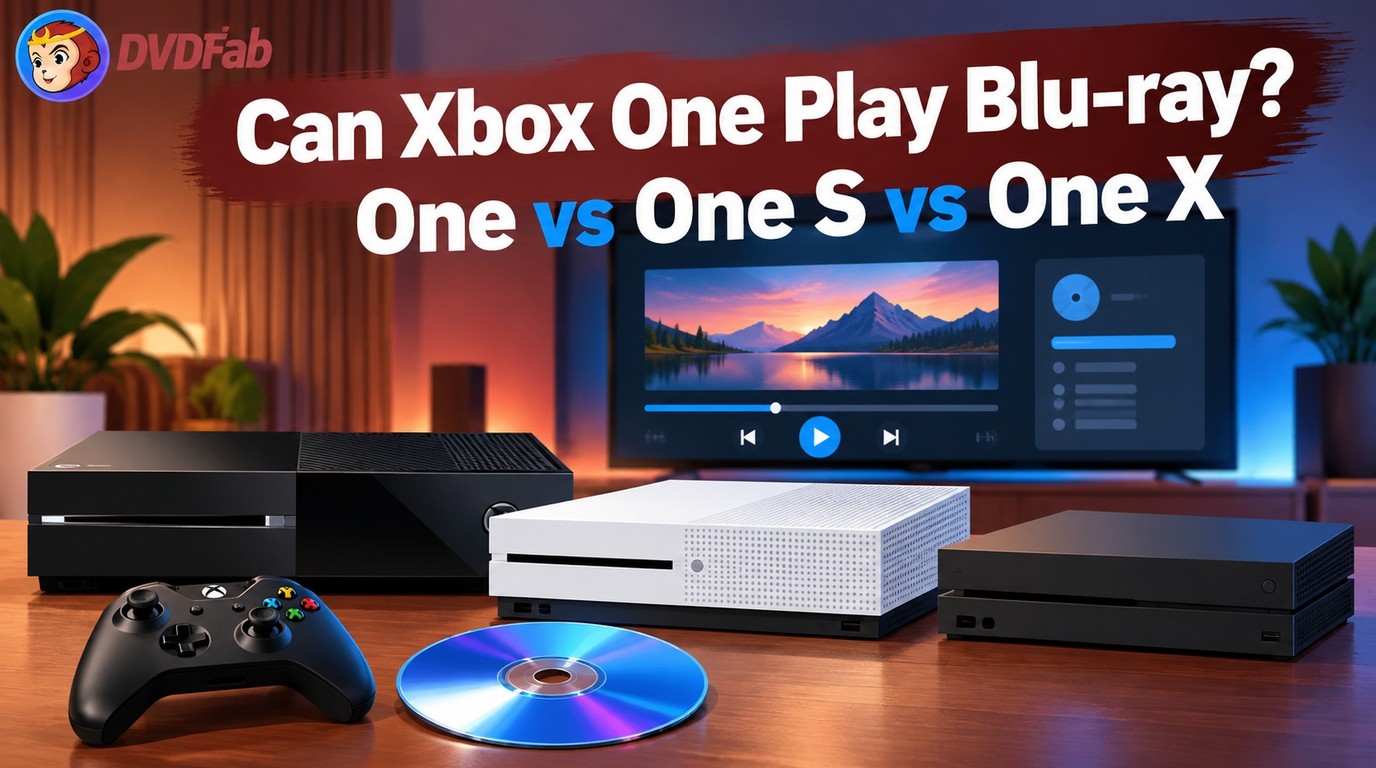 Does Xbox One Play Blu-ray? Xbox One, One S and One X
Yes, all Xbox One consoles can play standard Blu-ray and DVD discs after you install the free Blu-ray Player app. The original Xbox One supports standard 1080p Blu-ray/DVD playback, while Xbox One S and Xbox One X also support 4K Ultra HD Blu-ray with a compatible 4K TV and HDCP 2.2 setup.
By Diana Smith - Sep 30, 2026