Latest Posts
 How to Convert MKV to DVD: 4 Tested Tools for Playable Discs (2026)
To convert MKV to DVD, you need specialized software to transcode video files into DVD-compatible formats like MPEG-2. Recent tests show DVDFab DVD Creator is the best overall choice, delivering the fastest burning speed and highest picture quality. For a free option without watermarks, DVDStyler is a good choice, though it is limited by a complex, outdated interface and occasional stability errors. The process generally involves importing MKV videos, customizing menus, and burning the output to a disc.
By Wenny Yan - Oct 12, 2026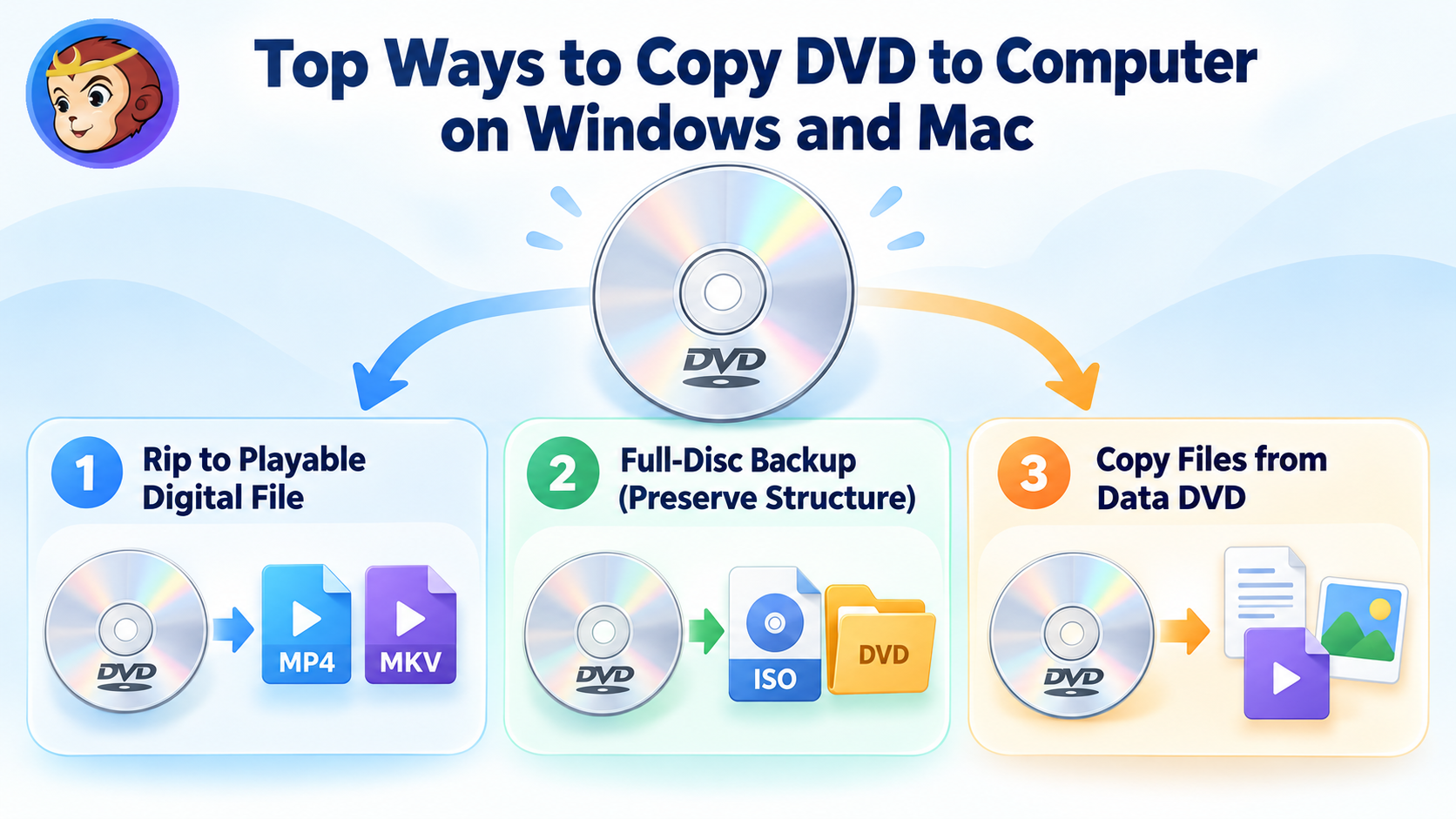 How to Copy DVD to Computer on Windows & Mac: Rip and Direct Copy
To copy a DVD to your computer, first decide what you want to keep. Use a DVD ripper such as DVDFab or HandBrake to create a playable MP4 or MKV file, or DVD Copy software to preserve the original disc as an ISO or DVD folder. For ordinary data DVDs containing documents, photos, or existing video files, File Explorer or Finder is usually enough. Direct file copying is not recommended for DVD movies because of copy protection and the DVD-Video file structure.
By Wenny Yan - Oct 12, 2026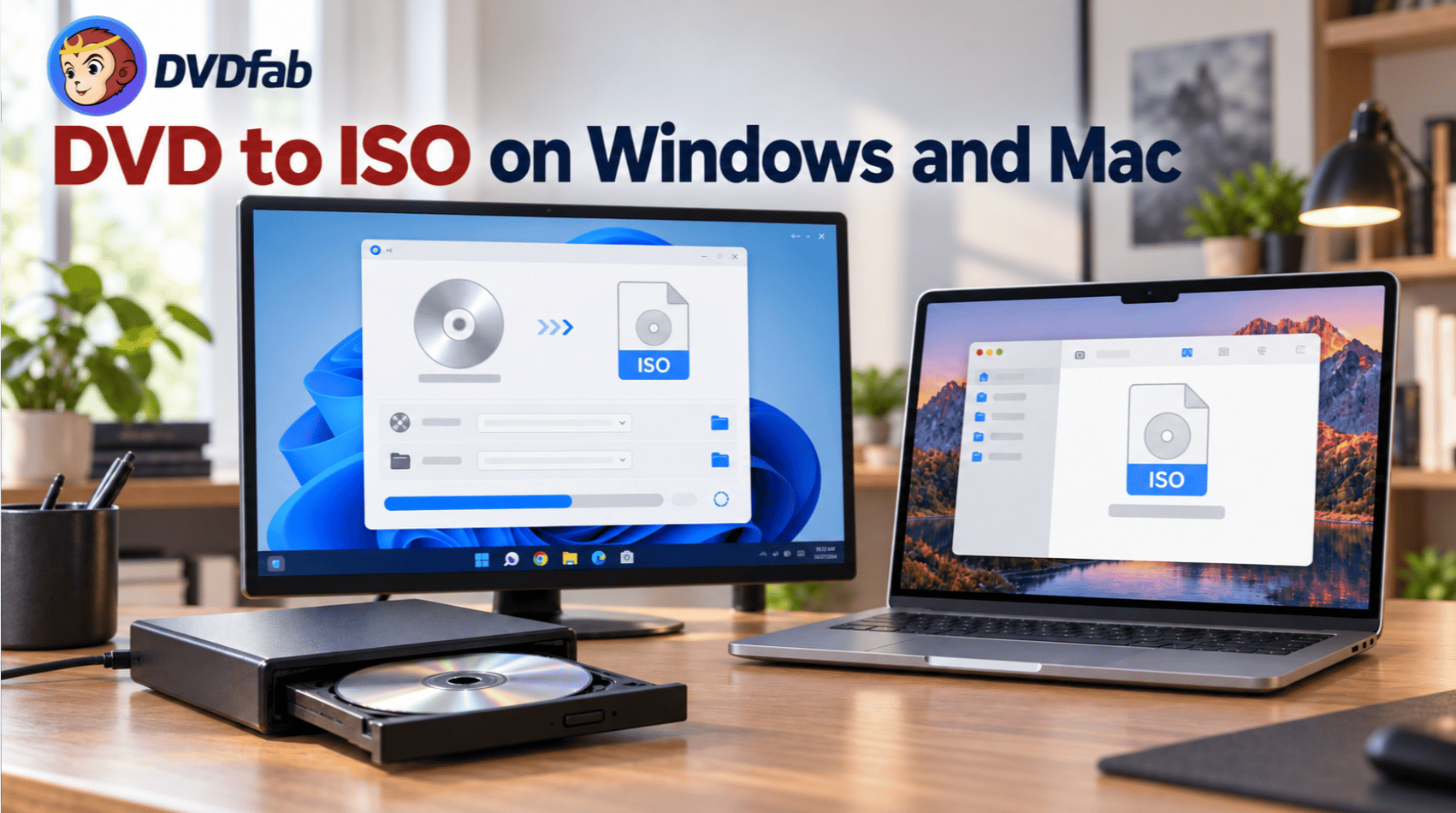 How to Rip DVD to ISO on Windows 10/11 and Mac in 2026
To convert a DVD to an ISO image, you can rely on dedicated ripping software like DVDFab DVD Copy to simplify the process. To begin, simply insert the disc, select a specific copy mode to prioritize the core content, and choose ISO as the output format to start the backup. Alternatively, Mac users can utilize the built-in Disk Utility to create a .cdr disc image from the physical media, which can then be converted into a standard .iso file using a simple command in the Terminal.
By Wenny Yan - Oct 12, 2026![Blu-ray vs 4K UHD: Key Differences, Pros and Cons [2026 Updated]](https://images.dvdfab.cn/artifact/2026/10/08/gX4aJ4KigOKWR6wbptO0X_7xDH4BY3gL/feature_cover.jpg) Blu-ray vs 4K UHD: Key Differences, Pros and Cons [2026 Updated]
Blu-ray vs 4K UHD: Key Differences, Pros and Cons [2026 Updated]Blu-ray vs 4K depends on your TV, player, budget, and viewing needs. 4K UHD Blu-ray gives higher resolution, HDR, wider color, and larger disc capacity, while standard Blu-ray still offers strong 1080p quality, lower cost, and wider compatibility. Choose 4K UHD for a home theater setup and Blu-ray for value.
By Wenny Yan - Oct 12, 2026 Burn CDs on Windows 10: Audio and Data Discs
To burn cd windows 10, you need a writable CD/DVD drive, a blank CD-R or CD-RW, and the right built-in tool: File Explorer for a data CD, or Windows Media Player Legacy for an audio CD. The newer Media Player app no longer provides CD burning, audio CDs are limited to about 80 minutes/700MB, and CD-R at a moderate speed is usually safer for old car stereos than CD-RW. Start by deciding whether the disc must play in a CD player or only store files, then insert a blank disc and follow the matching workflow below.
By Wenny Yan - Oct 10, 2026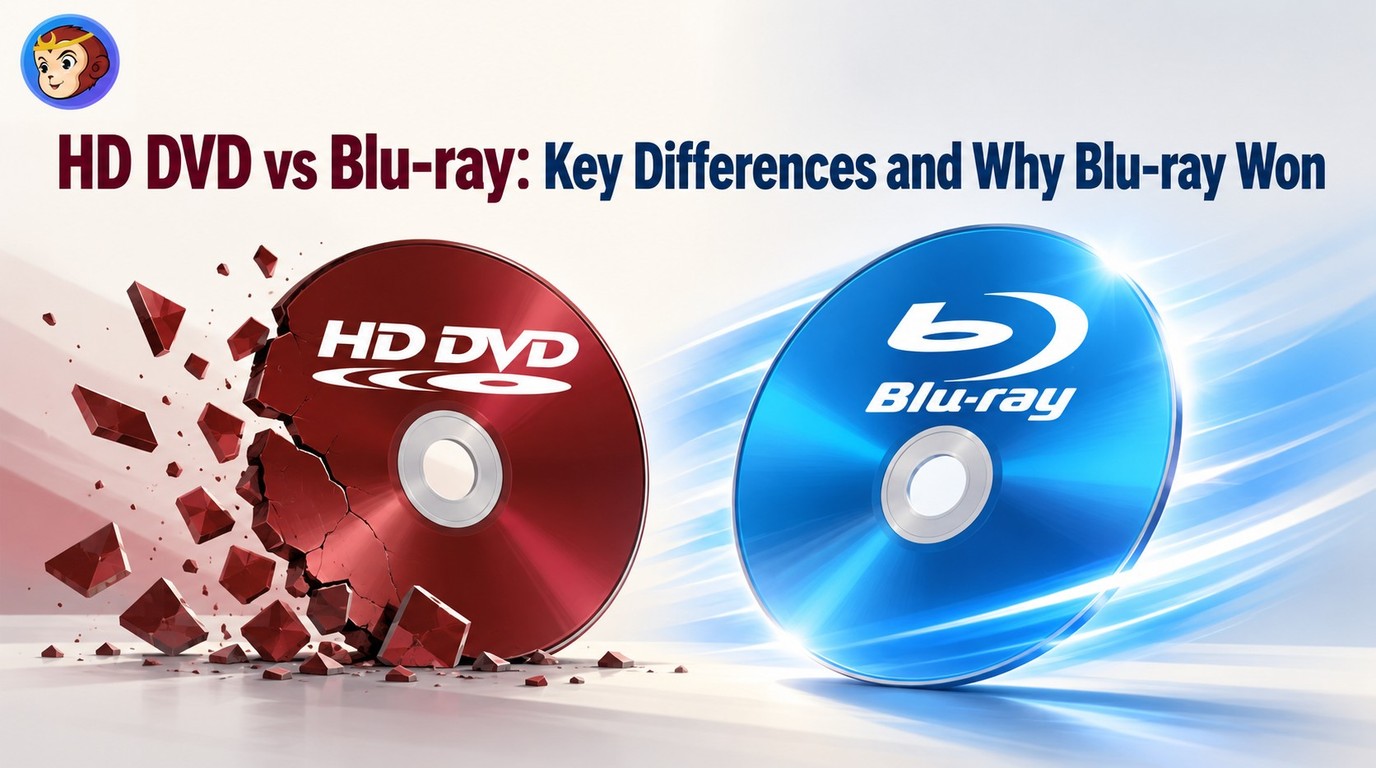 HD DVD vs Blu-ray: Key Differences and Why Blu-ray Won
Blu-ray won over HD DVD because it offered higher disc capacity, stronger studio and console support, and a larger long-term hardware ecosystem. HD DVD was cheaper to manufacture and region-free, but it was discontinued in 2008 and now mainly matters to collectors or users with legacy discs and players.
By Wenny Yan - Oct 10, 2026![5 Tested Tools to Convert Blu-ray to MP4 on Windows & Mac [2026]](https://images.dvdfab.cn/artifact/2026/10/08/VlnEzAK16xQgSfU_MVii_l11G2zYv56o/feature_cover.jpg) 5 Tested Tools to Convert Blu-ray to MP4 on Windows & Mac [2026]
5 Tested Tools to Convert Blu-ray to MP4 on Windows & Mac [2026]Converting Blu-ray to MP4 creates a local video file that is easier to store and play without the disc. After testing multiple tools, I found that the best converters balance speed, quality, and format compatibility across Windows and Mac. This guide reveals five reliable options that cover features from simple disc transfers to advanced GPU-accelerated conversions.
By Wenny Yan - Oct 10, 2026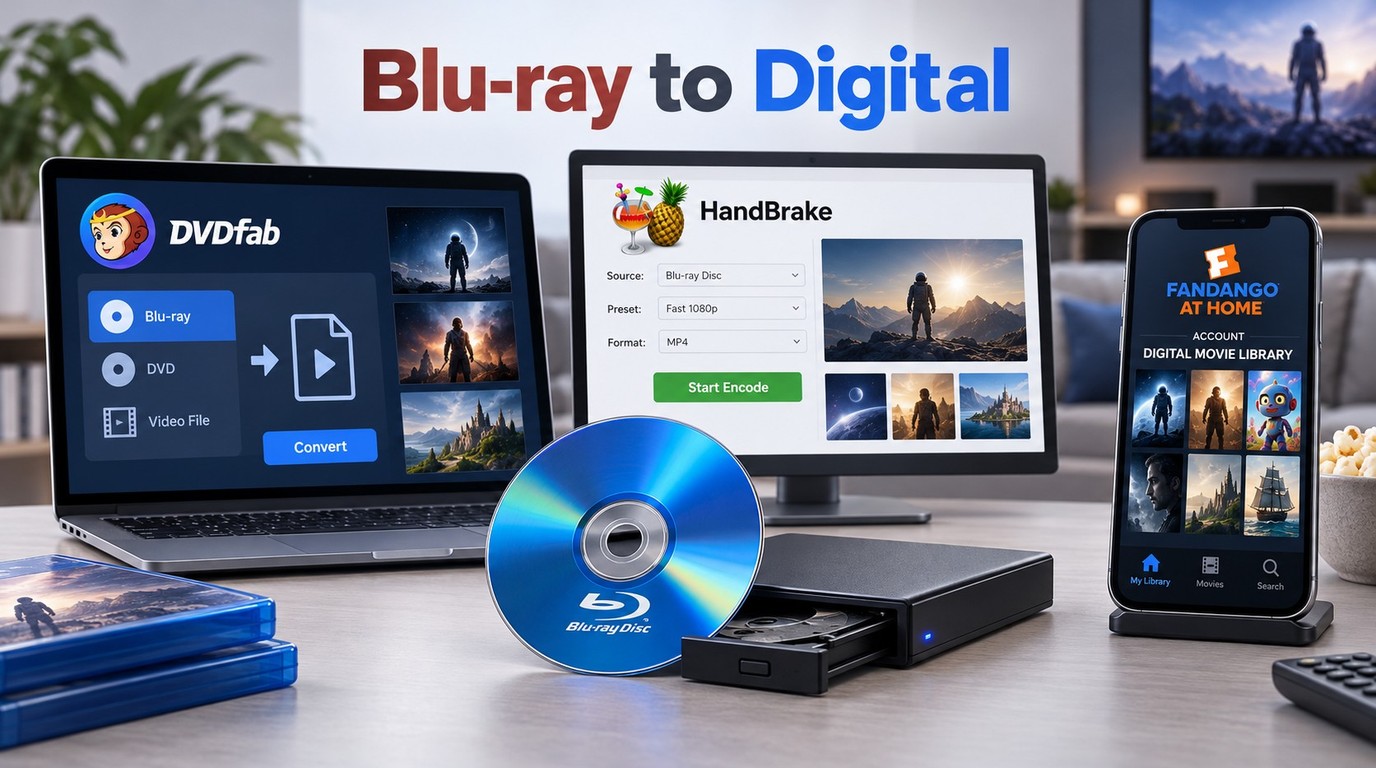 How to Convert Blu-ray to Digital on Windows, Mac & Mobile
Want to watch your Blu-ray movies, or home videos on your TV, phone or tablet without carrying the discs around? Many Blu-rays are copy-protected and the files can be huge, so you'll need the right tools and settings. In this guide, I'll show you the proven ways to convert or digitize Blu-ray safely, and play them on Windows, Mac or mobile devices.
By Wenny Yan - Oct 10, 2026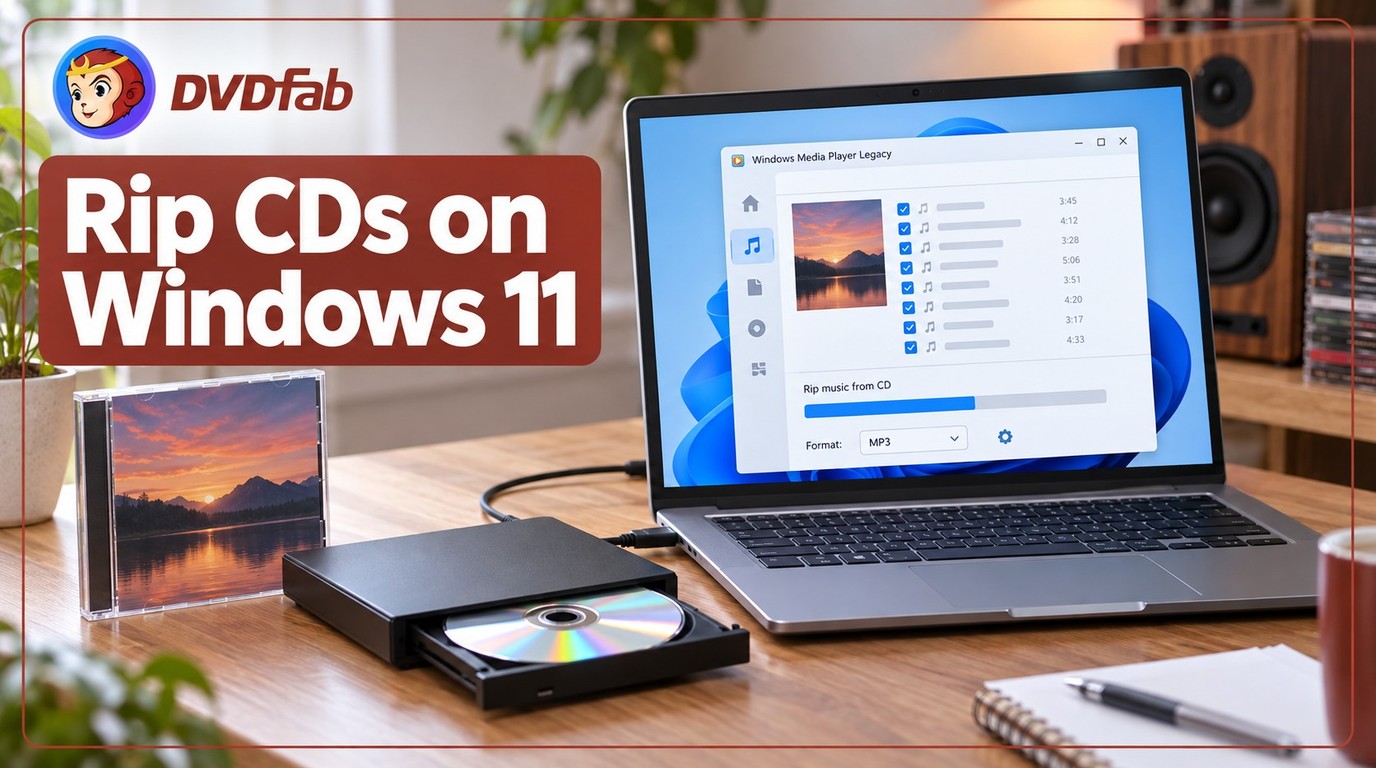 How to Rip a CD with Windows Media Player on Windows 10/11?
To rip a CD with Windows Media Player, insert the audio CD, open Media Player or Windows Media Player Legacy, choose the CD, set the rip format and audio quality, then click Rip CD. MP3 is the safest choice for everyday playback, while FLAC or WAV is better for higher-quality music archives.
By Wenny Yan - Oct 9, 2026![11 Best ISO Creators to Create ISO File on Windows & Mac [2026 Updated]](https://images.dvdfab.cn/artifact/2026/10/09/DVxGGdRFZrckamUXZ3-uk9NfbC6bsZr3/feature_cover.jpg) 11 Best ISO Creators to Create ISO File on Windows & Mac [2026 Updated]
11 Best ISO Creators to Create ISO File on Windows & Mac [2026 Updated]The best ISO creator depends on your specific needs. DVDFab DVD Copy is best for creating ISO files from DVD movies while keeping the original DVD structure. AnyBurn is better for free ISO creation from files and folders, while PowerISO is more suitable for advanced ISO editing and management. Other tools, such as ImgBurn, CDBurnerXP, Disk Utility, NTLite, may serve more specific ISO creation needs.
By Wenny Yan - Oct 9, 2026![How to Convert VHS to DVD: Top 4 Simple Ways [2026 Updated]](https://images.dvdfab.cn/artifact/2026/10/08/4TPrivZs0ZG-JTTHb9vah0LDKDLULpor/feature_cover.jpg) How to Convert VHS to DVD: Top 4 Simple Ways [2026 Updated]
How to Convert VHS to DVD: Top 4 Simple Ways [2026 Updated]The best way to convert VHS to DVD is to capture the tape as a digital video first, then burn it to DVD with DVD authoring software. A USB capture card with a computer gives the most control, a standalone converter box is easier without a PC, a VCR/DVD recorder works only if you already own reliable legacy hardware, and a professional service is better for many or fragile tapes.
By Wenny Yan - Oct 9, 2026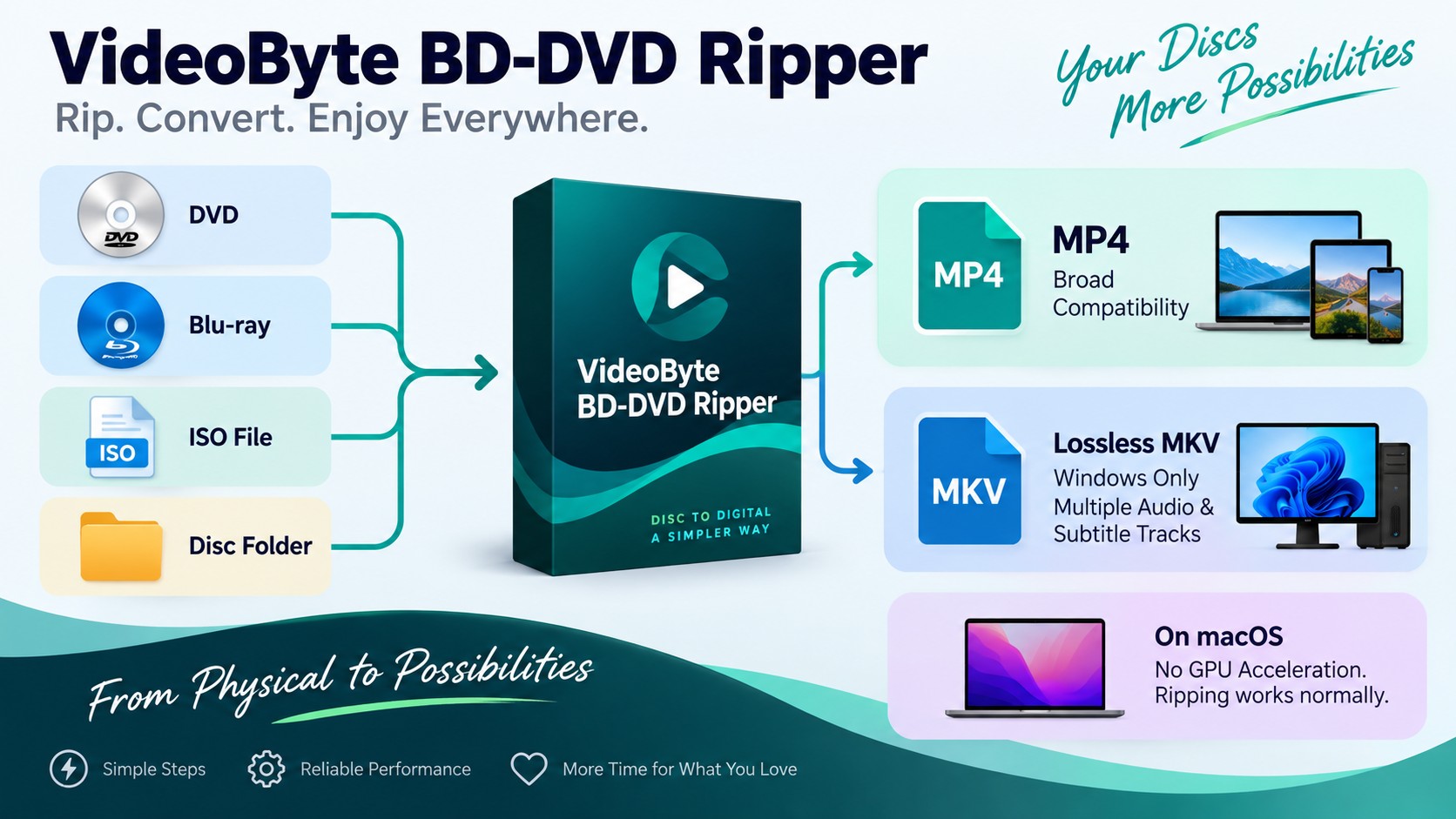 VideoByte BD-DVD Ripper Review 2026: Features, Test Results, and Comparison
VideoByte BD-DVD Ripper handles standard DVD and Blu-ray ripping on Windows and macOS, with a built-in decryption engine that simplifies Mac setup. This videobyte bd-dvd ripper review covers key features, a timed conversion benchmark against DVDFab Blu-ray Ripper, Trustpilot ratings, and compatibility notes for Windows 11 and macOS Sequoia. For most users, the decision comes down to whether conversion speed or a simpler setup process matters more.
By Wenny Yan - Oct 8, 2026