Latest Posts
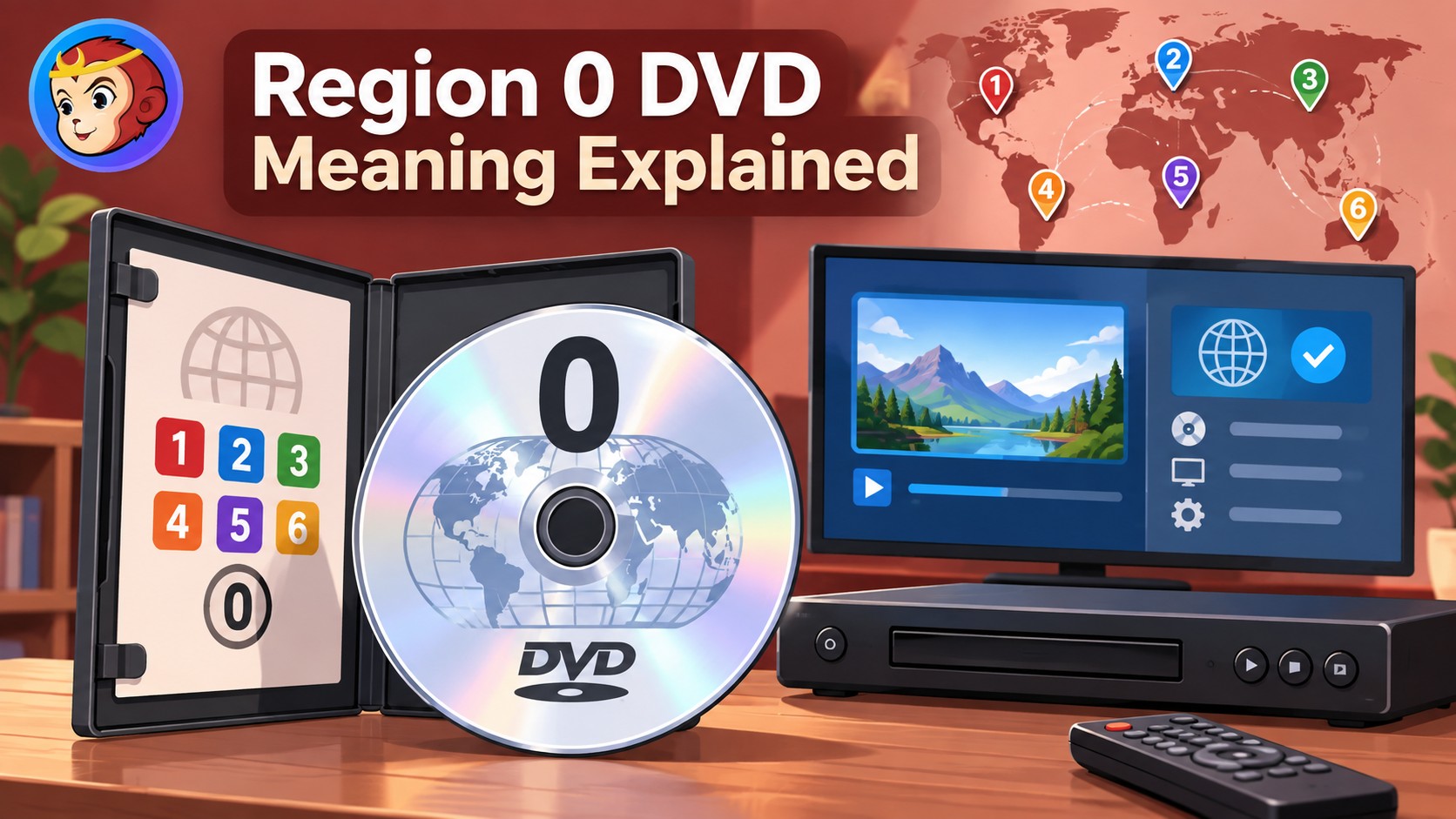 Region 0 DVD Meaning: Region-Free or Playable Everywhere?
Region codes limit DVDs to specific geographic regions, but you can play region 0 DVDs everywhere. In this blog, we'll break down what a region 0 DVD is, how it differs from a region-free DVD, and share how to convert all your DVDs to region 0, so you can enjoy movies purchased from any country easily.
By Diana Smith - Sep 29, 2026 Netflix DVD Queue in 2026: Ended, DVD.com Status & Alternatives
The Netflix DVD Queue is no longer available. Netflix ended its DVD-by-mail service on September 29, 2023, so in 2026 there is no active Netflix DVD queue, no DVD.com queue, no $4.99 DVD plan, and no free trial for mailed discs. DVD.com is gone, and Redbox is also closed after its parent company entered bankruptcy liquidation in 2024.
By Diana Smith - Sep 29, 2026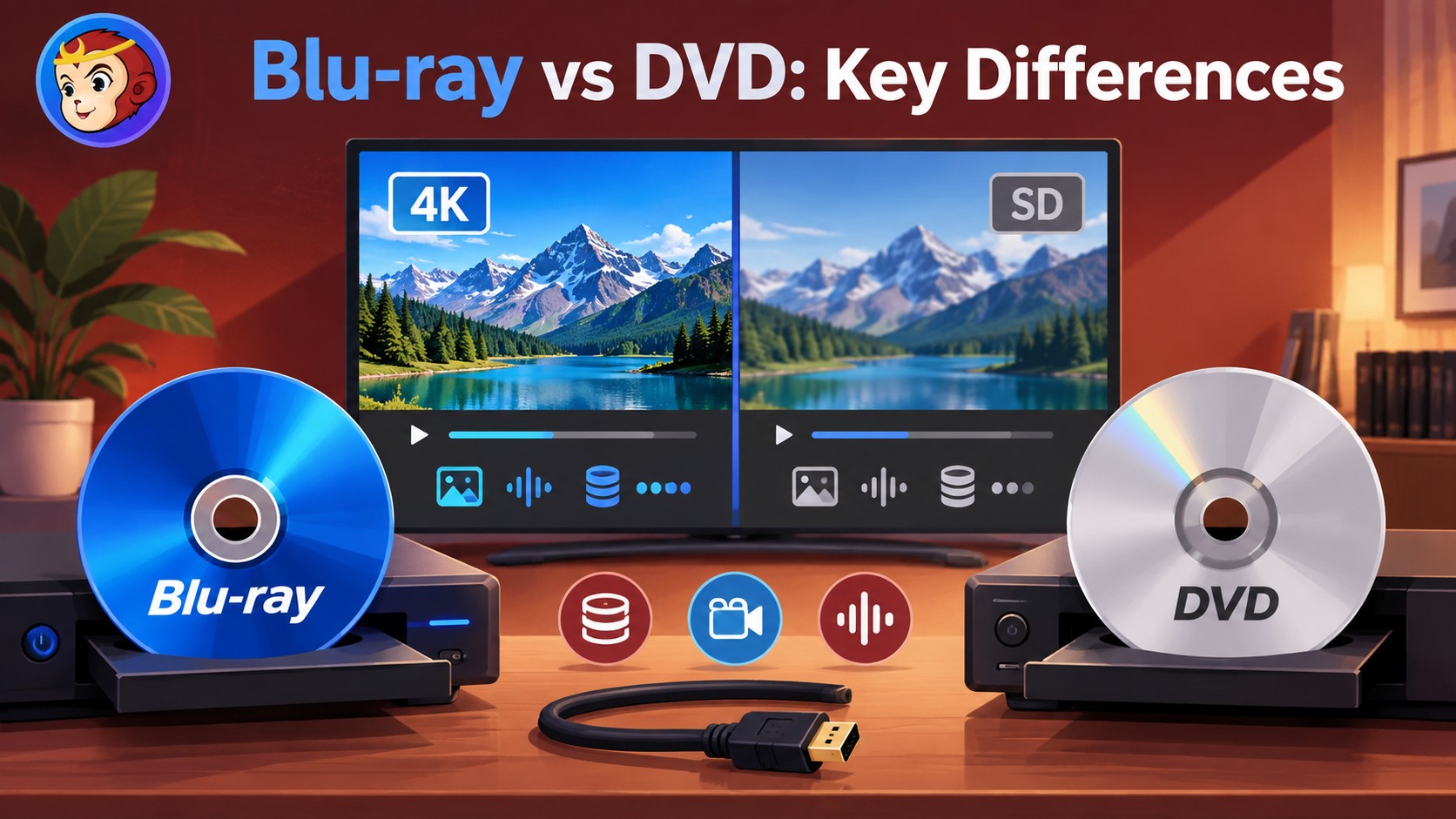 Blu-ray vs DVD: Key Differences and Buying Guide
Blu-ray is the stronger pick for sharper 1080p video, larger capacity, and richer audio, while DVD is cheaper and works better with older players; choose Blu-ray for HDTV/4K home theater or collecting, and choose DVD for budget viewing, old TVs, or legacy hardware. The main differences are capacity, resolution, audio formats, disc/player price, and compatibility.
By Diana Smith - Sep 28, 2026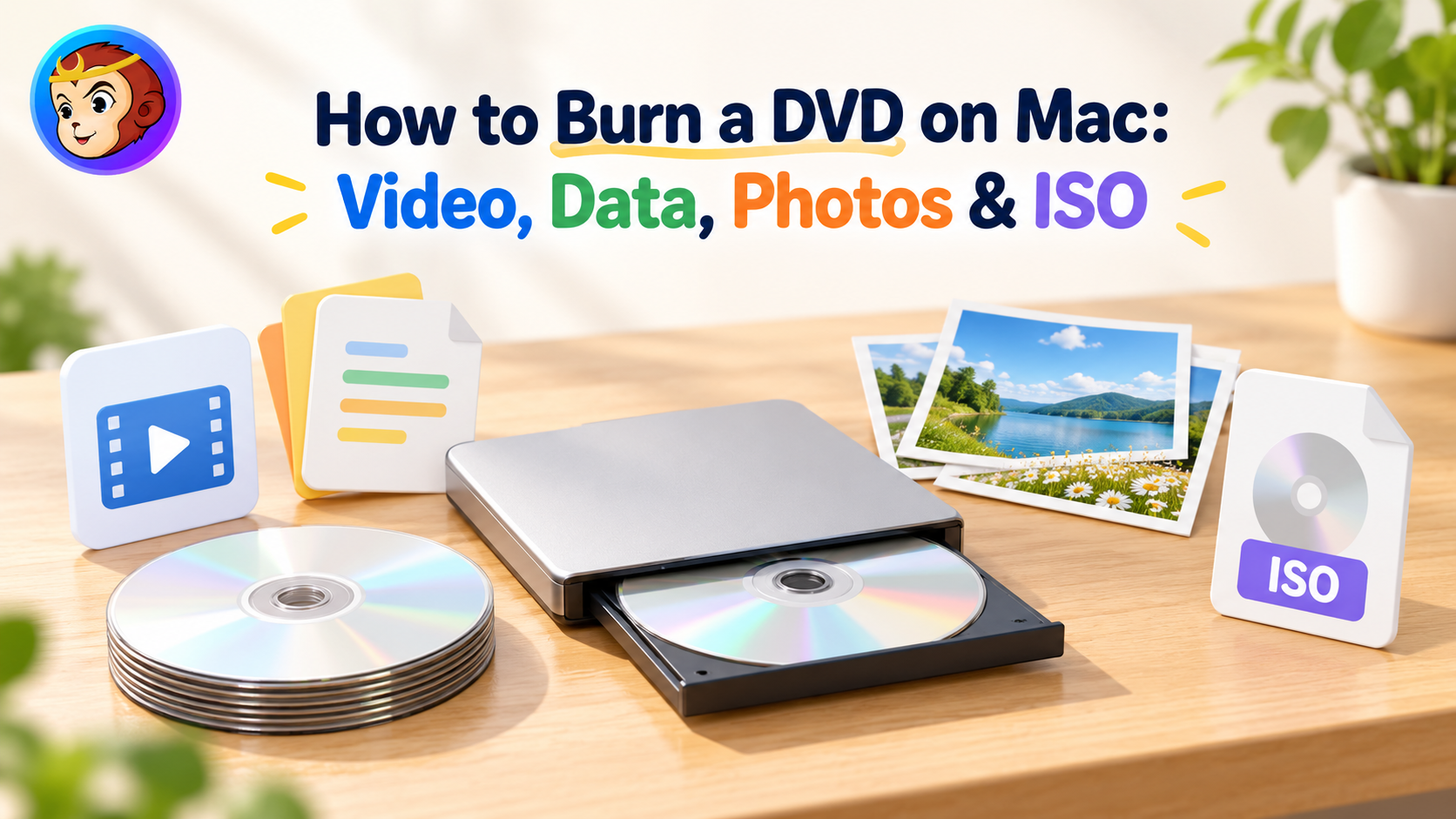 How to Burn a DVD on Mac in 2026: Video, Data, Photos & ISO
To burn a DVD on Mac, choose the method based on the finished disc you need. Use DVDFab DVD Creator for a playable DVD-Video disc, Finder for files or supported disk images, Photos or iMovie to export videos before DVD authoring, and Music for Audio CDs, MP3 CDs, or data discs. Current Macs also require a writable external optical drive.
By Diana Smith - Sep 28, 2026 How to Rip Blu-ray to MKV on Windows & Mac: 4 Tested Converters
To rip Blu-ray to MKV without re-encoding, choose a remux or passthrough profile; use H.265 when you need a smaller file. DVDFab supports both paths for protected Blu-rays, MakeMKV focuses on lossless remuxing, and HandBrake compresses unprotected or already-decrypted sources. Check your Blu-ray drive and codec compatibility before starting.
By Diana Smith - Sep 28, 2026 Leawo Blu-ray Creator Review 2026: Features, Test, Pros & Cons
Leawo Blu-ray Creator is suited to standard Blu-ray and DVD authoring on Windows and Mac, with BD-25/BD-50, DVD-5/DVD-9, disc, ISO, folder, menu, and basic editing support. Its trial limits each source to five minutes, while UHD Blu-ray disc, folder, or ISO authoring requires the separate Leawo UHD Creator module.
By Diana Smith - Sep 23, 2026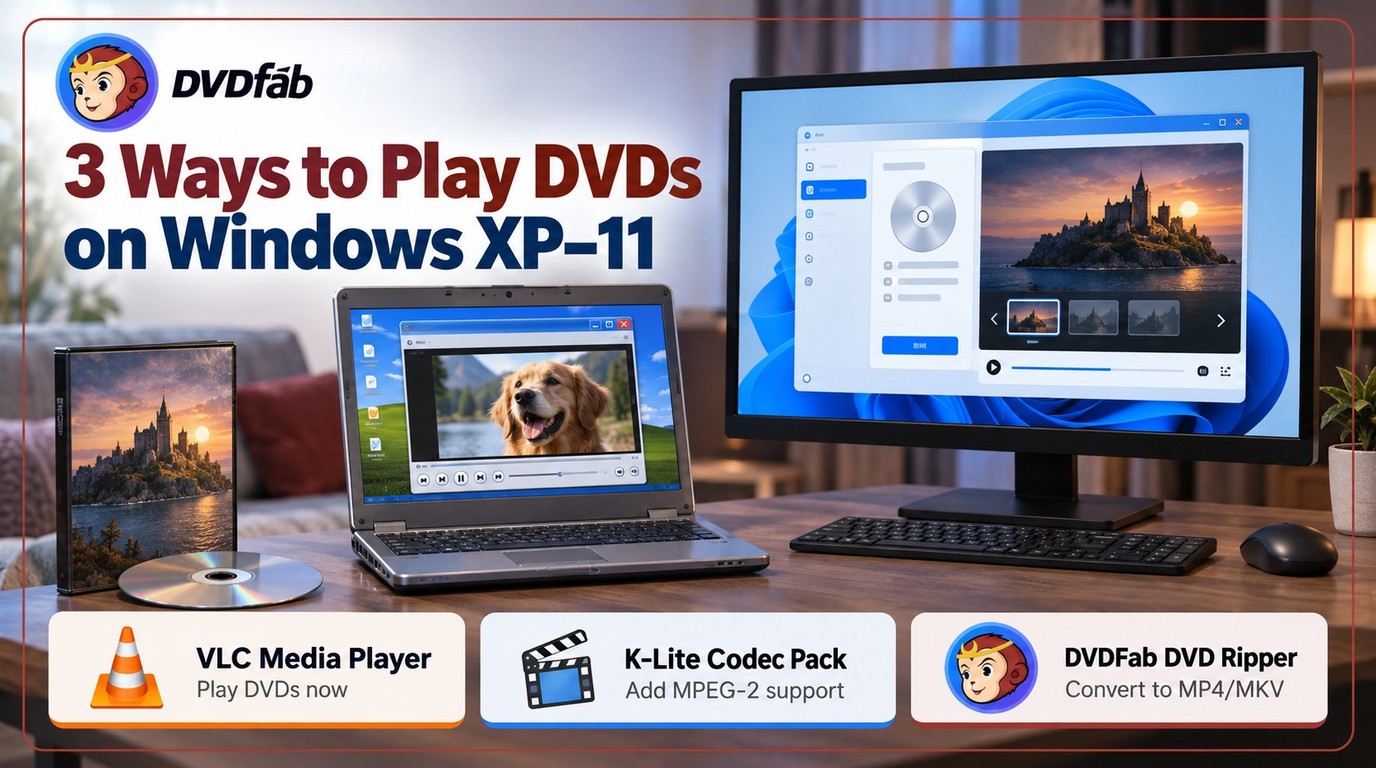 Free DVD Decoder for Windows XP and Windows 11: 3 Ways to Play DVDs
To play DVDs on Windows XP/11, your system requires an MPEG-2 decoder, which is often missing by default. You can restore it by installing K-Lite Codec Pack, switching to VLC, or converting the disc to a digital file with DVDFab DVD Ripper for device-agnostic playback. A comparison table covers all six methods with XP compatibility and setup time.
By Diana Smith - Sep 23, 2026 8 Best Free ISO Burners for Windows and Mac in 2026: Tested Picks
This guide brings together the best free ISO burners for Windows and Mac, covering simple tools for quick ISO burning as well as feature-rich options. Based on hands-on comparisons, DVDFab DVD Copy stands out as the most capable overall choice, while Free ISO Burner and ImgBurn remain reliable free alternatives for straightforward burning tasks.
By Diana Smith - Sep 16, 2026![Top 10 Best CD Burning Software on Windows and Mac [Detailed Review]](https://images.dvdfab.cn/artifact/2026/09/16/oKaHIUFwB1YUIG5qjGoru93pV57w1F86/feature_cover.jpg) Top 10 Best CD Burning Software on Windows and Mac [Detailed Review]
Top 10 Best CD Burning Software on Windows and Mac [Detailed Review]CD burning software is designed to help you preserve music, photos, and data on physical media. Power2Go 13 is the most complete paid option in this list, while CDBurnerXP remains a free Windows choice for basic disc projects. Express Burn supports both Windows and Mac, but its free version is limited to non-commercial CD burning. For video files that need to become a playable DVD Video disc with menus, DVDFab DVD Creator covers that separate authoring task.
By Diana Smith - Sep 16, 2026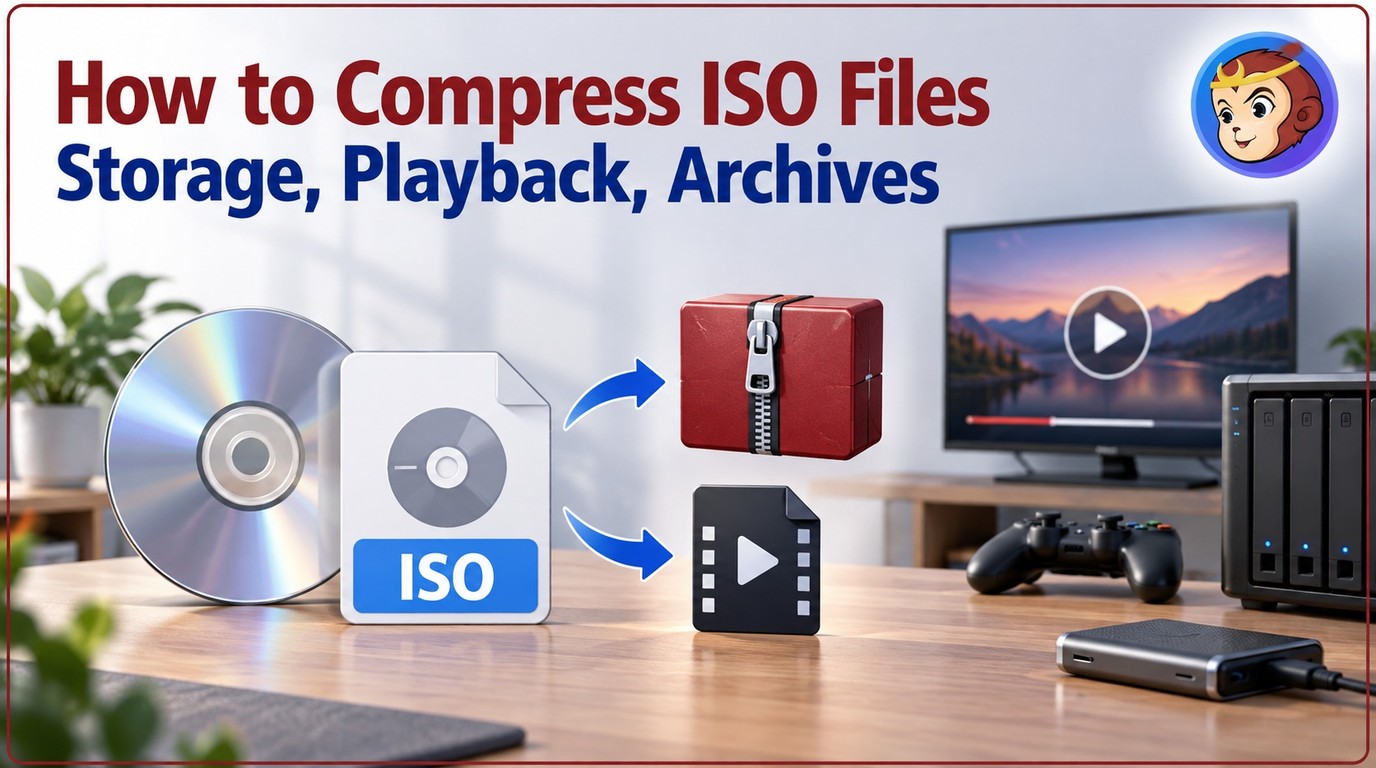 How to Compress ISO Files: 4 Methods for Storage, Playback, and Archives
Software ISOs barely shrink with general-purpose archivers because their internal files are already compressed; movie DVD ISOs can drop 50-80% when re-encoded. The methods below cover that range: 7-Zip for free lossless archiving, DVDFab for maximum size reduction via format conversion, ISO Compressor for PSP and Wii game files, and UnZiper for browser-based use.
By Diana Smith - Sep 16, 2026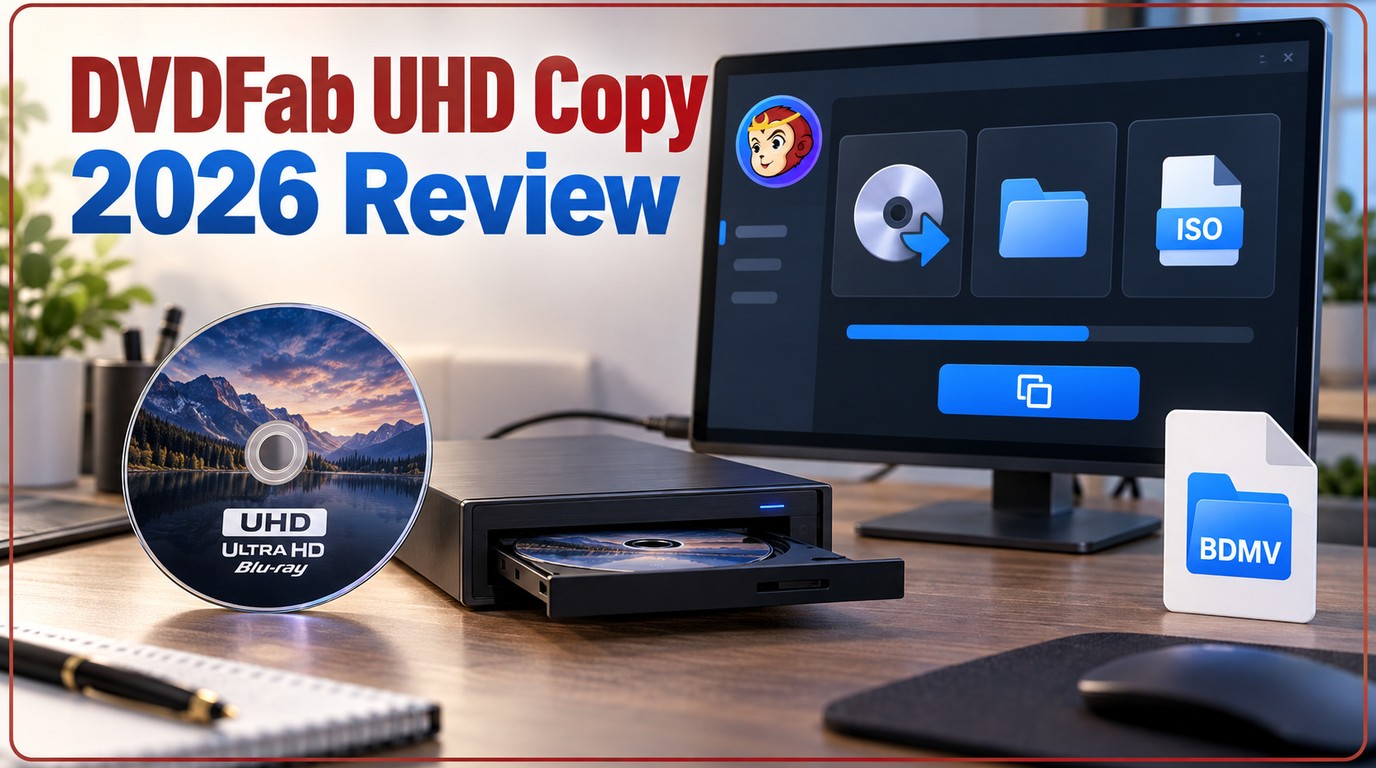 DVDFab UHD Copy Review 2026: 3 Modes, Drives, and Backup Steps
In 2026 DVDFab UHD Copy review, we found this software remains the gold standard for home theater enthusiasts looking to back up their physical 4K Blu-ray collections. It balances exceptional decryption power with lossless retention of premium formats like HDR10, Dolby Vision, and Dolby Atmos. While it requires a compatible UHD-friendly drive, its impressive GPU-accelerated speed makes it a reliable investment for serious media collectors.
By Diana Smith - Sep 16, 2026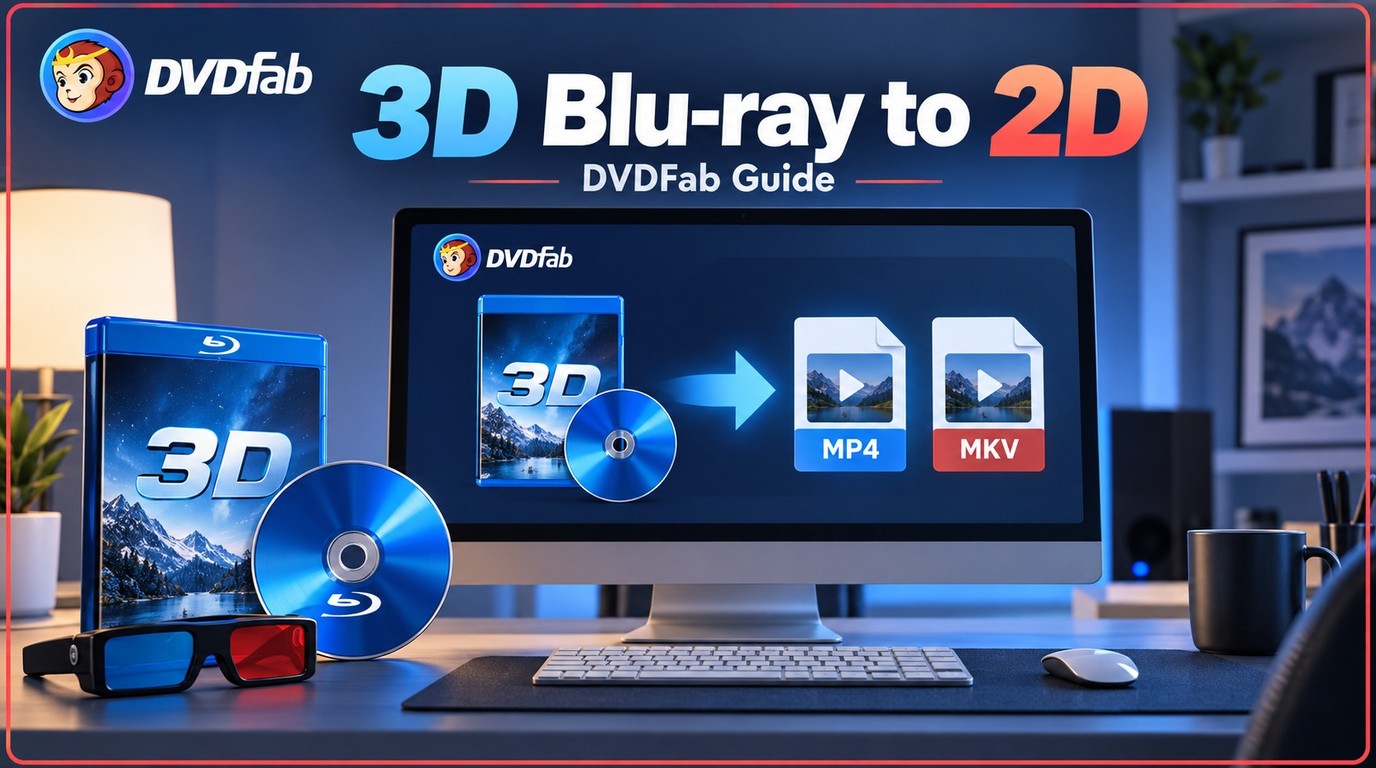 How to Convert 3D Blu-ray to 2D Video: DVDFab 3D Converter Guide
Playing 3D Blu-ray movies on a regular TV or VR headset requires converting the disc first — whether to flat 2D video for phones and tablets, or to side-by-side output for Meta Quest and Apple Vision Pro. This guide walks through the full four-step process using DVDFab Blu-ray Ripper, covering format selection, MVC track handling, GPU speed, and expected file sizes for each output type.
By Diana Smith - Sep 16, 2026