Netflix DVD Queue in 2026: Ended, DVD.com Status & Alternatives

Summary: The Netflix DVD Queue is no longer available. Netflix ended its DVD-by-mail service on September 29, 2023, so in 2026 there is no active Netflix DVD queue, no DVD.com queue, no $4.99 DVD plan, and no free trial for mailed discs. DVD.com is gone, and Redbox is also closed after its parent company entered bankruptcy liquidation in 2024.
Is the Netflix DVD Queue Still Available in 2026?
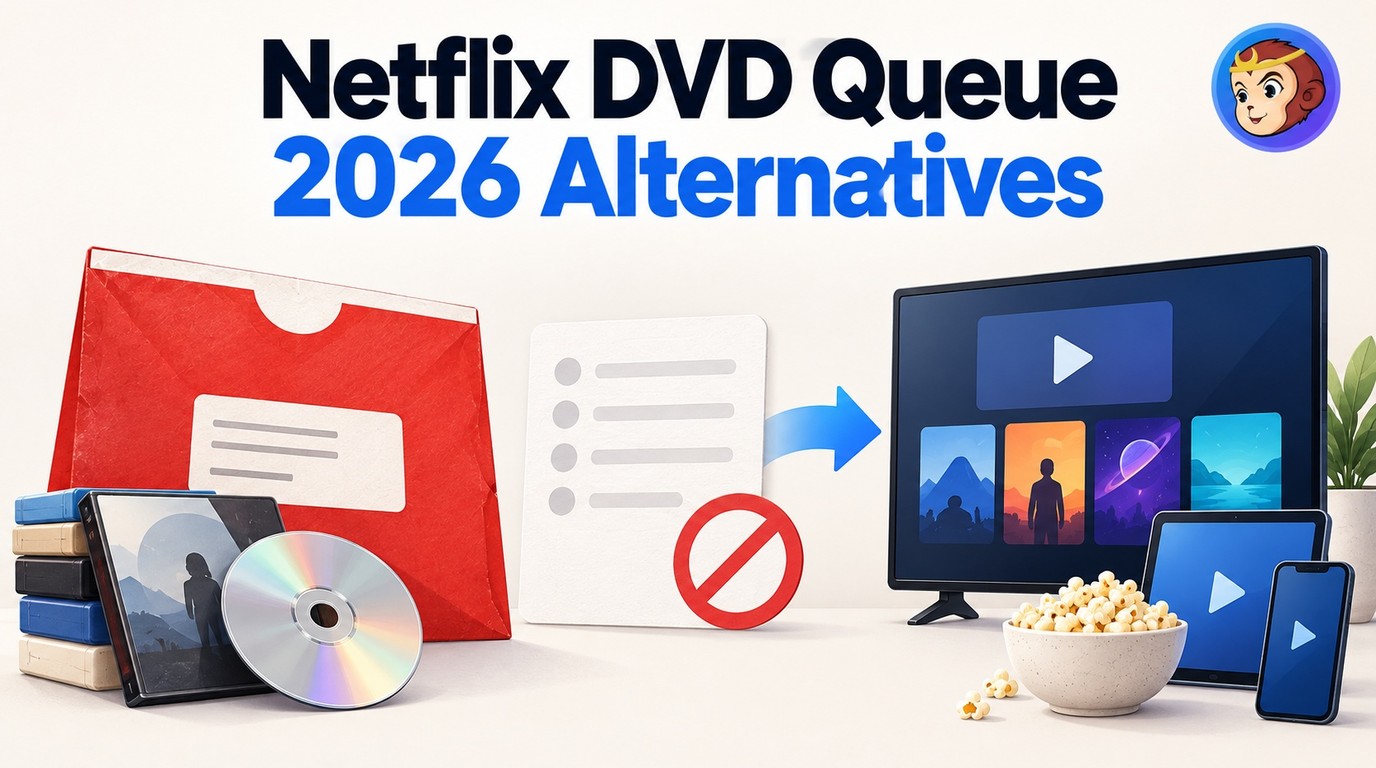
No. The Netflix DVD Queue ended on September 29, 2023. The queue was a priority-ordered list of discs to receive by mail. Netflix no longer mails DVDs or Blu-rays, and the former DVD.com queue is not a working rental queue in 2026.
| Former service or feature | 2026 status | What it means |
|---|---|---|
| Netflix DVD Queue | Ended September 29, 2023 | No new disc orders or queue changes |
| DVD.com queue | No active rental queue | No Netflix-style mailed-disc shipments |
| Netflix DVD plans | Discontinued | No mailed-disc subscriptions |
| Netflix DVD free trial | Discontinued | No mailed-disc trial |
| Redbox DVD rental | Closed after 2024 liquidation | No active kiosk rentals |
| Fandango at Home, formerly Vudu | Digital rentals and purchases | No mailed discs |
How the Netflix DVD Queue Used to Work
Before the shutdown, the Netflix DVD queue ranked the DVDs and Blu-rays you wanted to receive by mail. You placed your preferred titles near the top. Netflix shipped the highest available title according to your plan and disc availability.
After watching a disc, you returned it in the prepaid envelope. Once Netflix processed the return, the next available disc in the queue could be sent. The service had no due dates or late fees. Those terms belong to the former service, not a subscription you can start today.
The Netflix DVD rental service launched in 1998 and closed in 2023. Its queue connected your viewing choices to physical shipments, which made it different from a saved list of movies to watch.
What Happened to DVD.com, Redbox, and Vudu?
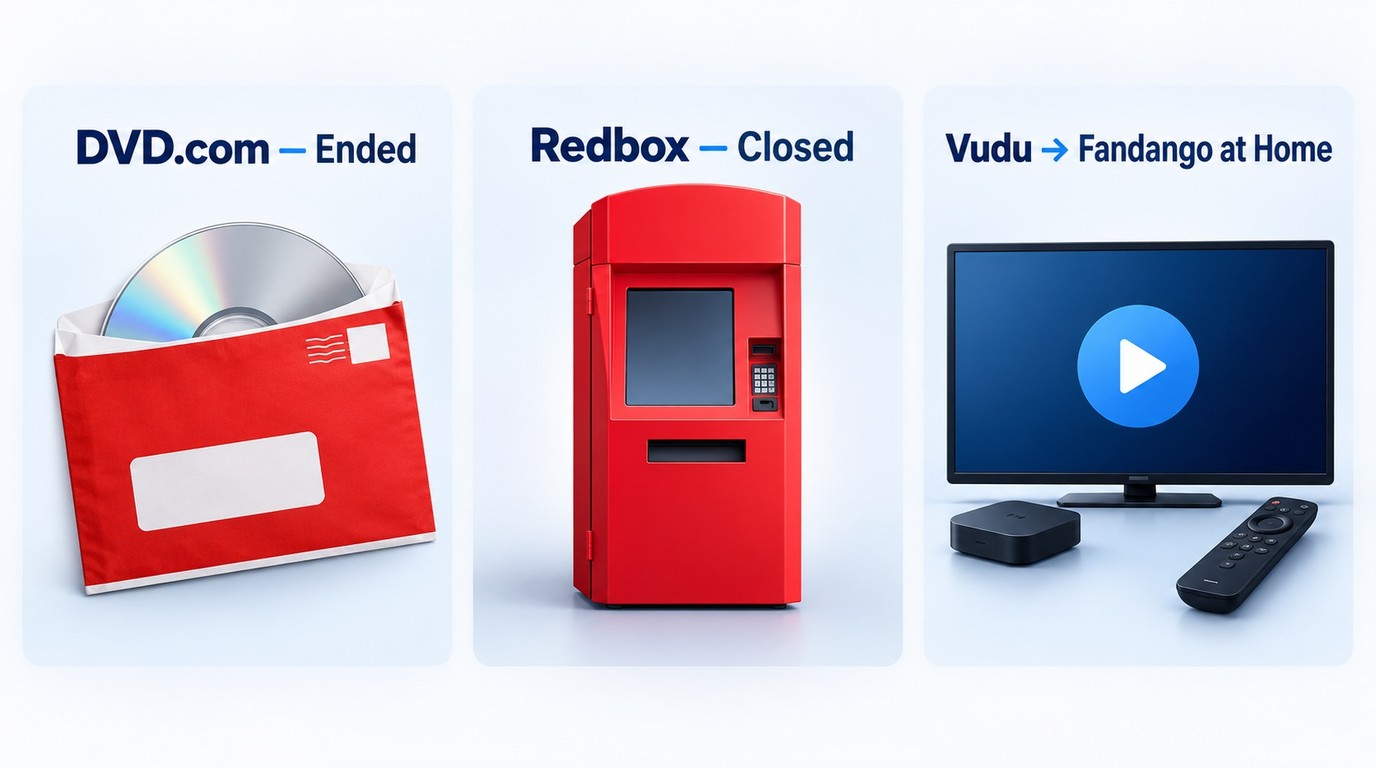
DVD.com and Redbox no longer provide their former disc-rental services. Vudu became Fandango at Home, a digital rental and purchase service. These names describe different viewing options, so an old account or tutorial does not mean mailed discs are still available.
DVD.com and the DVD.com queue
The DVD.com rental service has ended, and its DVD.com queue is no longer active. Netflix DVD app tutorials published in 2017 describe that former service, not a current way to receive discs.
A queue or rental-history file saved earlier is a personal title record. It is not an active rental queue. To recover the titles you saved:
- Look for an existing copy in Downloads, email attachments, or personal backups.
- Use the titles in that file to rebuild a list manually.
Redbox
Redbox closed after its parent company's liquidation in July 2024. Its kiosks, rental app, and streaming service are no longer active alternatives to Netflix's former DVD rentals.
Vudu / Fandango at Home
Vudu is now Fandango at Home. You rent or buy digital movies instead of receiving DVDs, Blu-rays, or 4K UHD discs by mail. It suits immediate viewing when the title you want is available digitally.
Working DVD-by-Mail Alternatives in 2026
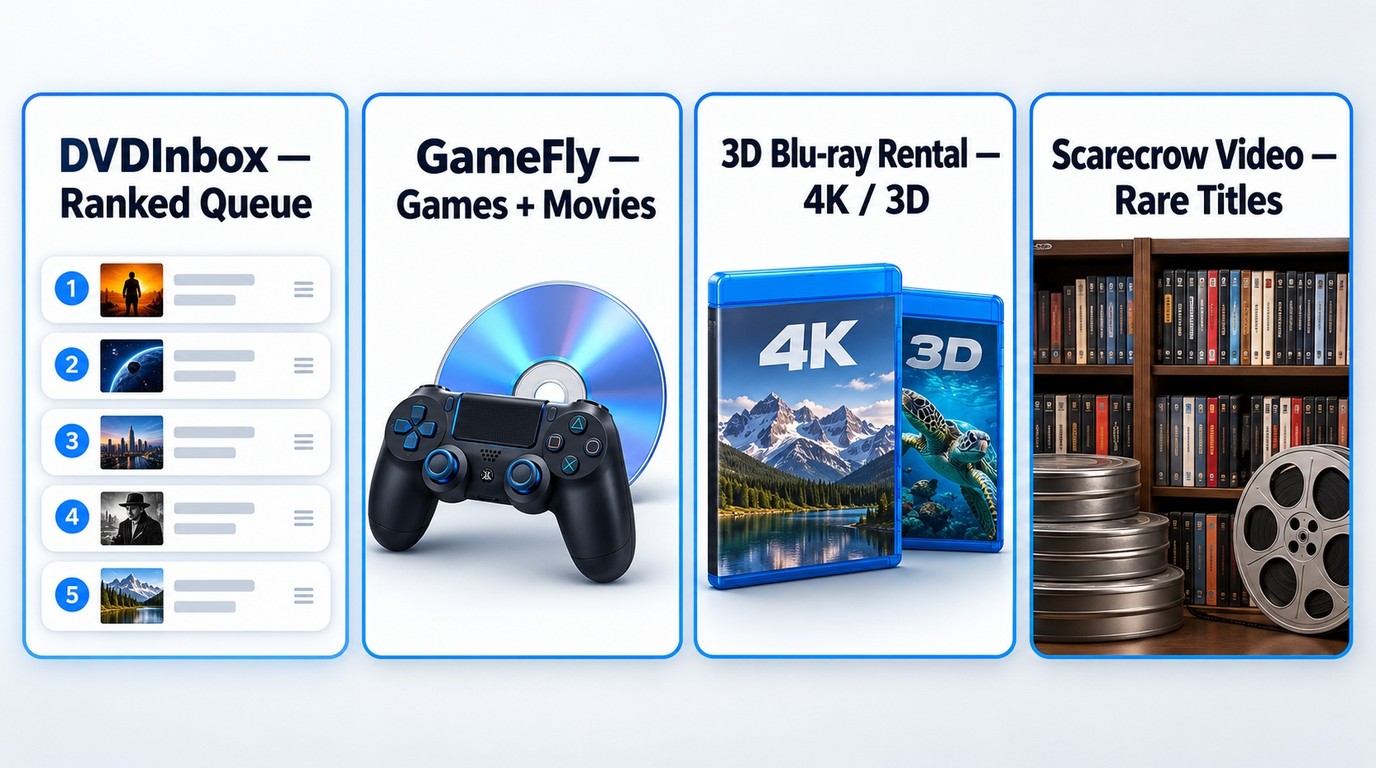
DVDInbox, GameFly, 3D Blu-ray Rental, and Scarecrow Video offer DVD-by-mail alternatives with different rental models and disc selections. DVDInbox uses a prioritized disc queue. Start with a movie you want to watch, then match its available format to your player.
As of September 2026:
| Service | Rental model | Best fit |
|---|---|---|
| GameFly | Subscription rentals | Games and movie discs |
| 3D Blu-ray Rental | Per-rental or subscription | Blu-ray, 4K UHD, and 3D discs |
| Scarecrow Video | Rent-by-mail | Searching for hard-to-find titles |
| DVDInbox | Prioritized disc queue | Ordering mailed discs from a ranked list |
I would choose mailed discs for a specific title or edition missing from streaming, provided the format works with the player. Waiting for delivery is part of that choice. For a movie you want to watch tonight, an available digital rental makes more sense.
Search for the exact title and format before choosing a service. A wishlist entry expresses interest; it does not reserve a rentable copy or promise a shipment. A Blu-ray, 4K UHD, or 3D edition also needs compatible playback equipment.
Digital Rentals Are Not the Same as DVD-by-Mail
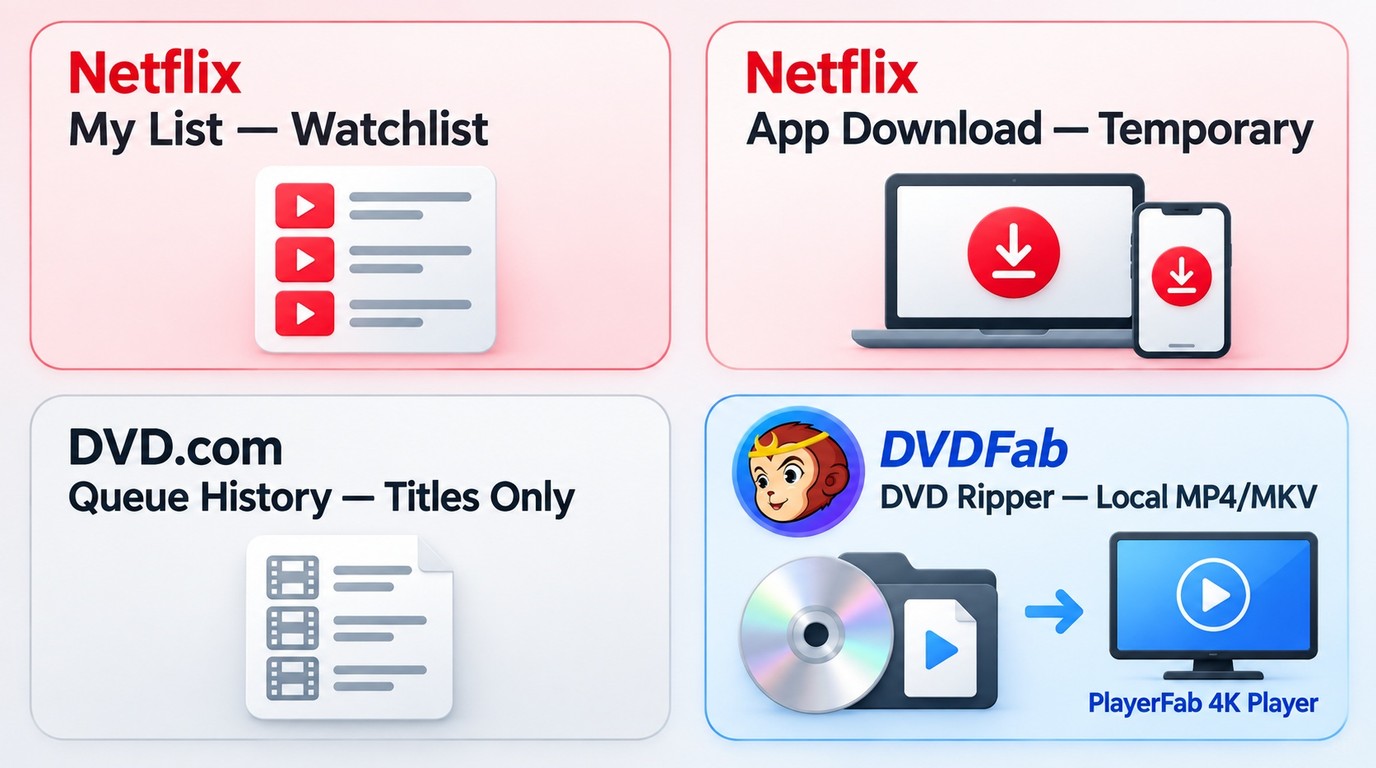
Digital rentals provide online access to a movie for a limited rental window. You receive no physical disc. Licensing, playback rules, and rental Windows govern that access, instead of a mailed-disc queue and return envelope.
Netflix's My List saves streaming titles and is separate from the old priority-ranked disc queue. Adding a movie to My List does not order a disc. Netflix's streaming catalog is also separate from its former DVD catalog, so a title once rented on DVD is not necessarily available to stream there.
Netflix app downloads are for offline playback within the app; a saved queue-history file contains title data, while an authorized DVD conversion produces a local video file.
A computer media player such as PlayerFab 4K Player plays local discs and media files. Local playback does not restore the former Netflix queue or place a rental order.
Owned DVD Backups After the Netflix DVD Queue Shutdown
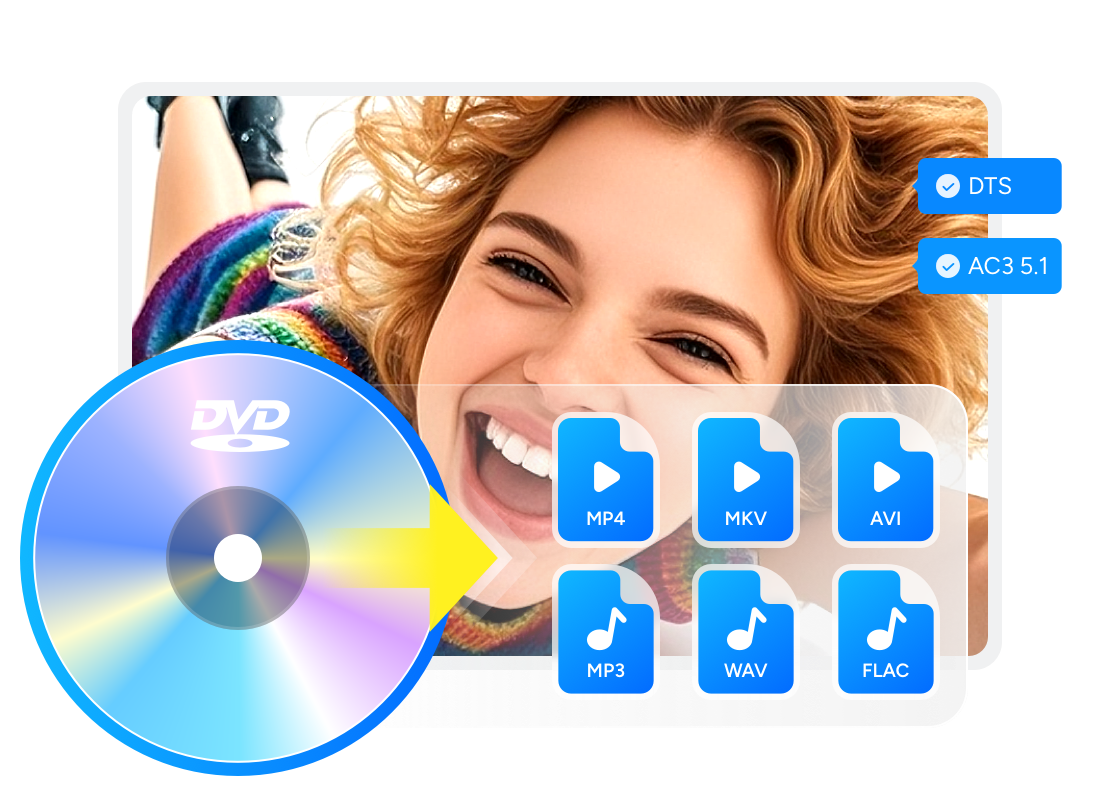
The end of the Netflix DVD Queue does not change the rules for rented discs. If you want to back up DVD content that you legally own or are authorized to copy, professional DVD ripping software such as DVDFab DVD Ripper can convert DVD movies to digital video or audio formats for playback on portable devices, mobile devices, game consoles, or a home theater system.
💡This section is only for discs you legally own or have permission to copy. Before making any backup, follow local copyright law and the terms that apply to the disc.
Where DVDFab DVD Ripper fits
DVDFab DVD Ripper is a DVD conversion tool for users who want to create personal digital copies of DVDs they legally own or are permitted to copy. It can convert protected DVD discs, ISO files, and DVD folders to common video formats for private playback on compatible devices.
Use the installer for your computer:
Main Features:
- The ONLY tool capable of removing the latest DVD copy protection
- Rip DVDs to various default MP4 profiles, such as 3D, Passthrough, 4K/5K/8K, H265, 10/12 bit
- Also support 1000+ video & audio output formats and 260+ preset devices
- Select the titles, chapters, audio tracks and subtitles you want to rip
- Multi-core CPUs and Intel Quick Sync are used to provide faster batch conversion
- Auto-synchronize original metadata info for better management on the media server
- Offer a built-in video editor that can crop, trim, brighten, add watermarks and external subtitles, speed up/down, zoom in/out a video, etc.
- Free experience Blu-ray ripping
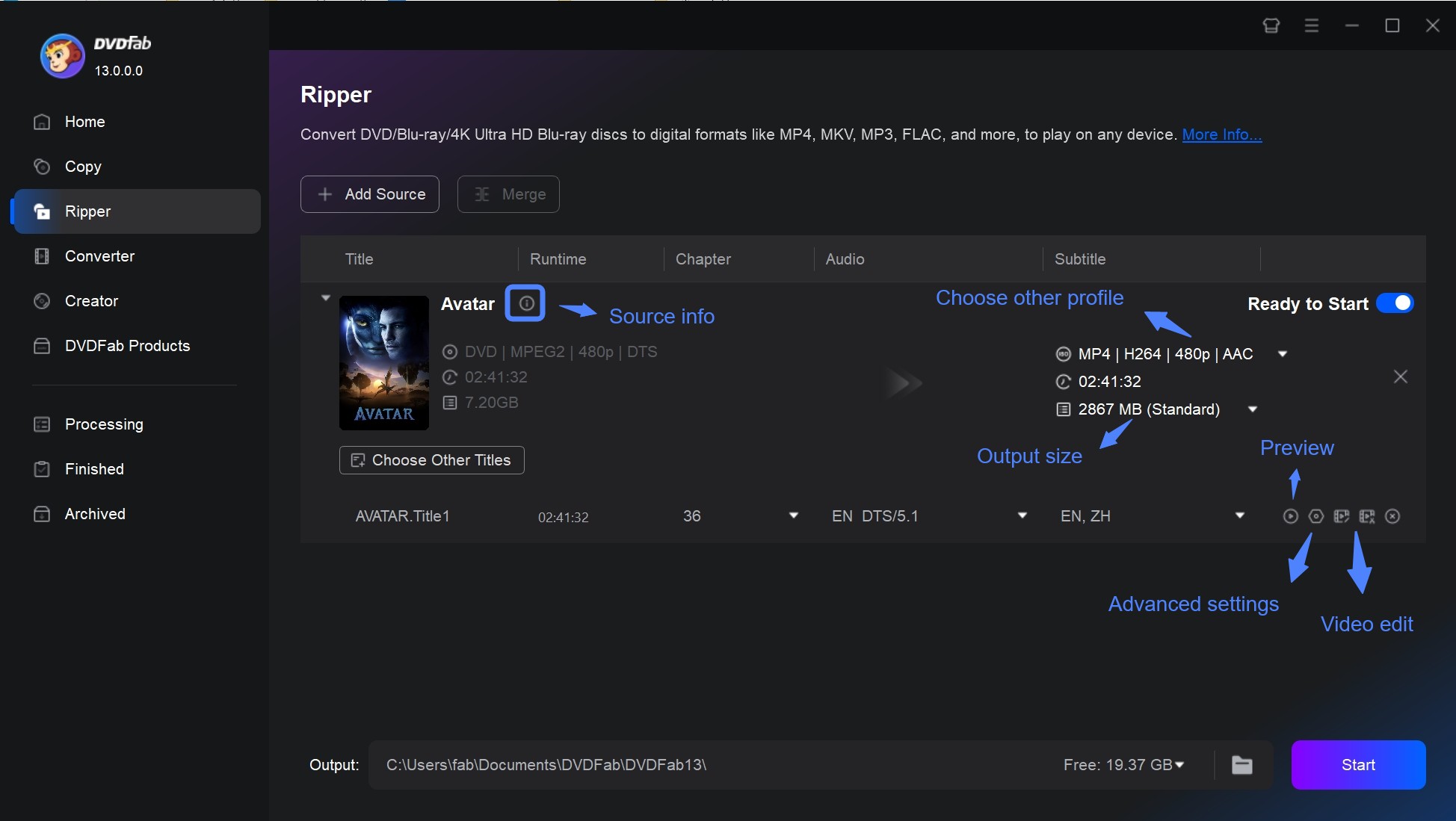
How to Rip Your DVD with DVDFab DVD Ripper:
- Insert a DVD you own, or load a DVD ISO file or folder that you are permitted to copy.
- Choose an output profile such as MP4 or MKV, then select the audio tracks and subtitles you need.
- Click on the Advanced Settings (the wrench icon) to set video and audio parameters according to your actual needs.
- Use built-in Video Editor to personalize the output video. You can crop, trim, merge and rotate video clips, add text, image and subtitles to video, and adjust brightness, contrast and saturation.
- Choose an output folder and start the conversion.
FAQs
Can I still access or export my old Netflix DVD queue?
No active DVD.com rental queue remains. An export you saved earlier is still usable as a personal record; look for that existing file in your own backups. It does not restore rental access.
Can I buy Netflix DVDs after the shutdown?
Netflix no longer operates the DVD.com rental service. To find titles you remember as Netflix discs, search used DVD and Blu-ray listings by title, edition, format, and region code. A resale listing is not a reopened Netflix store.
Which service can replace my old DVD queue?
DVDInbox uses a prioritized mail-rental queue. Choose a service with the titles and disc formats you want; a saved watchlist alone does not reserve a shipment.
Can I burn a Netflix download to a DVD?
No. You cannot use Netflix's in-app downloads to burn Netflix movies to DVD: they are for playback within the Netflix app, not DVD-ready video files. DVD Ripper converts DVD sources into video files; creating a playable DVD is a separate authoring operation.
Conclusion
The Netflix DVD Queue belongs to the former mail-rental service. An old saved history file helps you rebuild a title list, but it cannot place new orders.
For physical rentals, match a wanted title and disc format to DVDInbox, GameFly, 3D Blu-ray Rental, or Scarecrow Video. For immediate viewing, choose an available digital rental. For a personal DVD collection you are authorized to copy, DVDFab DVD Ripper provides local video conversion.

 Free DVD Decoder for Windows XP and Windows 11: 3 Ways to Play DVDsBy Diana Smith - Sep 23, 2026
 How to Compress ISO Files: 4 Methods for Storage, Playback, and ArchivesBy Diana Smith - Sep 16, 2026
 How to Rip DVD to Facebook and Upload the Video in 2026By Diana Smith - Sep 15, 2026
![How to Rip DVDs for Plex: Guide to Formats, Tools, and Library Setup [2026]](https://images.dvdfab.cn/media/Screenshot_2026-09-08_at_18.53.34_j36v3l.png/public) How to Rip DVDs for Plex: Guide to Formats, Tools, and Library Setup [2026]By Diana Smith - Sep 8, 2026
How to Rip DVDs for Plex: Guide to Formats, Tools, and Library Setup [2026]By Diana Smith - Sep 8, 2026