What Does DVD Stand For? Meaning, Formats, and How DVDs Work

Summary: DVD most commonly stands for Digital Versatile Disc, while Digital Video Disc was also used during the format's early history. A standard single-layer DVD stores about 4.7 GB and can hold movies, software, music, and other digital data. Although streaming has replaced DVDs for much everyday viewing, DVDs still remain useful for physical ownership, offline playback, and preserving personal or collectible media.
What Does DVD Stand For?
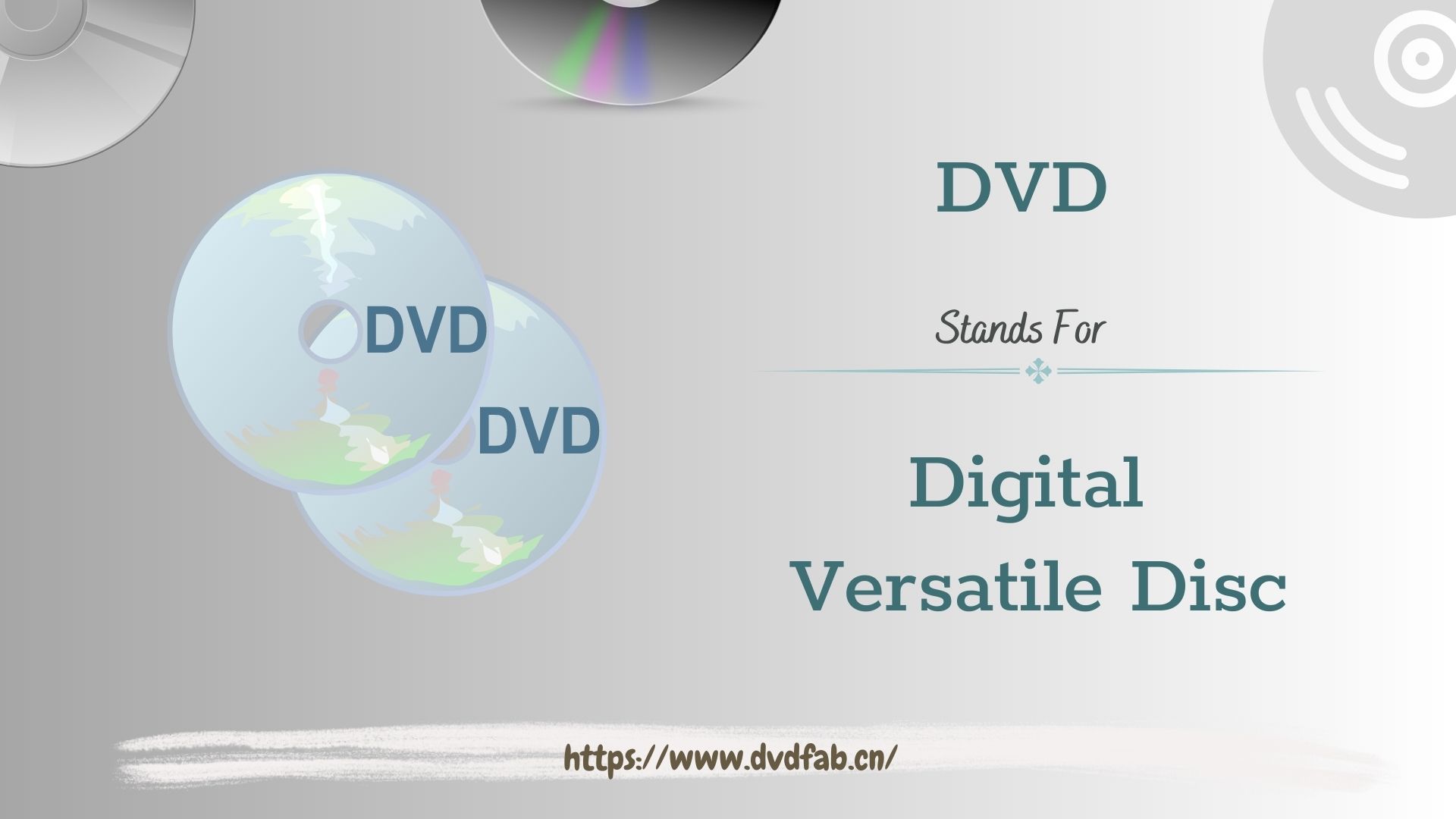
DVD usually means Digital Versatile Disc, an optical disc format for movies, software, and personal recordings. Digital Video Disc was also used historically, and DVD can function as the format name. For most readers, DVDs remain useful for physical ownership and offline viewing when the disc and player are compatible.
DVDs can store and distribute movies, TV shows, music, software, and other digital data. Compared with VHS, they offered improved picture and sound quality along with interactive menus, language options, and subtitle choices that supported home viewing and international distribution.
Digital Versatile Disc or Digital Video Disc?
A Brief History of the DVD
When Did DVDs Come Out?
DVD development began in the early 1990s, followed by a commercial launch in Japan in November 1996 and in the United States in March 1997. I find that distinction important because development dates and public-release dates answer different questions about DVD history.
Development of the DVD format began in 1993, with the goal of creating an optical disc with a greater capacity than the standard CD. The DVD's expanded storage allowed it to handle high-quality video and audio playback, as well as incorporate interactive elements like menus and bonus titles.
Though they initially found fame distributing Hollywood movies, DVDs quickly proved their versatility by entering the markets for software distribution, music videos, and video game media.
The Golden Age of Physical Media
In the late 1990s, DVDs became a mainstream home-video format. They brought improvements over VHS in picture quality, random access, and features such as scene selection and bonus content.
The DVD's rapid success stemmed from several key factors.
DVDs were smaller than VHS tapes and easier to store or carry. Features such as scene selection, bonus content, and multiple language tracks gave viewers more playback and navigation choices in the home-video market of the time.
As the popularity of DVDs increased, the market for DVD players expanded as well. By the early 2000s, DVD players had become affordable and widely available. Many models were equipped with additional features like progressive scan and image upscaling, which improved picture quality on high-definition TVs. This made it easy for anyone to enjoy high-quality home entertainment without incurring high costs.
DVDs also had a substantial impact on the film industry. Movie companies began releasing both new releases and classic films on DVD. The format provided studios with a new revenue opportunity, not only through the sale and rental of films but also by including special feature footage and additional content that could not be found anywhere else.
How DVDs Work
DVD Capacity and Specifications
For the common 12 cm DVD size, capacity depends on the disc type and number of recording layers.
| Format | Laser | Typical capacity | Common role |
|---|---|---|---|
| CD | Infrared | About 700 MB | Music and data |
| DVD-ROM | Red | 4.7 GB | Factory-pressed media |
| DVD-R / DVD+R | Red | 4.7 GB | Write once |
| DVD-RW / DVD+RW | Red | 4.7 GB | Rewritable recording |
| Dual-layer DVD | Red | 8.5 GB | Longer video or data |
| Blu-ray / Ultra HD Blu-ray | Blue-violet | 25/50 GB; 66/100 GB | HD; 4K video |
Standard Blu-ray commonly uses 25 GB or 50 GB media, while Ultra HD Blu-ray commonly uses 66 GB or 100 GB media for 4K video. Keeping those two formats separate prevents a misleading comparison with DVD.
Lasers, Pits, and Lands
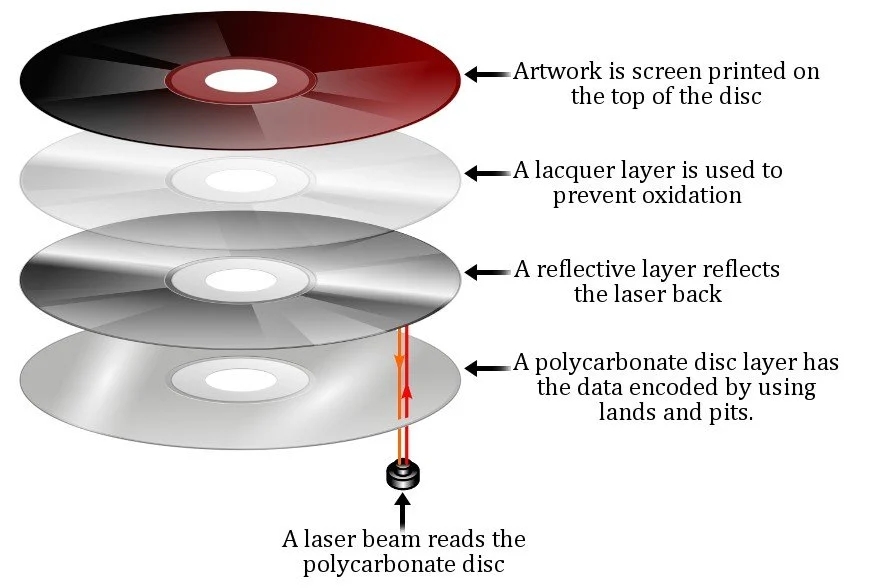
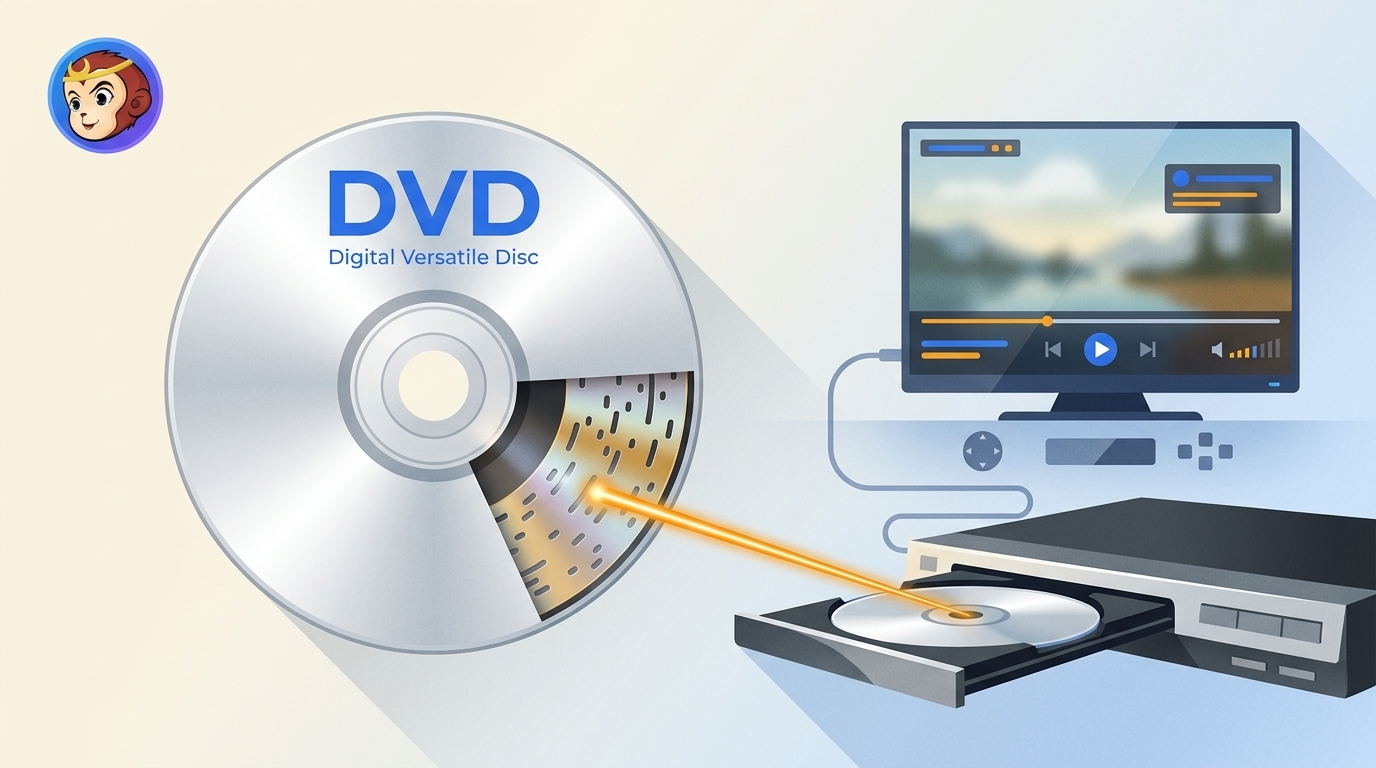
DVDs work by using a laser to read and write data stored in small pits and bumps on the disc's surface. Unlike CDs, DVDs use a shorter wavelength red laser light. A smaller laser spot allows the drive to read and write more minuscule pits and bumps on the disc, thereby compressing data units much tighter.
The process of reading or writing data on a DVD begins with the disc spinning at high speed within the DVD player or drive. The DVD drive then directs a focused laser beam onto the disc's surface. The reflected laser light is subsequently detected by a sensor, which interprets the data recorded on the disc.
This information is physically recorded as a continuous succession of extremely small pits and bumps placed along a spiral track that runs from the disc's center to its outer Edge. The laser scans along this track, reading the tiny pits and bumps and turning that pattern into the ones and zeros (binary code) that hold the information.
When you record data onto a blank DVD, the laser shines a focused beam to heat a tiny spot in the disc's dye layer. The change in reflectivity creates a pattern that the drive can read as recorded data.
DVD Formats and Compatibility
DVD-R, DVD+R, and Rewritable Discs
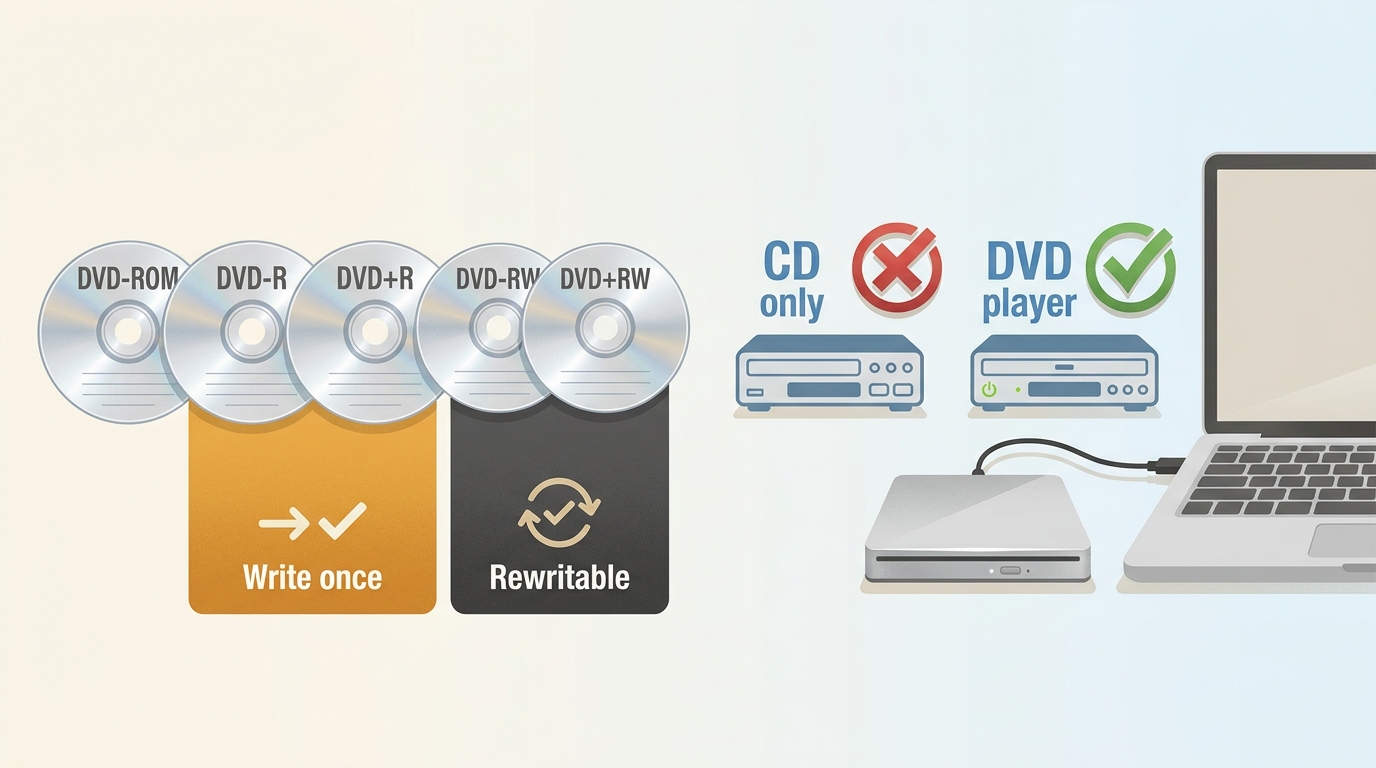
DVD formats fall into a few everyday categories: DVD-ROM is factory-pressed and read-only, DVD-R and DVD+R are written once, and DVD-RW and DVD+RW can be erased and recorded again. A dual-layer DVD adds capacity, while a recorded disc may need to be finalized before another player can read it.
Can a CD Player Play a DVD?
No. A CD-only player cannot read a DVD because it is built for the CD format and its different optical requirements. A DVD player or DVD drive commonly reads CDs as well, but recorded discs can still depend on the player, the disc type, and whether finalization was completed.
Watching DVDs on Modern Computers
Many modern computers have no internal optical drive. For occasional playback, connect a compatible external USB DVD drive, insert the disc, and use playback software that supports its format and region. This is a sensible option for viewing a disc, although not every drive and software combination reads every recorded or region-coded DVD.
The Decline of DVDs in the Streaming Era
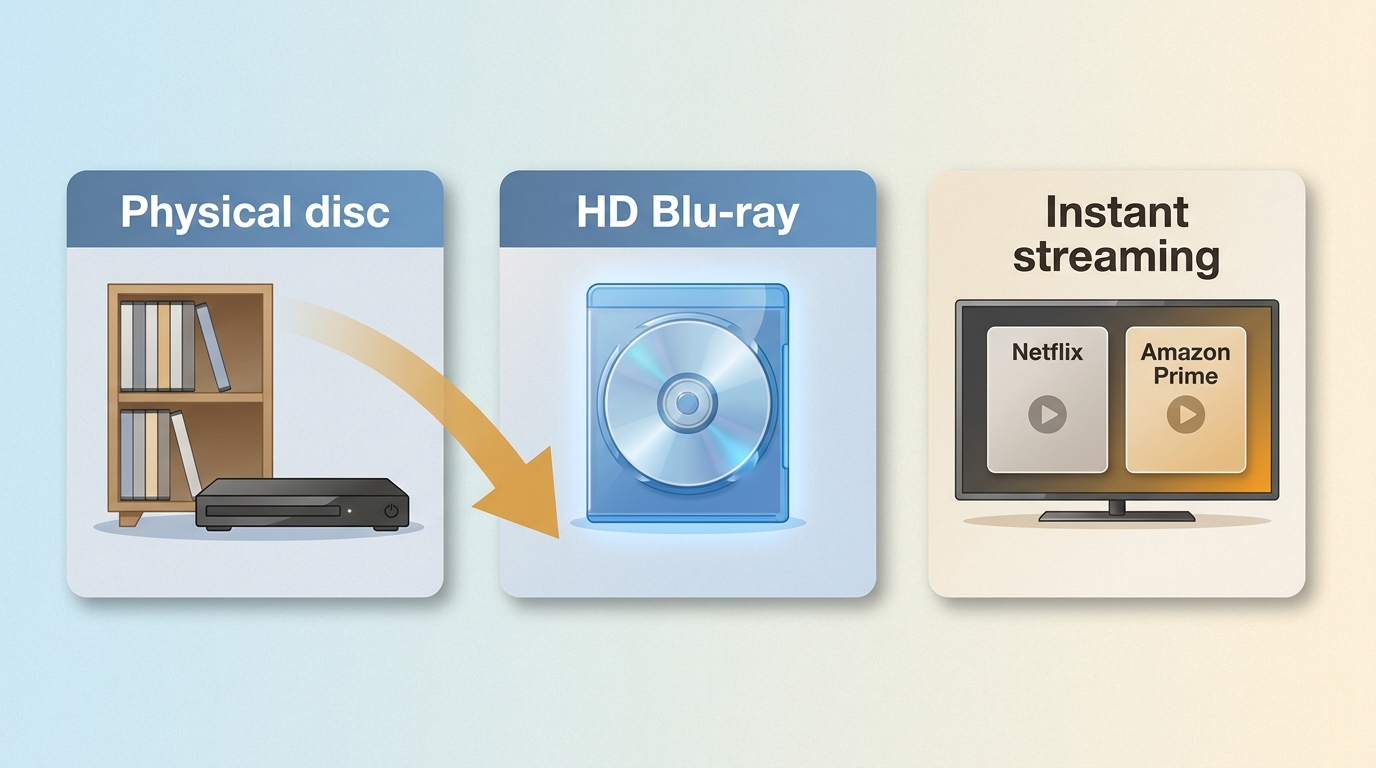
By the late 2000s, the era of DVD was nearing its end, because there's a shift of the audience's preferences, prompted by two factors: the appearance of high-definition Blu-ray discs and growing streaming services like Netflix and Amazon Prime.
DVDs used to be great for good quality and convenience, but they were old-fashioned once everyone wanted instant access to watching movies. Streaming subscriptions offered tons of movies and shows for a tiny fraction of the price it cost to buy a bunch of DVDs. Because of this, DVD sales worldwide kept dropping every year. Lots of big stores had to stop selling them completely or just gave them much less space on the shelves.
The Future of DVDs
The Resurgence of Physical Collections
With streaming services and digital downloads taking over, people rightly question what the future holds for DVDs. Despite the clear convenience of these new technologies, physical discs aren't vanishing anytime soon.
The continued existence of DVDs is largely attributed to a consumer preference for physical media. DVDs deliver high-quality video and audio, often featuring special extras and bonus content that are frequently absent from streaming platforms. Moreover, possessing a physical copy of a treasured film or show provides a tangible sense of ownership and collection that digital licenses cannot fully replicate.
Beyond that, DVDs prove to be a dependable format for long-term data retention. Compared to digital files, which face risks of loss or corruption, DVDs can endure for decades if properly maintained. This feature makes them a nice archiving solution for precious family videos, home movies, and other important memories.
Some DVD players also include smart features that provide access to online content and streaming services such as Netflix or Amazon Prime. A separate DVD player can still let people watch a physical collection on a modern connected TV.
How to Digitize and Preserve Your DVD Library
While the rise of streaming has naturally reduced the format's mass appeal, physical discs remain vital for collectors, archivists, and anyone committed to owning—rather than just renting—their media.
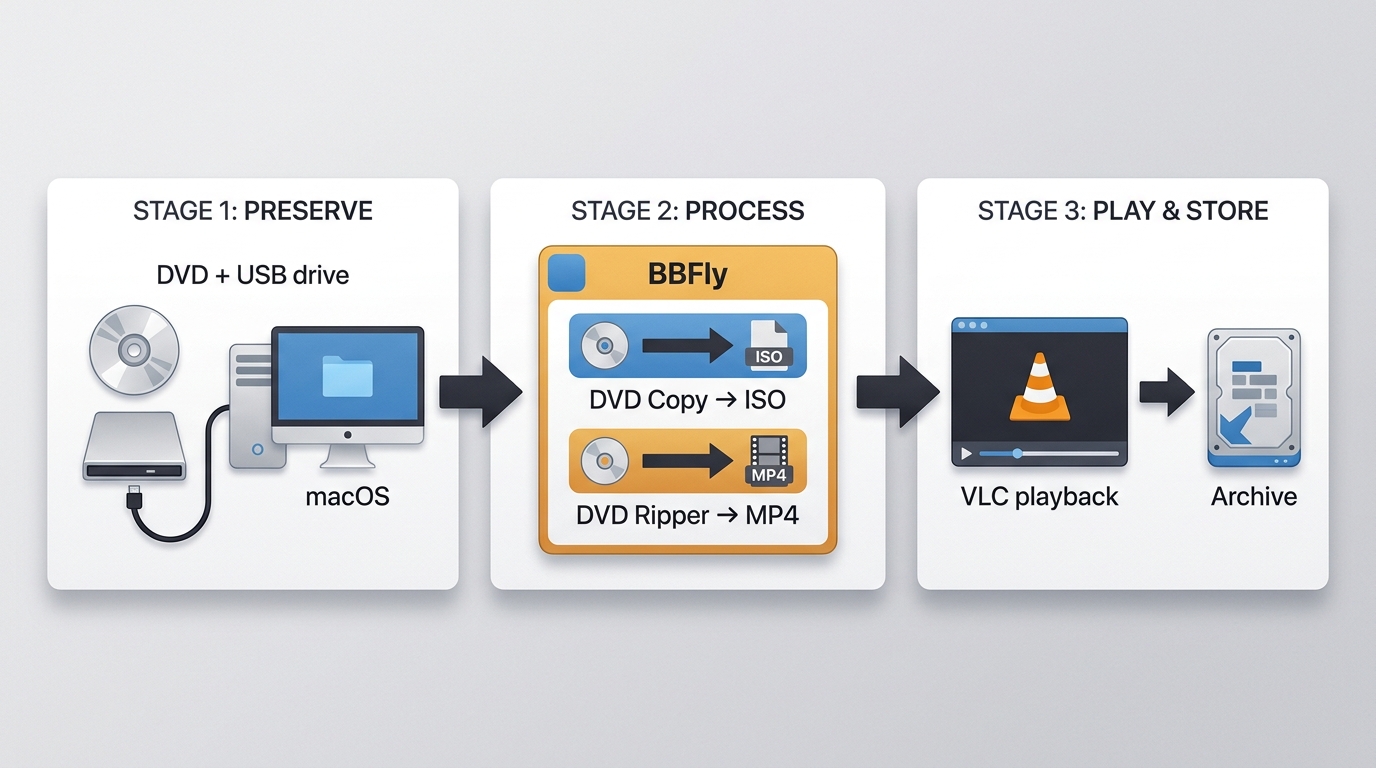
Start by inspecting the disc and gently cleaning visible dust. Next, decide whether you need an ISO or folder that retains the original DVD structure, or a playable file for a specific device. For discs you legally own and may copy under applicable law, DVD Copy software can create a local disc backup, while DVD Ripper can export a playable video file. Test the result on the intended player, then keep a second backup in a separate location.
FAQs
What do the two DVD expansions mean?
Digital Versatile Disc is the most common modern expansion, reflecting DVD use for video, software, and data. Digital Video Disc was also used during the format's early history. In some technical contexts, DVD is simply the format name rather than a required expansion.
Can a CD-only player play a DVD?
No. A CD-only player is designed to read CDs, not DVDs. A DVD player or DVD drive commonly reads CDs too, but the reverse is not true because DVDs use a different format and optical system.
What do DVD-R, DVD+R, and DVD-RW mean?
DVD-R and DVD+R are write-once discs. DVD-RW is rewritable, so its contents can be erased and recorded again. Compatibility varies by player and recorder, and finalizing a recorded disc can matter when you want it to play on another device.
How can I watch a DVD on a computer without a built-in drive?
Connect an external USB DVD drive that works with your computer, then use compatible playback software. This lets you watch the physical disc; making a local copy is a separate task and should be limited to content you are authorized to access under applicable law.
Final Thoughts
DVDs are no longer the dominant home-entertainment format, but they still serve collectors, cinephiles, and viewers who value physical ownership and offline access. Their usefulness depends on disc condition, available storage, and compatible playback hardware, so a well-kept collection can still be worth preserving.

 How to Copy DVD on Mac: 6 Tested DVD Copy Software for Mac in 2026By Wenny Yan - Oct 26, 2026
 How to Rip DVD to ISO on Windows 10/11 and Mac in 2026By Wenny Yan - Oct 12, 2026
![11 Best ISO Creators to Create ISO File on Windows & Mac [2026 Updated]](https://images.dvdfab.cn/artifact/2026/10/09/DVxGGdRFZrckamUXZ3-uk9NfbC6bsZr3/feature_cover.jpg) 11 Best ISO Creators to Create ISO File on Windows & Mac [2026 Updated]By Wenny Yan - Oct 9, 2026
11 Best ISO Creators to Create ISO File on Windows & Mac [2026 Updated]By Wenny Yan - Oct 9, 2026 8 Best Free ISO Burners for Windows and Mac in 2026: Tested PicksBy Diana Smith - Sep 16, 2026