
 How to Rip Blu-ray for Plex: 3 Workflows for Your Library
This guide compares three ways to rip Blu-ray for Plex: DVDFab Blu-ray Ripper, MakeMKV, and HandBrake, with real speed and quality test data. It also covers which formats trigger Direct Play, why Plex Pass affects hardware transcoding, and how to fix common playback and subtitle issues on Plex Media Server.
By Wenny Yan - Oct 19, 2026
 HD DVD vs Blu-ray: Key Differences and Why Blu-ray Won
Blu-ray won over HD DVD because it offered higher disc capacity, stronger studio and console support, and a larger long-term hardware ecosystem. HD DVD was cheaper to manufacture and region-free, but it was discontinued in 2008 and now mainly matters to collectors or users with legacy discs and players.
By Wenny Yan - Oct 10, 2026
 5 Tested Tools to Convert Blu-ray to MP4 on Windows & Mac [2026]
Converting Blu-ray to MP4 creates a local video file that is easier to store and play without the disc. After testing multiple tools, I found that the best converters balance speed, quality, and format compatibility across Windows and Mac. This guide reveals five reliable options that cover features from simple disc transfers to advanced GPU-accelerated conversions.
By Wenny Yan - Oct 10, 2026
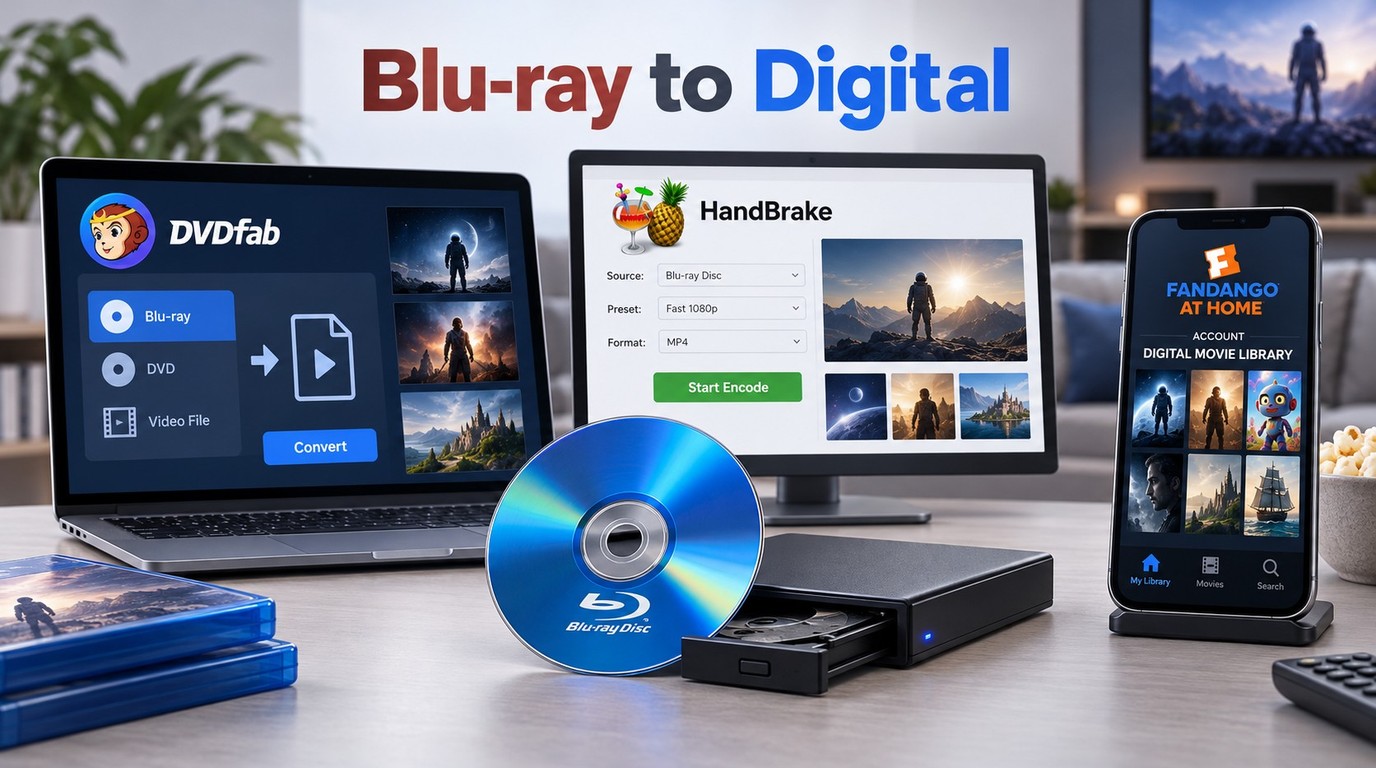 How to Convert Blu-ray to Digital on Windows, Mac & Mobile
Want to watch your Blu-ray movies, or home videos on your TV, phone or tablet without carrying the discs around? Many Blu-rays are copy-protected and the files can be huge, so you'll need the right tools and settings. In this guide, I'll show you the proven ways to convert or digitize Blu-ray safely, and play them on Windows, Mac or mobile devices.
By Wenny Yan - Oct 10, 2026
 11 Best Blu-ray Burning Software for Windows & Mac in 2026: Tested Picks
Top Blu-ray burning software for Windows and Mac includes DVDFab Blu-ray Creator, ImgBurn, and Power2Go. In my testing, these tools, ranging from free utilities like ImgBurn for basic ISO writing to premium suites like DVDFab for comprehensive video authoring with menus, are essential for preserving high-quality memories offline. This guide reviews the 11 best options available in 2026, comparing their format support, speeds, and reliability.
By Wenny Yan - Oct 8, 2026
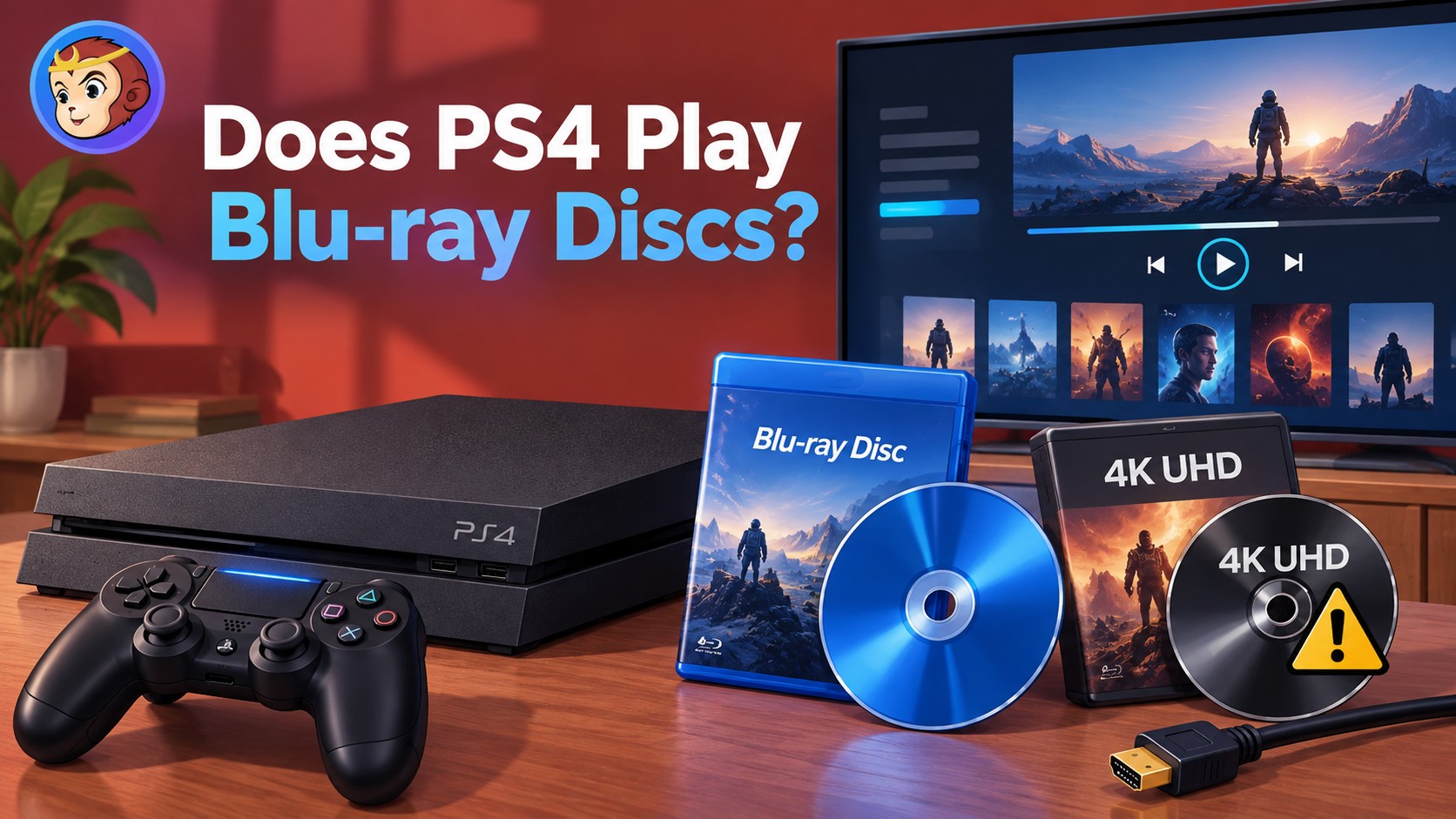 Does PS4 Play Blu-ray? Yes, All Models - Not 4K UHD
Yes, every PS4 model, including the original PS4, PS4 Slim, and PS4 Pro, can play standard 1080p Blu-ray discs and DVDs. The first time you play a Blu-ray or DVD, your PS4 must connect to the internet once to enable disc playback. No PS4 model can play 4K Ultra HD Blu-ray discs, although PS4 Pro can upscale standard Blu-ray video for a 4K TV.
By Diana Smith - Oct 8, 2026
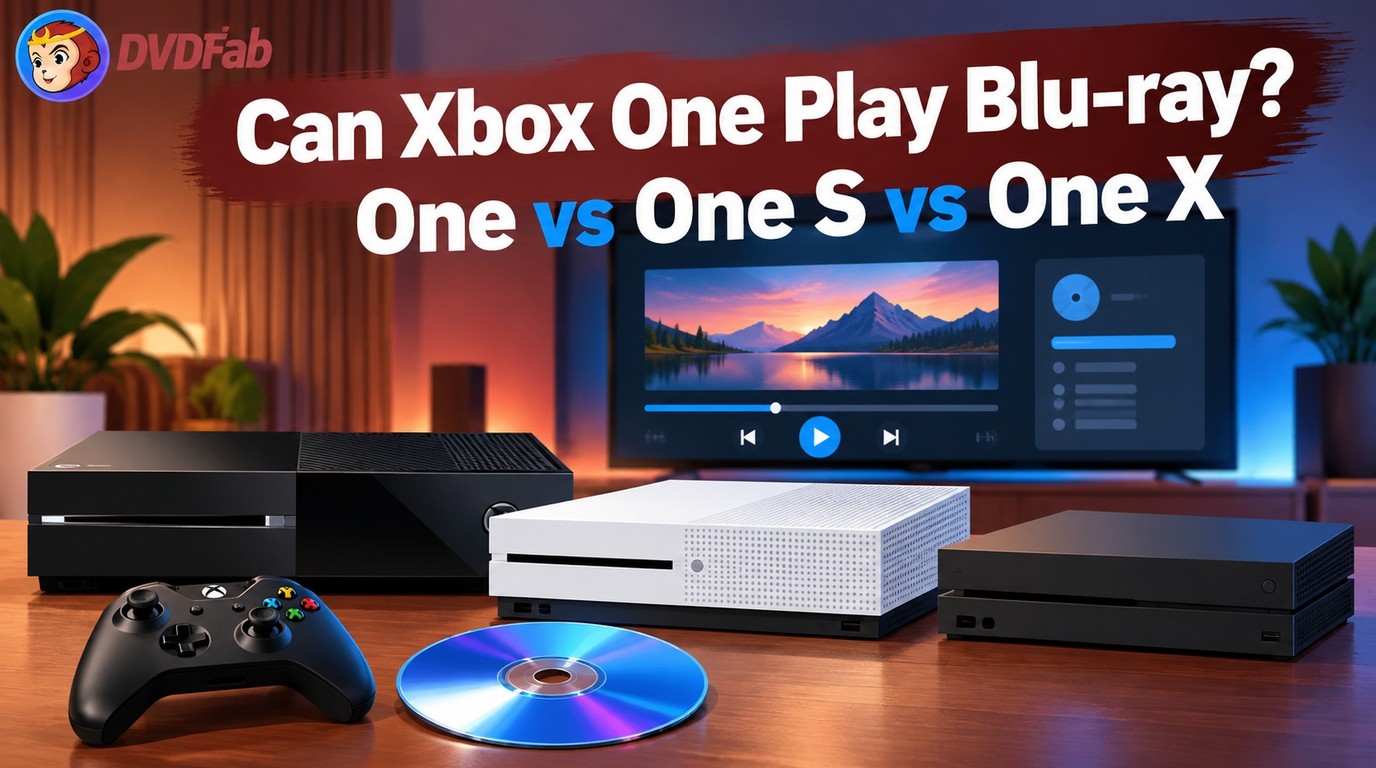 Does Xbox One Play Blu-ray? Xbox One, One S and One X
Yes, all Xbox One consoles can play standard Blu-ray and DVD discs after you install the free Blu-ray Player app. The original Xbox One supports standard 1080p Blu-ray/DVD playback, while Xbox One S and Xbox One X also support 4K Ultra HD Blu-ray with a compatible 4K TV and HDCP 2.2 setup.
By Diana Smith - Sep 30, 2026
 How to Rip Blu-ray to MKV on Windows & Mac: 4 Tested Converters
To rip Blu-ray to MKV without re-encoding, choose a remux or passthrough profile; use H.265 when you need a smaller file. DVDFab supports both paths for protected Blu-rays, MakeMKV focuses on lossless remuxing, and HandBrake compresses unprotected or already-decrypted sources. Check your Blu-ray drive and codec compatibility before starting.
By Diana Smith - Sep 28, 2026