Where Can I Sell DVDs for Cash Near Me? 3 Routes [2026]

Summary: To sell DVDs for cash, the fastest option for a large box of ordinary Hollywood DVDs is a barcode-scanning buyback service such as World of Books or EagleSaver, which offers instant quotes and free prepaid shipping. For rare titles, box sets, SteelBooks, and Criterion Collection discs, eBay will usually get you the highest price. Whichever option you choose, make a digital backup with DVDFab first if you still want to watch the movies.
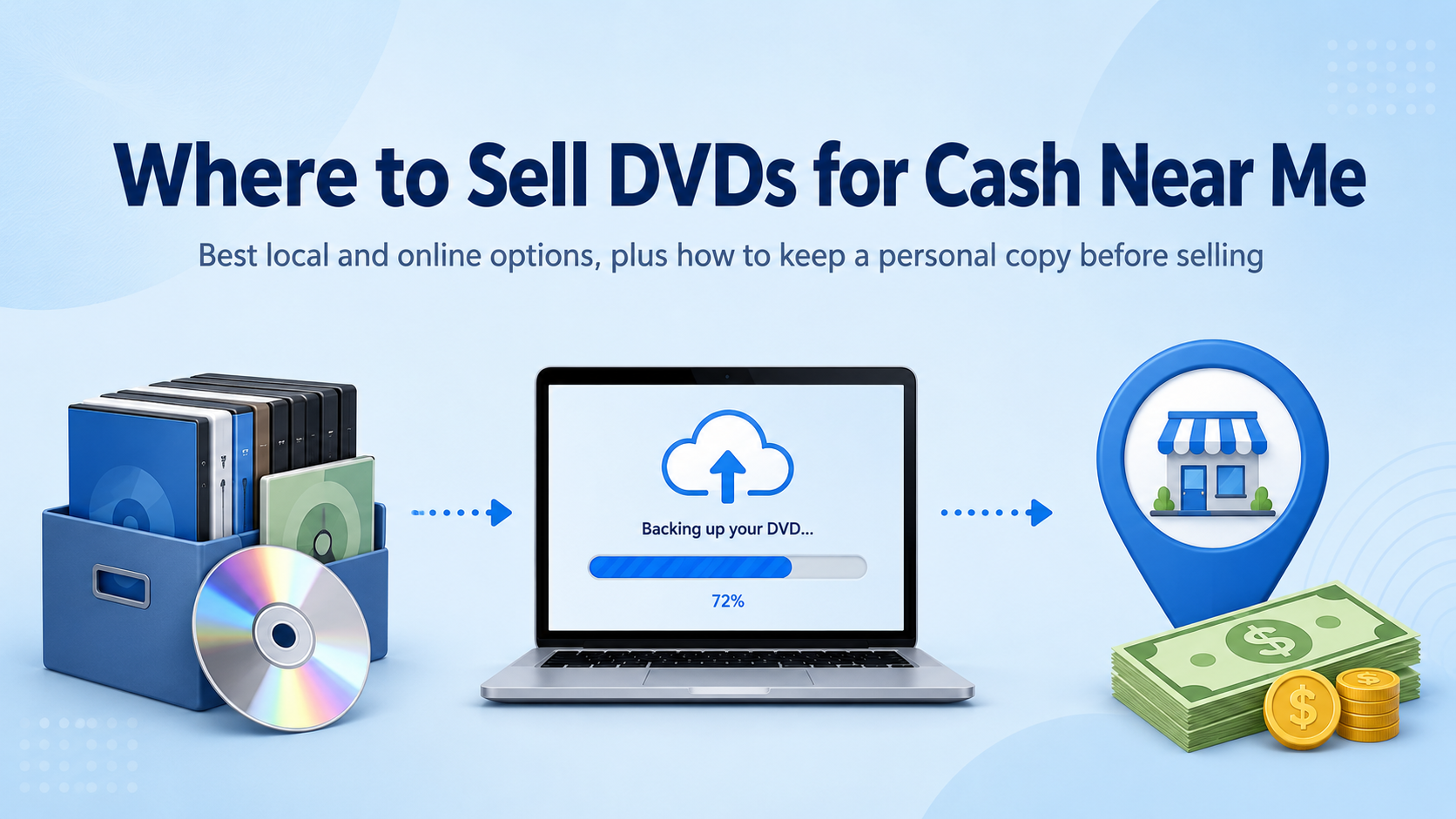
To sell DVDs for cash without wasting a trip, first sort collectible editions from common titles, then search for DVD buyers near me that confirm cash offers. Local stores are fastest, mail-in buyback suits bulk boxes, and seller-managed listings offer more control.
Compare the exact edition, UPC, condition, and expected net proceeds before choosing a route. Rare box sets and limited editions may justify individual listings; a large stack of common discs is usually better evaluated by the time and cash each route requires.
Why Sell Used DVDs for Cash
Physical DVDs are increasingly collecting dust as streaming sites such as Netflix, HBO Max, and Hulu become the default way to watch movies and TV episodes. Thousands of individuals are looking for ways to get rid of old CDs and get anything in exchange.
Selling your used DVDs is a wise decision for various reasons:
- Selling your DVDs frees up shelf and closet space at home.
- It's a simple way to recover a bit of money. Check the exact edition and UPC, completeness, disc and case condition, and completed sales or current buyer quotes. Box sets, steelbooks, anime, Criterion releases, and out-of-print titles may justify individual listings, but compare net proceeds after selling fees, shipping, and packing.
- Passing discs to buyers who still enjoy physical media is more sustainable than throwing them in the bin.
For a small stack of common discs, shipping and listing time can outweigh the payout. For collectible titles, compare individual net proceeds; for a full shelf of common discs, compare the cash offer with the time required to list and ship them.
The good news is that there are many reliable channels, both online and offline, that can help you cash in on your old DVDs. I will next go into further depth about these channels.
Online retailers are a great option if you want to get rid of DVDs and find someone to buy them. But selling it to a nearby retailer is always an alternative. One way to get rid of the collection and make money faster is to sell DVDs in person. It saves you the trouble of facing a bad customer experience which may happen a lot regarding online stores.
A direct local offer avoids mailing, but compare cash with store credit and ask whether original cases are required. Mail-in buyers quote before shipping and pay after inspection, while seller-managed listings require photos, packing, and buyer communication.
1. Pawn Shops
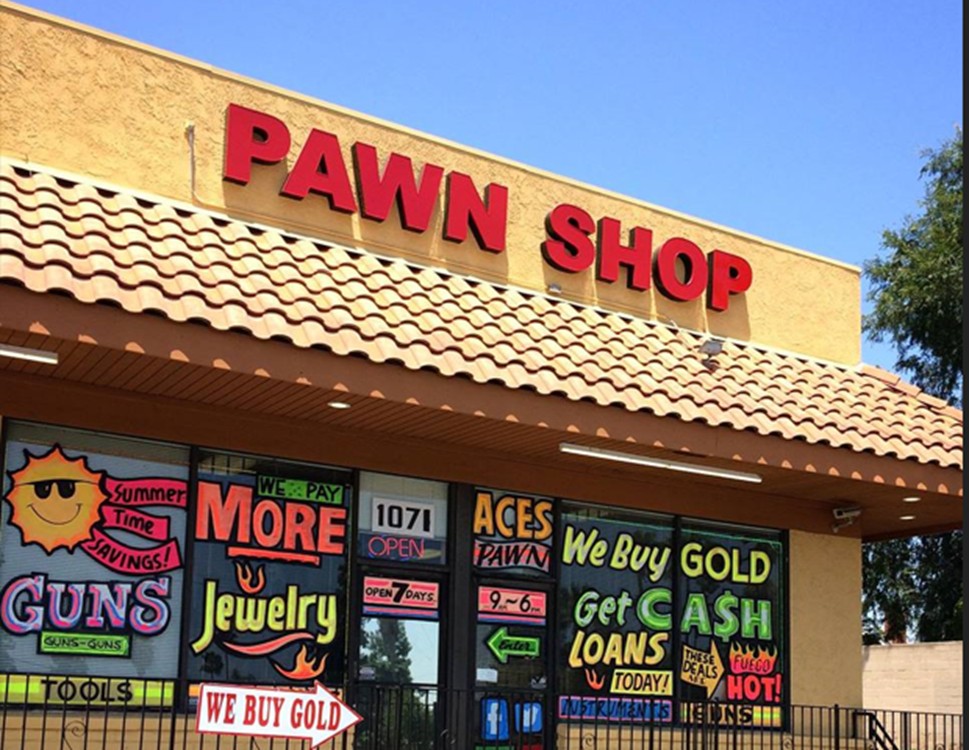
A pawn shop is one local option when you want to sell used DVDs for cash. Pawn Shops were created to offer loans in exchange for collateral. Anything valuable can be used as collateral to get cash. Most people would go to a pawn shop with an antique or costly ring and get paid according to the item's value.
Set expectations before you walk in: pawnbrokers price to resell, so common discs get pennies and only clear collectibles (box sets, steelbooks, sealed rarities) move the needle. To get the best deal you can:
- Compare offers from several nearby pawn shops, and ask each one whether it currently buys DVDs or Blu-rays before you visit.
- Another crucial step that you must take is negotiation. Negotiation is something that some people want to avoid, yet there is nothing to be afraid of.
- You should be ready to prove your claims about the product at any time.
- PawnGuru is a website with a local pawn shop directory and offer-request tools, but it does not confirm that a shop buys DVDs or guarantee a particular price.
2. Local Used Media Stores
Local secondhand media stores are one of the more reliable local routes. These stores specialize in used books, movies, music and games, and value DVDs by condition, demand and rarity. Search your city or ZIP code for local used media stores, open each buyer's official location page, and call about DVD acceptance, required cases, current buying hours, ID requirements, and cash versus store credit.
Reckless Records, for example, buys DVDs in any quantity at three Chicago stores. This is a Chicago-specific option, not a national chain; elsewhere, compare item-specific quotes from independent used-media stores.
3. Facebook Marketplace
Facebook Marketplace can be used to offer an entire collection as a single lot to a local buyer, with cash exchanged at pickup. Individual common discs may require too much time per sale, so grouping titles by genre, series, or audience can make the listing easier to assess. Local pickup avoids mailing, but it requires arranging a meeting and dealing with possible no-shows. Meet in a public place.
- Search Facebook for your city name and "buy-sell group" to find local groups that permit movie listings.
- Describe the lot accurately, include clear photos, and state whether cases, artwork, and inserts are included.
- Arrange pickup details through messages and confirm the meeting before traveling.
4. Used Bookstores
Some used bookstores buy DVDs, but many don't. Call ahead to ask about their buying policy before you haul a box across town. Target stores that also stock CDs, vinyl or general secondhand media — a pure literary bookshop rarely wants your movies. Payouts tend to be on the low side, especially for common titles, so I treat this as a convenient drop-off when I'm already selling books there rather than a destination trip.
5. GameStop and Trade-In Chains
GameStop's trade-in program focuses on games and consoles. Before visiting, call the store and ask whether it accepts DVDs or Blu-rays and whether any offer is paid in cash or store credit. For a movie collection, compare any confirmed offer with item-specific quotes from local used-media stores.
Where to Sell Used DVDs for Cash Online
Selling online lets you skip the local haggle and reach buyers who actually want the specific title you're holding. The trade-off: you'll wait for shipping, and fees eat into the payout. A mail-in buyback service provides a quote before shipping and pays after inspection, while a seller-managed listing requires pricing, photos, packing, shipping, and buyer communication. Compare net proceeds after fees, postage, and packing costs rather than comparing gross offers alone.
1. eBay
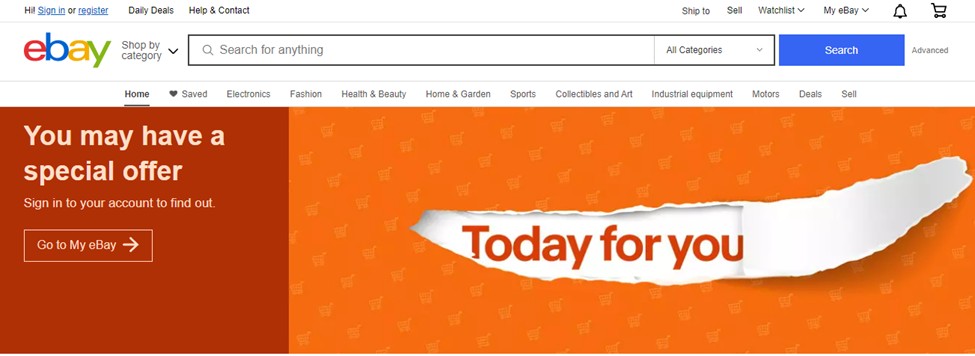
eBay is an E-commerce platform used to perform business-to-customer or customer-to-customer sales. It is a seller-managed listing option for individual DVDs, box sets, steelbooks, and collectible editions. Compare completed sales for the same UPC and edition before setting a price. Net proceeds equal the sale price minus selling fees, shipping, and packing costs, using the fee estimate shown for your transaction.
eBay allows you to sell almost anything, but you need to have patience and put some effort into it. You'll need to write an ad and take images of the products in their current state. After that, you'll have to ship the item to the buyer. You can always offer a "buy it now" price to make the transaction easier.
2. World of Books and Eagle Saver
As of October 2026, World of Books provides barcode-based DVD valuations and free postage for accepted orders. Scan or enter the UPC to review the offer before sending the discs.
EagleSaver offers DVD buyback with payment after receipt and inspection. It requires a shipped order worth at least $10 and an average value of at least $0.85 per shipped item. The completed order must be postmarked within five business days. Payment is by PayPal or check within one business day after receipt and inspection. An instant quote is not instant payment.
Before mailing a collection, match each UPC and edition, include the required case, artwork, and discs, compare accepted totals, meet the buyer's minimum and postmark deadline, and keep packing and tracking records until inspection is complete.
3. Amazon
Amazon might not be the best option to sell DVDs online, but it is a viable choice. This is a seller-managed listing option rather than an instant buyback service, so account setup, category eligibility, item condition, and per-item costs matter when you have a small stack of low-value DVDs.
Amazon's Individual selling plan costs $0.99 per item sold; the Professional plan costs $39.99 per month. Media sales also carry a 15% referral fee and a $1.80 media closing fee per item, with additional applicable fulfillment or other costs. Calculate net proceeds by subtracting selling fees, shipping or fulfillment expenses, and packing costs from the sale price.
Rip Discs to PC Before Selling DVDs for Cash
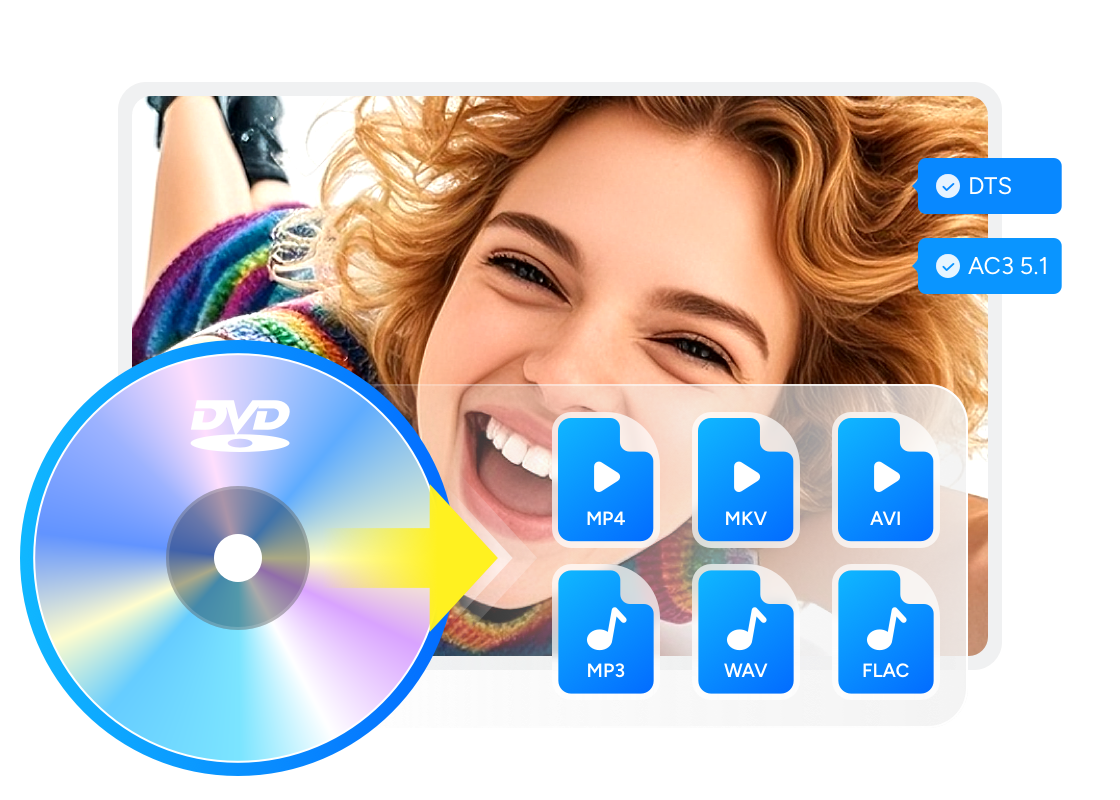
This optional file-conversion process is separate from selling a DVD. Buying a movie DVD or using ripping software does not by itself create permission to copy the film or retain a copy after resale. For content you are authorized to access and copy, DVDFab DVD Ripper can convert protected DVD discs, ISO files, and VIDEO_TS folders to digital files. Use the output only for the authorized purpose, do not redistribute it, and assess permission for the specific use case.
- For convenient file playback: MP4. An MP4 profile using H.264 or H.265 creates a single video file, but playback depends on the device or media server supporting the selected container, video codec, audio track, and subtitles.
- For source-stream preservation: MKV Passthrough. MKV is a container. DVDFab DVD Ripper's compatible MKV Passthrough profiles retain source streams without ordinary re-encoding; choosing a standard MKV transcoding profile does not itself preserve the source streams. Native DVD resolution is 720×480 for NTSC and 720×576 for PAL.
Supported OS:
- Creates local files from discs you are authorized to access and copy.
- Loads supported DVD discs, ISO files, and VIDEO_TS folders.
- Outputs MP4 for broad file playback or MKV Passthrough for compatible source-stream preservation.
- Lets you select audio tracks, subtitles, and chapters for supported profiles.
- Built-in editor for trim, crop, subtitles and watermarks.
- Supports GPU acceleration and multi-task queues for multiple titles.
Tutorial: How to Rip DVDs with DVDFab DVD Ripper
Step 1: Load the DVD source into DVDFab DVD Ripper
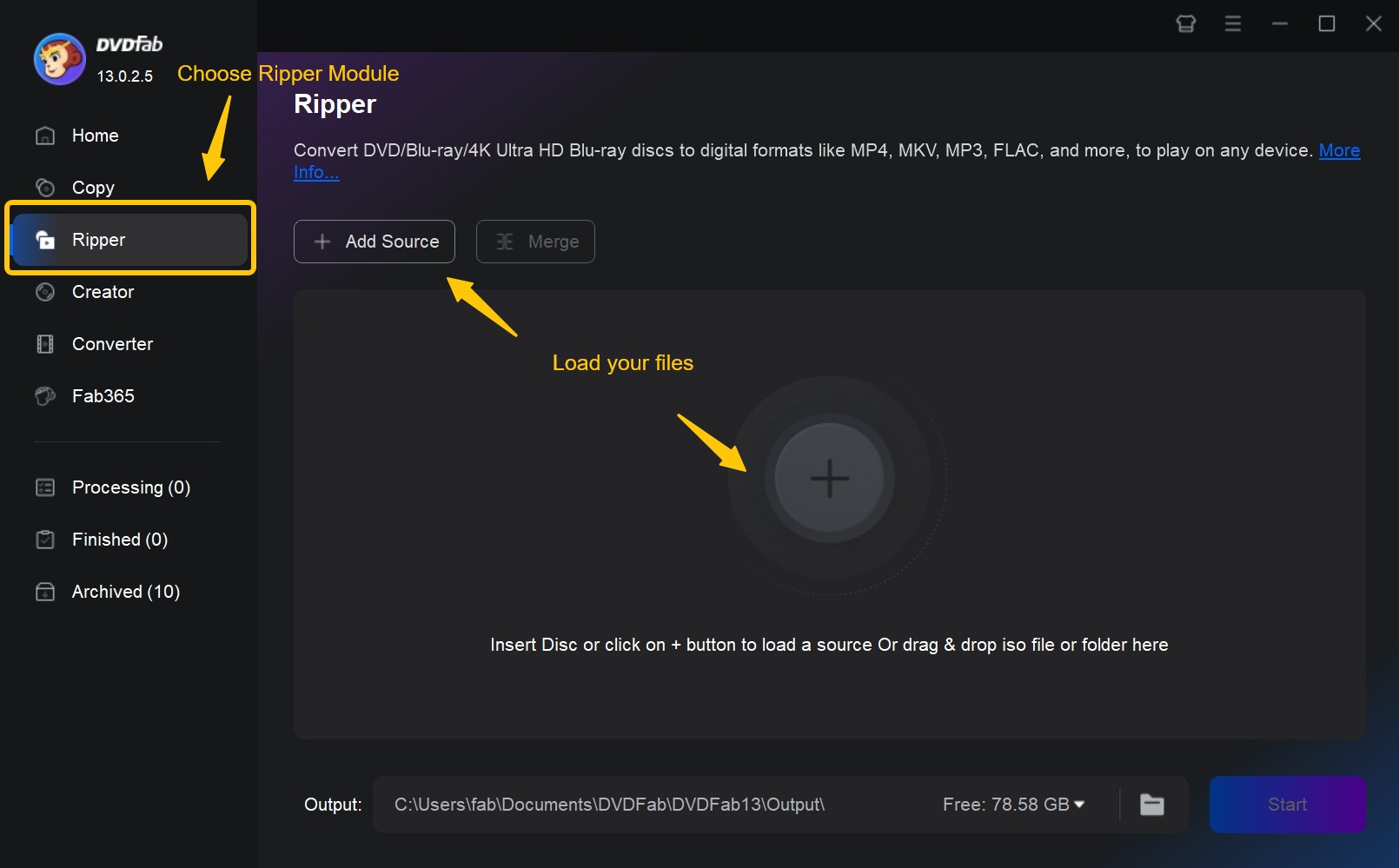
Download and install DVDFab DVD Ripper, then select the "Ripper" module. If your DVD disc is already in the optical drive, click the "Add" button to load it. If the source is an ISO file or folder, simply drag and drop it into the main interface.
Step 2: Customize the output videos
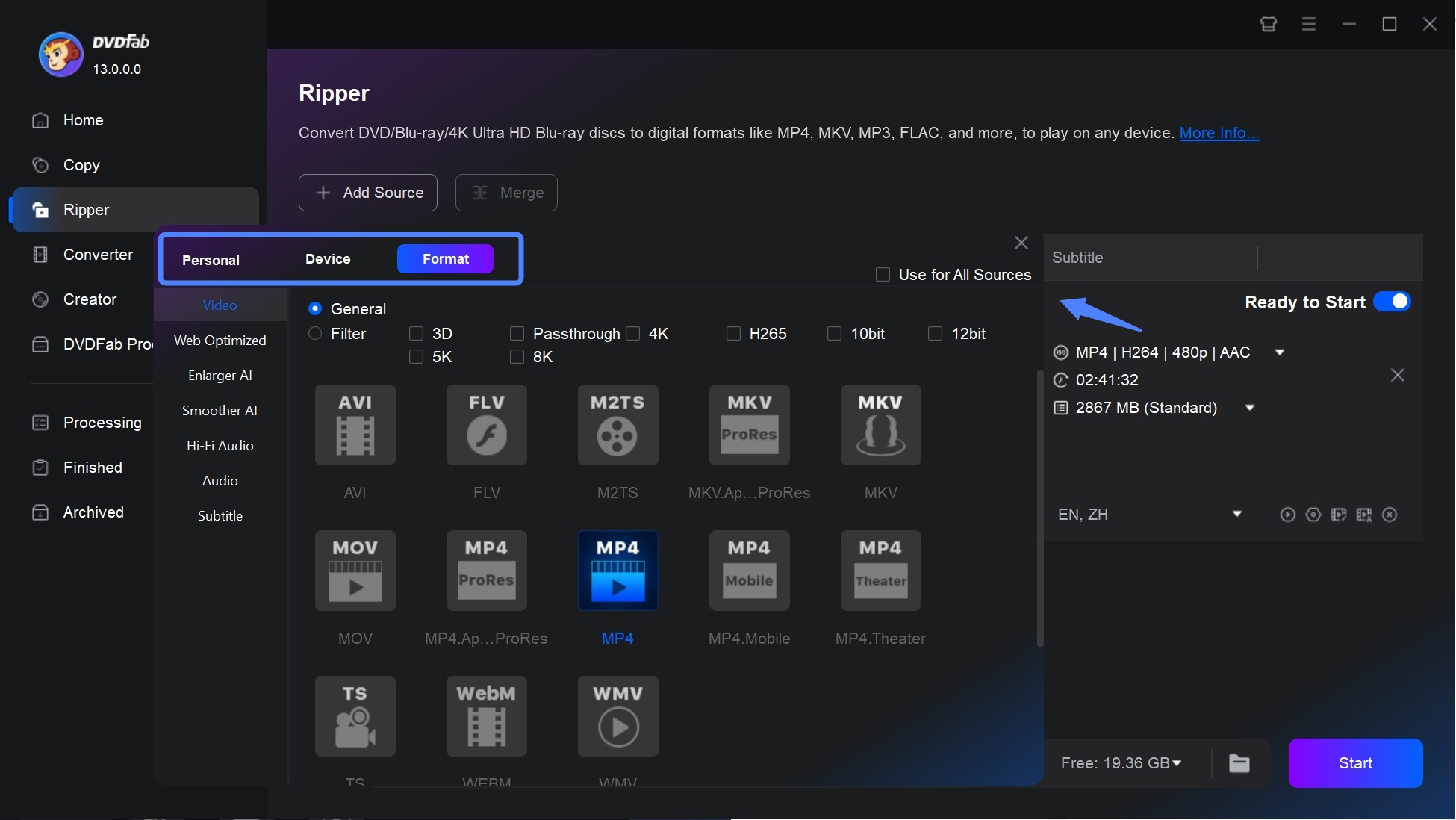
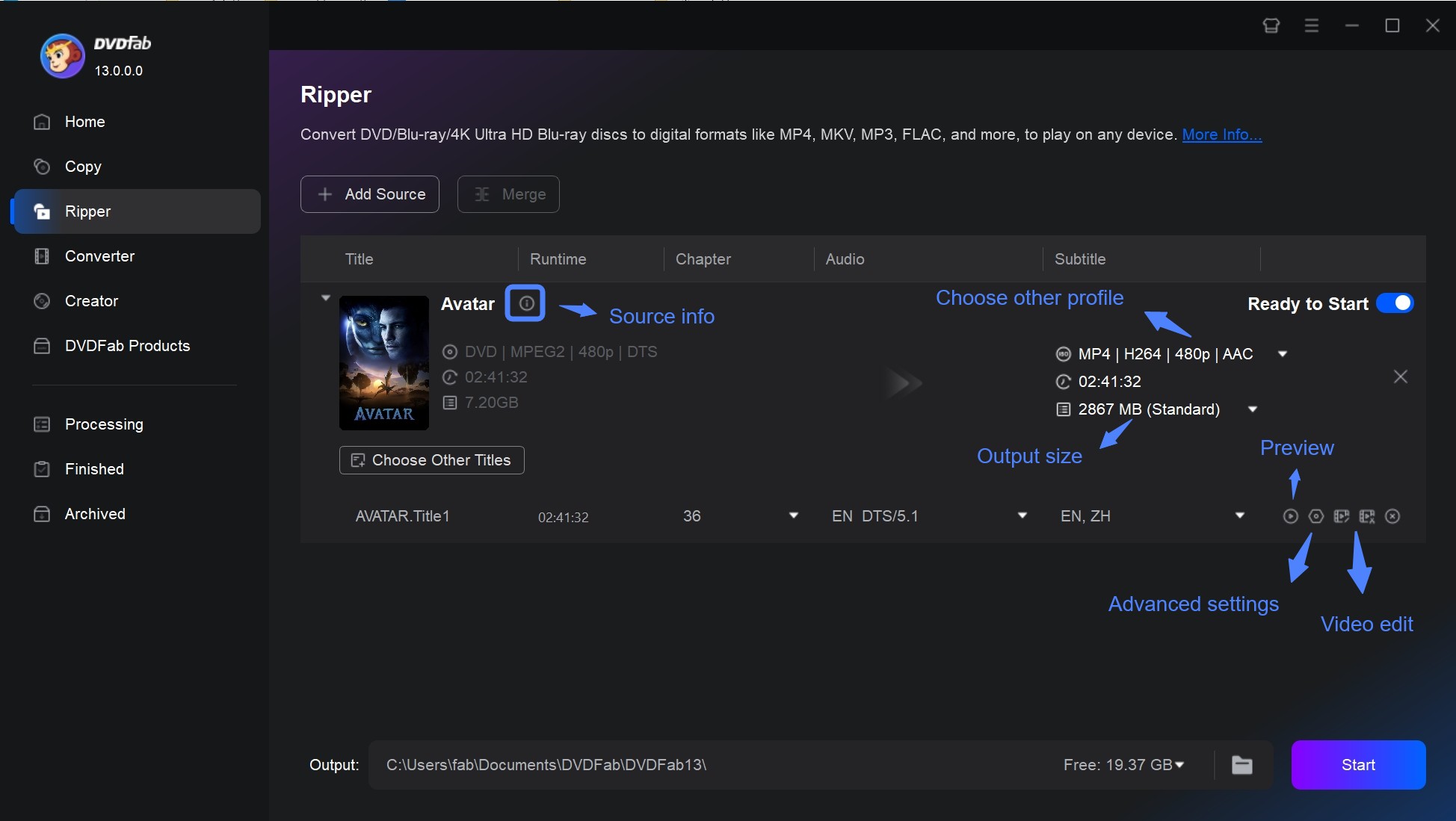
Then, it's time to customize the output videos as you desire. Click "Choose Other Profile">"Format">"Video" to convert your DVD to MP4, MKV, MOV, AVI, or other digital formats. For compatible source-stream preservation, choose an MKV Passthrough profile; selecting a standard MKV transcoding profile does not make the output lossless simply because MKV is the container. MP4 playback depends on the file and codec support of the target device. There are also options for selecting audio tracks/languages, converting DVD subtitles to SRT format, adding external subtitles, and other advanced settings.
By clicking the "Video Edit" button, you can also crop, trim, merge, add watermarks and subtitles, and even change the color of the video.
Step 3: Start the ripping process
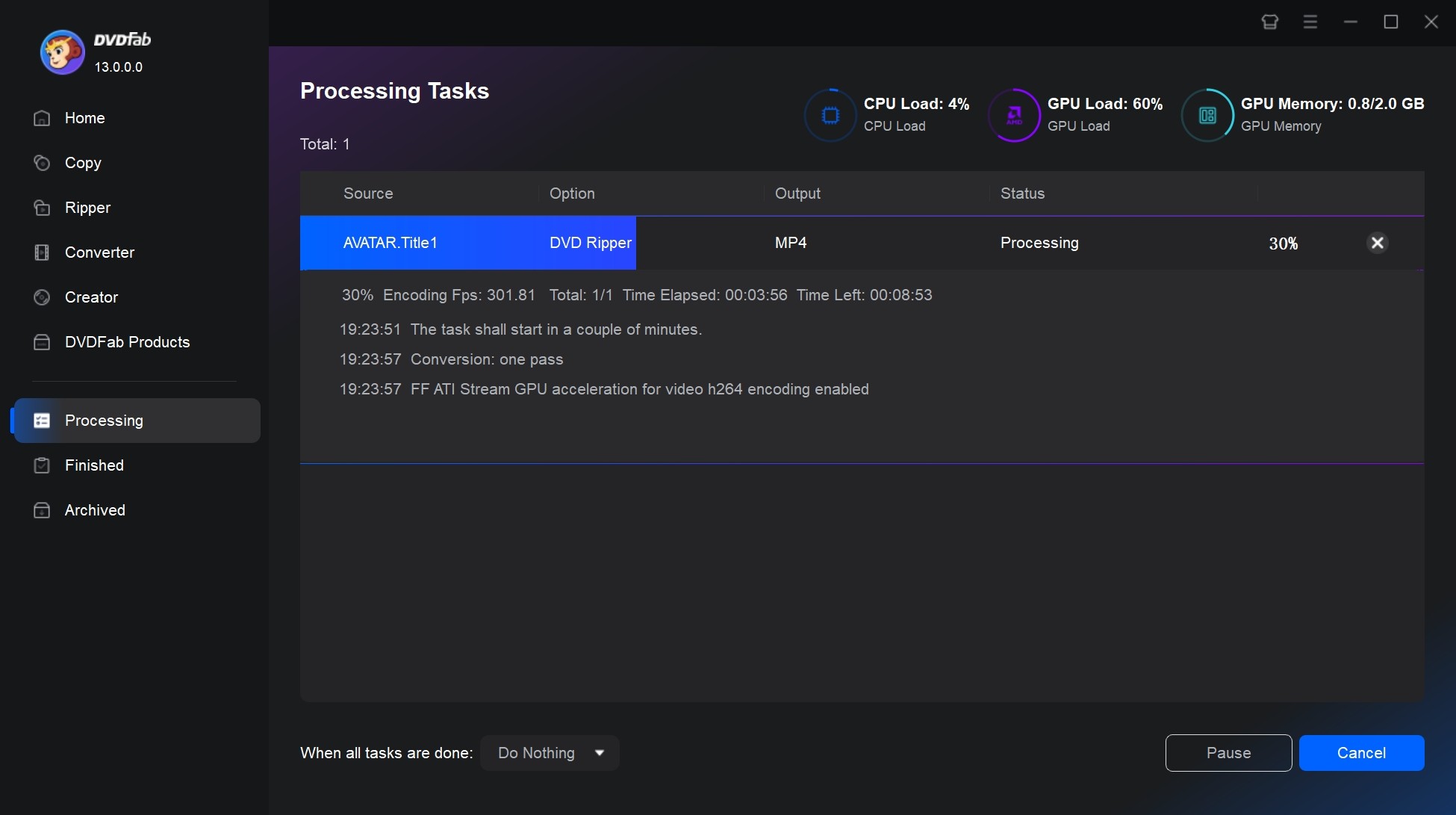
Finally, click the "Start" button to start the ripping process. You can add multiple ripping tasks to the Task Queue, and then they will be batch handled one after another.
FAQs
Who buys used DVD movies near me?
Search your city or ZIP code for used-media stores, then call about DVD acceptance, required cases, buying hours, ID requirements, and cash versus store credit. Reckless Records buys DVDs at three Chicago stores, but it is a local example rather than a nationwide option.
Where can I sell my DVDs for the most money?
Compare completed sales and buyer quotes for the exact UPC, edition, completeness, and condition. Subtract selling fees, postage, and packing costs from seller-managed listings because the highest asking price does not necessarily produce the highest net proceeds.
Can I sell DVDs online instantly and get paid today?
An instant valuation is only a quote. EagleSaver pays by PayPal or check within one business day after it receives and inspects an eligible shipment, so mailing and delivery occur before payment.
Can I sell DVDs for cash at GameStop?
GameStop focuses on games and consoles. Call the specific store before visiting to ask whether it currently accepts DVDs or Blu-rays and whether a confirmed offer would be paid in cash or store credit.
Can I keep a digital copy after selling a DVD?
Buying a movie DVD does not create general permission to copy the film or retain a copy after resale. Copy only content you are authorized to access and copy for the specific use involved, do not redistribute it, and follow applicable law and platform terms.
Final Thoughts
To sell DVDs for cash, compare local stores, mail-in buyback, and seller-managed listings by net proceeds and the time each option requires. Start by triaging the collection. Pull out anything that looks like a limited edition, a full-series box set, a steelbook or a Criterion release, and compare completed sales for the exact edition before listing it individually on eBay. Group common discs for mail-in quotes and compare accepted totals, order minimums, and shipping terms. If cash today matters more than the highest possible net return, call a local media store about DVD acceptance, buying hours, ID requirements, and whether it pays cash or store credit.
If the available cash offers do not justify the time, call a donation site before visiting, or see our guide to what to do with old DVDs for other reuse and donation options.

 Best DVD to USB Converter in 2026: Tested WaysBy Diana Smith - Nov 20, 2026
 5 DVD to MP3 Converters for Windows and Mac [2026]By Wenny Yan - Nov 18, 2026
 2026 Tested DVD ISO to MKV Converters: Remux or Re-encodeBy Wenny Yan - Nov 12, 2026
 Convert DVD to WMV: 3 Steps for Legacy PlaybackBy Wenny Yan - Nov 10, 2026